
Keycap
Print Profile(3)


Description
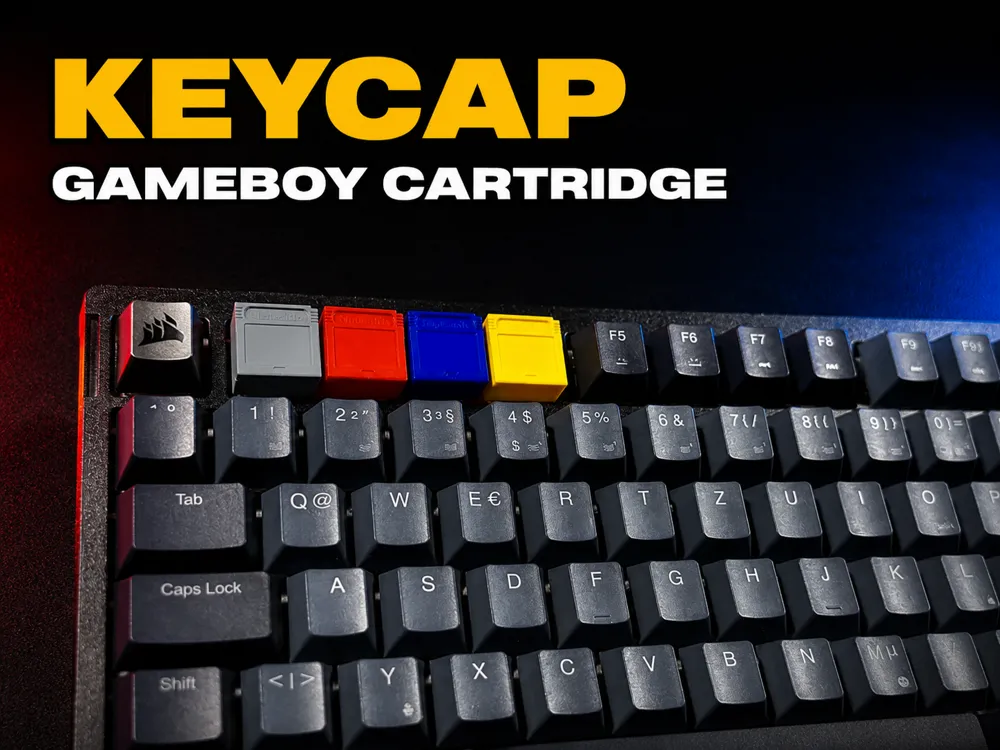
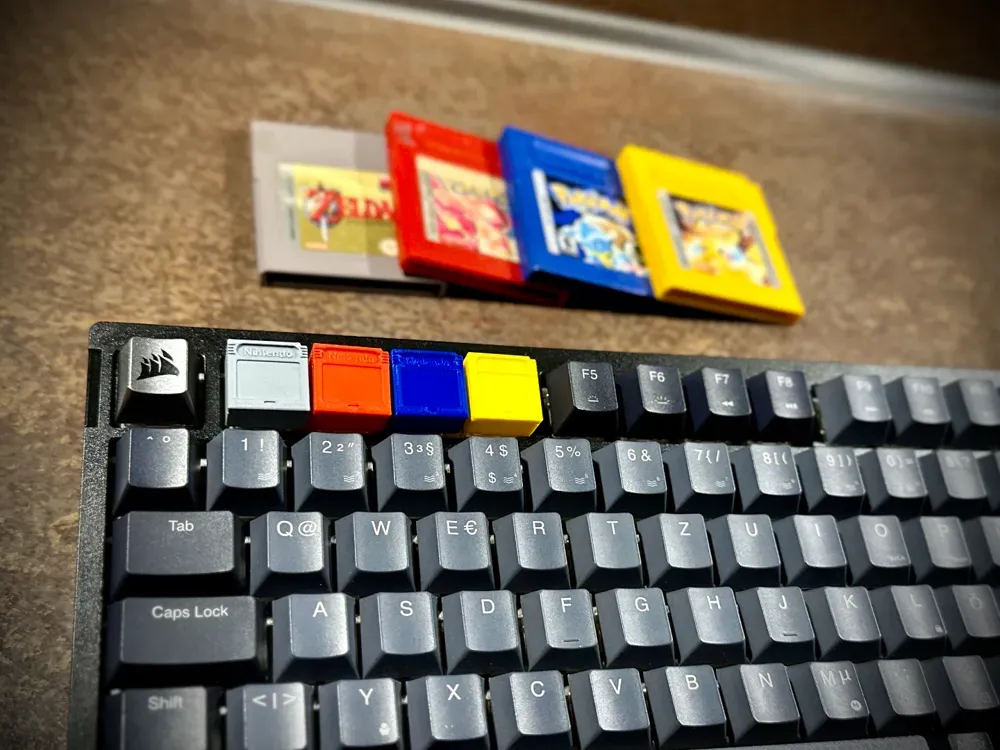
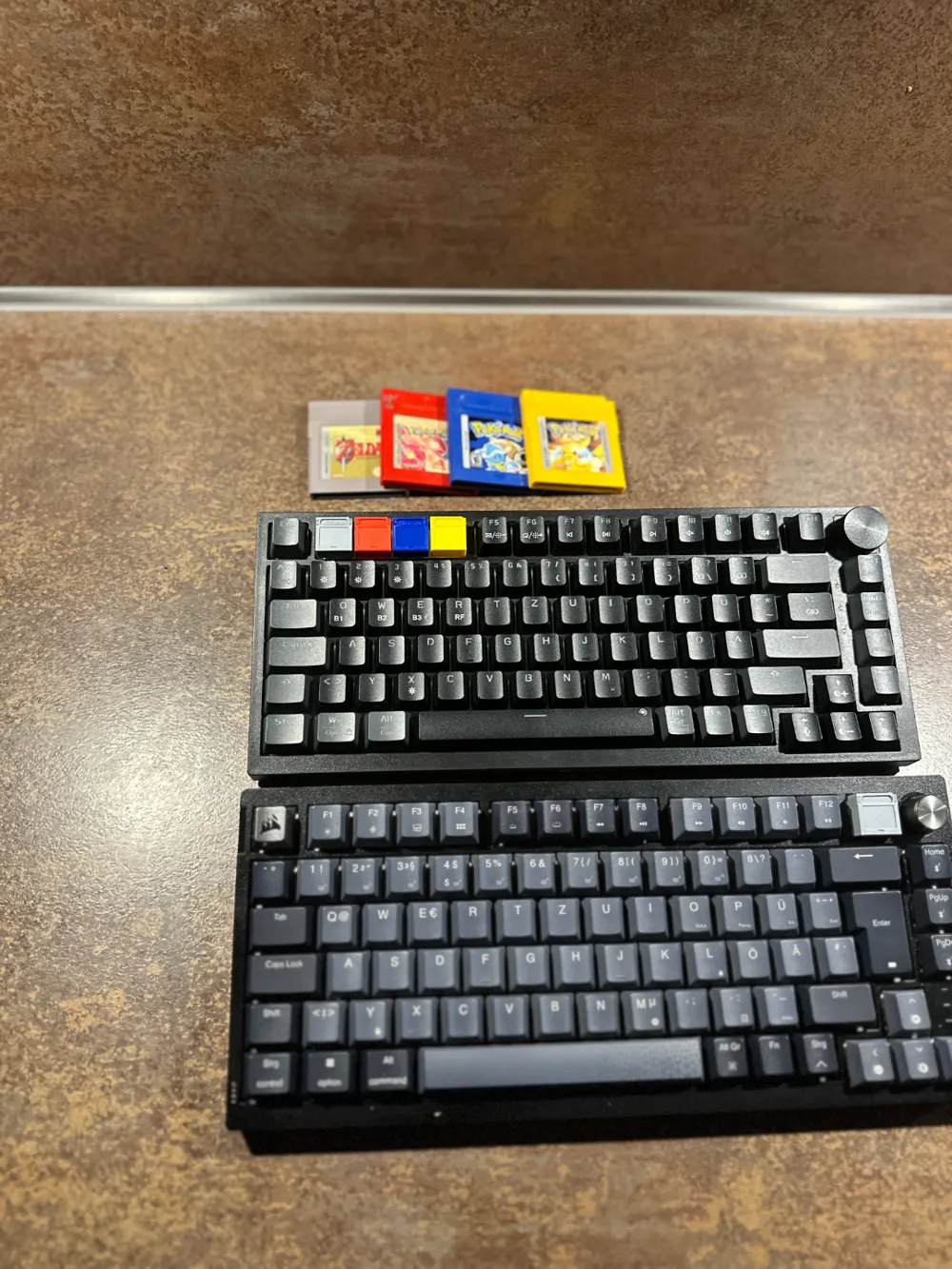
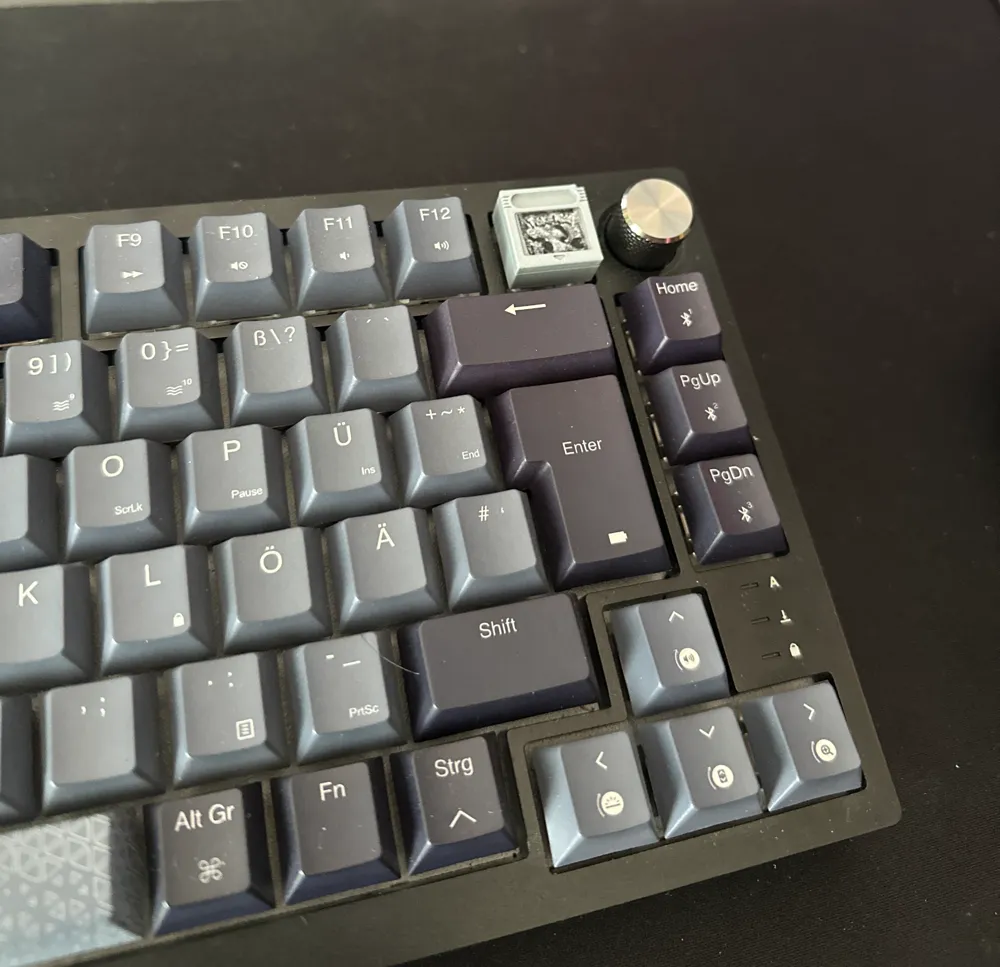
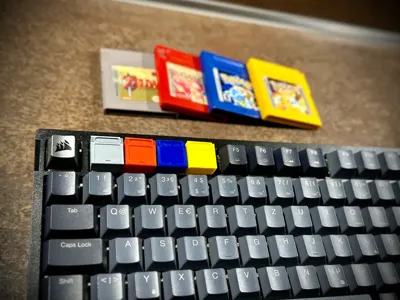
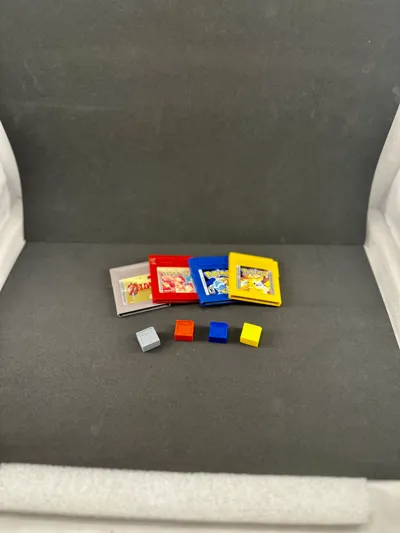
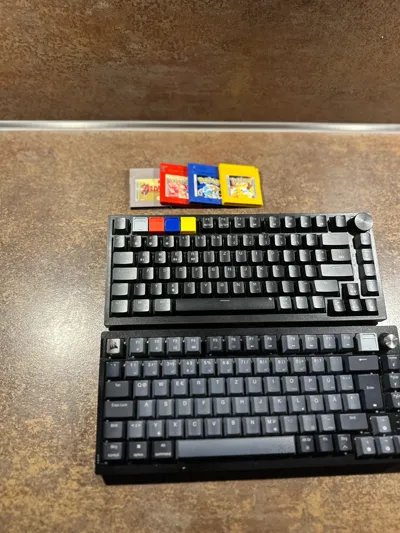
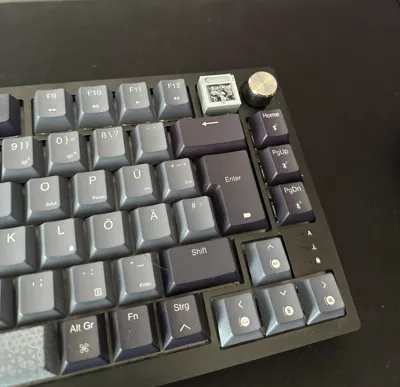
The keycaps should fit most mechanical keyboards. I personally use the Corsair K65 Plus as well as an affordable model from Koorui, the MK082. I tested the keycaps on both keyboards, and they fit perfectly.
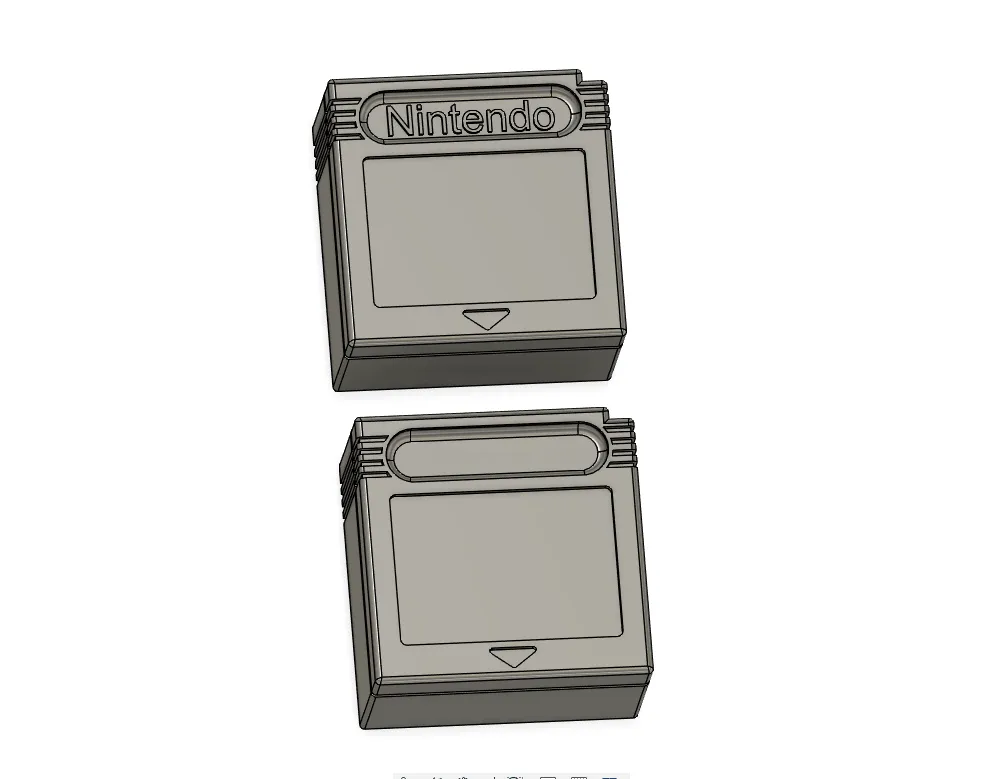
The Corsair K65 Plus uses mechanical Cherry MX switches.
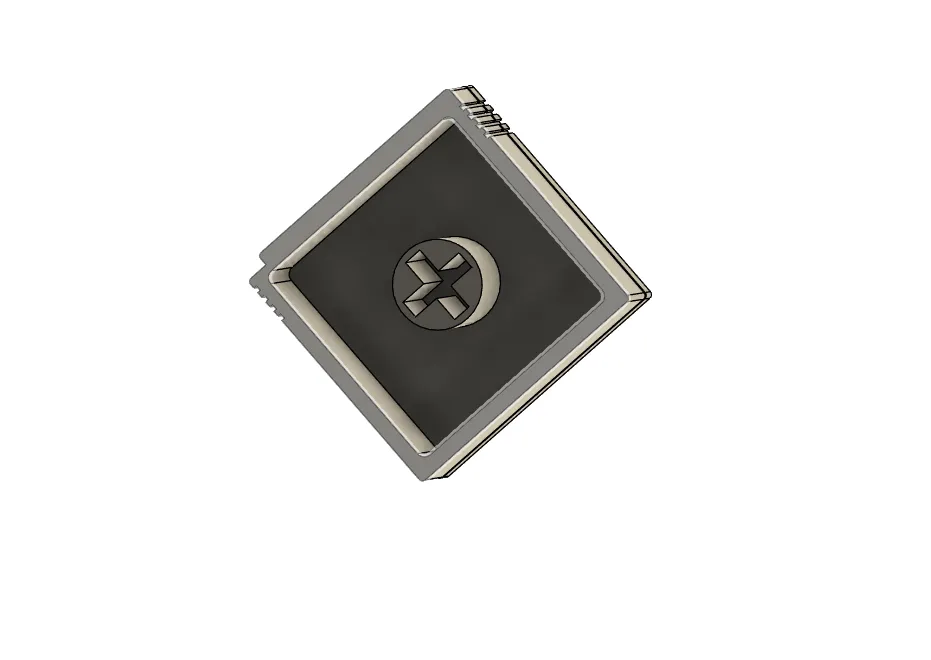
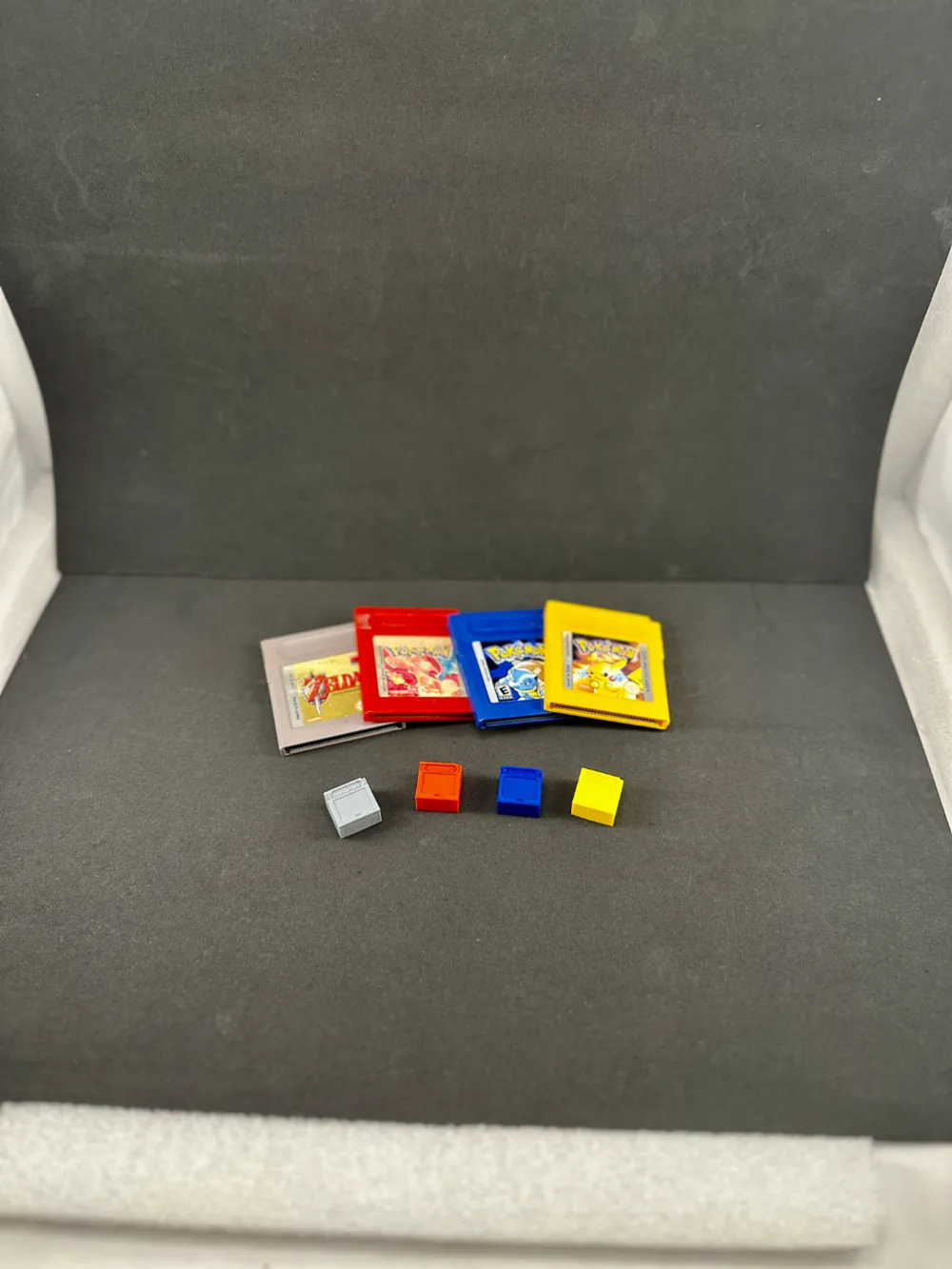
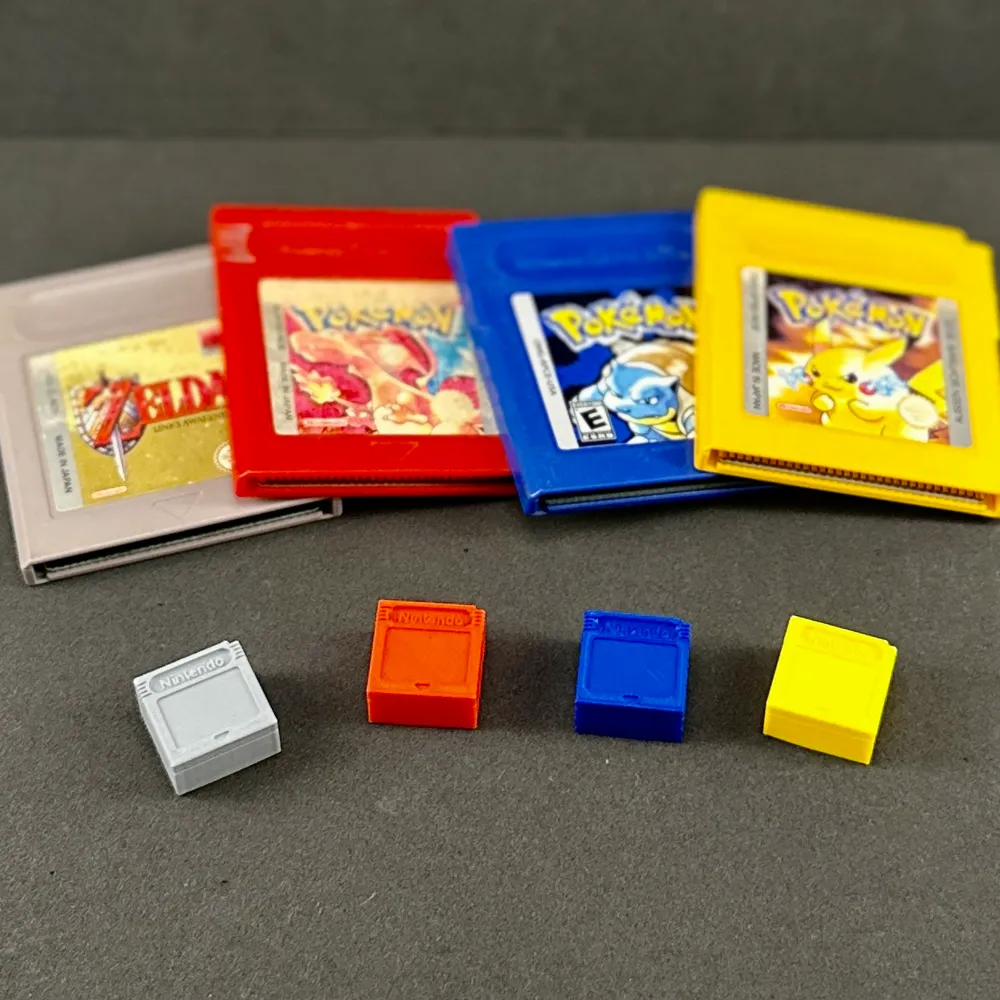
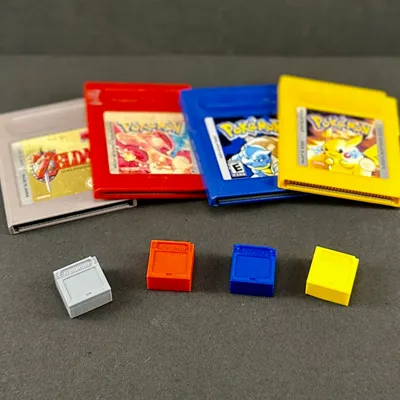
If you have a printer, you can print the appropriate cover images and apply them with glue, as shown in the picture.
The following images can be easily copied and printed. If you plan to create your own game covers, it's simple: just find the right image on Google, crop it accordingly, and resize it to 50 x 45 pixels.


Explore my tools:
- Caliper: Amazon Link
- Tool Kit: Amazon Link
- Soldering Mat: Amazon Link
- Cutting Mat Set: Amazon Link
- Disposable Gloves: Amazon Link
- 4L Storage Containers 6 Set: Amazon Link
- spring clamps - Amazon link.
- Graphics Tablet with Display: Amazon Link
- Graphics Tablet: Amazon Link
Your feedback and support mean a lot to me. To stay updated and see more content, don't forget to follow, my YouTube channel: My YouTube Channel. If you’d like to support my work further, you can do so here: Buy Me a Coffee.
License

You shall not share, sub-license, sell, rent, host, transfer, or distribute in any way the digital or 3D printed versions of this object, nor any other derivative work of this object in its digital or physical format (including - but not limited to - remixes of this object, and hosting on other digital platforms). The objects may not be used without permission in any way whatsoever in which you charge money, or collect fees.


Comment & Rating (17)