
Learning Numbers

Print Profile(3)


Description
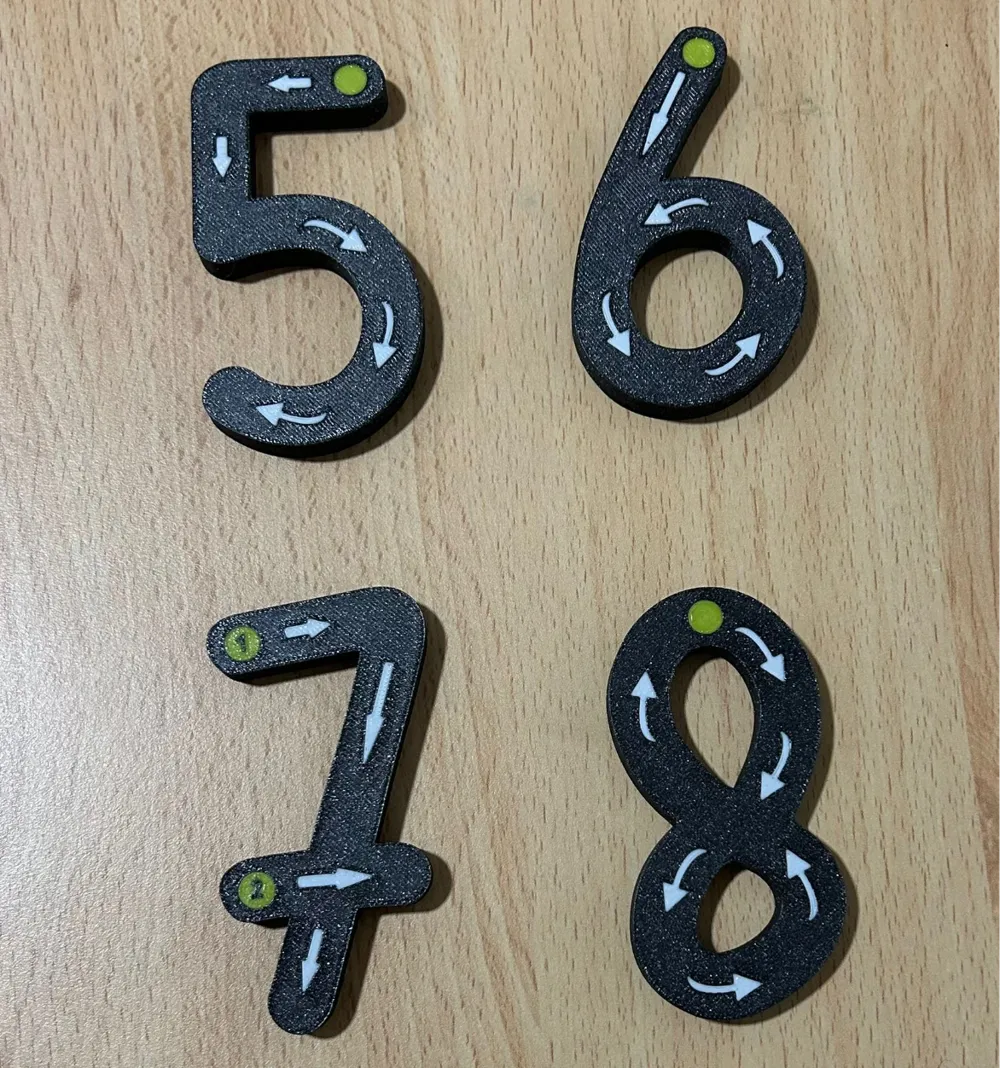
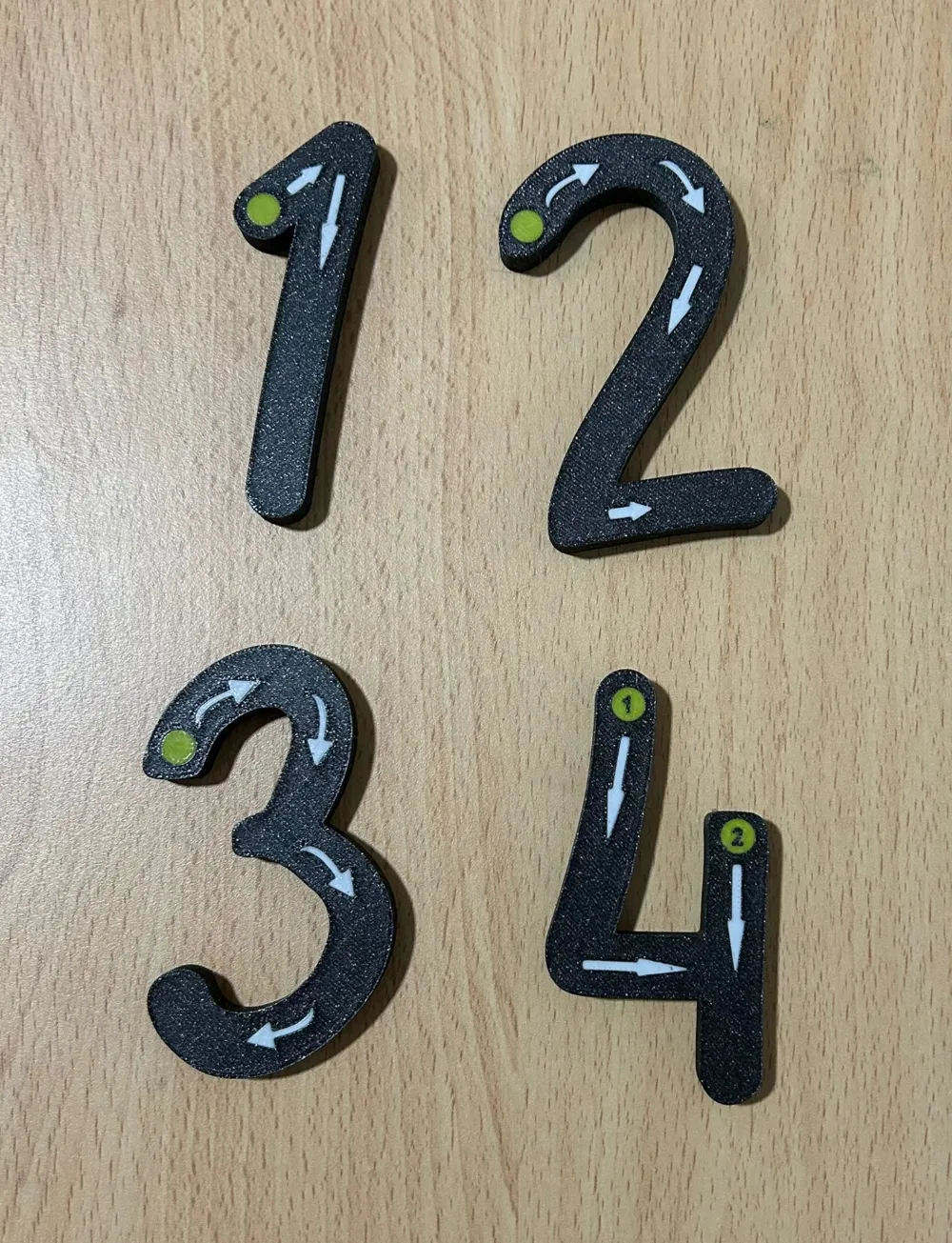
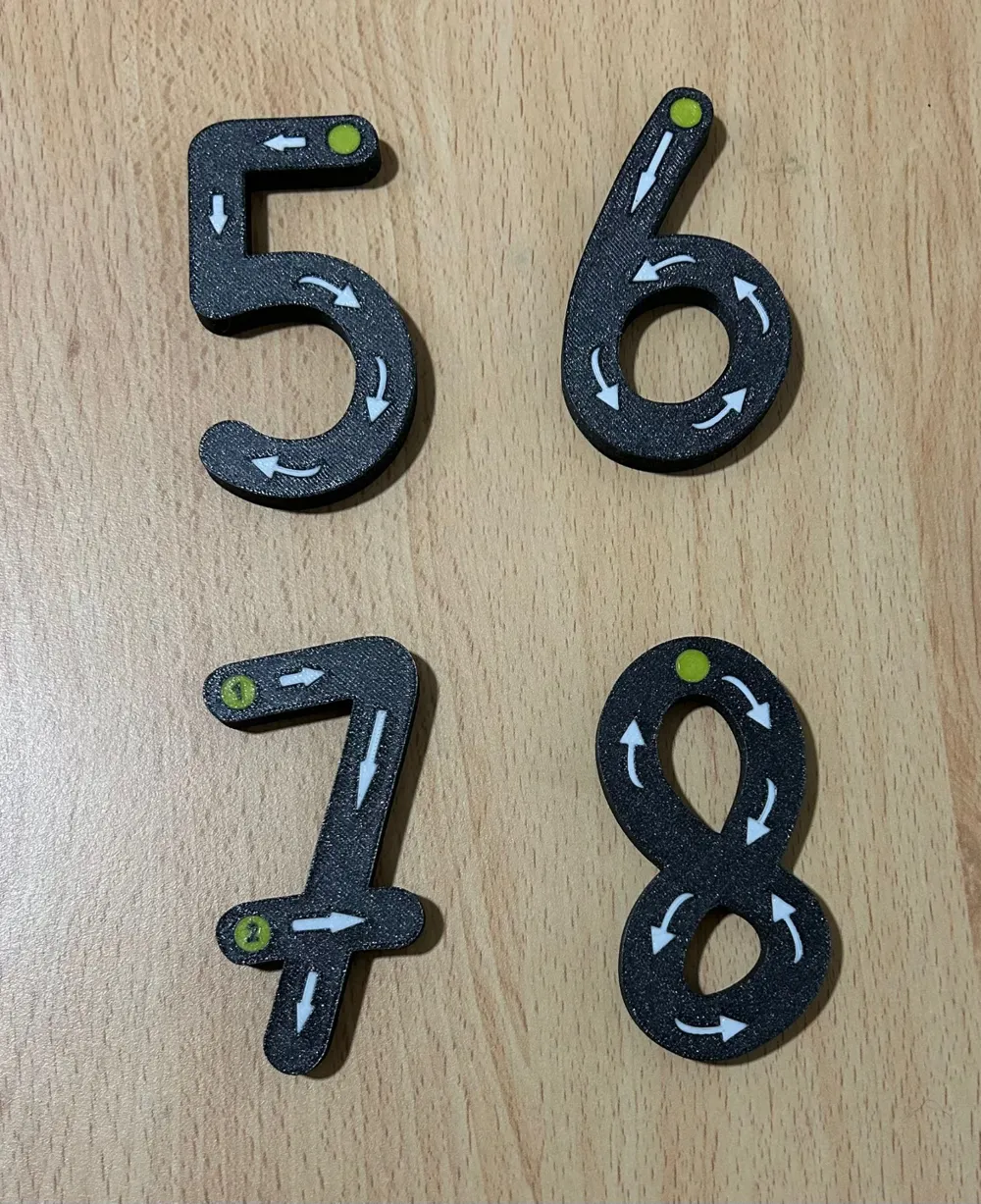
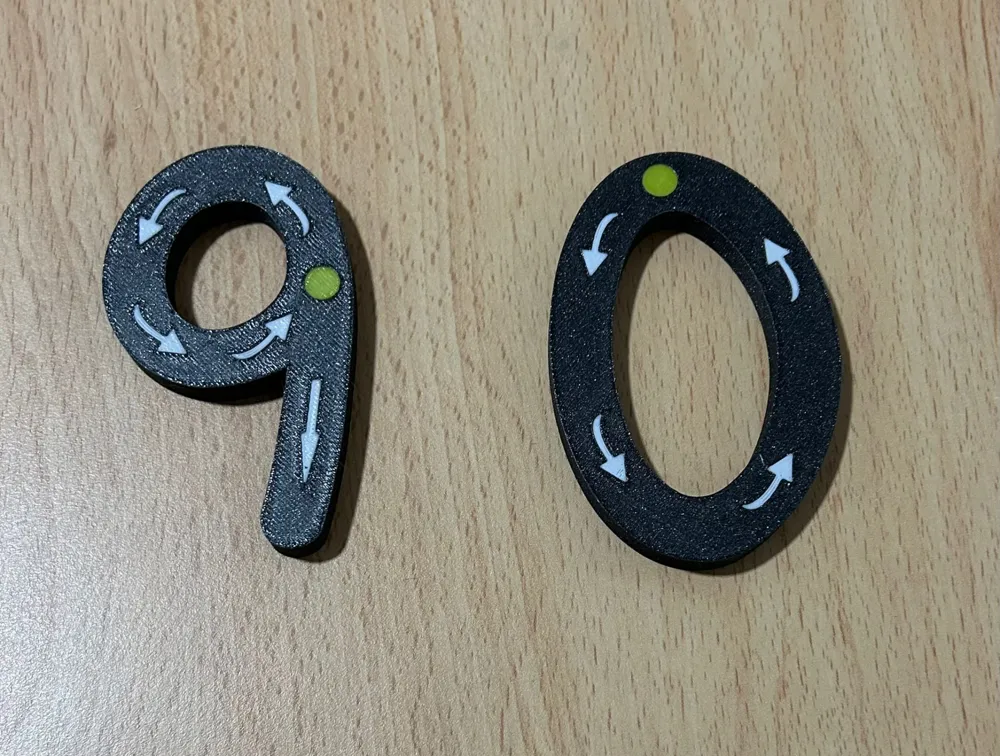
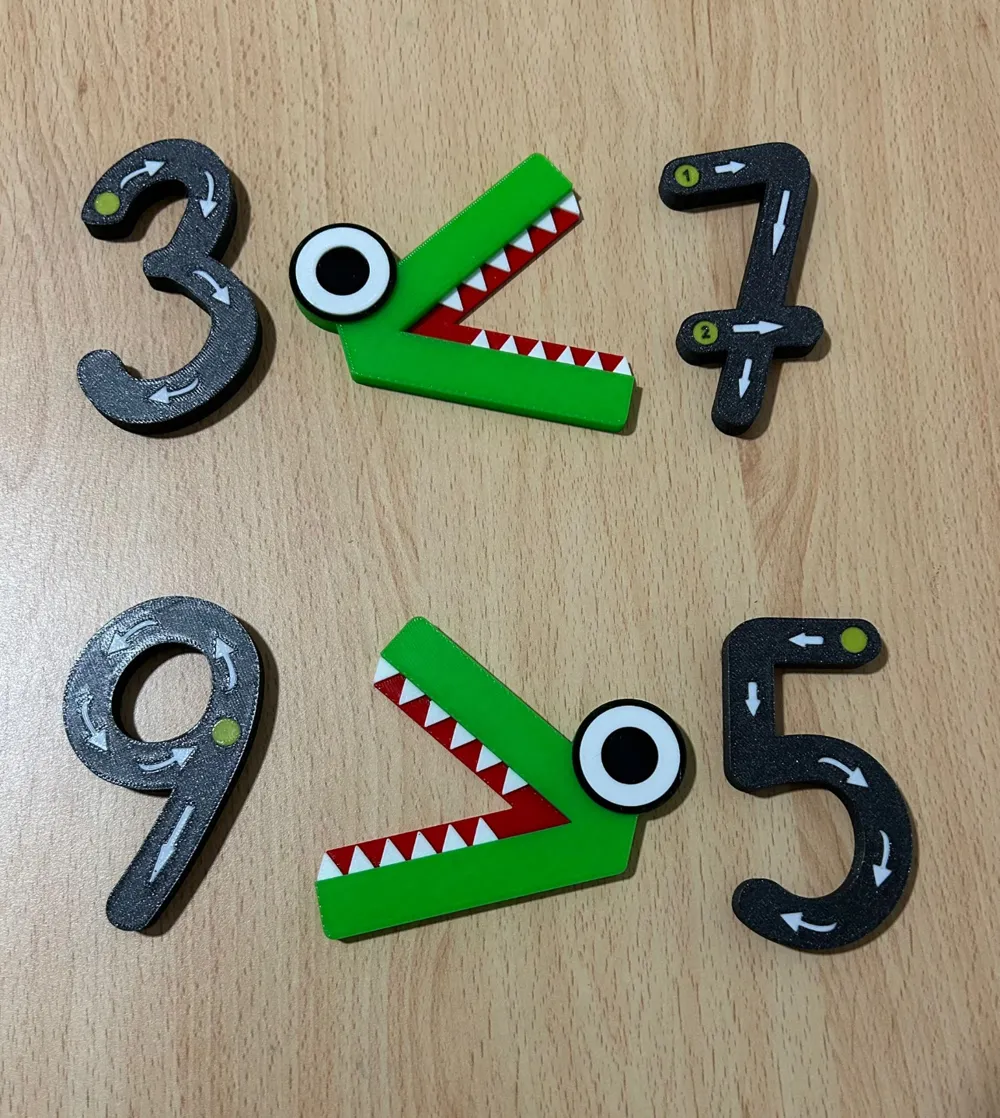
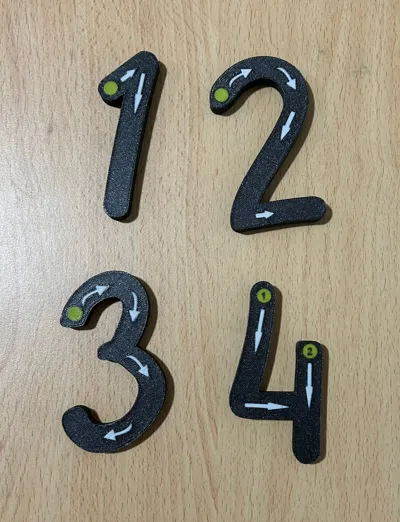
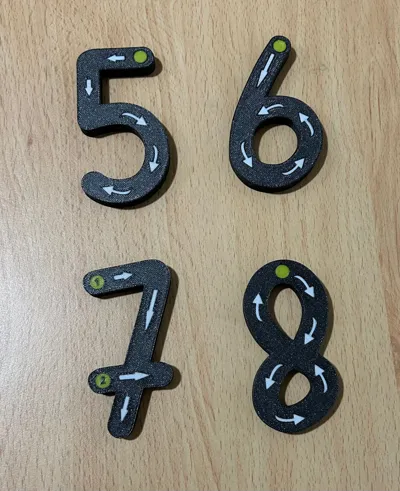
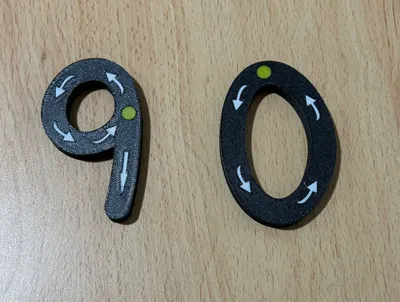
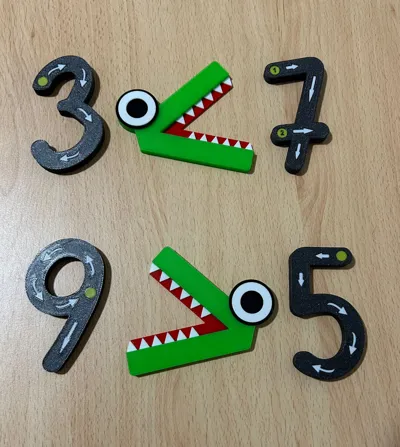
Learn how to write correctly the numbers from 0 to 9 in a manipulative way.
They are ideal for use with APOLOGEEK3D user model Playing with numbers.
Numbers are 85mm height.
Two versions are available.
Only of the starting points of the stroke and the direction.
Starting and continuation points as well as direction.
Note: You may write the number 8 in the opposite direction to the one suggested. If this is the case, flip the digit 8 horizontally before printing.
Boost Me (for free)
If you encountered the print useful please consider to boost me.
License

You may create derivative works based on this object, provided that all such derivative works are published exclusively on the MakerWorld platform and include proper attribution to the original creator. You may not share, upload, host, distribute, or publish this object—or any derivative work of this object—on any other digital platform, marketplace, or distribution channel. Commercial use of this object and any derivative works is strictly prohibited. This includes, but is not limited to, selling, renting, sublicensing, or using the object in any context in which you receive monetary compensation or other financial benefits.


Comment & Rating (31)