
Hexaphane Display Case Only

Print Profile(3)


Description
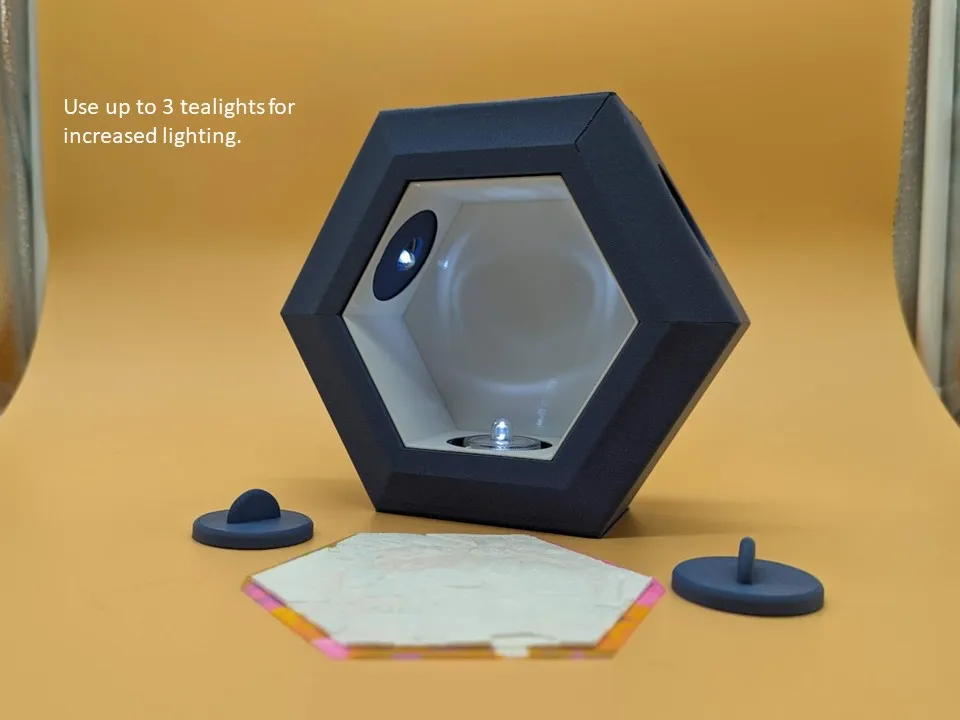
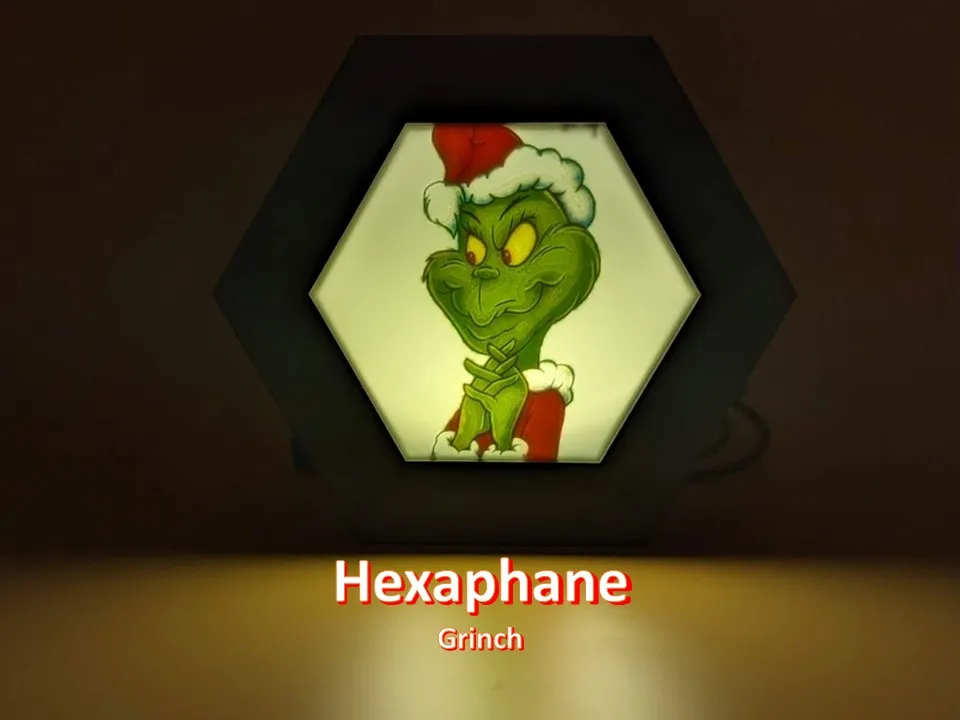
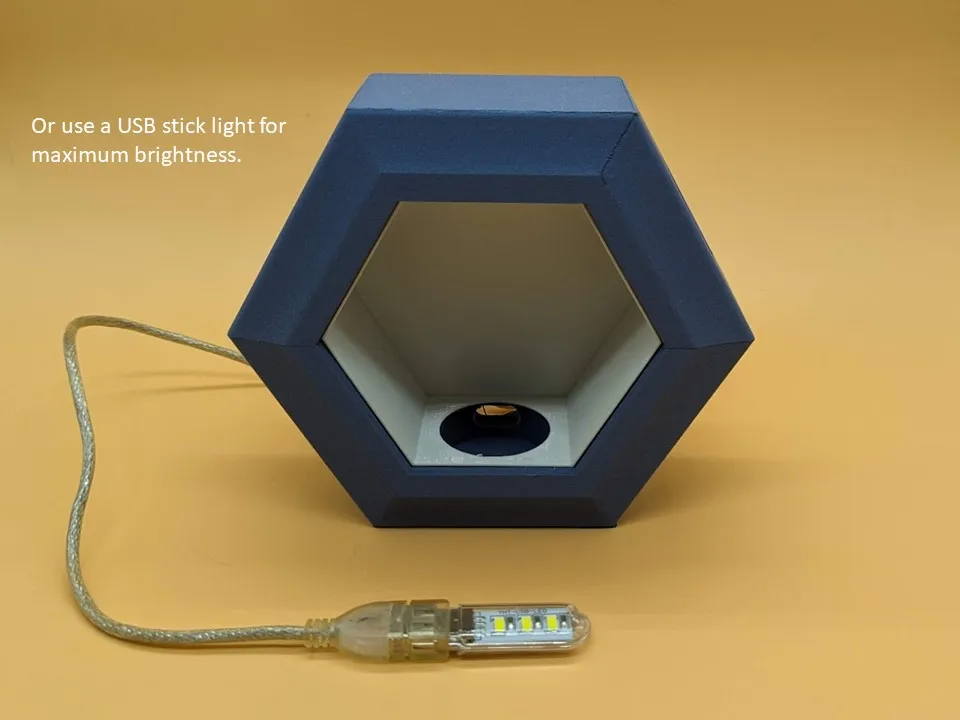
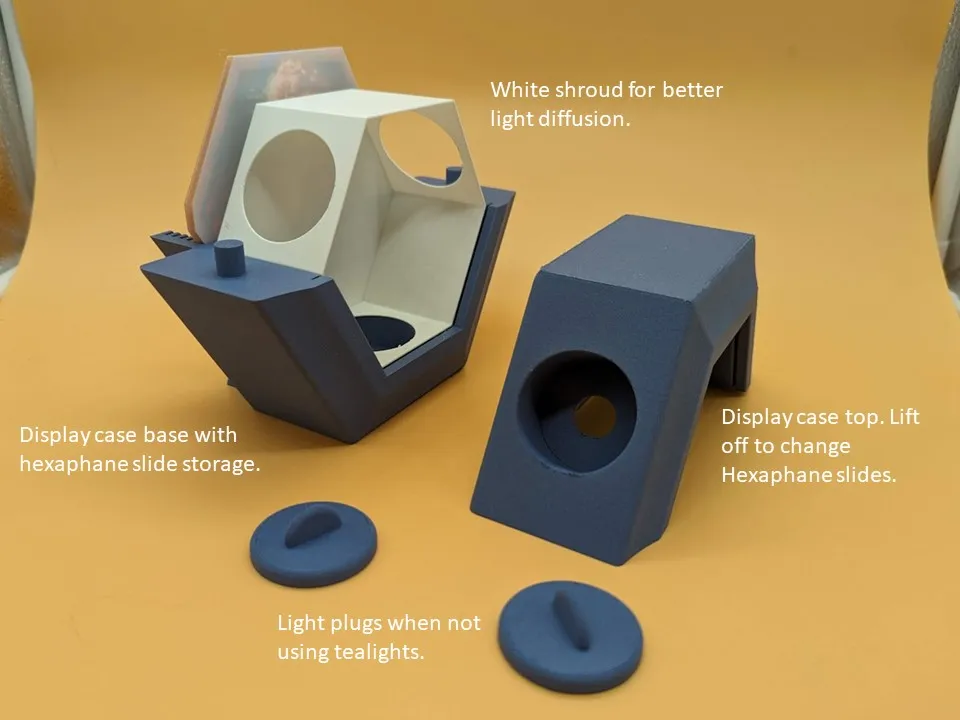
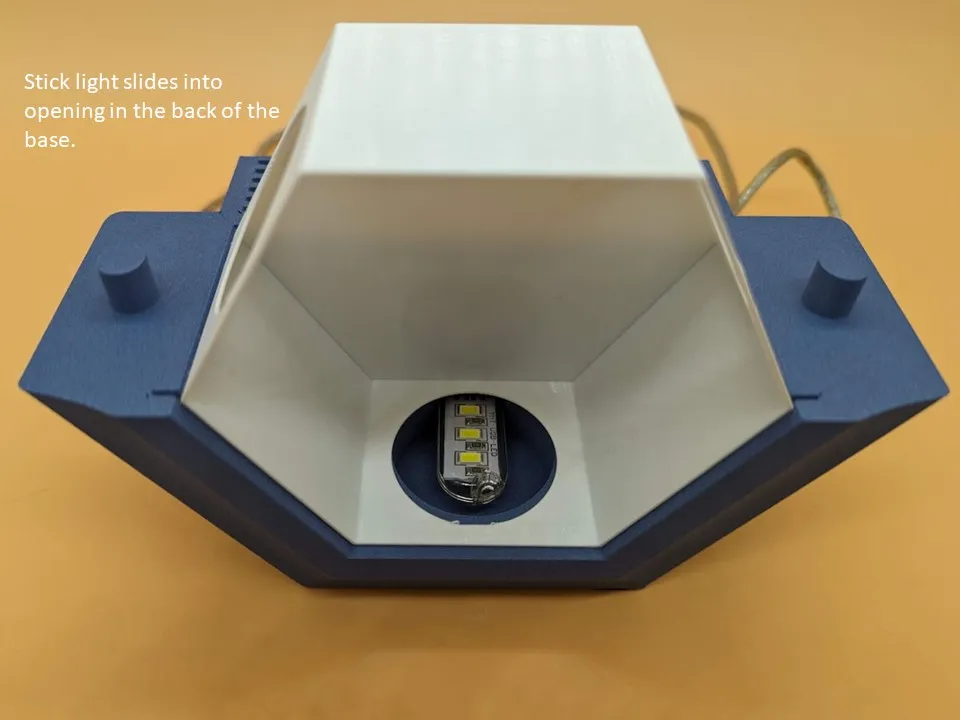
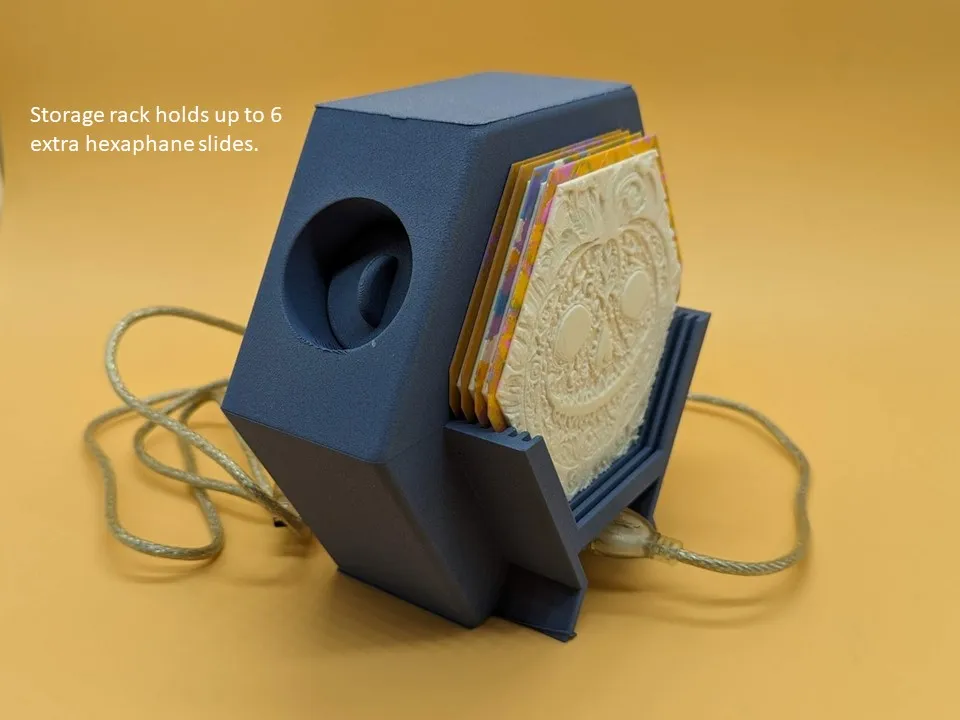
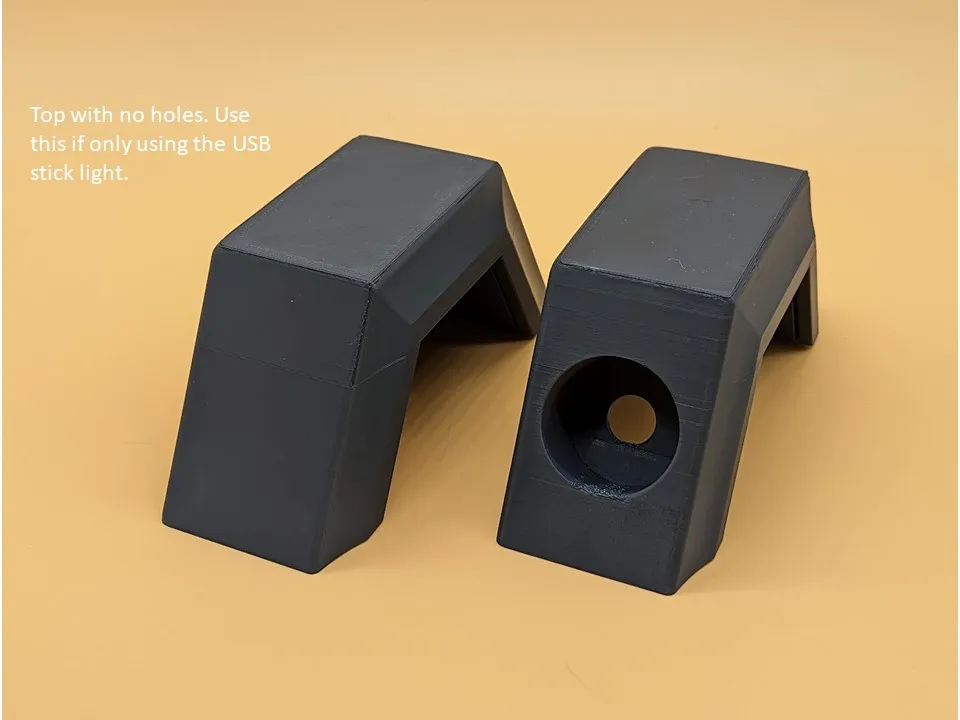
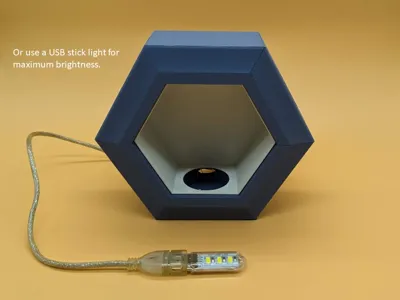
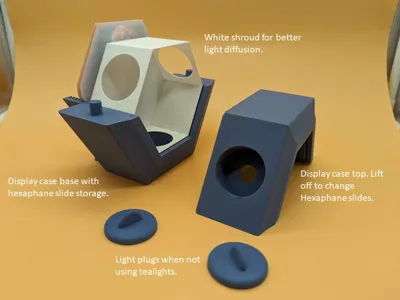
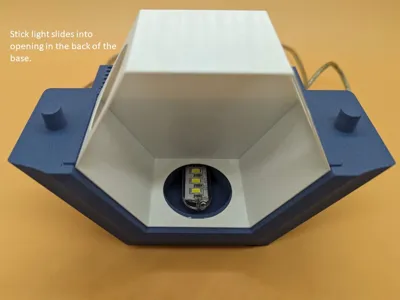
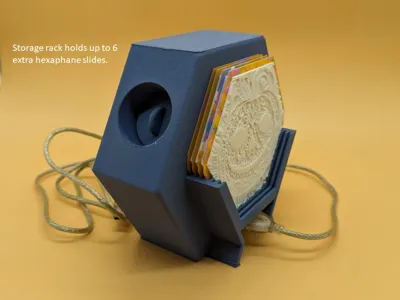
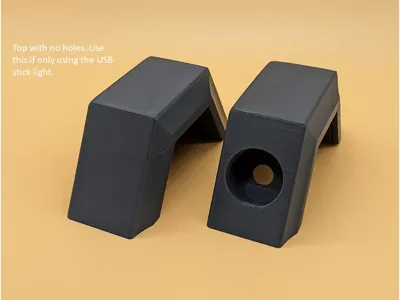
I love making lithophanes because they are colorful and easy to print. For best viewing, they need a brighter light than one tealight can provide. I designed a display system that can use up to 3 tealights or a USB light stick. The top of the display case lifts off easily to change out the hexaphane slides. The storage rack on the back of the case has room for six additional slides.
Printing is straightforward, .2mm layer, .4mm nozzle. I added a little tree support in the tealight holes on the top frame, but it prints OK without it.
This is the display case only. Follow the link for more hexpahane theme packs More Hexaphane Themes
Instructions to Make Your Own Lithophanes
To make your own lithophanes in the hex shape, there are several steps required to generate the hex shape. For Lithophanemaker.com, use these settings:
Start with a 1:1 square image
Lithophane Resolution: 0.2
Colored Resolution: 0.8
Layer Height: 0.1
Width: 115
Maximum Thickness: 2.5
Minimum Thickness: 0.8
Height: 115.00
First Layer Height: 0.2
Filaments for Color Palette: Printed Solid CMYK
(You can also use PIXEstL to generate lithohanes. It's more complex, but generates very high quality lithophanes calibrated to the Bambu CMYK filaments)
This generates a 115mm square lithophane. You can generate your own 115m square lithophane using these settings and create the hex shape using the procedure below. Use the “Hex Mask” stl to create a negative volume object on top of the lithophane.
- Slicer set for .1mm layer height. .2mm on first layer. 100% infill
- Load the 5 .stls for one of the lithophanes as a single object with multiple parts.
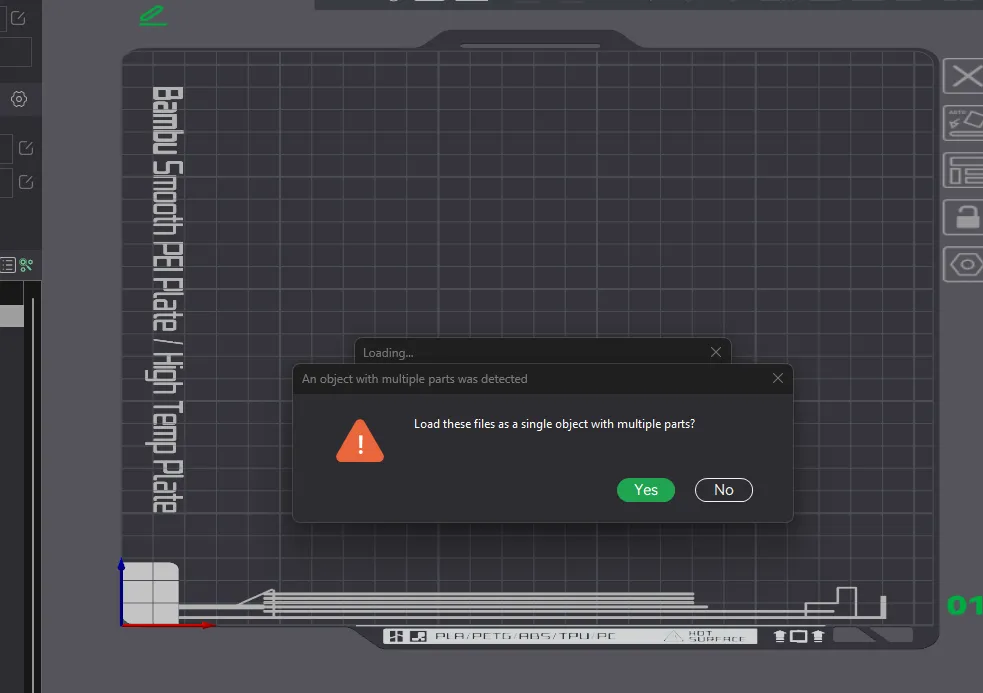
- Assign the colors to each part of the assembly
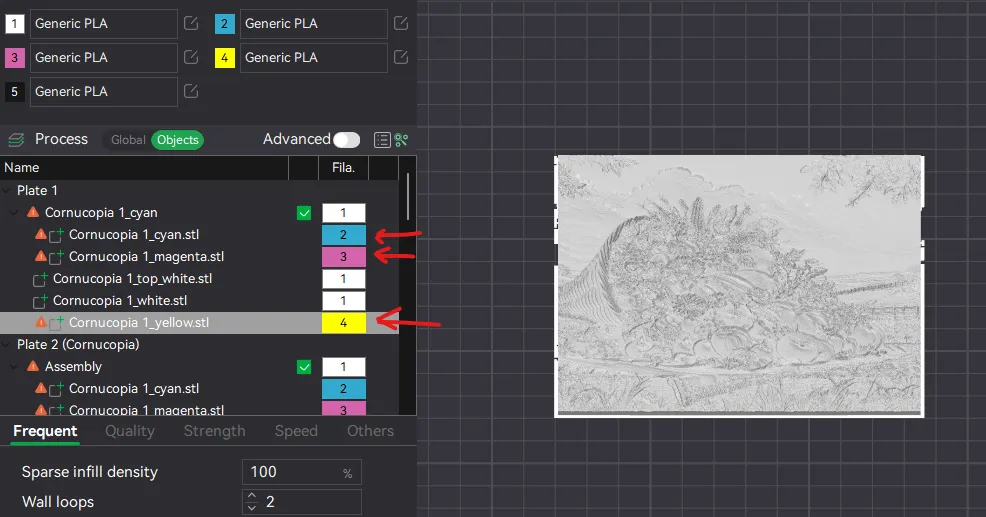
- Drag the “hex mask” stl onto the plate and center it over the lithophane
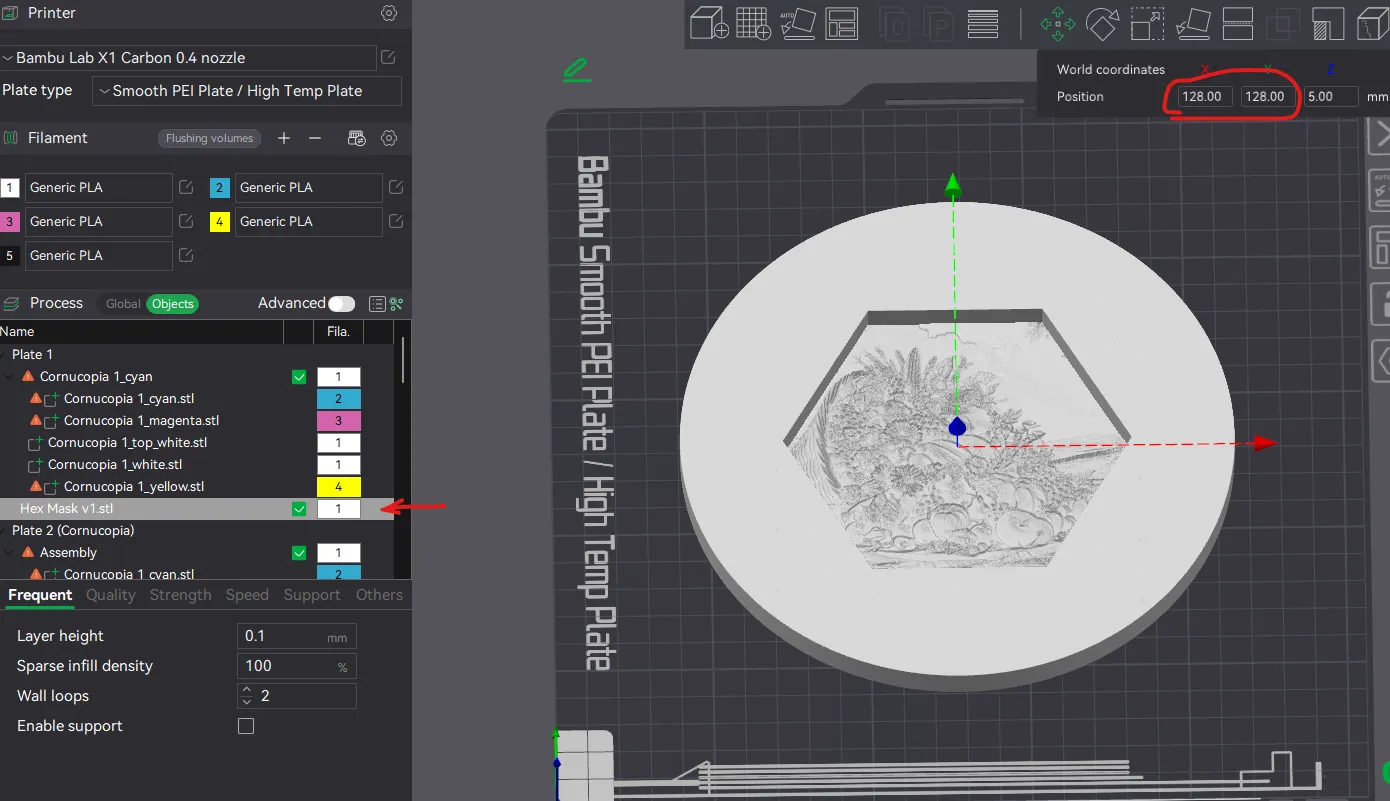
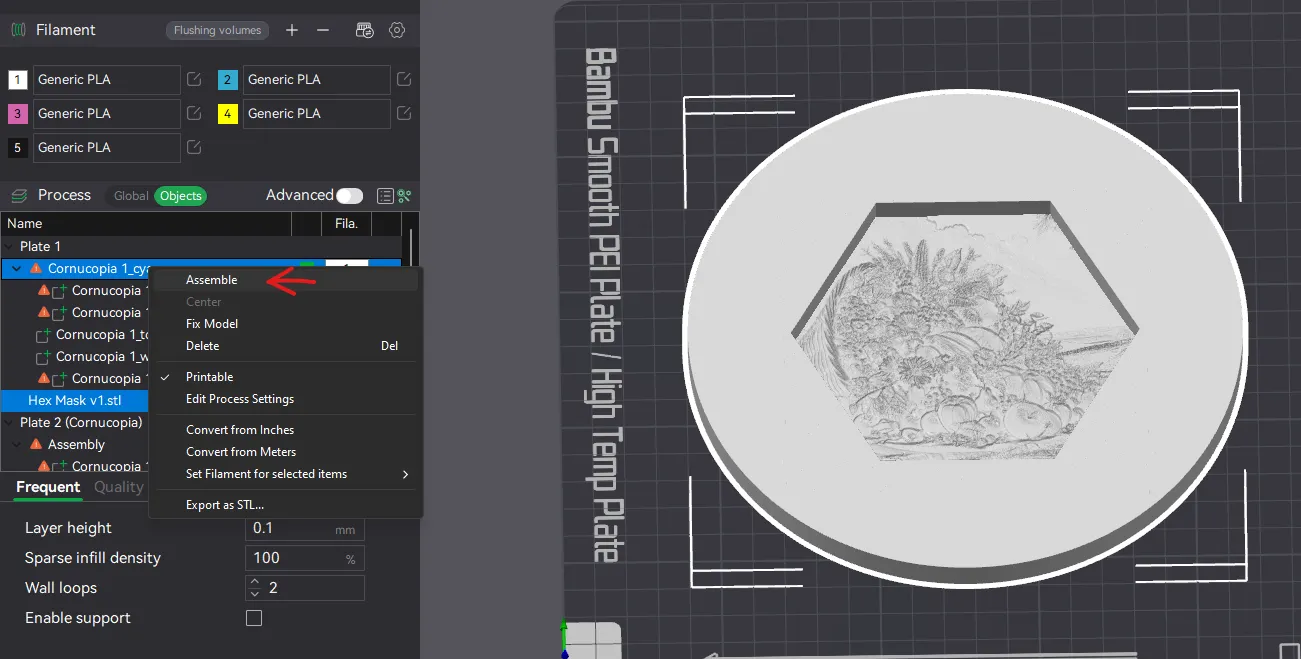
- Select all the objects and assemble the mask to the lithophane
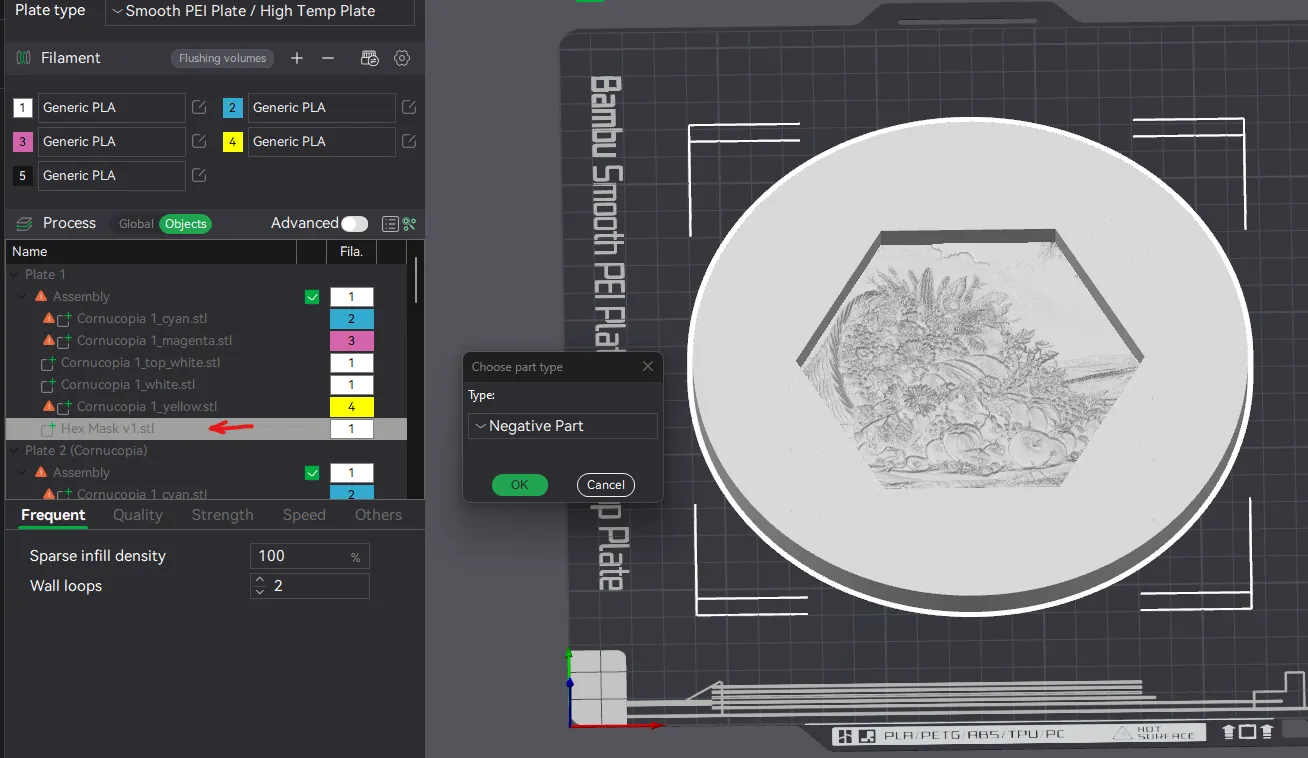
- Convert the hex mask object to a negative part
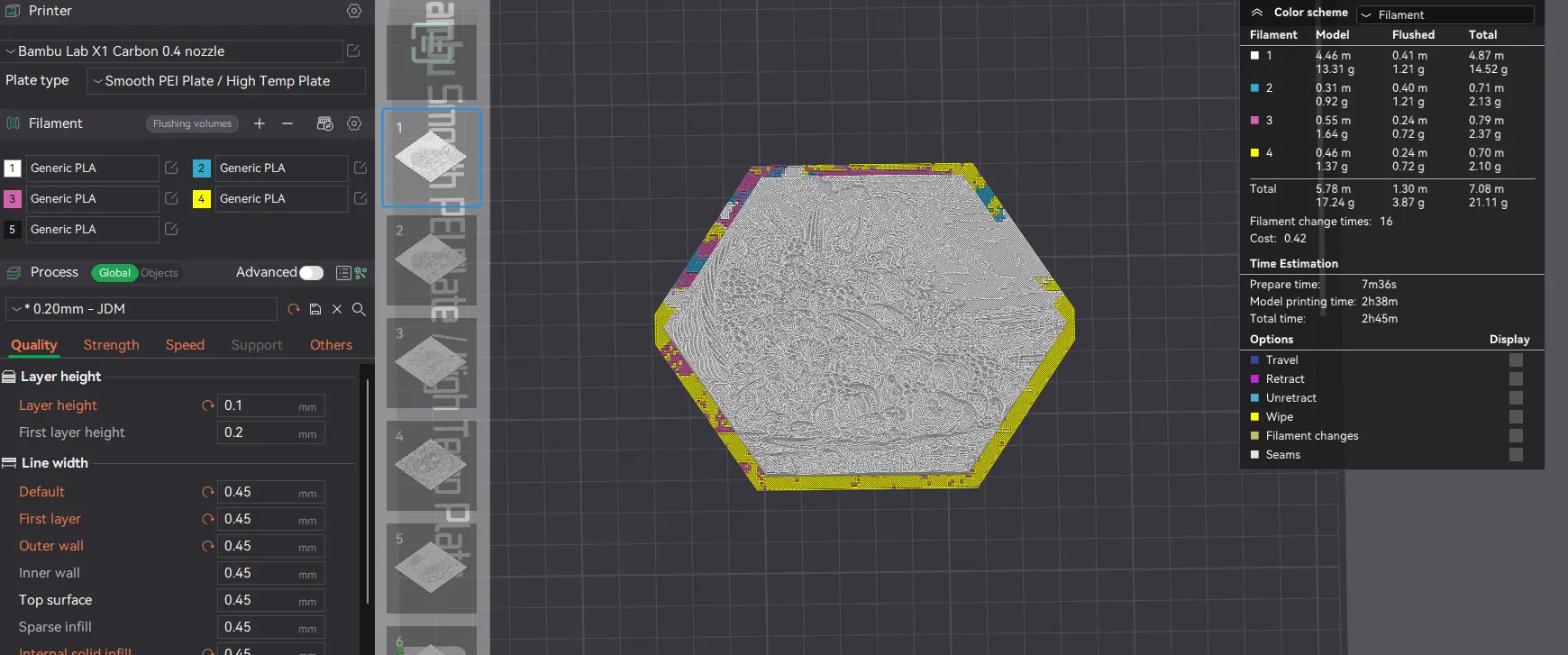
- When sliced, it will create a hexagonal lithophane with a .6mm border to slide into the display case and rack
Use the Bambu CMYK bundle. I have also used the following IIIDMax PLA+ colors, but you can use similar colors from any manufacturer.
| IIIDMax Colors | RGB | Hex |
|---|---|---|
| White | 231,231,224 | #e7e7e0 |
| Yellow | 246,196,45 | #f6c42d |
| Light Blue | 34,155,213 | #229bd5 |
| Fuchsia | 162,70,141 | #a2468d |
License



Comment & Rating (45)