Search models, users, collections, and posts

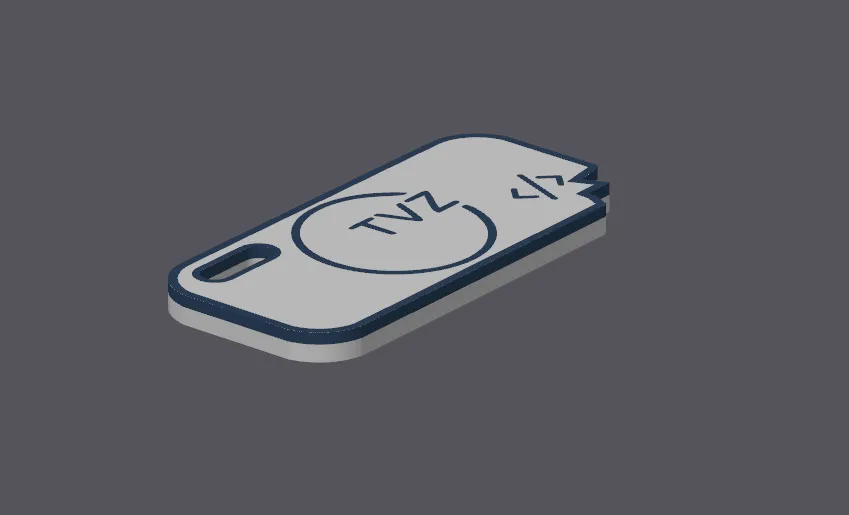
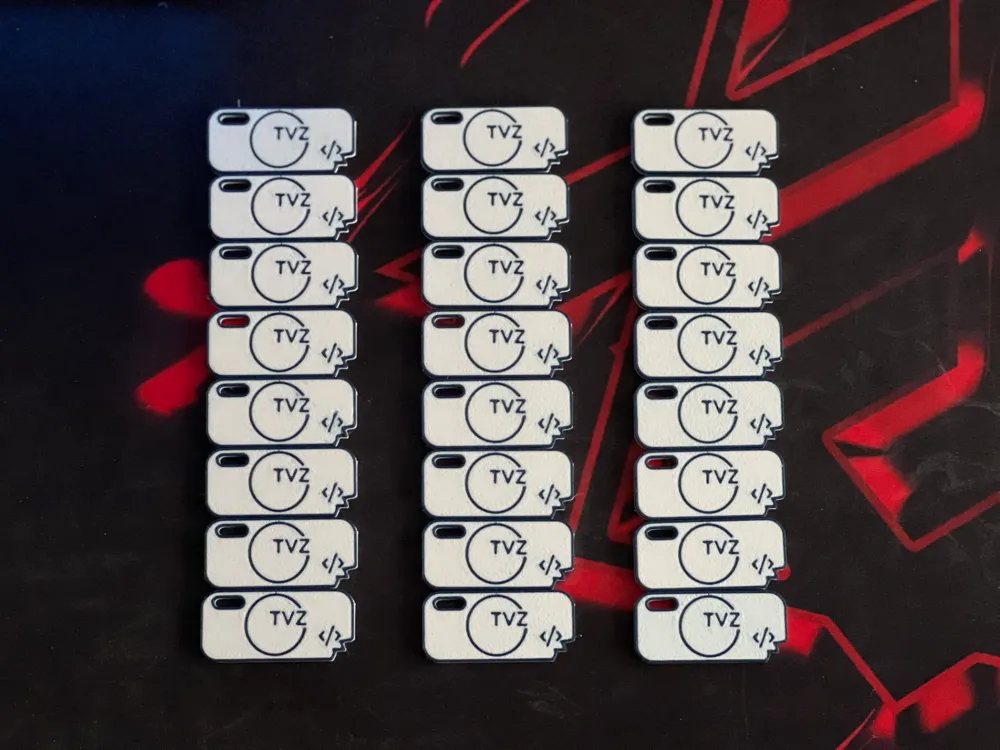
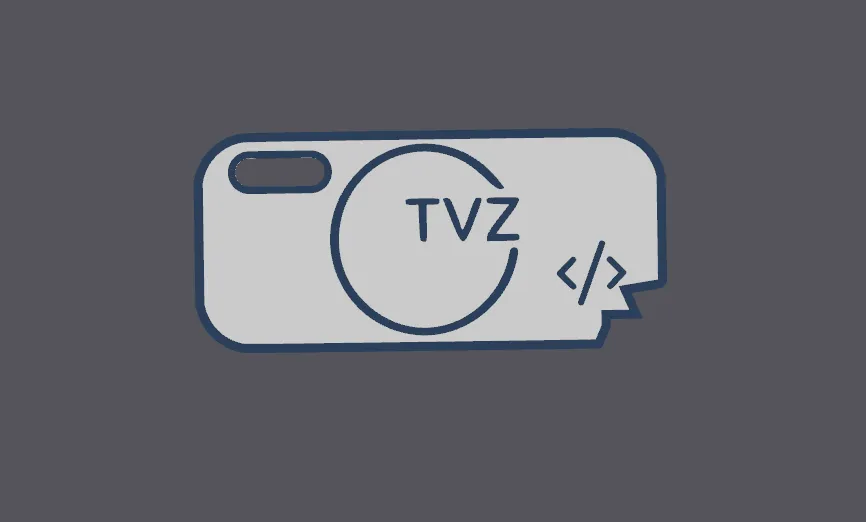
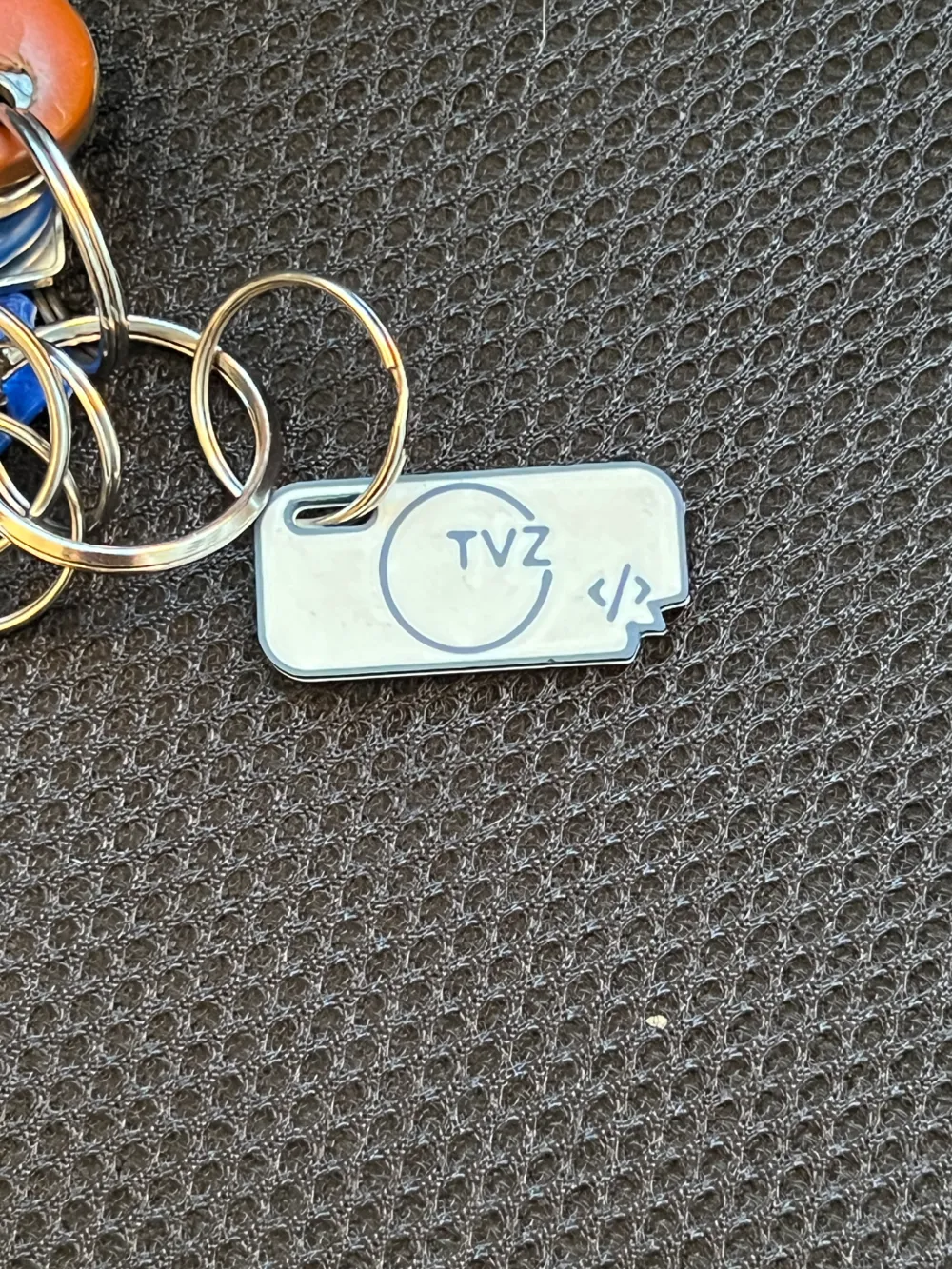
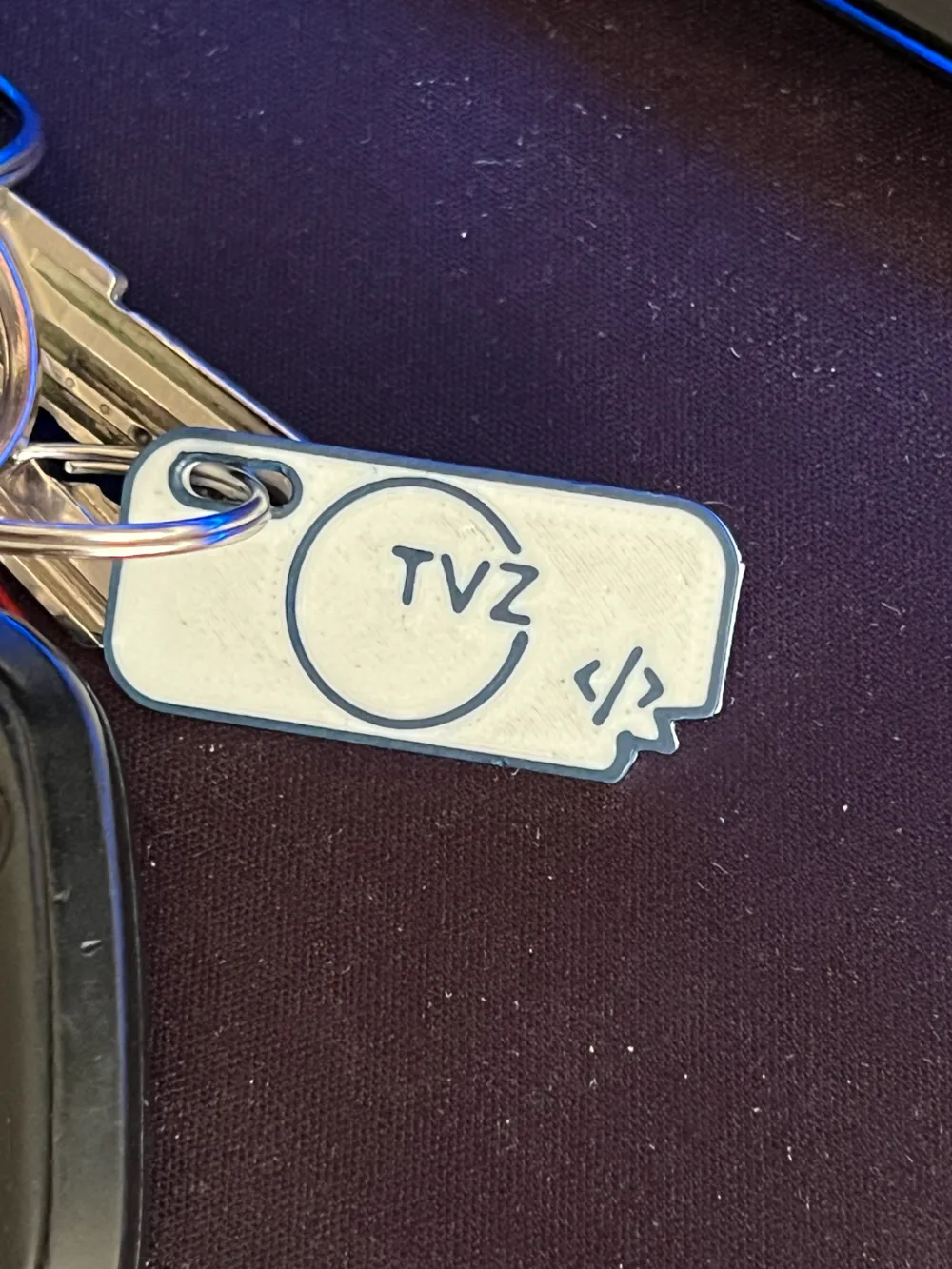
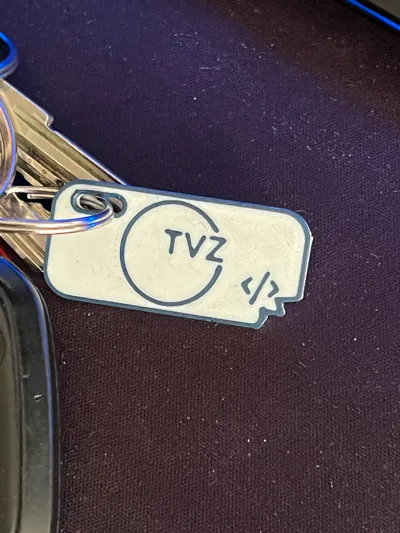
Keychain TVZ - programming
IP Report

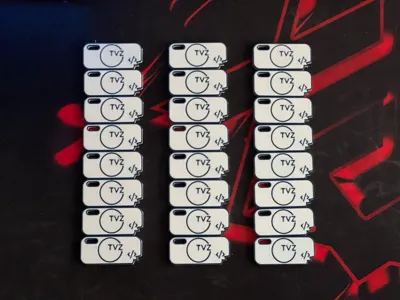
Print Profile(1)
0.2mm layer, 2 walls, 15% infill
Designer
4 h
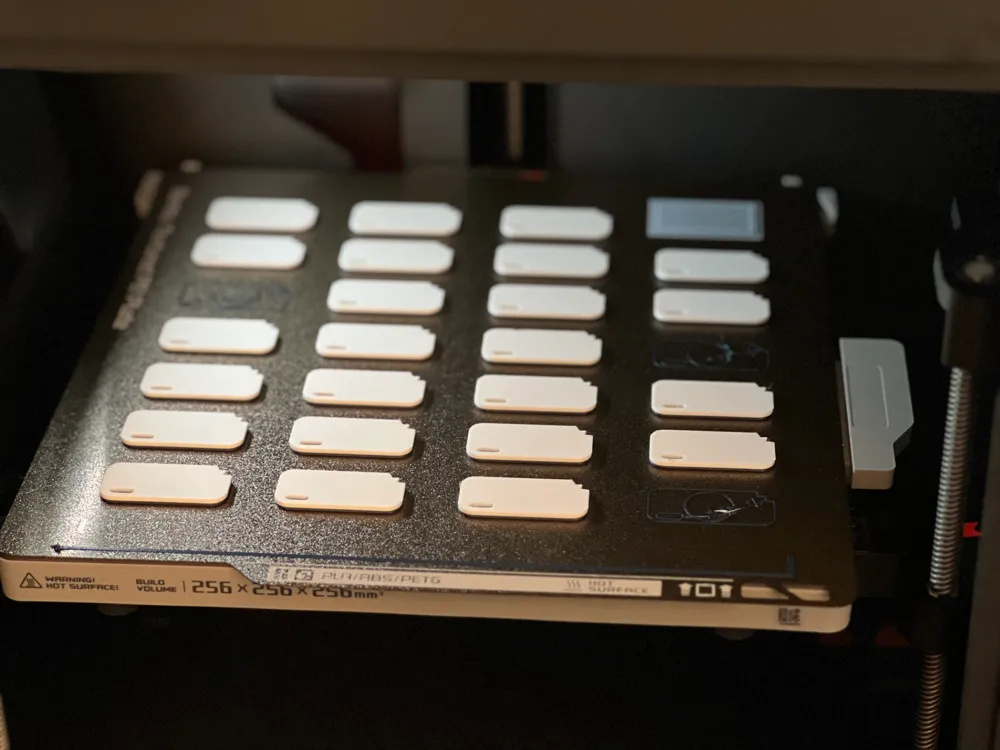
2 plates
Open in Bambu Studio
Boost
13
1
1
0
12
2
Released
Description
Model
Introduction

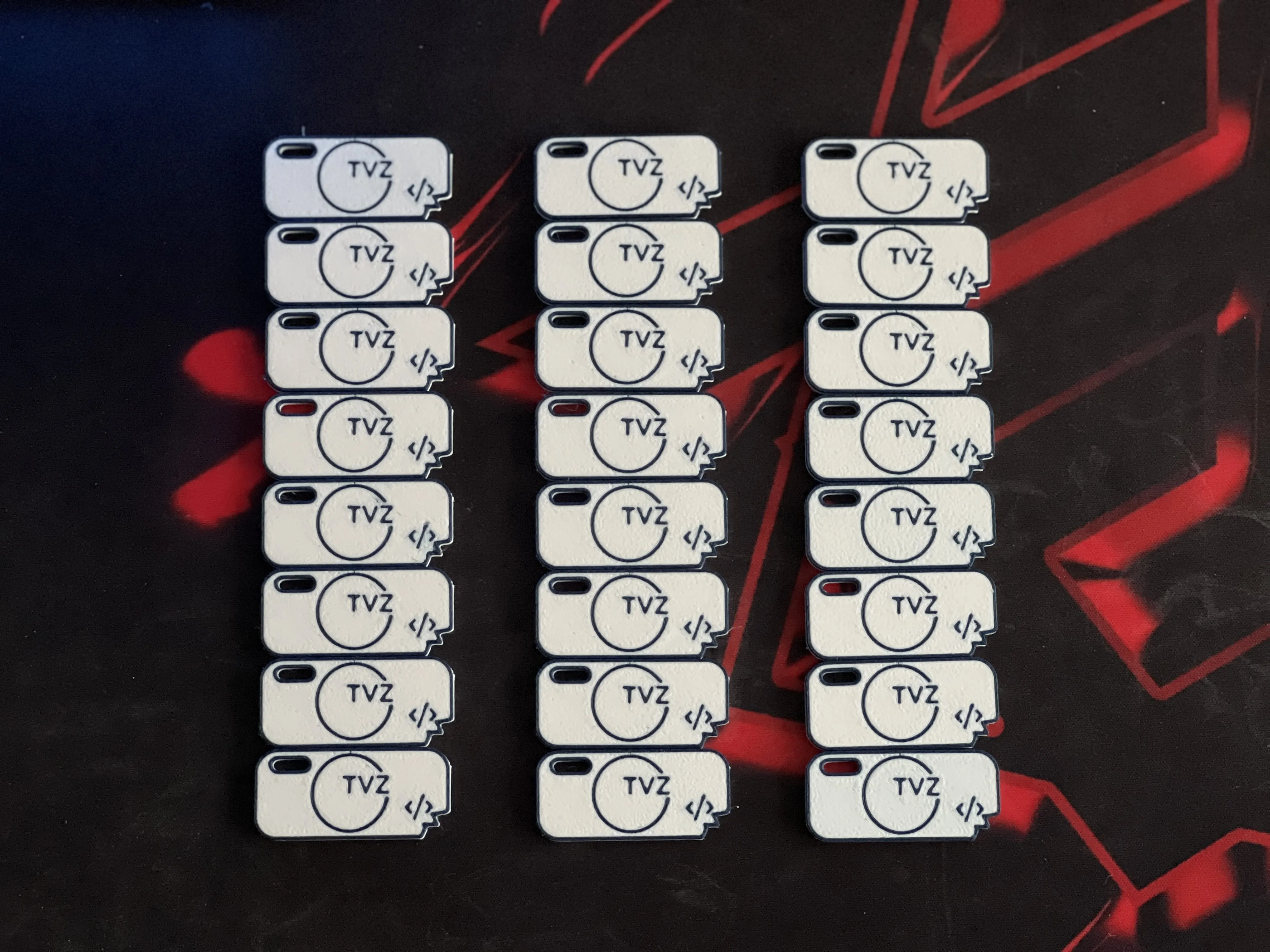
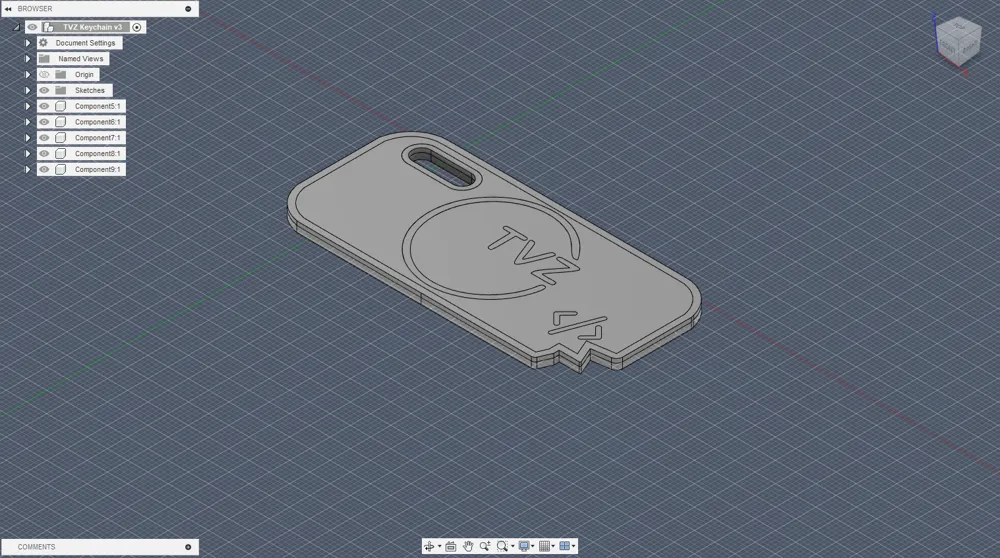
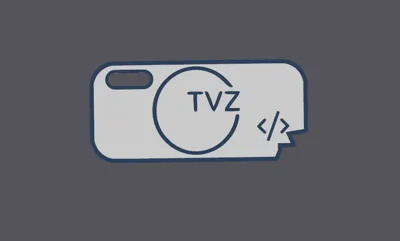
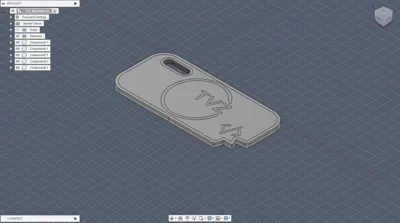
I created this model using fusion 360 and converting jpg files into svg. In files you can find my step file and fusion project file.
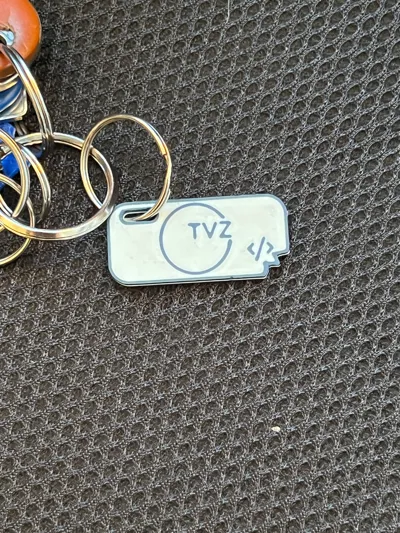
Hope this will give you idea how to make your own keychains.
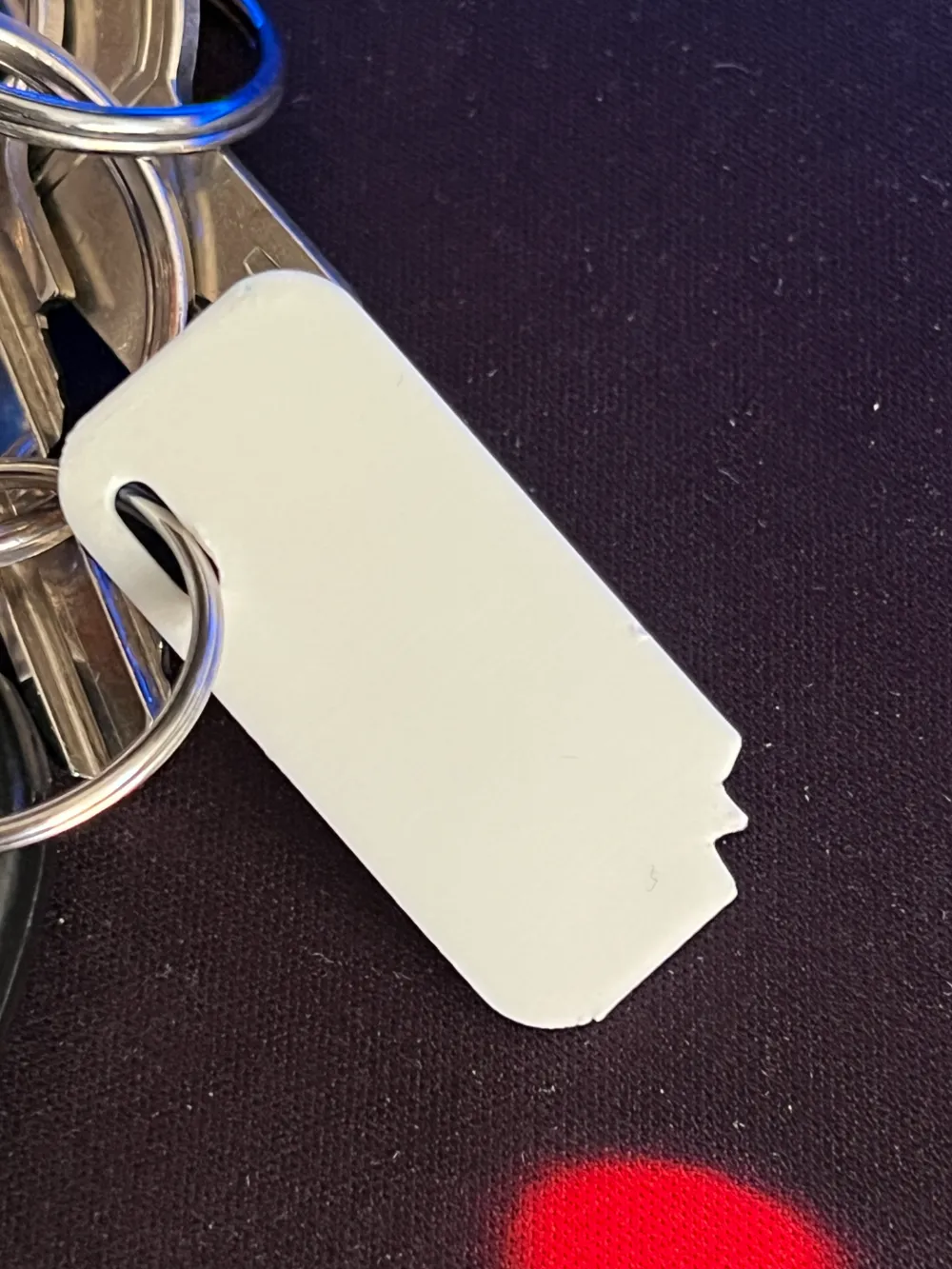
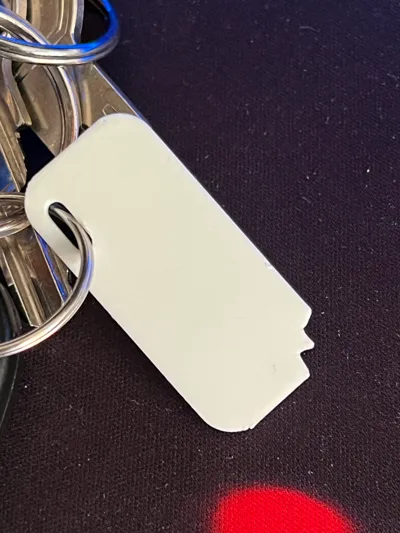
Size of keychain is: 40 x 18,7 x 2,5 mm
s
Print instructions
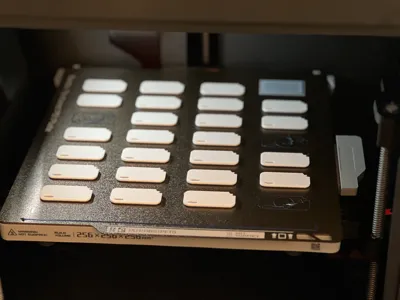
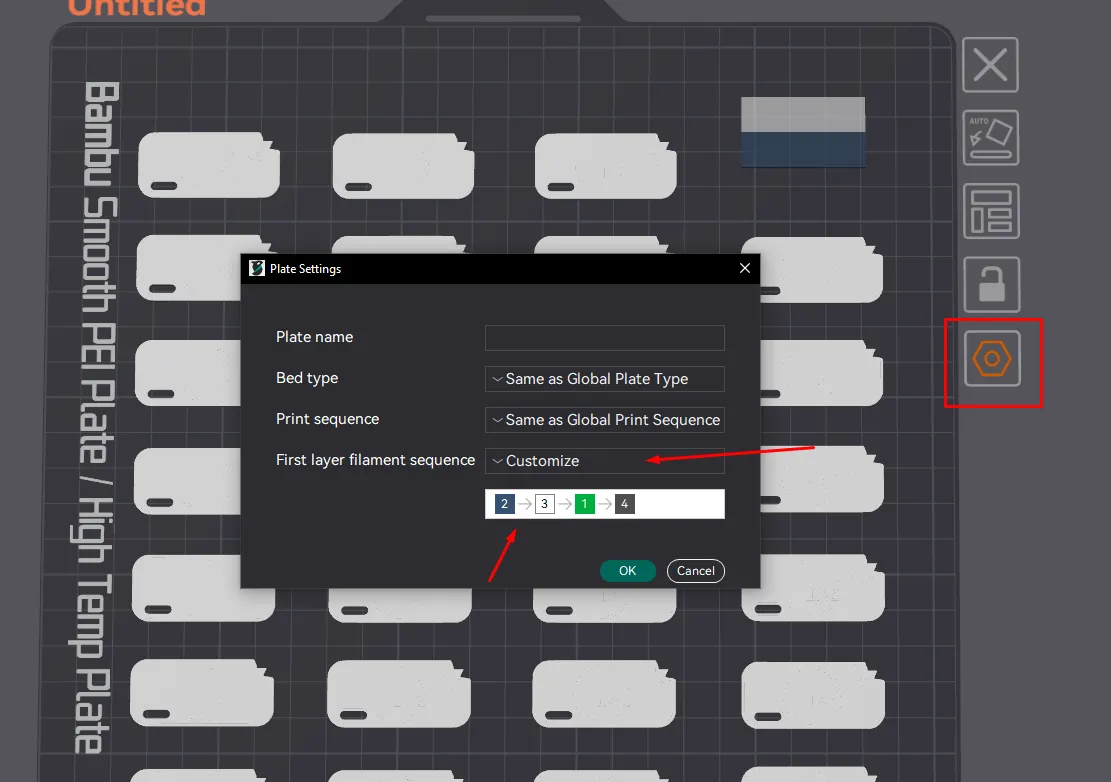
First you have to set correct first layer filament change order. My suggestion is to first print small lines (like logo and outline).
You can change filament order by photo shown below
Other print settings:
Line Width → Initial Layer: 0,35 (it will squeeze nicely first layer)
Ironing → Ironing flow: 20% (Smooth top)
Other layers speed → Outer wall: 90 (constant speed on all outer walls)
Infill pattern → Gyroid
Top solid layers → 5
enjoy
License

This user content is licensed under a
Creative Commons Attribution-Noncommercial-Share Alike


Comment & Rating (1)