

Print Profile(1)

Description
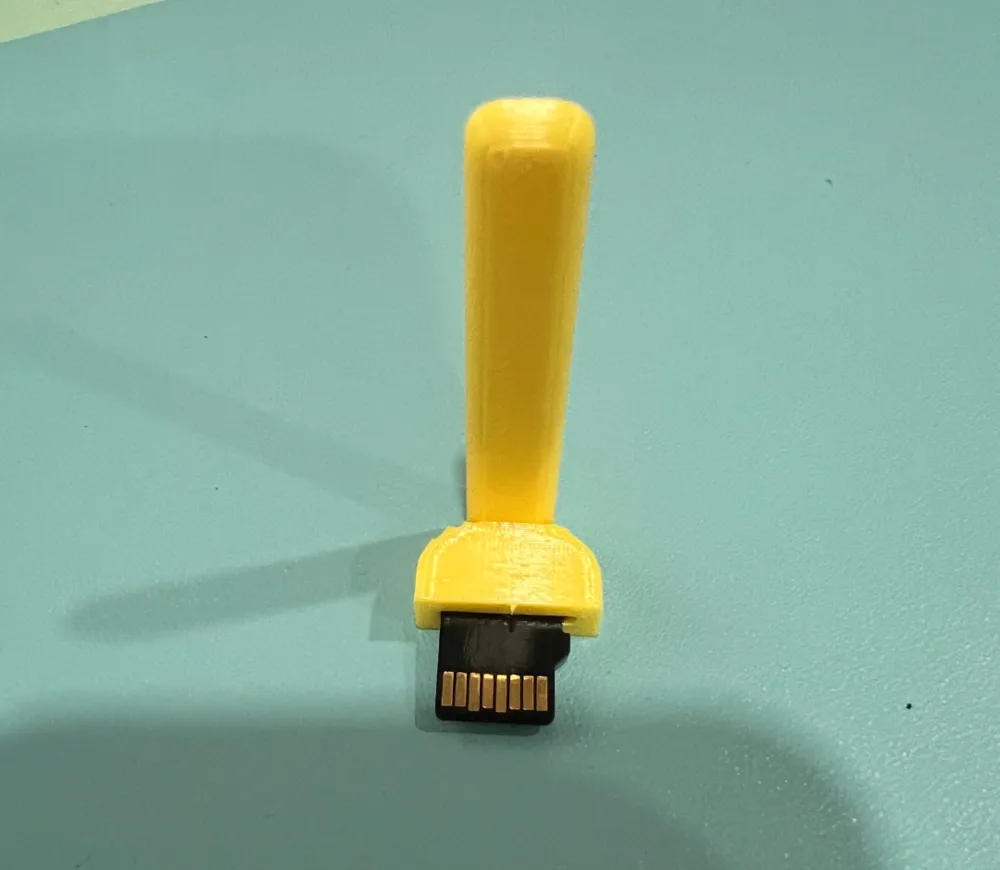
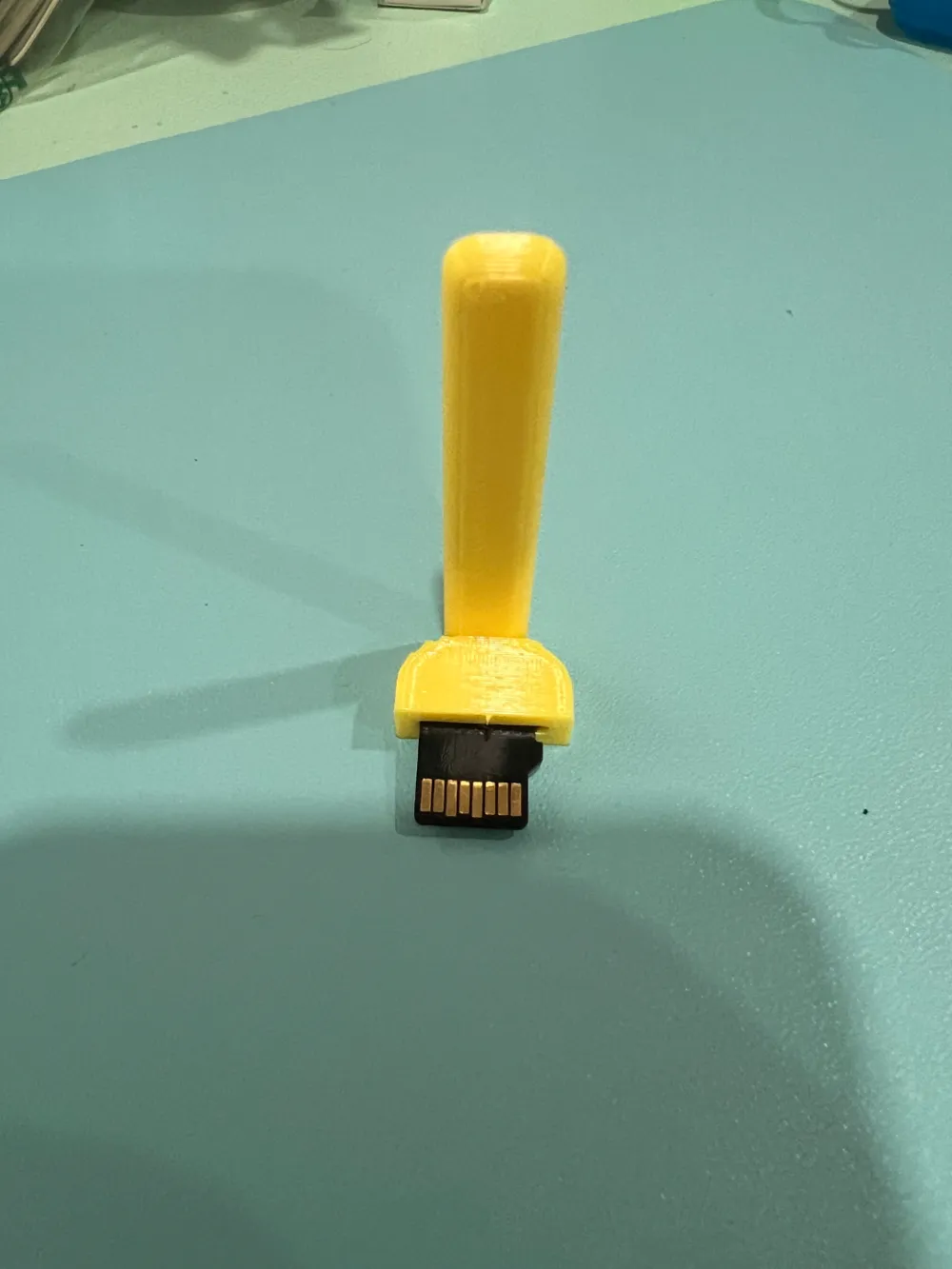
If you have something like a Raspberry Pi installed in a tight space and it is hard to insert an SD for changing or testing this tool will help. Gently remove the old micro sd card with needle nose pliars. Insert the micro SD into this handly helper and gently insert it into the micr osd card slot. When it is in about half way remove the tool and then press in the card the rest of the way with your your finger or another similarly shaped tool.
License

You shall not share, sub-license, sell, rent, host, transfer, or distribute in any way the digital or 3D printed versions of this object, nor any other derivative work of this object in its digital or physical format (including - but not limited to - remixes of this object, and hosting on other digital platforms). The objects may not be used without permission in any way whatsoever in which you charge money, or collect fees.


Comment & Rating (3)