
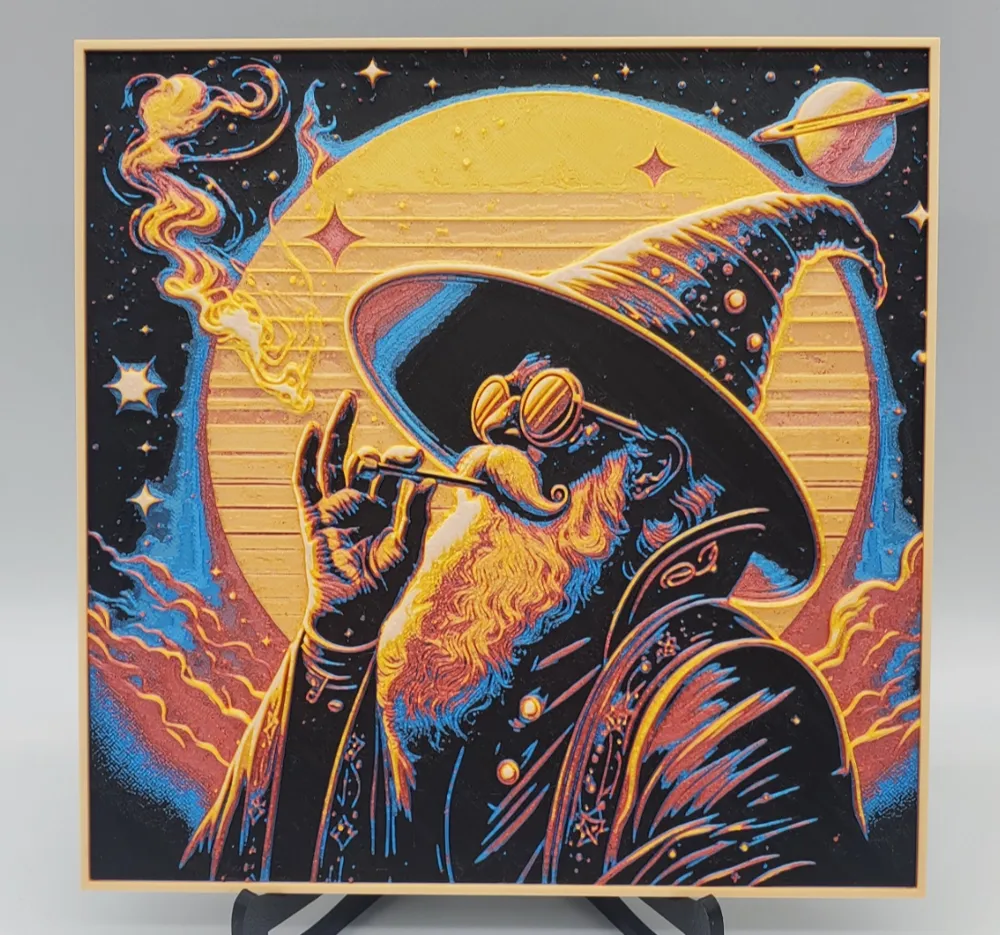
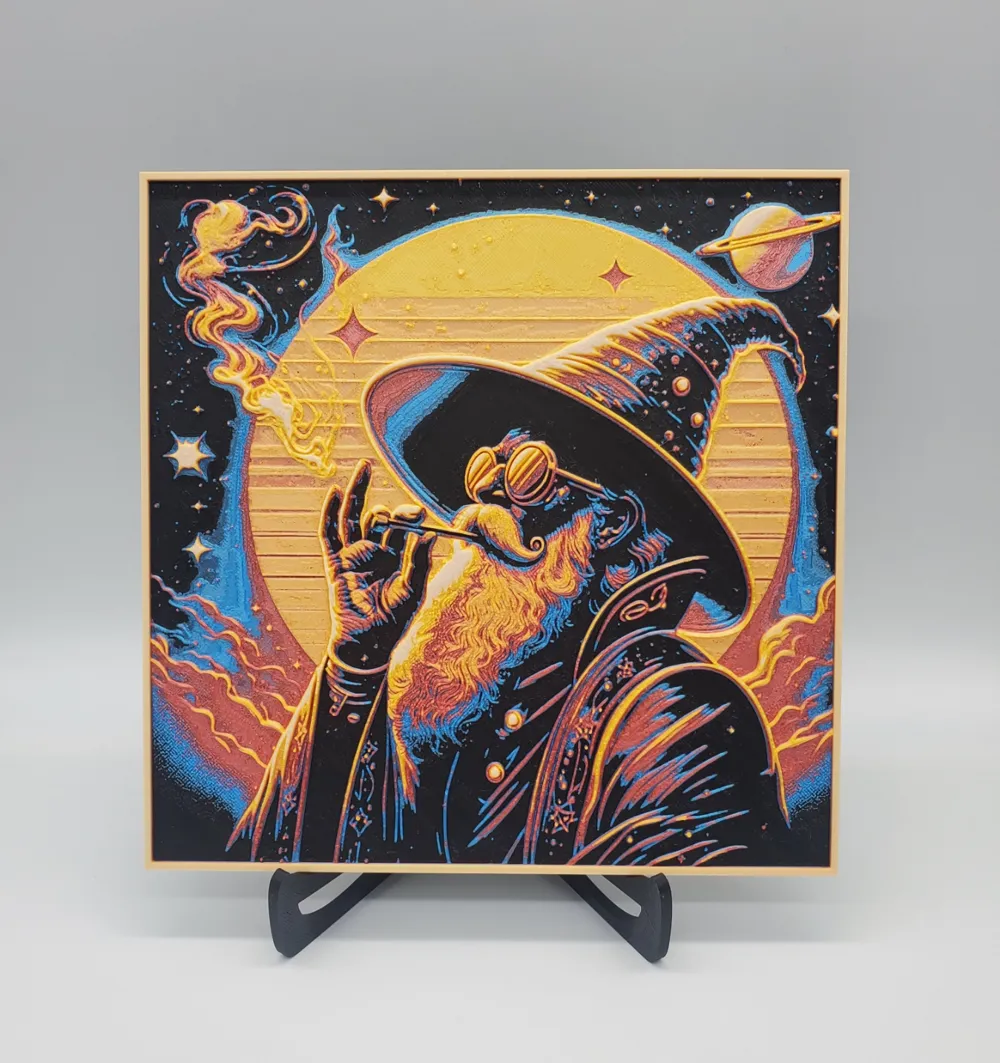
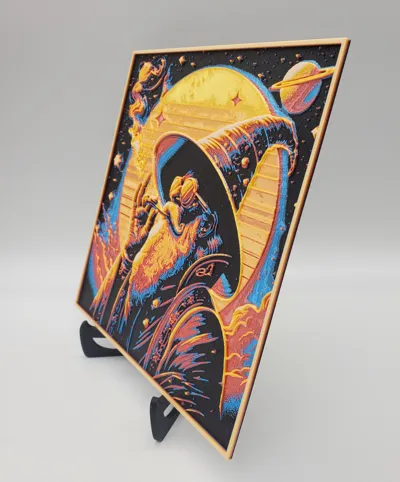
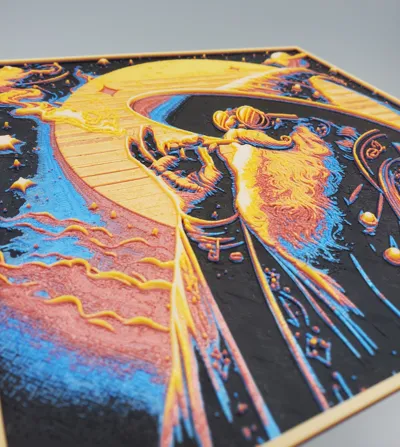
Wizard Smoke


Print Profile(2)


Description
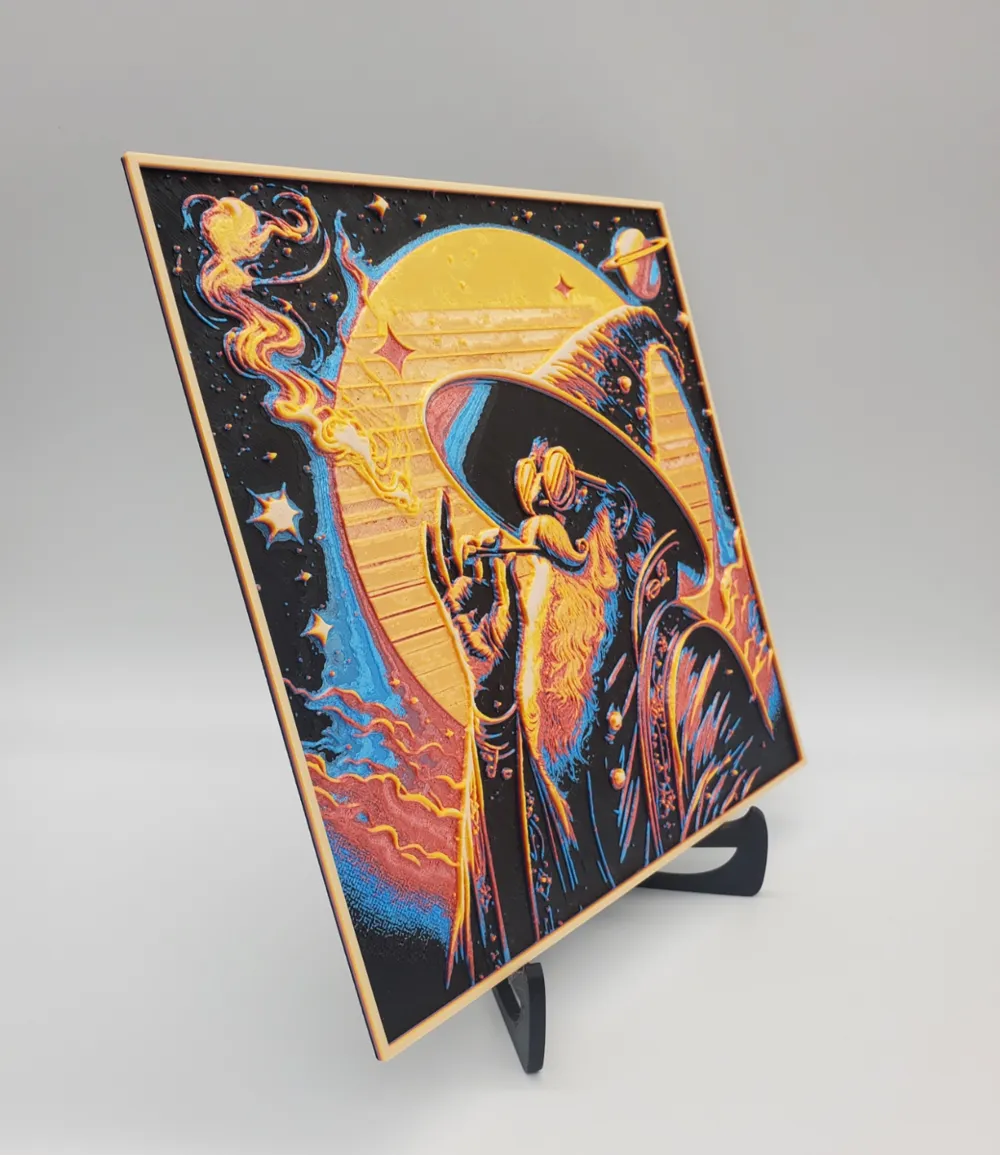
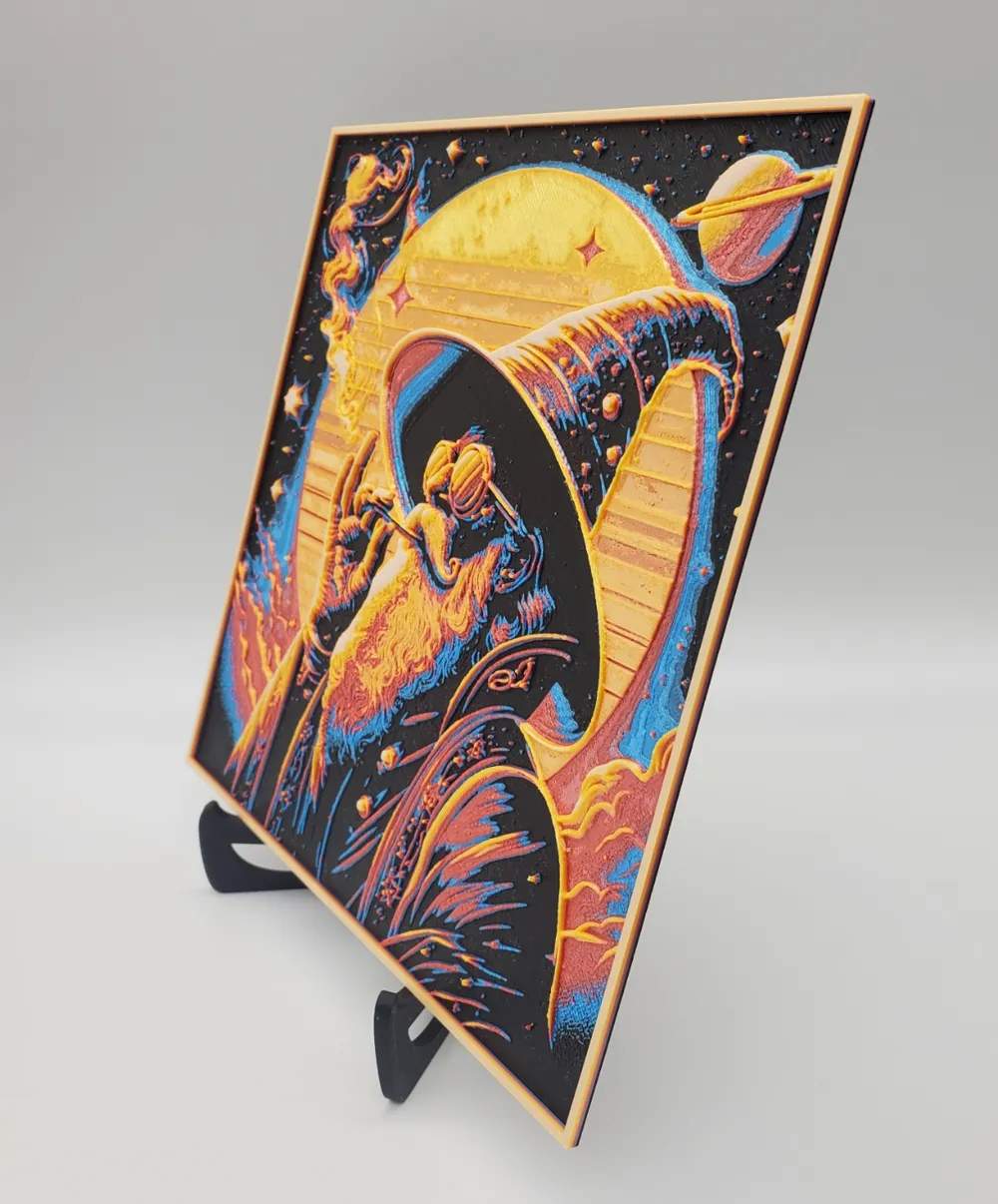
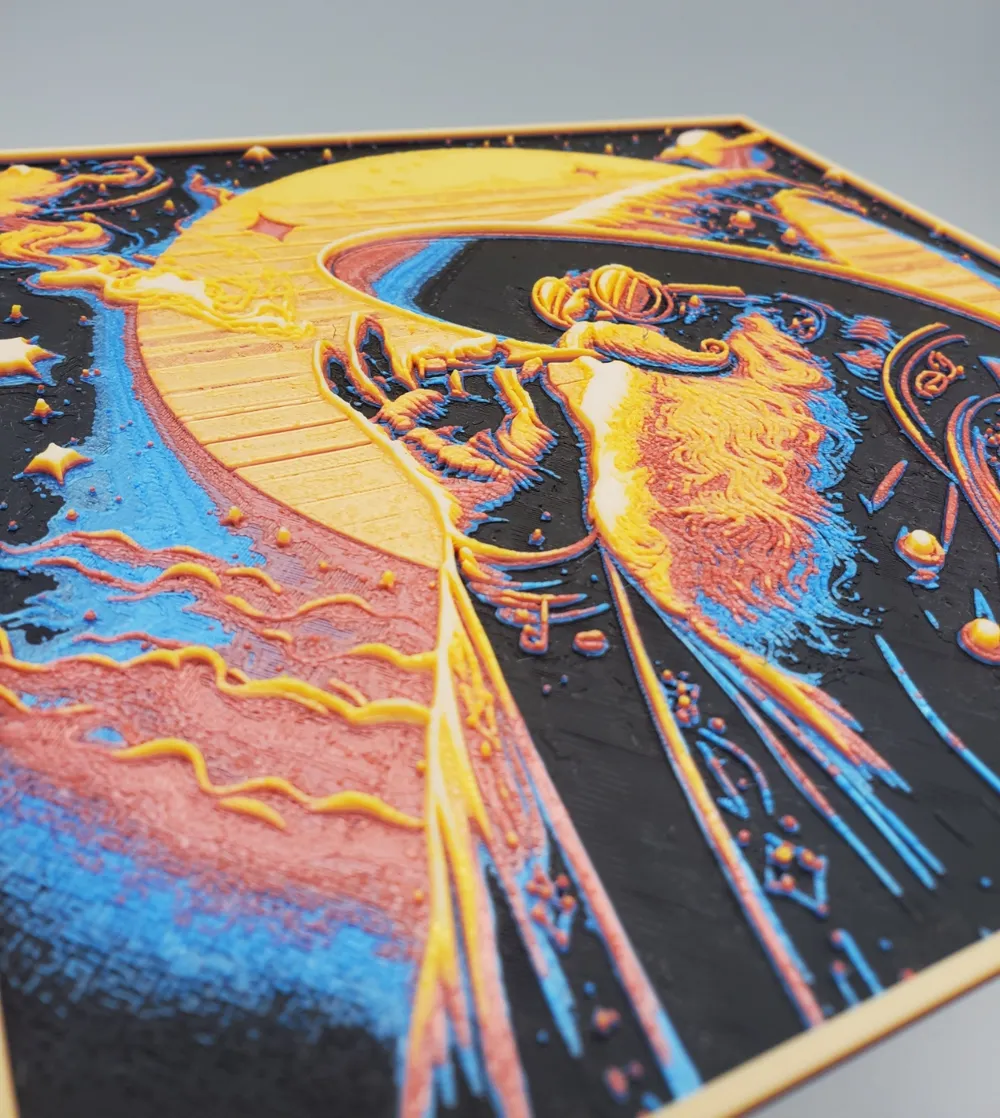
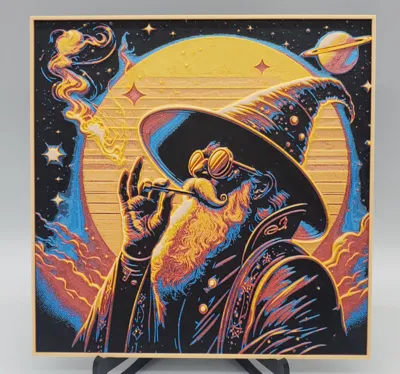
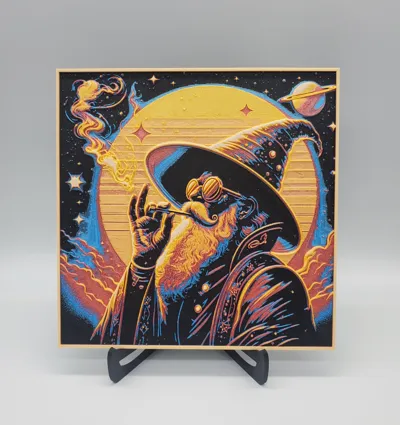
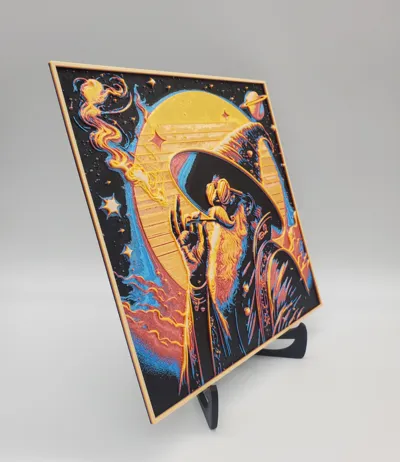
Print Profile: Wizard Smoke HueForge
Project File: Wizard Smoke
Print Size: 200x200mm
Layer Height: 0.08mm
Base Layer Height: 0.16mm
Infill: 100% Rectilinear
Min Depth: 0.48mm
Max Depth: 3.2mm
Actual Depth: 3.3mm
Filaments Used:
- PLA Generic Black
- PLA Generic Silk Blue
- PLA Generic Silk Red
- PLA Generic Silk Orange
- PLA Generic Silk Yellow
- PLA Generic White
(Feel free to use other colors & or brands to achieve different end results)
[ COLORS WILL APPEAR ON MODEL AFTER SLICING ]
Layer Swap Instructions:
- Start with: PLA Elegoo Black
- Layer #9 (0.8mm): Swap to Blue
- Layer #14 (1.2mm): Swap to Red
- Layer #21 (1.76mm): Swap to Orange
- Layer #27 (2.24mm): Swap to Yellow
- Layer #36 (2.96mm): Swap to White
~ Although there are 6 different colors I only used a single AMS unit for this print.
After slicing & before sending to the printer select slots 1 in the AMS for Yellow (5th color), & slot 2 in the AMS for White (6th color). Be sure to manually swap out the correct colors before the print job has reached that point in the print (otherwise it will not print properly) (I usually do this right after the Black is done from slot 1 in the AMS, & then again after Blue in slot 2 has finished printing its section just so I don't forget)!!
Additionally: if for any reason you get the floating regions error message (which you shouldn't) enable (Normal) supports which will fix the model.
Note: You may increase the layer height for any sections below the minimum depth of 0.48mm for faster printing, but ensure all layers above this depth adhere to the specified layer height settings.
(If you decide to scale up or down only alter the X and Y specifications, DO NOT change Z height)
This print requires precise filament changes to achieve the desired color gradient effect in the finished piece. Ensure proper filament loading before each swap point to maintain consistent quality.
Happy Printing 🧙♂️
License



Comment & Rating (16)