
Alarm QR Code

Print Profile(1)

Bill of Materials
Description
Ever found yourself having 3AM motivation but couldn't wake up the next morning?
Do you hit snooze on your alarm and go back to sleep?
Do you want to wake up on time?
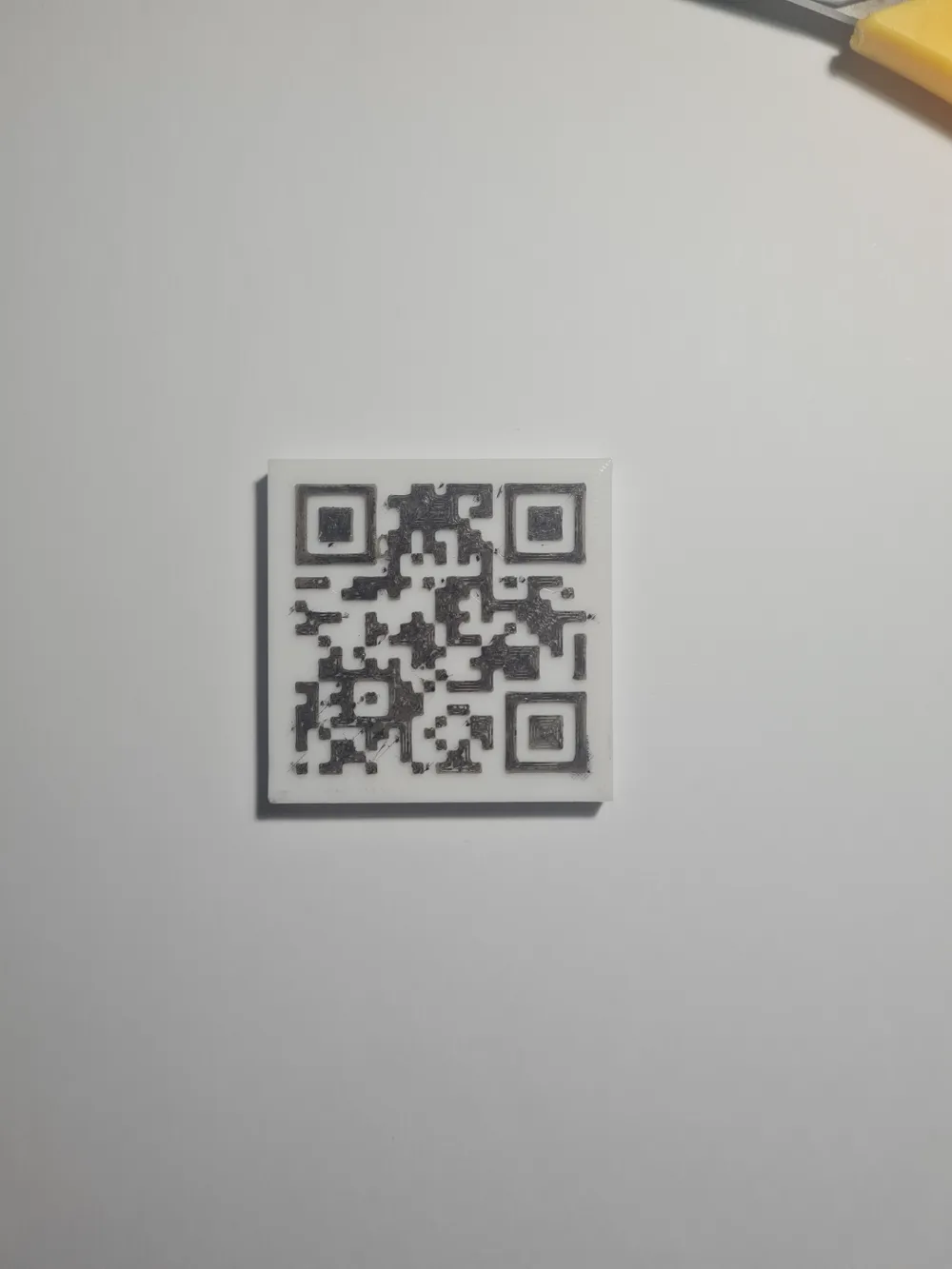
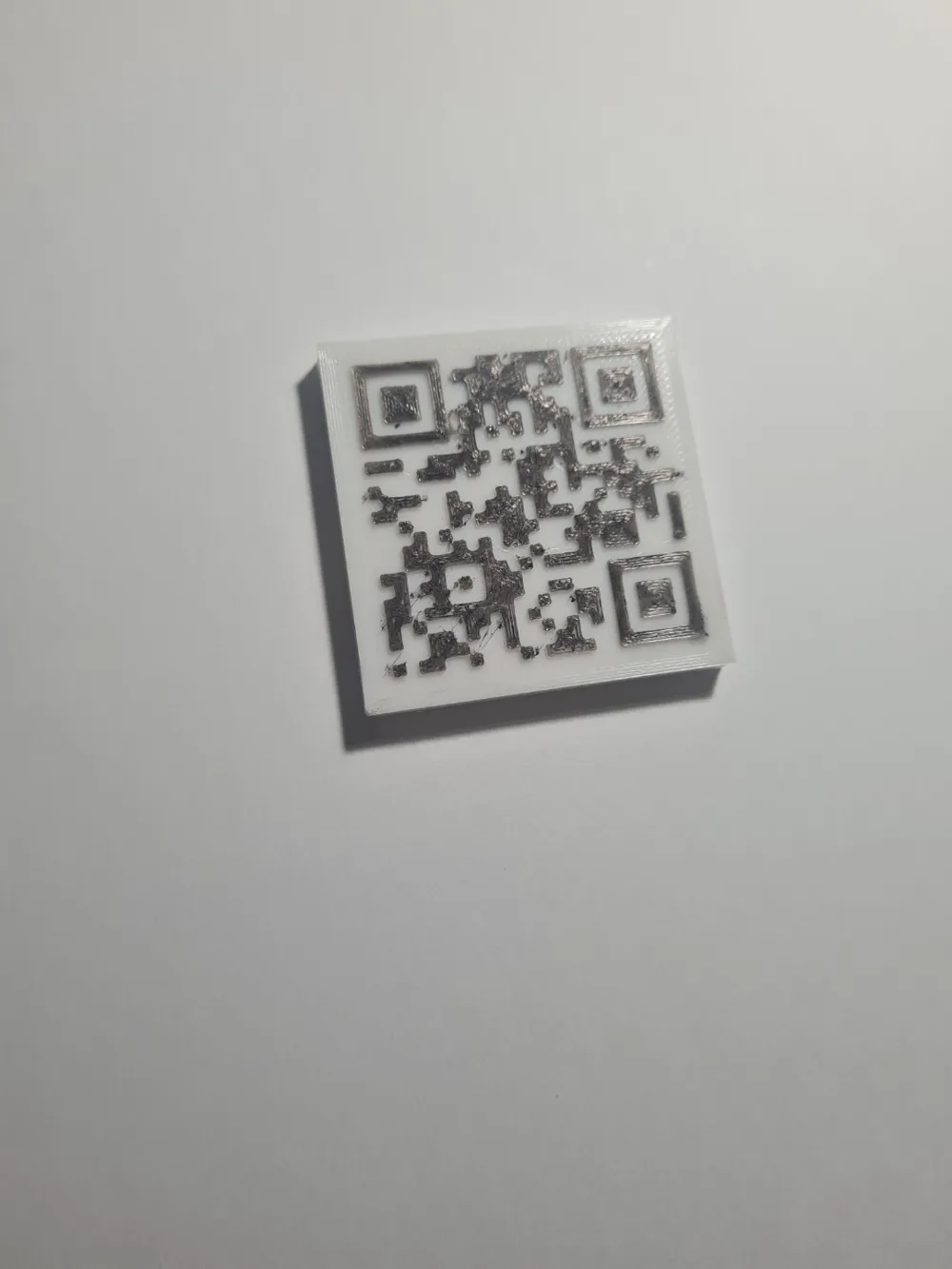
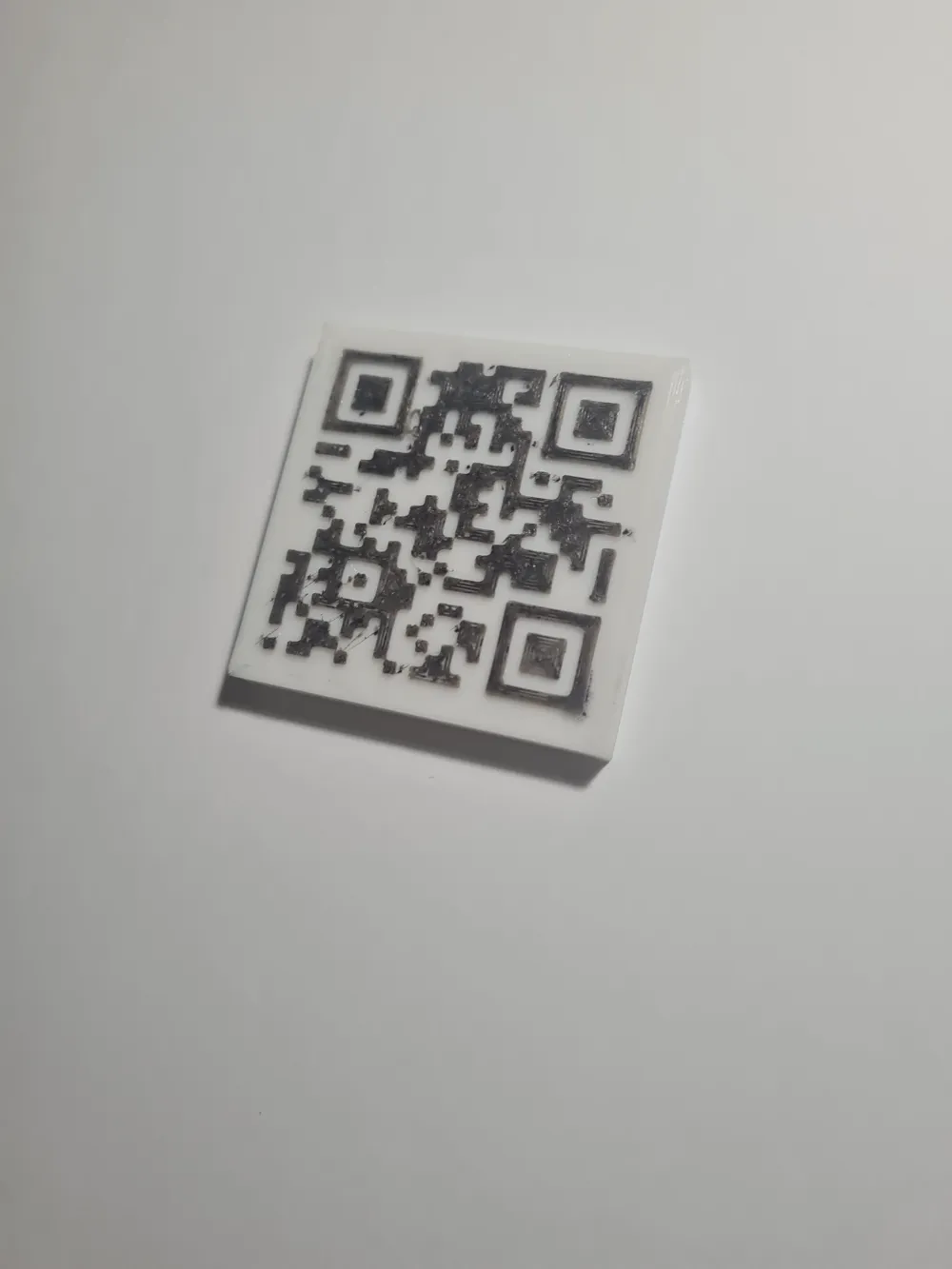
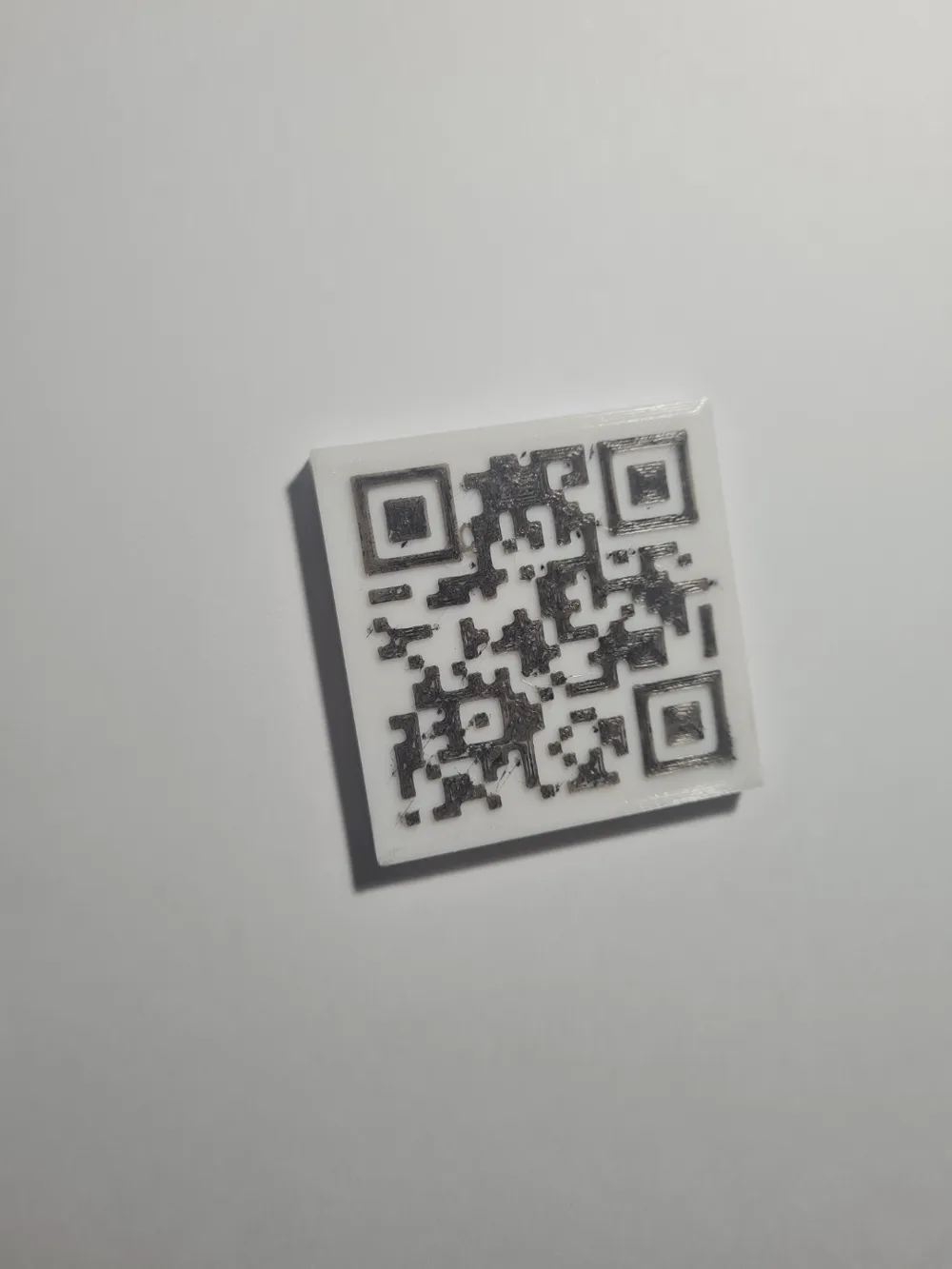
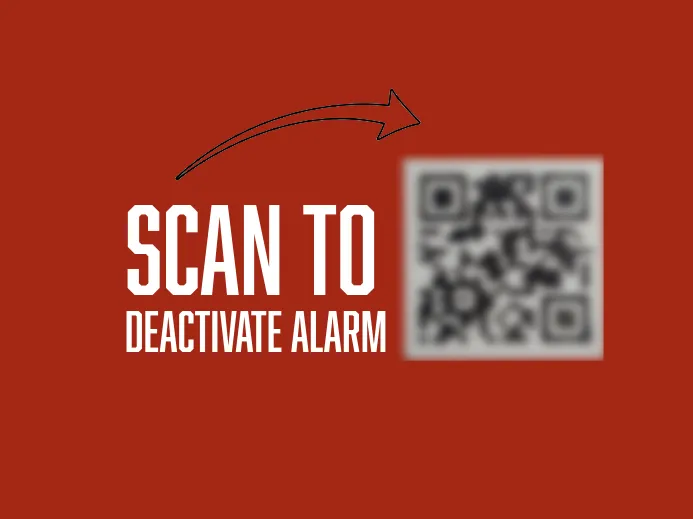
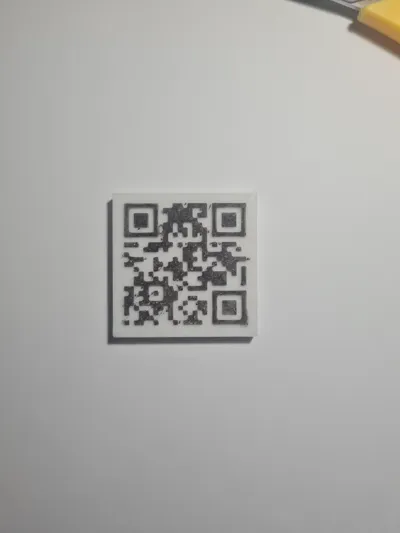
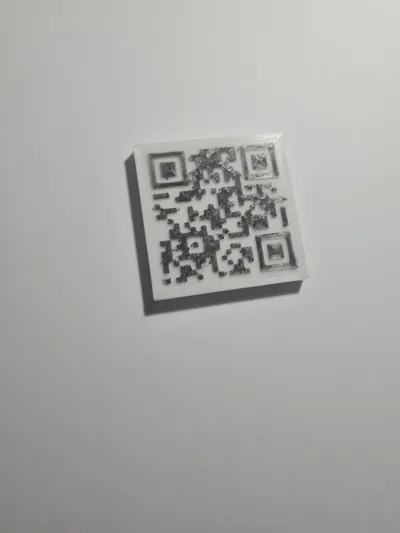
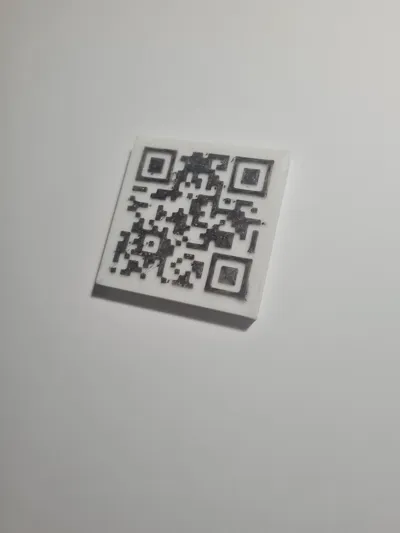
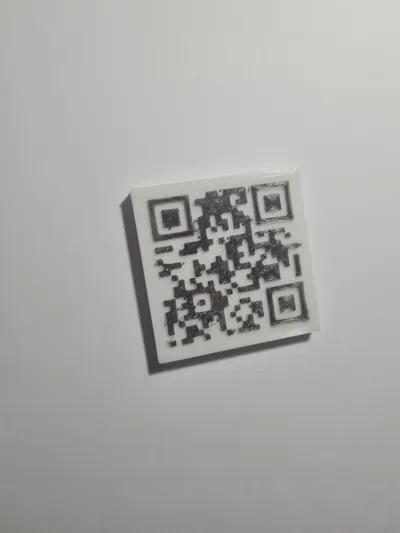
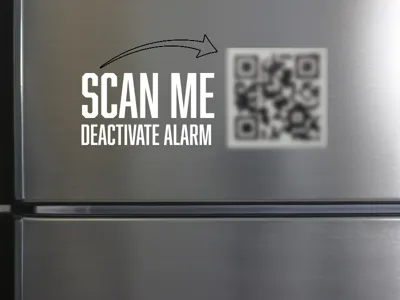
Well then this make is for you. This is a QR Code that can be set up to be your morning alarm deactivation key.
How does it work? Its very simple…..
- Download the ‘Alarmy’ app on the Play Store or App Store for free.
- Set up a QR code alarm with your printed QR Code being the deactivation key.
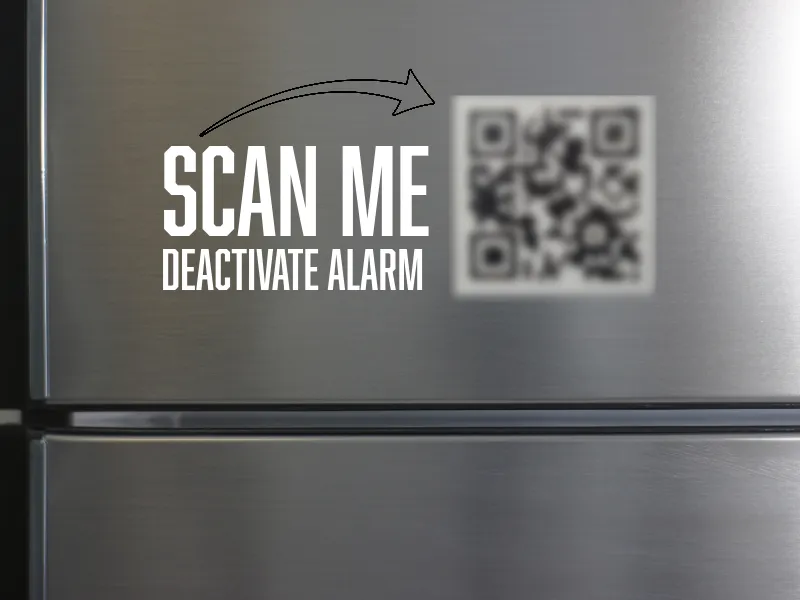
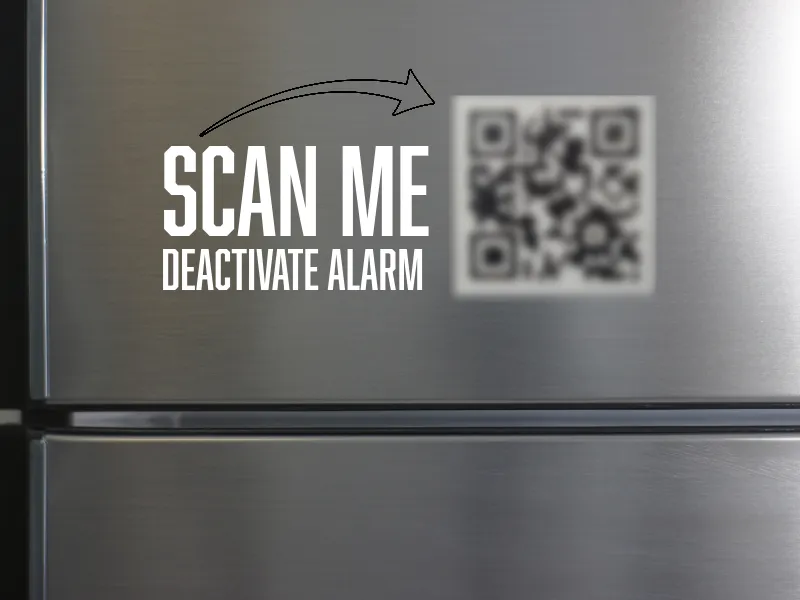
- Now put your QR fridge magnet….well on the fridge (which I assume is far away from your bedroom).
And that's it. When your alarm rings, you cannot deactivate it without getting out of bed and scanning your QR Code.
For me, this means getting up out of bed, walking down a flight of stairs and to the fridge in the kitchen, by which time I am awake enough to get on with my day.
WARNING: Only for the strong willed who can resist the the temptation to throw their phone out the window !!!
So I challenge you to get up in the morning and work on your personal goals, whether that's working on your side hustle, hobby or a morning workout.
Printing Instructions
- Print using two filaments that have a high contrast. White and black works well with the app. Add a filament change at layer 32 in the preview window (when using 0.16mm layer height).
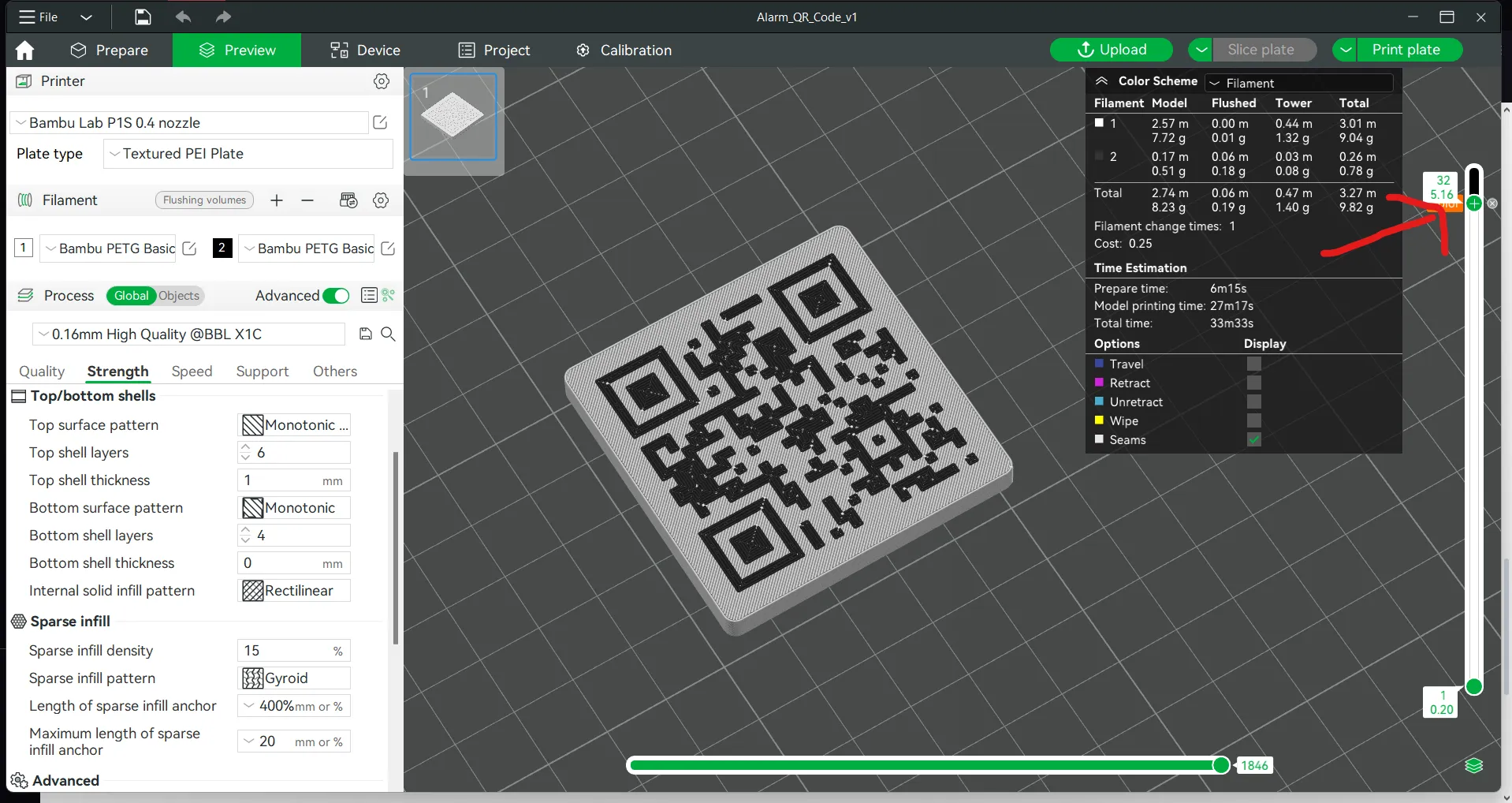
- You do not need an AMS for this print, simply change to the second filament when the print pauses.
- Use the same type of filament, for example do mix PLA and PETG as they will not adhere well and will likely result in a failed print.
- Cut and stick a 50mm by 50mm adhesive magnetic sheet on the back. You can buy it from Maker's Supply or at Amazon.
Happy Printing!
Boost Me (for free)
I am currently a student, and I love creating functional models. My Prusa Mini is on its last legs, and I am saving to buy a BambuLab P1S or X1C. You could help me by boosting this model on MakerWorld.
I appreciate your support!
License

You shall not share, sub-license, sell, rent, host, transfer, or distribute in any way the digital or 3D printed versions of this object, nor any other derivative work of this object in its digital or physical format (including - but not limited to - remixes of this object, and hosting on other digital platforms). The objects may not be used without permission in any way whatsoever in which you charge money, or collect fees.


Comment & Rating (0)