
Customizable Round/Hex/Square Measuring Gauge
Print Profile(1)

Description
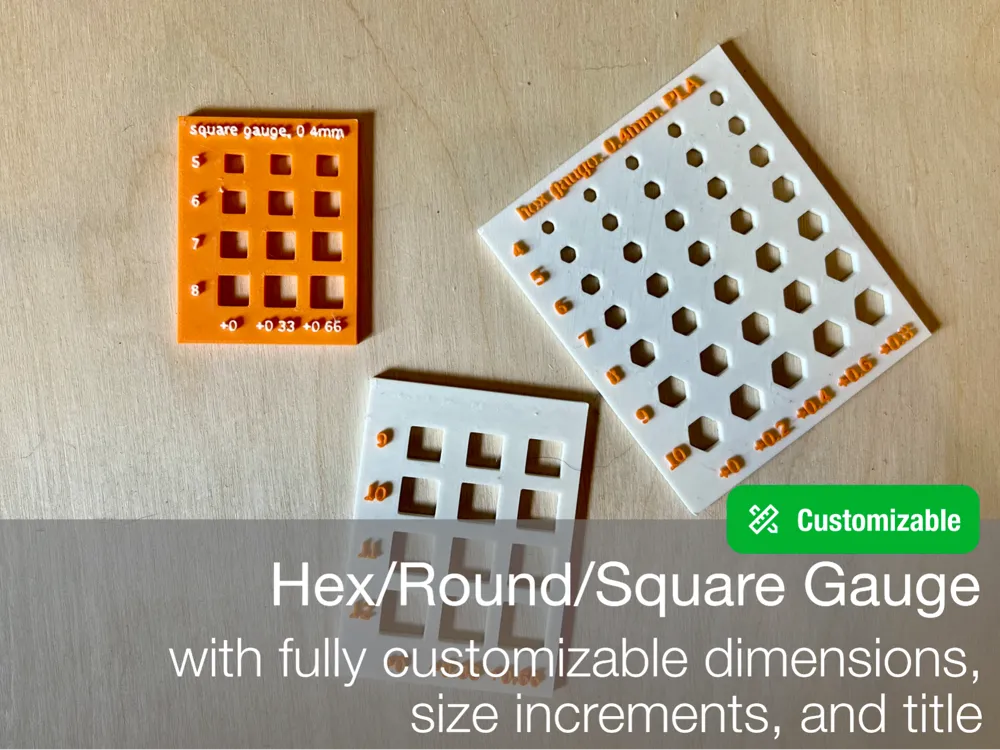
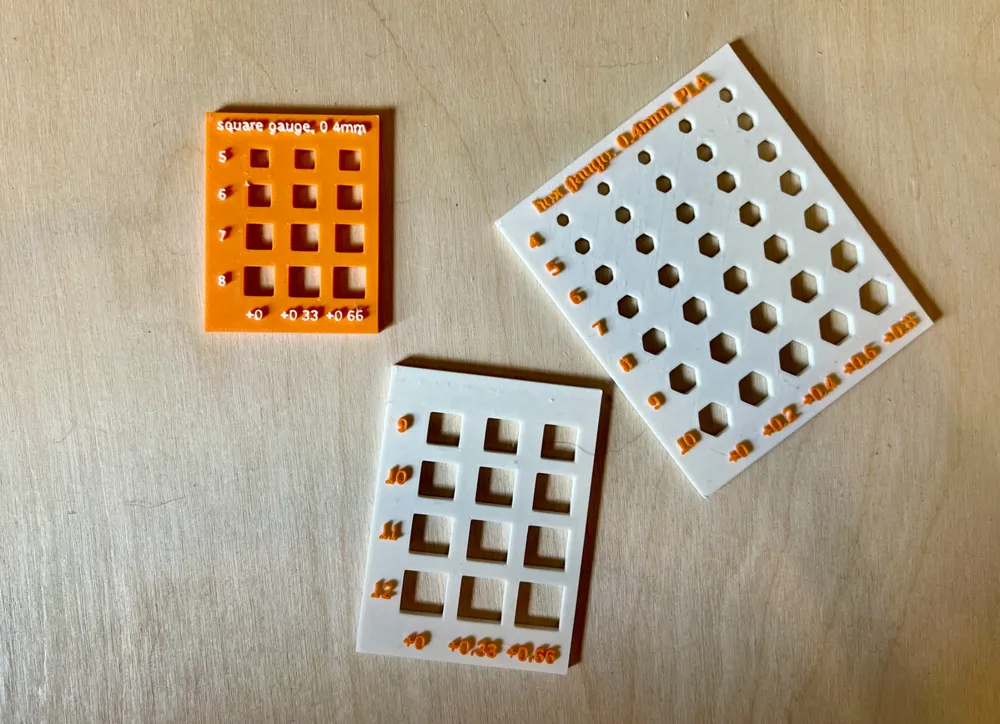
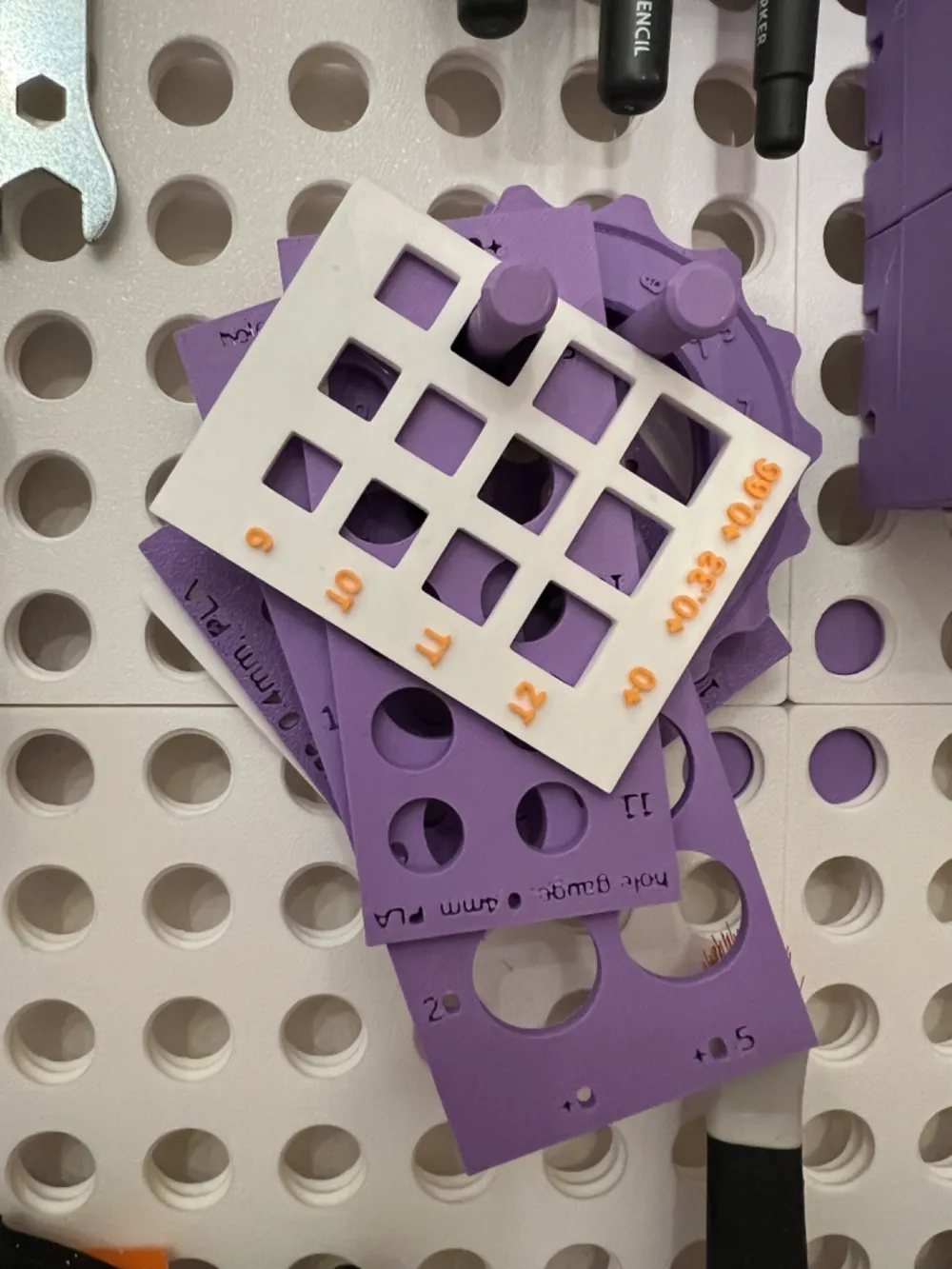
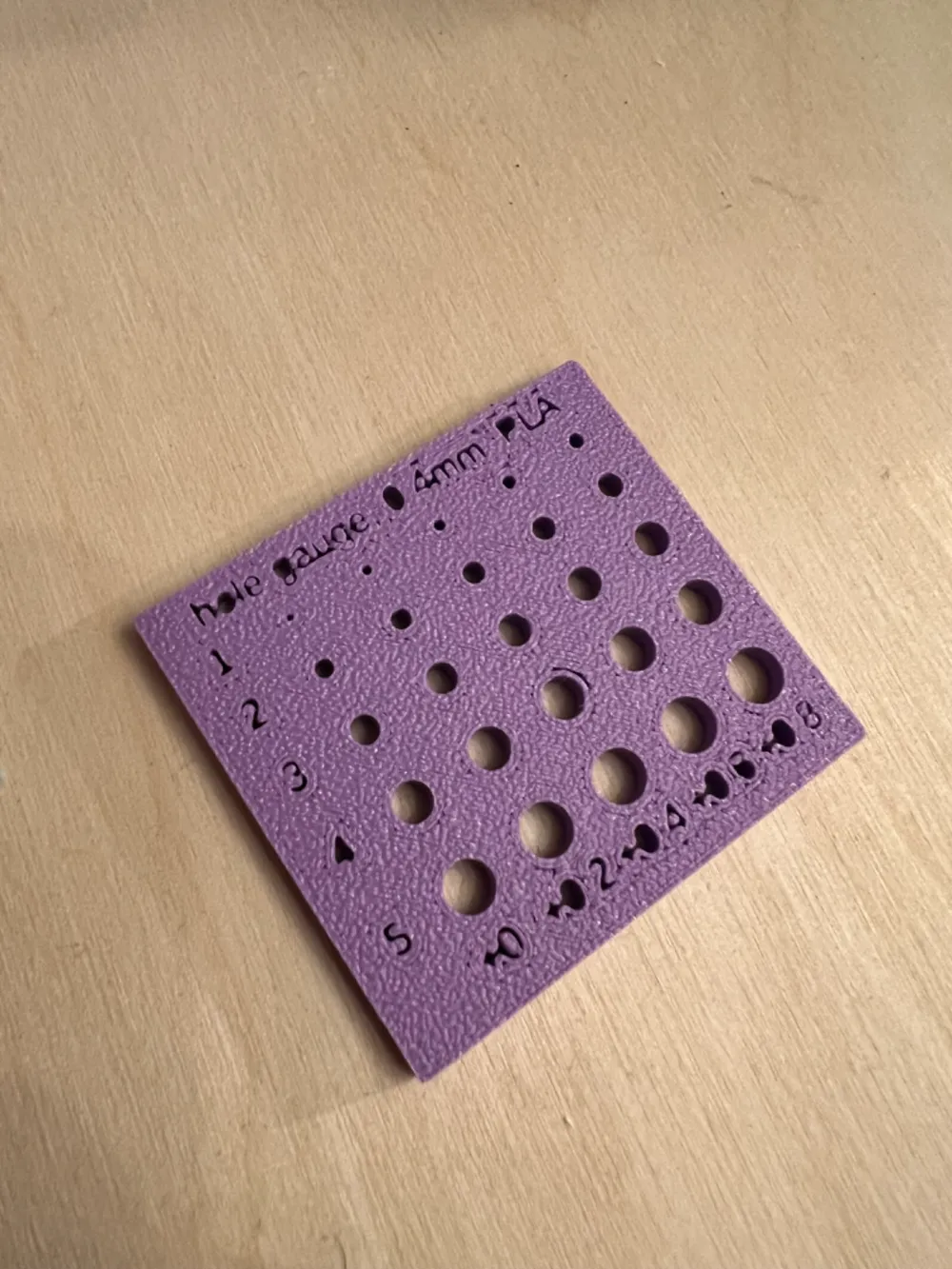
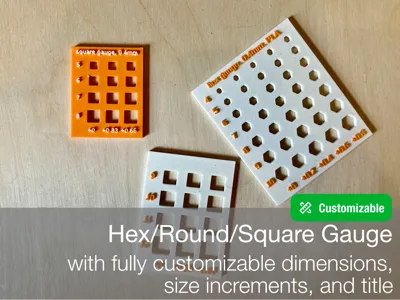
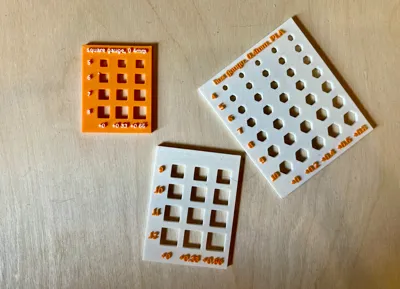
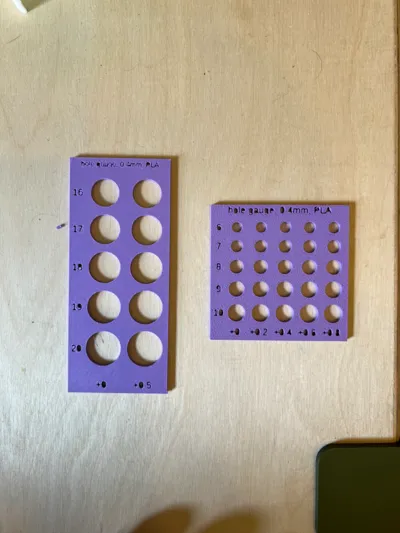
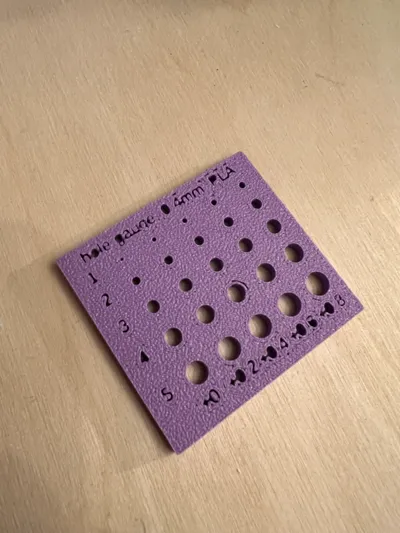
Fully customizable model for measuring the size of round, hexagonal, or square parts
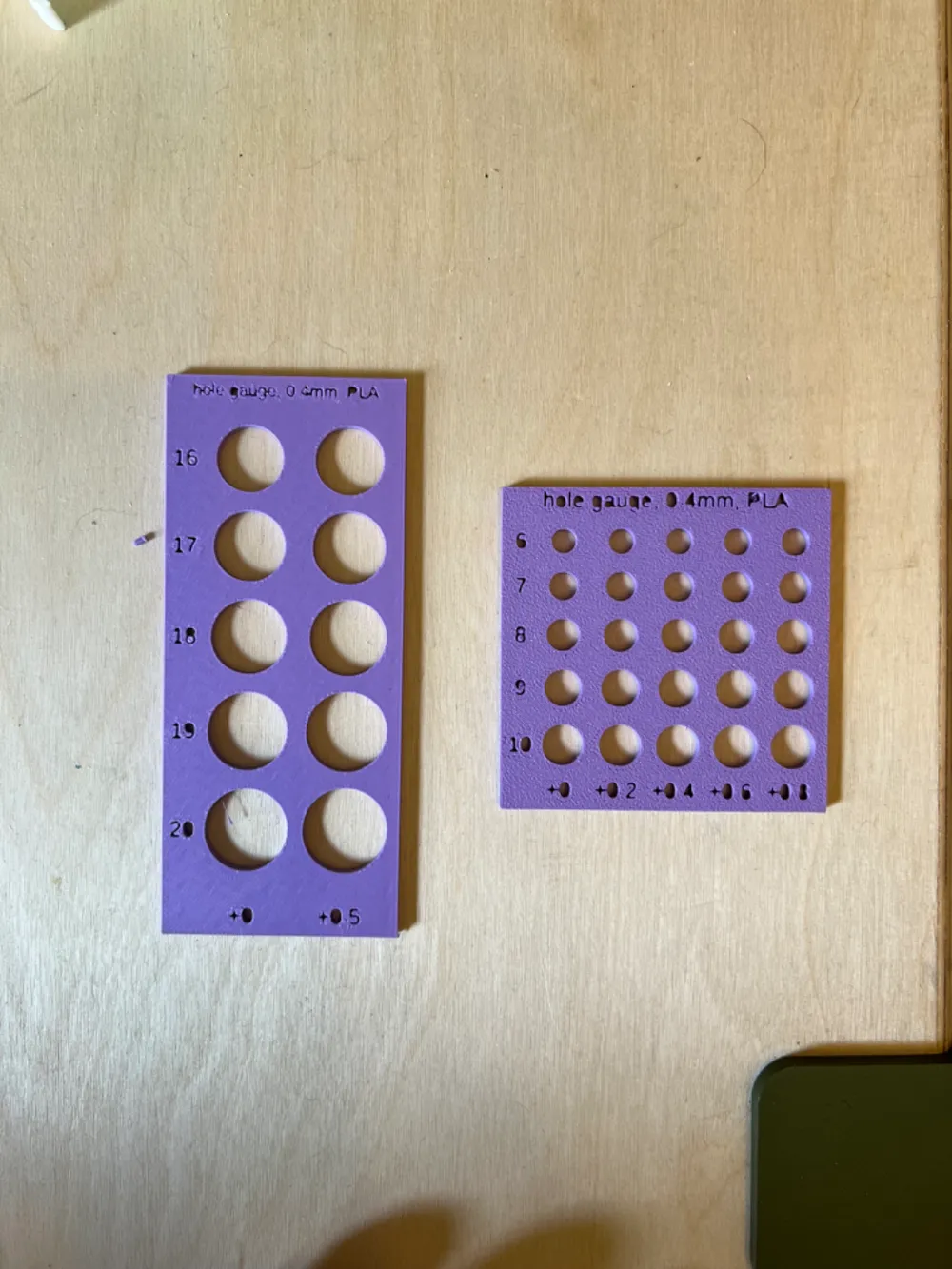
You can use this to measure bolts, nuts, dowels, and washers when designing a 3D model for printing. Take your part and pick the best fitting profile from the gauge, the dimension you read is what you need to input in Fusion/Blender/Solidworks etc in order to get the same fit in your printed part.
Parameters
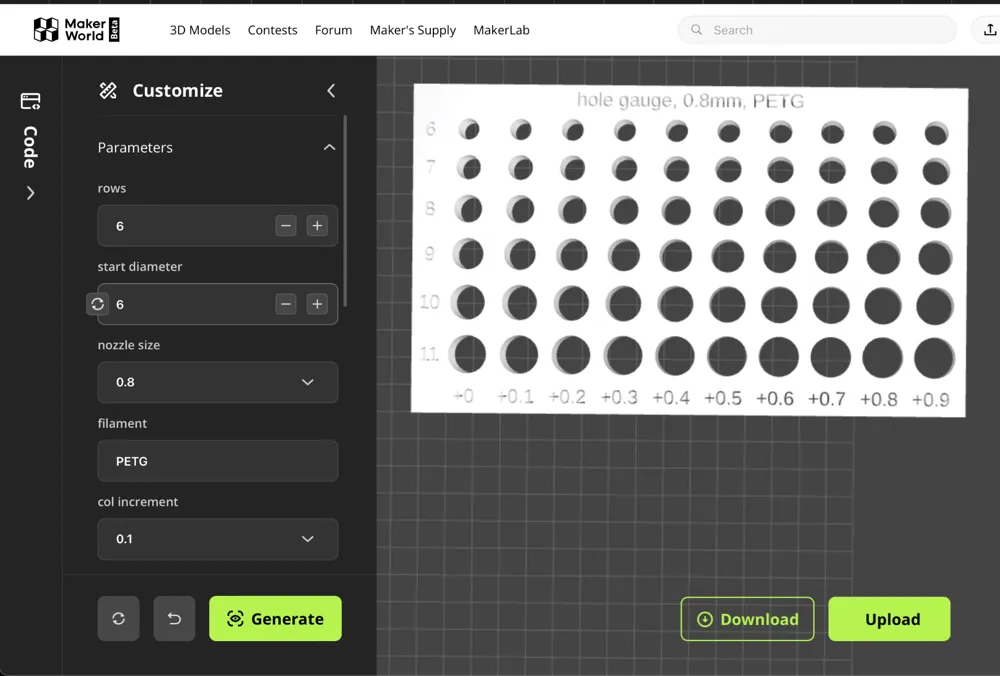
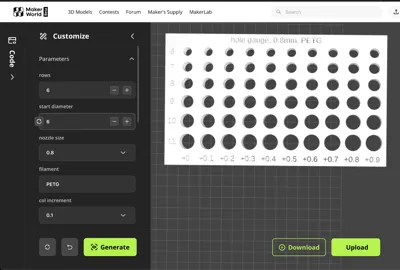
- Start Diameter
- The smallest diameter on the plate in millimetres. Every row will increase the diameter by 1mm.
- Rows
- Number of increments in diameter size. A start diameter of 5 with 5 rows will crate a gauge to measure diameters from 5mm to 9mm.
- Shape
- Choose from hex, hole, and square
- Text Style
- Choose from cutout or raised.
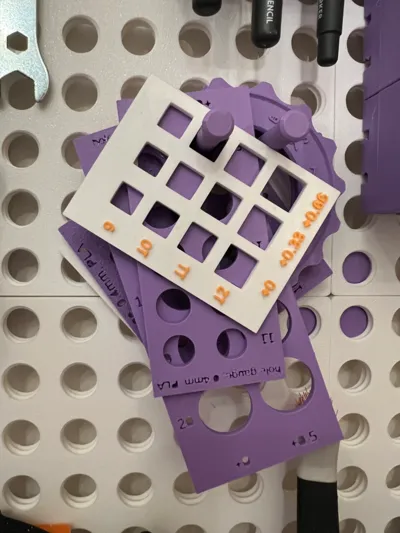
- When printing single color, cutout is best. Make sure you orient the gauge face down on the printer plate for best results.
- Raised makes for high contrast text with multi-colour prints. You don't need an AMS for this, just add a pause in bambu studio on the text layer and switch filament.
- Choose from cutout or raised.
- Custom Title
- Allows you to override the default generated title
Why
Say you want to insert an M3 nut into a 3D printed model. You take your callipers, measure the width of the nut, and extrude a hexagon with the same dimension. You hit print and wait a while only to find out the nut profile on the print is too small. This is because lines in CAD models have 0 width, but there is no such thing as a 0-width line in the real world. When your printer follows the line in your model, it will print a line the width of your nozzle centered on the line. As a result, you will need to compensate for your nozzle width when designing negative extrusions.
This gauge takes the guesswork out of this. Pick the fit you like, and enter the dimension in your CAD model. When printed you will get the same exact fit.
Note:
- Different nozzles affect clearances differently
- Different filaments may have different shrinkage rates
- Hole orientation on the print bed will affect the fit
License



Comment & Rating (0)