
HSW Insert Clearance Check Honeycomb Storage Wall
Print Profile(1)

Description
Overview
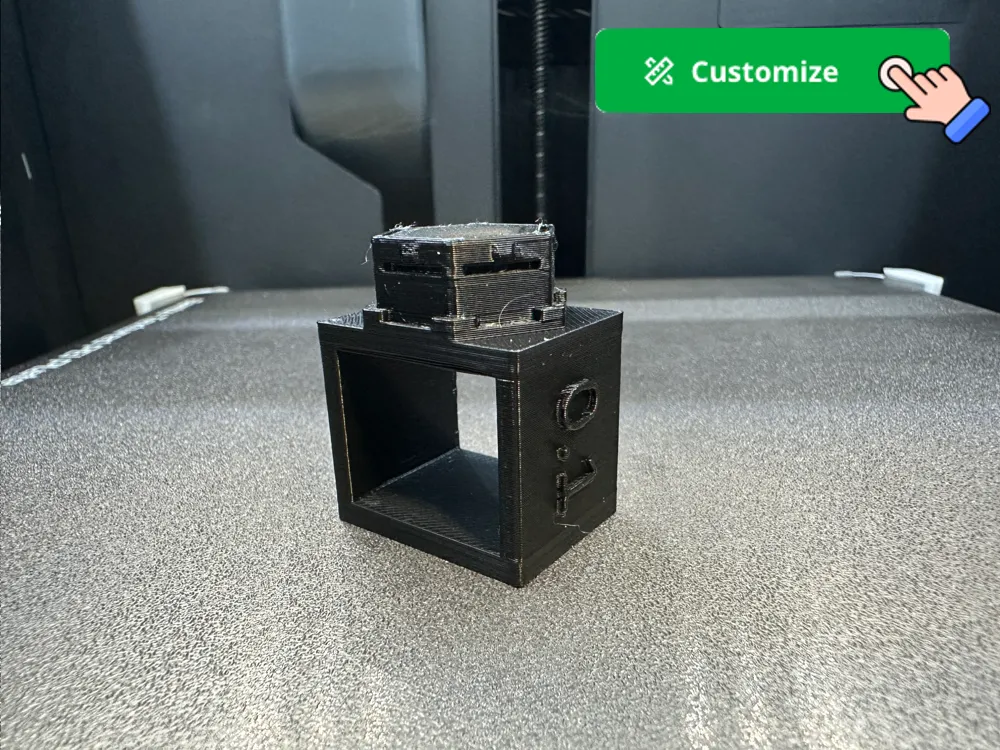
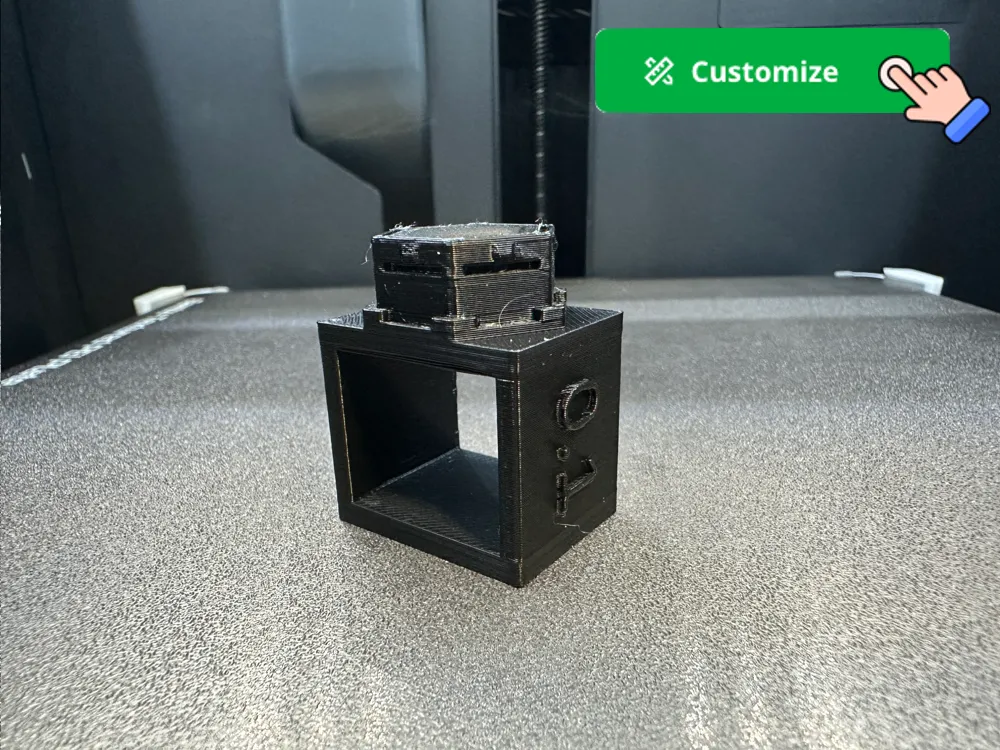
This parametric 3D model generates an HSW insert with a square ring attached, designed to test various clearance settings for Honeycomb Storage Wall (HSW) inserts. The primary purpose of this model is to ensure that inserts fit perfectly into the HSW by allowing you to easily and safely test inserts printed with different clearances. Since HSW inserts are sensitive to exact physical dimensions influenced by printer, material, and print settings, this model helps determine the best fit before committing to a large print run. The square ring feature makes it easier to pull the insert out if it gets stuck, preventing potential damage and ensuring a reliable test. It's especially important for testing clearances with new materials and different boards, as HSW inserts can have varying fits depending on these factors.
This model complements my other parametric model for generating inserts for Honeycomb Storage Wall allowing both flexible configurations as well as clearance settings for perfect match of inserts for your board. Available on Makerworld at https://makerworld.com/en/models/552048 .
Boost Me (for free)
If you enjoyed this model, please consider boosting it to encourage the creator to continue developing this and other models !
Features
- Clearance Adjustment: Set precise insert clearances for testing.
- Pull-out Ring: A square ring attached to the insert for easier removal.
- Tabs Option: Include or exclude tabs on the connector.
Parameters
- Insert Clearance: Adjust to fine-tune the fit by subtracting from insert opposite-faces distance. A typical range for clearance is 0.1-0.4 mm. The value here will also be printed on the model to tell clearance value used to generate it.
- Tabs: Include tabs on the connector (true/false).
Usage Instructions
- Set Clearances: Adjust the Insert Clearance parameter to different values to test various fits.
- Configure Tabs: Enable or disable tabs based on your preference.
- Generate Test Models: Create multiple test models with varying clearance values.
- Print the Test Models: Use your 3D printer to print the test models with the chosen clearances.
- Test the Fit: Insert the test models into the Honeycomb Storage Wall to determine the best clearance setting.
- Repeat for Different Materials: For each new material or board, repeat the testing process to ensure a consistent and reliable fit.
Printing Tips
- Material and Settings: Consider the material and print settings, as they affect the final dimensions.
This clearance test model helps ensure your HSW inserts fit perfectly, reducing the risk of inserts getting stuck and allowing for precise adjustments to match your specific needs.
License

You shall not share, sub-license, sell, rent, host, transfer, or distribute in any way the digital or 3D printed versions of this object, nor any other derivative work of this object in its digital or physical format (including - but not limited to - remixes of this object, and hosting on other digital platforms). The objects may not be used without permission in any way whatsoever in which you charge money, or collect fees.


Comment & Rating (5)