
DIY 3D Mouse

Print Profile(1)

Bill of Materials
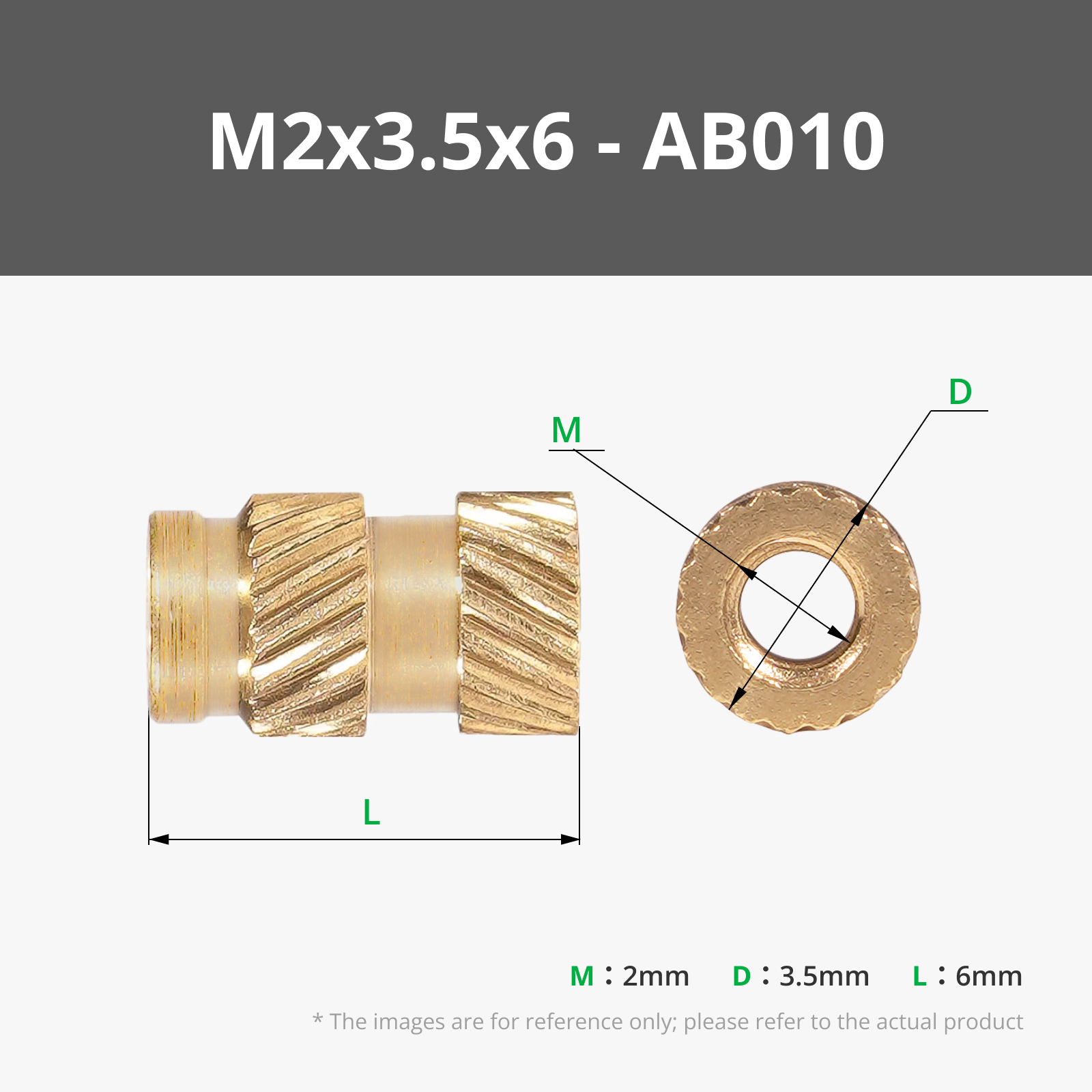

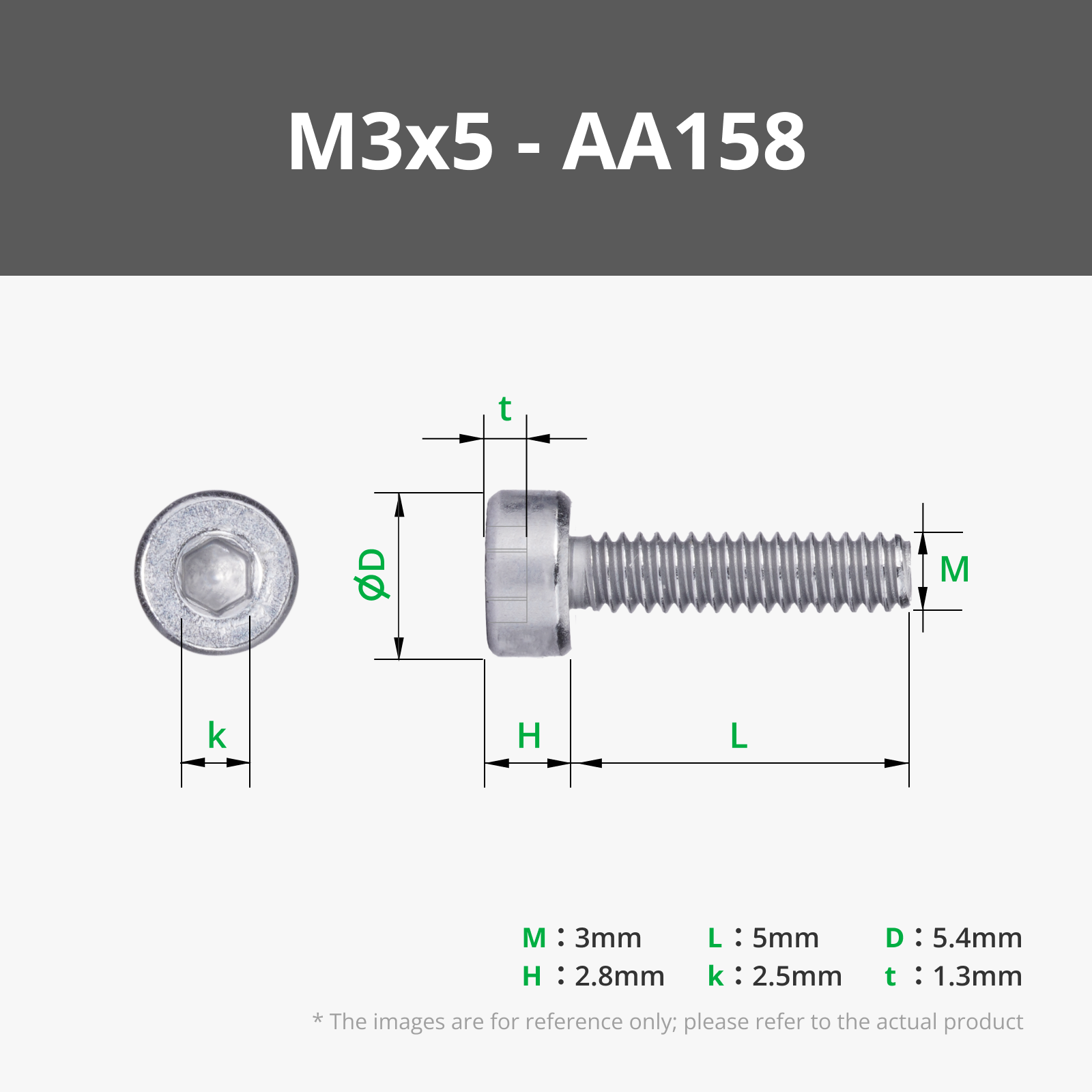
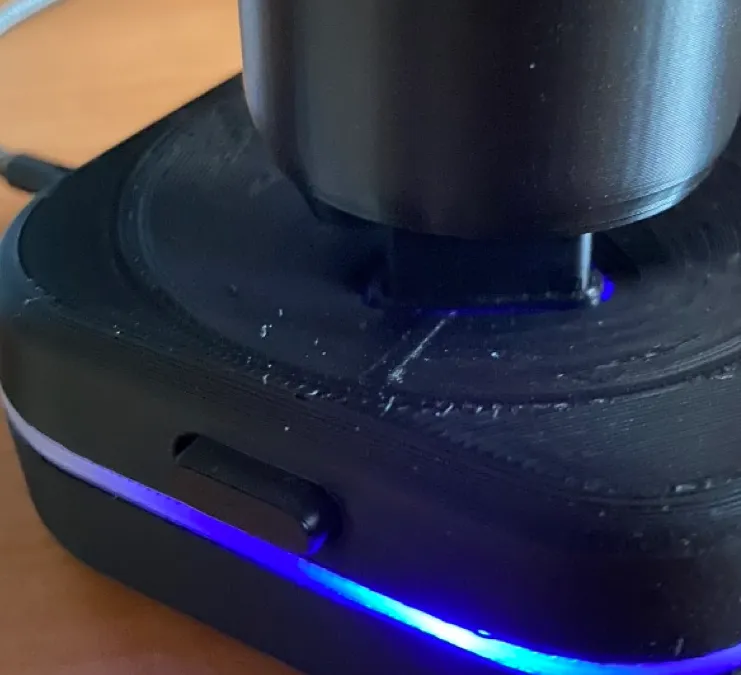
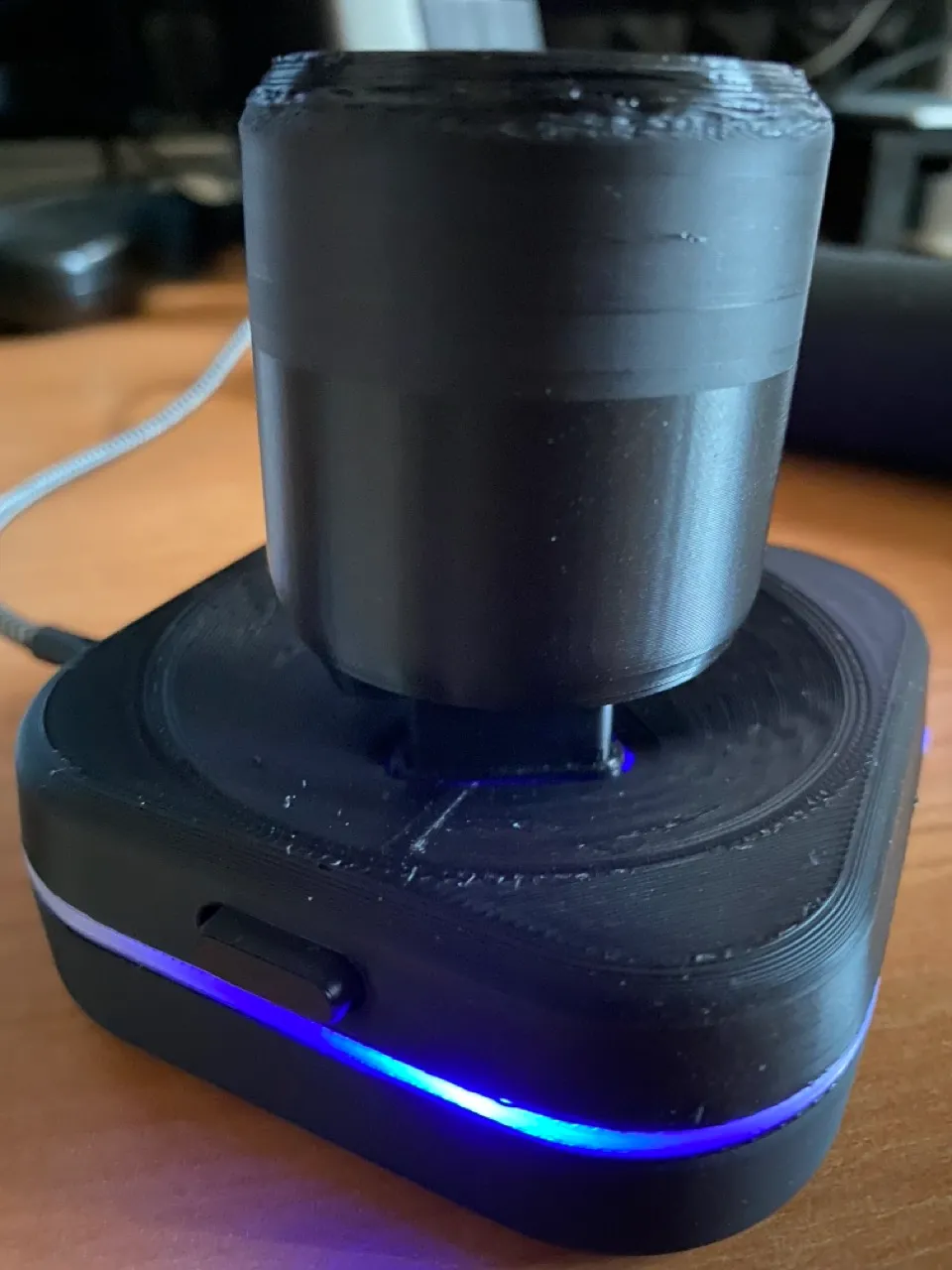
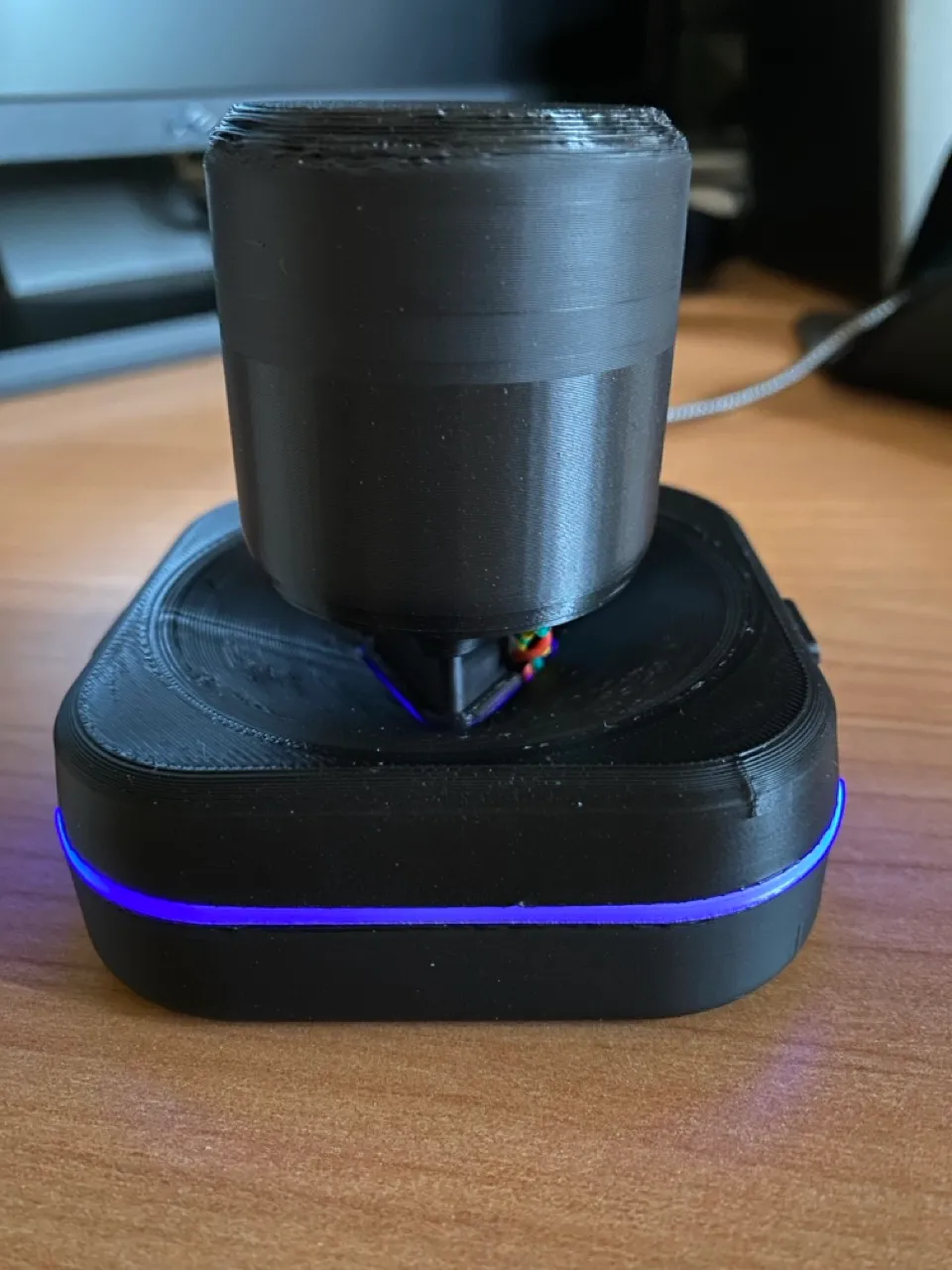
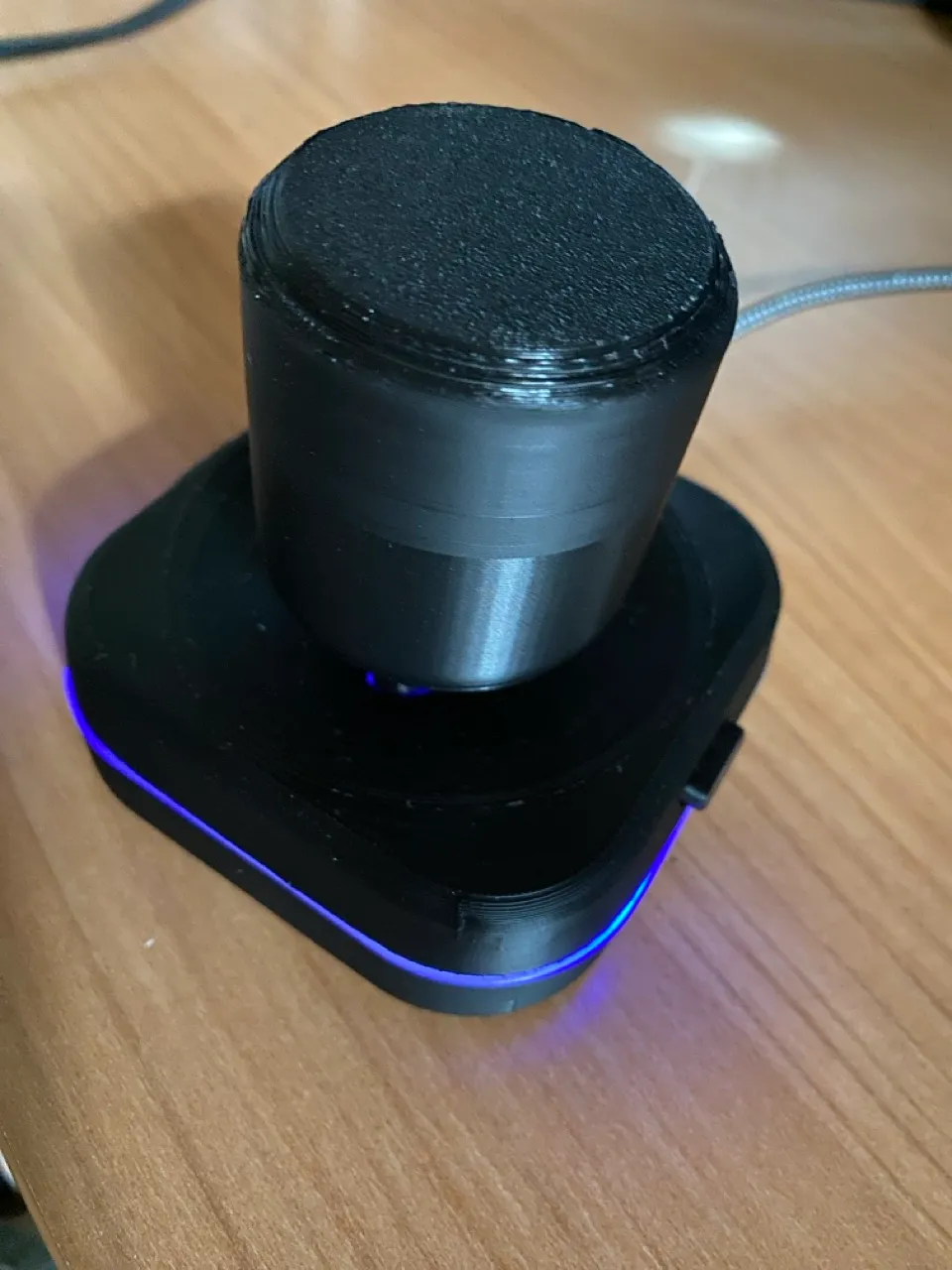
Description
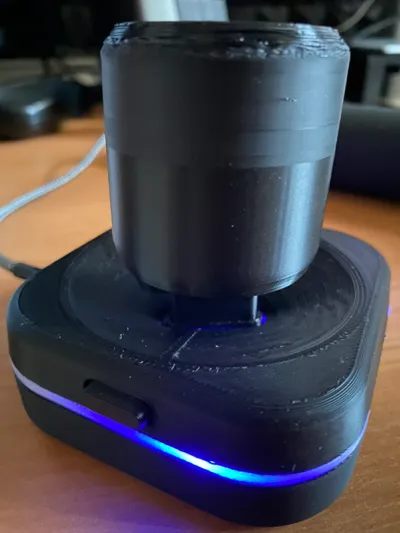
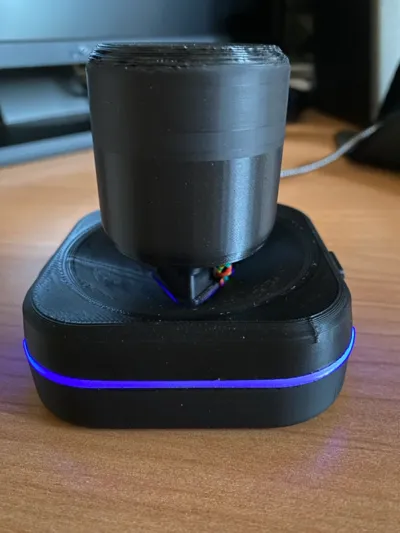
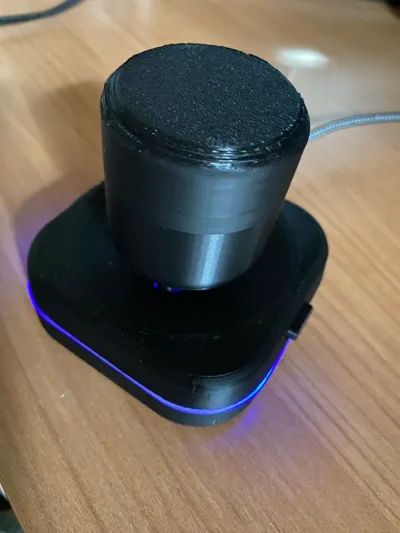
This is my take on a DIY spacemouse project, inspired by https://www.instructables.com/DIY-Space-Mouse-for-Fusion-360-Using-Magnets/
My main change is in the firmware core (available at https://github.com/wiz78/3DMouse), which makes it a standard USB HID device, compatible with 3Dconnexion's driver, thus making it more flexible than a device which simply sends hard-coded keyboard shortcuts.
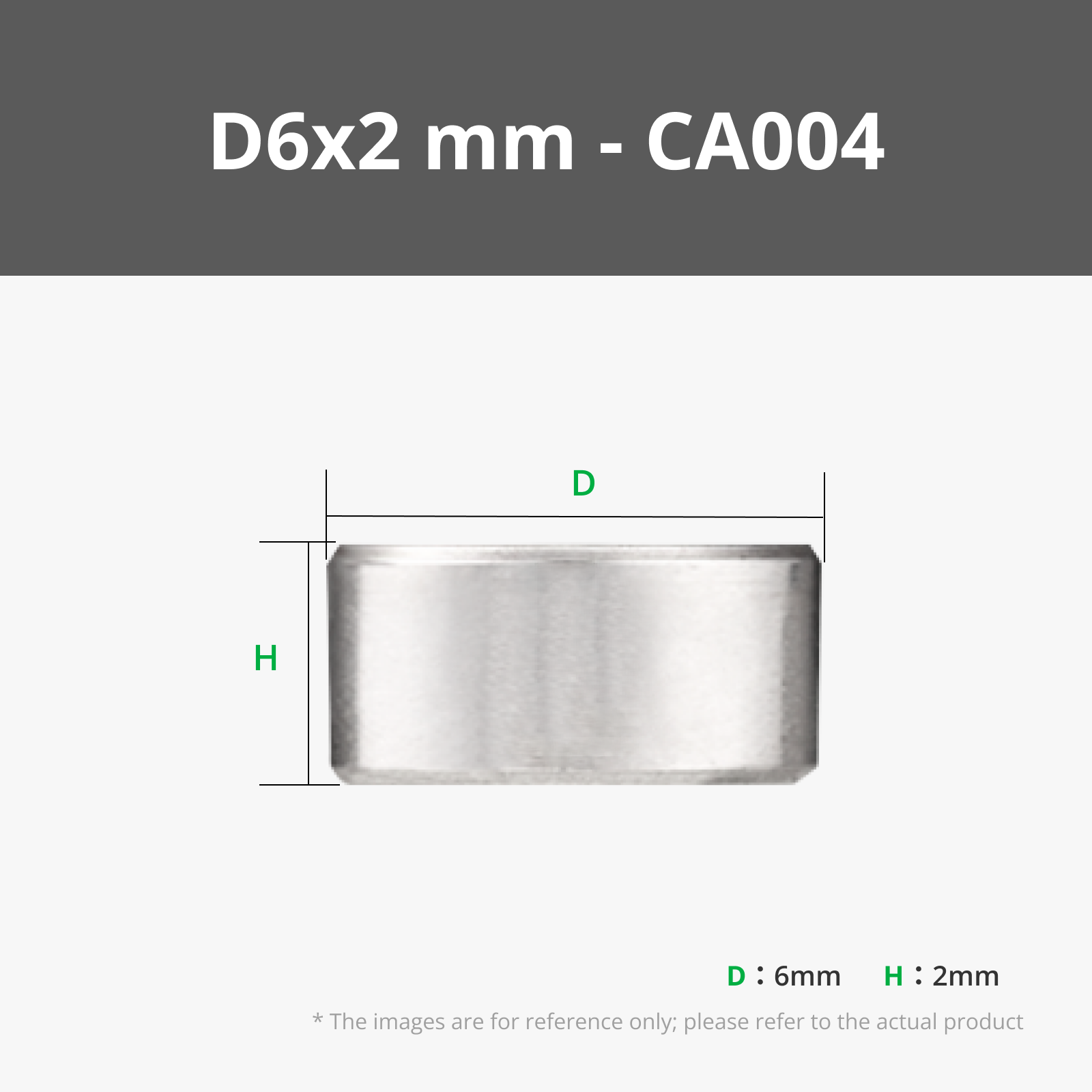
I didn't like the idea of pausing the print to put BB's in it, so I made room for tyre balancing weights.
I've also added a couple of LEDs, for fun's sake :) I printed the second plate with transparent PETG, so that they can shine through.
The model has some space to avoid soldering wires directly to the magnetometer and RP2040, using JST connectors instead.
Please read the first lines of main.cpp on GitHub to see how to connect the wires.
License



Comment & Rating (17)