
CFA Keychain

Print Profile(3)


Description
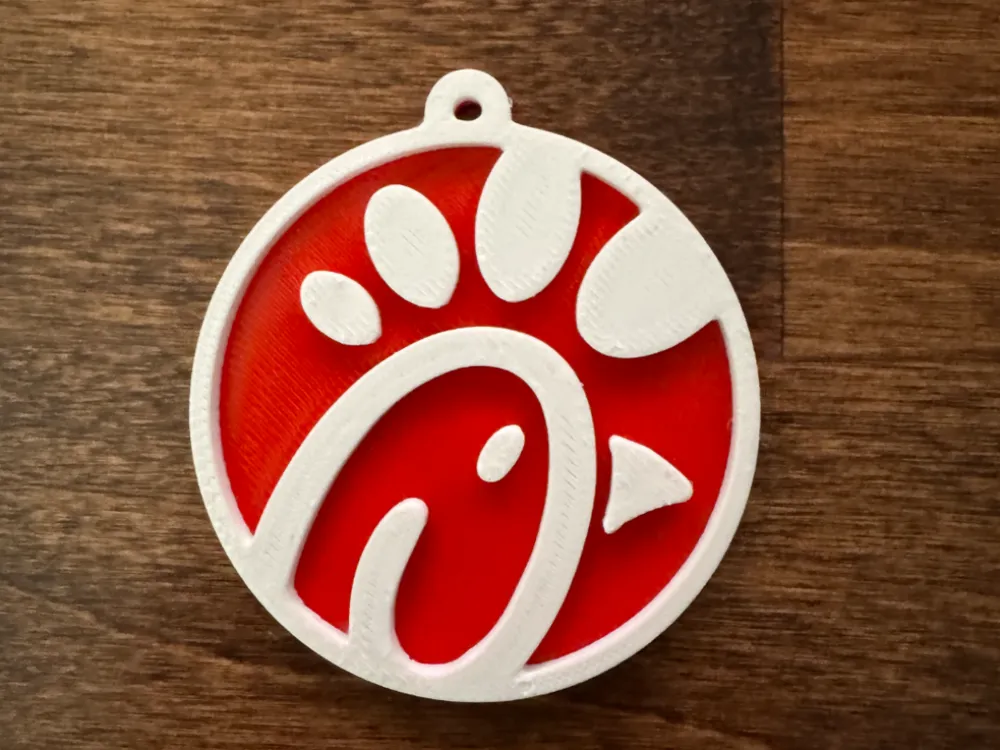
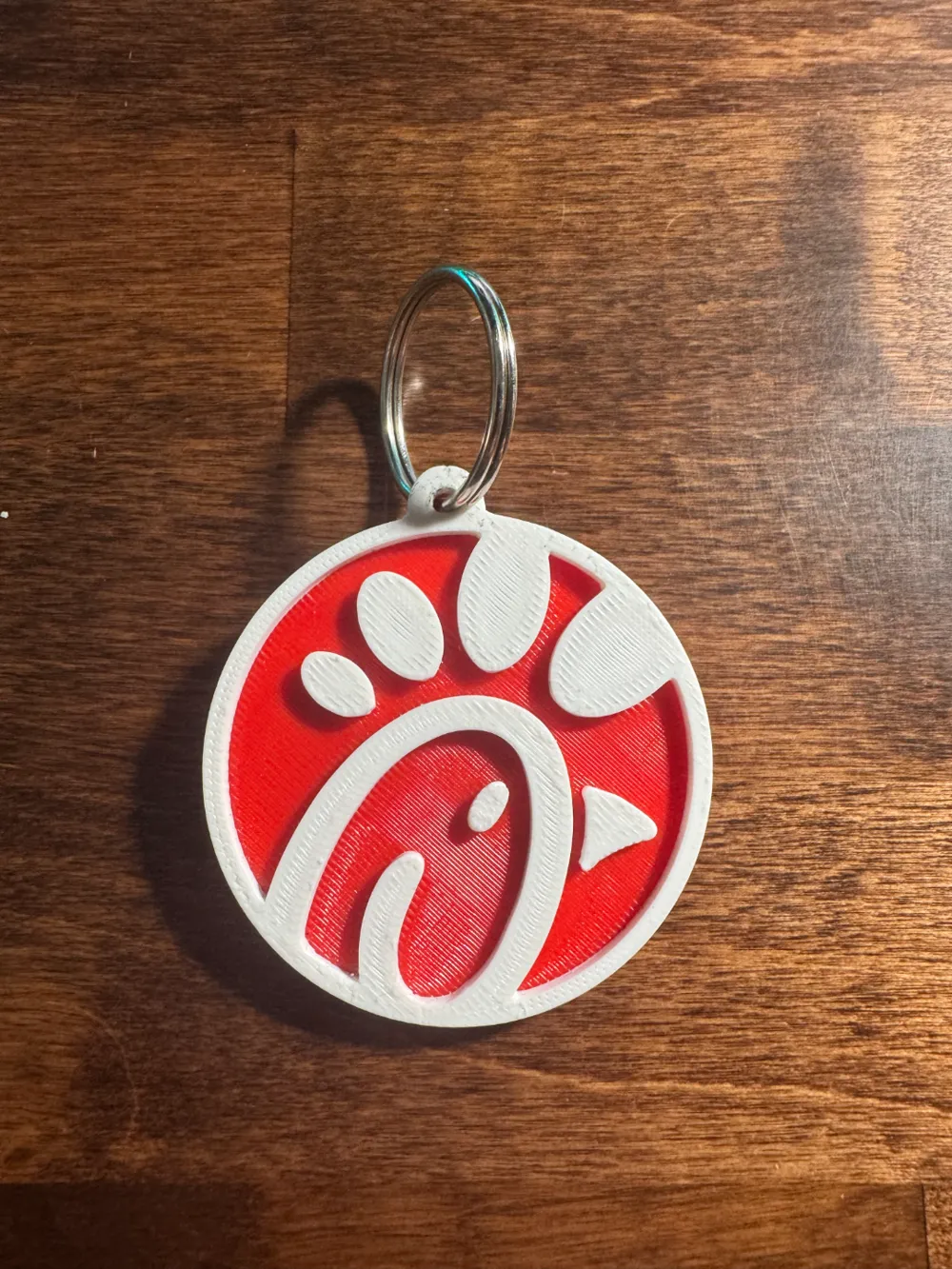
Co-worker wanted me to make him a CFA keychain to put on his work keys, designed it in Fusion360. I made it to be able to be printed on all printers, even if you don't have an AMS. I will provide a Bambu 3mf for those who do, but for those who don't, I will also have the STL available for download.
If you don't have an AMS you will need to utilize a simple pause at height G-code, to be able to manually change filament color. I know you can do this in Cura, and Bambu Studio, not sure about others, although I assume you can. The first layer of white on my model is on layer 11, so you will put the pause at height command on that layer, as it performs that action before printing the layer. On BS, when it performs that action, it will cool down the nozzle, so make sure to heat it up again. Unload the current filament, load in the new one, purge a couple times, and you're good to resume! (I will also provide that 3mf for those on Bambu Studio with no AMS).
Ironing is enabled on this keychain. Best settings I found were 30mm/s, 20%, 0.1mm.
License



Comment & Rating (14)