
Organizer Box

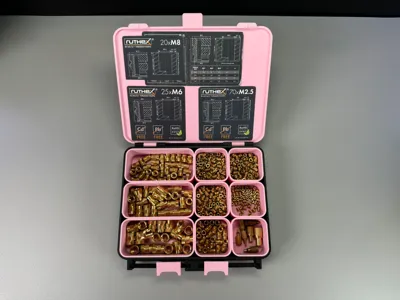
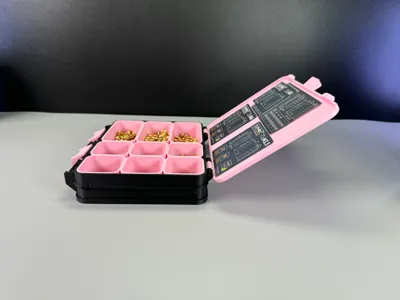
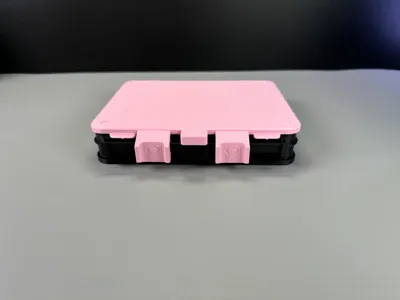
Print Profile(9)


Description
Please read the description!
When you decide to print my model please print the normal box first and look how it goes before you print the organizer holder!
This model is not compatible with gridfinity!
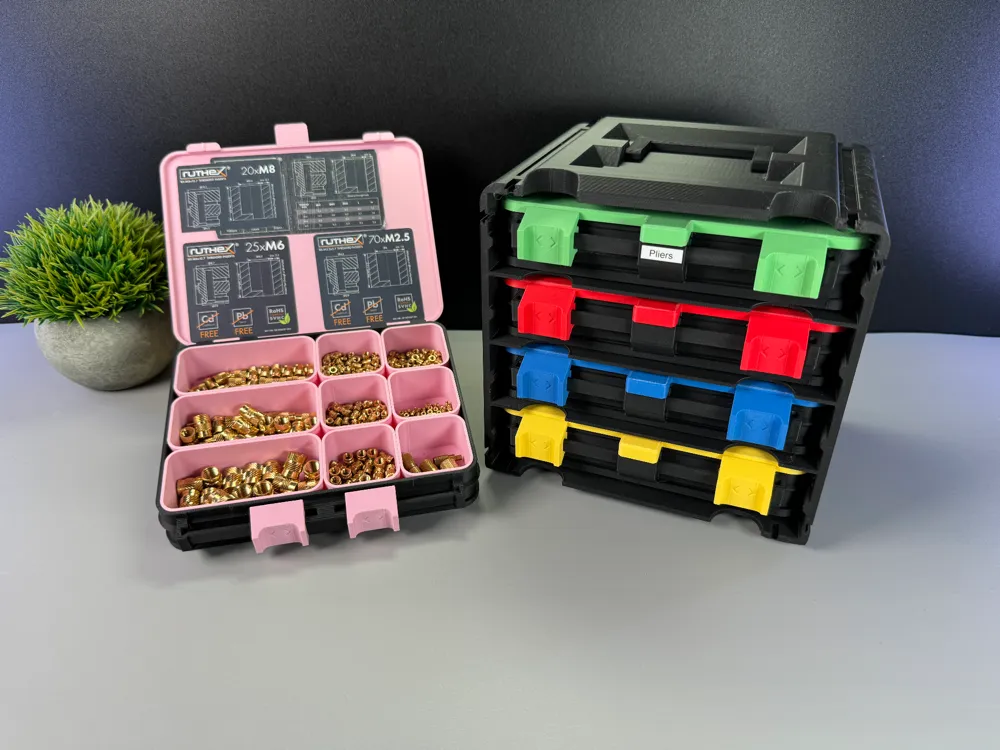




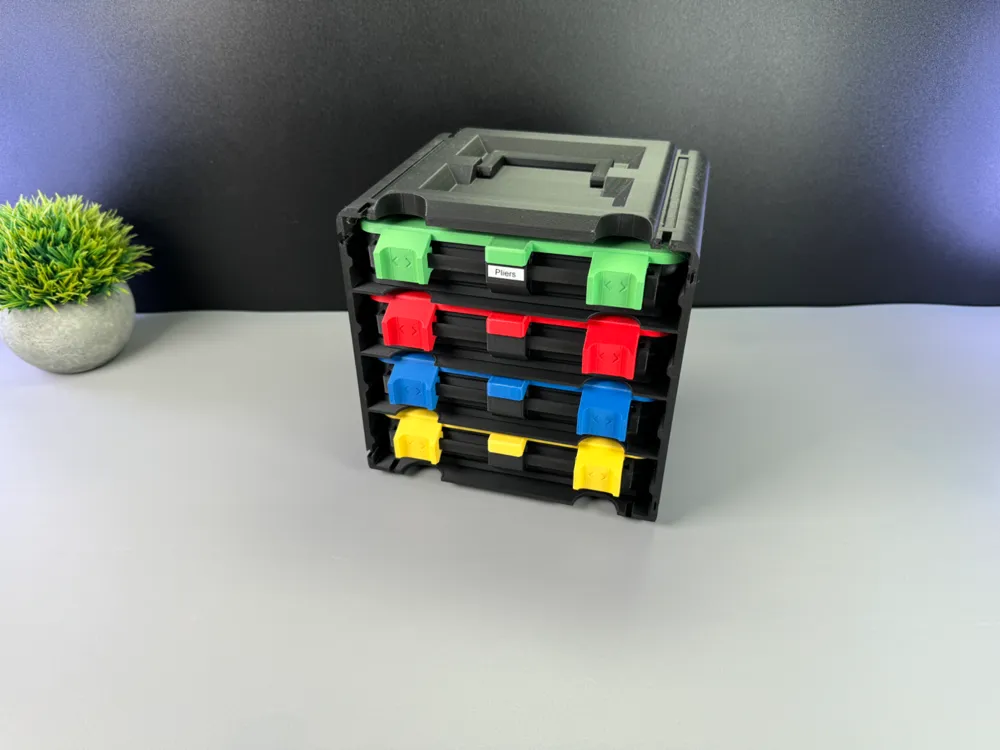
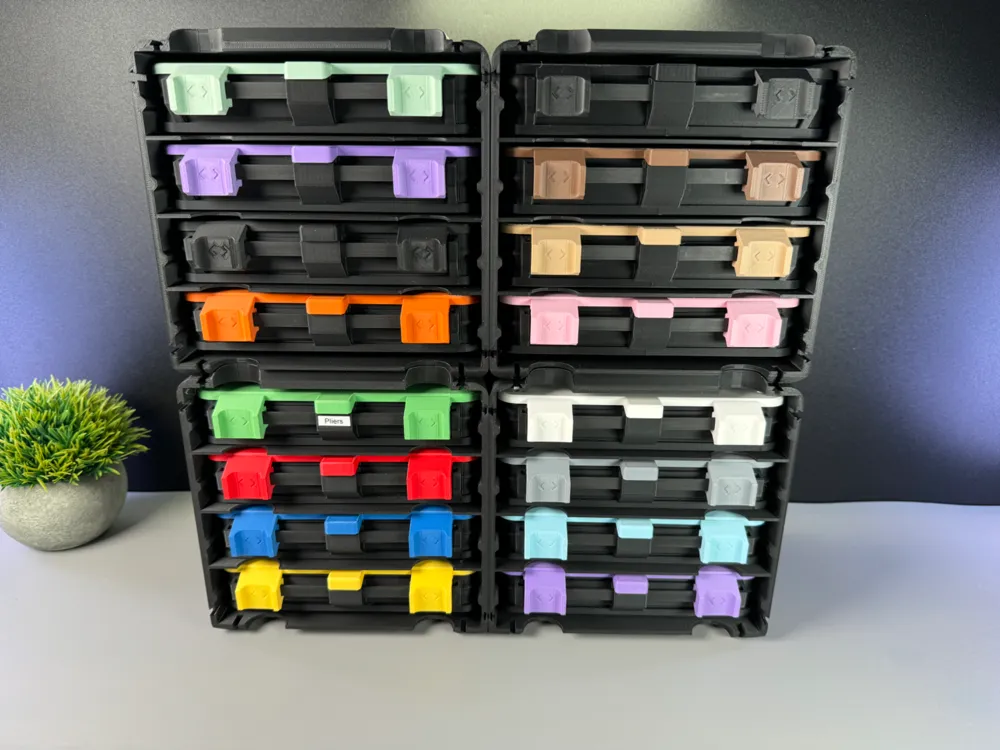
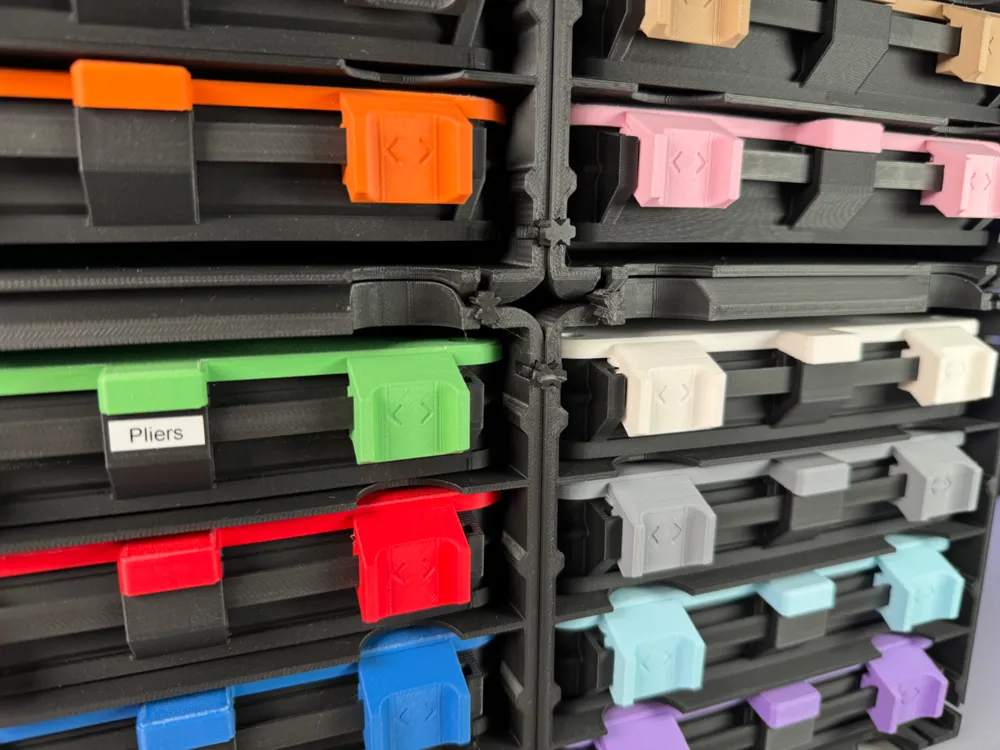
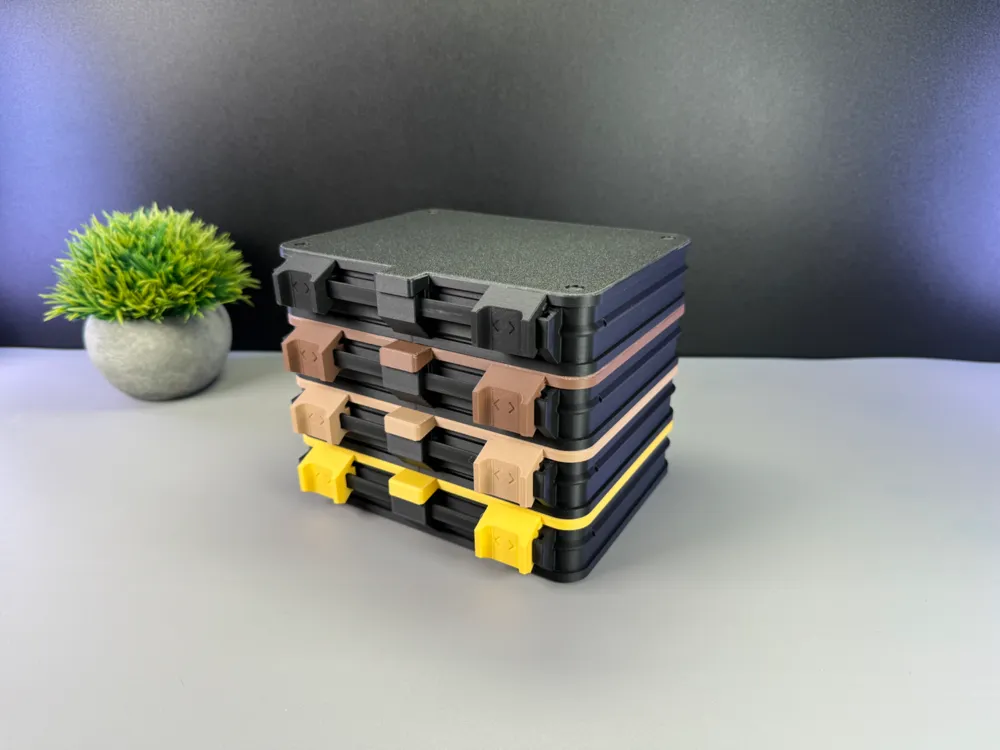
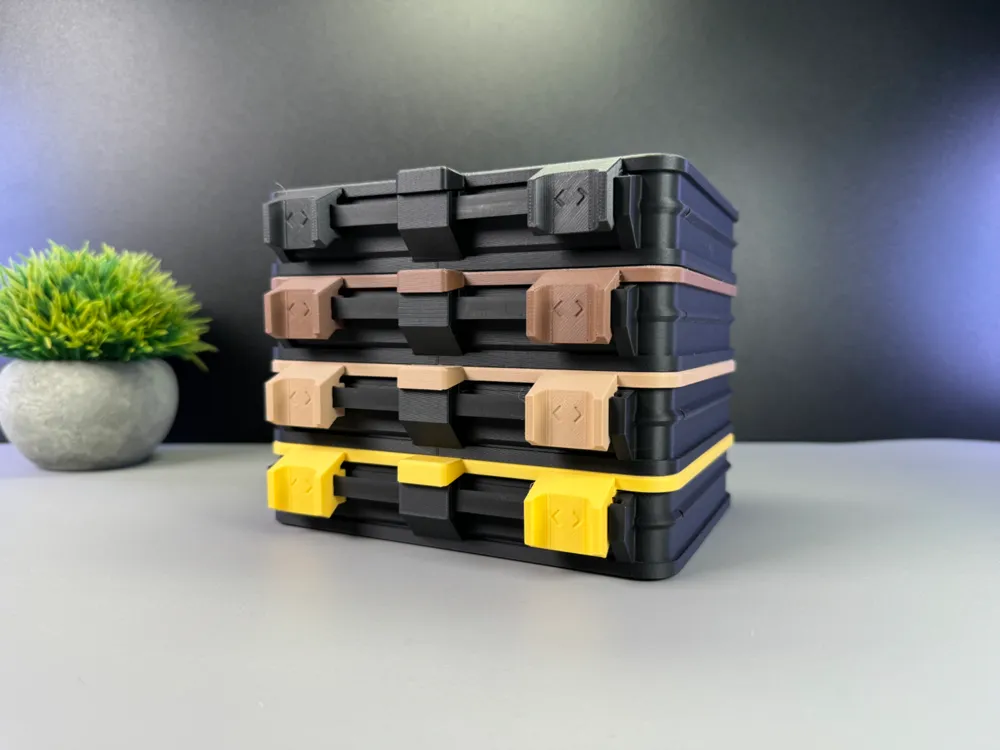
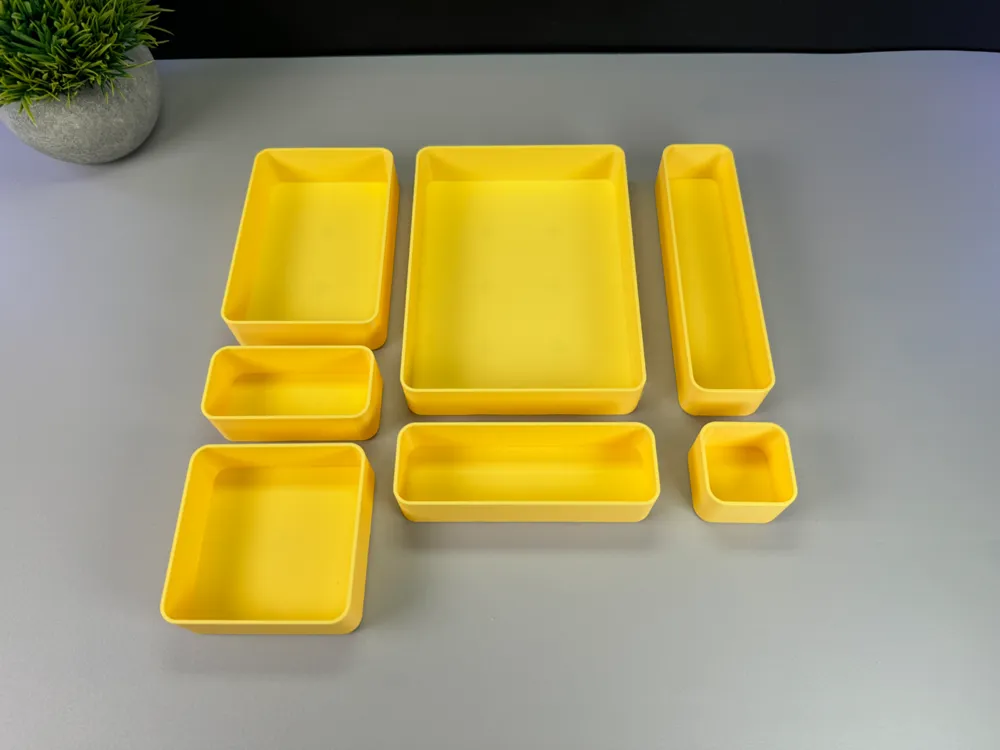
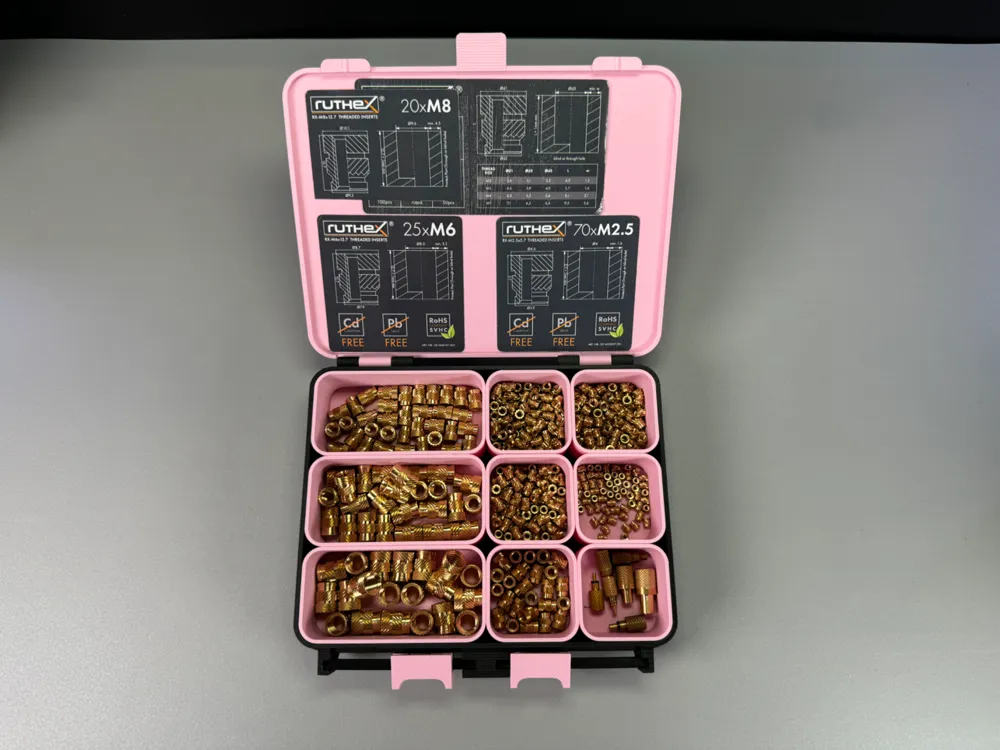
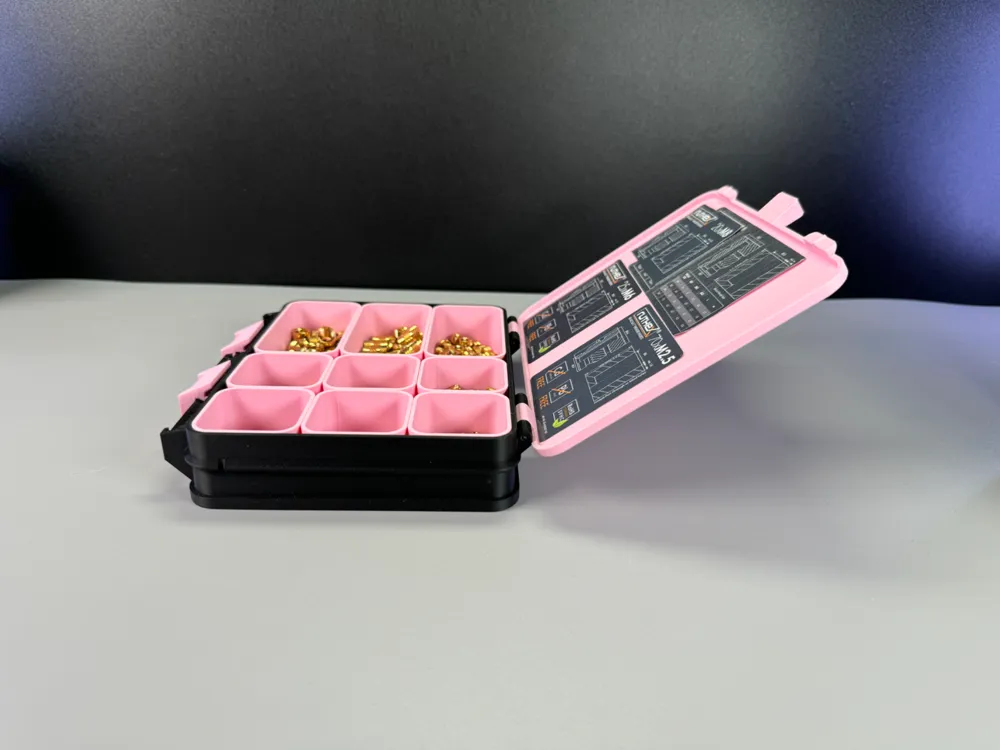
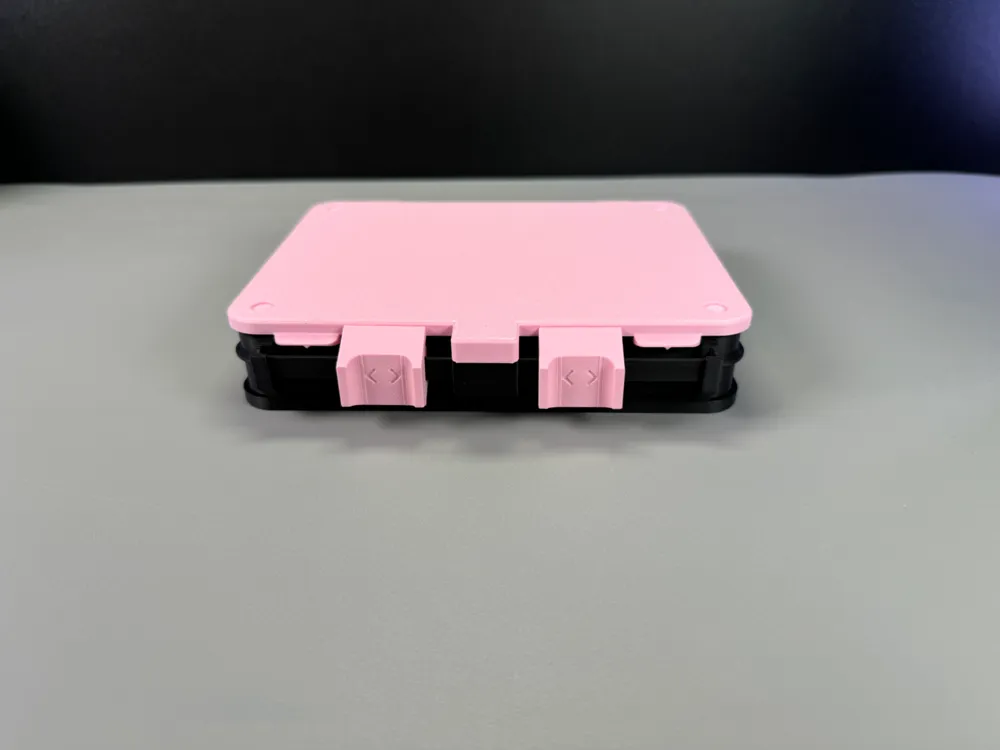
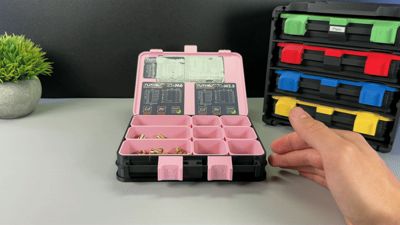
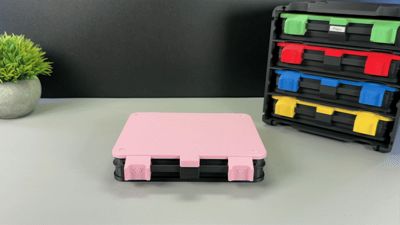
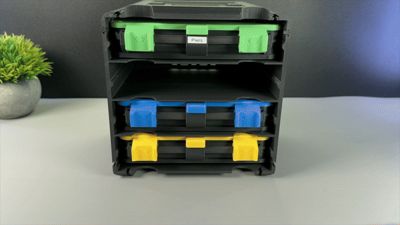
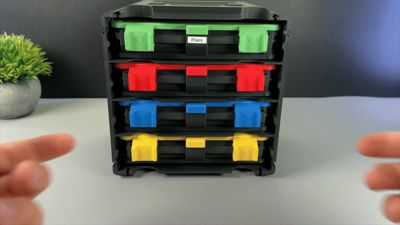
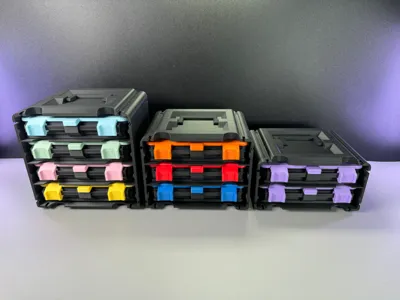
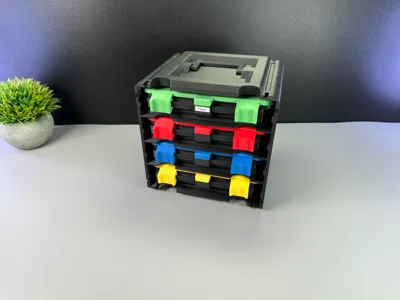
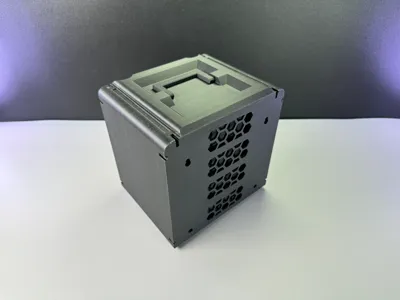
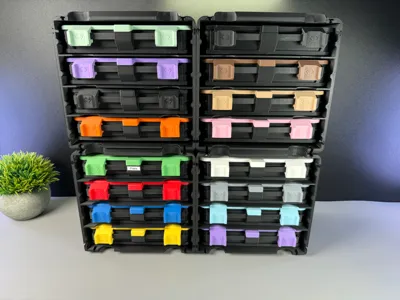
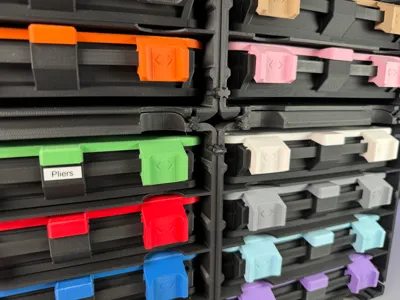
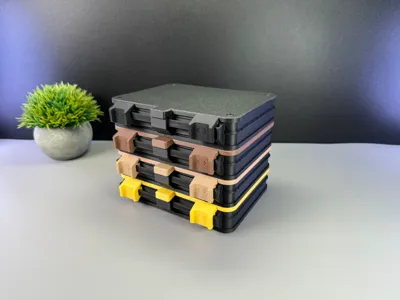
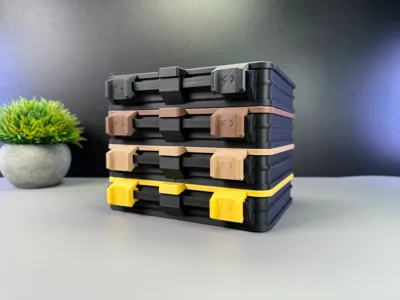
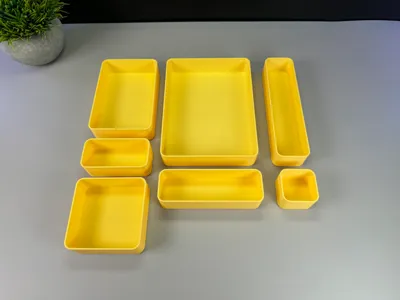
This organizer box has a lockable sliding mechanism. The boxes can be stored in a holder with up to 4 pieces. You can connect the holders with connectors in any direction and thus hold them all together. Inserts are available in all sizes, but more from me will be added from time to time!
The box should only be placed directly on the table and not mounted to the wall, as it is made of plastic.
Size of the Models:
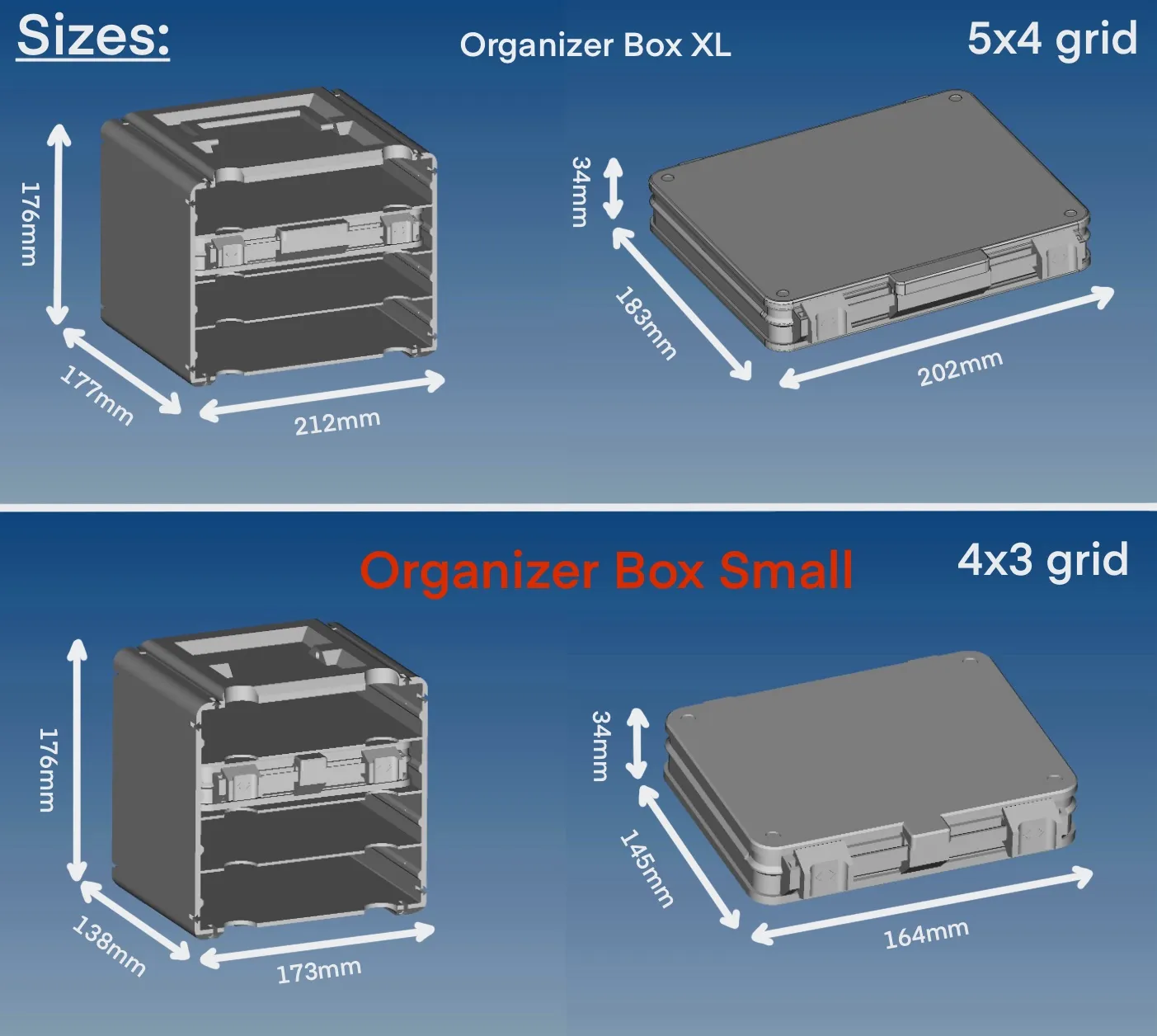
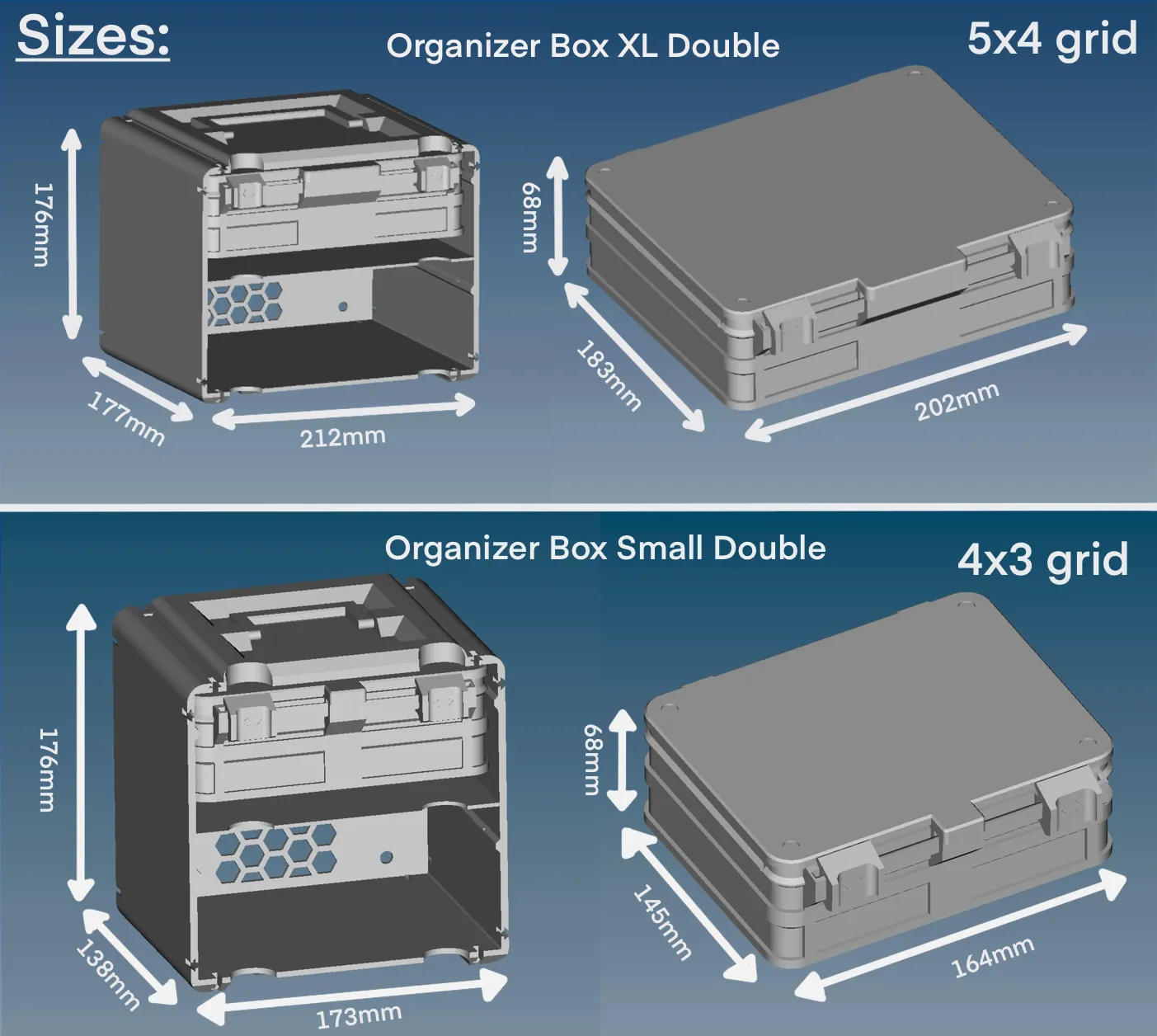
Organizer Box XL: https://makerworld.com/en/models/599648#profileId-521776
Organizer Box Xl Double: https://makerworld.com/en/models/684575#profileId-613249
Organizer Box Small Double: https://makerworld.com/en/models/859478#profileId-809383
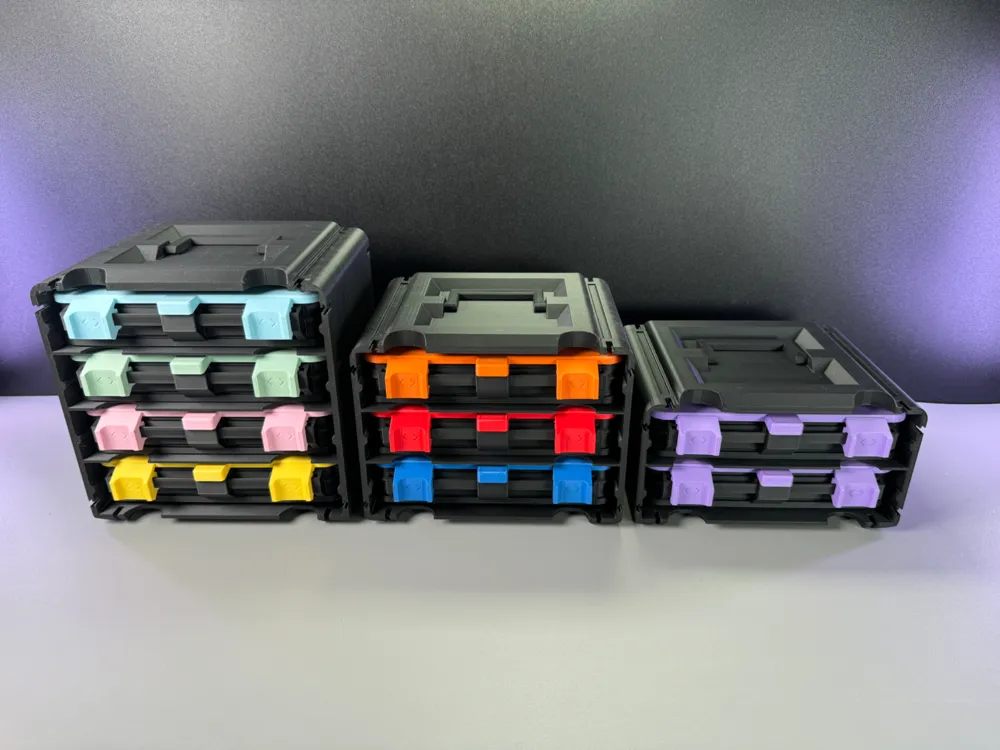
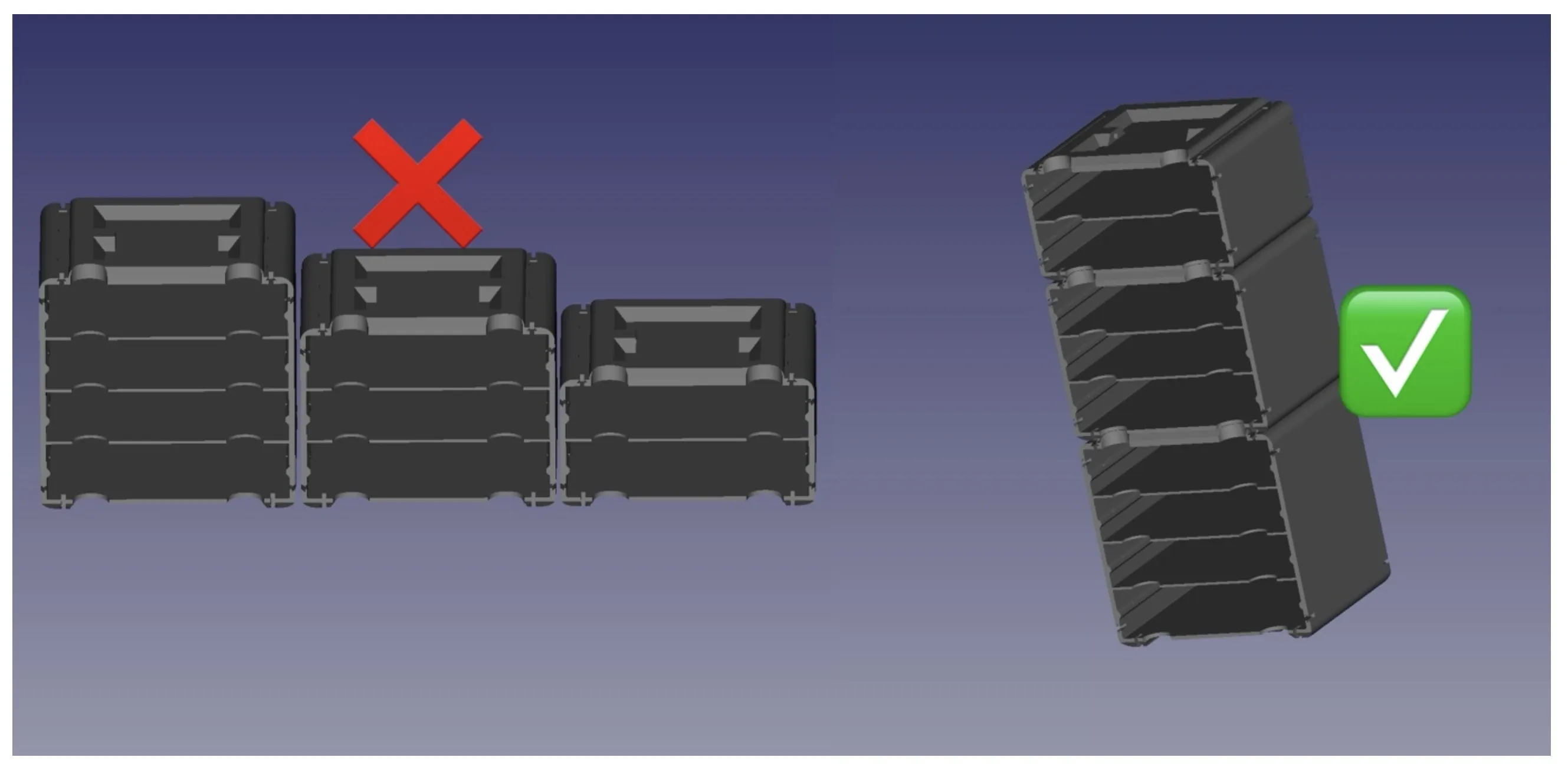
Important!!! You can only connect the box holders with the same sizes in the horizontal length. For the vertical height it doesn't matter wich sizes you want to combine. (see picture below)
Here are my tipps for printing! Please use these values, as I have adapted my models to these and only so I can guarantee that everything works perfectly!!!
Tipps and values:
- Filament: PLA recommended (PETG also works)
- Quality (Layer Height): 0,2mm
- Wall Loops: 3
- Infill: 20%
- Infill pattern: Doesn't matter (I used Rectilinear)
- Supports: No! (Do not use supports for all of my Parts!)
- Wall generator: For all Inserts Arachne!!! For all other parts Classic!!!
Print the parts as they are already oriented
Please make sure that the parts come not loose while printing them. When this happens it could be that the function of my sliding mechanism does not work perfectly!
It's just a recommendation, if the parts should hold well on your plate, you don't necessarily have to use a brim.
You can add a brim to the:
- Lid
- Bottom
- Organizer Holder
- Slide Lock Left/Right
I have made an instruction how to assemble my organizer box. You can find the instructions in the download folder!
Changes and added models:
- 26.08.2024 = Added folder (Other Designs) + with 5 new models inside / Added models: BottomWithoutHoles_V00, LidWithoutHoles_V00, Rail_reduced_0,2mm_2x_V01, SlideLockLeft_With_Label_Indent(Size16x16mm)_V00, SlideLockRight_With_Label_Indent(Size16x16mm)_V00
- 06.10.2024 = Remade all Inserts (V01 → V02) They are now all stackable! Also organized them a little bit (InsertsXL, InsertsXLHalf, InsertsXLDouble) (InsertsSmall, InsertsSmallHalf, InsertsSmallDouble)
- 09.11.2024 = Added BoxInsert_1x1_Type1_V01
Boost Me (for free)
If you enjoyed this model, please consider boosting it to support me to further develop creative and more cute looking designs🥰. Thank you!
| Problems that have occurred | How to solve them |
| Rails don't fit in the SlideLockLeft/Right | Scale the rail down on Y and Z scale by 0.4mm or try out which value you need to adjust!
Added Rail_reduced_0,2mm_2x_V01 (Folder:OtherDesigns) this should help too (made the rail smaller) (print it as oriented!) |
| filament won't fit through the hinges | drill out the hinges if you can (be very careful that you don't take to much away!) because the filament must sit a little tight in the hole, otherwise the hinge will not work correct and the filament can fall out of the hinge! |
Documentation (3)
License



Comment & Rating (2019)