Search models, users, collections, and posts

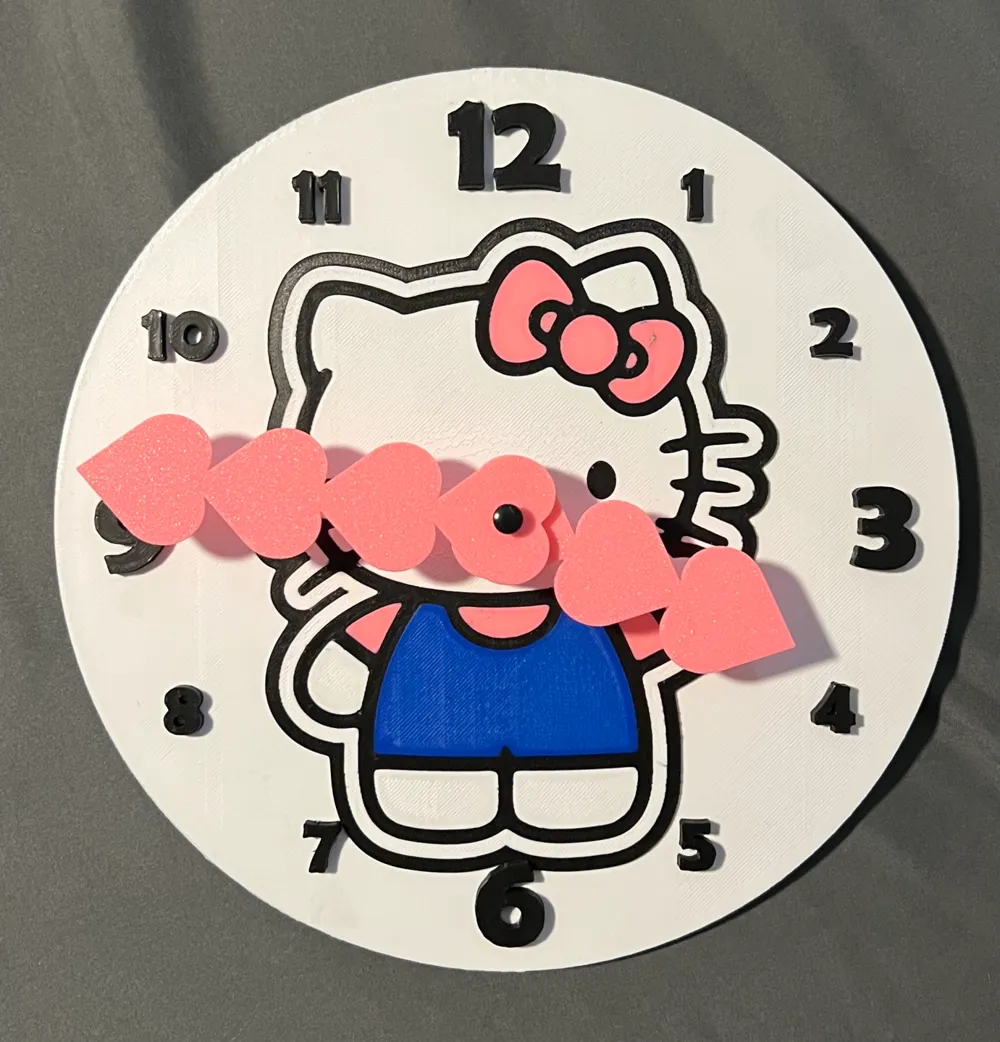
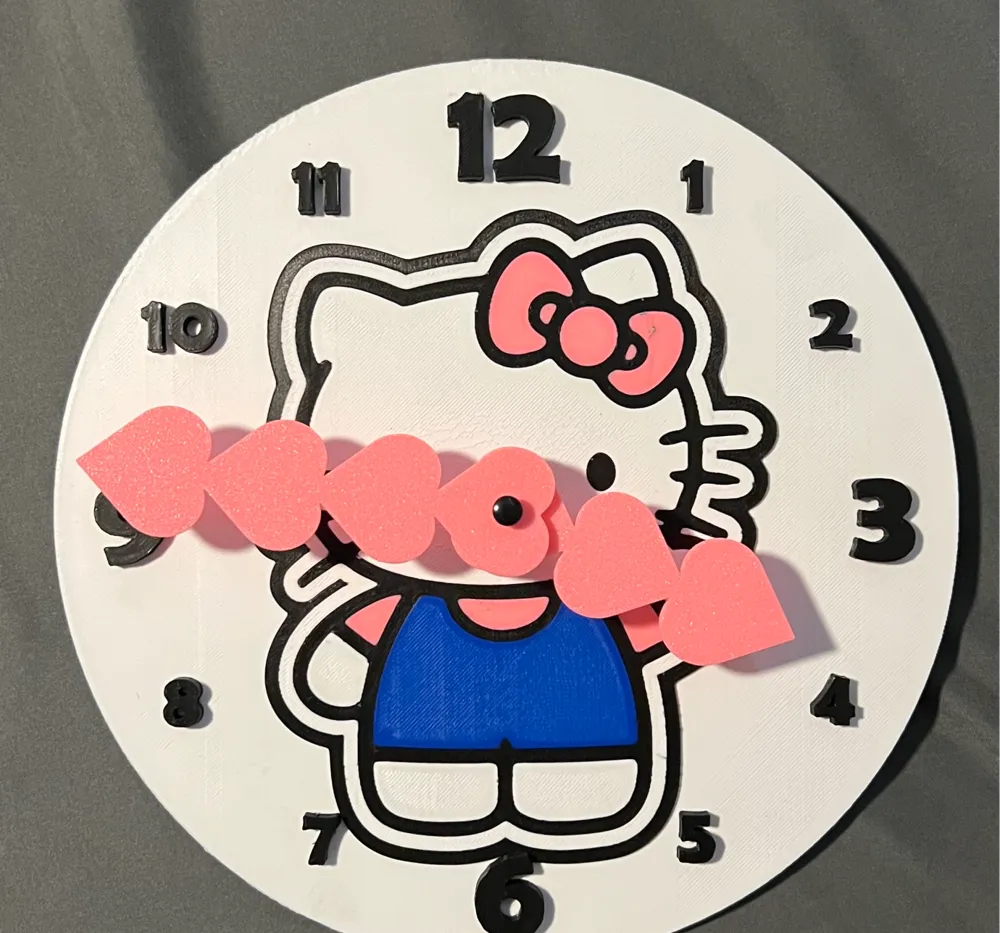
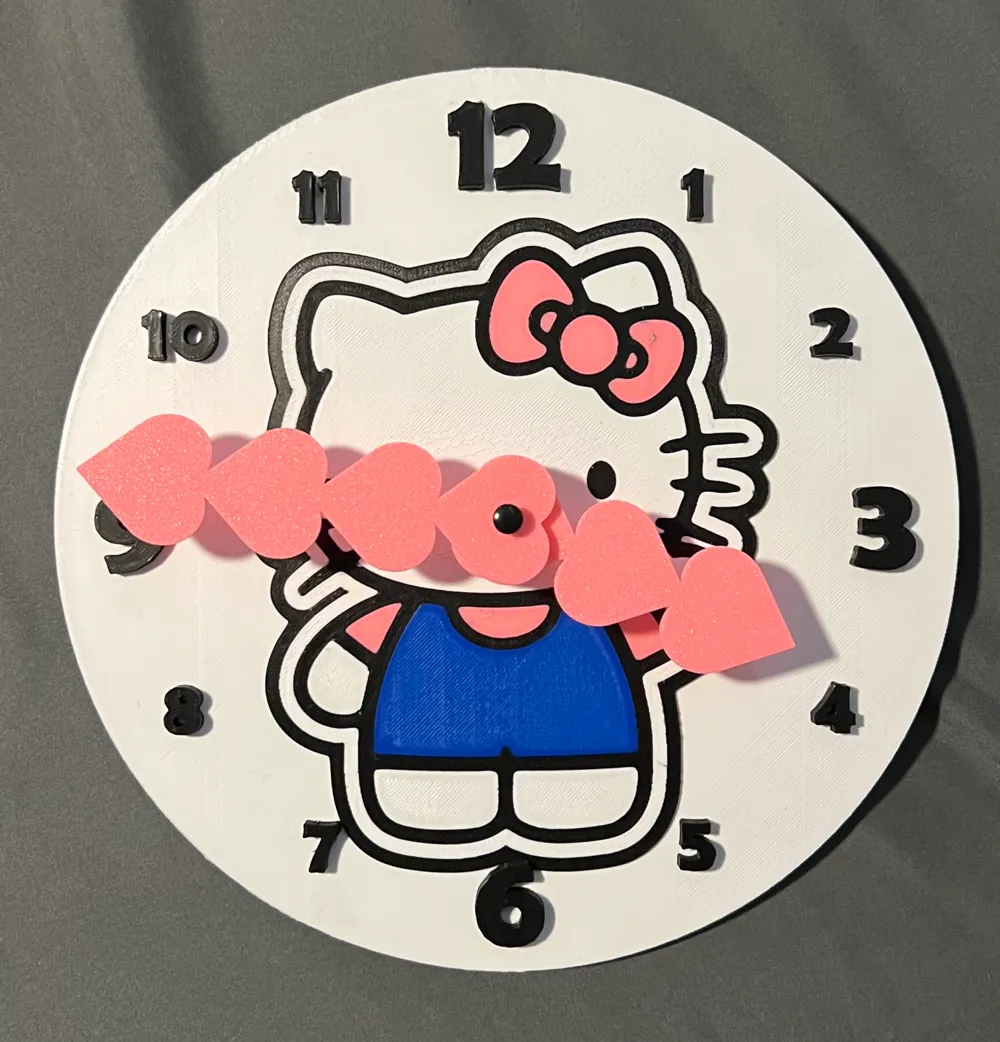
Hello Kitty Clock
IP Report

Print Profile(1)

All
P1S
P1P
X1
X1 Carbon
X1E
A1
H2D
H2D Pro
H2S
P2S
H2C
X2D
A2L

0.16mm layer, 2 walls, 10% infill
Designer
9 h
2 plates
4.8(23)

Open in Bambu Studio
Boost
217
412
36
25
278
156
Released 

Bill of Materials

Maker's Supply Kits and Parts
Select all
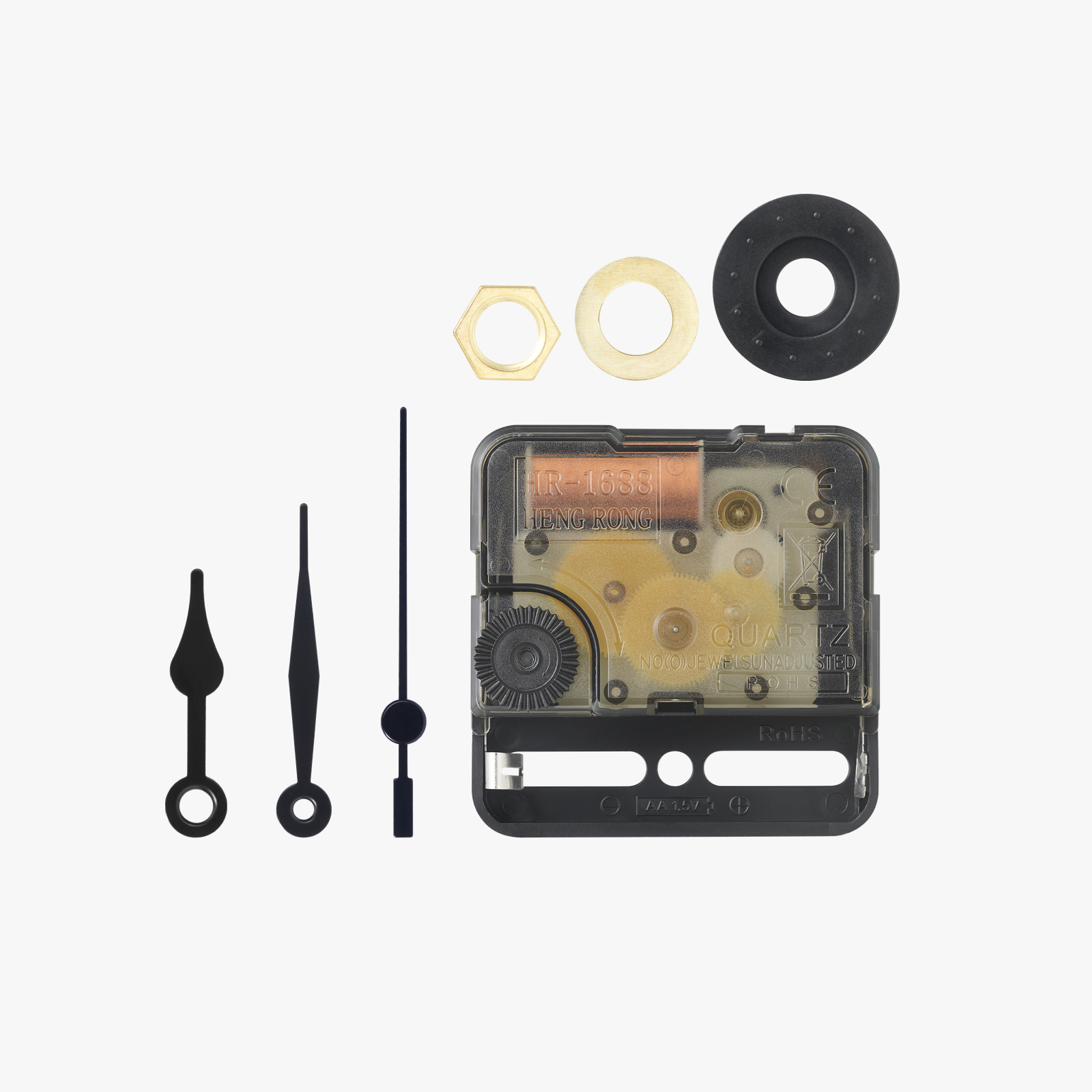
Clock Components Kit (1pcs) - MH011

Description

Hello Kitty Close with arms. Holes in arms and center hole may need adjusted depending on your clock kit

Comment & Rating (36)

(0/1000)

Print Profile
0.16mm layer, 2 walls, 10% infill
Made a few minor adjustments The recipient is thrilled
Show original
0
Reply
I am enjoying printing this model. I am having some printing issues. I have set the printing to iron all surfaces, but I am still getting visible lines, which you can see in the attached photo. Your assistance in resolving this issue. Thanks.
0
Reply
Print Profile
0.16mm layer, 2 walls, 10% infill
0
Reply
before I destroy something that doesn’t need digging out, but where’s the instruction or what all is getting dugout on the back for the click component… I see the edges near the center but don’t know if that’s where I start to pull out the shallow supports and how deep… or do I leave tge back completely alone?
The designer has replied
0
Reply
Just select "Open in Bambu Studio" and use my preset settings. No need to change anything
0
Reply
How do I keep the clock standing???
The designer has replied
0
Reply
Its made to be wall mounted
0
Reply
which clock kit did u use
The designer has replied
0
Reply
The Bambu one worked great
0
Reply
but behind where the clock mechanism goes is a support to remove
Show original
0
Reply
I’m having the same issue… what gets removed?
0
Reply
Print Profile
0.16mm layer, 2 walls, 10% infill
Fantastic!
Show original
0
Reply
Print Profile
0.16mm layer, 2 walls, 10% infill
Excellent print. Highly recommend.
0
Reply