Search models, users, collections, and posts

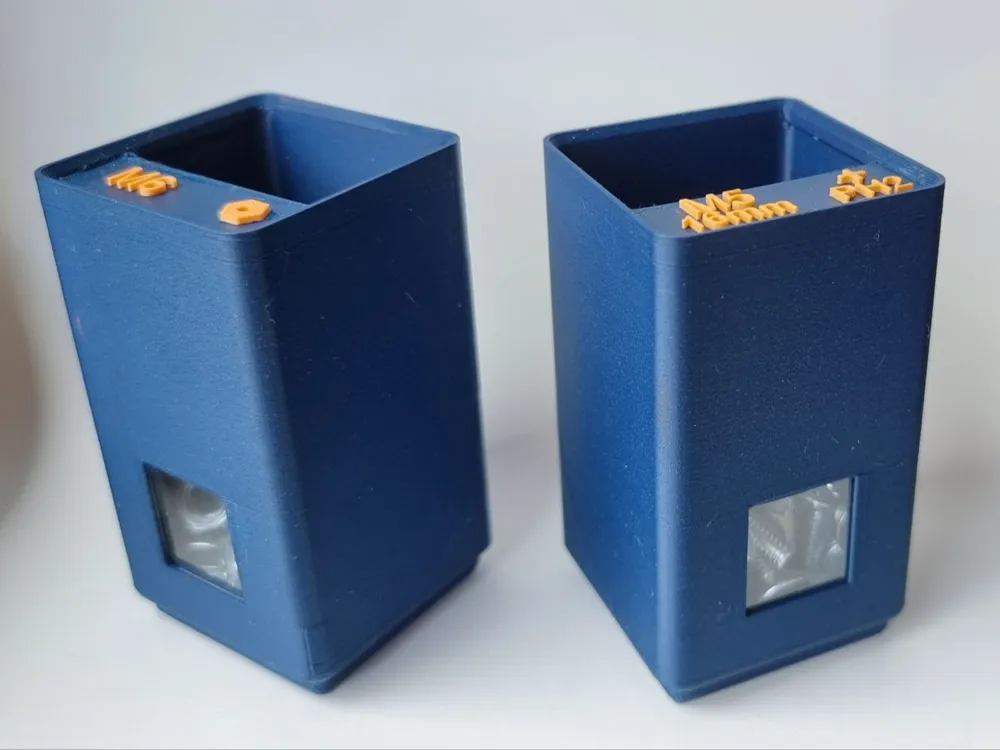
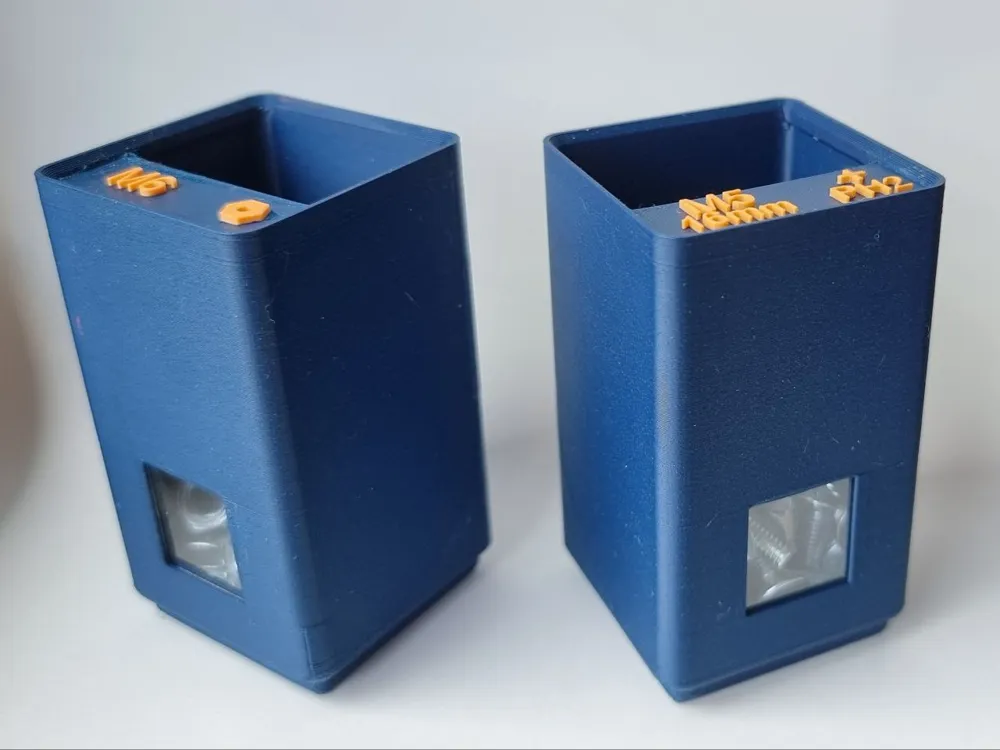
Gridfinity Box Window 1U
IP Report
Print Profile(1)

0.4mm nozzle, 0.2mm layer, standard, PLA matte blue
Designer
3.6 h
1 plate
Open in Bambu Studio
Boost
7
14
0
0
5
1
Released
Description
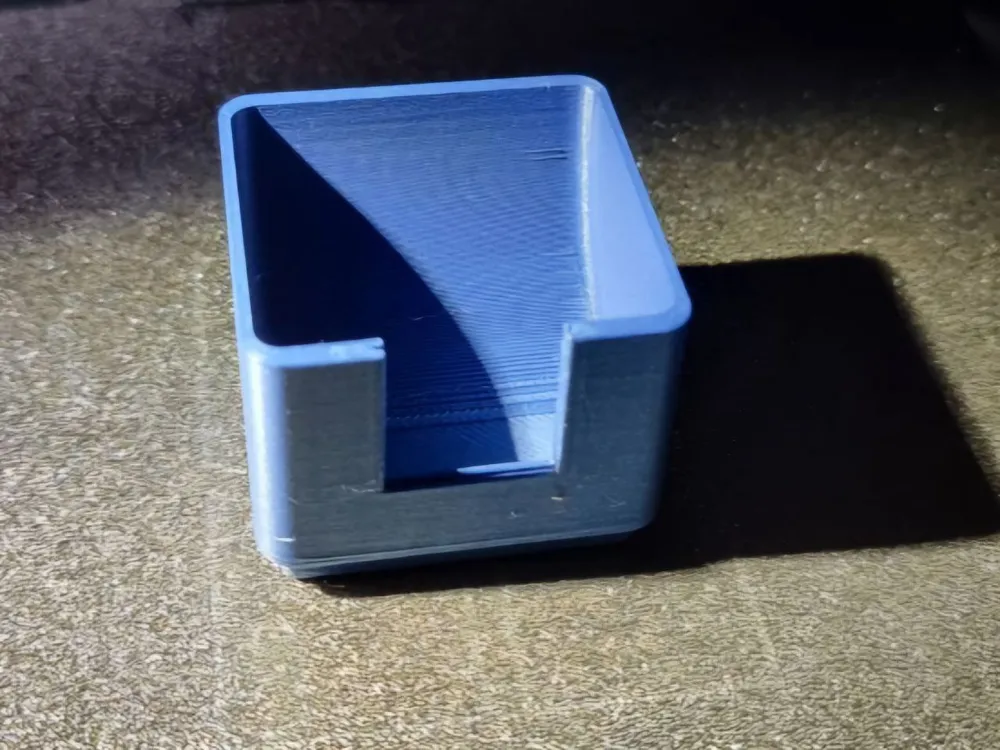
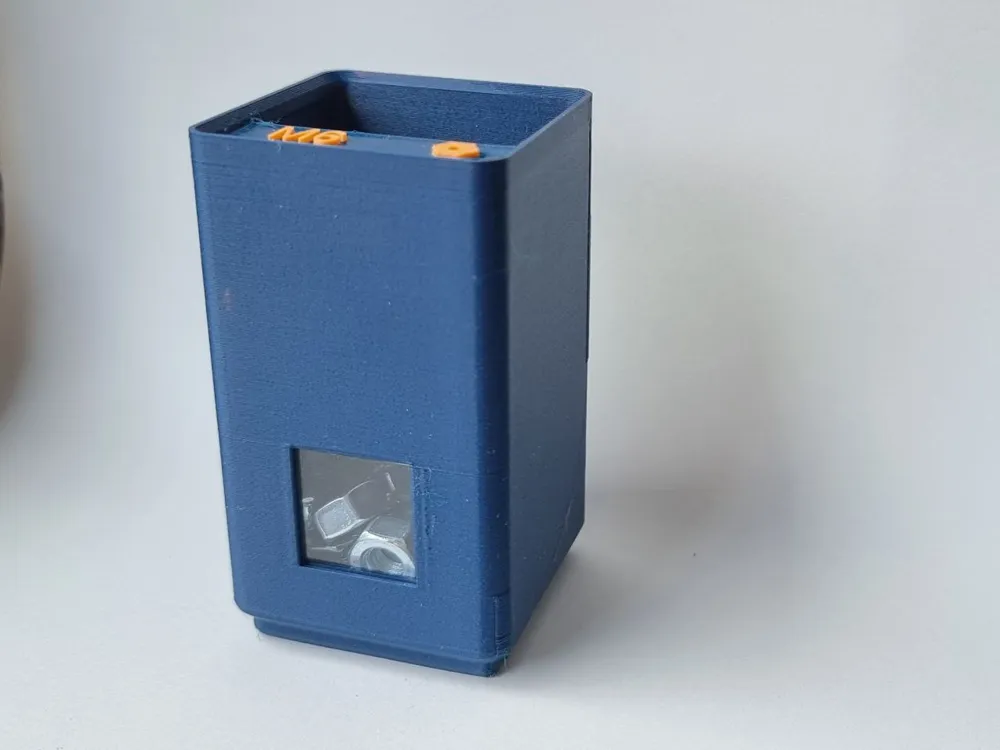
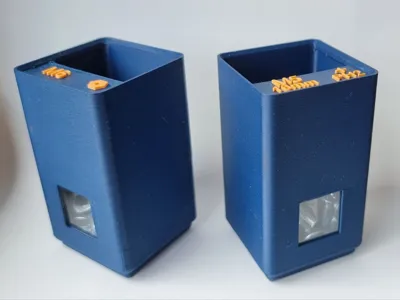
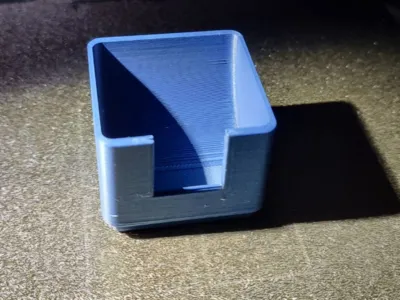
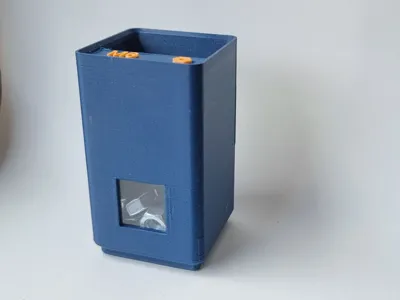
This is a version of the original Gridfinity Box by @Zack Freedman. All of the versions are just one unit wide. The feature I added is a small window in the front, which makes it possible to see what's inside from the front.
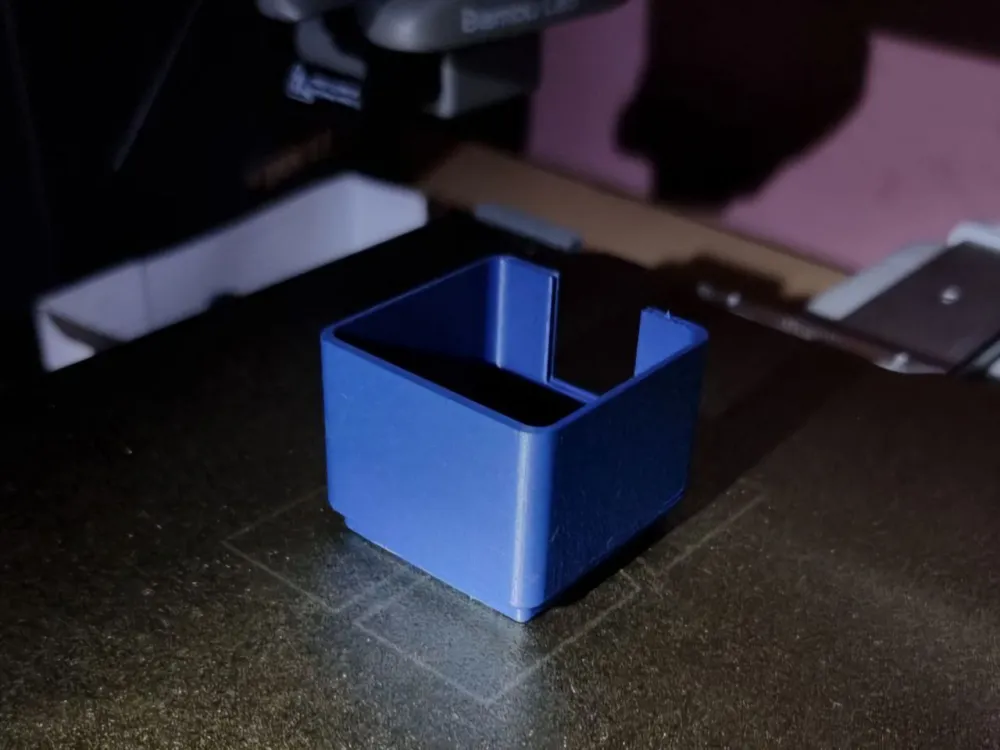
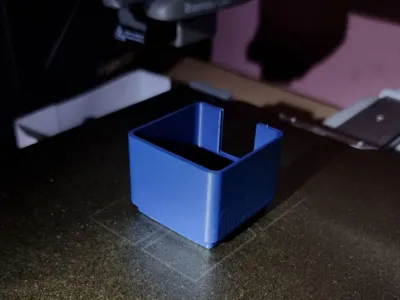
To include the glass pane in the print, you need to pause at the correct layer height, insert it, and then continue printing. The window should slide in easily and have a bit of space at the top to avoid any collisions during printing. The glass panes used are typically cover glasses for microscopes, which are relatively inexpensive. I used the 18mm x 18mm version with a thickness of 0.13-0.17mm. You can usually find these on Amazon, which is where I got mine.
Print Instructions:
- Prepare the Print:
- Set the layer height 0.2mm
- No special adjustments needed
- Set Pause at Height:
- Use the slicing software’s feature to pause the print at the appropriate layer height (right before the Overhang above the window gets closed)
- Insert Glass:
- When the print pauses, carefully insert the 18mm x 18mm cover glass into the slot.
- Ensure it sits flat and there is no collision risk with the print head.
- Resume Printing:
- Resume the print after inserting the glass.
- Monitor the print to ensure there are no collisions or issues as it continues.
License

This user content is licensed under a
Creative Commons Attribution-Noncommercial


Comment & Rating (0)