
Simple Label Stand With Swappable Labels

Print Profile(4)


Description
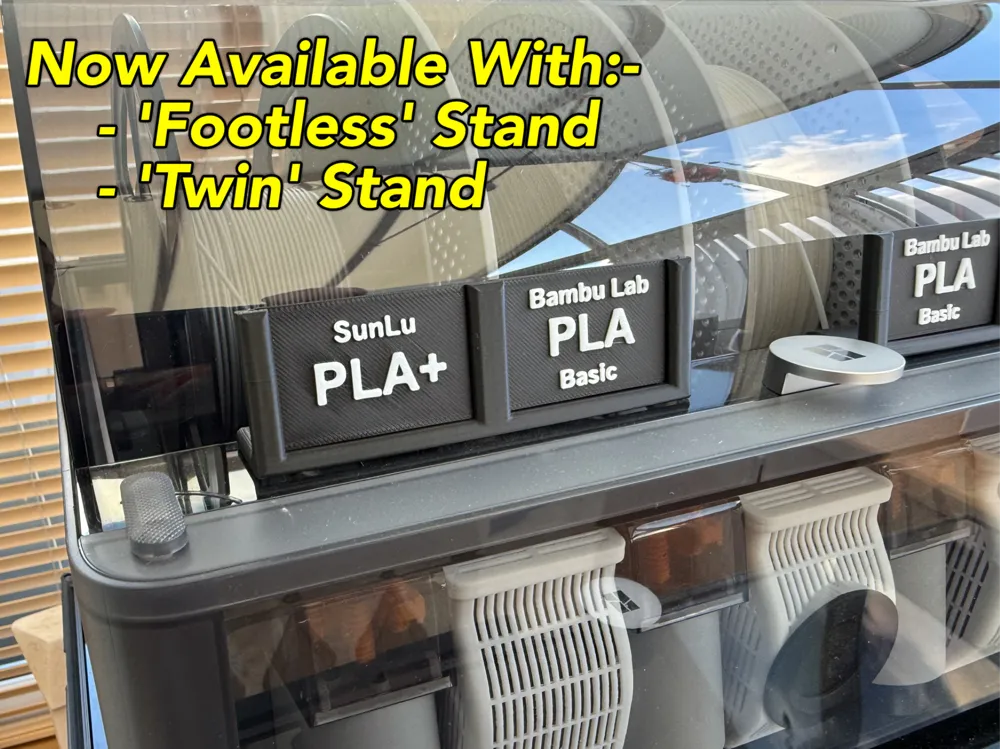
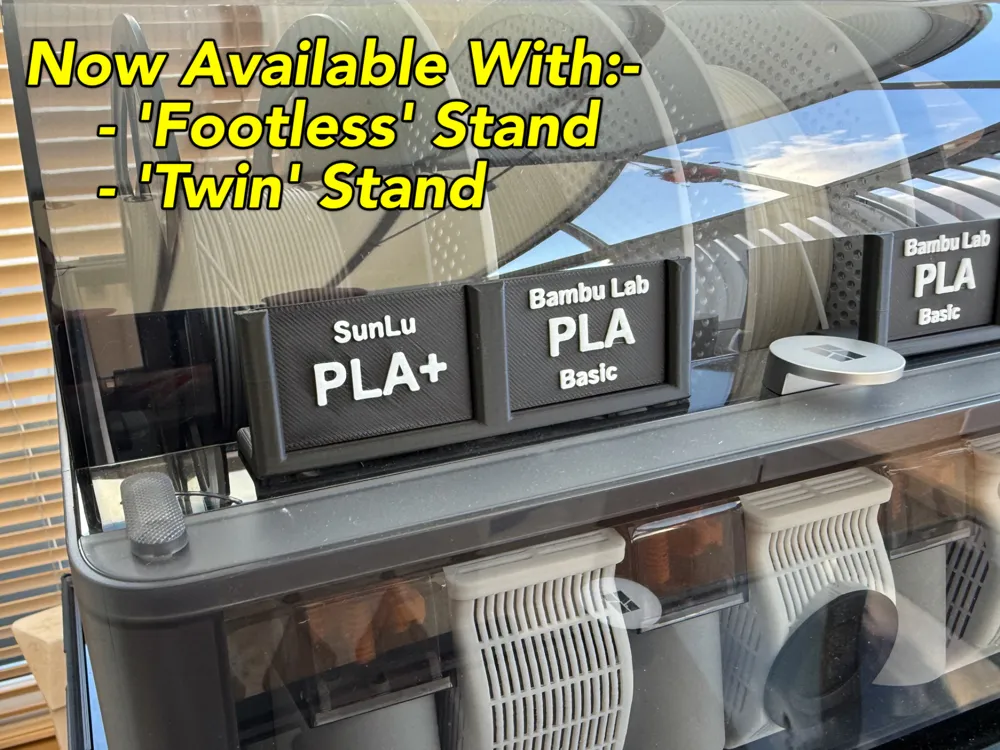
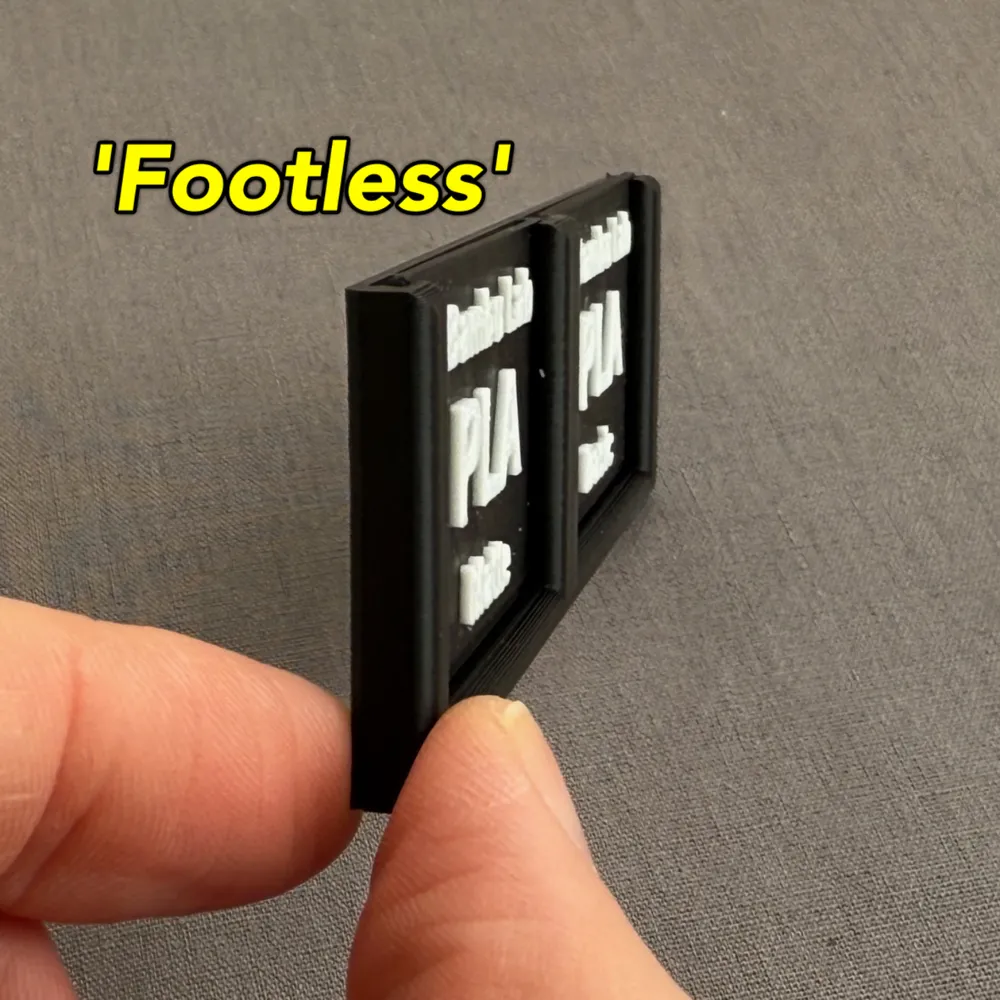
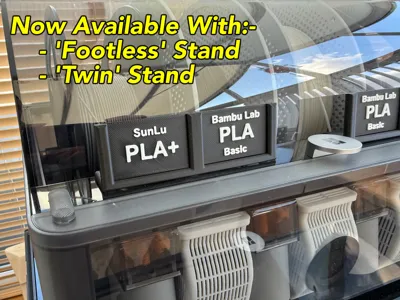
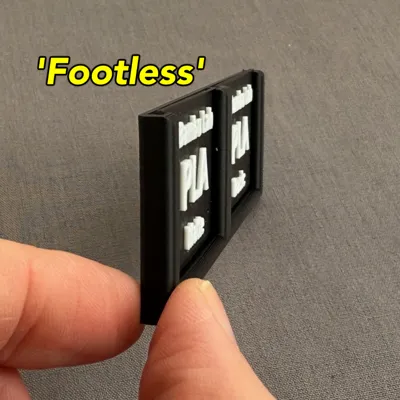
- UPDATE 19 Nov 2024: New version added without a support ‘foot’.
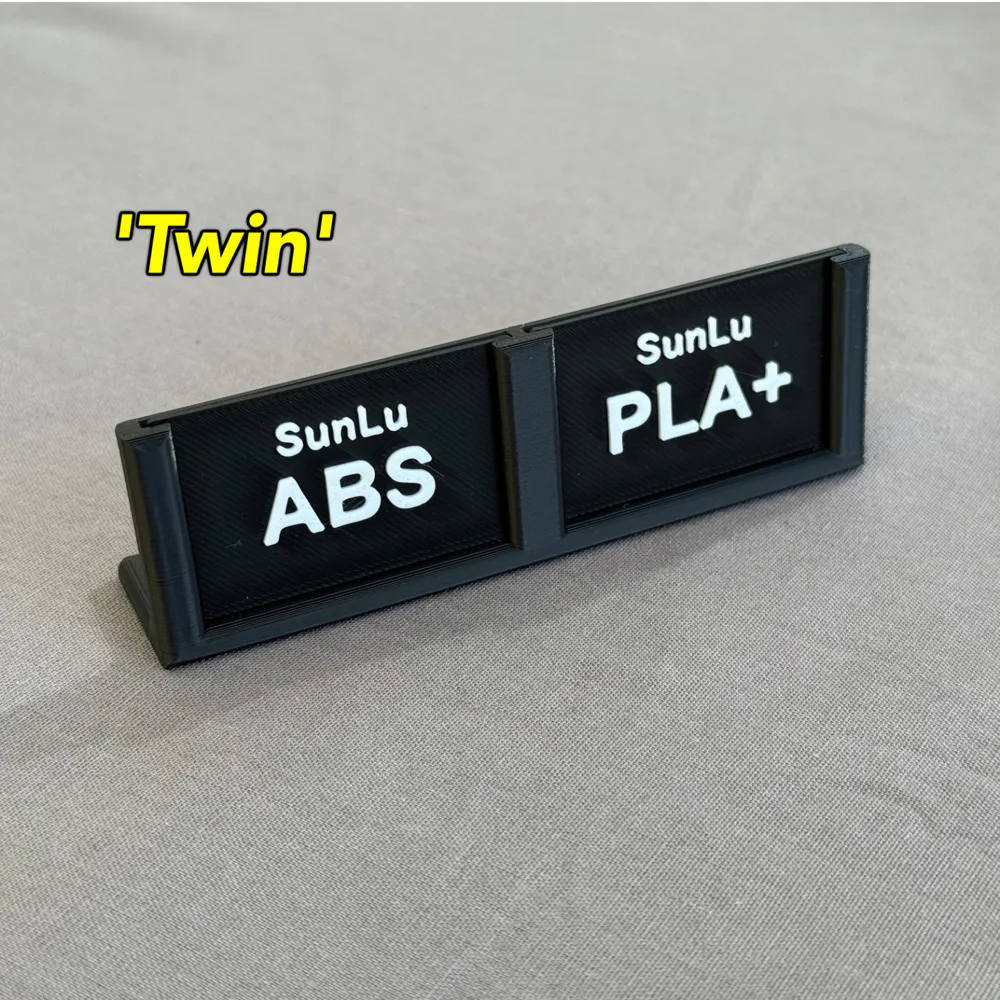
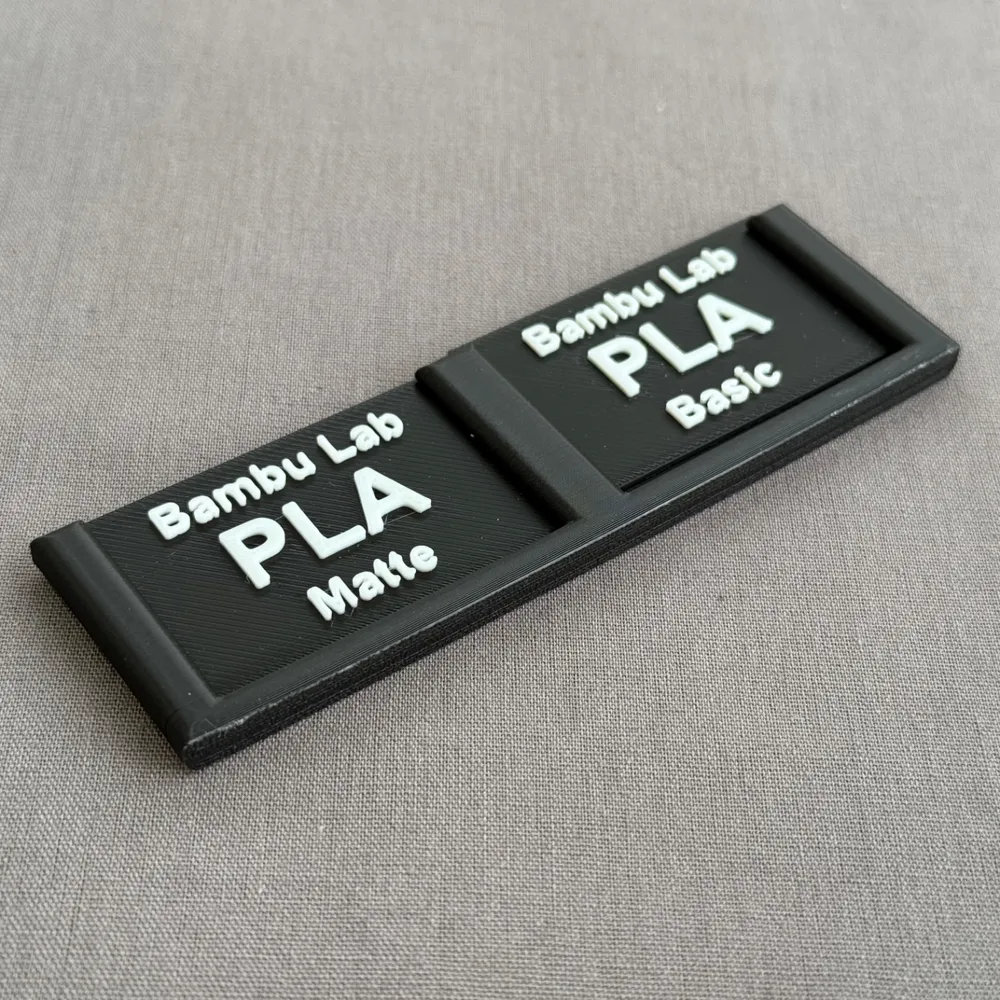
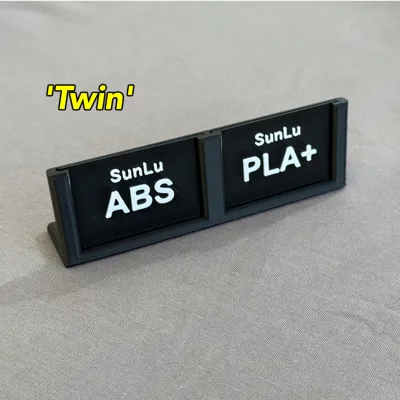
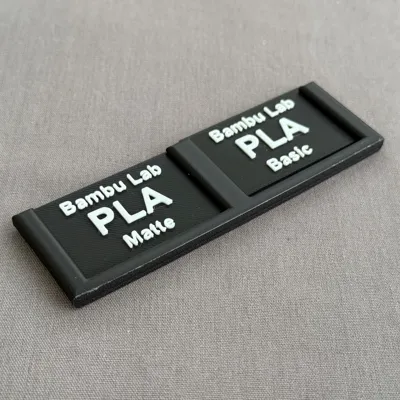
- UPDATE: Now includes a ‘TWIN’ stand version to minimise space used for two stands side by side and also uses slightly less filament too!
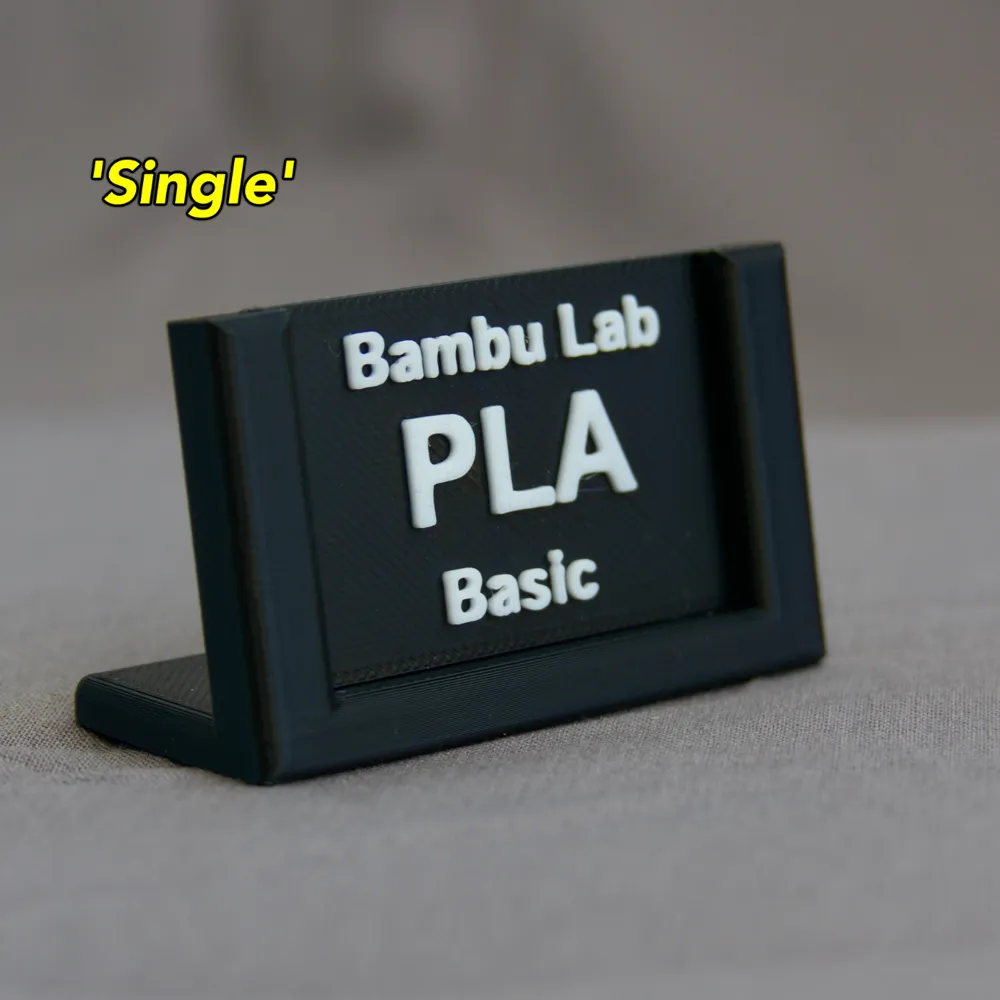
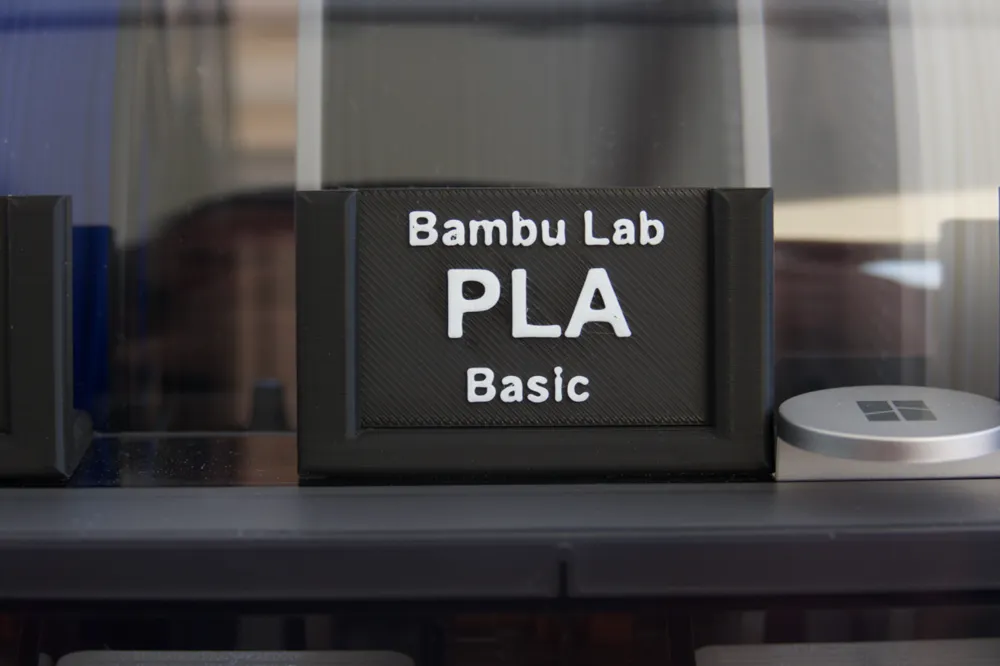
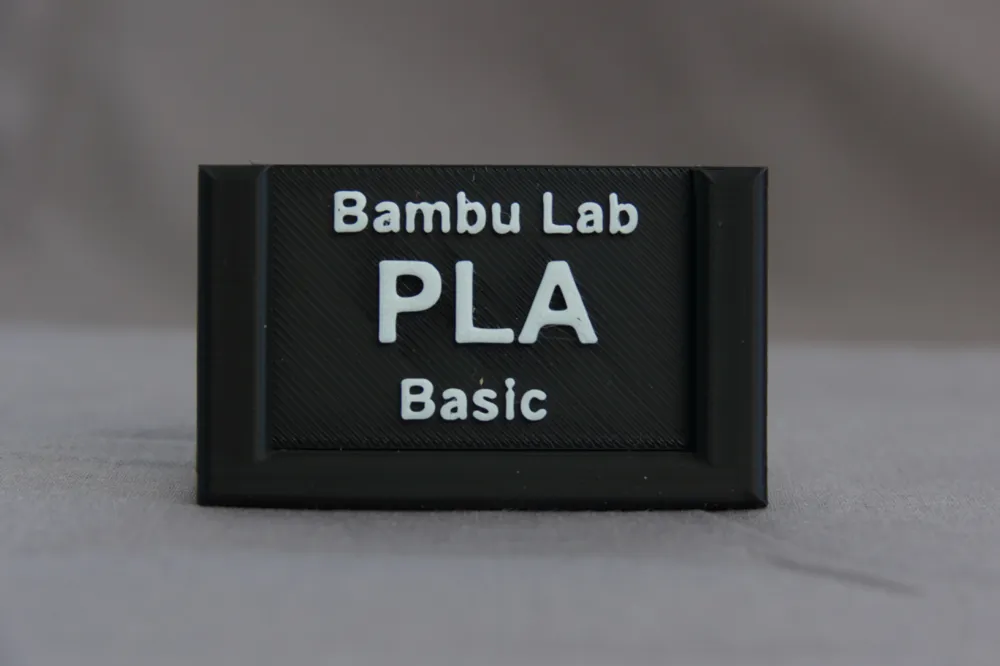
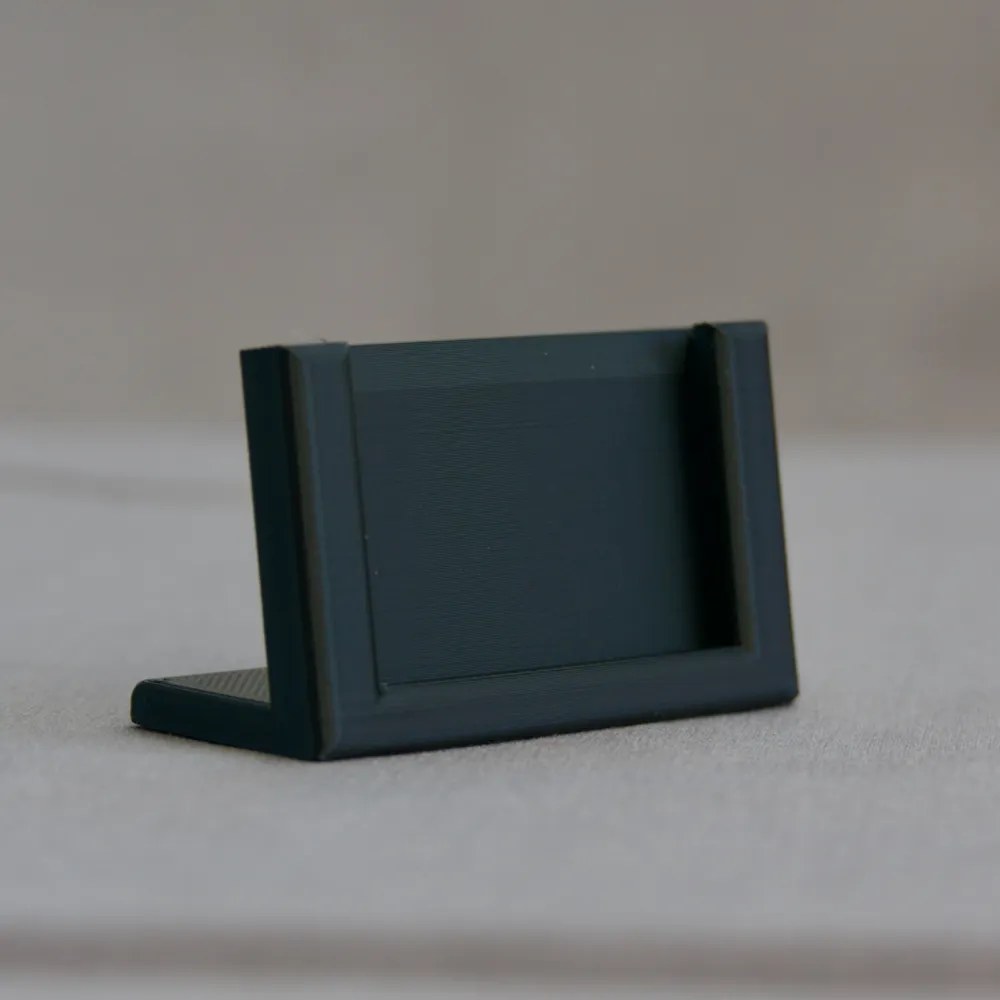
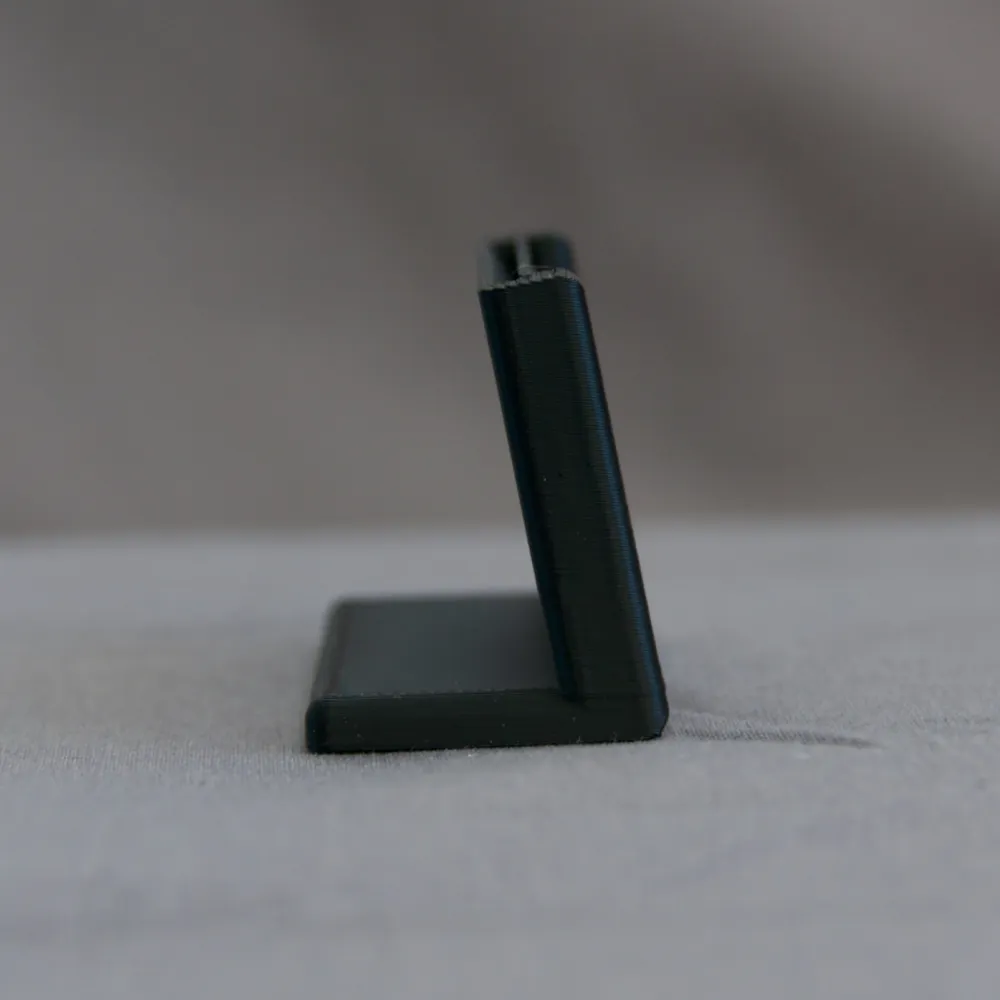
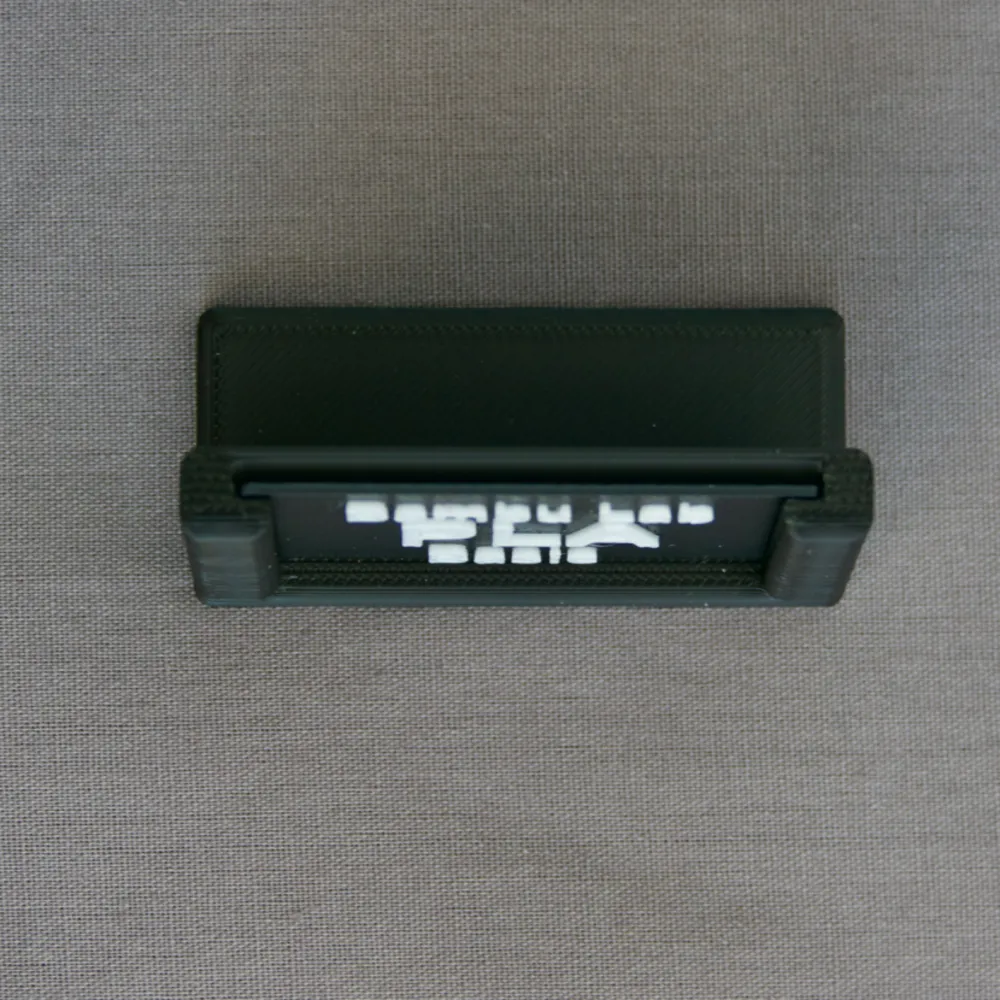
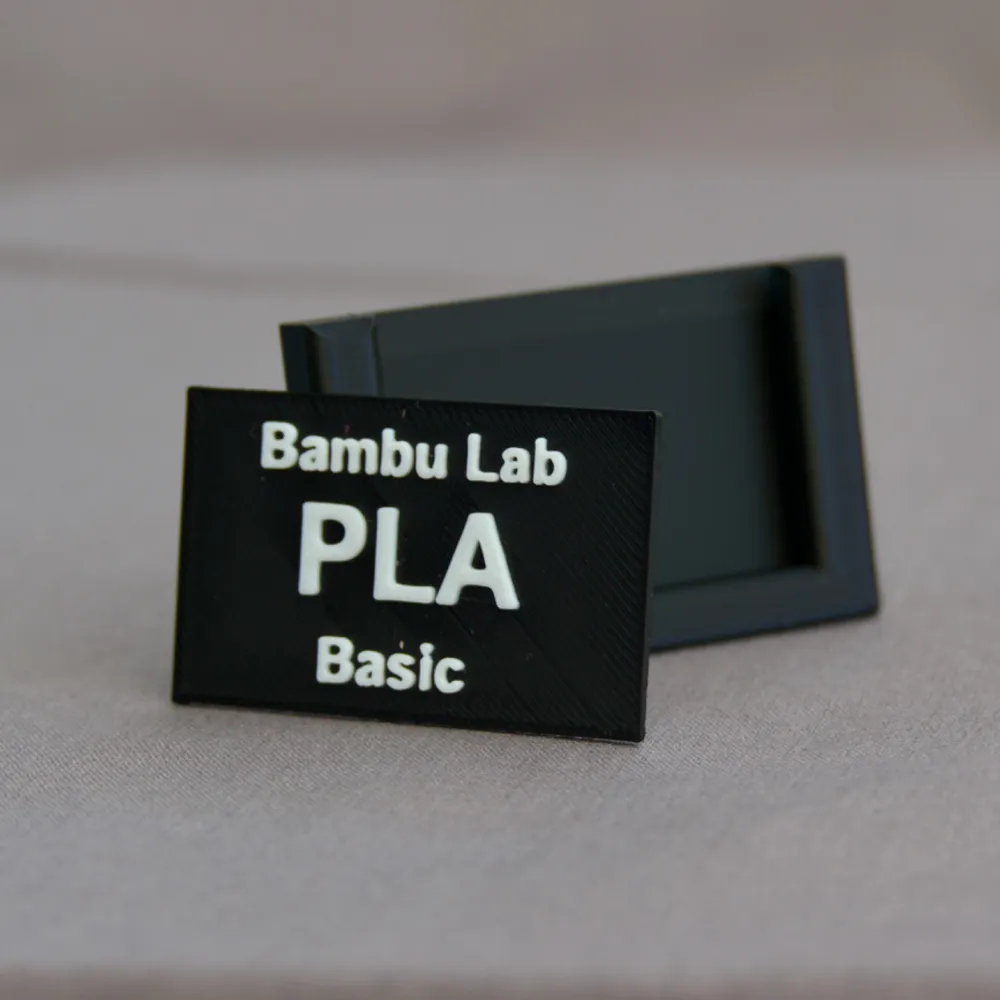
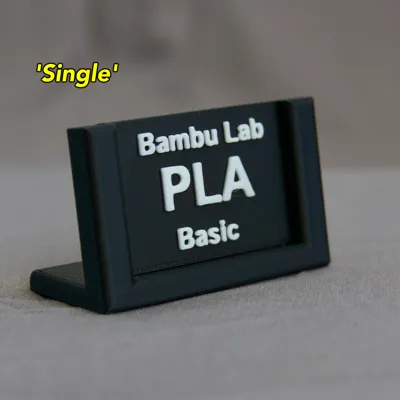
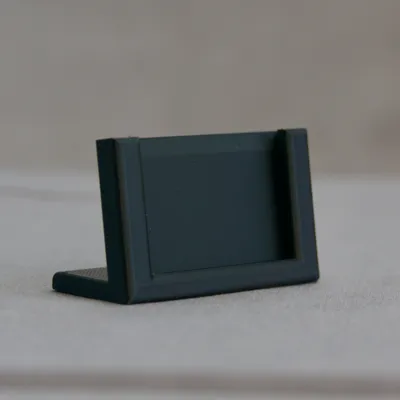
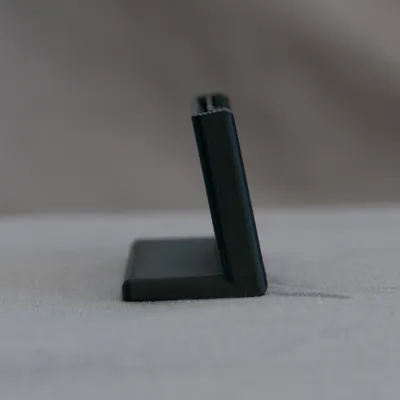
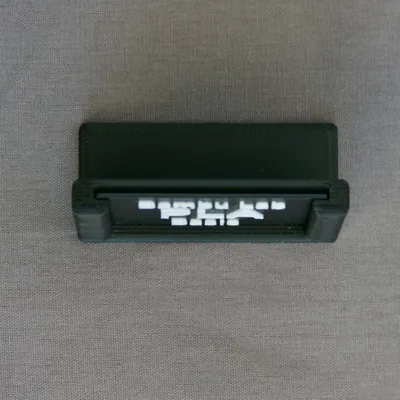
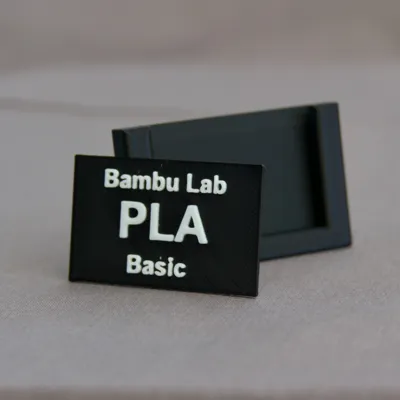
Simple, Self Supporting (if required) Label Stand, With Swappable Labels
Boost Me (for free)
Boost Me and Follow, to receive notifications of future models and designs.
Take a look at my storage box to hold any spare labels, which can be found here:-
https://makerworld.com/en/models/540360#profileId-457744
Description
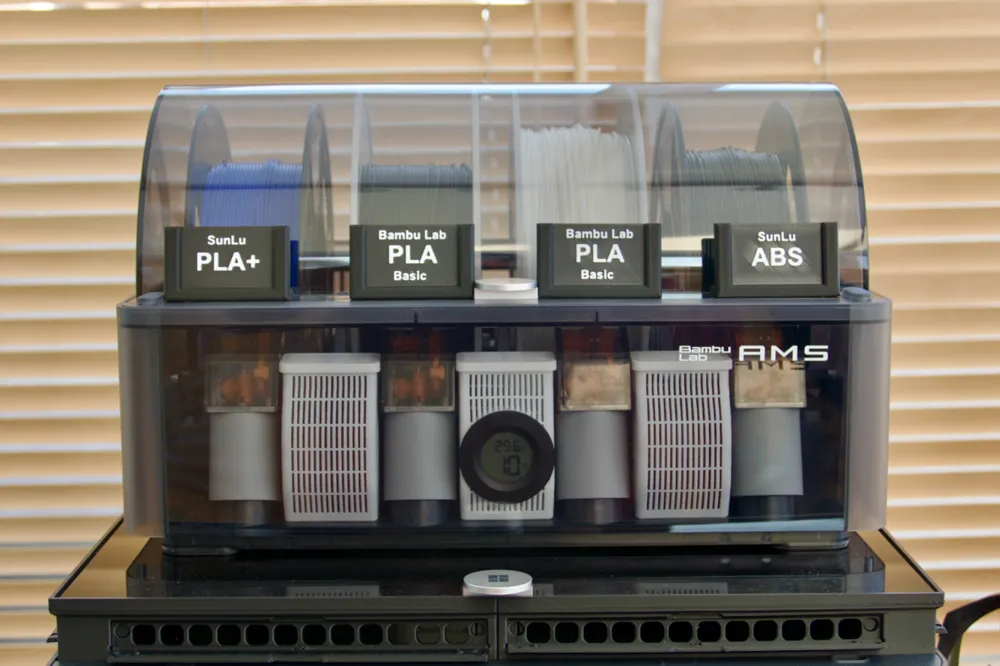
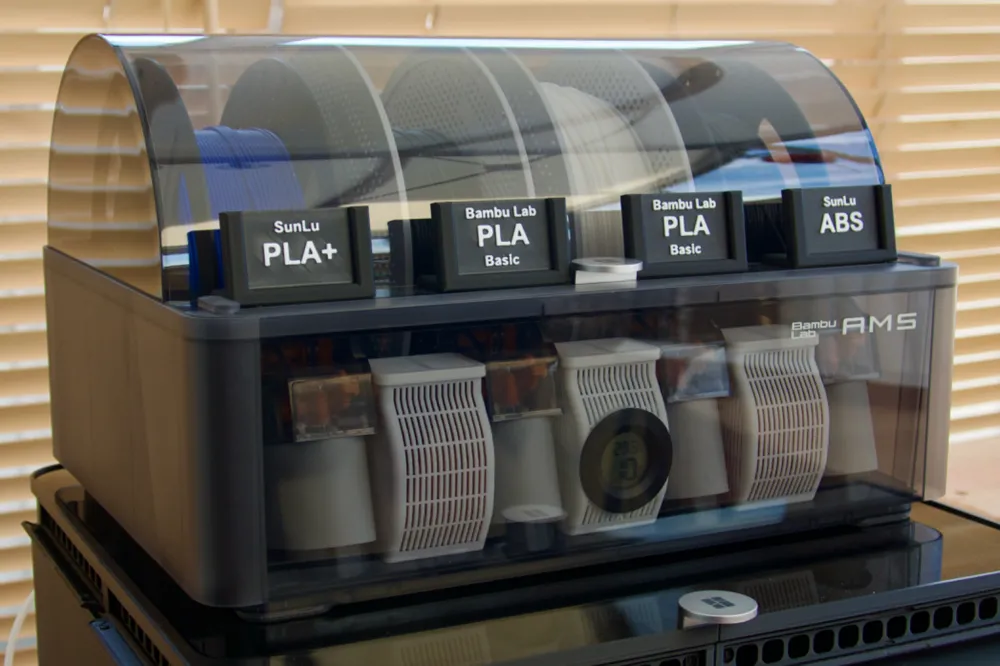
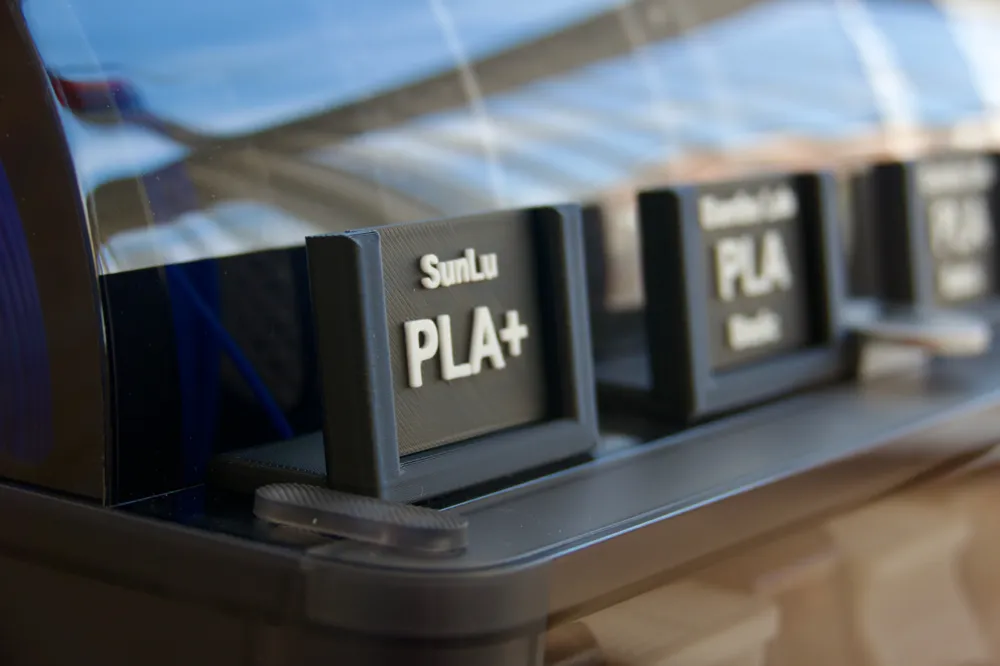
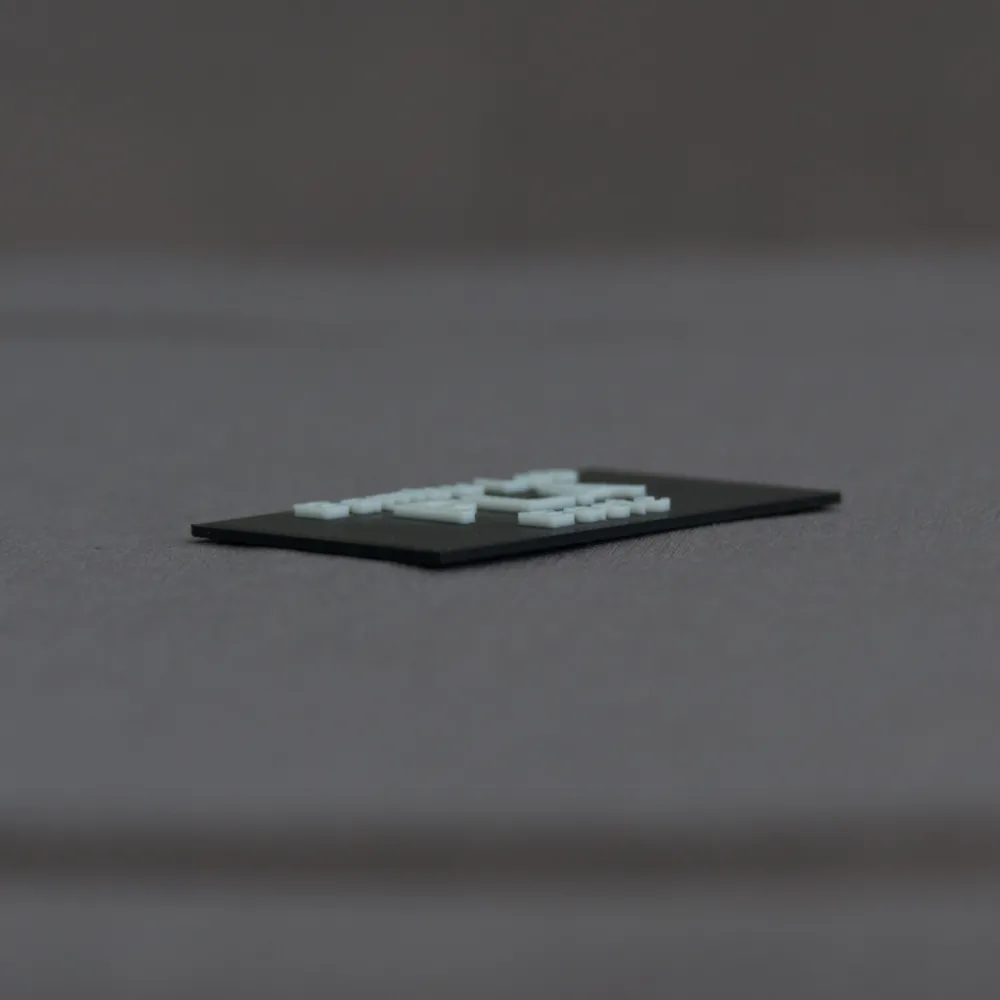
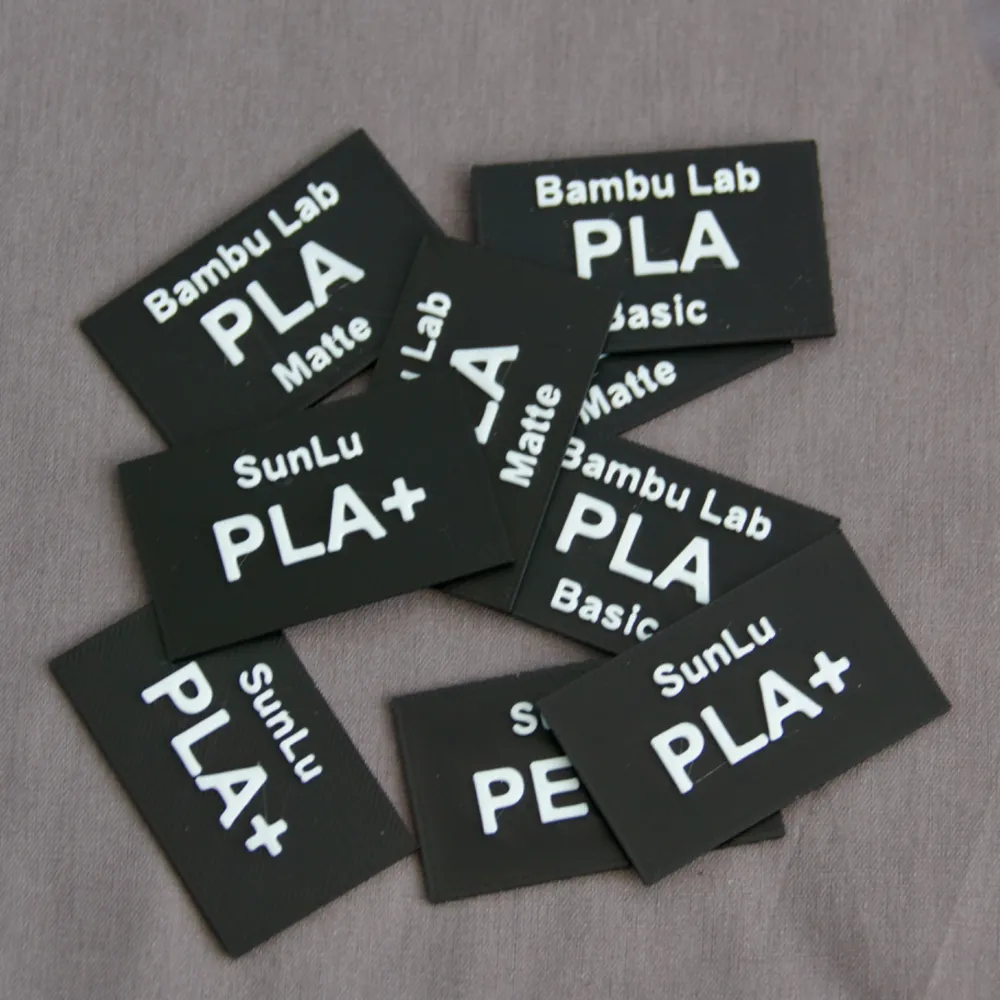
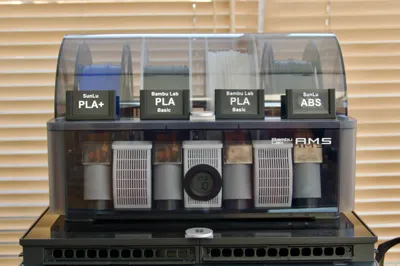
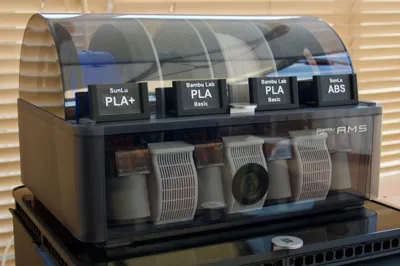
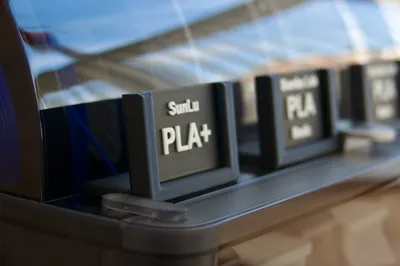
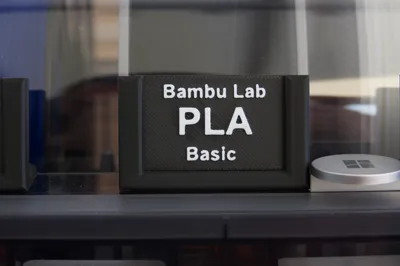
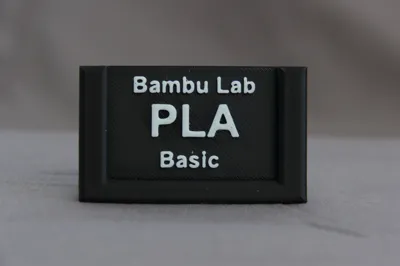
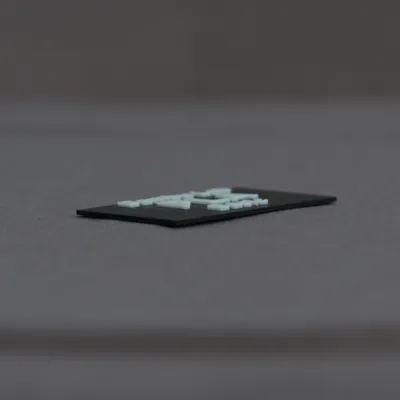
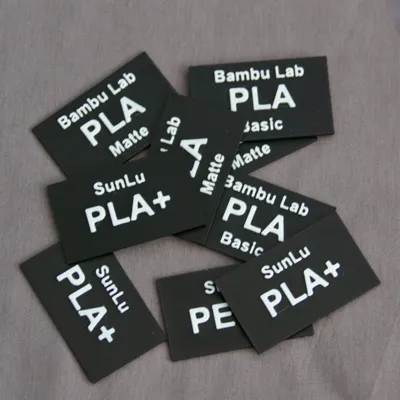
This is a simple ‘L’ shaped, free standing stand which can be used to label each AMS filament slot if you've got an AMS unit, or anything else for that matter, just print a label which are only 2mm thick and print quickly, then slot it into one of the stands for a simple, quick, at a glance, label, perhaps to show which brand, filament type, colour, you have loaded in your printer, or which size nozzle you have loaded, or practically anything else you would like a label for.
Single Stand
- X: 57mm (wide)
- Y: 30mm (tall)
- Z: 28mm (deep)
Twin Stand
- X: 110mm (wide)
- Y: 28mm (tall)
- Z: 24mm (deep)
Twin Stand With No Foot
- X: 110mm (wide)
- Y: 34mm (tall)
- Z: 5.9mm (deep)
Labels
Customised labels can be generated directly in Bambu Studio, with whatever text or image you would like, just right click on a plate, select ‘Add Primitive’, then select ‘Cube’, set the dimensions of the cube to be:-
- X: 50mm (wide)
- Y: 30mm (tall)
- Z: 1mm (thick)
Click on the newly created cube and select the Text tool from the toolbox, at the top of your screen from the toolbox, select your font, text size, enter a thickness of 1mm (to match my labels), then enter the text you want shown ie Bambu Lab, then just hover over the cube on screen to see the preview of the text with the properties entered, find a suitable position for the text, or adjust the font / size to get it to fit better, then click when you're happy with the placement to place it on top of the cube. Repeat for any other text you shown.
Font Sizes
For information, the font and sizes I used are:-
- Text: SunLu
- Font: Arial
Size: 6
- Text: ABS
- Font: Arial
- Size: 12
As the labels are only 2mm thick including the text, they print pretty fast, I used the colour switching of the AMS to set the colour of the text to white and the label itself (the cube mentioned above) to be black, but you could just add a filament / colour change at the required height if you don't have a Bambu Lab AMS unit.
Filament Usage
For info:-
- 1 x Twin Stand uses around 18g of filament
- 1 x Single Stand uses around 13.2g of filament
- 6 x Labels uses around 13g of filament
Thanks
I really hope you like this model, please like, boost, print and upload your makes to share your setup and how you've used these.
Any questions etc, just add a comment etc and I'll try to get back to you and help where I can.
License



Comment & Rating (153)