Search models, users, collections, and posts

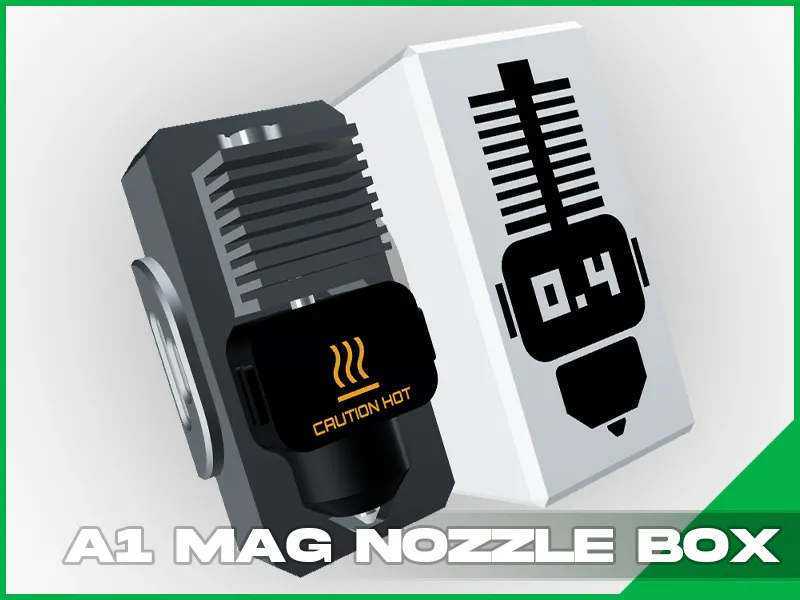
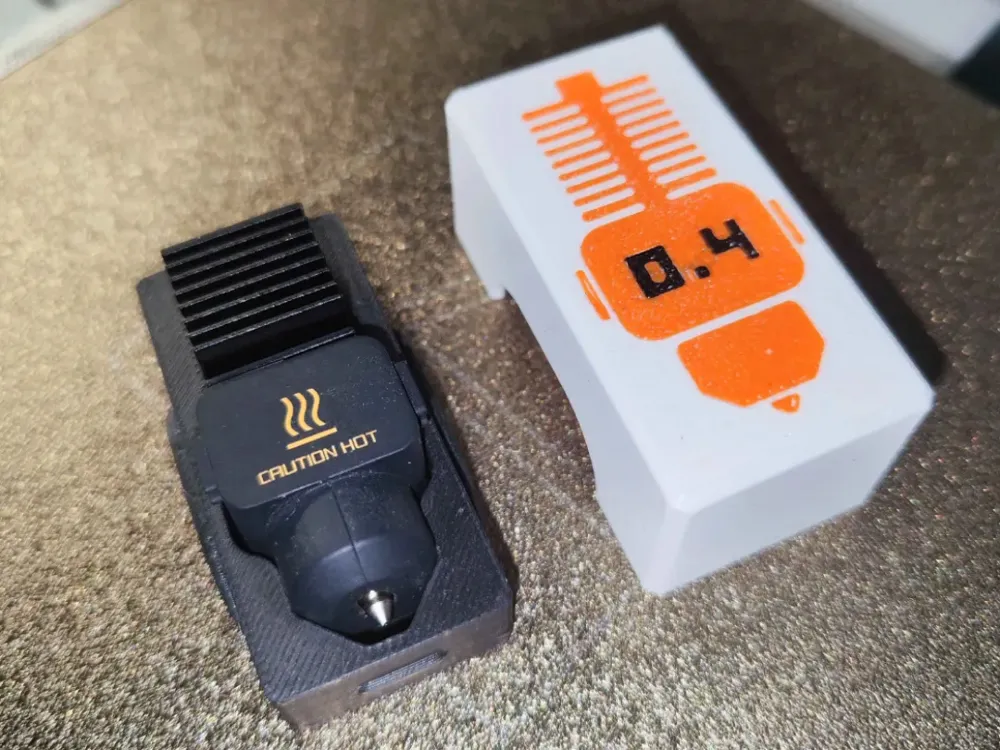
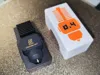
A1 Series Magnetic Nozzle Box
IP Report
Print Profile(1)
PETG / PAUSE / 0.20mm / 2 walls / Honeycomb infill
Designer
1.2 h
1 plate
Open in Bambu Studio
Boost
14
46
8
3
58
17
Released
Description
About the model:
- Precise Fit: Designed specifically for A1 series nozzles with the sock or without it
- Ease of Printing: Simple design for easy 3D printing and magnet embedding.
- Magnetic Securement: Includes an 11mm x 2mm or (10x2) magnet slot to keep the nozzle sturdy during storage.
Design a simple and clever storage box for a single nozzle, based on the Bambu Lab A1Series Hotend 1:1 model. - DOWNLOAD
The box includes a magnet 11mm x 2mm for secure storage. Also nozzle box can be attached to any other metal surface!
Quick Tutorial: Embedding a Magnet in the Nozzle Storage Box
- Slice the Model:
- Slice the "Nozzle BOX" model in your slicing software.
- Add a Pause:
- Find the layer height where the magnet hole starts to close.
- Add a pause at this layer.
- Start Printing:
- Begin the print. The printer will pause at the specified layer.
- Insert the Magnet:
- Place the 11mm x 2mm or 10mm x 2mm magnet in the slot.
- Ensure the polarity matches the nozzle you want to store in.
- Add a small amount of superglue to secure the magnet.
- Resume Printing:
- Continue the print to encase the magnet.
Tips:
- Polarity Check: Ensure correct magnetic polarity for your nozzle.
- Glue Application: Use minimal superglue to avoid overflow.
Boost Me (for free)
Enjoying this print? Your support helps fuel my future creations! Hit BOOST to keep the ideas flowing and new designs coming your way!
License

This user content is licensed under a
Creative Commons Attribution-Noncommercial-Share Alike


Comment & Rating (8)