
Customizable MakerChip
Print Profile(0)
Description
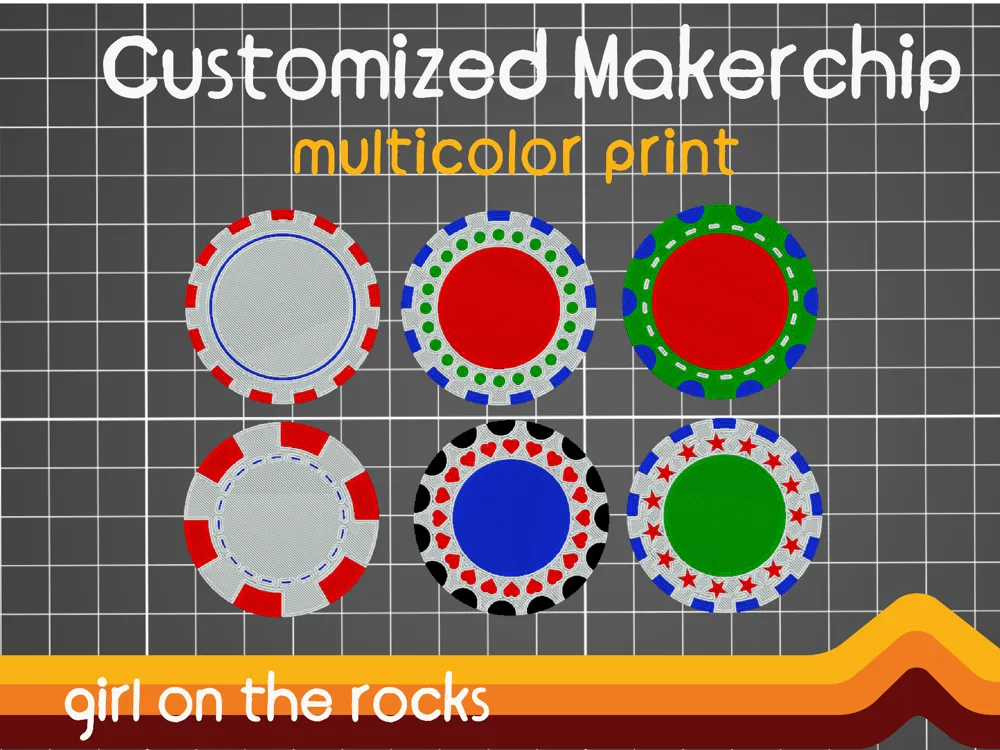
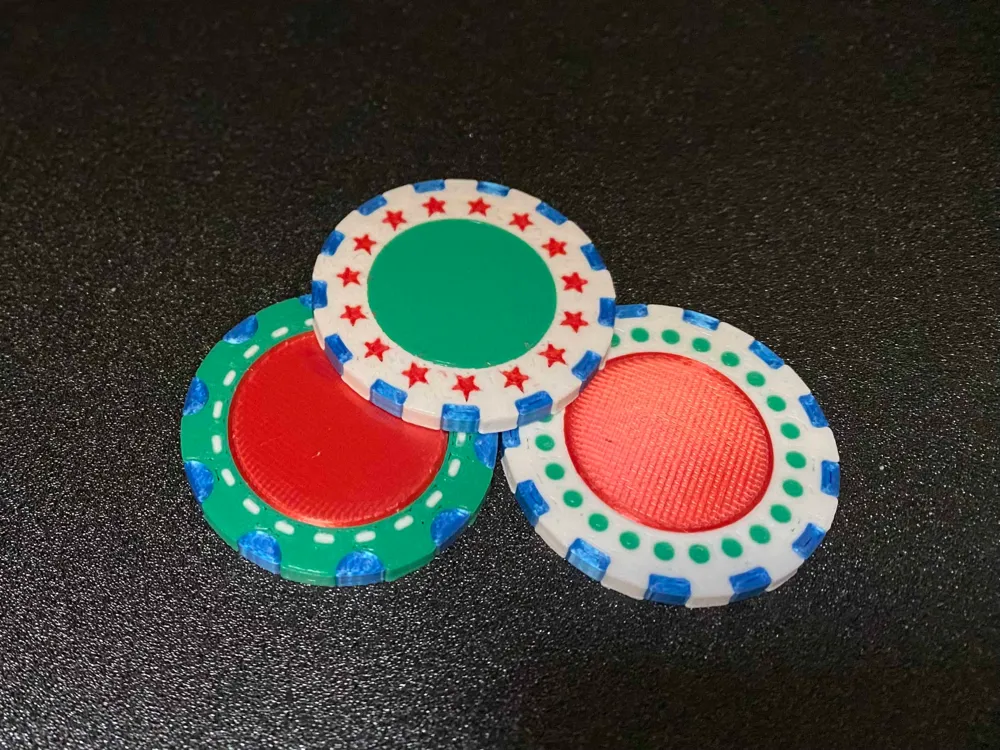
Customizable MakerChip with optional edge and inner ring decorations. Use the customizer to make a MakerChip unique to you! the customizer is pre-loaded with the default MakerChip dimensions (diameter 40 mm, thickness 3 mm). You can design the type of edge decoration by changing the number of decoative color blocks and also their width.
CUSTOMIZER INSTRUCTIONS:
What can you customize? Units are in mm.
- The chip diameter (co) and thickness (th) - though we recommend you keep the default values to match other MakerChips
- The type of edge decoration: round or square (edge_style)
- The number (deco) and width (ed) of the edge decorations
- The type of inner decoration: Squares, dots, hearts, or stars (inner_style)
- The position (inner1), width (inner2) and number (inner_deco) of decoration in the inner ring
- set inner_deco to 1 and inner_style to square for a continuous circle
- The diameter of an inner colored circle (cc)
- set cc to 0 for no inner color circle.
This customizer is designed to make up to 4 stl files. 1) the Base chip, 2) the Edge Decorations and 3) the Inner decoration ring and 4) Inner circle. Unfortunately MakerWorld doesn't have color enabled so you have to use your imagination. To change the part of the chip that you are viewing, change the parameter “WHICH EXTRUDER” to a value of 1, 2, 3, or 4. After changing, generate the model and export the stl. Do this for each part of the MakerChip. A Chip with all the decorations will have 4 stl files.
Once in the slicer, the stl's should stack nicely. Import all of them and when a dialog box appears, choose to have them imported as parts, not as individual objects. Add your own text or logo! Refer to K2Kevin's original post for instructions on how to edit files in BambuStudio if you need extra guidance.
Thanks to K2Kevin for popularizing this style of MakerChip, and to Jeff Barr for figuring out the cool WhichExtruder trick.
This remix is based on


License



Comment & Rating (0)