
Smilie Clock


Print Profile(1)

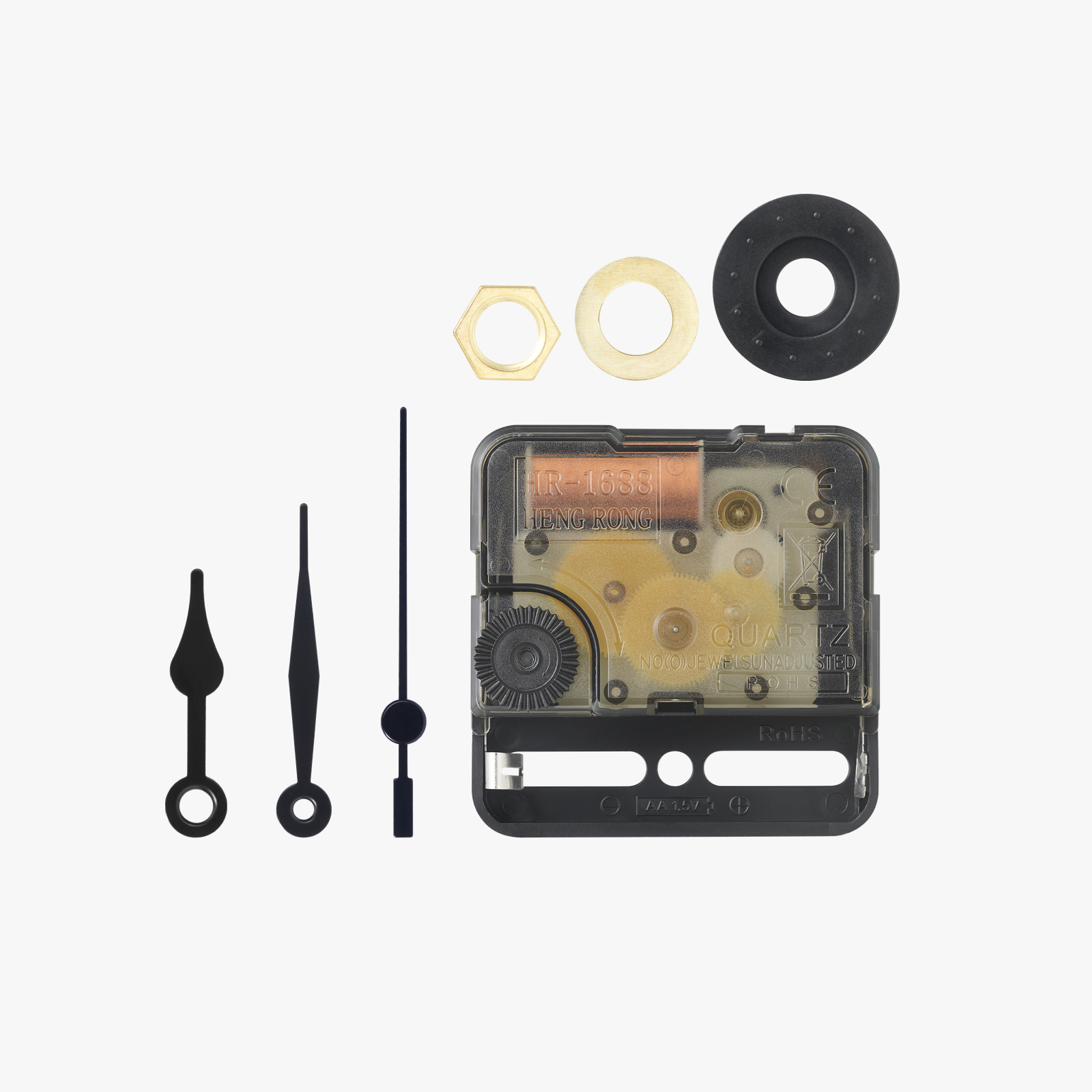
Bill of Materials
Description
A smilie as a wall clock.
You need yellow, black and white filaments to print it. When you use the ams, just print it. If you prefer to change the filaments by hand, for Bambu Studio the sequence is: Layer 1: yellow, black, white. Layer 2: white, yellow, black. Layer 3: black, white, yellow. The rest of the layers: yellow. For the Orca Slicer the sequence is: yellow, black, white. Layer 2: white, yellow, black. Layer 3: black, yellow, white. The rest of the layers: yellow.
If you enjoy it, please consider to give it a like and look at my other models. Thank you.
Check out my 3D printing videos on YouTube as well: https://www.youtube.com/@printed3d772
License

You shall not share, sub-license, sell, rent, host, transfer, or distribute in any way the digital or 3D printed versions of this object, nor any other derivative work of this object in its digital or physical format (including - but not limited to - remixes of this object, and hosting on other digital platforms). The objects may not be used without permission in any way whatsoever in which you charge money, or collect fees.


Comment & Rating (11)