
Rim Clock

Print Profile(1)

Bill of Materials
Description
This is one of my first 3D objects I created. :)
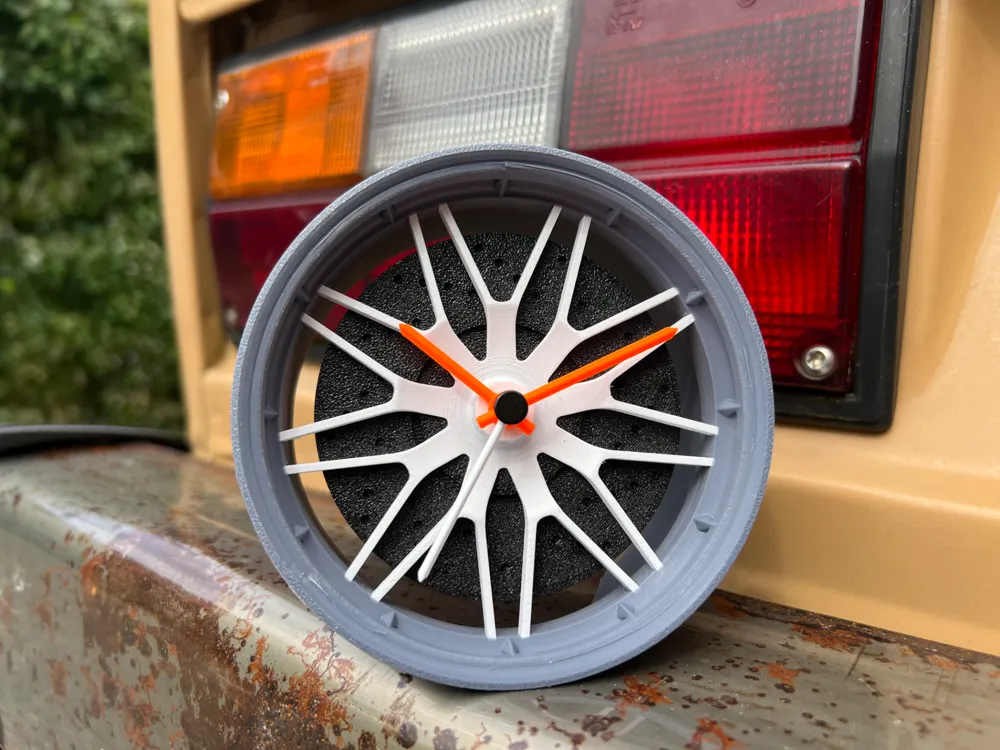
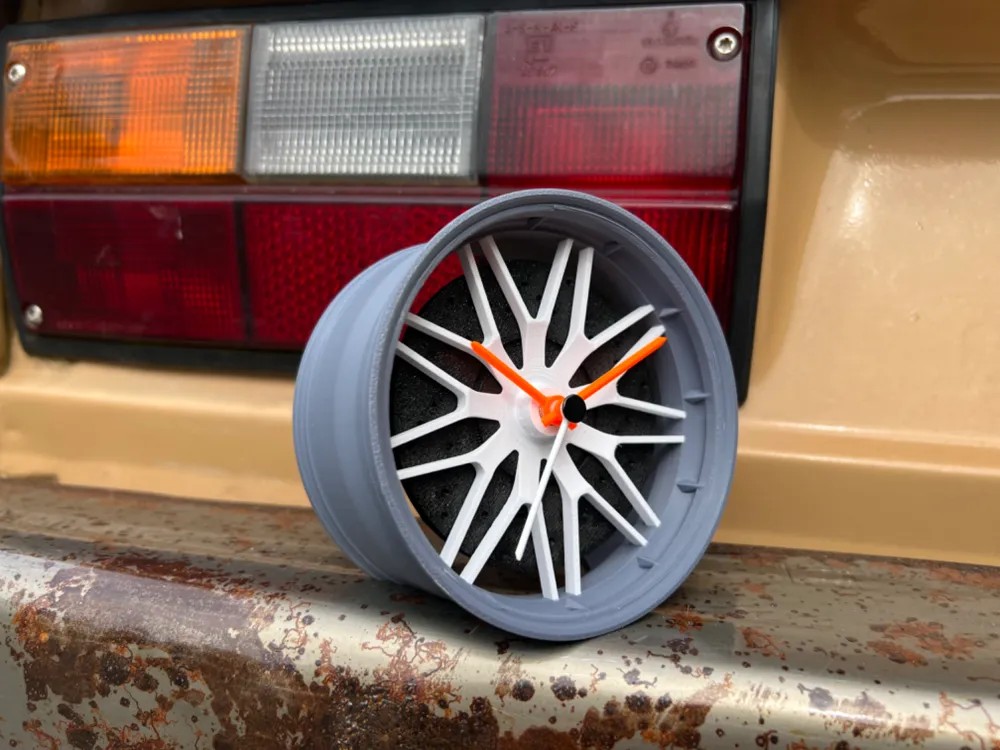
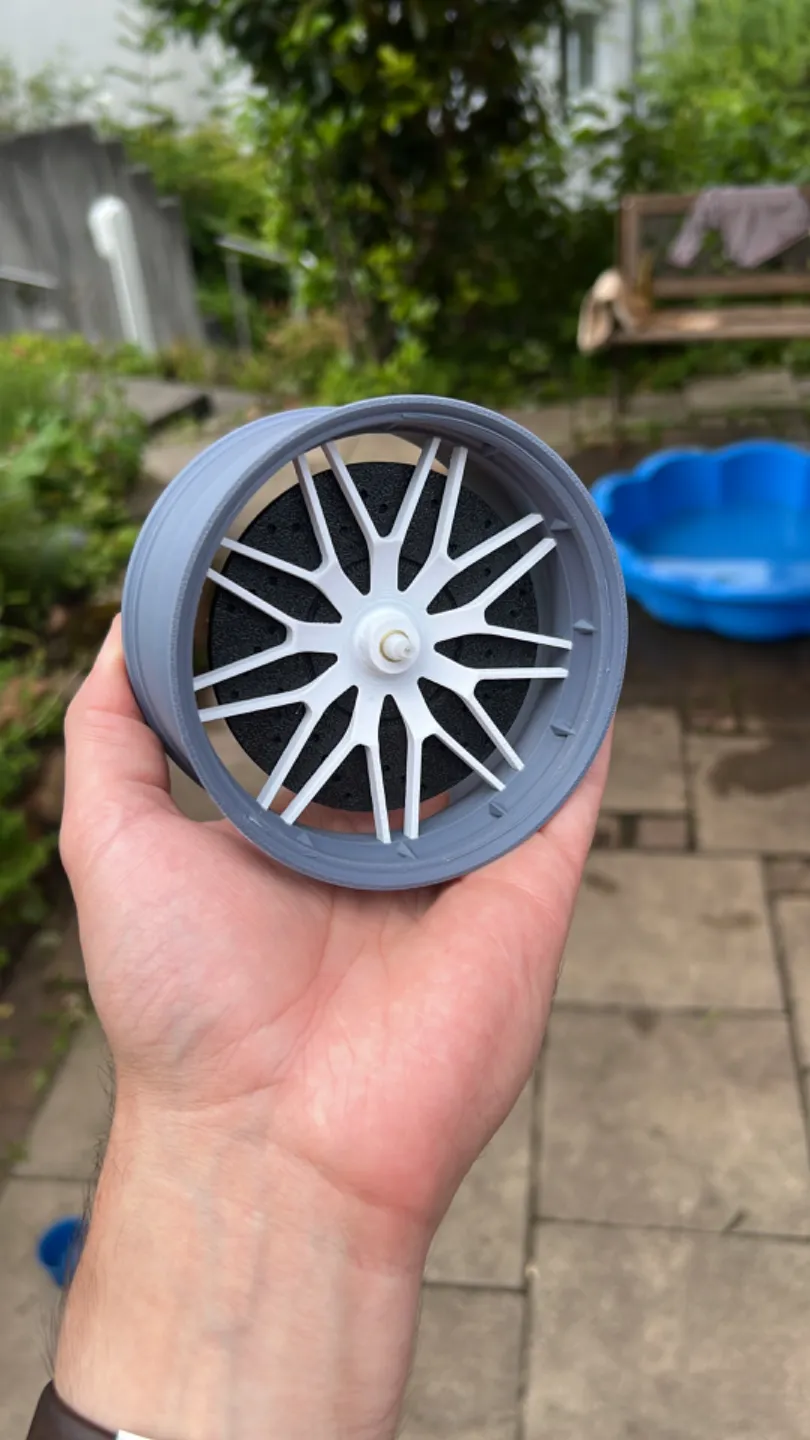
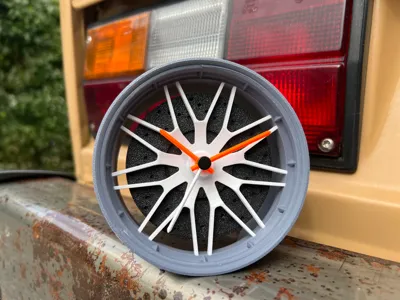
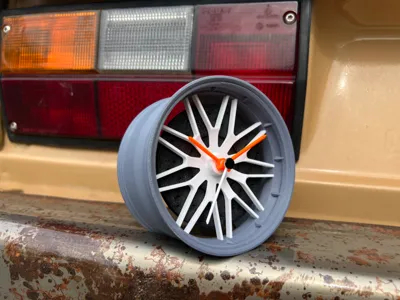
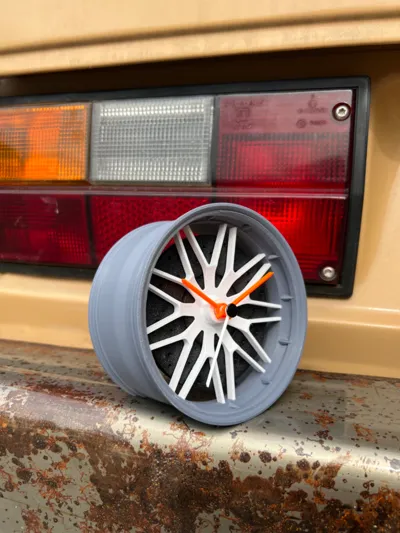
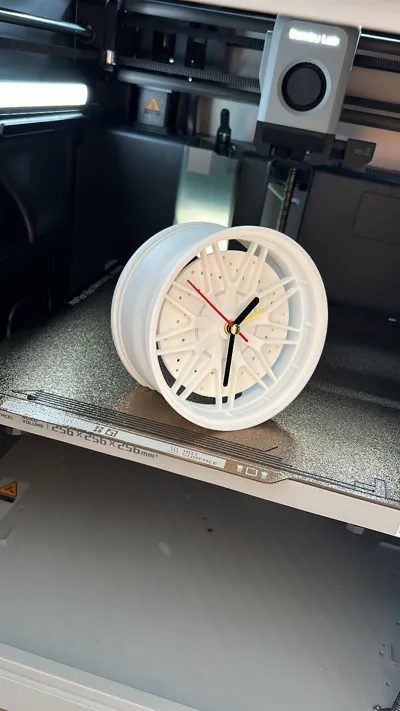
A Rim Clock.
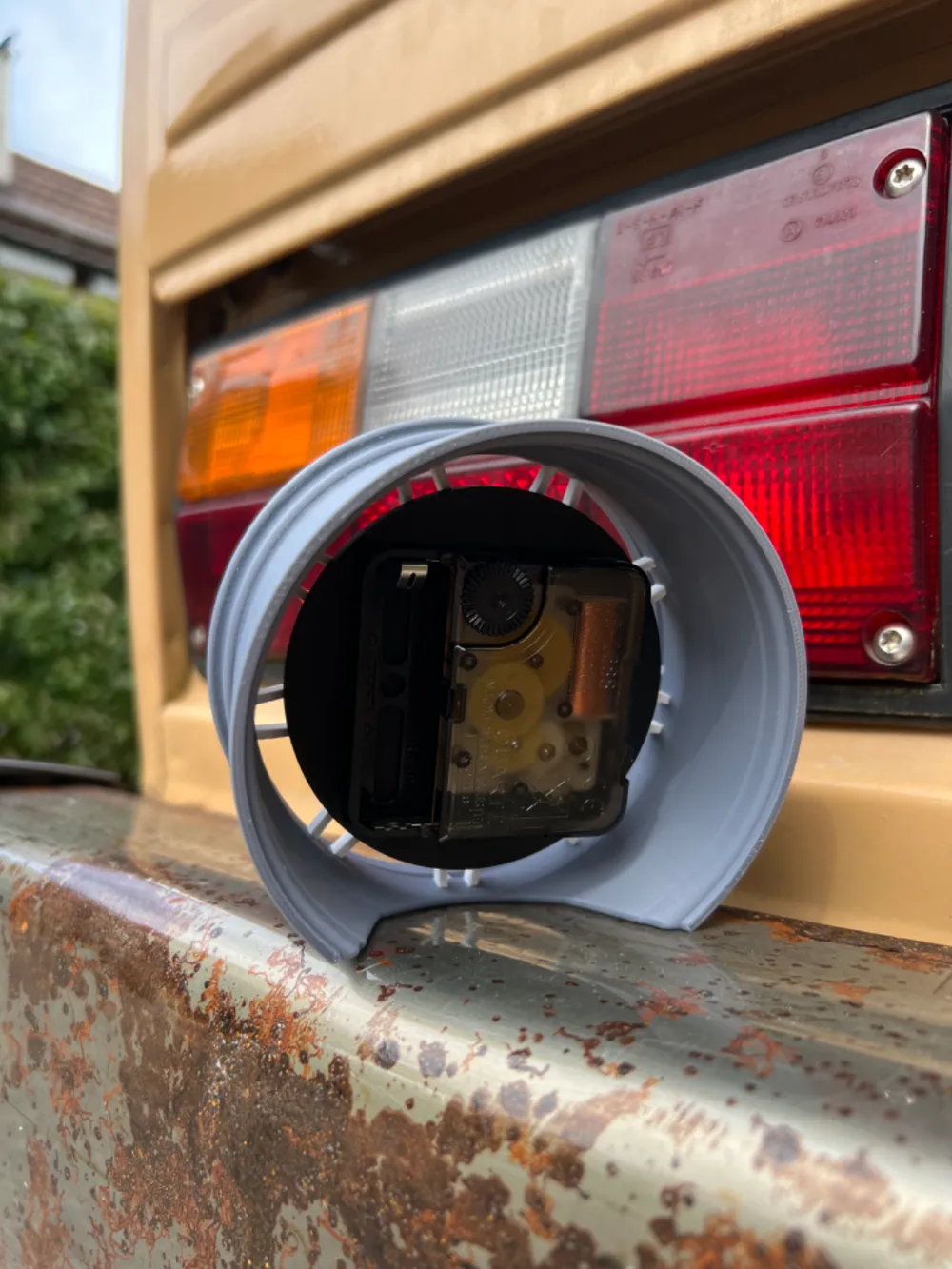
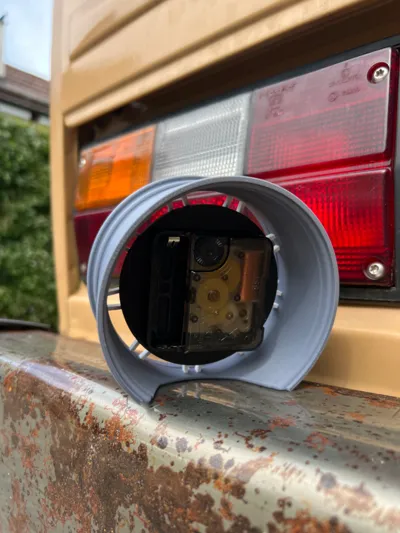
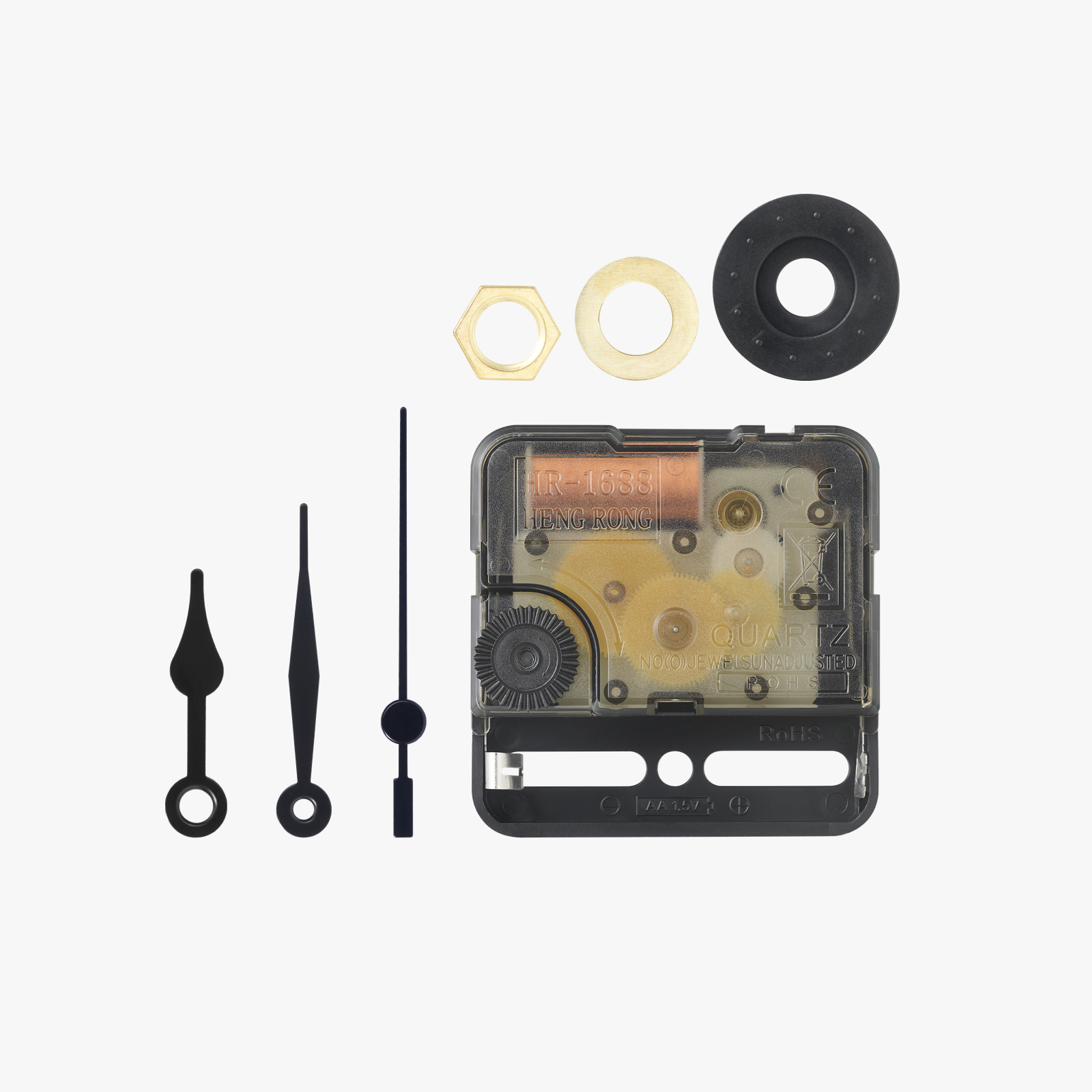
First you need a clockwork (55x55mm).
You can also use the Clock-Kit from the Bambulab Store.
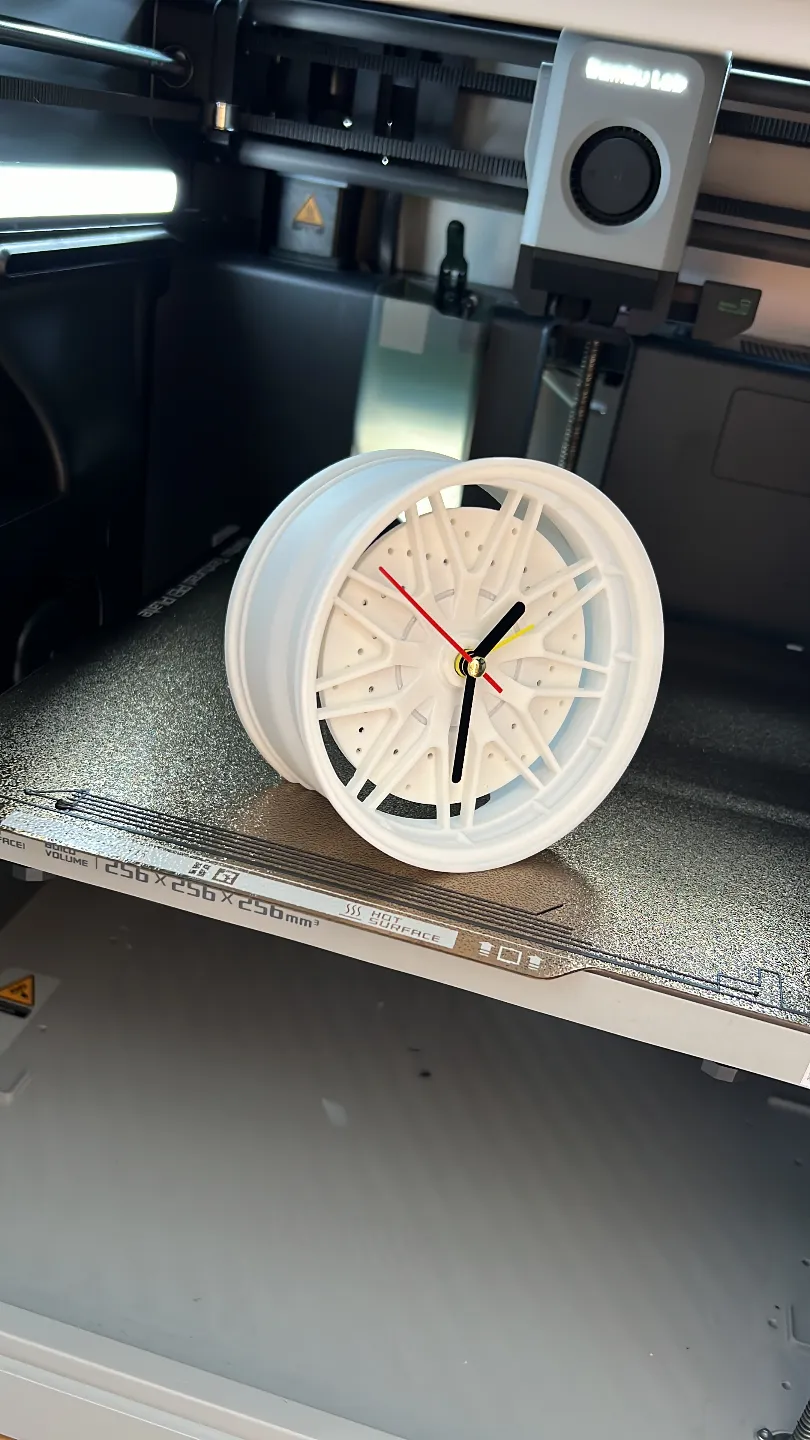
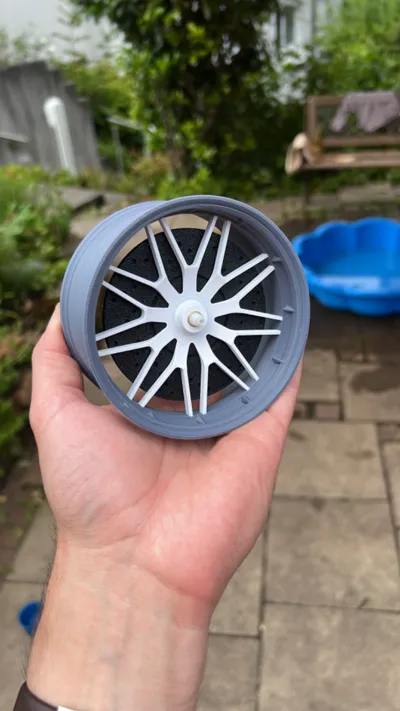
Print the star part first, then print the outer part.
The print has a pause programmed into it, during which you insert the star part.
To assemble the clock, simply put the clockwork into the brake disk and screw it into the star of the rim.
The orientation of the clockwork may not end up level, but it doesn’t matter.
For the seconds hand, I used the one that comes with the Bambulab clockwork.
I gently removed the hand and pushed the one I created onto the pin.
Be careful when pushing in the clock hands! You might push out the middle star part!
It takes forever to put it back in. (Don’t ask me how I know that 😅)
License



Comment & Rating (20)