
Pull Switch


Print Profile(1)

Description
This model is a modification of the existing ordinary switch housing. It does not involve wiring, but for safety, please cut off the power before installation and be careful with electricity when using it.
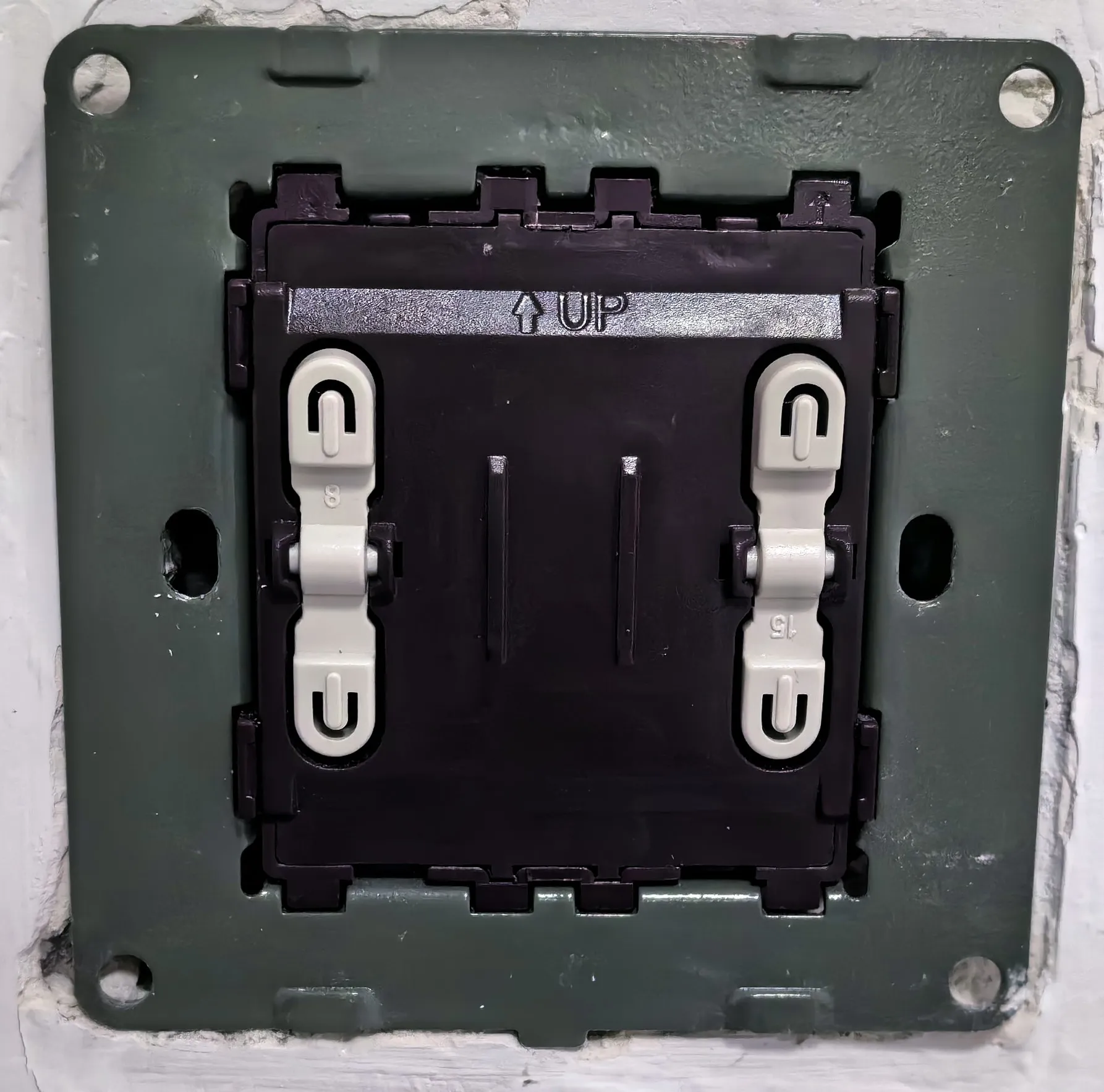
Before printing, please confirm the type of switch you want to install. The panel should look like this when disassembled. Other types of switches require modification of level1.stp, this is up to you.
It is best to print using flame-retardant or high-ignition point materials. I only have PLA and PETG, PETG has better flame retardancy, and it is recommended to use it.
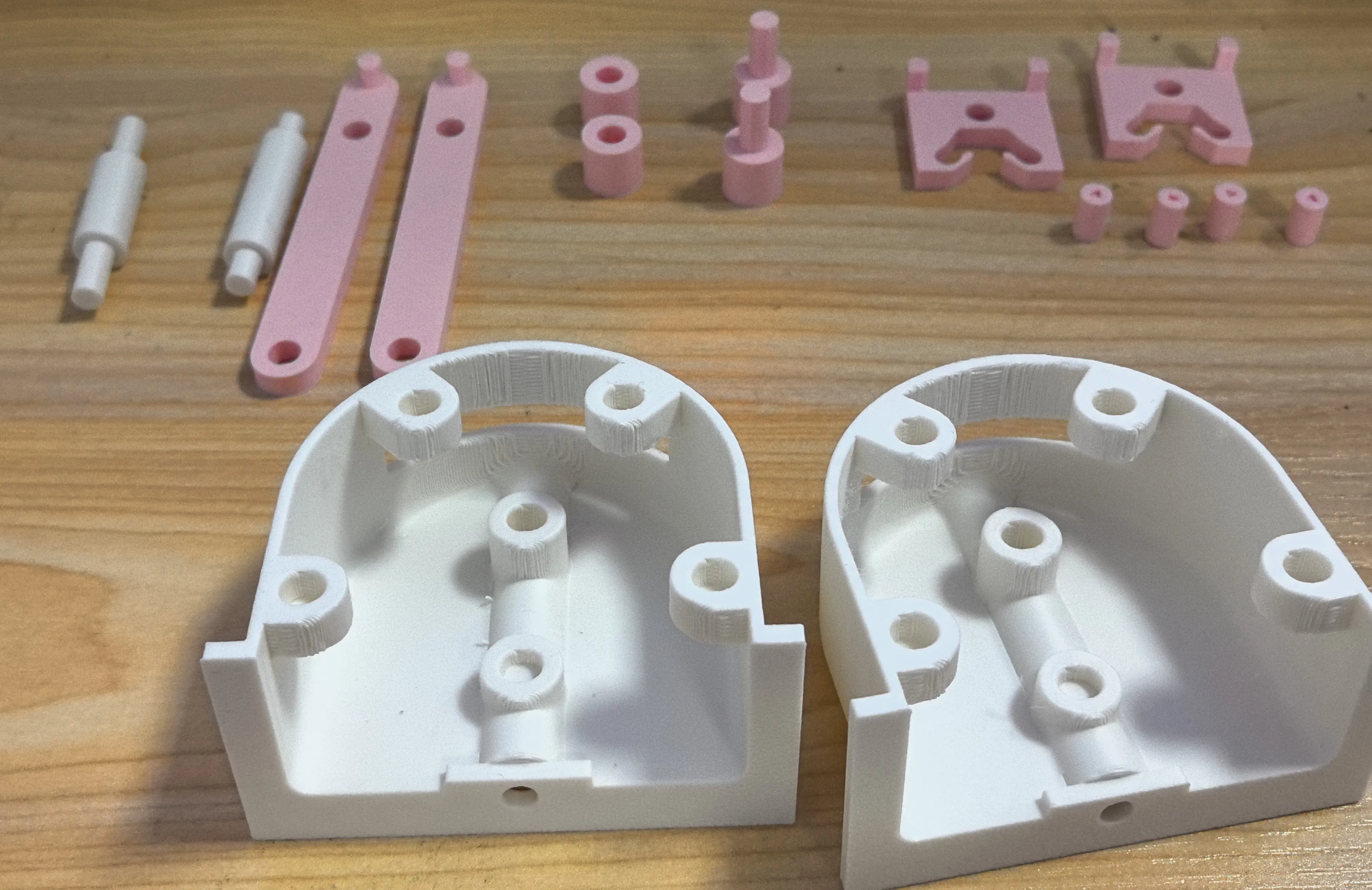
All parts
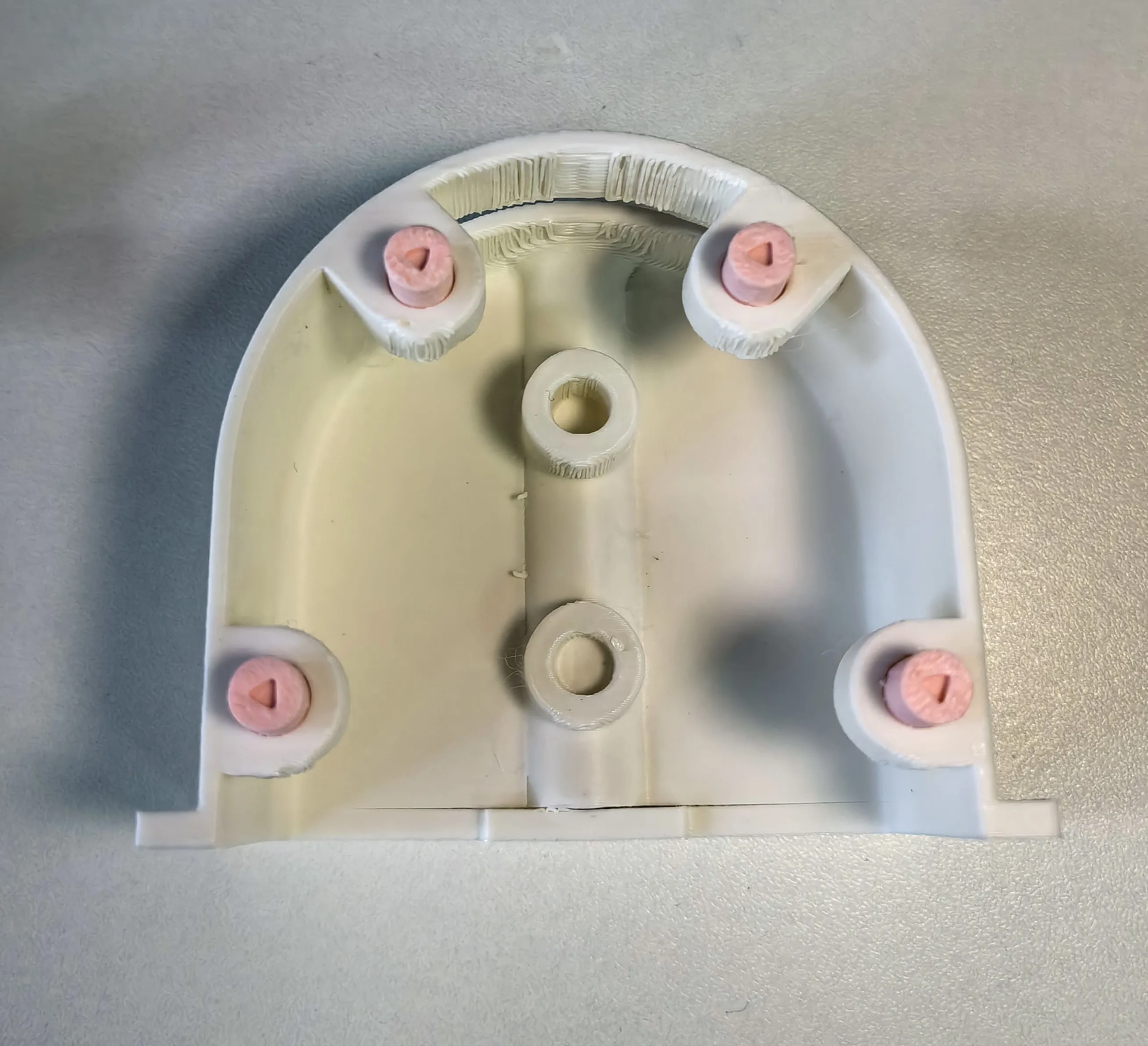
Step 1: Install four pins on one of the housings
Step 2: Install the handle
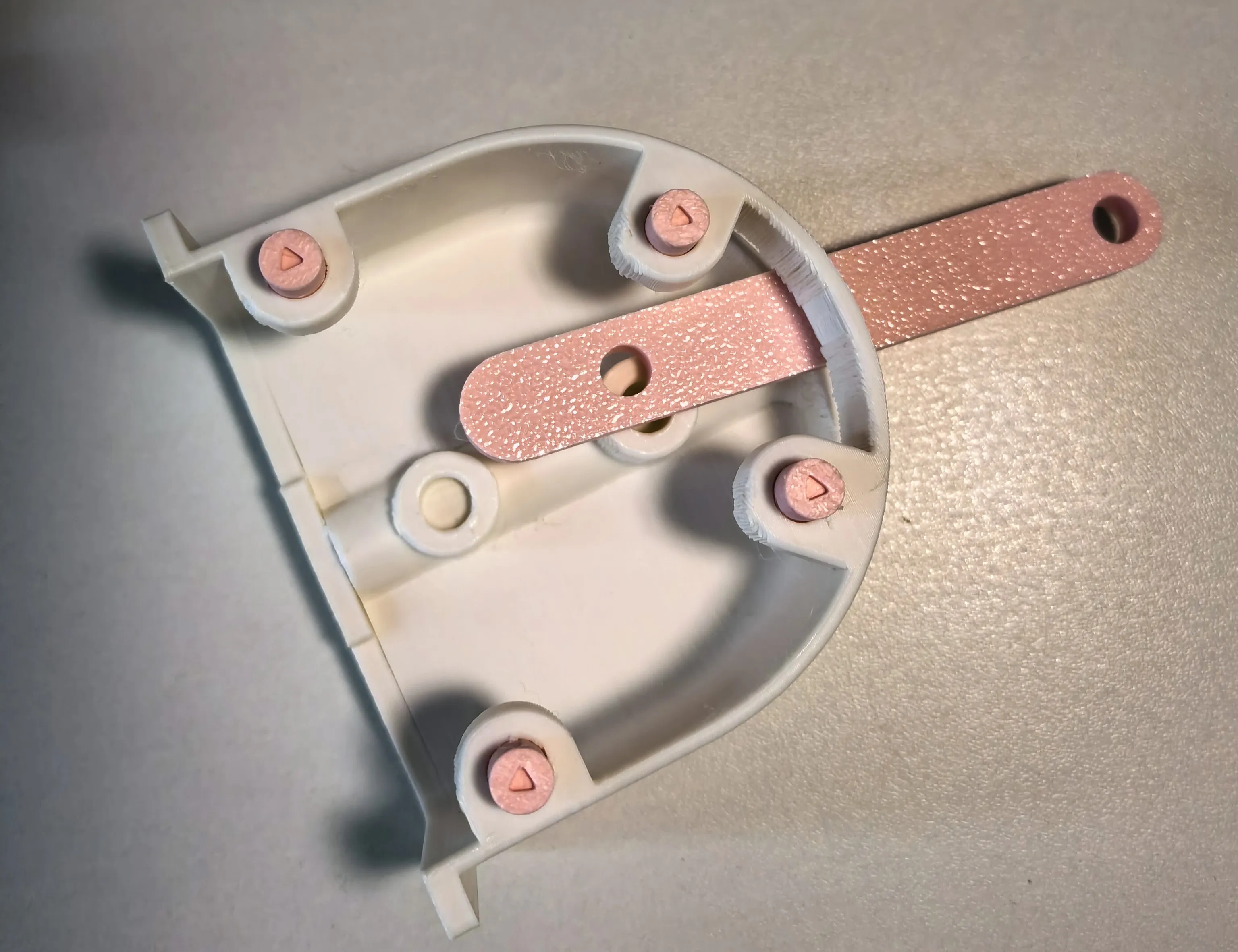
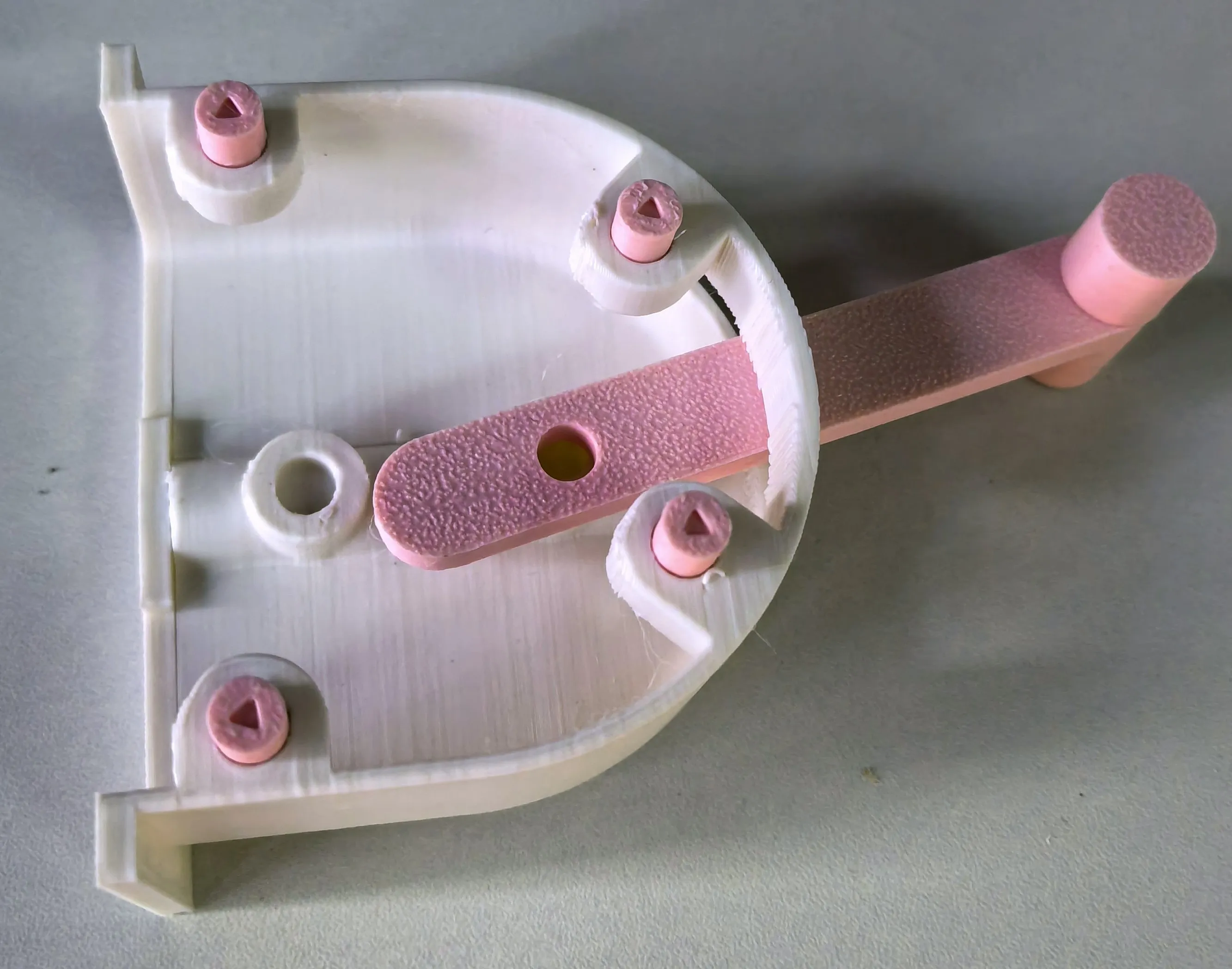
Step 3: Install the lever that contacts the switch
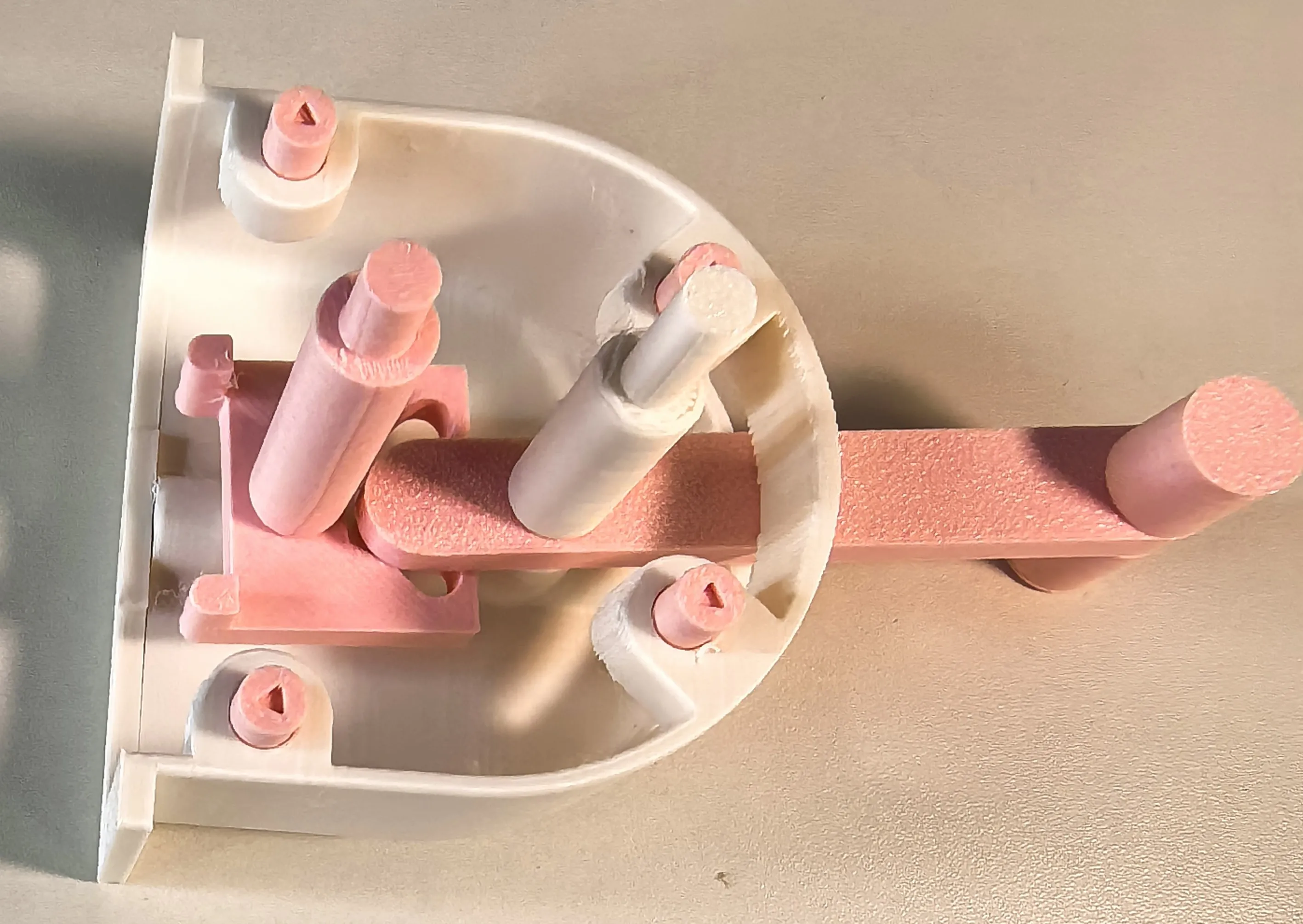
Step 4: Install the other half
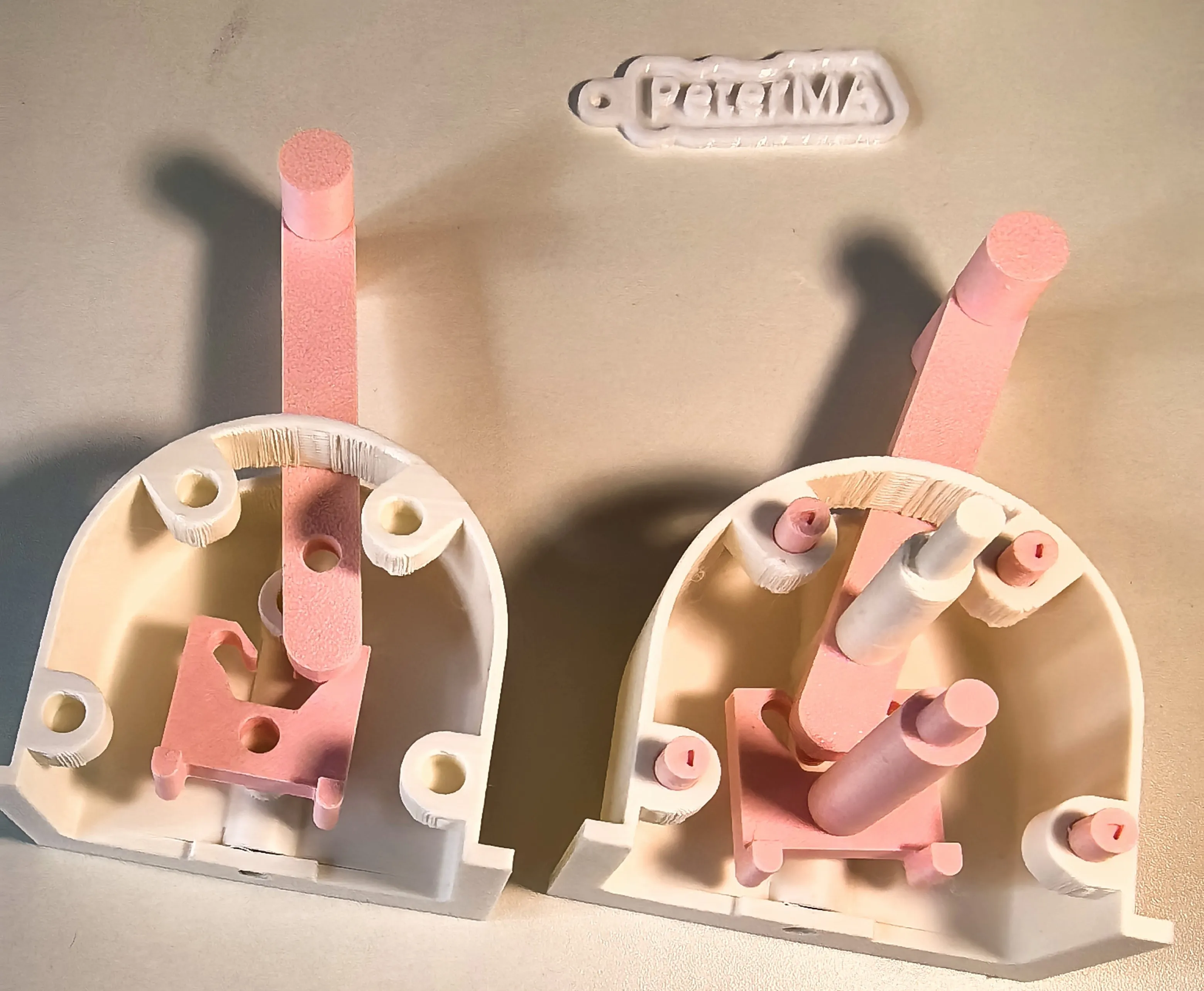
Step 5: Put the two halves together
This part is difficult, it will take a few tries
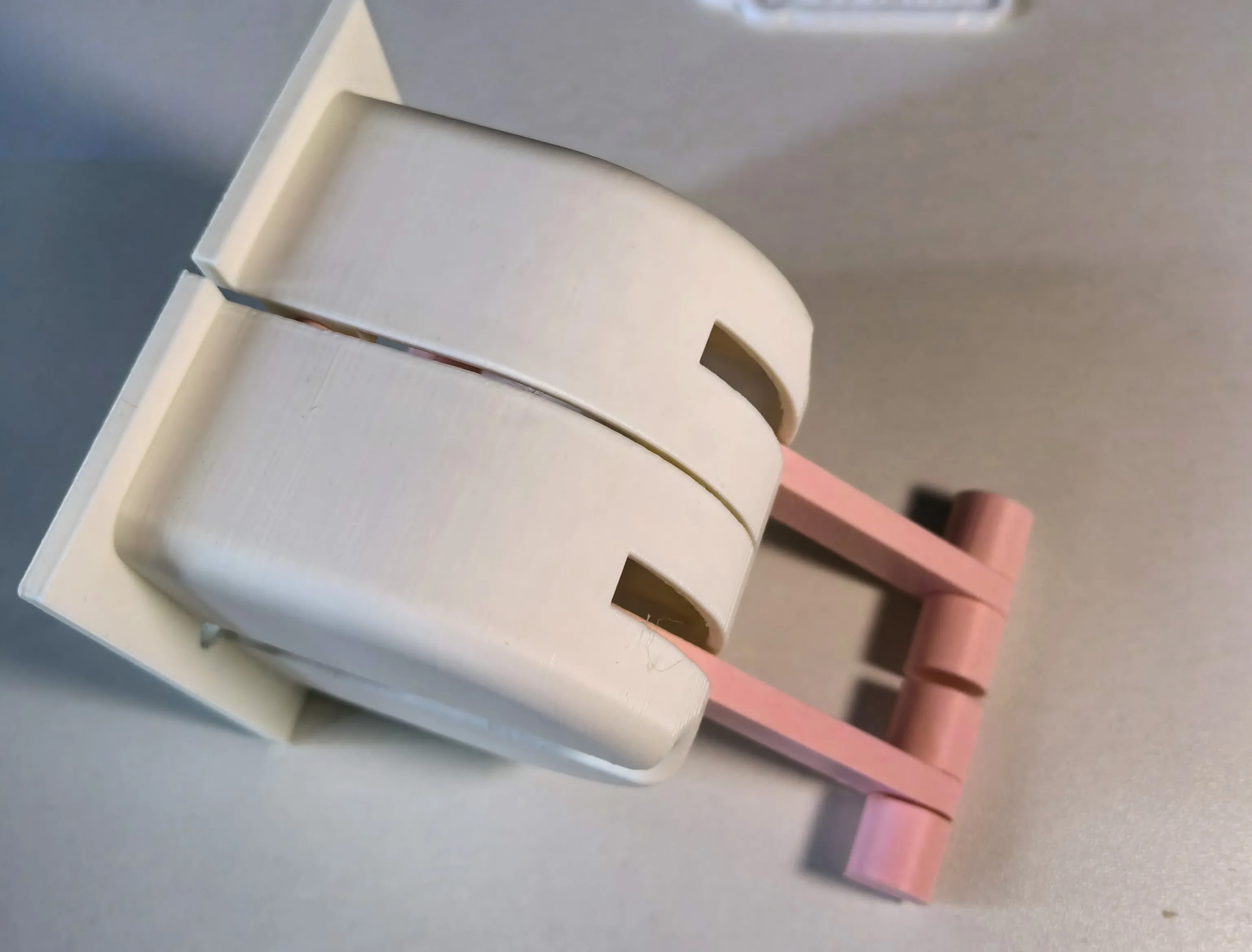
Step 6: Use the screws that came with the switch to install it on the switch.
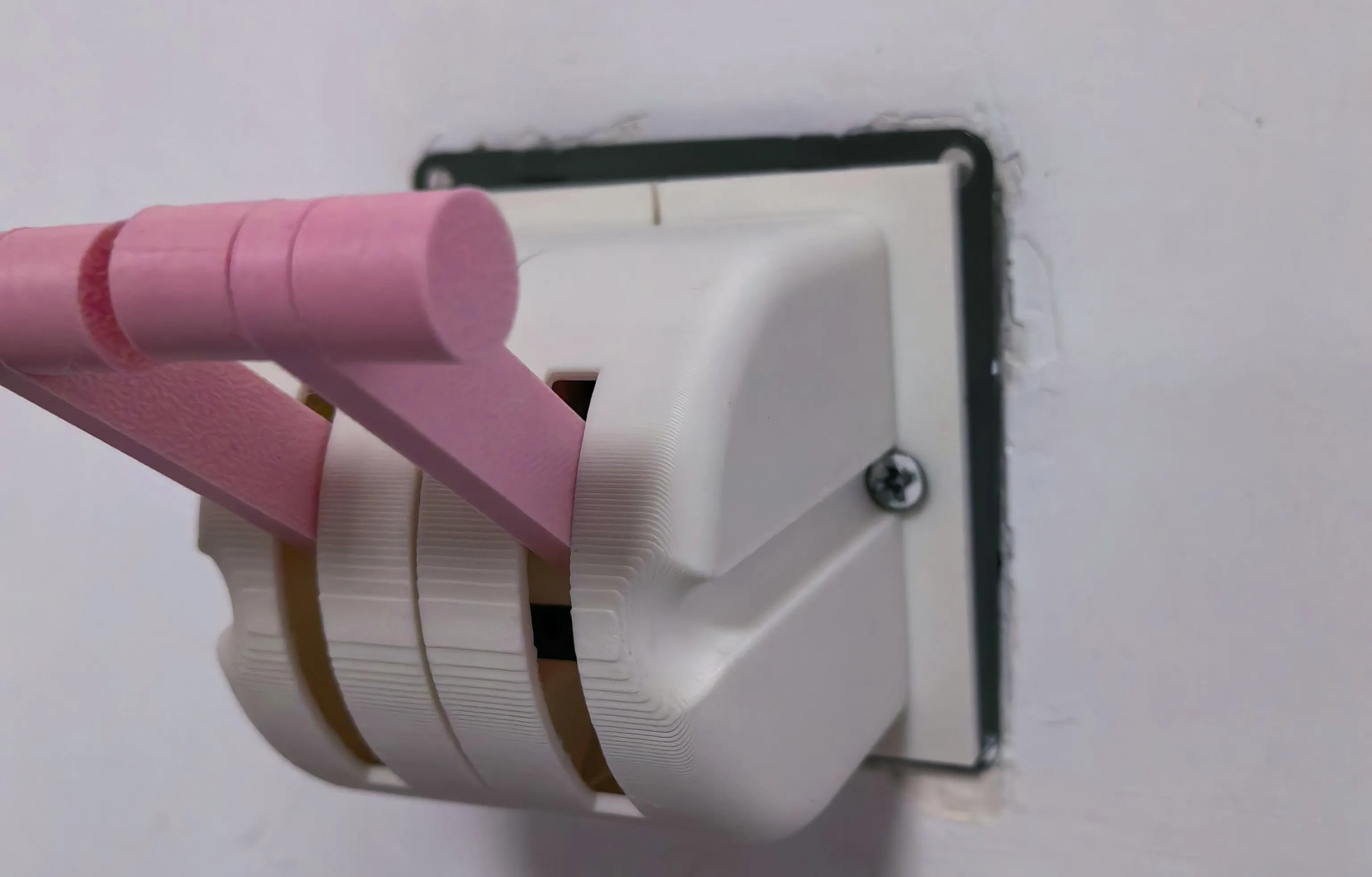
First upload, please give me some advice.
License



Comment & Rating (1)