
P1S Printer Keycap

Print Profile(2)

Description
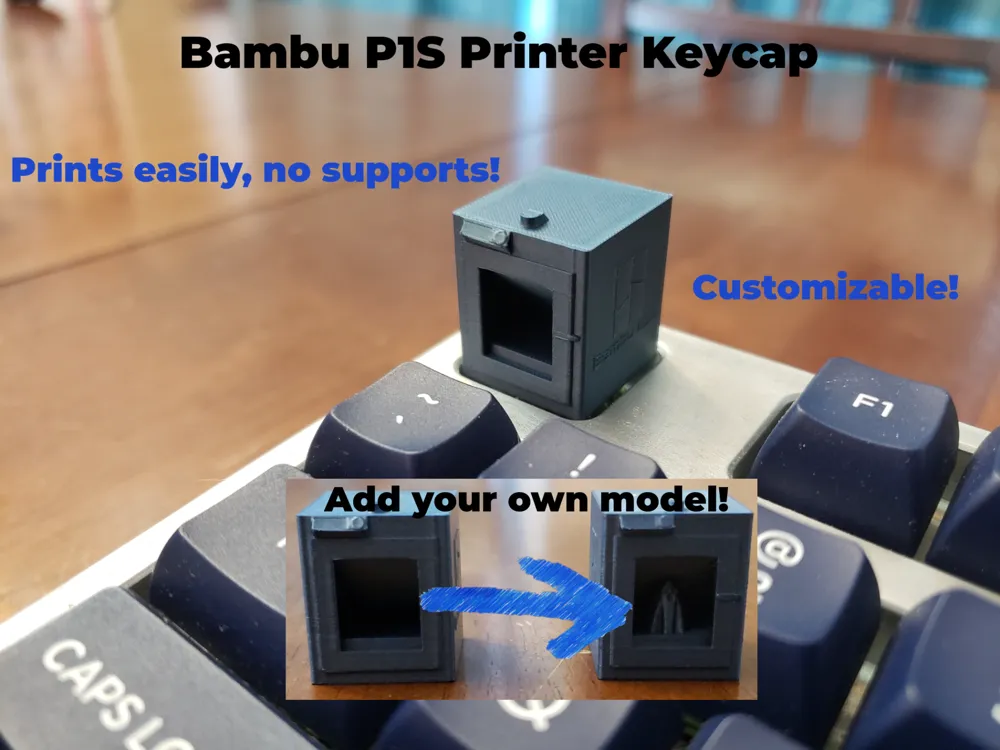
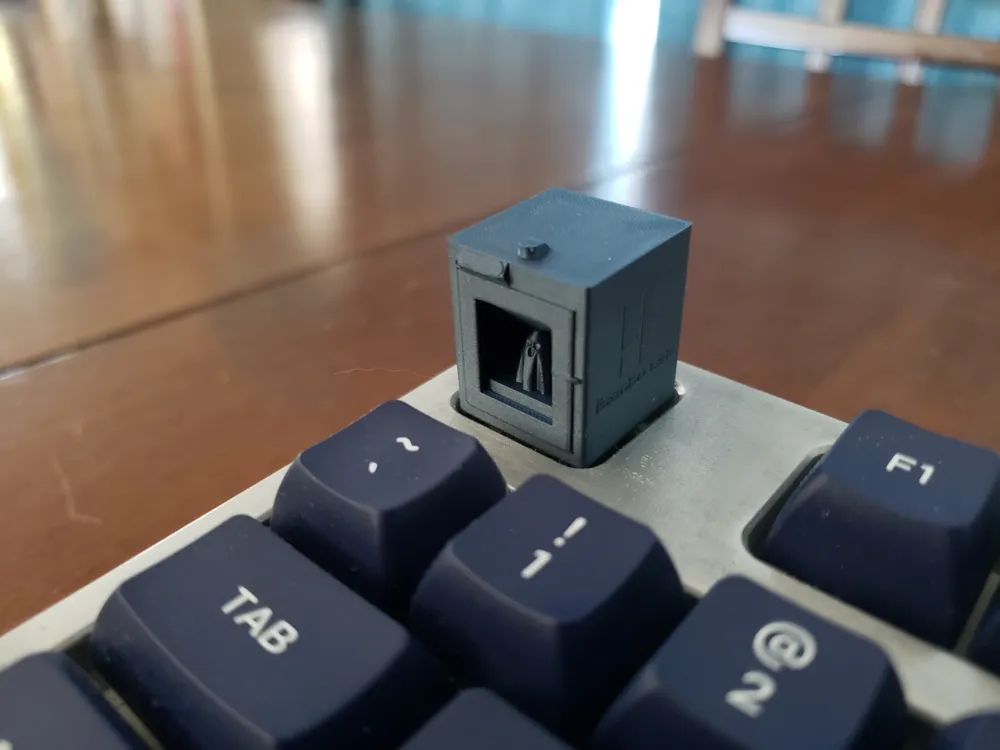
Show your pride and admiration for your Bambu printer by adding this customizable P1S Printer keycap to your keyboard!
It is customizable by adding your own model inside the printer - simply open the STL and import a model, shrink it and put it on the “build plate”. Of course, you'll want to add a model that doesn't require supports since, removing them might be a pain :-) For example you could add a benchy or whatever you like. I've added an STL that has a ghost inside as an example.
If you aren't interested in customizing it and would like a solid version, I have that available here: https://makerworld.com/en/models/435784#profileId-340869
The keycap is a standard size, fitting the 1U key size so it should fit without any problem. It uses a conventional switch profile (cross) so it is compatible with most switches.
Print profile is slowed down on outer walls and bridges. Also, I recommend making sure your build plate is clean. You could add a brim if you are having difficulties printing it, but I found I did not need it. Highly recommended to keep 0.06mm layer height for best results.
Enjoy!
License



Comment & Rating (13)