Search models, users, collections, and posts

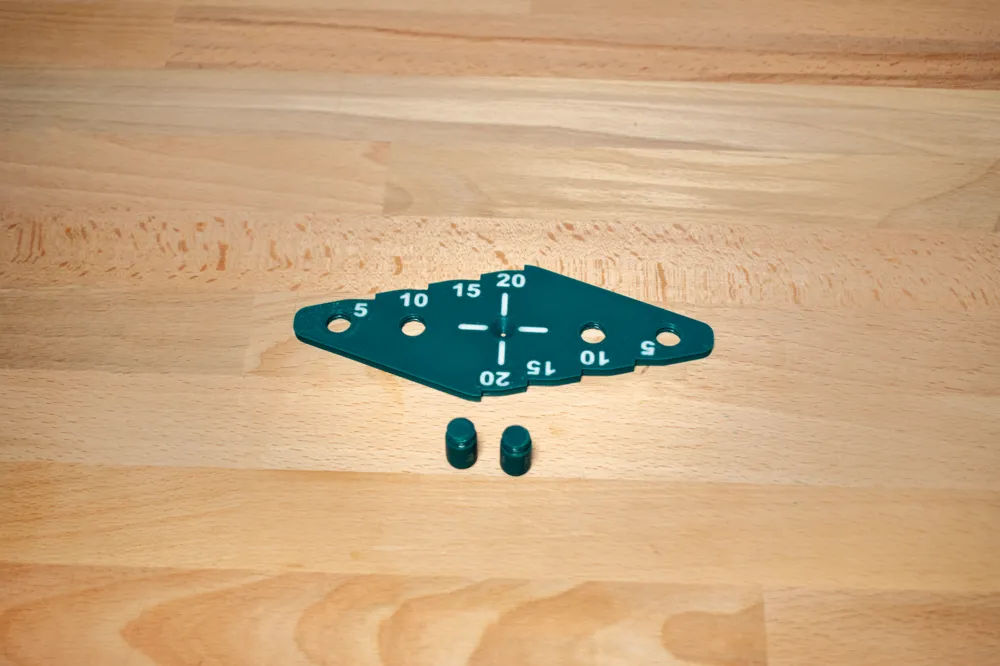
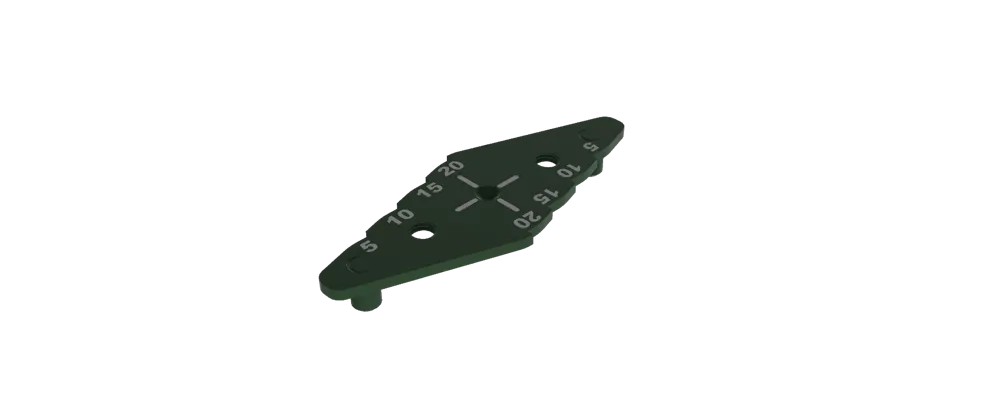
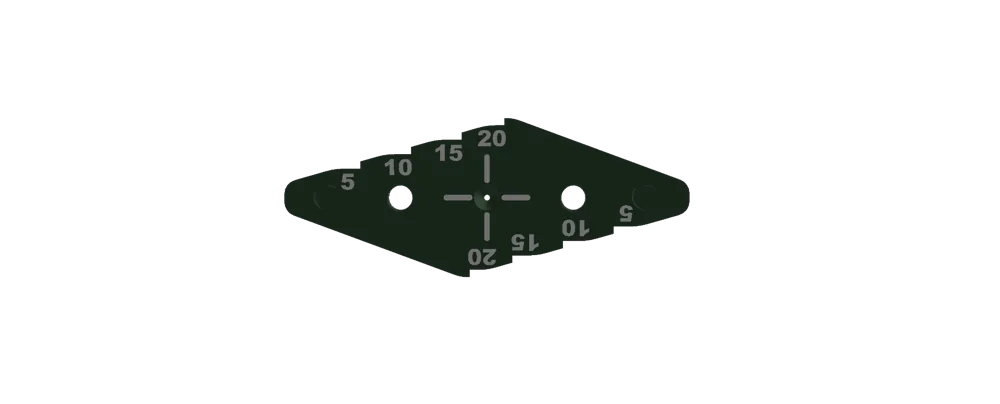
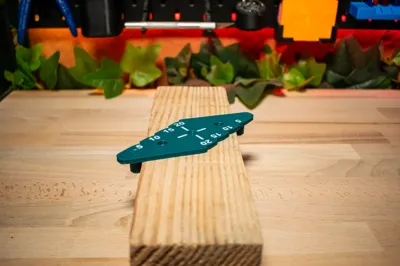
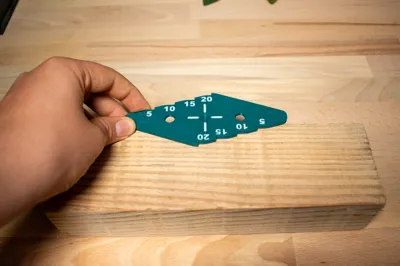
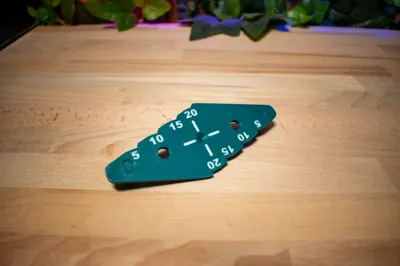
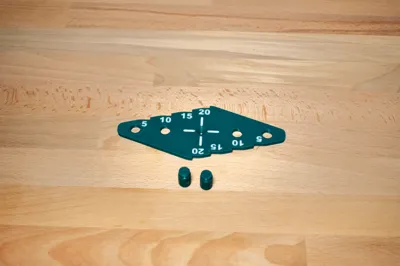
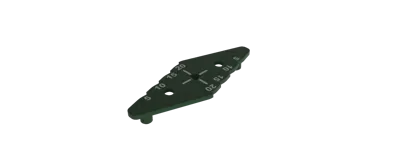
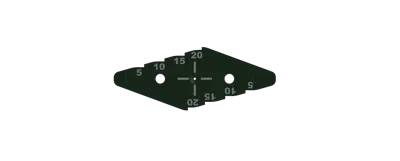
Centre Marking Tool
IP Report



Print Profile(2)
0.16mm layer, 2 walls, 15% infill AMS
Designer
1.2 h
2 plates

0.16mm layer, 2 walls, 15% infill NO AMS
Designer
53 min
2 plates
Open in Bambu Studio
Boost
35
78
5
4
70
33
Released
Description
Content has been automatically translated.
⚠ WARNING: You ARE NOT ALLOWED to sell prints of this model unless you have a Commercial License. ⚠
Membership
Want to sell prints of my models? Commercial licenses are available here!
Join
Boost Me (for free)
Youtube : https://www.youtube.com/channel/UC_VWpOOYBLT7FRTs8lznq0A
Instagram : https://www.instagram.com/la3ddanslapoche/?next=%2F
TikTok : https://www.tiktok.com/@la.3d.dans.la.poche?_t=ZN-8z9DyygArGI&_r=1
MakerWorld https://makerworld.com/fr/@la3ddanslapoche/upload
EN
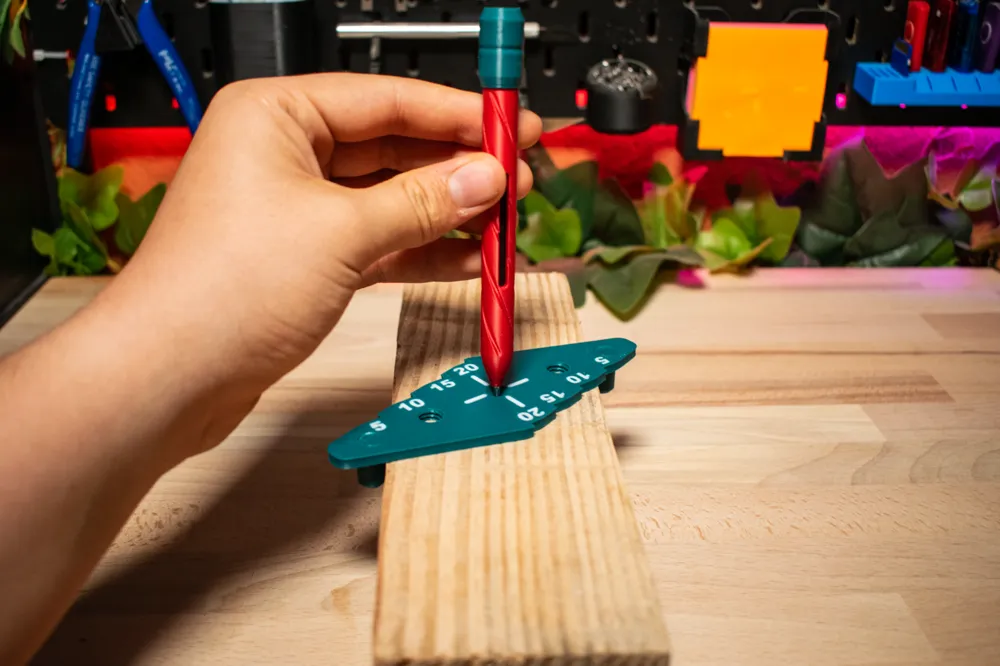
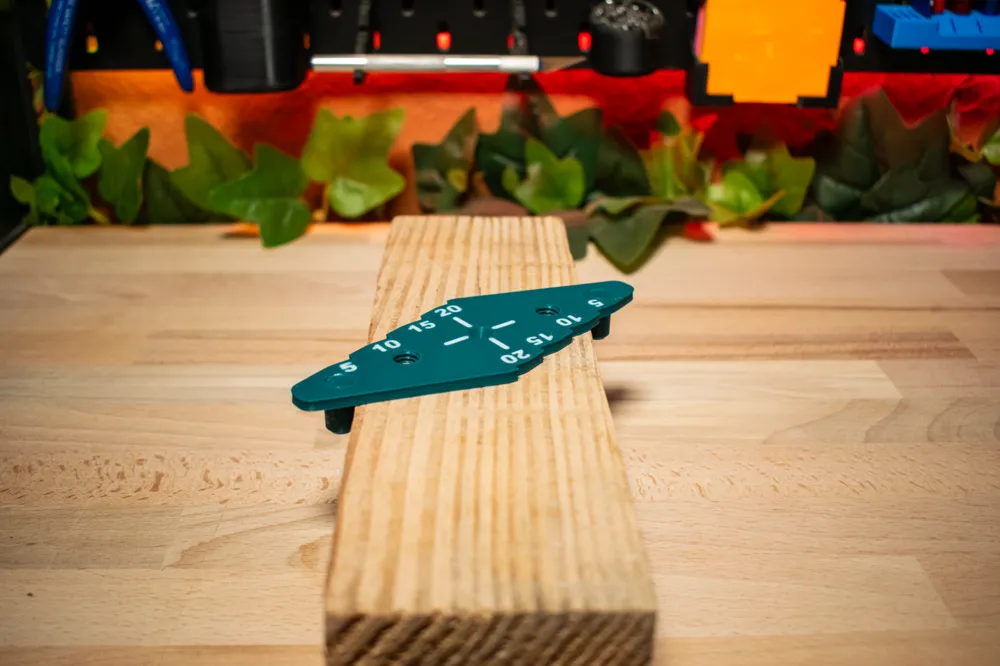
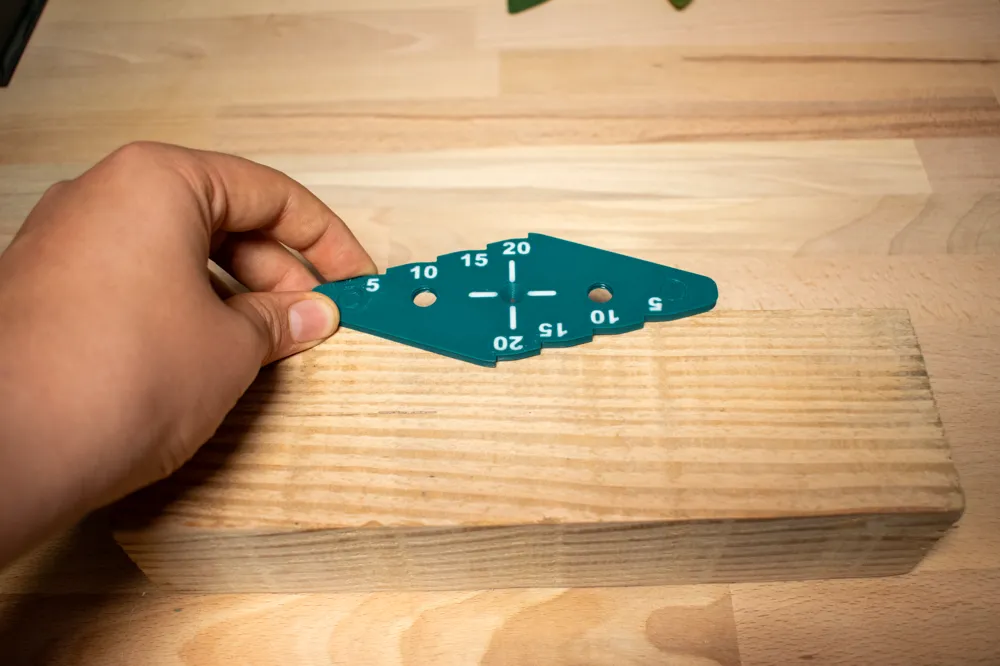
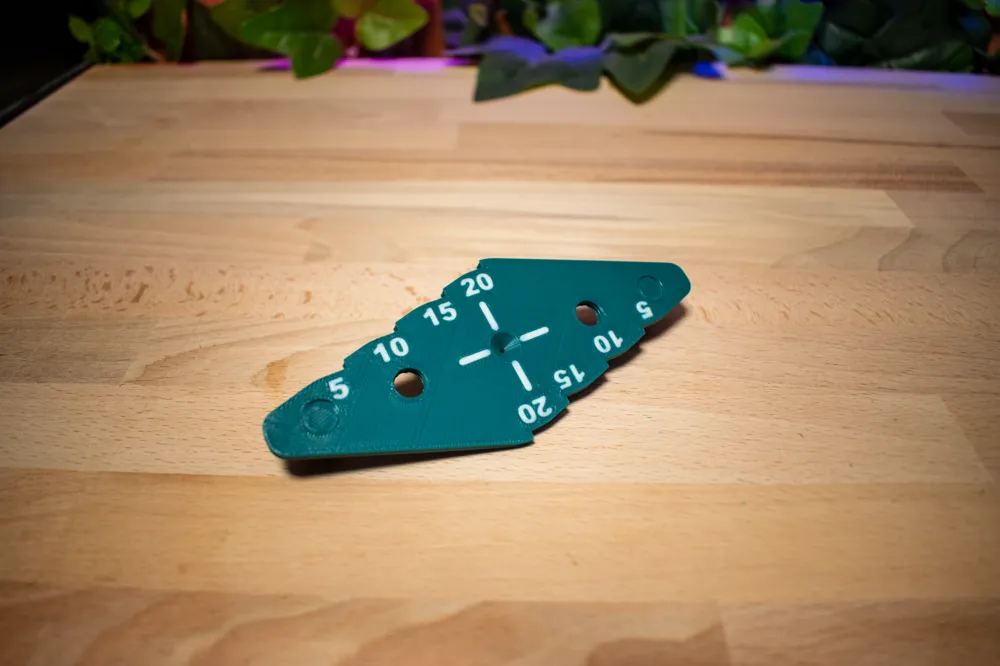
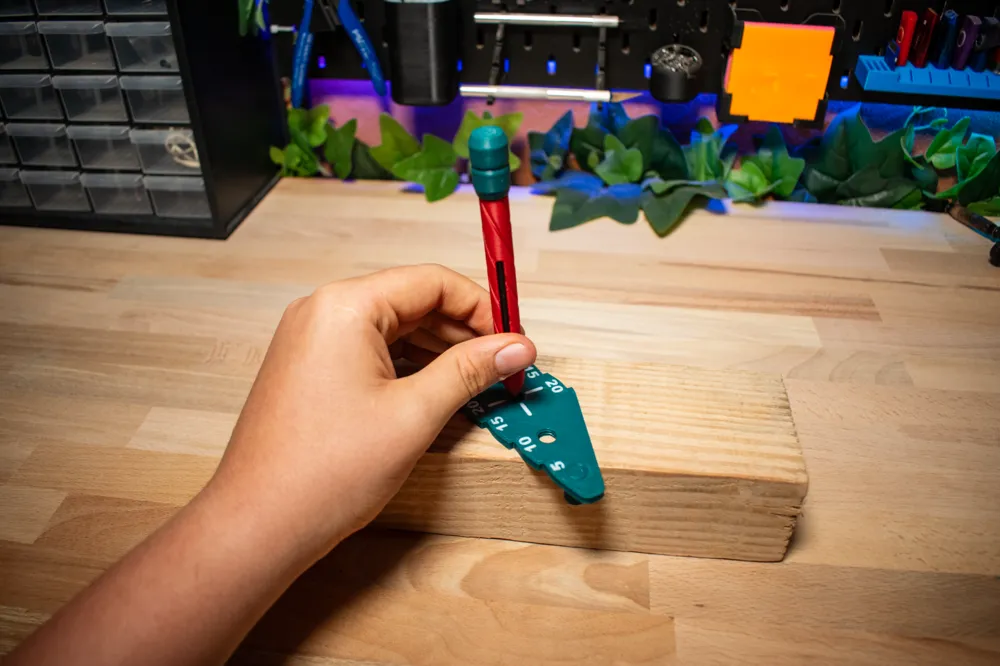
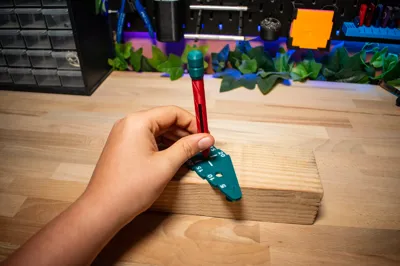
This tool will allow you to find the center of something very easily and take measurements between 5 and 20 mm.
FR
Cette outil vous permettra de trouver le centre de quelque cose très facilement et de faire des mesures entre 5 et 20 mm.
Boost Me (for free)
License
If you want to use this model commercially, please join my membership.
Join Now

This user content is licensed under a
Creative Commons Attribution-Noncommercial


Comment & Rating (5)