
PTFE Chain Clips

Print Profile(8)


Description
>>> Click Here For More Of My Designs <<<
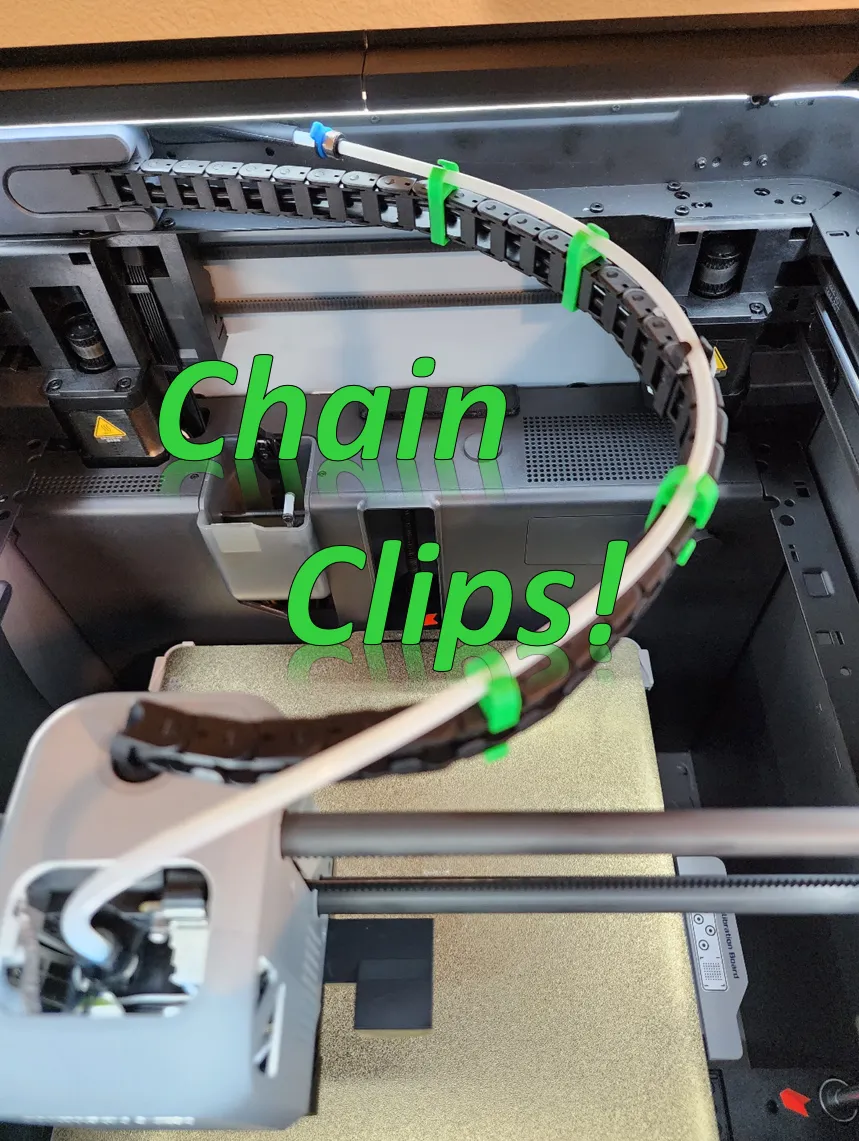
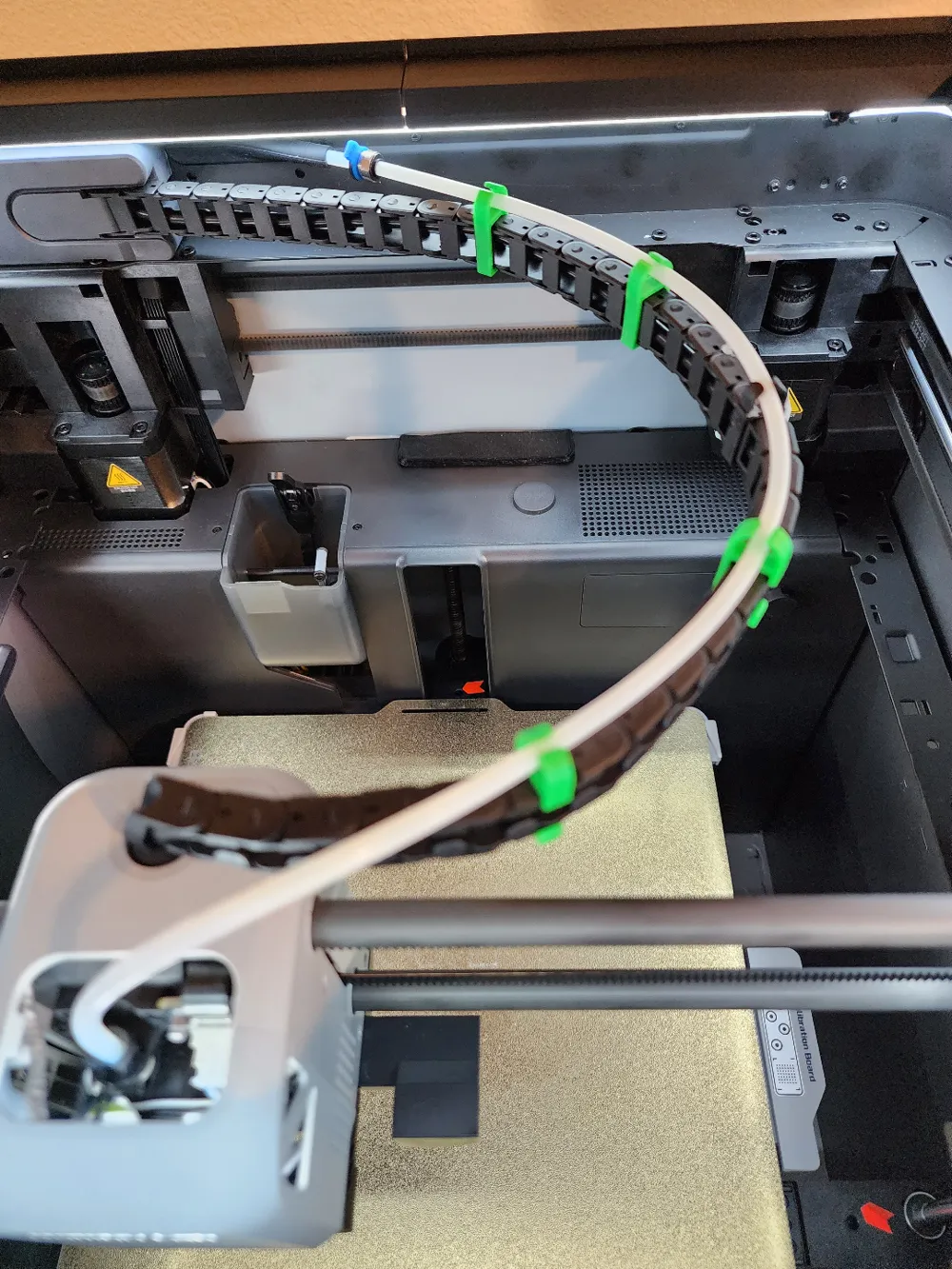
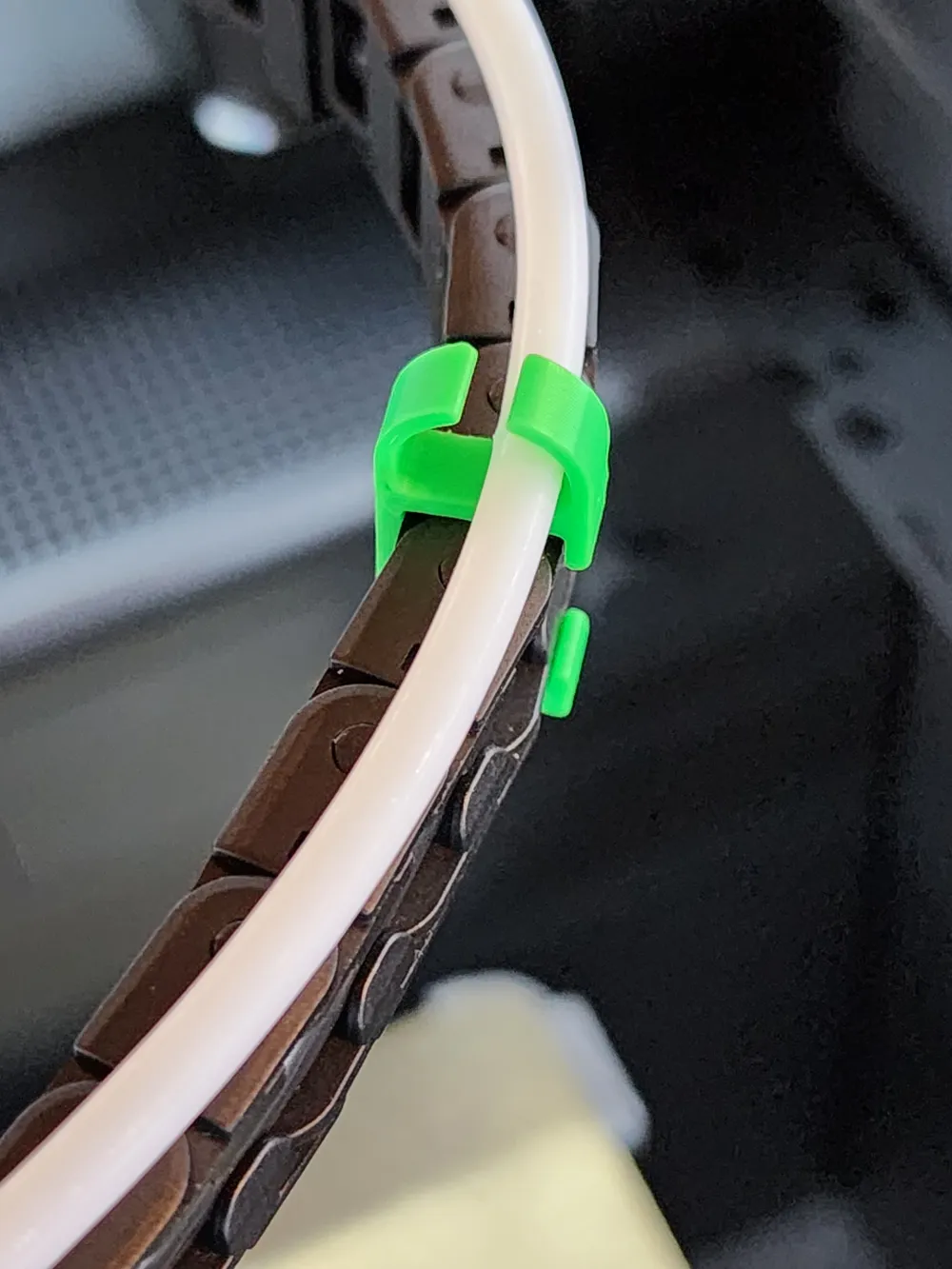
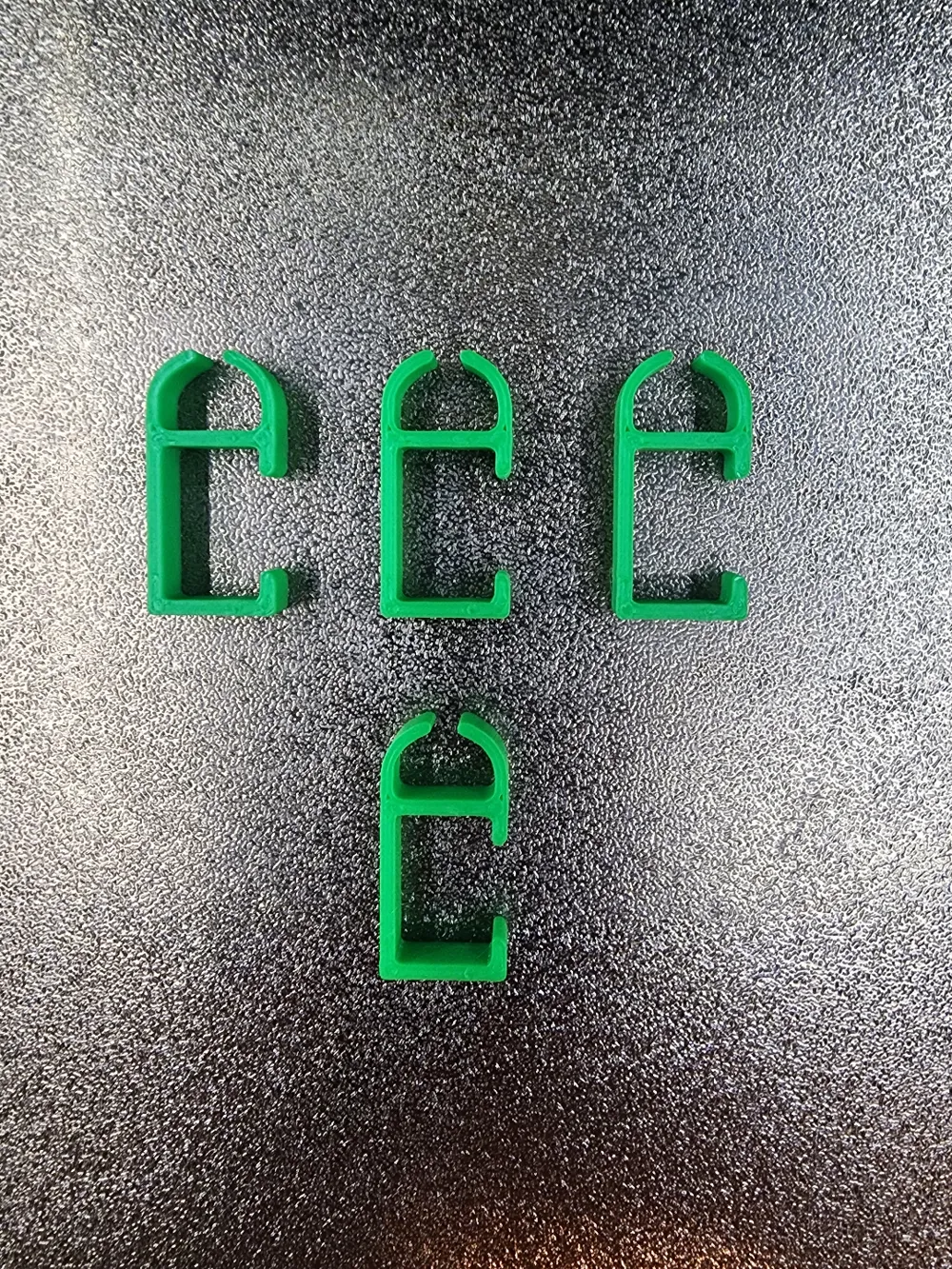
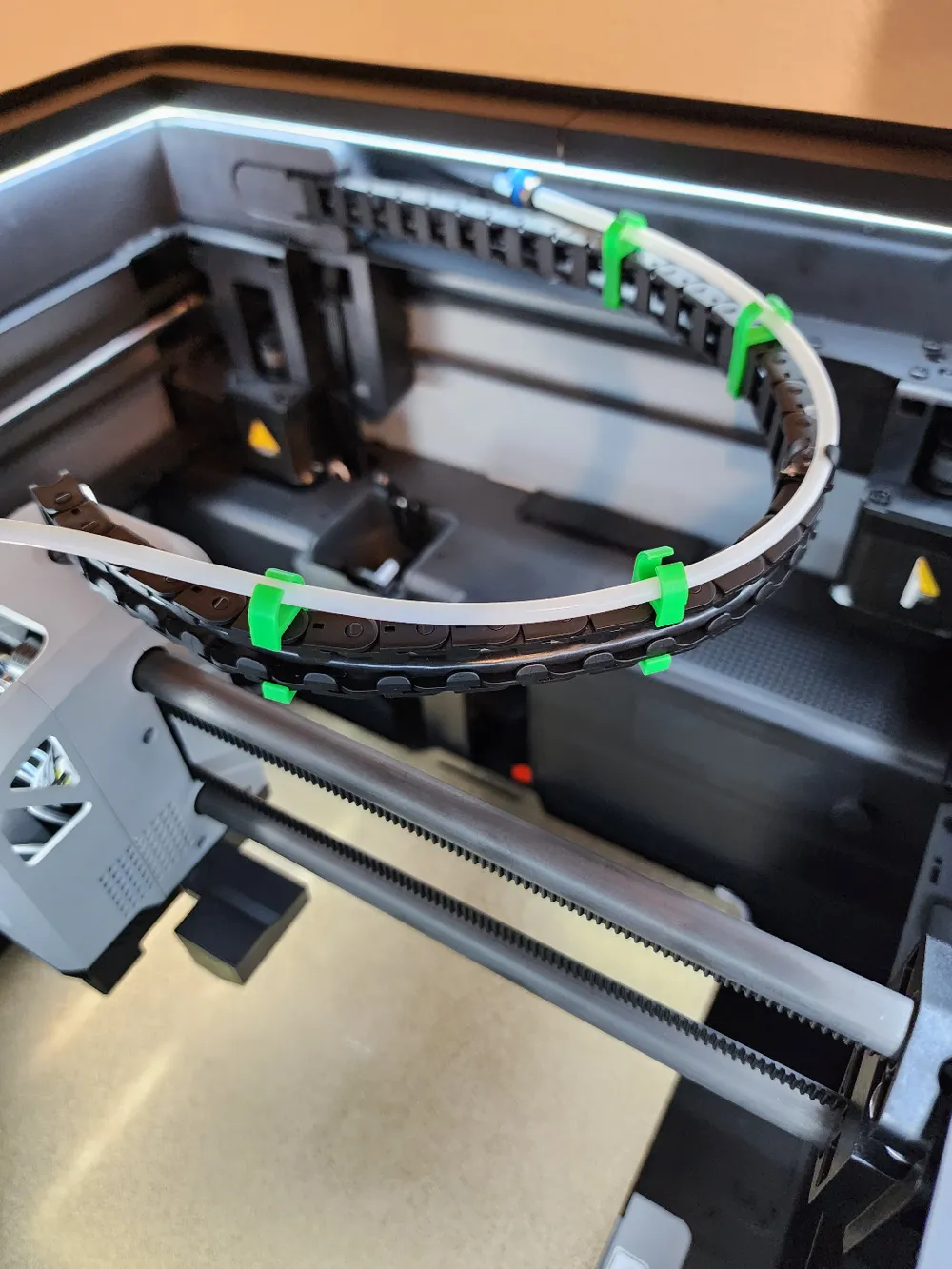
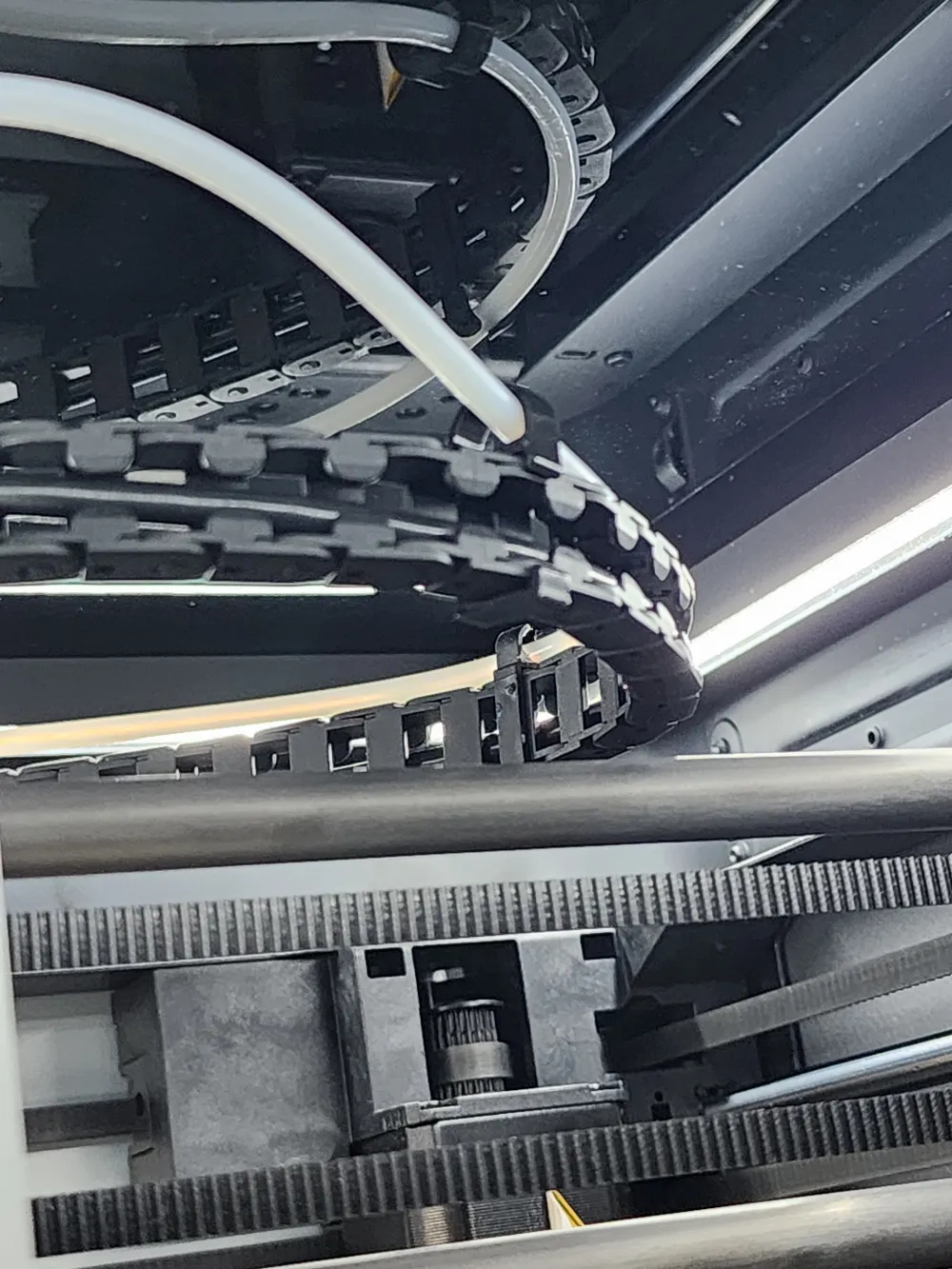
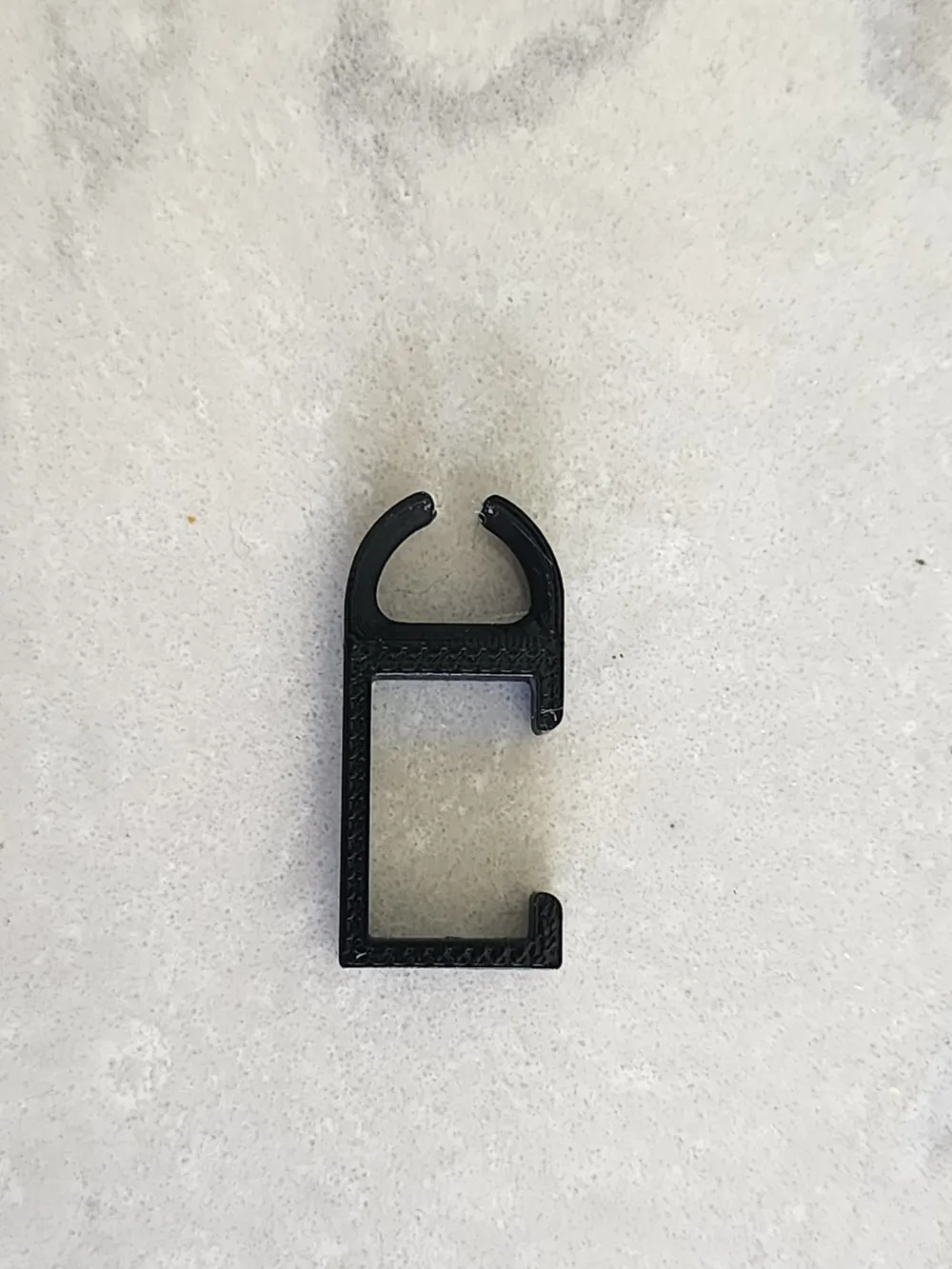
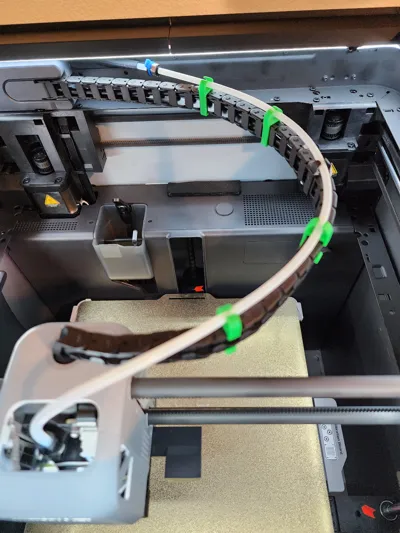
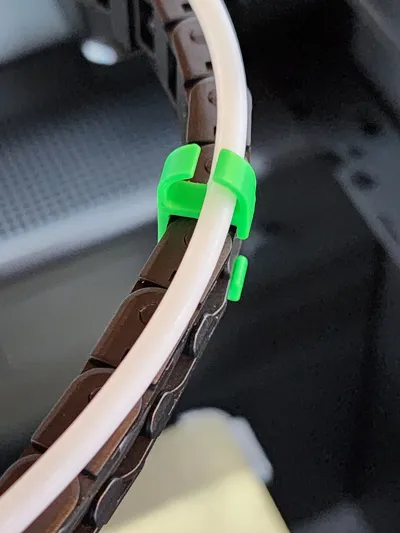
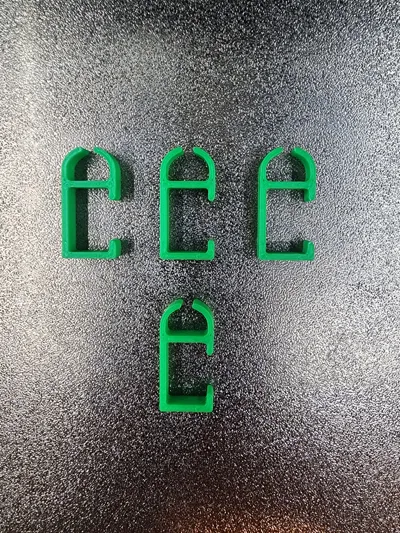
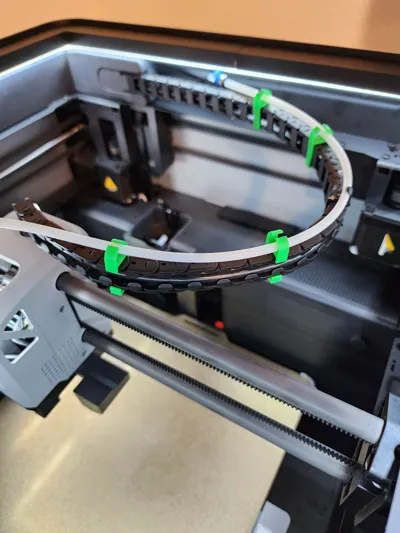
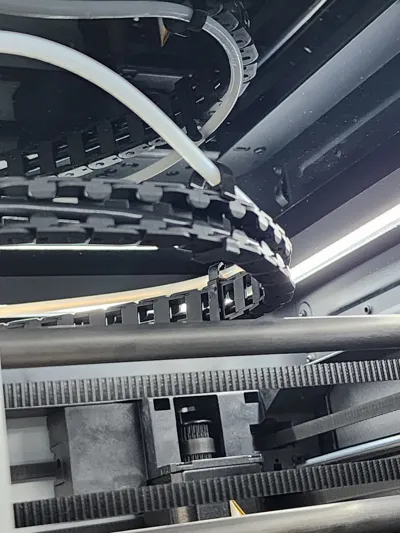
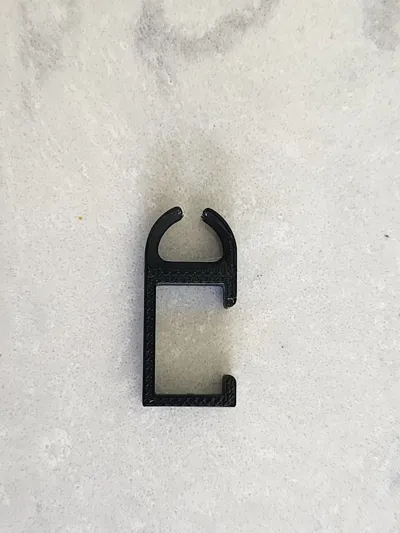
The cable chain that comes with the P1/X1 has only one of these PTFE chain clips to control the PTFE feed tube. Adding two or three of these to the chain keeps the PTFE tube controlled and out of the way of the glass top or side wall of the chamber. Simple to print and install.
Note:
- Install in the open area of the chain link, top of the clip first, and then the bottom clip. Install the PTFE tube once the clip has been installed on the chain.
- Use the filament that meets the demands of your chamber temperatures.
- Do not install these close to the print head! The PTFE tube near the print head needs to be unconstrained for proper function.
Click here to check out other PTFE Accessories
Boost Me (for free)
*** If you enjoy this model I'd be grateful if you considered a BOOST. ***
License

You shall not share, sub-license, sell, rent, host, transfer, or distribute in any way the digital or 3D printed versions of this object, nor any other derivative work of this object in its digital or physical format (including - but not limited to - remixes of this object, and hosting on other digital platforms). The objects may not be used without permission in any way whatsoever in which you charge money, or collect fees.


Comment & Rating (1551)