
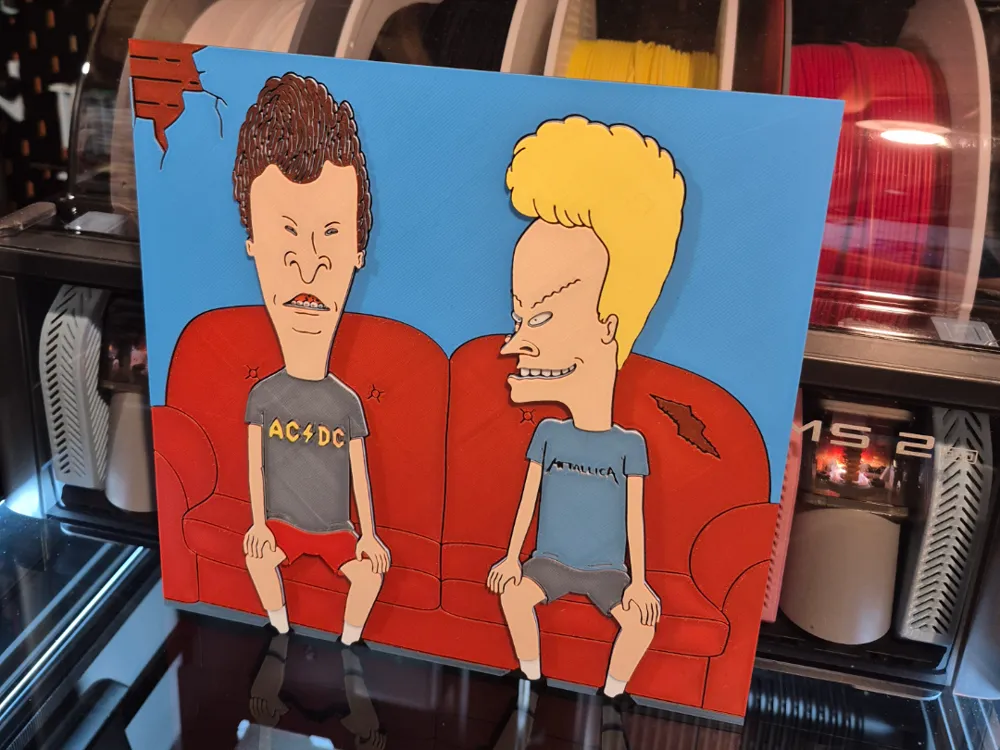
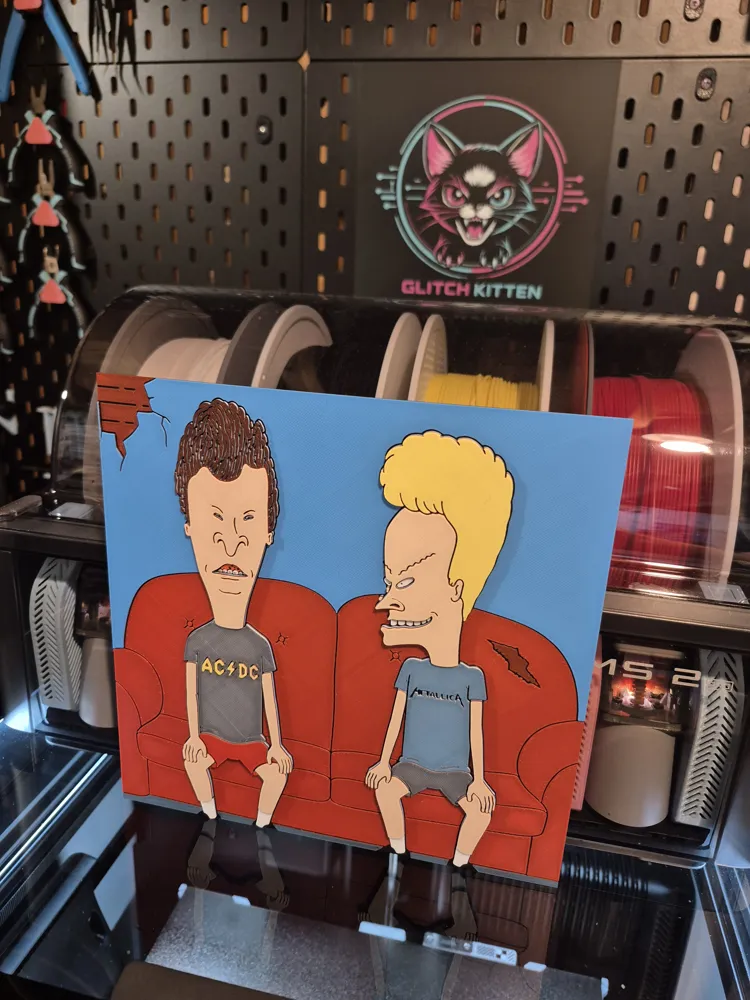
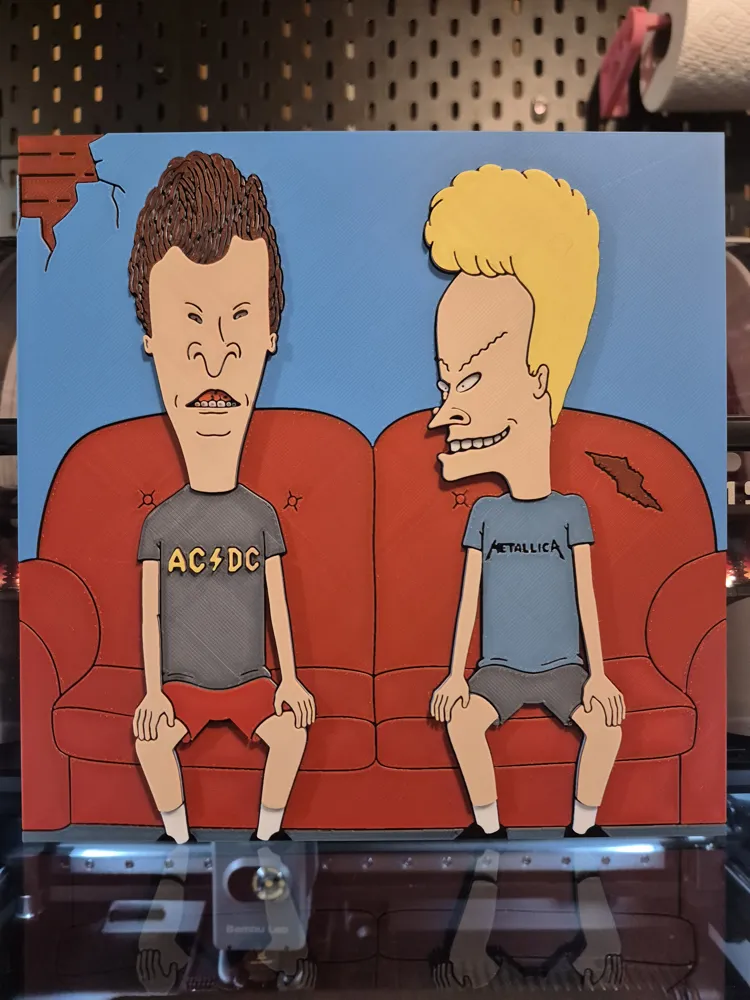
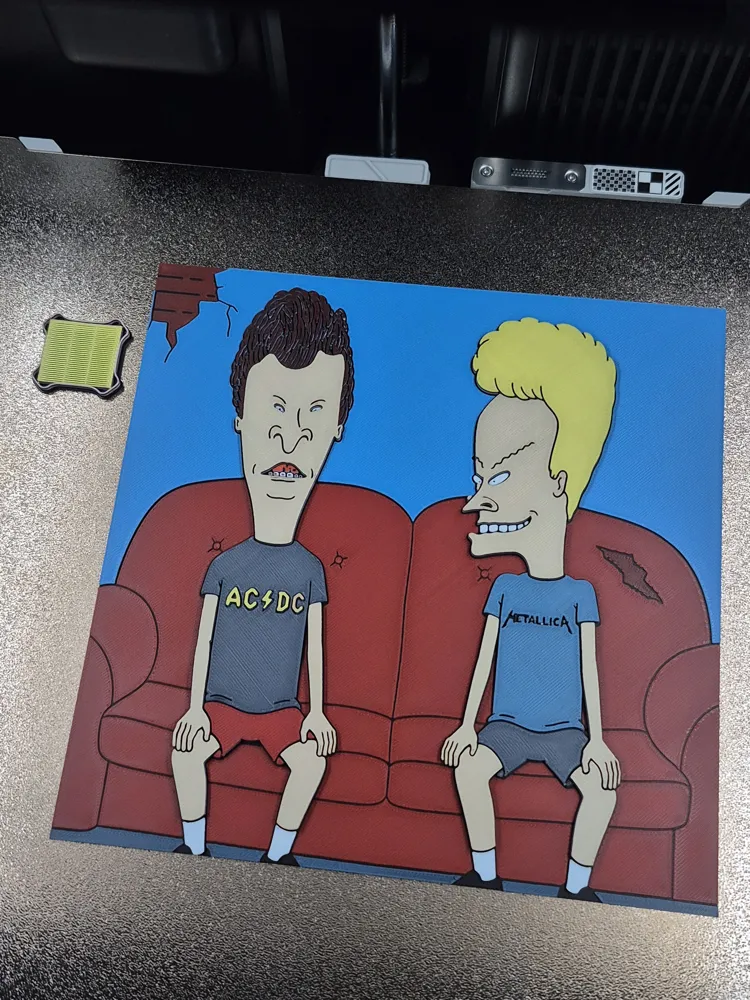
Beavis & Butthead - Hueforge
Print Profile(1)
Description
💕 My 30th Hueforge on Makerworld 💕
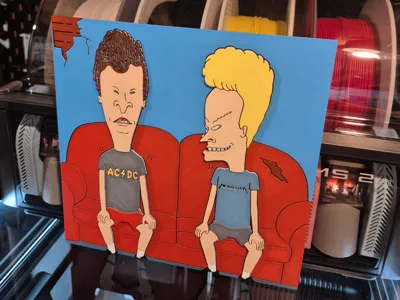
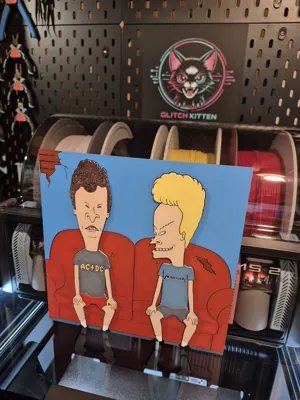
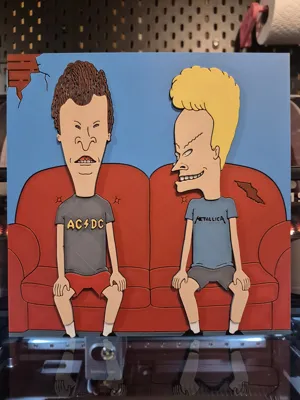
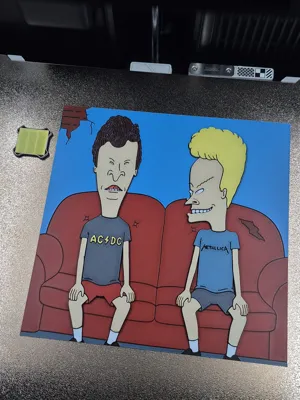
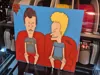
This one is for all my fellow 90's kids out there. My last hueforge was a bit trickier, so for my 30th I wanted it to be a project I had FUN doing, and one that was straightforward for y'all to print 😁. Very very few single layer color transitions here, lots of doubling layers that lock in the previous colors. It's as surefire as it gets.
And since I wrote a novel on my last description…
My friends, here's your print.
❤️❤️❤️
Print at 100% infill with a layer height of 0.08mm with a base layer of 0.16mm
The Model is 200x200mm in size
You may print at higher layer heights below the Base Thickness of 0.48mm
The Max allowed Thickness is 3.12mm and the Actual Thickness is 3.12mm
PLA BambuLab Basic Black Transmission Distance: 0.6
PLA BambuLab Basic Red Transmission Distance: 4
PLA BambuLab Basic Cyan Transmission Distance: 3.5
PLA BambuLab Basic Jade White Transmission Distance: 5
PLA BambuLab Basic Yellow Transmission Distance: 6
This print uses 5 unique filaments. (Please note Transmission Distance when making Brand substitutions, especially with WHITE and YELLOW. My hueforges are all about blending, and if you use white that doesn't transmit enough light, then you will not have skin color.)
- Non AMS / Multi AMS Users. Delete my pause on layer 30 and do what you do as usual 👌.
- Single AMS Users. There is an automatic pause already programmed into the print. Reference my AMS Guide below for a simple printing experience. Please note the AMS Assignments, you will be assigning 2 spools to the same AMS slot.
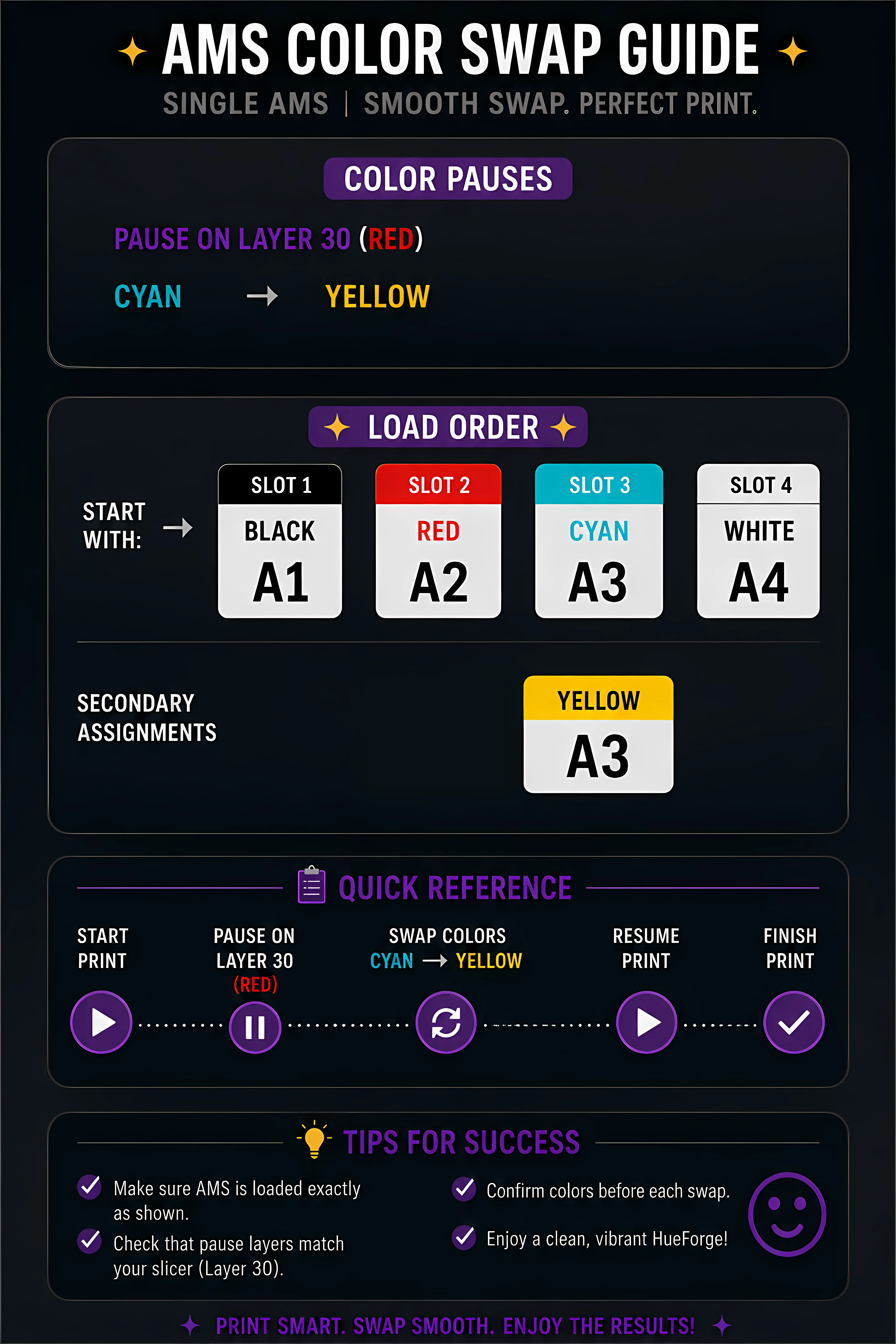
Swap Instructions:
Start with Black
At layer #6 (0.56mm) swap to Red
At layer #10 (0.88mm) swap to Black
At layer #11 (0.96mm) swap to Cyan
At layer #16 (1.36mm) swap to Jade White
At layer #24 (2mm) swap to Red
At layer #25 (2.08mm) swap to Black
At layer #26 (2.16mm) swap to Jade White
At layer #27 (2.24mm) swap to Cyan
At layer #28 (2.32mm) swap to Black
At layer #29 (2.4mm) swap to Red
At layer #34 (2.8mm) swap to Yellow
At layer #36 (2.96mm) swap to Jade White
At layer #38 (3.12mm) swap to Yellow for the rest.
Boost Me (for free)
Thank you for taking the time to look at my 30th Hueforge! 💕
I can't wait until I can say 100th! I really appreciate all the amazing people who have been SO kind and encouraging to me. This is an absolute dream for me, I hope I keep making things you all want to print. Thanks again! 😽
License

You shall not share, sub-license, sell, rent, host, transfer, or distribute in any way the digital or 3D printed versions of this object, nor any other derivative work of this object in its digital or physical format (including - but not limited to - remixes of this object, and hosting on other digital platforms). The objects may not be used without permission in any way whatsoever in which you charge money, or collect fees.


Comment & Rating (0)