
Print Profile(4)
Bill of Materials






Description

If you want to sell prints of this model, as well as all of my models - future and past
Subscribe to My Patreon:
Or Subscribe for a commercial License Directly in Maker World:
Membership
C3D Commercial Membership - Authorized Merchant

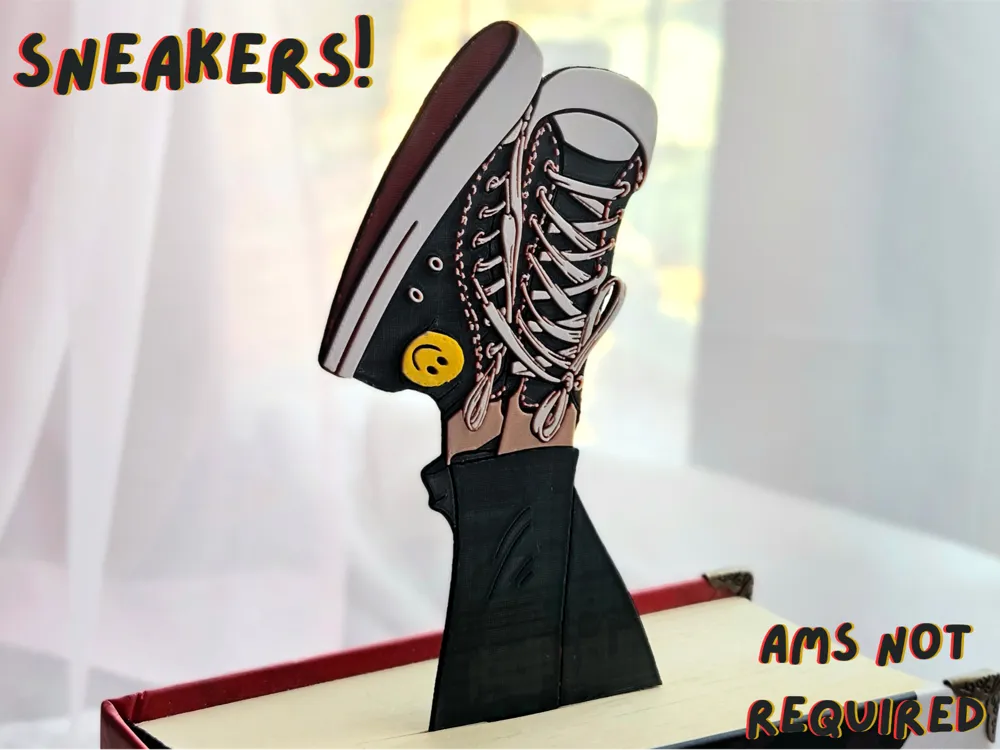
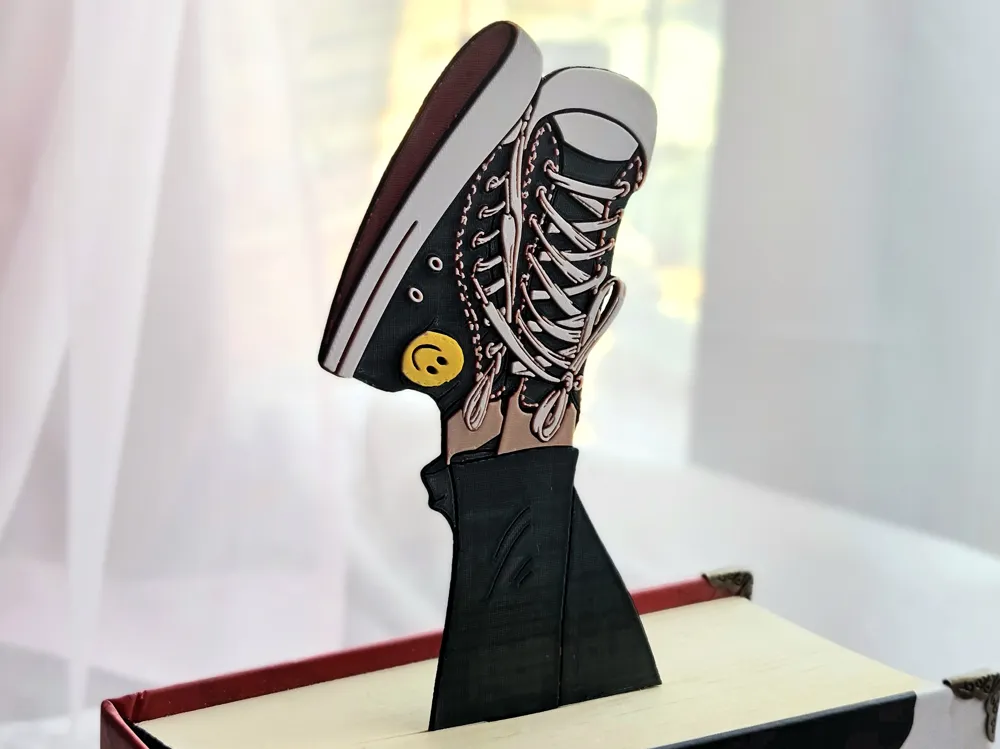
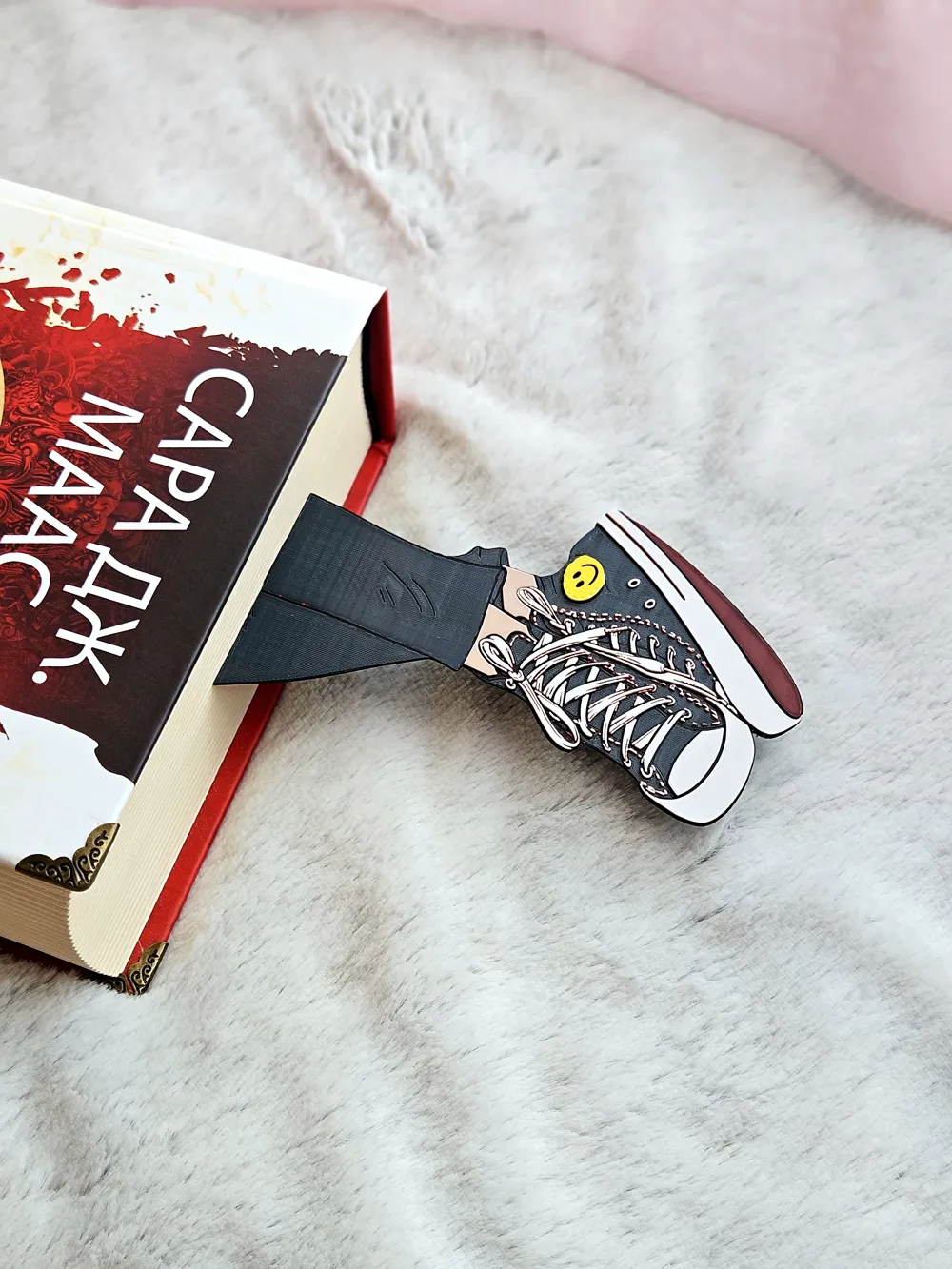
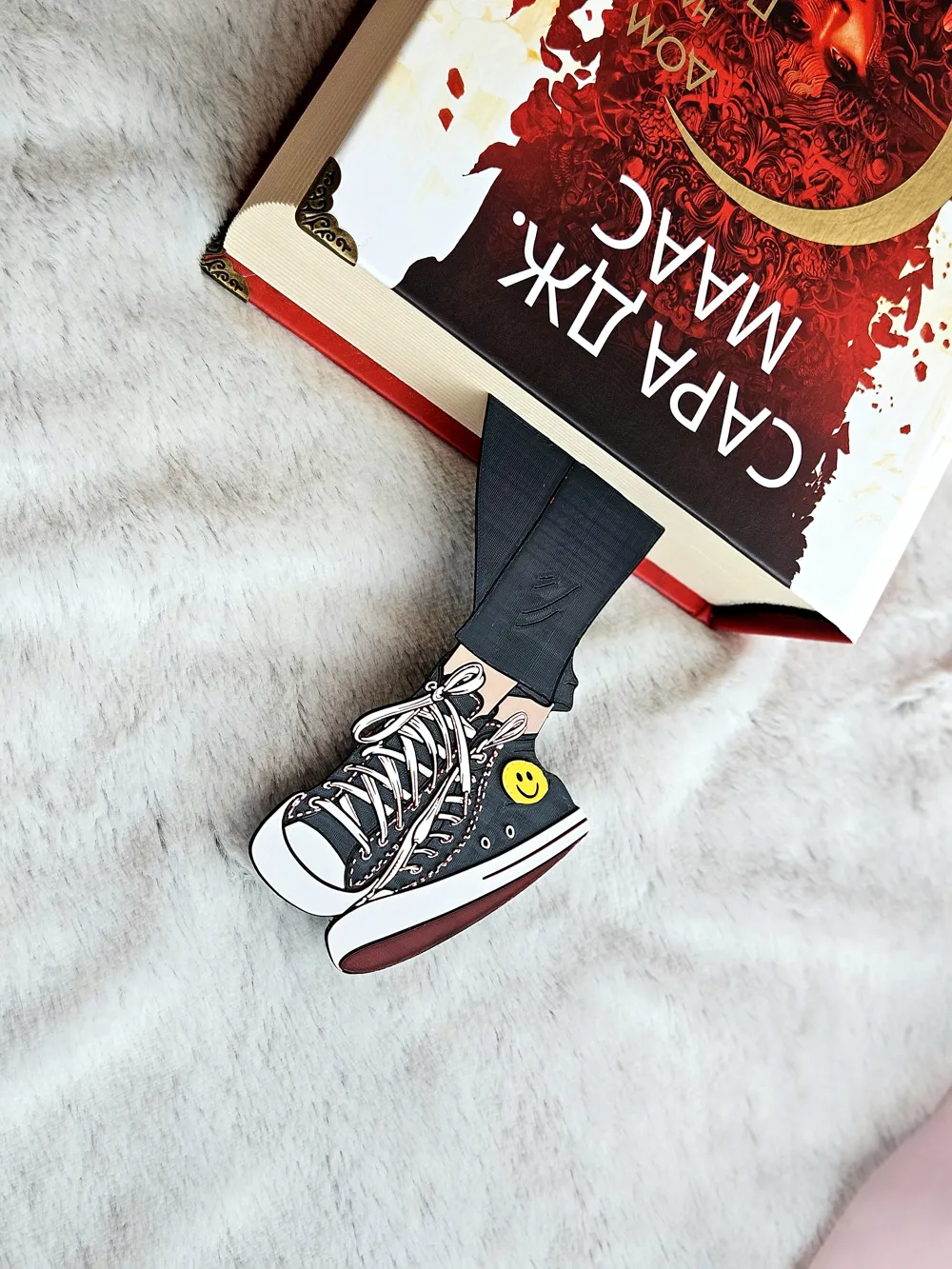
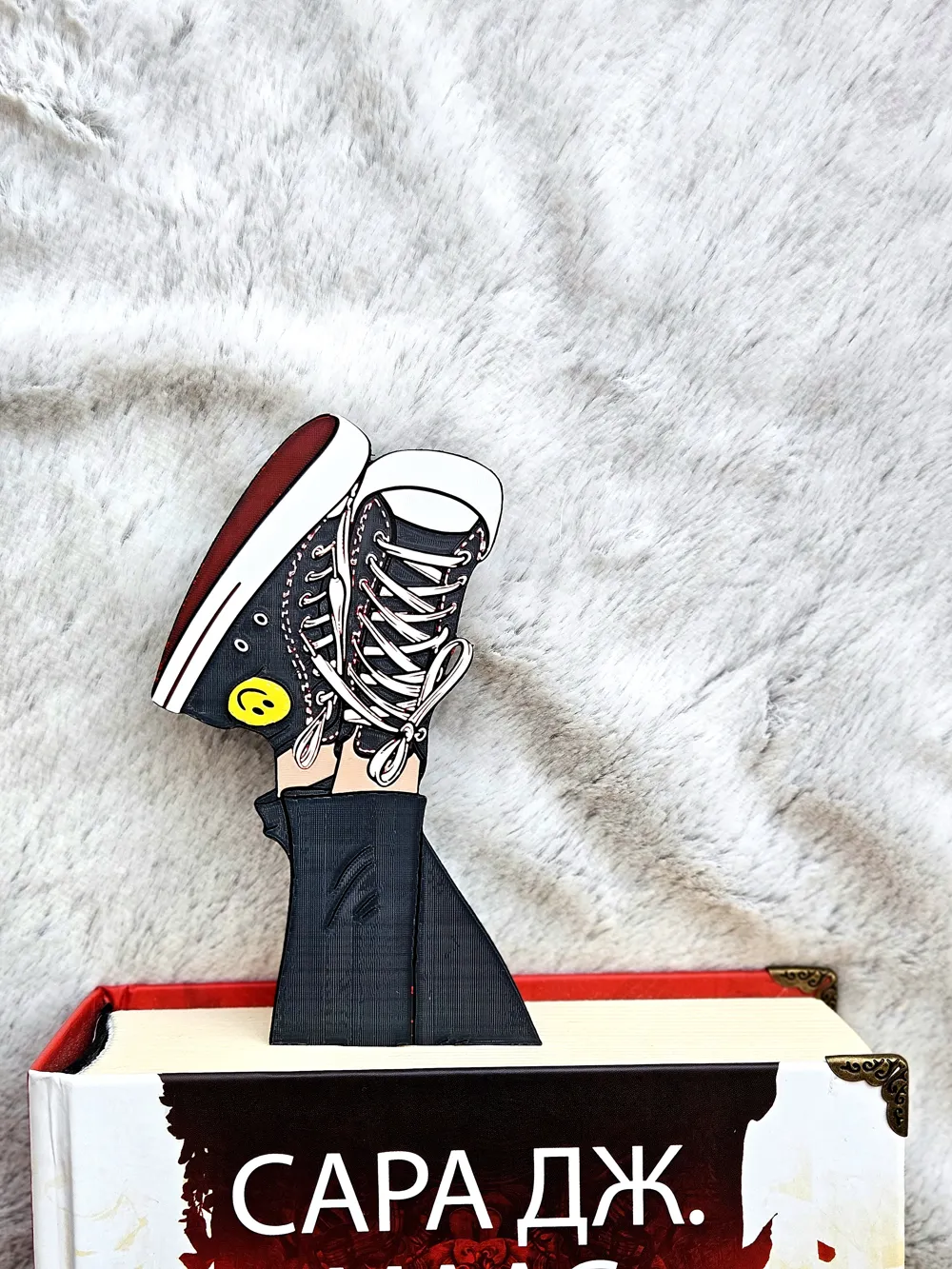
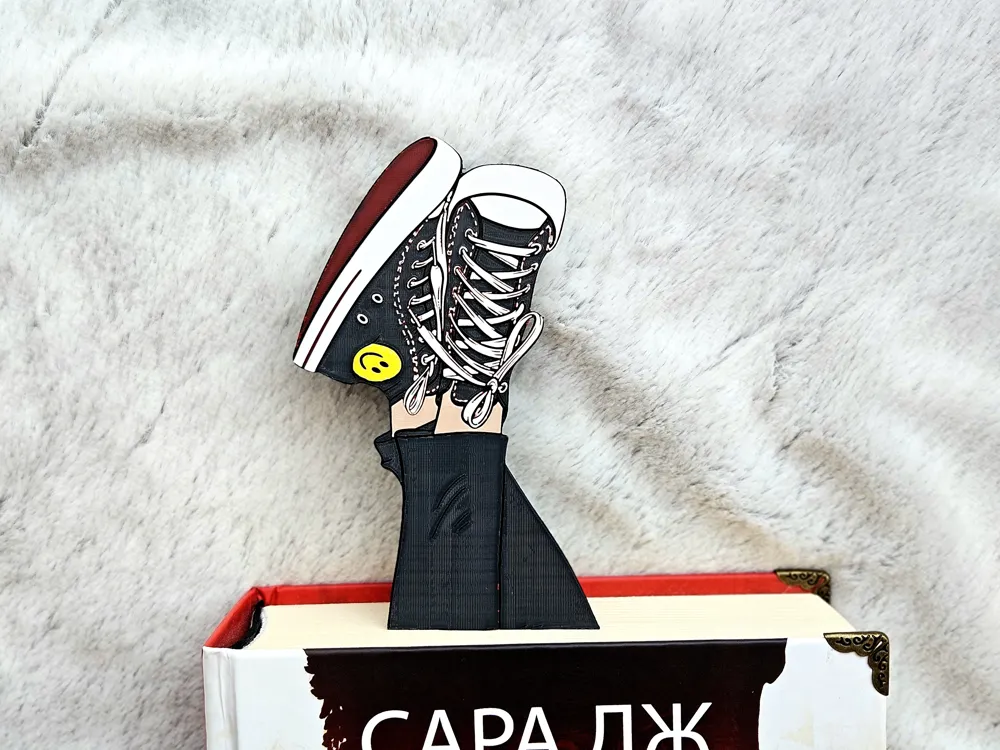
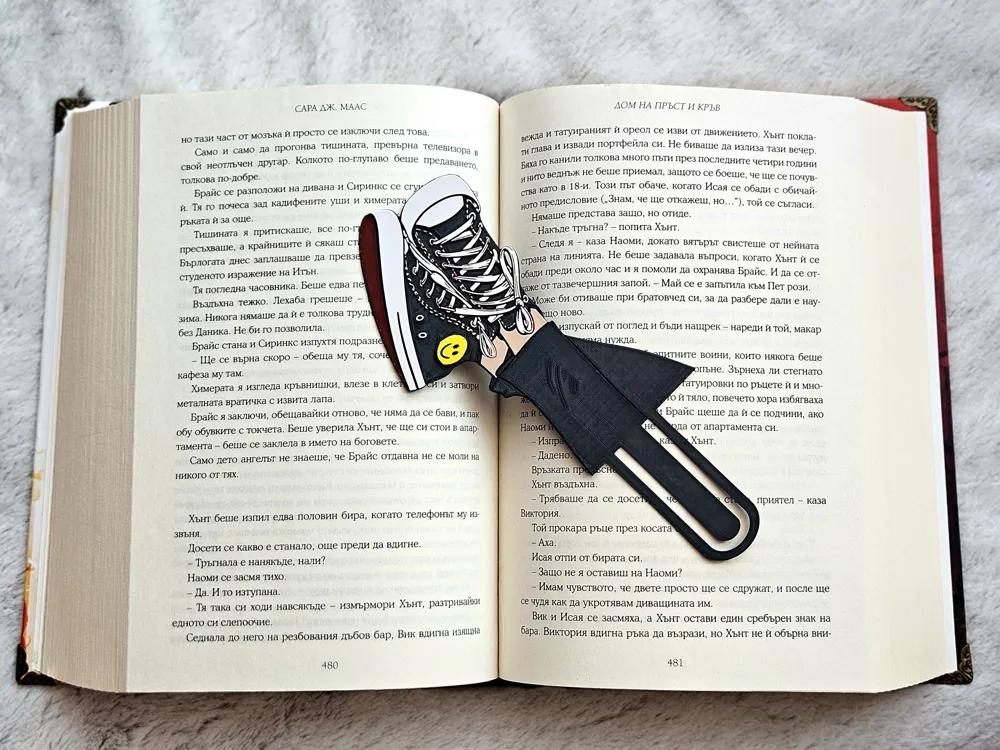
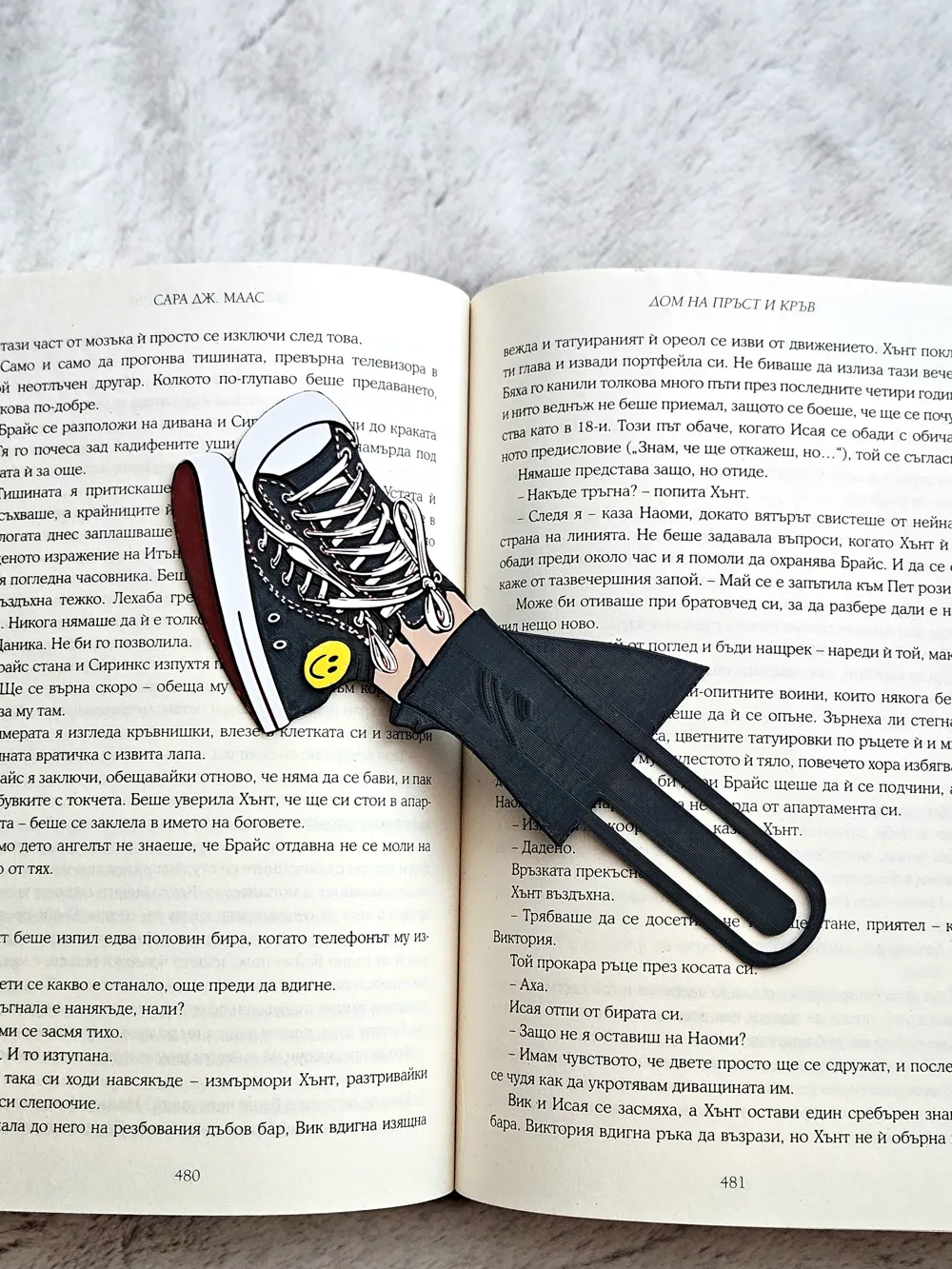
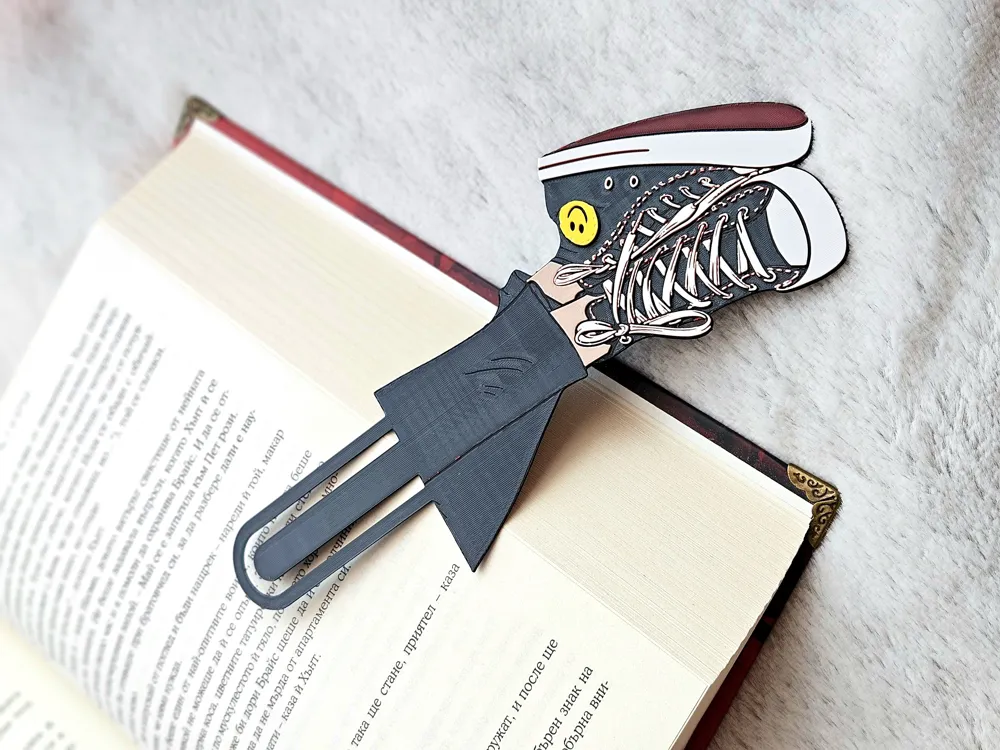
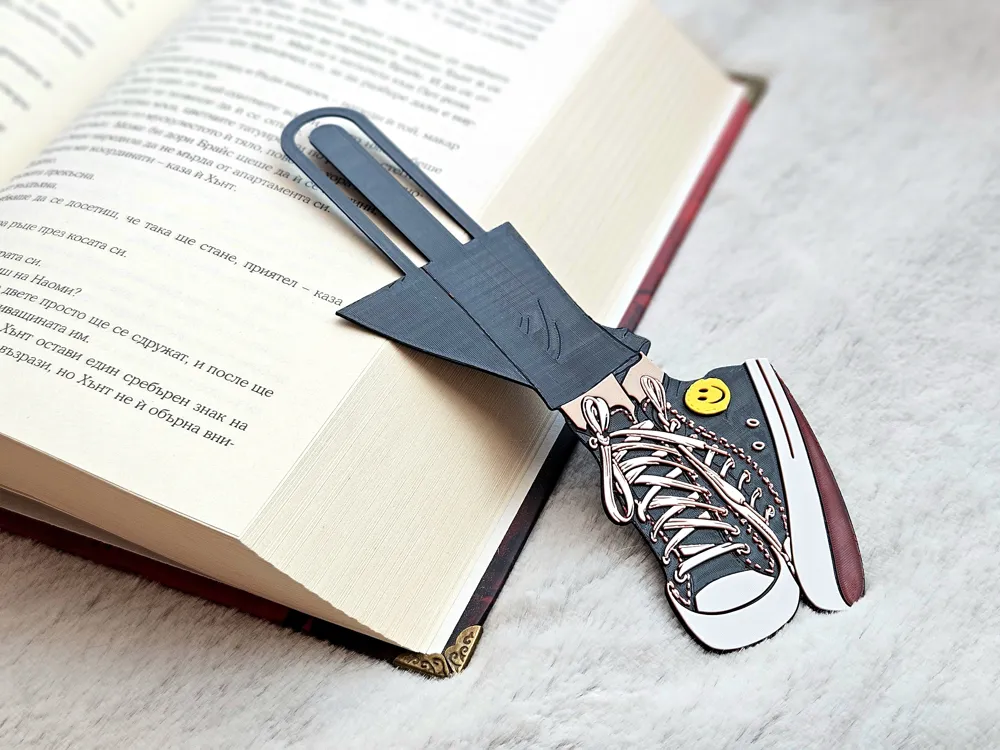
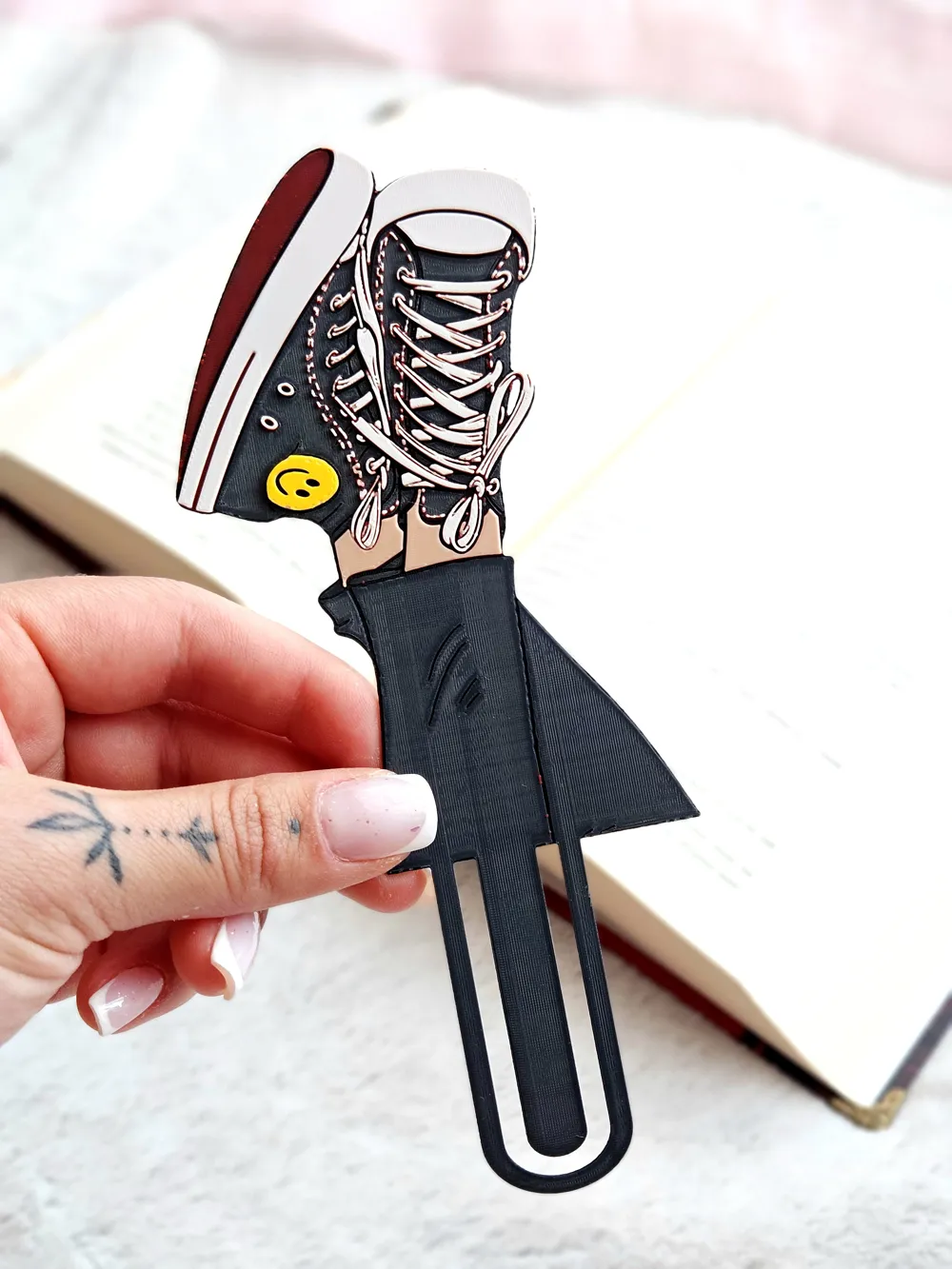
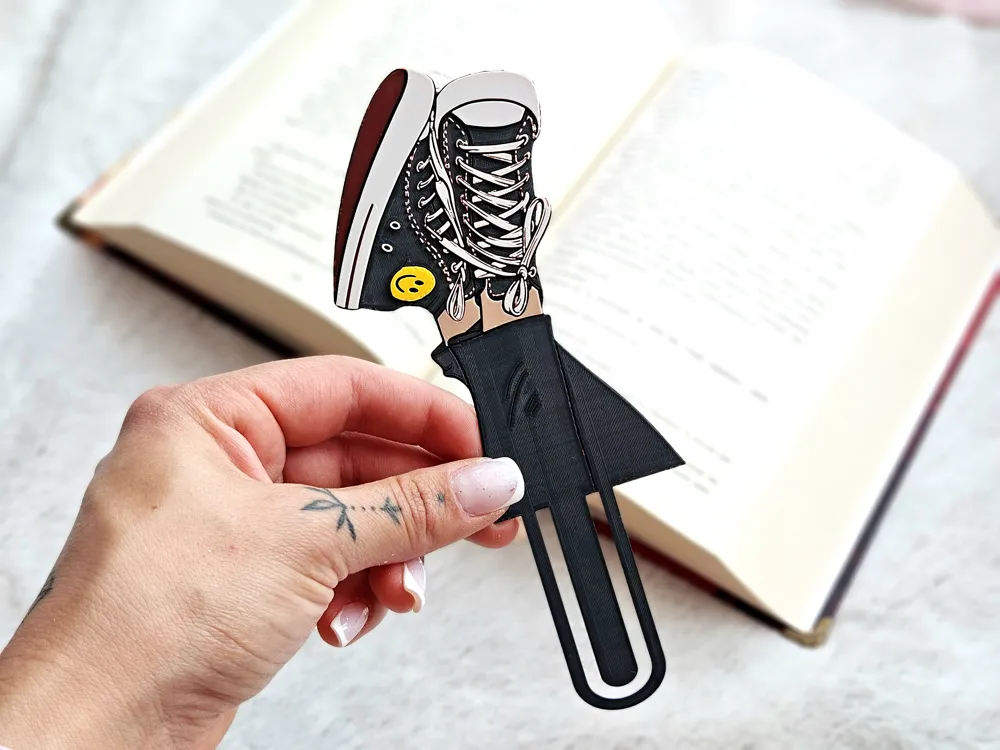
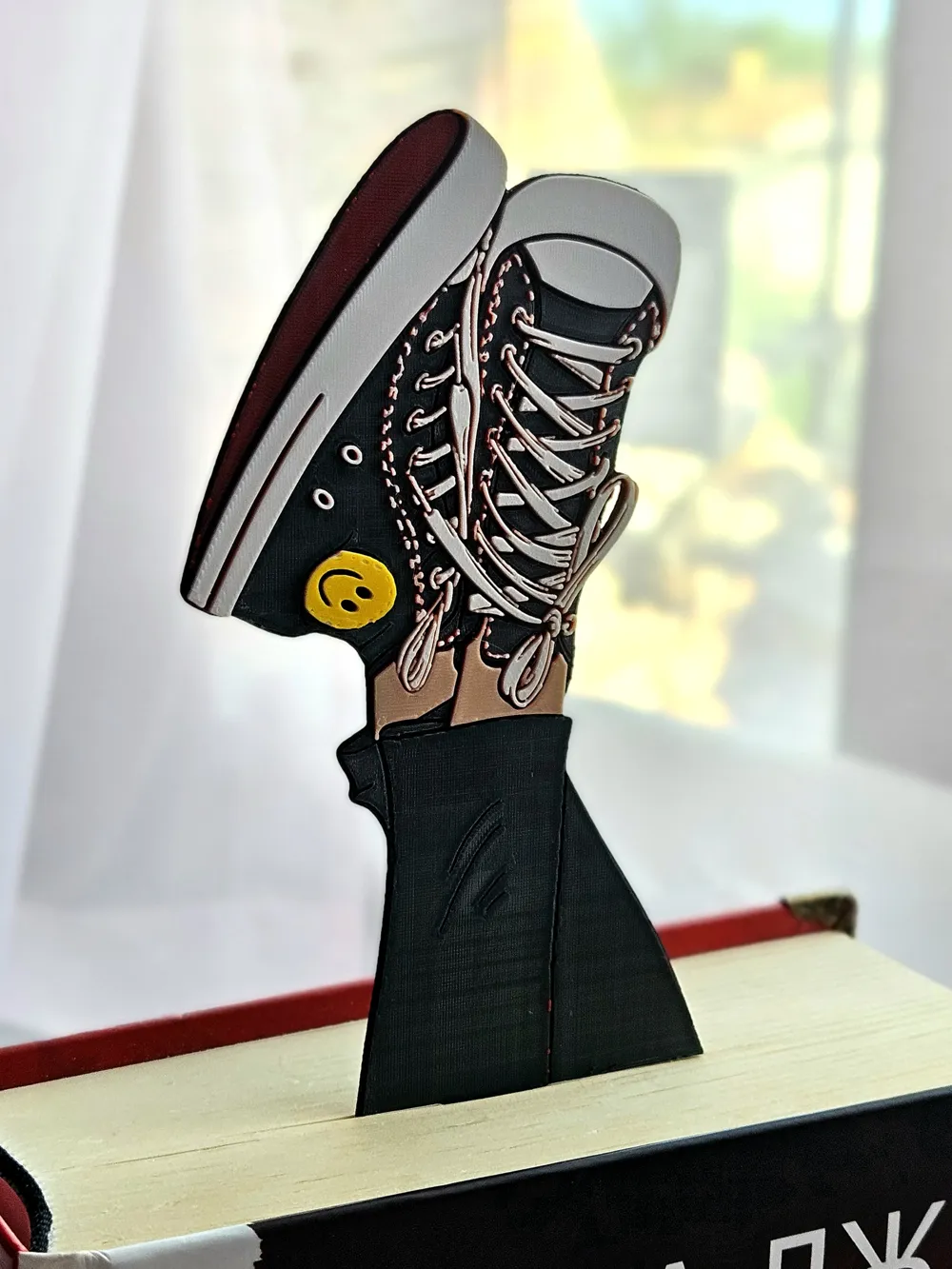
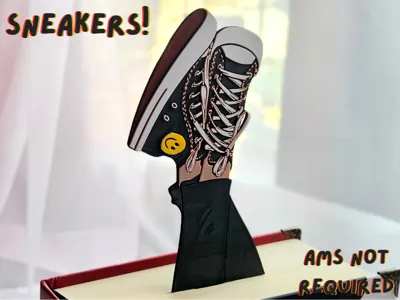
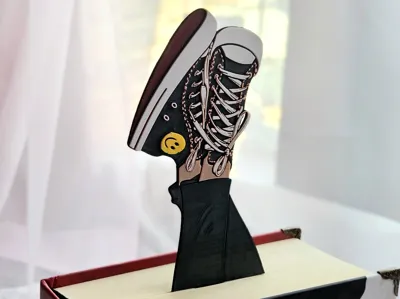
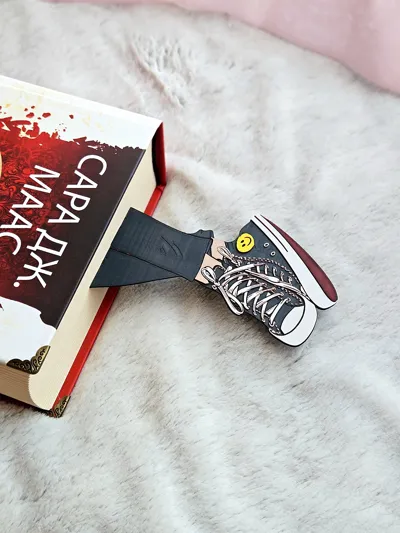
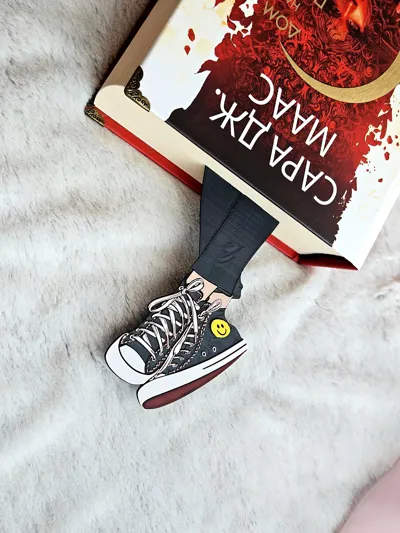
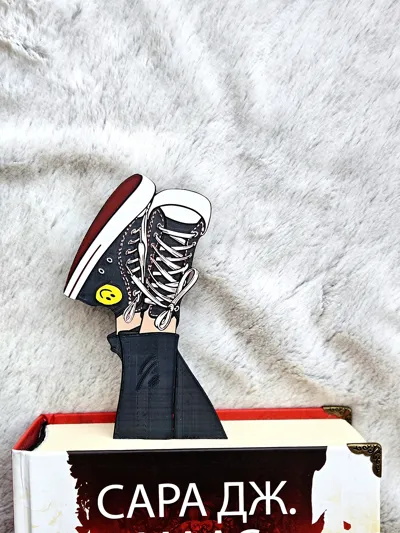
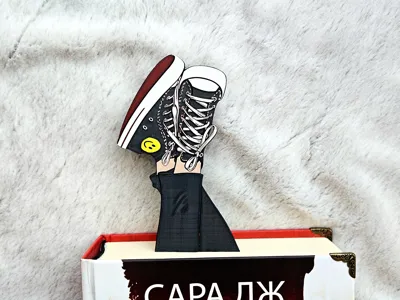
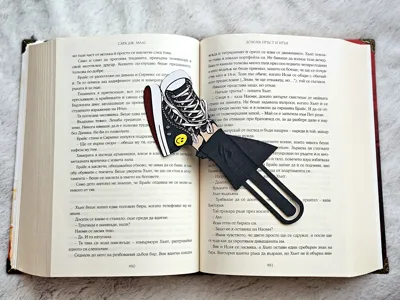
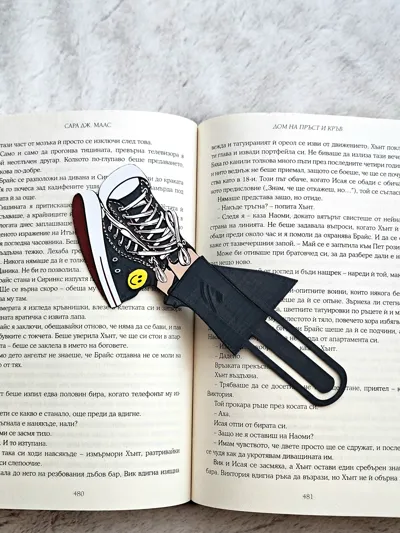
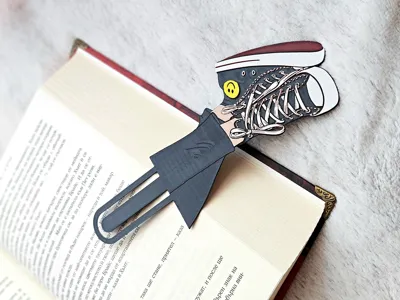
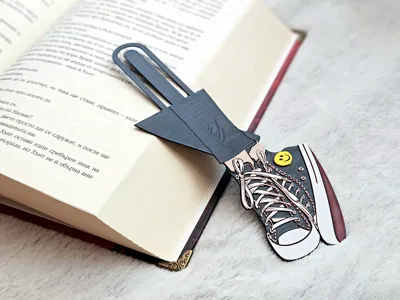
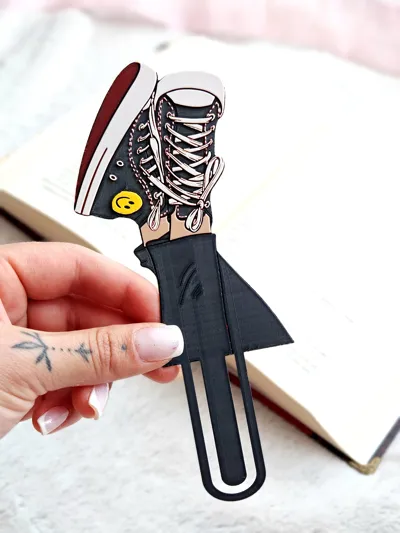
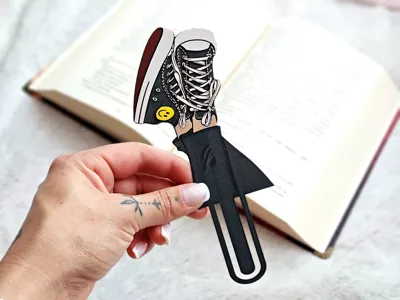
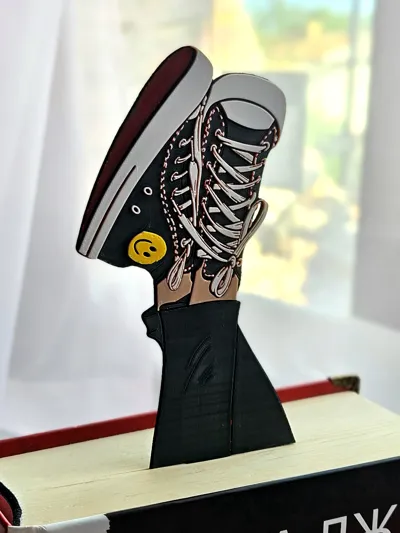
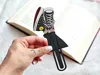
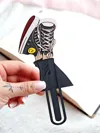
Sneakers! is a bold and playful bookmark inspired by classic high-top kicks, turning your reading time into something a little more fun and full of personality. 👟📚 With its eye-catching shape, lace details, layered style, and cool streetwear energy, this design feels fresh, stylish, and made to stand out in any book.
This bookmark is perfect for sneaker lovers, fashion fans, and readers who enjoy designs with a little extra attitude. 😎 Whether you print it for yourself or as a gift, it brings a fun mix of sporty charm and creative flair to your collection.
Maker notes:
While the included profiles are carefully optimized for a 0.4 mm nozzle to retain detail across different settings, this model is still best printed with a 0.2 mm nozzle for the sharpest ribs, phalanges, and frame curls 🧩🖨️
Make sure to clean the build plate with dishwashing soap and warm water before printing. Handwashing soaps should never be used to clean build plates because moisturizers can harm adhesion 🧼💧
USE A LIGHTER! - a quick pass with a torch on the printed parts will get rid of the inevitable stringing that comes with this type of models.

Print at 100% infill with a layer height of 0.08mm with a base layer of 0.16mm
Filaments Used:
PLA KINGROON Black Transmission Distance: 0.4 / Amazon
PLA Jayo Meta Gray Transmission Distance: 2.1 / Amazon
PLA Prusament Lipstick Red Transmission Distance: 3.6
PLA Anycubic Pantone Peach Fuzz Transmission Distance: 4.2 / Amazon
PLA+ Anycubic Bright White Transmission Distance: 2.5 / Amazon
PLA BambuLab Sunflower Yellow Transmission Distance: 4
Color Pallete:
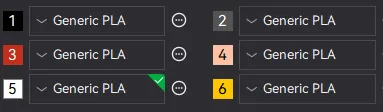
Swap Instructions
Start with Black
At layer #9 (0.81mm) swap to Meta Gray
At layer #10 (0.89mm) swap to Lipstick Red
At layer #13 (1.13mm) swap to Peach Fuzz
At layer #17 (1.45mm) swap to Bright White
At layer #20 (1.69mm) swap to Sunflower Yellow for the rest.
Boost Me (for free)
Enjoying this model? Give it a boost! 🌟 Your support helps my creations reach more makers—thank you for keeping the magic alive! ✨🚀
How to do more than 4 colors on a single AMS?
To use more than 4 colors with a single AMS is pretty simple when it comes to HueForges.
Always start the print from either Bambu Studio or Bambu Handy App - This will allow you to map the rolls of filaments to a certain slot in the AMS: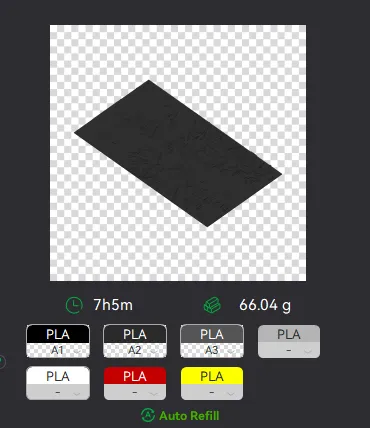
Now map the first 4 colors (which should already be inserted in the AMS to Slots 1 - 2 - 3 - 4
Once thats done move to maping colors 5 - 6 - 7 - 8 to respectively AMS Slots 1 - 2 - 3 - 4 again!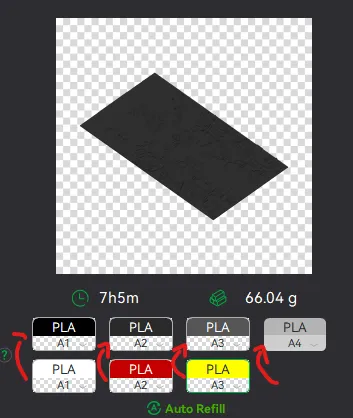
This will allow you to Change the rolls of filament once the printer is done with that color.
For example, in the picture above once we are done with the Black color (Which is usually first) we are going to remove the black roll (you can do that while printing) with White, then once Charcoal Black is done we are going to change that to Red, Dark Gray to Yellow and we are done. ~ You can do that with as many colors as you need!
YOU CAN PLACE A PAUSE ON THE LAST LAYER OF COLOR 4 TO AVOID HAVING TO BABYSIT THE PRINTER. ONCE PAUSED CHANGE 1-2-3 WITH 5-6-7 AND RESUME. IF YOU NEED MULTIPLE PAUSES YOU CAN DO THAT TOO
Drop me a follow!🤜🤛
License

You shall not share, sub-license, sell, rent, host, transfer, or distribute in any way the digital or 3D printed versions of this object, nor any other derivative work of this object in its digital or physical format (including - but not limited to - remixes of this object, and hosting on other digital platforms). The objects may not be used without permission in any way whatsoever in which you charge money, or collect fees.


Comment & Rating (0)