


Print Profile(1)
Description
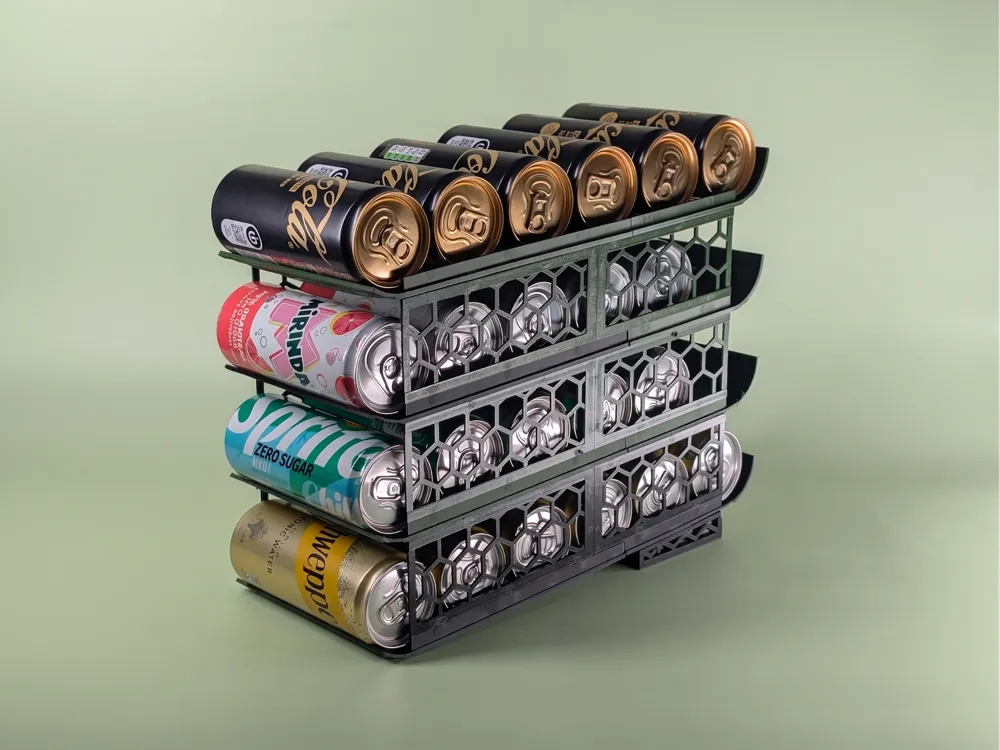
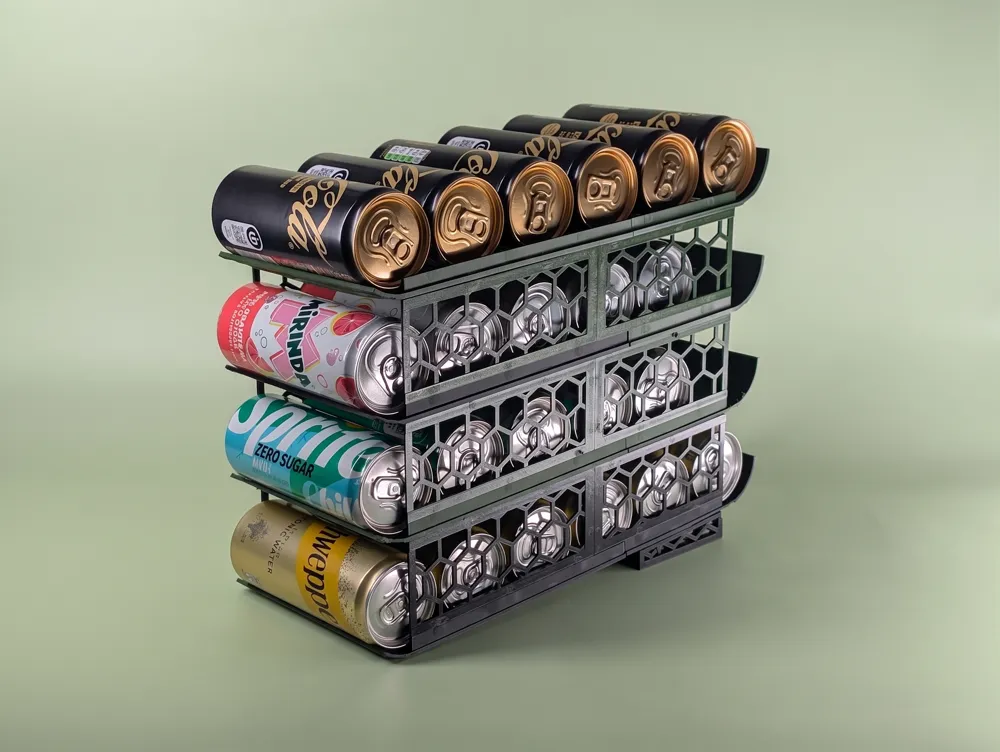
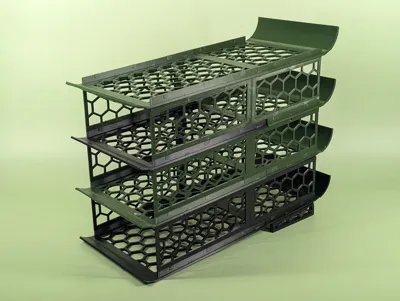
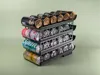
Parametric Stackable Soda-Can Dispenser
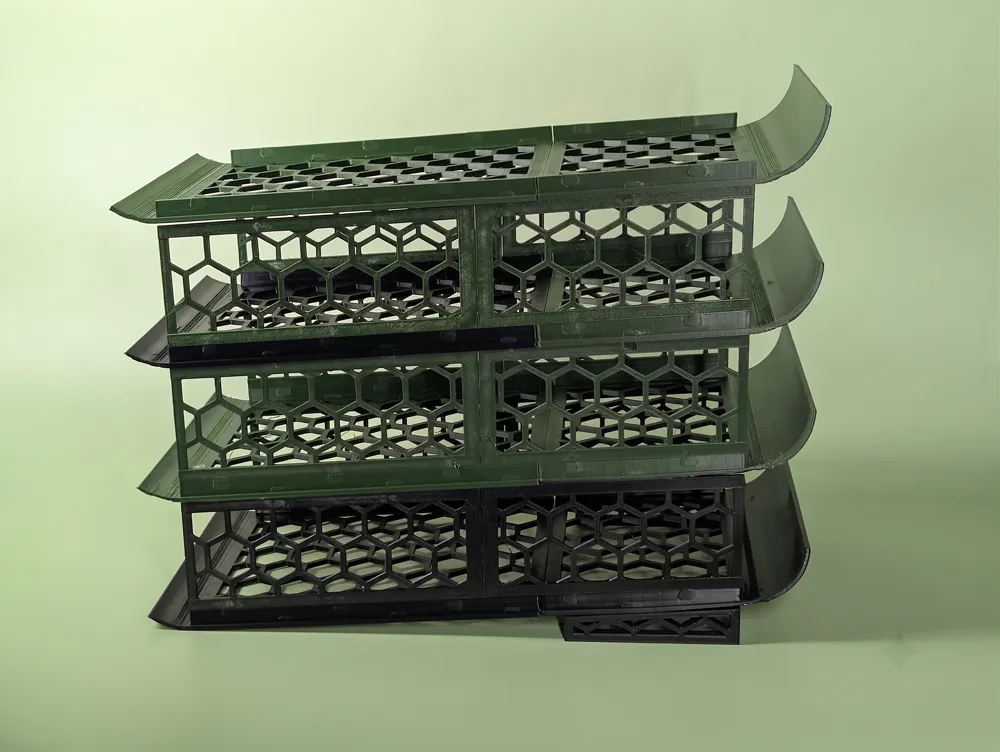
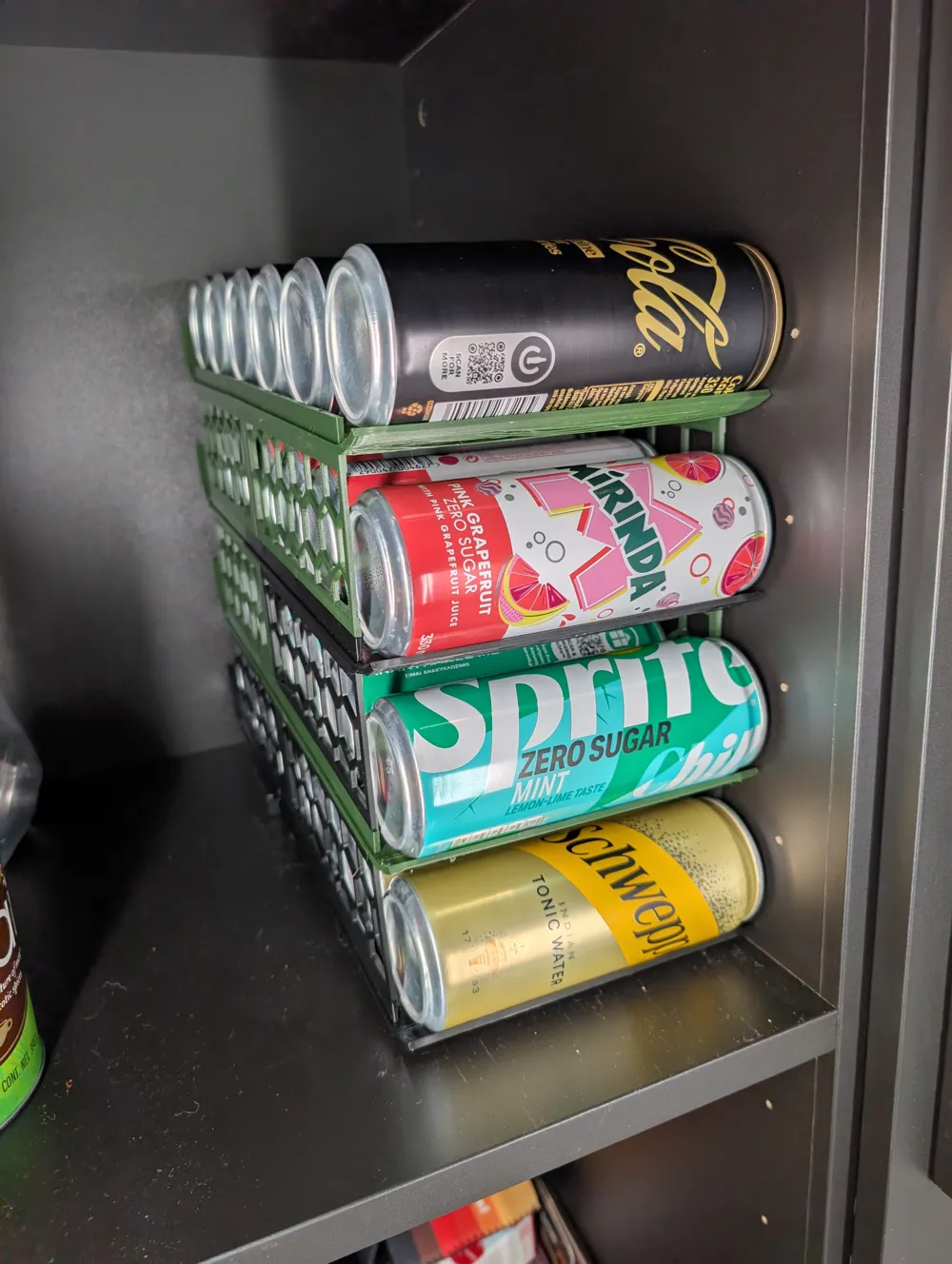
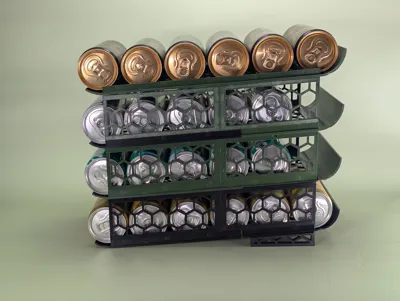
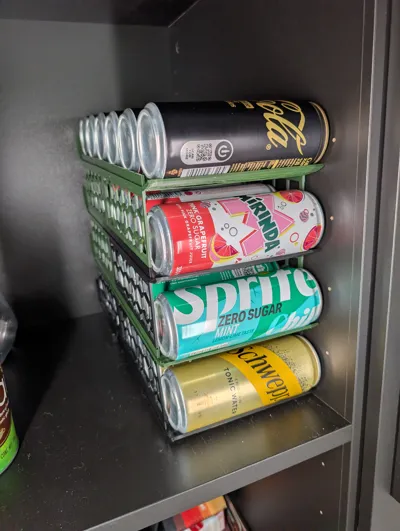
Keep your fridge or pantry organized with this fully customizable, stackable can dispenser. Cans load from the back and roll forward on a gently tilted floor, so a fresh one is always waiting at the front lip.
Features
- 🥤 Auto-feeding tilted tray — load at the back, grab from the front
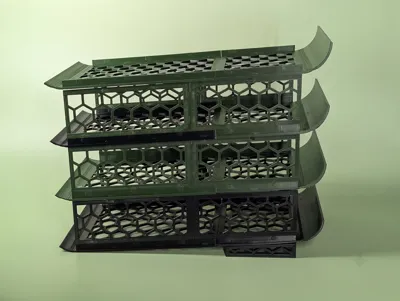
- 🧱 Stackable — build a wall of dispensers as tall as you like
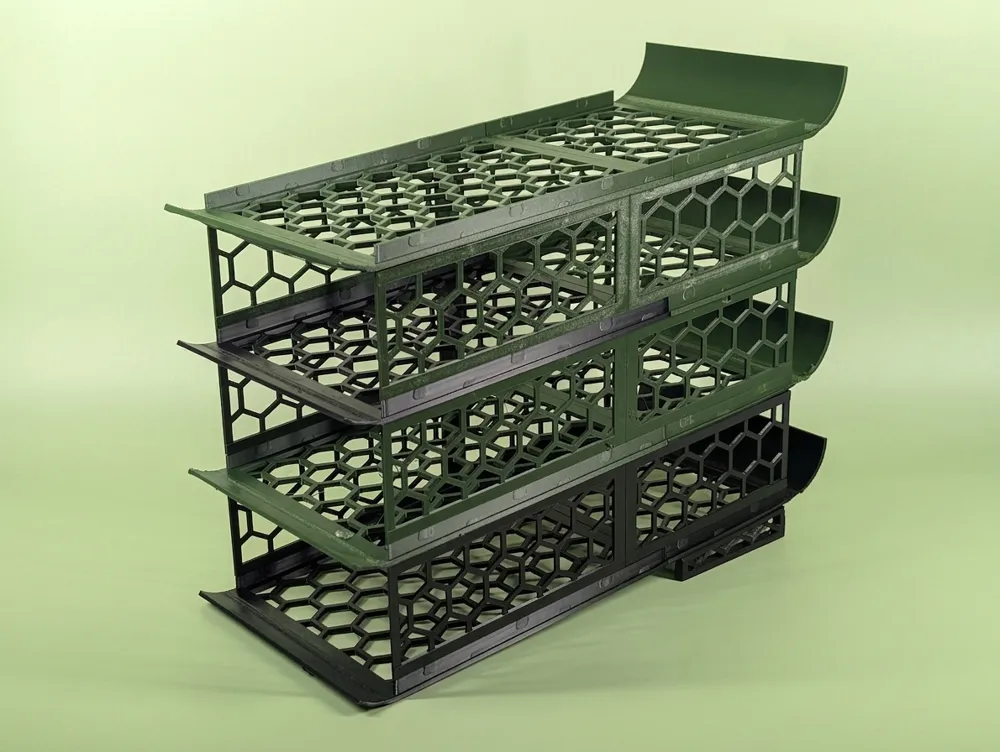
- 🍯 Honeycomb side walls for a light, rigid, great-looking print
- 🔩 Snap-together assembly — no glue, no screws
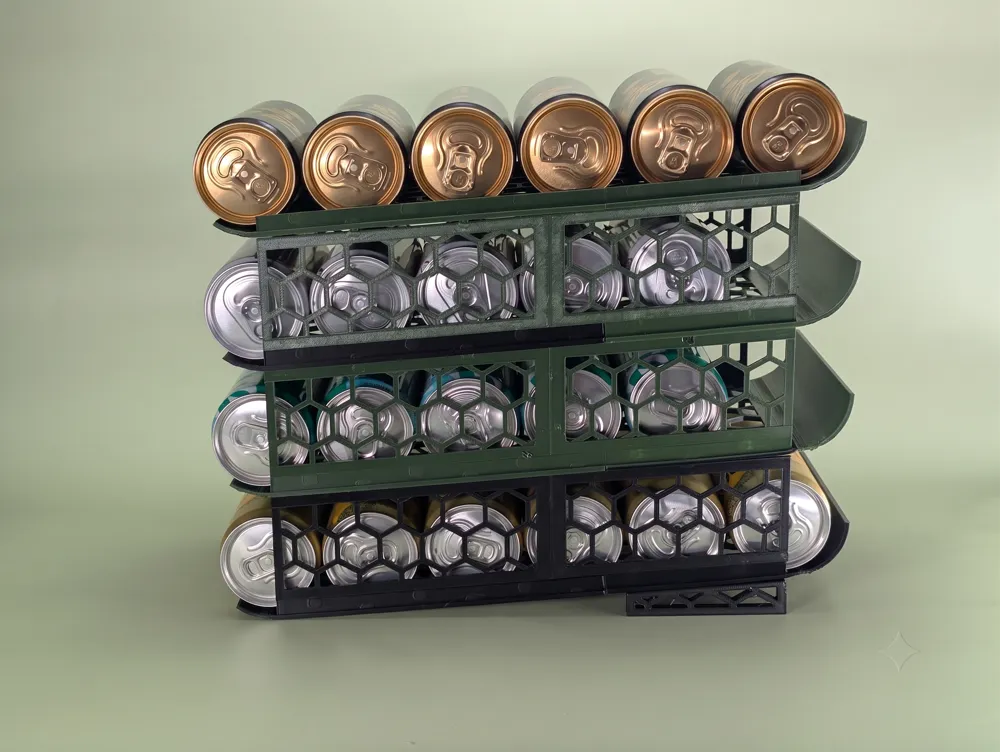
- 🦵 Snap-on legs that hold the base unit at the perfect dispensing angle
- 🖨️ Auto bed-splitting — large models are tiled into printable pieces that clip back together with Multiboard-style dual-clip keys
Fully parametric — tune it to your cans and printer right in the customizer: can height & diameter, tray depth, tilt angle, wall thickness, honeycomb size, number of stacked units, legs, and more.
Assembly: Print the wall, floor, and leg parts, then join the tiles with Multiboard dual-clip bowtie keys (printed separately). Snap the legs onto the bottom unit and stack additional units on top.
The attached profile is for six EU 0.33l cans. I've printed it with PETG and its sturdy enough to handle four fully loaded levels of cans.
Boost Me (for free)
Boosts help me keep this model updated and design more free parametric prints. If it was useful, please Boost it! 🙏
🛠️ How to Use
This is a fully parametric model — open it in the MakerWorld customizer (or OpenSCAD) and dial it in to your cans and printer.
⚠️ Important: The model opens in stacked mode so you can preview a full stack. Before exporting for print, set mode → print. Then use part_select to export each piece: wall, floor, and legs (or all to lay everything flat on one plate).
Quick start
- Set your can size — can_diameter and can_height.
- Set space_depth (how deep the tray is — it rounds down to a whole number of cans).
- Adjust angle if cans don't roll freely (higher = steeper).
- Switch mode to print, set part_select, and export STLs.
- Print the parts, snap them together, and lock the seams with Multiboard dual-clip keys (printed separately).
🎛️ Key Parameters
| Group | Parameter | What it does |
|---|---|---|
| Can | can_height, can_diameter | Your can's length & diameter |
| Capacity & Tilt | space_depth | Tray depth / how many cans fit |
| angle | Floor tilt so cans roll forward (deg) | |
| can_gap | Extra clearance for print tolerance | |
| Lips | start_angle / end_angle | Front (low) & back (high) lip curl |
| lip_clearance | Gap between can and lip | |
| Thickness | floor_thickness, wall_width | Panel thicknesses |
| stack_gap | Free space above the can (stack pitch) | |
| Pattern | pattern | Honeycomb cut-outs on/off |
| hex_cell, hex_rib, border | Honeycomb cell size, rib width, frame | |
| Legs | legs | Snap-on braces that stand the base at the tilt |
| leg_length, leg_size, leg_clearance | Brace length, thickness, front lift | |
| Clips | clip_thk | Match to your Multiboard clip thickness |
| clip_fit, pocket_deepen | Fine-tune snap tightness / flush seams | |
| clip_spacing, seam_clip_spacing | How often clips are placed | |
| Output | bed_size | Your printer's bed — auto-splits larger models into tiles |
| mode | stacked (preview) → switch to print to export | |
| part_select | all / wall / floor / legs | |
| stack_count | Units shown in stacked preview |
License

You may create derivative works based on this object, provided that all such derivative works are published exclusively on the MakerWorld platform and include proper attribution to the original creator. You may not share, upload, host, distribute, or publish this object—or any derivative work of this object—on any other digital platform, marketplace, or distribution channel. Commercial use of this object and any derivative works is strictly prohibited. This includes, but is not limited to, selling, renting, sublicensing, or using the object in any context in which you receive monetary compensation or other financial benefits.


Comment & Rating (0)