
CartPicker
Print Profile(1)
Description
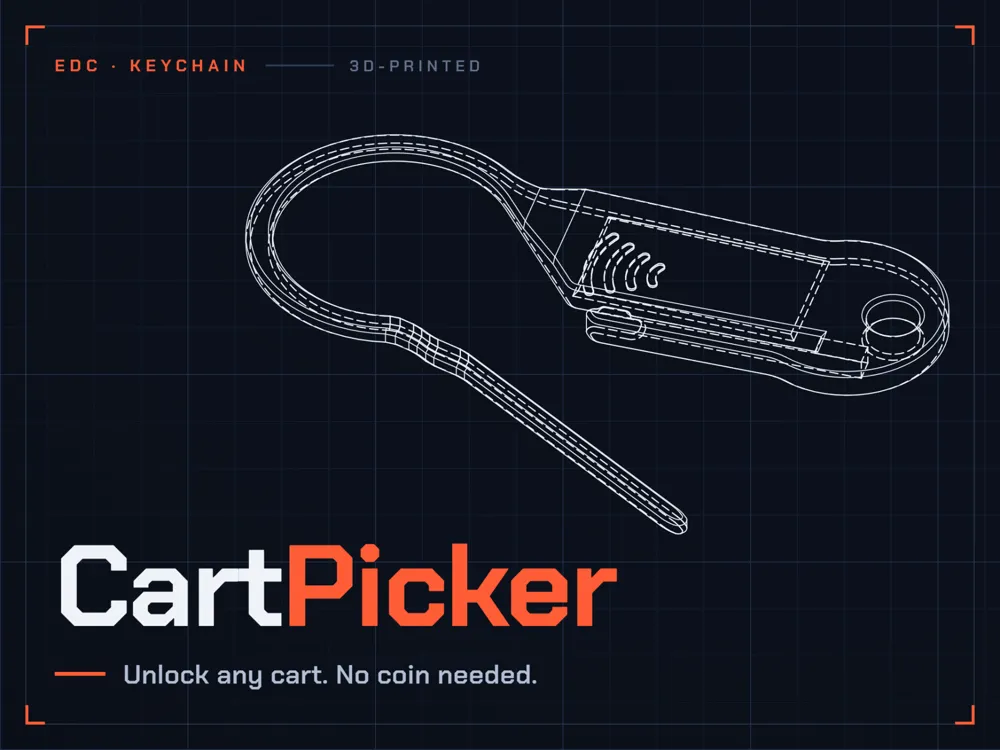
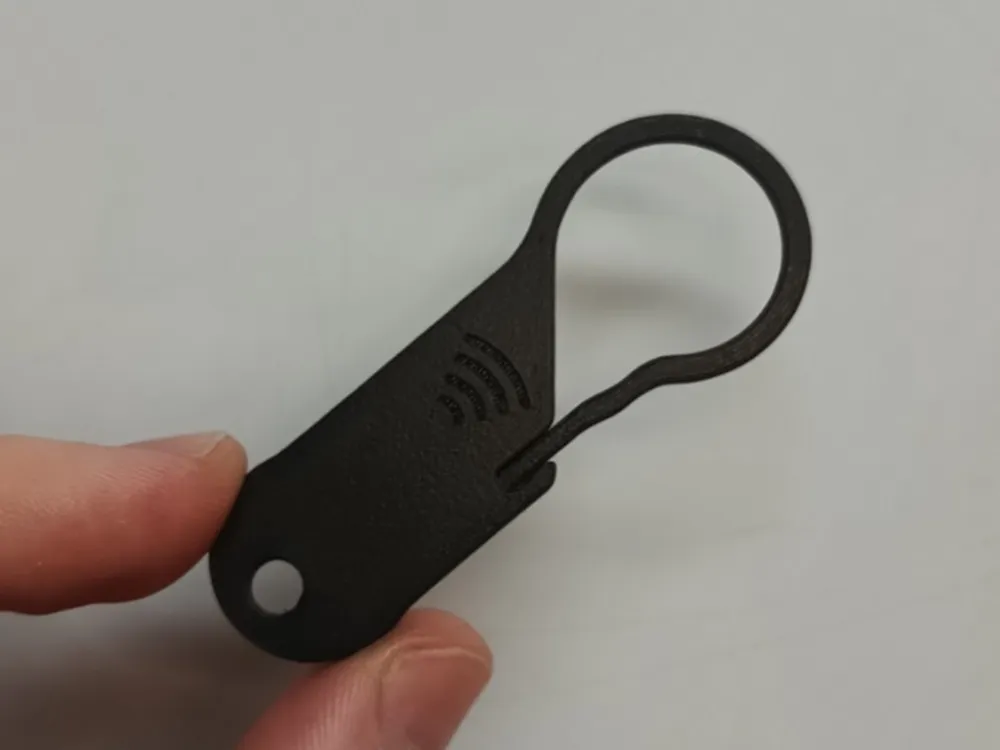
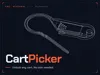
CartPicker unlocks any shopping cart — coin-slot or side-drawer.
Most cart coins only handle the simple push-lock type. CartPicker also unlocks side-drawer coin mechanisms that other tools can't touch. No coin needed, nothing to carry loose in your pocket — it folds flat onto your keychain and pops out when you need it.
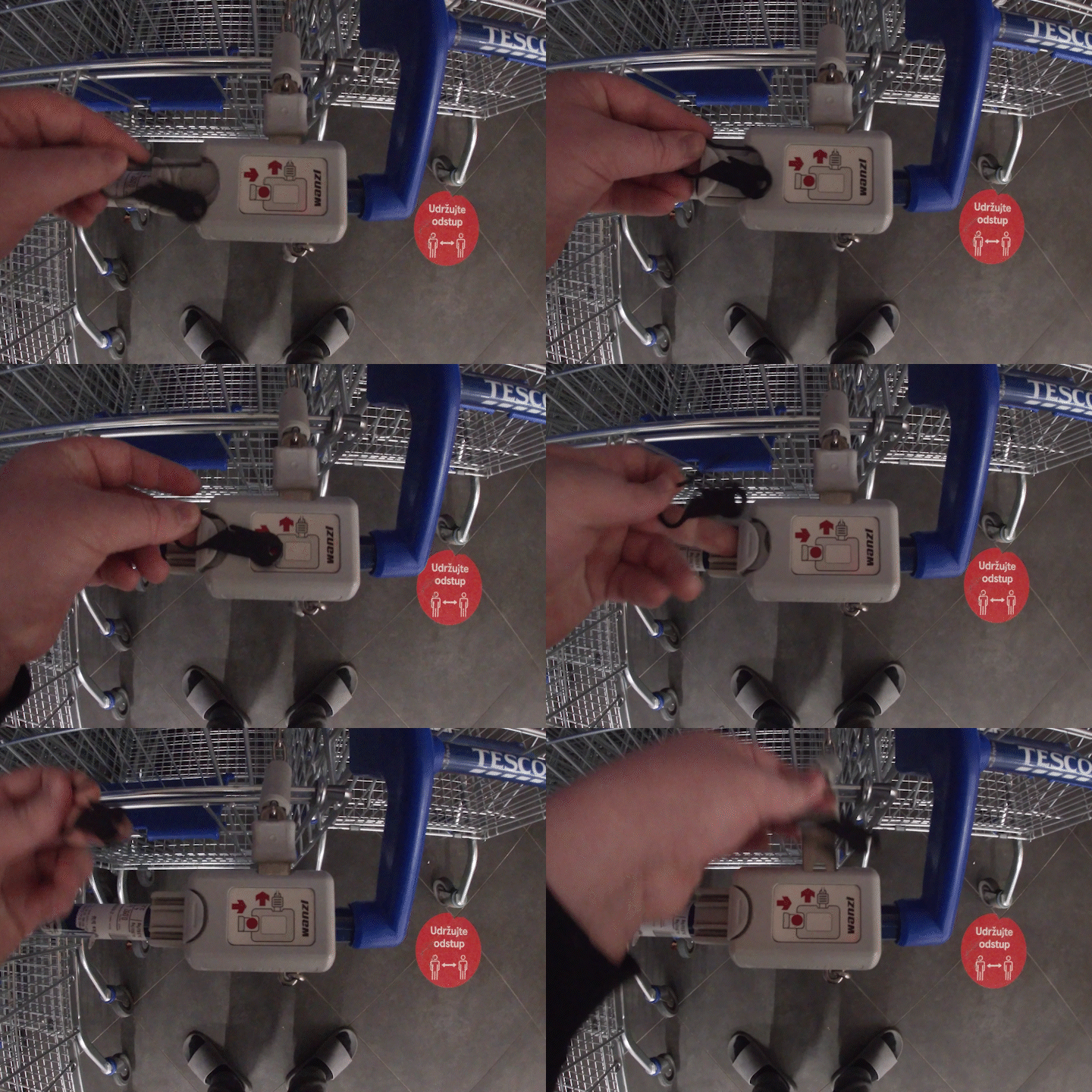
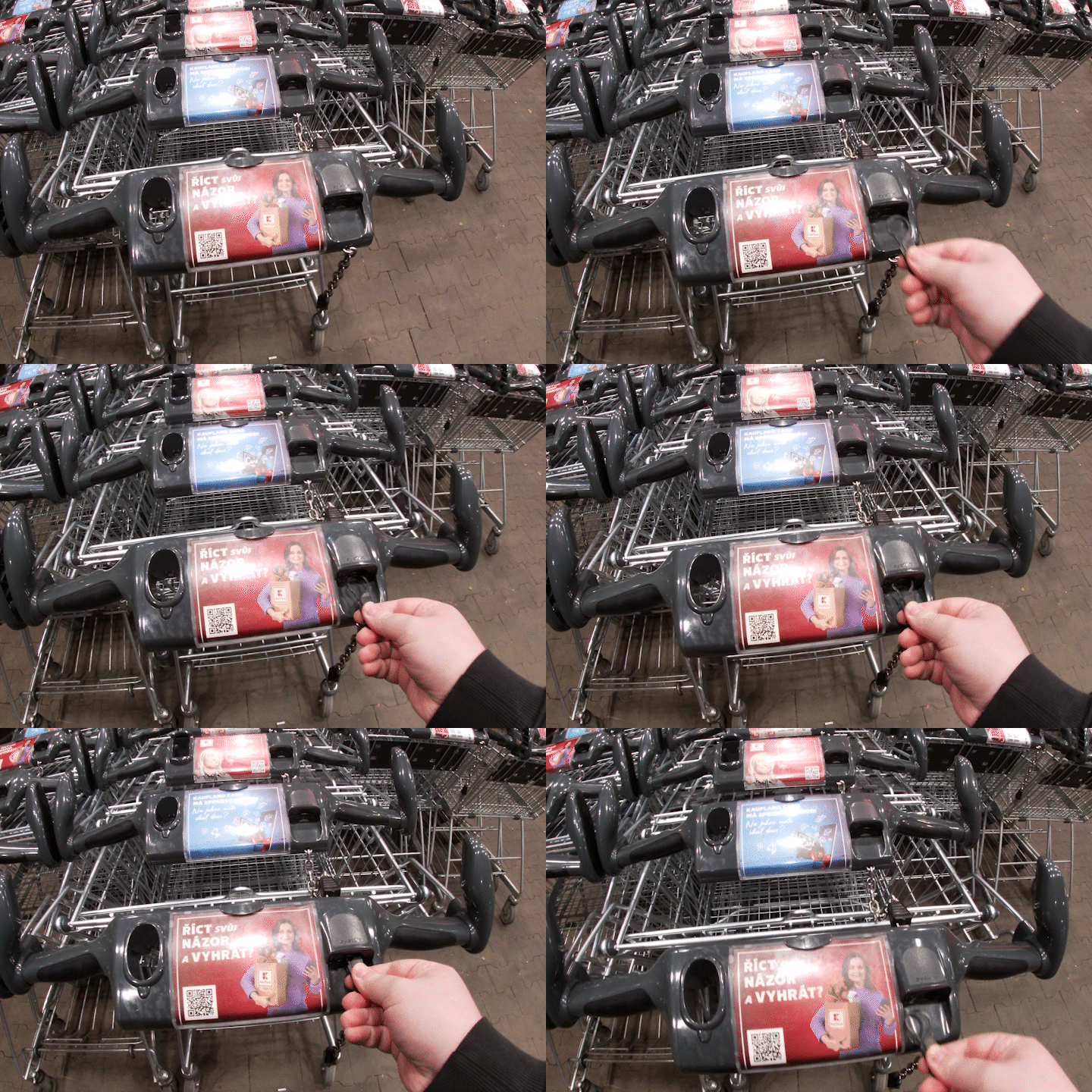
🔗 cartpicker.oktkas.cz — full instructions, photos, and both lock-type walkthroughs
Features
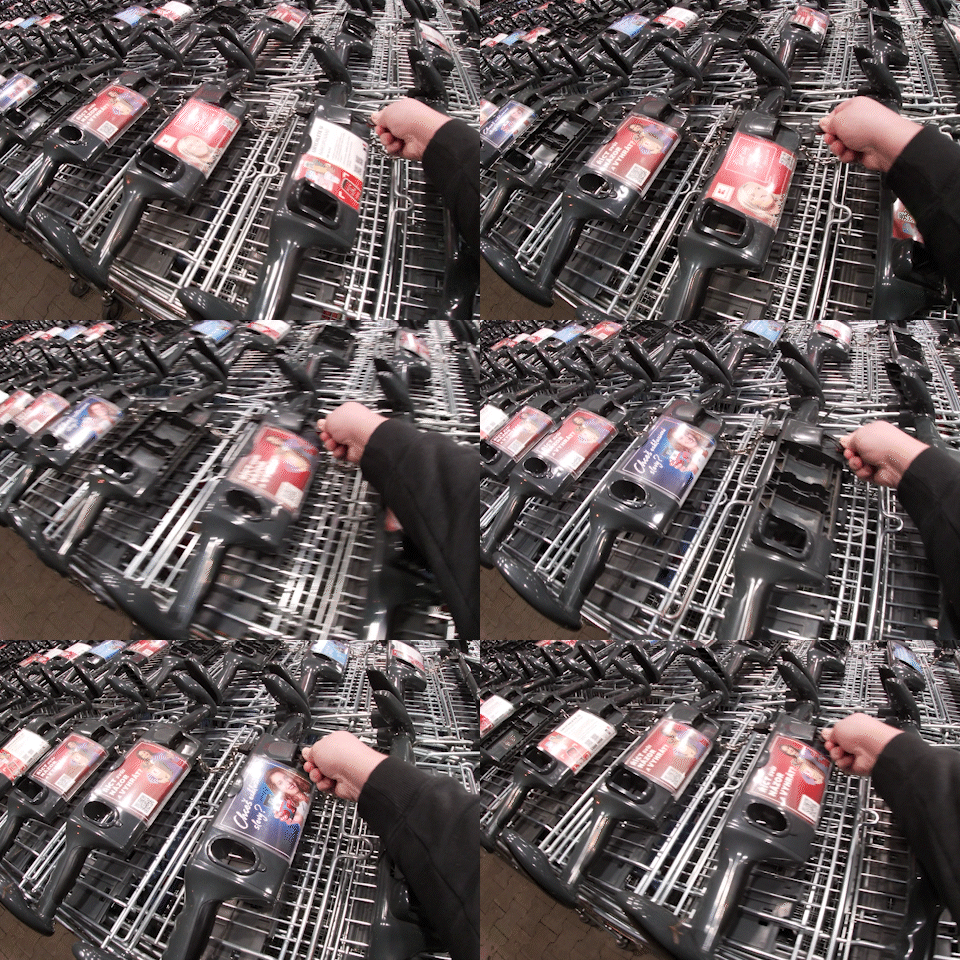
- Unlocks standard push-type coin slots and side-drawer locks
- Insert, unlock, remove immediately — no need to leave it sitting in the lock
- Tested across Europe with various coin sizes and cart manufacturers
- Folds flat onto a keychain, no separate coin to lose
Printing instructions
Use PETG and default settings with 3 perimeters. Print as-is and fold the arm into the sheath afterwards. The .3mf file (PrusaSlicer project) already includes all the required settings — pick the CartPicker file by default.
Pro tip: if you have CF Nylon, go for it.
NFC Tags
The CartPicker NFC files have a little pocket inside for embedding a 20×10mm NFC tag. The .3mf PrusaSlicer project file already includes a print pause so you can drop the sticker in mid-print.
You can get these stickers on Amazon / AliExpress etc. and program them with any NFC Tools app — contact info for when someone finds your keys, a link to your site, whatever you like.
---
Use Responsibly :)
License

Comment & Rating (0)