
Zenitsu Agatsuma Hueforge
Print Profile(1)
Description
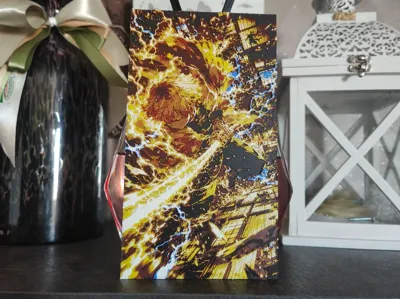
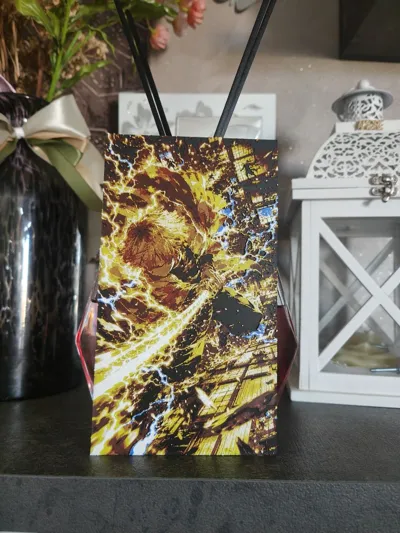
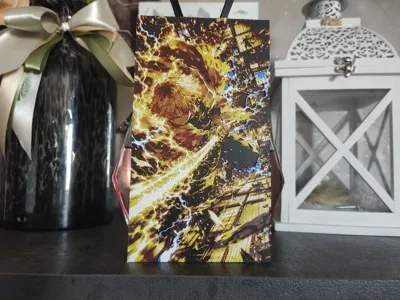
Zenitsu Agatsuma – Demon Slayer | Hueforge 3D Print Art
Description:
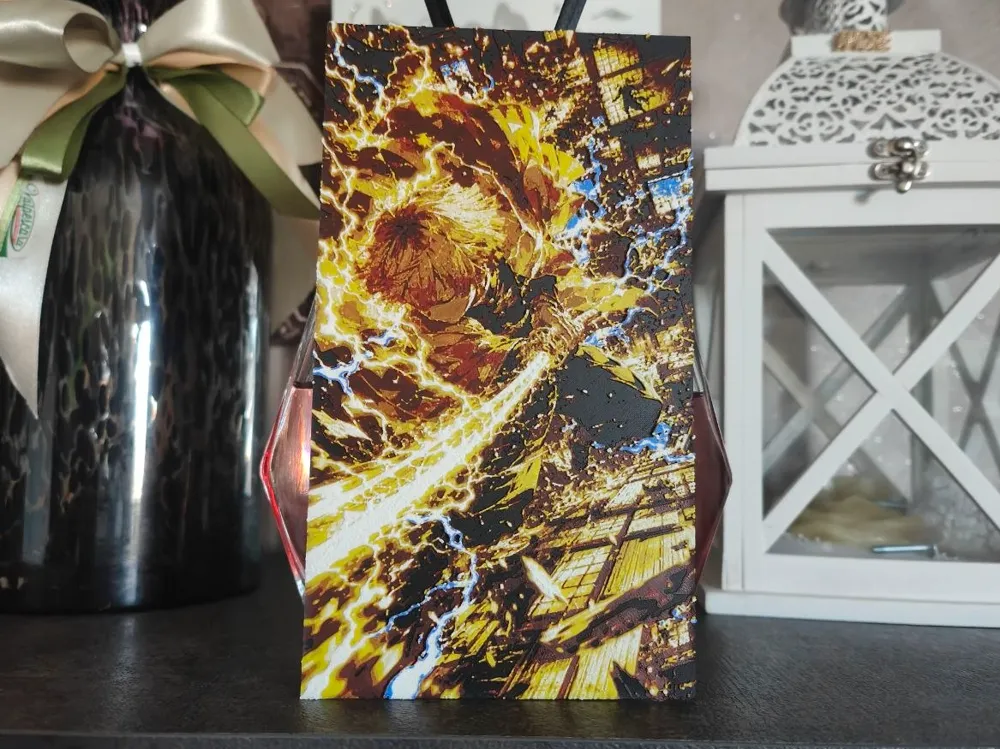
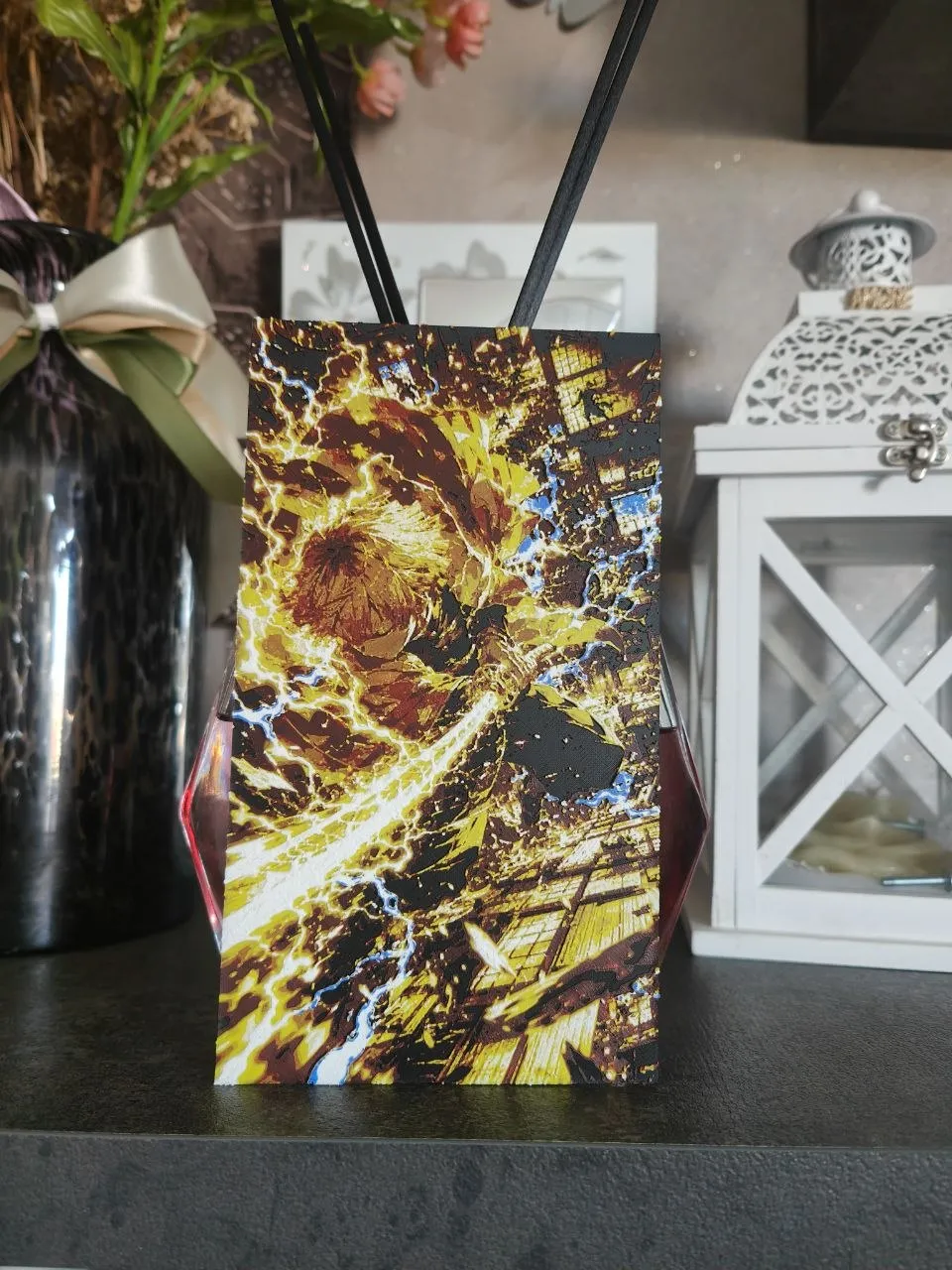
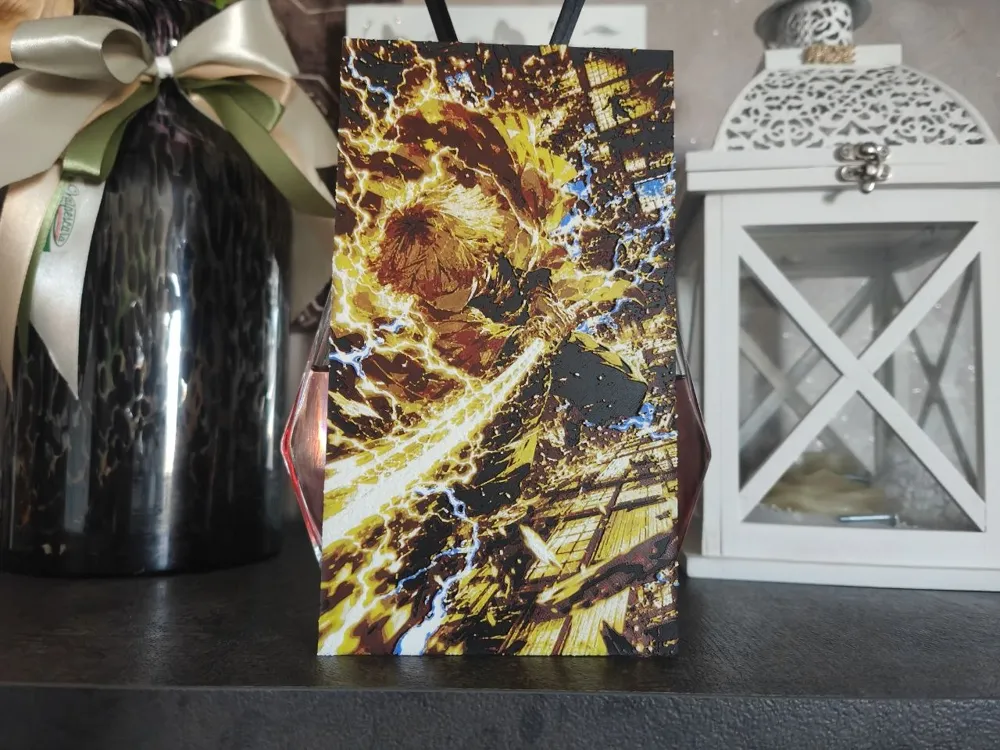
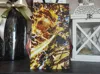
Artistic portrait of Zenitsu Agatsuma , the iconic Thunder Breath user from the anime Demon Slayer: Kimetsu no Yaiba , made with Hueforge technique in multicolor 3D printing.
The work depicts Zenitsu at the height of his technique, enveloped in spectacular golden lightning bolts that sweep across the scene with breathtaking intensity. The yellow, orange, and gold hues blend with the contrasting background, creating a dynamic effect that conveys all the speed and power of the Thunder Breathing.
Thanks to the Hueforge technique, every nuance is reproduced through precisely calibrated filament changes, without the use of paint. The result is a 3D painting rich in depth, detail, and movement, perfect for showcasing one of the series' most beloved characters.
Perfect for:
- Fan of the Demon Slayer
- Anime collectors
- Decorations for gaming room or nerd setup
- 3D printed wall art
- An original gift idea for Kimetsu no Yaiba fans.
Print optimized to enhance lightning, light effects and character energy.
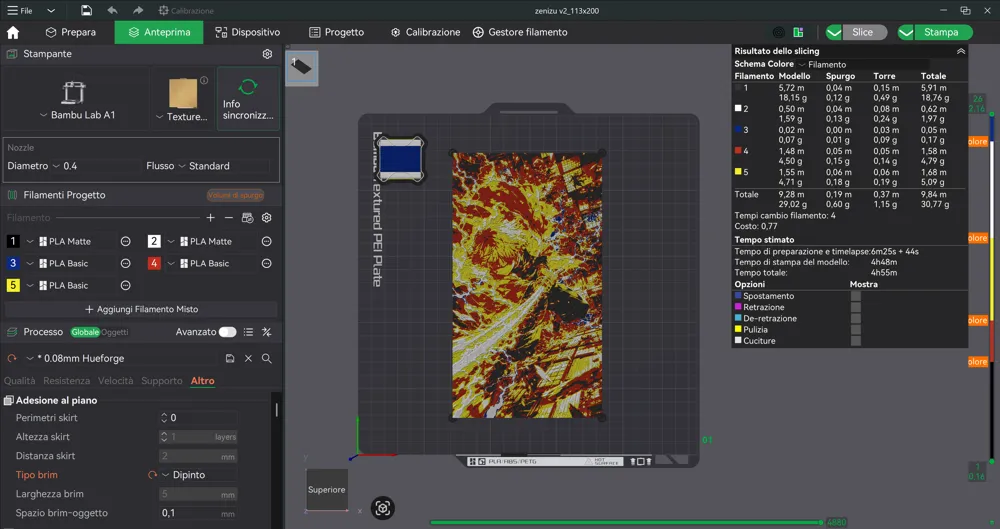
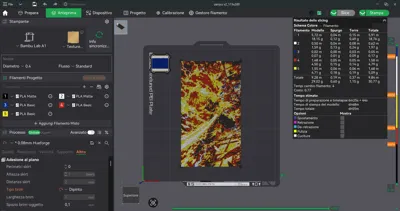
Print at 100% infill with a layer height of 0.08mm with a base layer of 0.16mm
The Model is 112.51x200mm in size
You may print at higher layer heights below the Base Thickness of 0.48mm
The Max allowed Thickness is 2.24mm and the Actual Thickness is 2.16mm
#000000 PLA BambuLab Matte Charcoal Transmission Distance: 0.6
#c00d1e PLA BambuLab Basic Red Transmission Distance: 4
#fce300 PLA BambuLab Basic Yellow Transmission Distance: 6
#ffffff PLA BambuLab Matte Ivory White Transmission Distance: 3.5
#00358e PLA BambuLab Basic Blue Transmission Distance: 4
This print uses 5 unique filaments
Swap Instructions:
Start with Charcoal
At layer #8 (0.72mm) swap to Red
At layer #11 (0.96mm) swap to Yellow
At layer #17 (1.44mm) swap to Ivory White
At layer #24 (2mm) swap to Blue for the rest.
License

You shall not share, sub-license, sell, rent, host, transfer, or distribute in any way the digital or 3D printed versions of this object, nor any other derivative work of this object in its digital or physical format (including - but not limited to - remixes of this object, and hosting on other digital platforms). The objects may not be used without permission in any way whatsoever in which you charge money, or collect fees.


Comment & Rating (0)