
Goku Super Saiyan Art Hueforge
Print Profile(1)
Description
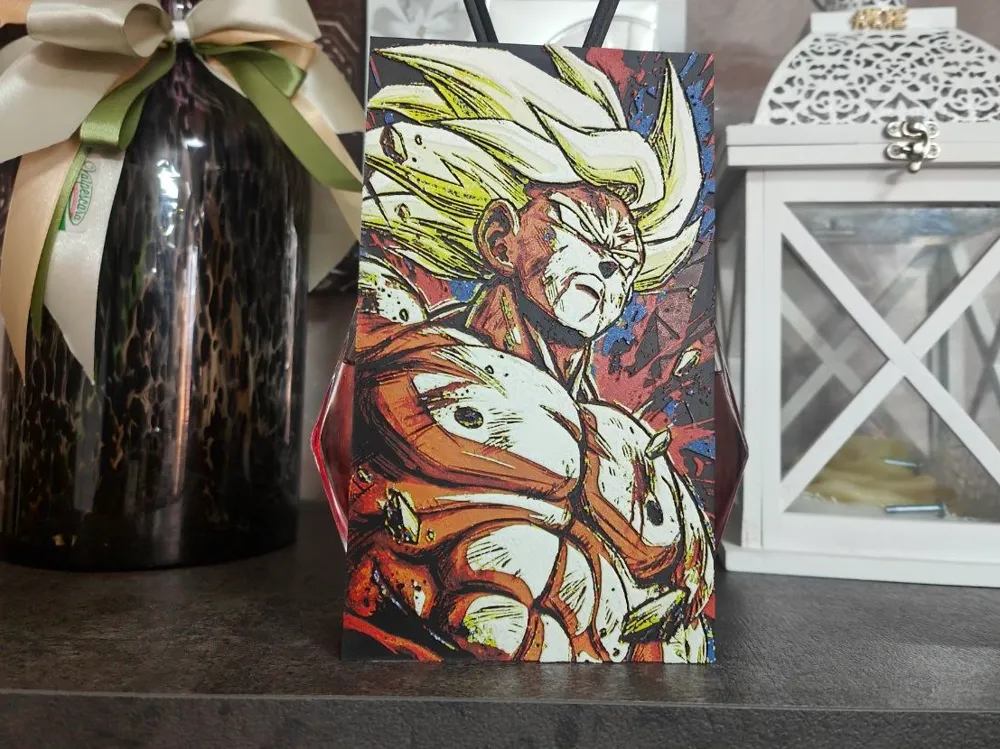
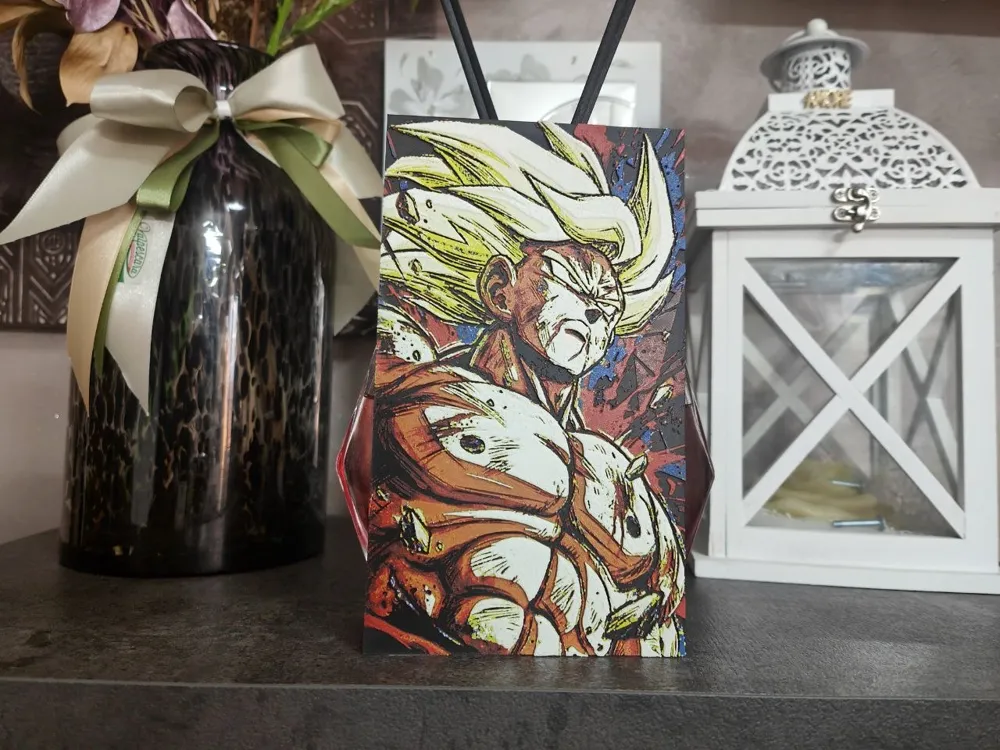
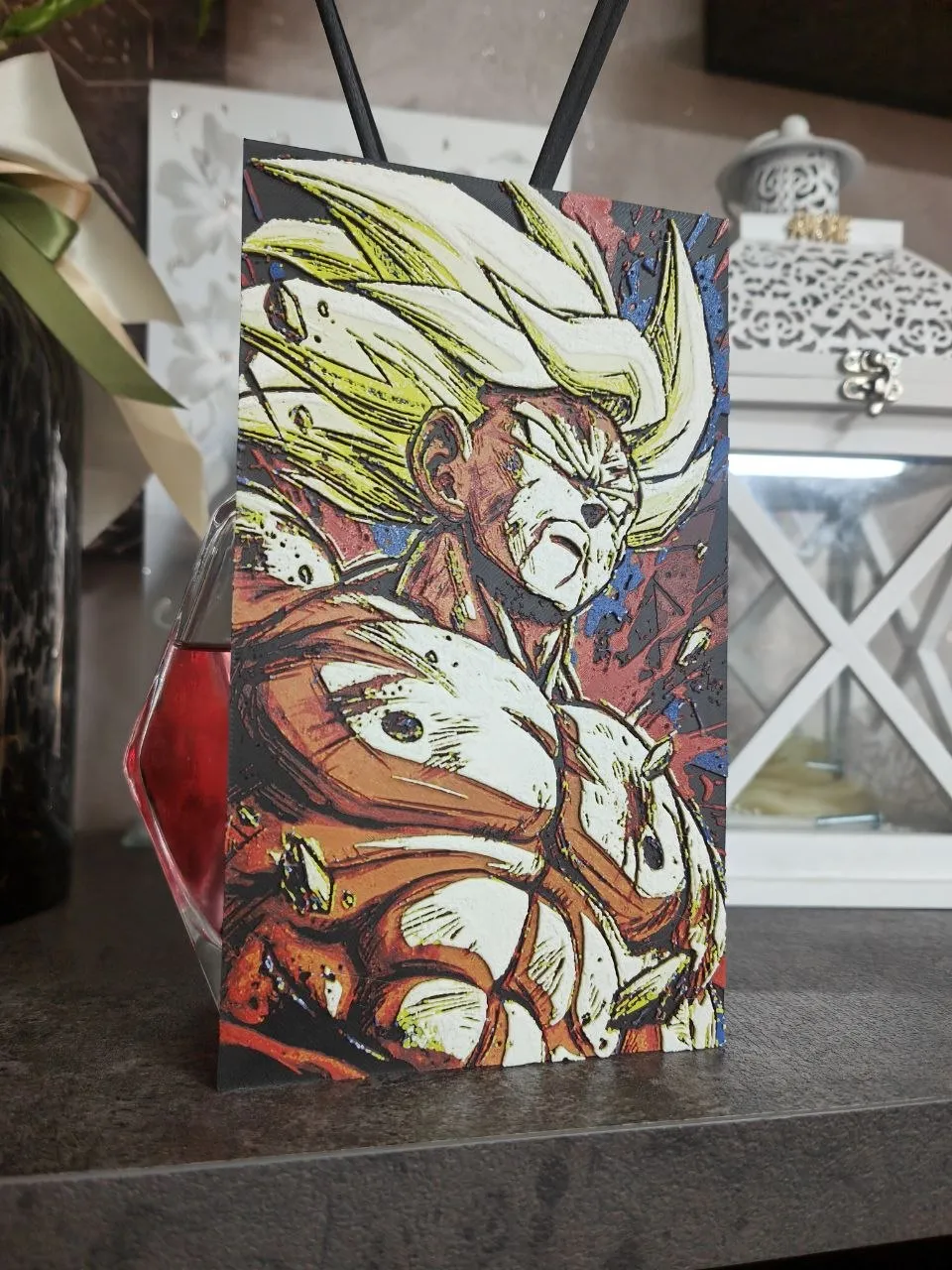
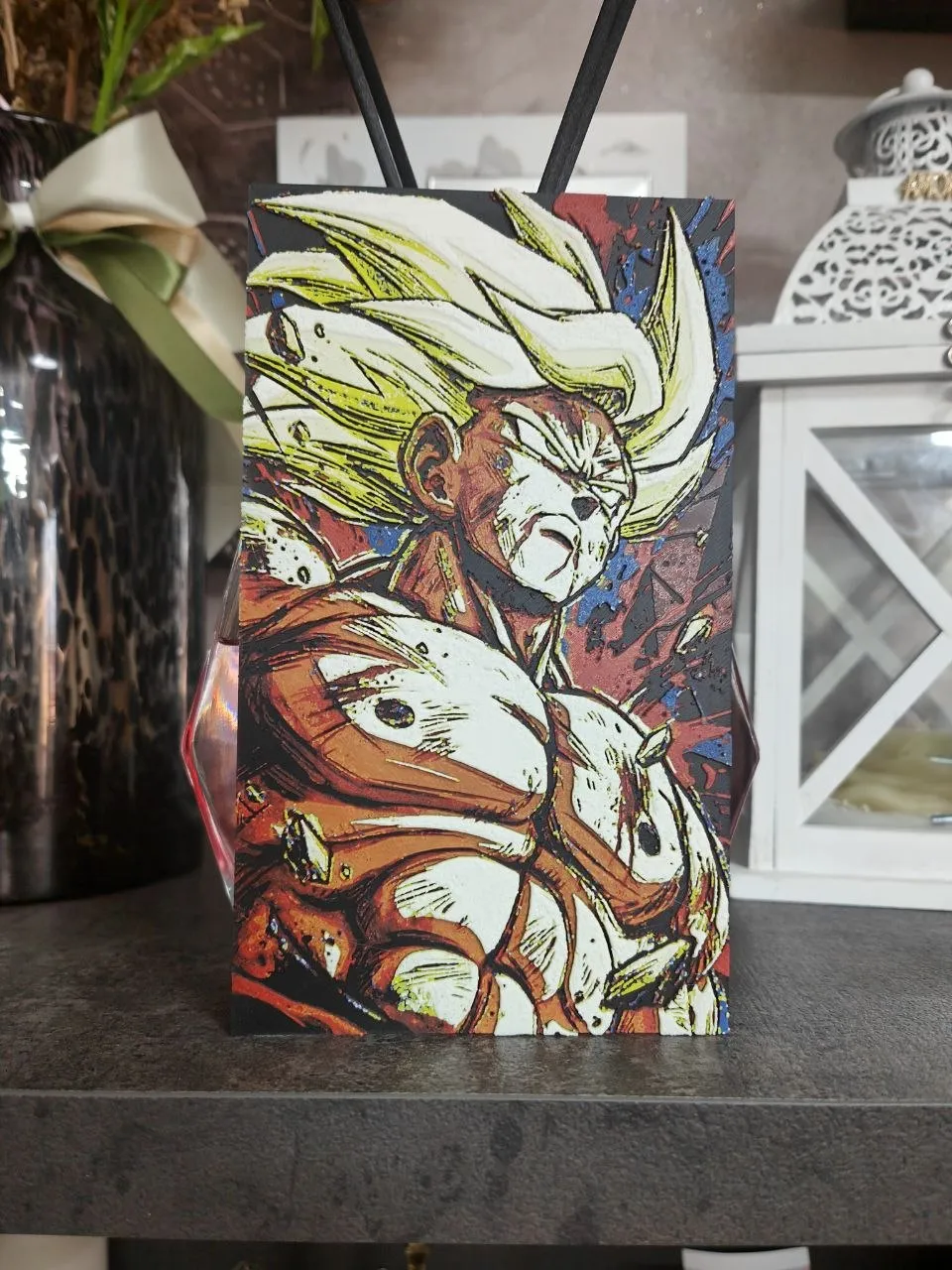
Goku Super Saiyan – Dragon Ball Z | Hueforge 3D Print Art
Description:
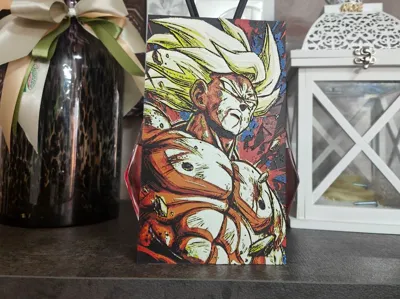
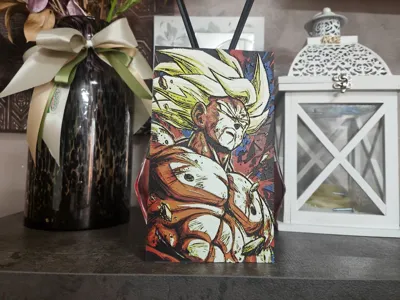
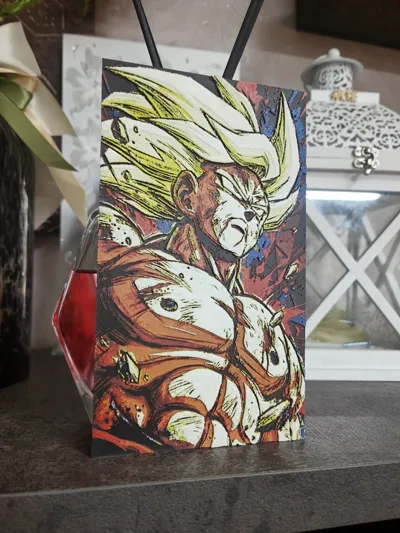
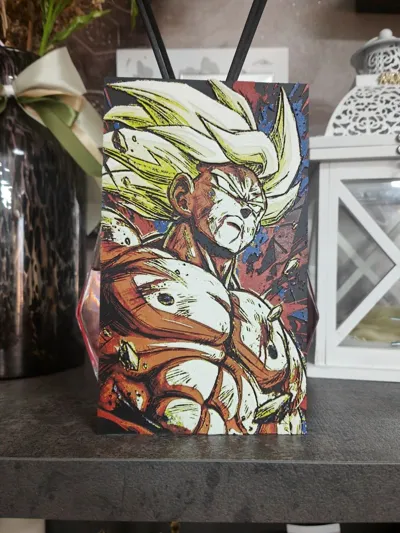
Artistic portrait of Son Goku in his iconic Super Saiyan transformation, taken from the famous Dragon Ball Z series , made with the Hueforge technique in multicolor 3D printing.
The artwork captures all of Goku's determination and power during one of the saga's most memorable moments. The Super Saiyan's signature golden hair stands out thanks to the strong contrasts between his warm skin tones and the energetic red, blue, and black background, creating an intense and dynamic composition.
The Hueforge technique allows for shading, light, and depth through precisely calibrated filament changes, without the use of paint. The result is a 3D painting rich in detail, perfect for enhancing the energy and strength of the Saiyan warrior.
Perfect for:
- Dragon Ball Z fans
- Anime collectors
- Gaming room e setup nerd
- 3D printed wall decoration
- An original gift idea for fans of the saga
Optimized print to enhance facial details, the intensity of the gaze and the iconic Super Saiyan transformation.
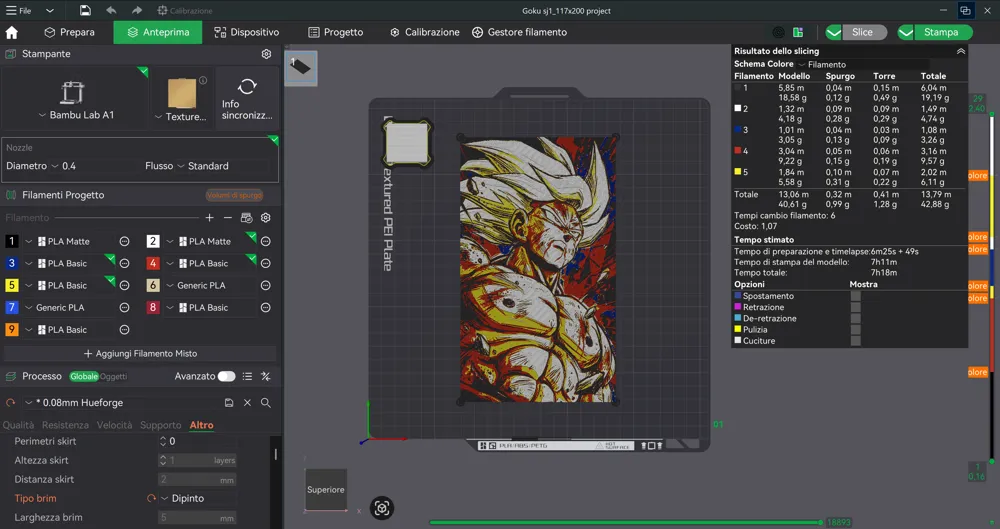
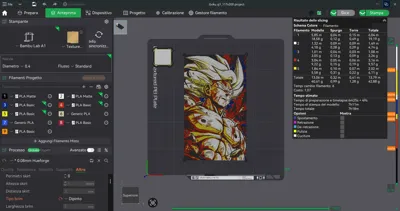
Print at 100% infill with a layer height of 0.08mm with a base layer of 0.16mm
The Model is 117.01x200mm in size
You may print at higher layer heights below the Base Thickness of 0.48mm
The Max allowed Thickness is 2.48mm and the Actual Thickness is 2.4mm
#080a0d PLA BambuLab Black Transmission Distance: 0.3
#c00d1e PLA BambuLab Basic Red Transmission Distance: 4
#fce300 PLA BambuLab Basic Yellow Transmission Distance: 6
#0056b8 PLA BambuLab Basic Blue Transmission Distance: 1.2
#ffffff PLA BambuLab Basic Jade White Transmission Distance: 5
This print uses 5 unique filaments
Swap Instructions:
Start with Black
At layer #8 (0.72mm) swap to Red
At layer #14 (1.2mm) swap to Yellow
At layer #15 (1.28mm) swap to Cobalt Blue
At layer #18 (1.52mm) swap to Jade White
At layer #19 (1.6mm) swap to Yellow
At layer #24 (2mm) swap to Jade White for the rest.
License

You shall not share, sub-license, sell, rent, host, transfer, or distribute in any way the digital or 3D printed versions of this object, nor any other derivative work of this object in its digital or physical format (including - but not limited to - remixes of this object, and hosting on other digital platforms). The objects may not be used without permission in any way whatsoever in which you charge money, or collect fees.


Comment & Rating (0)