Search models, users, collections, and posts

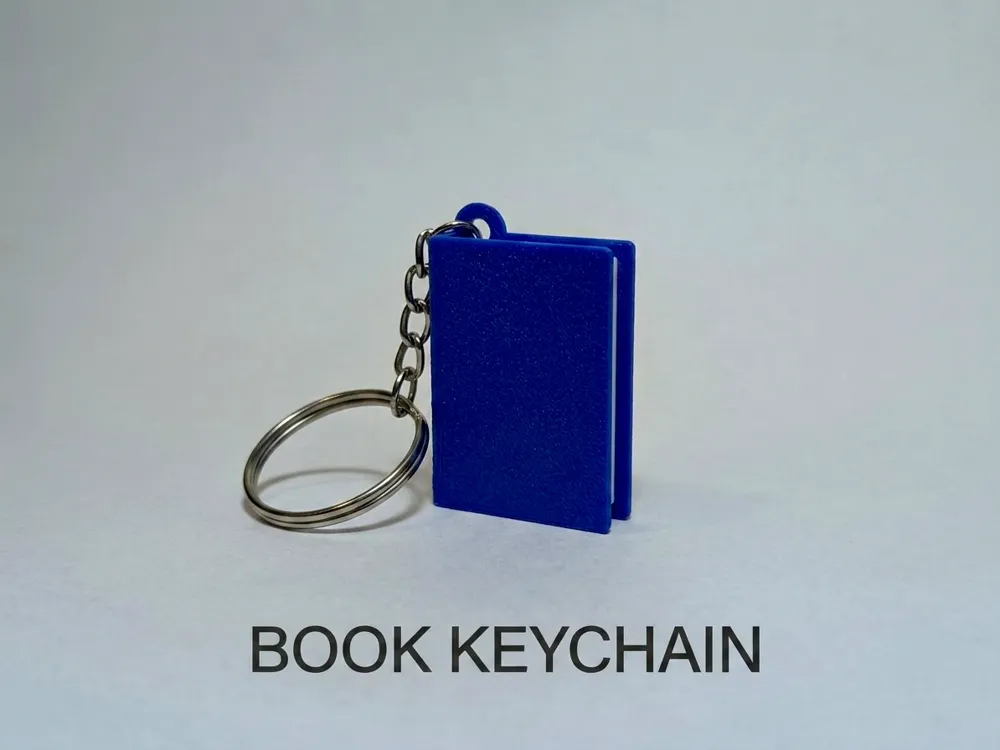
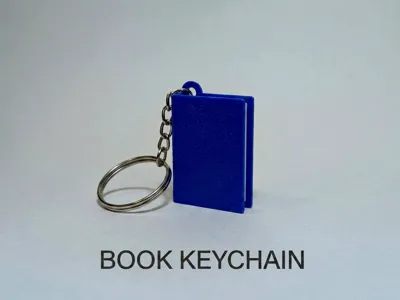
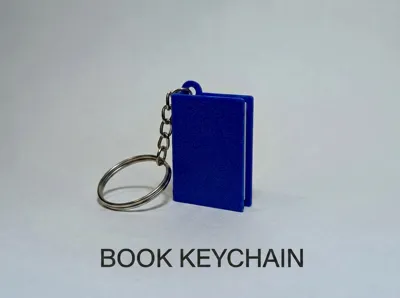
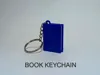
Book keychain
IP Report
Print Profile(2)
0.2mm layer, 2 walls, 15% infill
Designer
24 min
2 plates
0.2mm layer, 2 walls, 15% infill
Designer
21 min
2 plates
Open in Bambu Studio
Boost
0
0
1
0
0
0
Released
Description
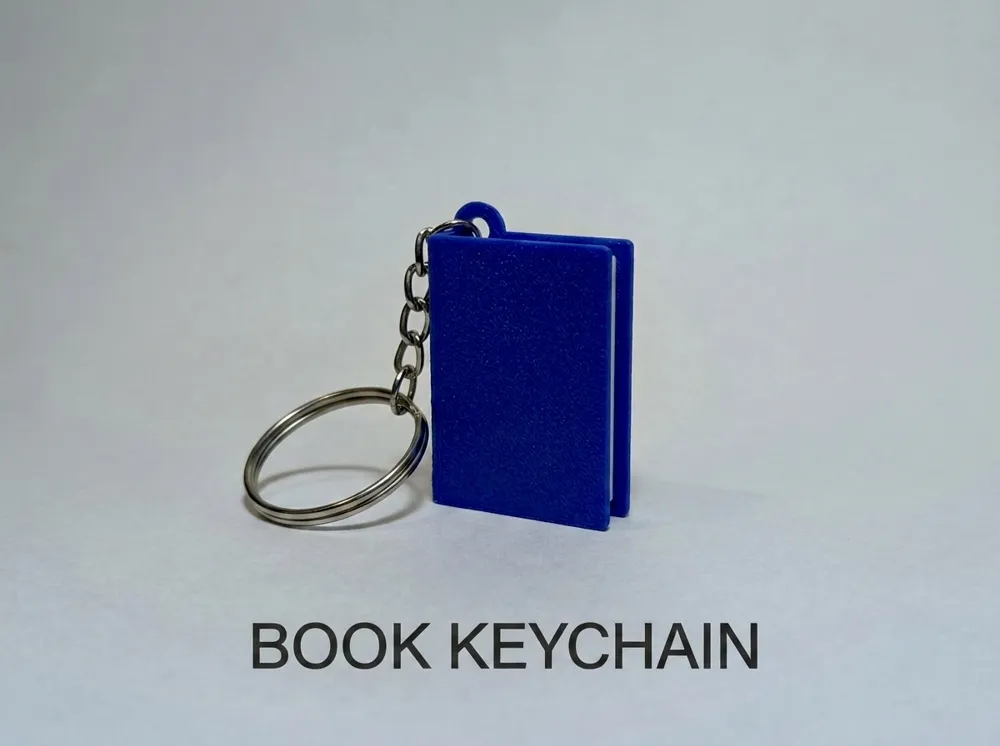
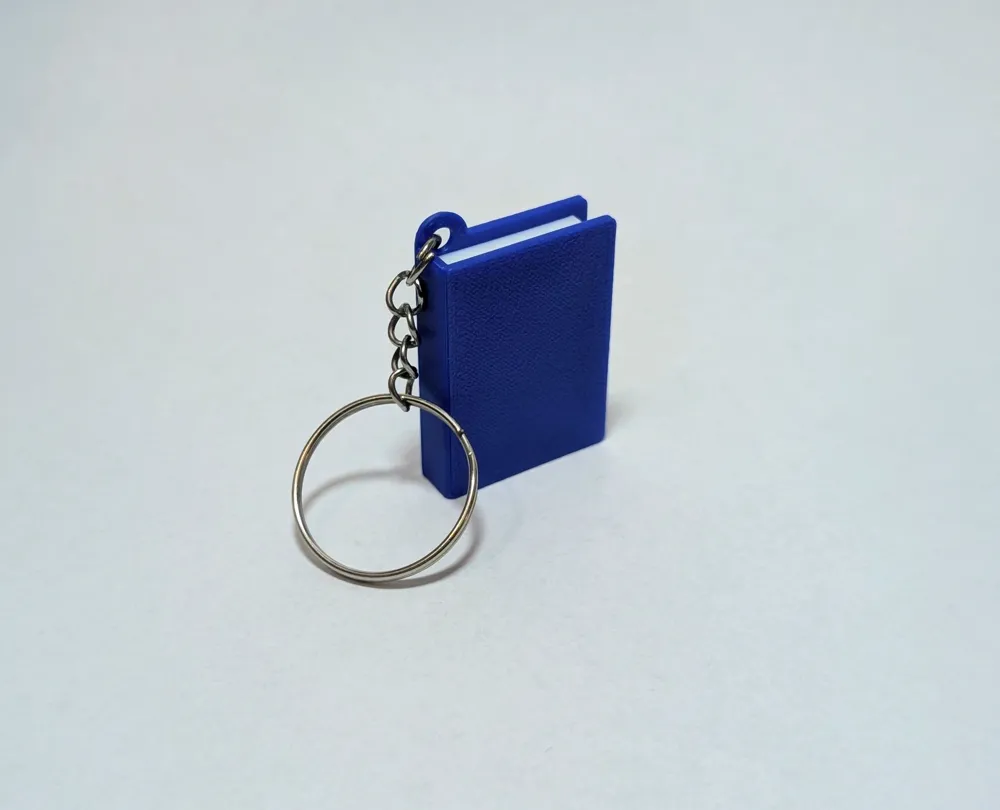
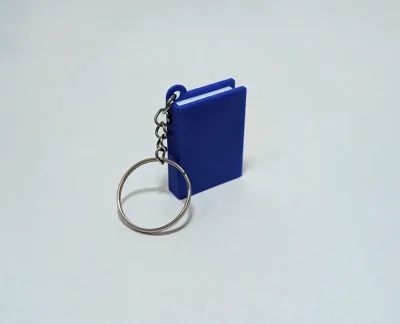
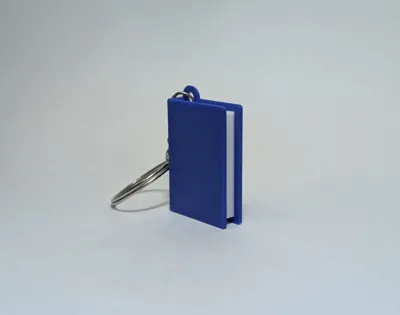
A sleek and cozy keychain design for all book lovers! This mini book is a perfect accessory for your keys, backpack, or as a personalized gift.
The design is optimized for easy printing in two distinct parts that slide perfectly together.
📥 Choose your Print Profile
Depending on your printer setup, select the correct profile:
1️⃣ Profile: AMS NEED
- For owners of: Bambu Lab AMS or similar automatic filament changing systems.
- Details: The 3MF file is pre-configured to automatically print the cover in one color and the pages insert in another.
2️⃣ Profile: NO AMS (Manual Color Swap)
- For owners of: Single filament printers (without AMS).
- Details: Designed for those who want a multicolor effect without automatic hardware. You will need to manage the filament swap manually.
ℹ️ NO AMS Instructions:
- Start printing with the color chosen for the Pages (e.g., White).
- I have already inserted a Print Pause at the correct layer in the 3MF file.
- When the printer pauses, unload the White filament and load the Cover color (e.g., Blue).
- Resume the print to finish the book.
✅ General Instructions & Assembly:
No matter which profile you used, assembly takes just a few seconds:
- Print both parts: Cover and Pages.
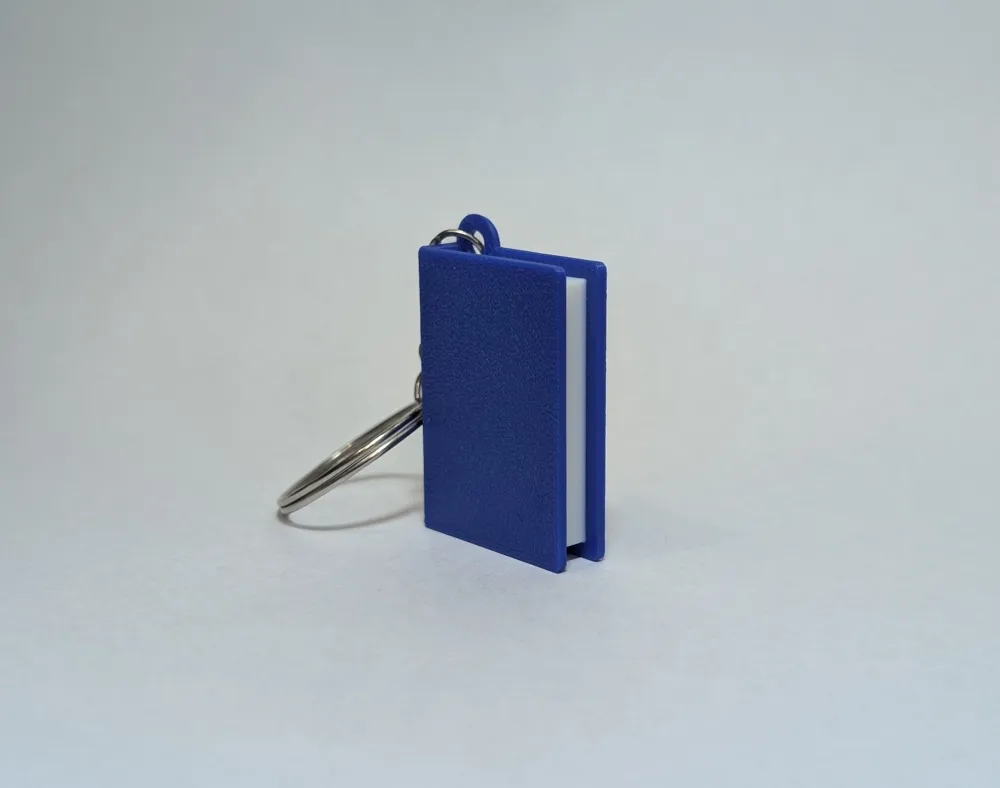
- Take the "Pages" insert and slide it inside the "Cover".
- ⚠️ Crucial step: For maximum durability (especially for pocket use), apply a small amount of glue (such as super glue or universal glue) to the internal contact points before joining the two parts permanently.
- Attach your keyring to the integrated loop on the cover.
License

This user content is licensed under a
Creative Commons Attribution-Share Alike


Comment & Rating (1)