
Link Generator
Print Profile(0)
Description
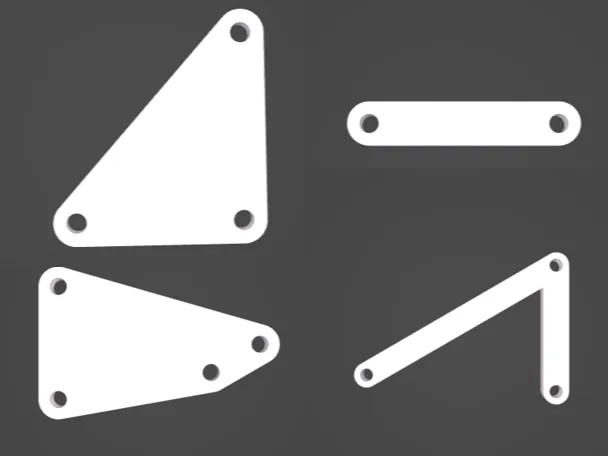
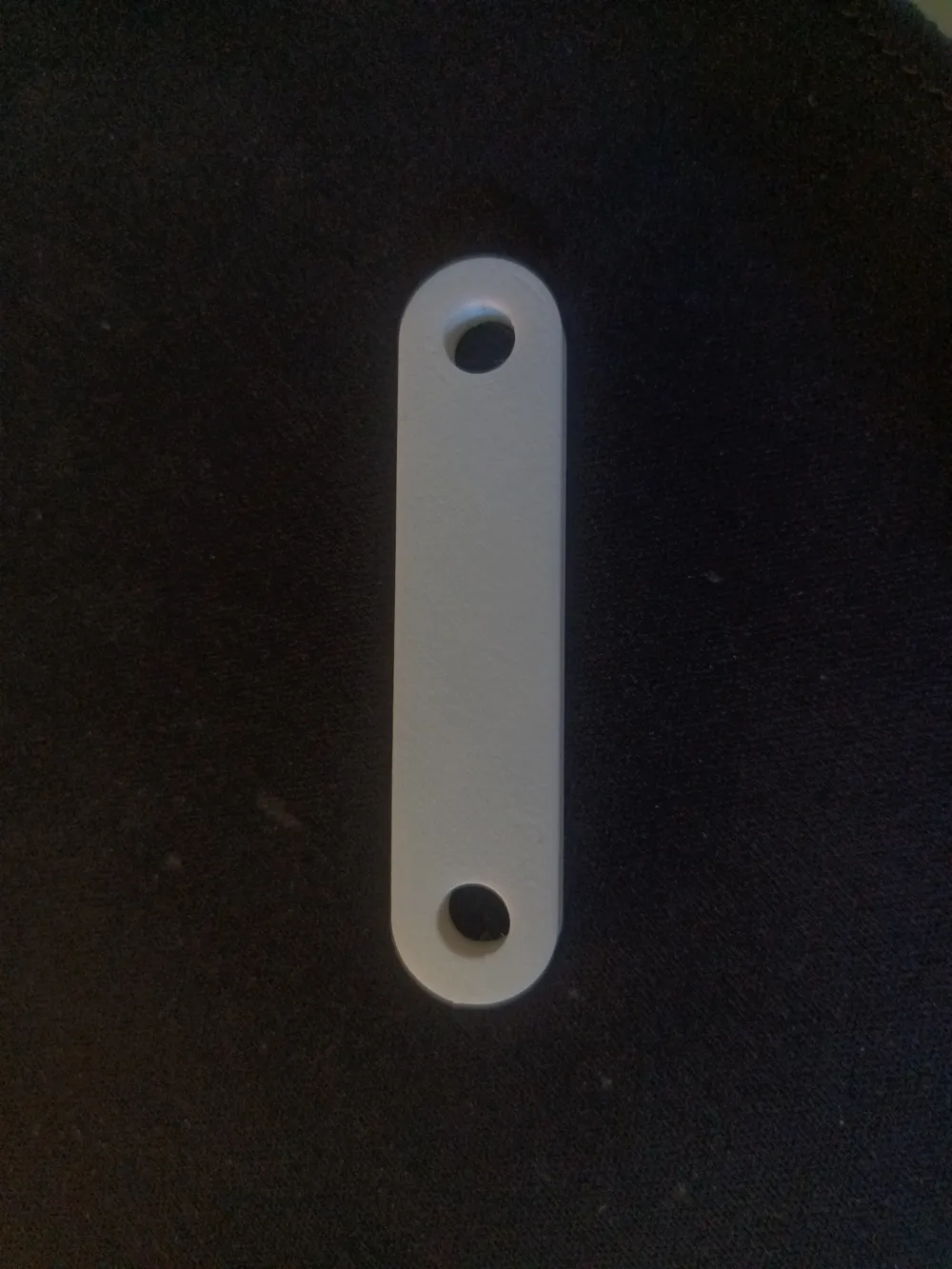
Using this parametric generator, users may design and rapidly generate 3D CAD files for the links in planar linkage mechanisms. Four-bars, six-bars, and so on may be quickly created using this setup. I suggest using alternative software like Lincages, Linkage, MATLAB, PMKS+, etc. to design the linkage and find optimal dimensions, then generate your CAD files here using this script. Currently, the script is designed to only accommodate pinned joints, so specialized joint types like sliders or pin-in-slot connections will still need to be generated manually.
To generate links with different numbers of joints, change the number of elements in the “segmentLength” and “segmentAngle” variables in the script - more elements result in more joints on the generated link. Segment length refers to the relative distance from the current joint to the next joint. Segment angle refers to the absolute angle (relative to global) of the current segment. The units are given in millimeters for length and degrees for angle.
The remaining parameters are hole diameter, edge margin, thickness, and plate style. Hole diameter refers to the size of the holes at each of the joints. Adjust this parameter according to the size of the pin you will be using. Edge margin is the amount of additional material around each joint. Increasing this value will make the link stronger but more bulky. Thickness refers to the height of the link above the print bed. Finally, the plate style dropdown allows the user to choose between ‘convex’ and ‘segments’ as fill styles for the space between joints. For links with more than 2 joints, this setting determines whether the entire link footprint is filled in with material, or if each segment only connects two adjacent joints together. Similar to edge margin, choosing convex will make the link stronger but more bulky, and use more material.
License



Comment & Rating (0)