
Parametric Funnel Generator
Print Profile(1)
Bill of Materials

Description
Membership
🔐 MEMBERSHIP UNLOCK 🎁 Monthly custom model just for YOU 🛍 Full print/sell rights on all my models 📸 Access to my photos & post templates 🙏 Support my family + fuel my madness
Boost Me (for free)
💖 BOOST ME! Every boost is like a high-five from the Maker Gods.
Keeps me printing, designing, and surviving on caffeine and dad jokes. It’s free. Boost it. 💥
Parametric Funnel Generator
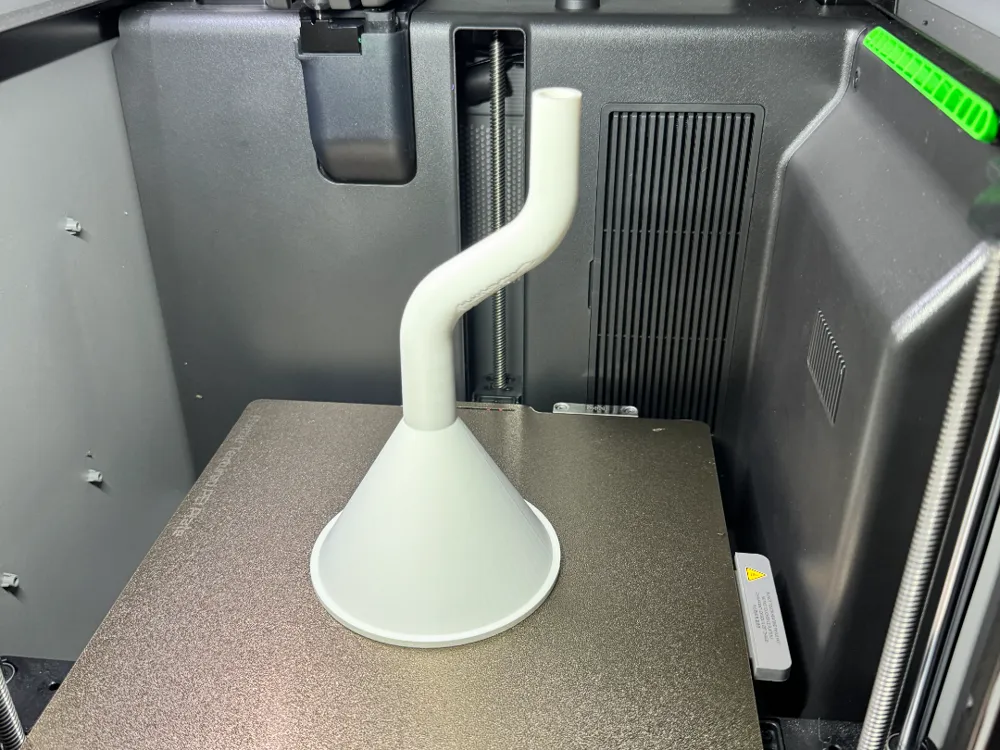
Need a funnel for one specific bottle, container, machine, fluid, powder, seed, pellet, or other oddly sized opening? This generator lets you create one instead of digging through drawers full of funnels that are somehow all the wrong size.
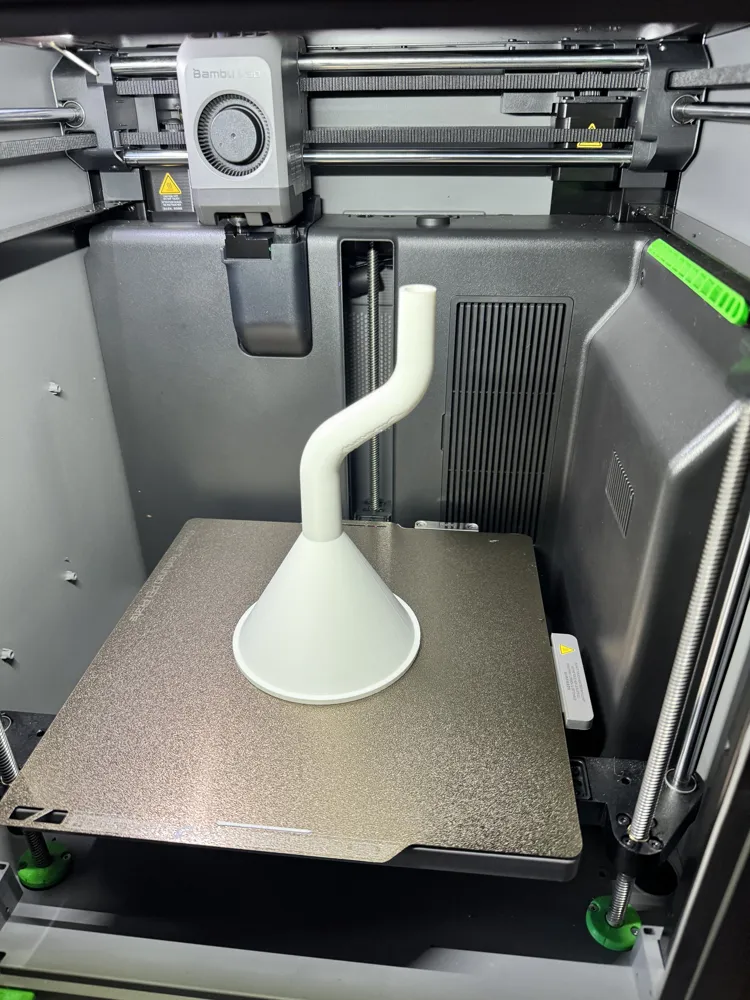
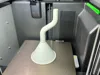
Adjust the funnel bowl, outlet, wall thickness, spout length, taper, and bend geometry to create everything from a basic straight funnel to a long offset funnel with two smooth bends. The default two-bend setup curves away from the center and then bends back so the final outlet points straight down again.
Everything is generated as one continuous model with a smooth internal flow path.
🔧 Funnel Body Controls
| Setting | What It Does |
|---|---|
| Top Opening Diameter | Controls the inside diameter of the large funnel opening. |
| Outlet Diameter | Controls the inside diameter where the funnel bowl transitions into the spout. |
| Funnel Height | Changes the height and steepness of the funnel bowl. |
| Wall Thickness | Controls the thickness of the funnel body and spout walls. |
| Top Rim | Turns the reinforced rim around the top opening on or off. |
| Rim Height | Controls how tall the rim extends above the funnel body. |
| Rim Thickness | Controls how far the rim extends outward. |
📏 Spout Controls
| Setting | What It Does |
| Spout Length | Controls the total centerline length of the complete spout, including all straight and curved sections. |
| Spout Style | Selects a straight-diameter or tapered spout. |
| Spout End Diameter | Controls the outlet diameter at the very end when a tapered spout is selected. |
| Spout Path | Selects a straight spout, one bend, or two bends. |
The spout length is measured along the entire path, not just vertically from the funnel. Increasing a bend angle or radius uses more of the selected spout length.
↪️ First Bend Controls
| Setting | What It Does |
| First Bend Start Distance | Controls how far the spout travels straight down before the first bend begins. |
| First Bend Angle | Controls how far the first bend turns away from vertical. |
| First Bend Radius | Controls how tight or wide the first curve is. |
| First Bend Direction | Selects whether the spout bends left or right. |
A larger bend radius creates a smoother, wider curve. A smaller radius creates a tighter elbow.
↩️ Second Bend Controls
| Setting | What It Does |
| Distance Between Bends | Controls the straight section between the end of the first bend and the beginning of the second. |
| Second Bend Angle Mode | Selects whether the second bend automatically matches the first bend or uses a custom angle. |
| Second Bend Angle | Controls the second bend angle when Custom mode is selected. |
| Second Bend Radius | Controls how tight or wide the second curve is. |
| Second Bend Direction | Selects whether the second bend continues in the same direction or bends back the opposite way. |
Match First Mode
When the second bend is set to Match First and the direction is set to Opposite, the second bend automatically cancels the angle of the first bend.
For example:
- First bend: 55° right
- Second bend: 55° left
- Final outlet direction: straight down
This creates an offset spout while keeping the outlet vertical.
Custom Mode
Select Custom to control the second bend independently. This allows the final outlet to point inward, outward, sideways, or at any angle between the available limits.
🛡️ Automatic Geometry Protection
The generator automatically checks the selected measurements and adjusts impossible combinations that would otherwise create broken geometry.
This includes:
- Bend angles that consume more than the available spout length
- Bend start distances that are too long
- Excessive spacing between the bends
- Bend radii that are too tight for the selected spout size
- Negative final straight sections
- Invalid outlet or wall-thickness combinations
Any automatic adjustments are shown in the OpenSCAD console so you can see which setting was limited.
💡 Possible Uses
- Automotive fluid funnels
- Oil and coolant funnels
- Bottle filling
- Powder transfer
- Seed and pellet funnels
- Resin and paint transfer
- Workshop machines
- Aquarium equipment
- Kitchen containers
- Hard-to-reach fill ports
- Offset container openings
- Custom replacement funnels
Because every dimension is adjustable, the same generator can create a small precision funnel or a large workshop funnel.
📐 Design Notes
The curved spout is generated as one continuous swept tube. Both the inside and outside follow the same centerline path through the straight sections and bends.
This creates:
- Smooth internal transitions
- Consistent wall thickness
- No sharp joints between sections
- One continuous watertight model
- Proper tapered geometry through the curves
License

You shall not share, sub-license, sell, rent, host, transfer, or distribute in any way the digital or 3D printed versions of this object, nor any other derivative work of this object in its digital or physical format (including - but not limited to - remixes of this object, and hosting on other digital platforms). The objects may not be used without permission in any way whatsoever in which you charge money, or collect fees.


Comment & Rating (0)