
Centering Guide
Print Profile(1)
Description
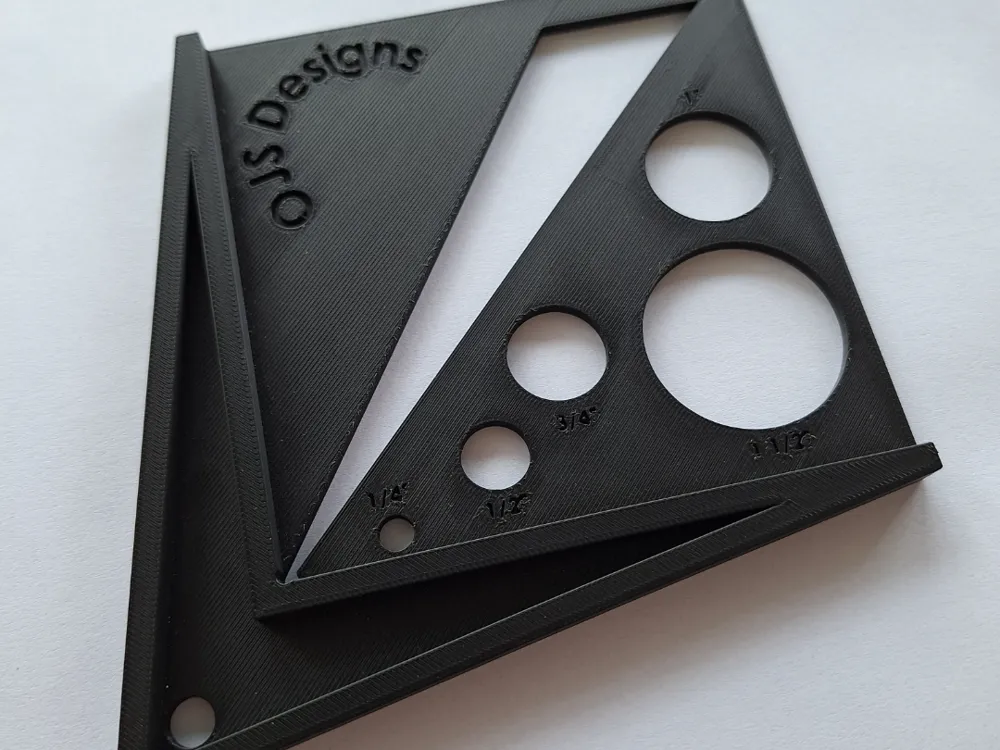
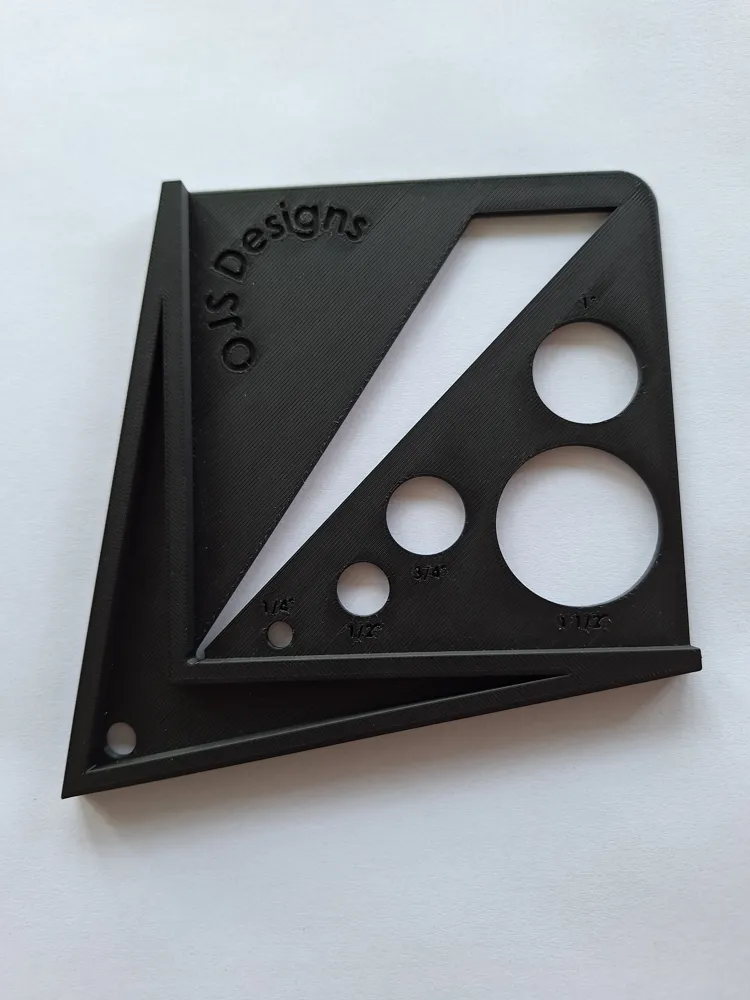
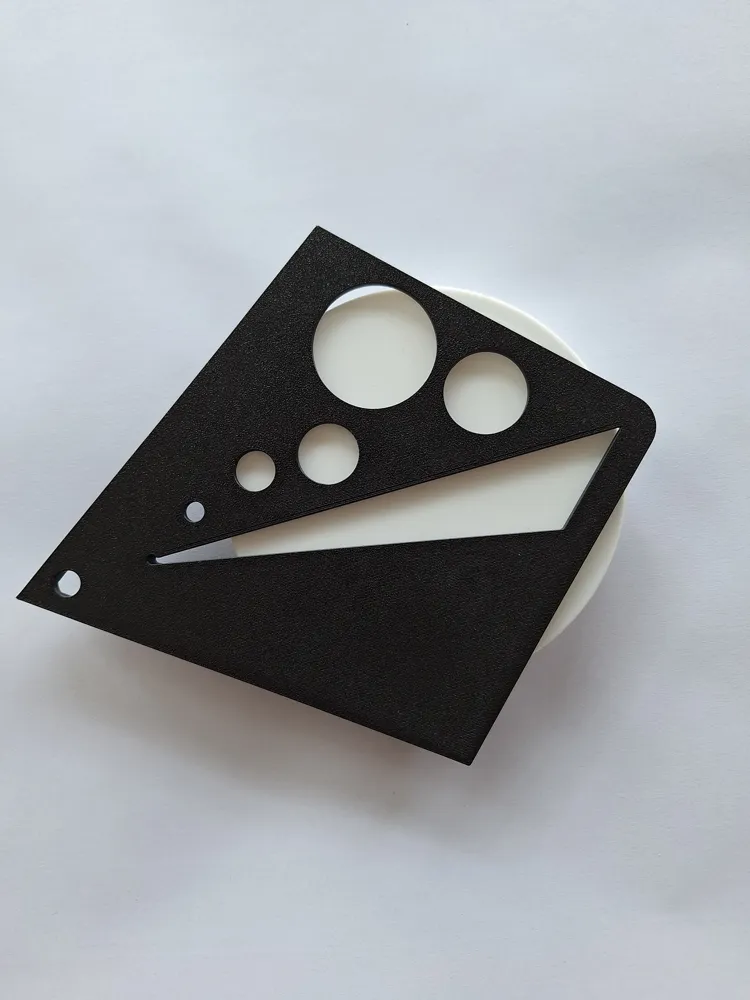
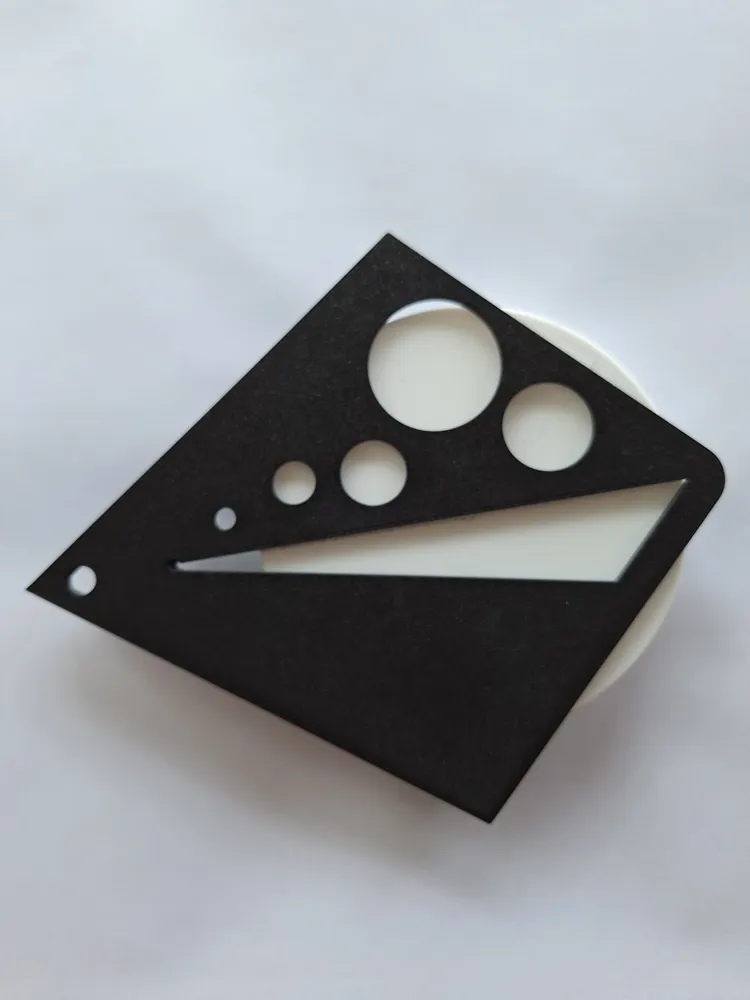
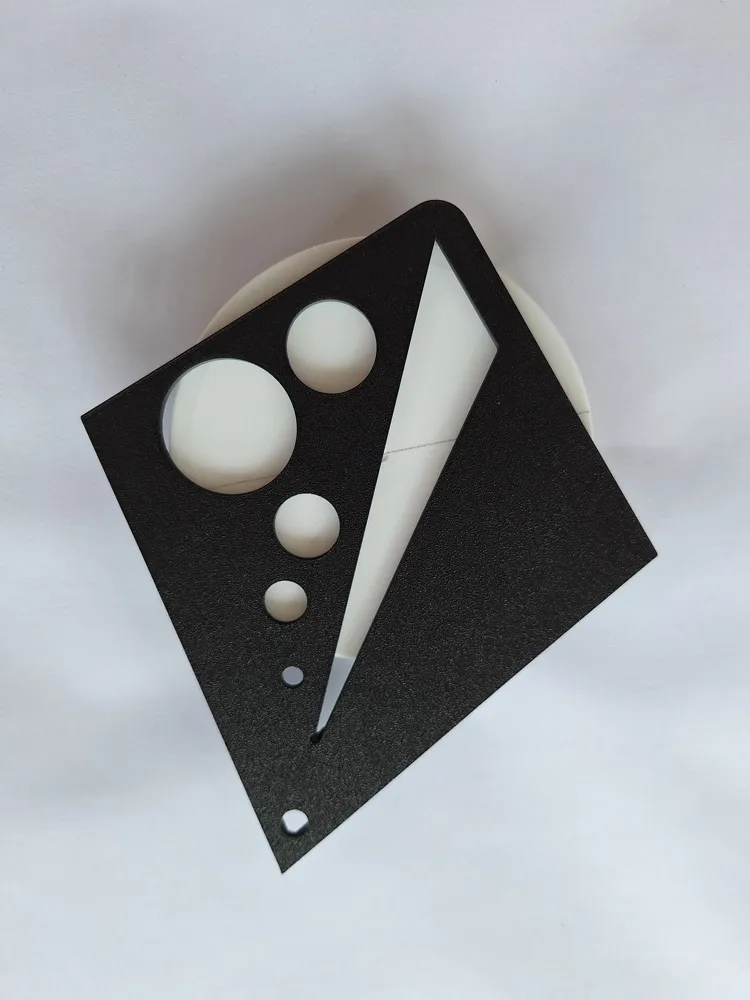
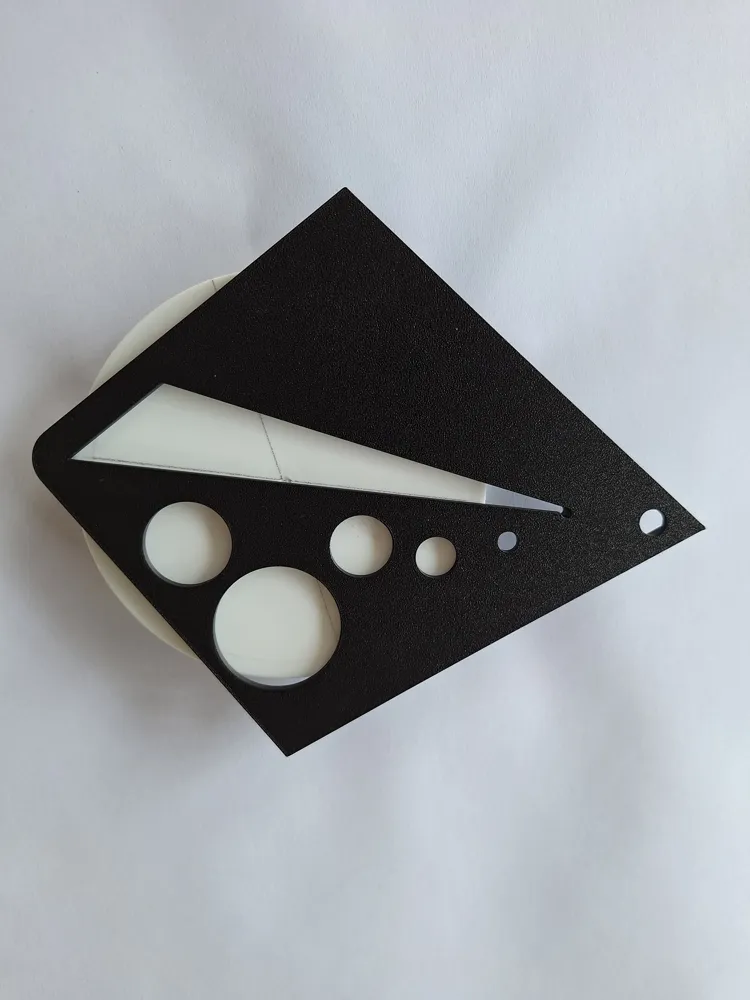
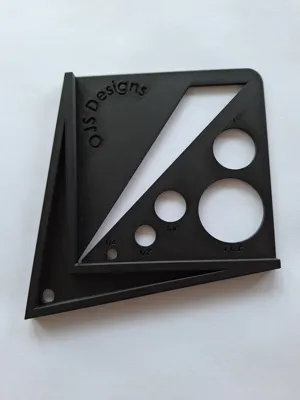
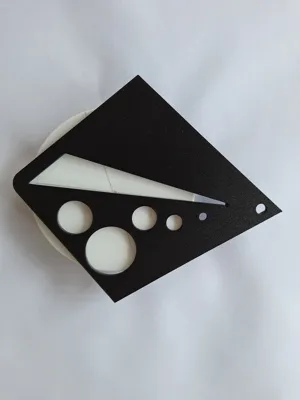
This guide is for finding the center of dowels, posts and more!
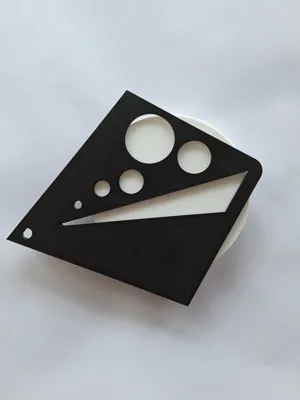
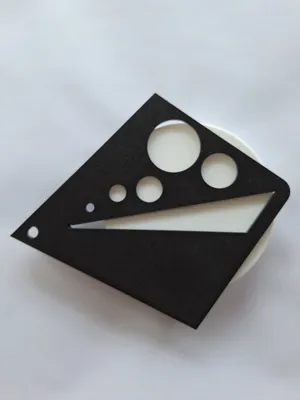
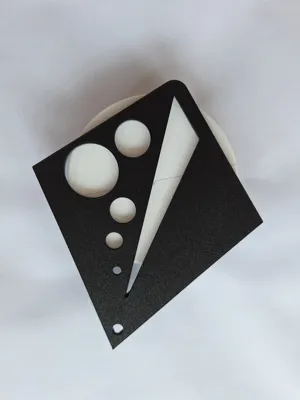
Bonus features include: ¼", ½", ¾", 1" and 1 ½" hole tracers.
How to use:
Step 1: Flip the guide over and place it on the object you want to find the center of. Make sure the 90-degree angled walls are against the object.
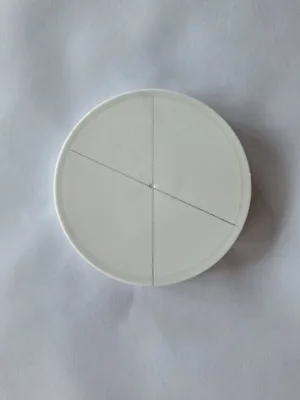
Step 2: Draw a line along the longest side in the center triangle.
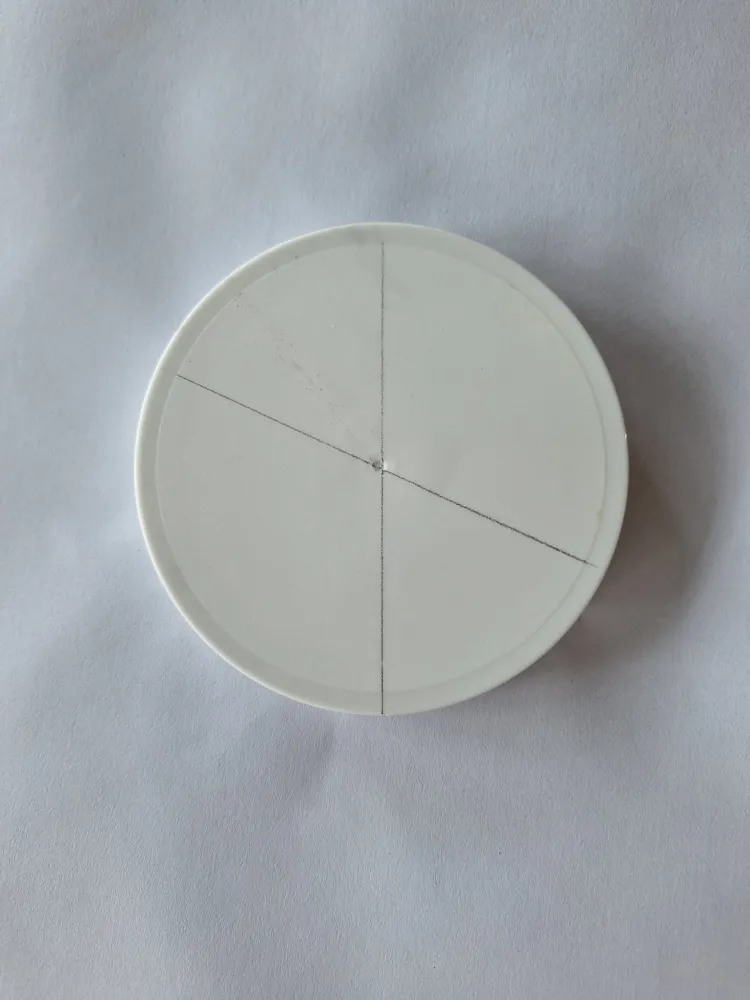
Step 3: Rotate the guide about 90-degrees and draw another line. The place where the two lines cross is the center.
Boost Me (for free)
Boost me so I can make more useful models!
License

You shall not share, sub-license, sell, rent, host, transfer, or distribute in any way the digital or 3D printed versions of this object, nor any other derivative work of this object in its digital or physical format (including - but not limited to - remixes of this object, and hosting on other digital platforms). The objects may not be used without permission in any way whatsoever in which you charge money, or collect fees.


Comment & Rating (0)