
Dogtag small
Print Profile(1)
Description
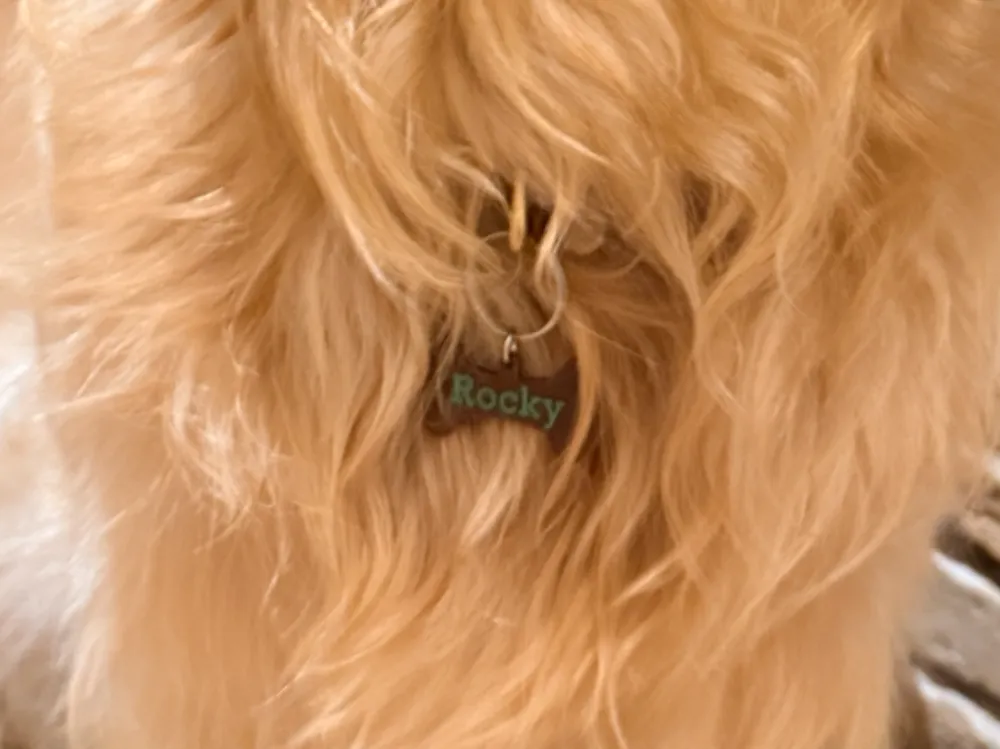
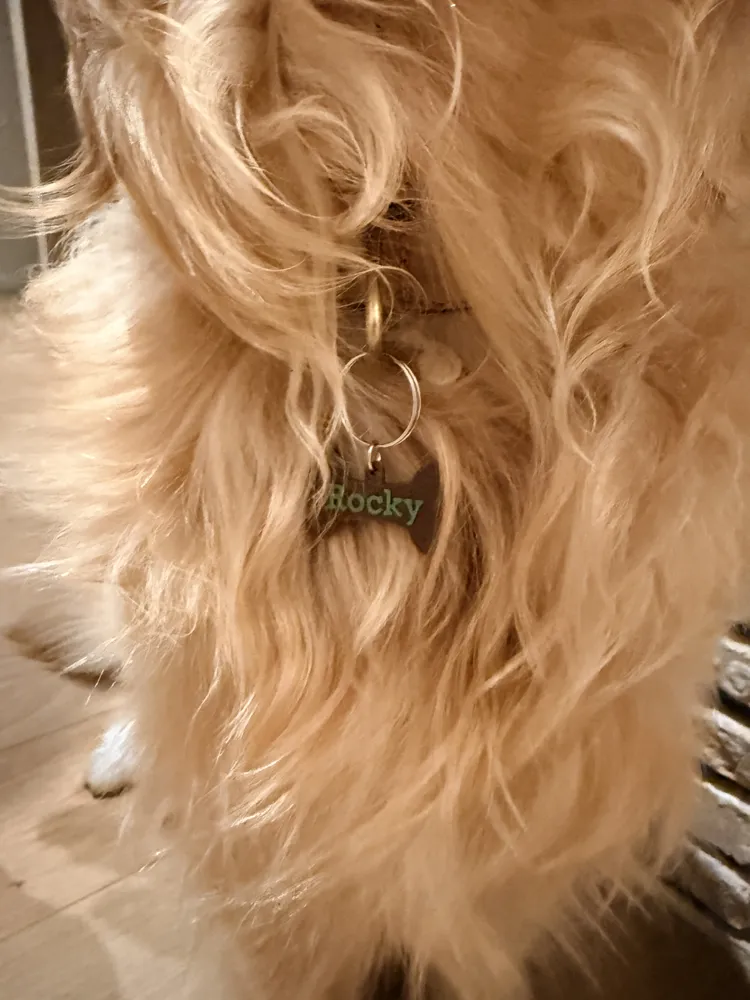
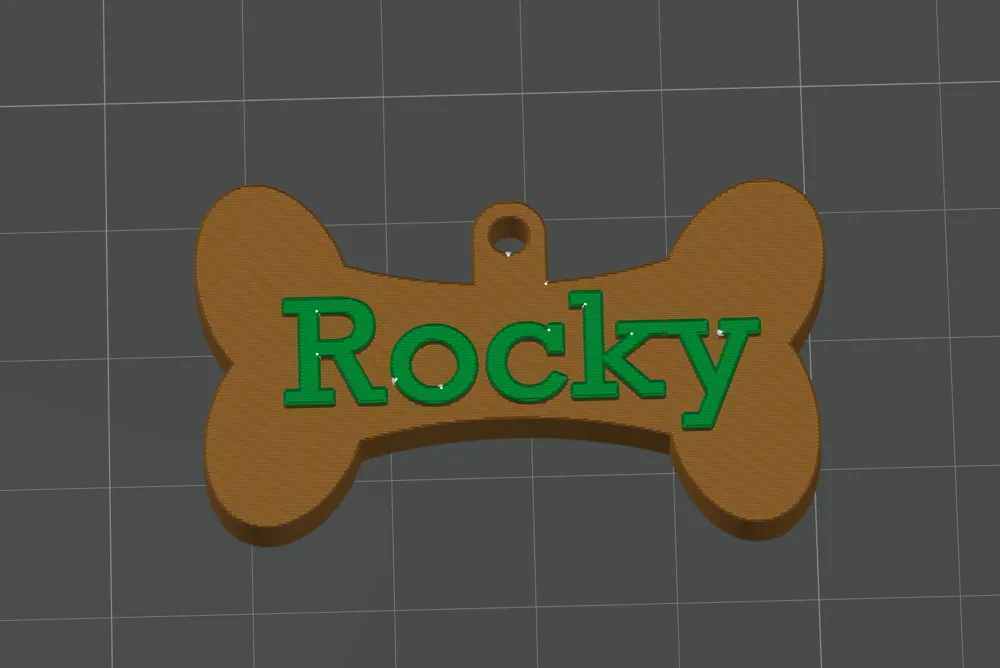
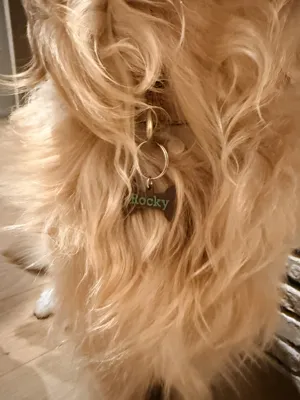
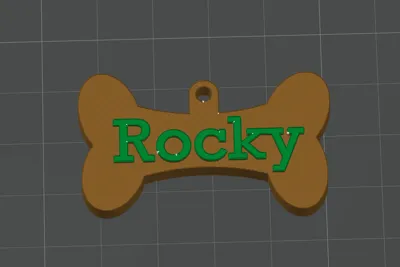
Personalized Dog Name Tag
Create a custom dog tag with your pet's name!
This model is designed to give a very clean and professional finish while keeping filament changes to a minimum.
The 40 mm size offers the perfect balance between readability and comfort. It stays lightweight, swings less while your dog moves, makes less noise, and is less likely to snag on obstacles compared to larger tags.
Recommended Print Settings (Keep These!)
For the best-looking result, please keep the included print settings exactly as they are.
- Layer Height: 0.08 mm (Fine)
- Ironing: Enabled
These settings produce the smoothest top surface and the sharpest text.
Changing the Name Color
The model is designed so the name is printed in a different color with only one filament change.
To change the color of the name:
- Open the model in Bambu Studio.
- Switch to the Prepare tab.
- Select the Paint tool.
- Enable Edge Detection.
- Rotate the model until you are looking straight down at the top surface of the tag.
- Paint only the top surface of the letters.
- Assign the second filament color.
Painting only the visible top surfaces ensures there is just one filament change, resulting in a faster print with much less waste.
Changing the Name
Changing the text is easy:
- In Bambu Studio, select the Objects panel.
- Expand the model until you find the object containing the name.
- Select the Text Shape object.
- Click Edit Text (or double-click the text object).
- Replace the existing name with your own.
- Keep the font size and position similar to maintain the best appearance.
- Slice and print!
License



Comment & Rating (0)