
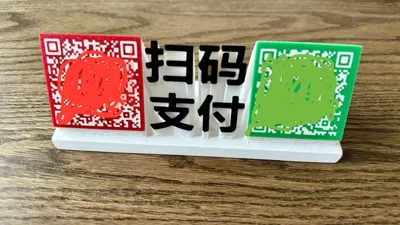
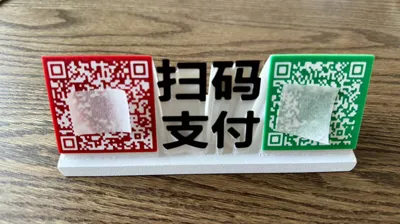
Payment Code
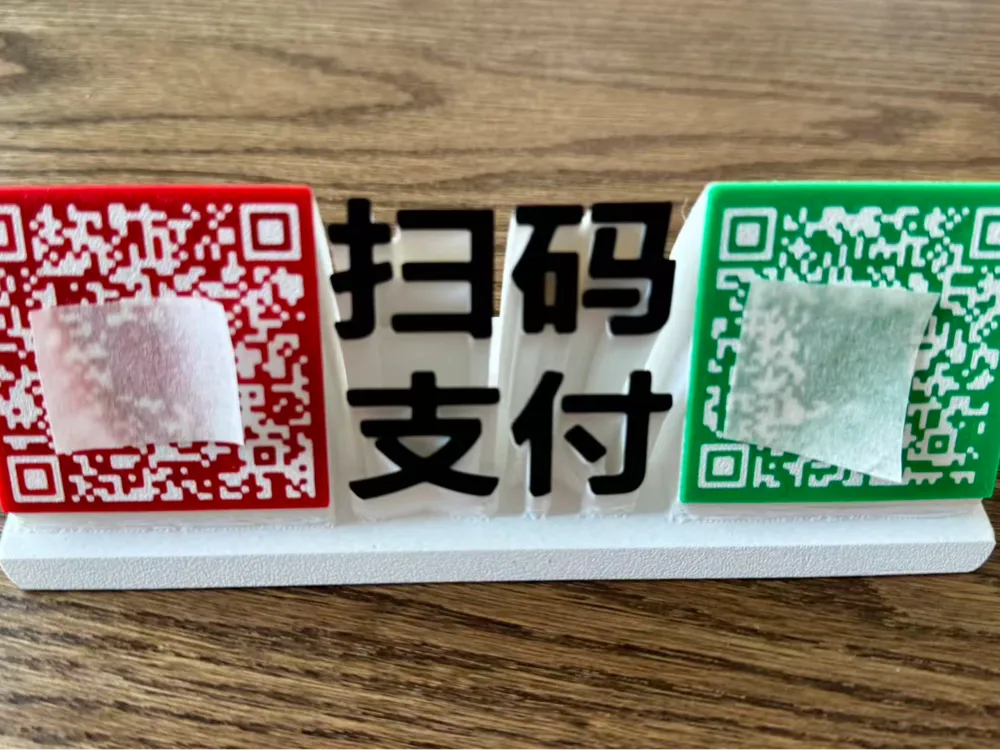
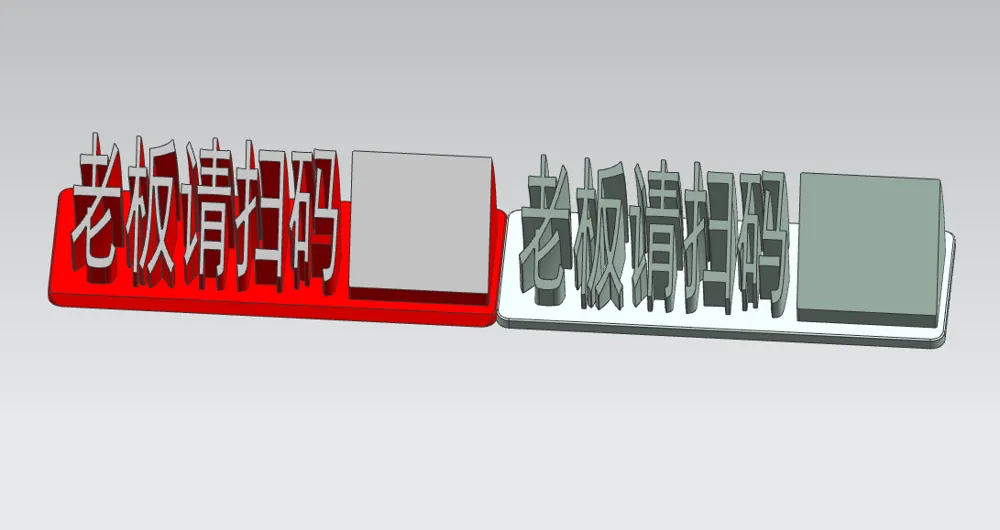
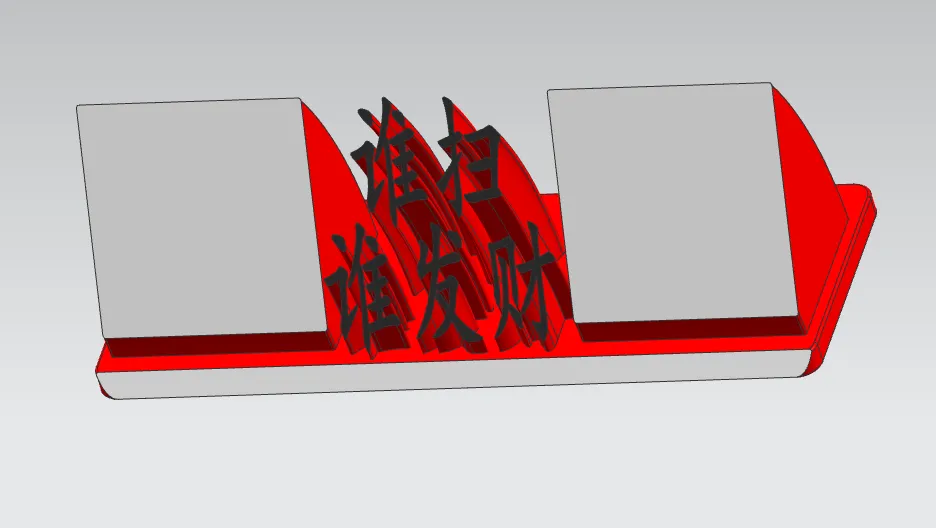
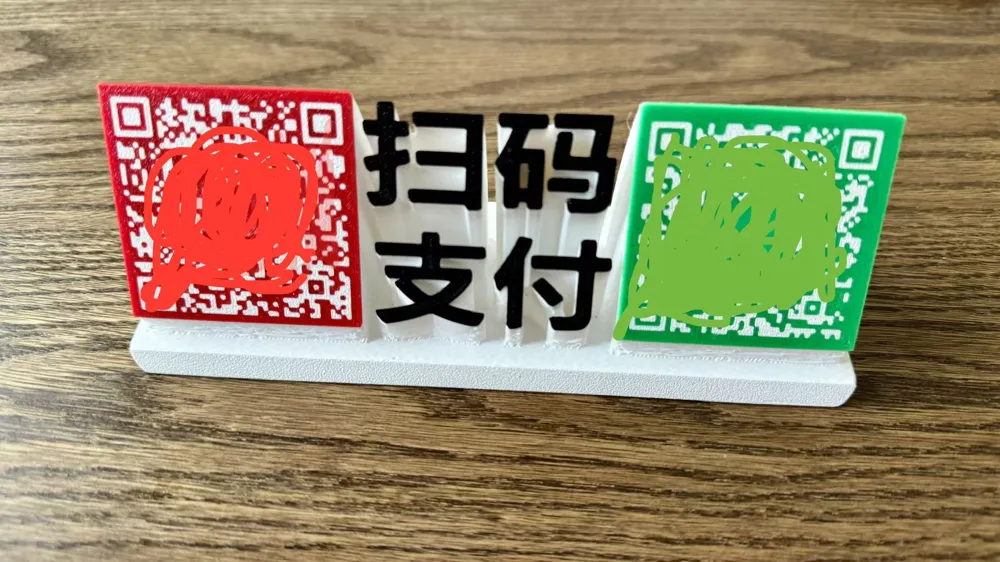
Print Profile(1)
Description
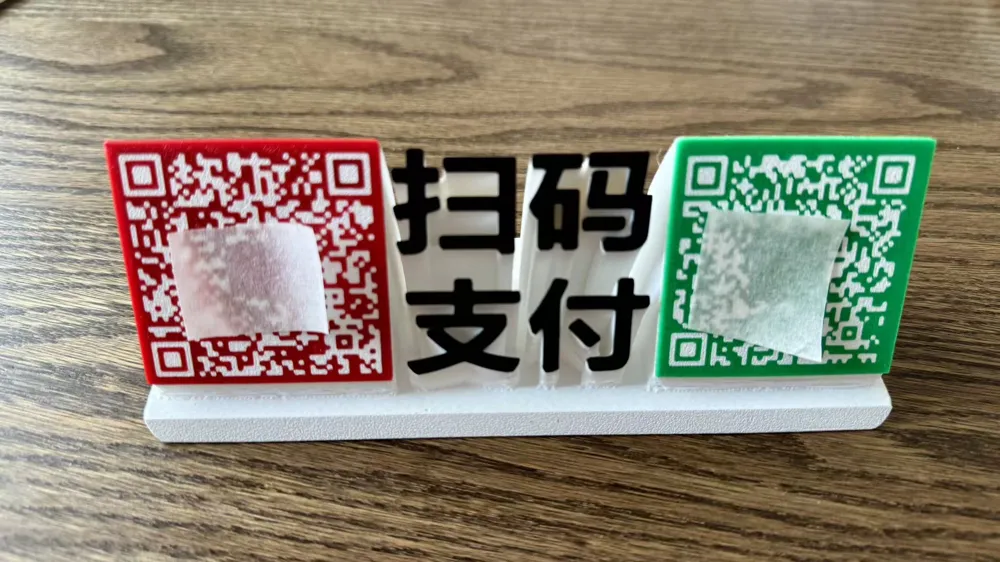
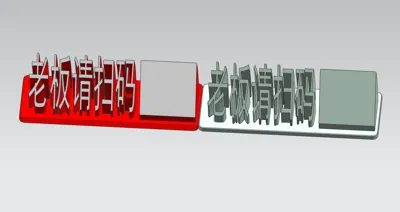
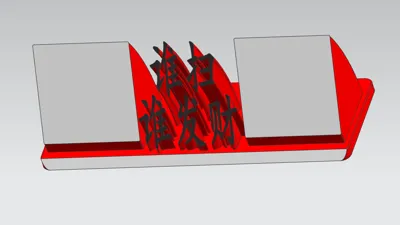
plate 1-3 do not include QR codes, they can be printed directly, QR codes need to be attached after printing is complete
Plates 4 and 5 with QR codes tutorial as follows
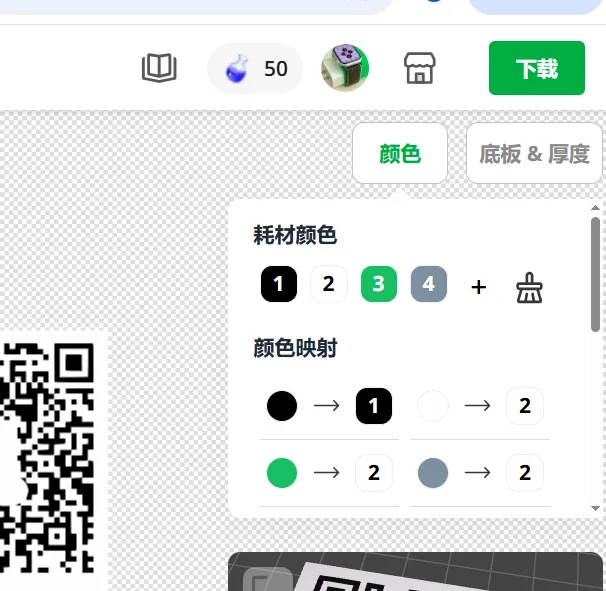
1. QR code generated image keychain (Figure 1 )
2. Change the color to black and white (Figure 2)
3. Import for nameplate customization (Figure 3 )
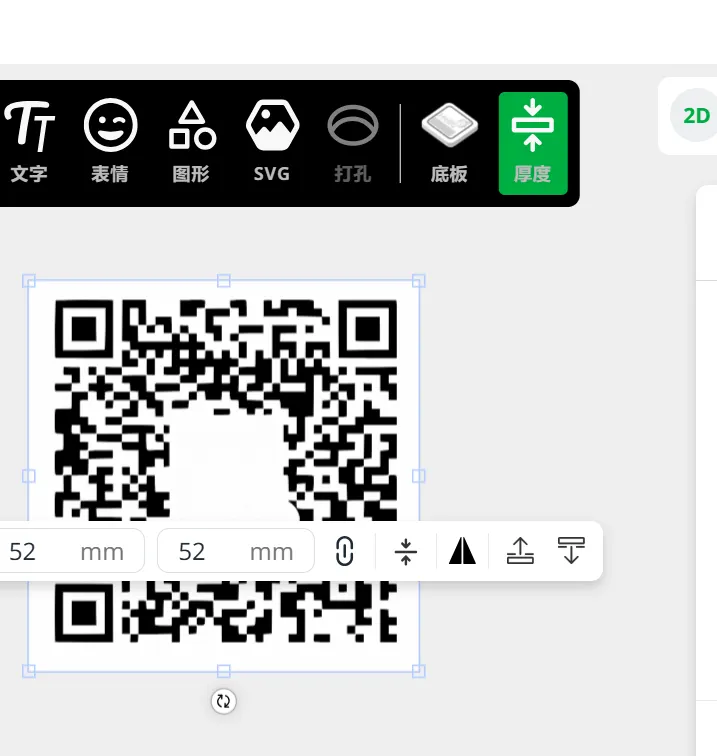
4. Change the size to 52*52 millimeters (Figure 4)
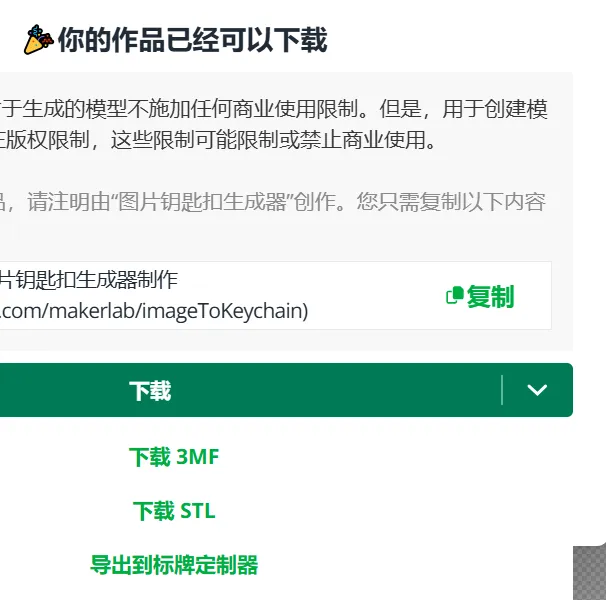
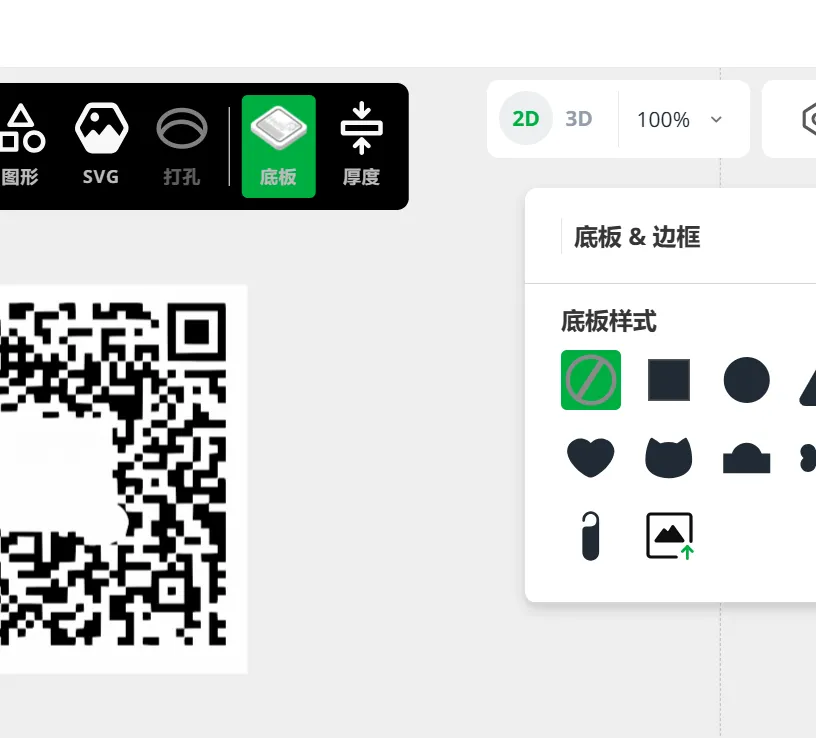
5. Select no base plate style, then export (Figure 5)
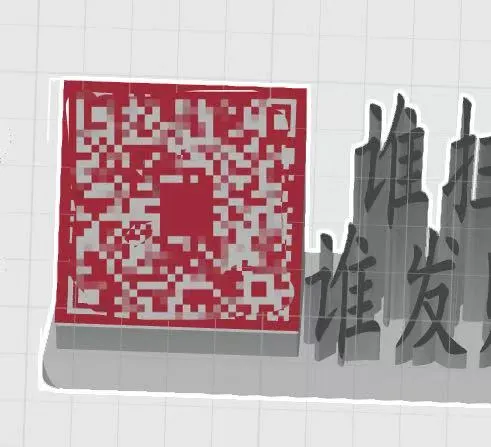
6. Import plate 4 to replace the original QR code (Figure 6)

License

You shall not share, sub-license, sell, rent, host, transfer, or distribute in any way the digital or 3D printed versions of this object, nor any other derivative work of this object in its digital or physical format (including - but not limited to - remixes of this object, and hosting on other digital platforms). The objects may not be used without permission in any way whatsoever in which you charge money, or collect fees.


Comment & Rating (0)