Search models, users, collections, and posts

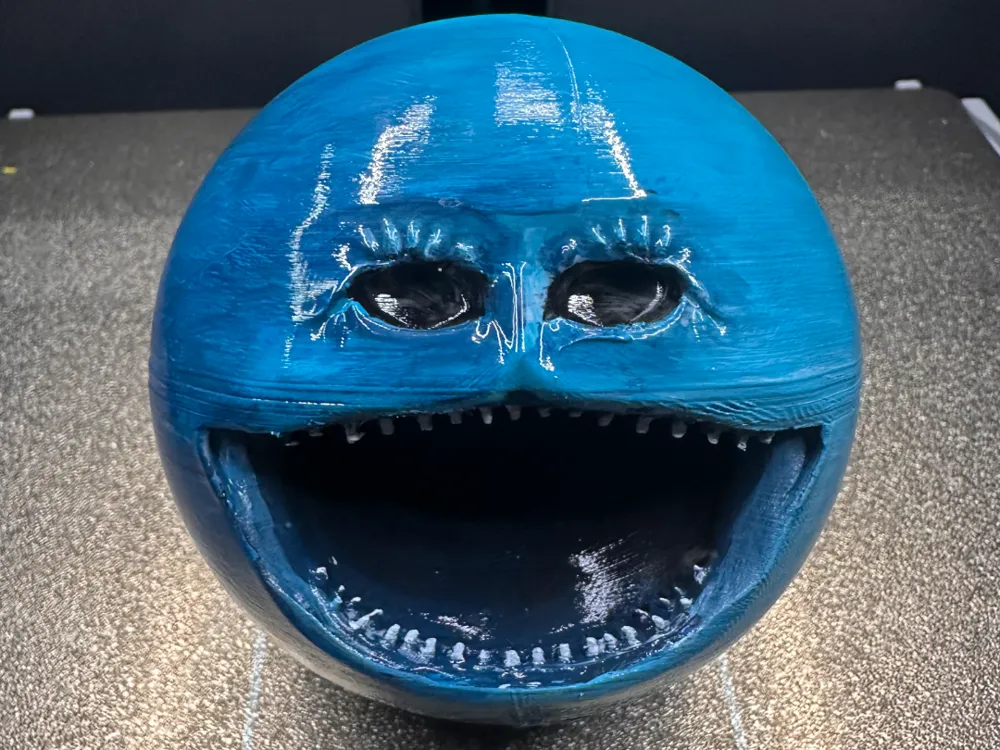
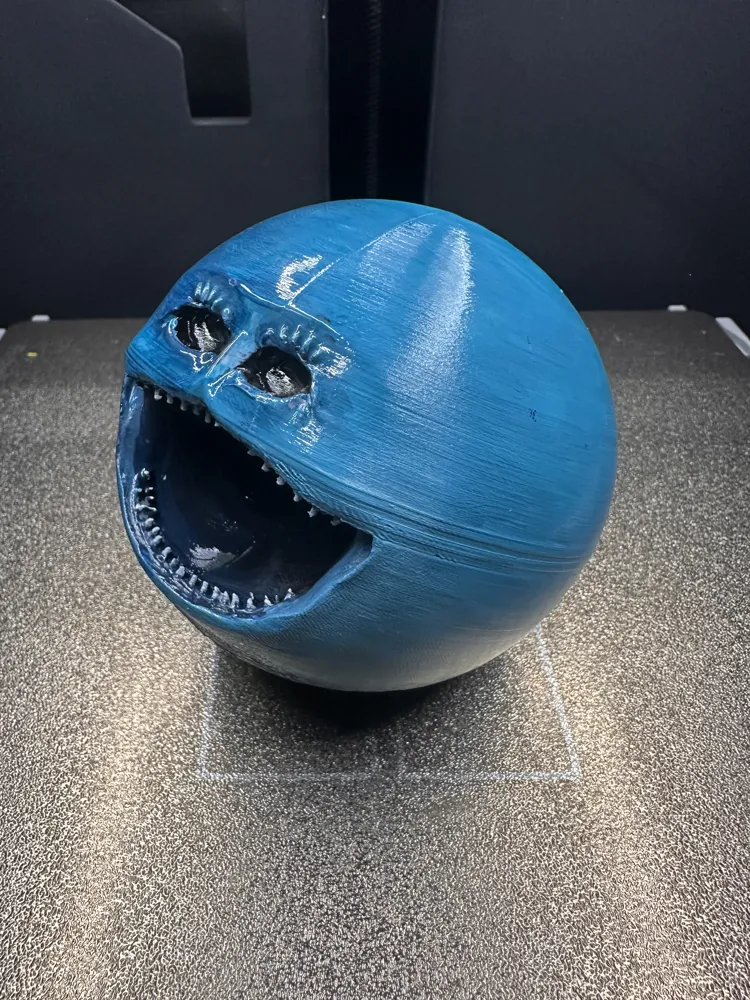
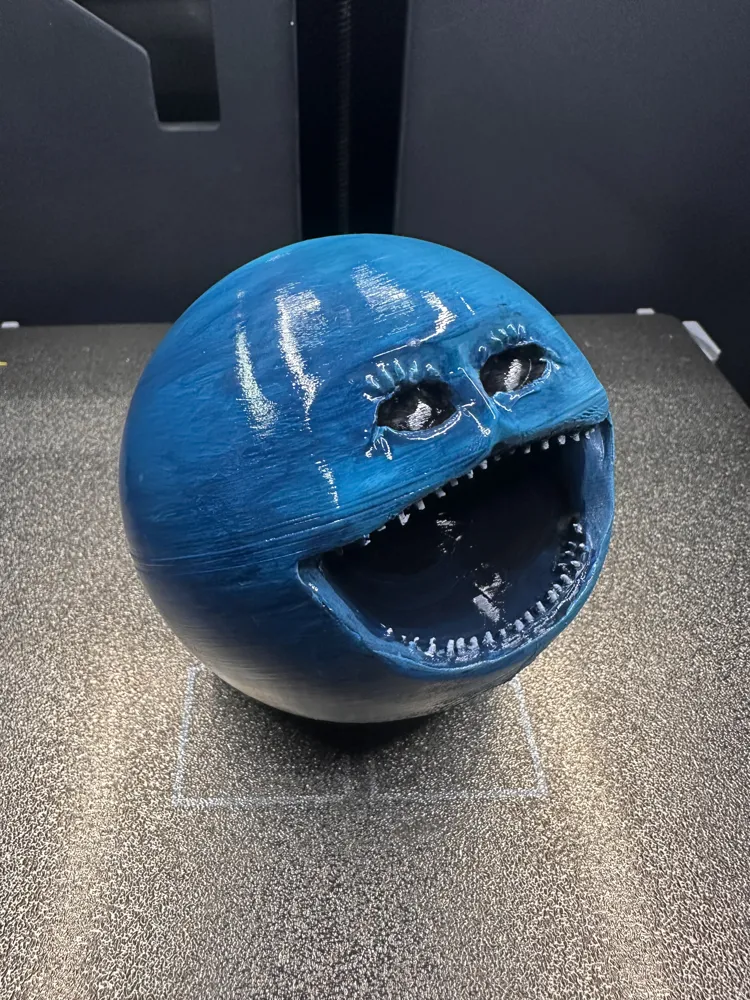
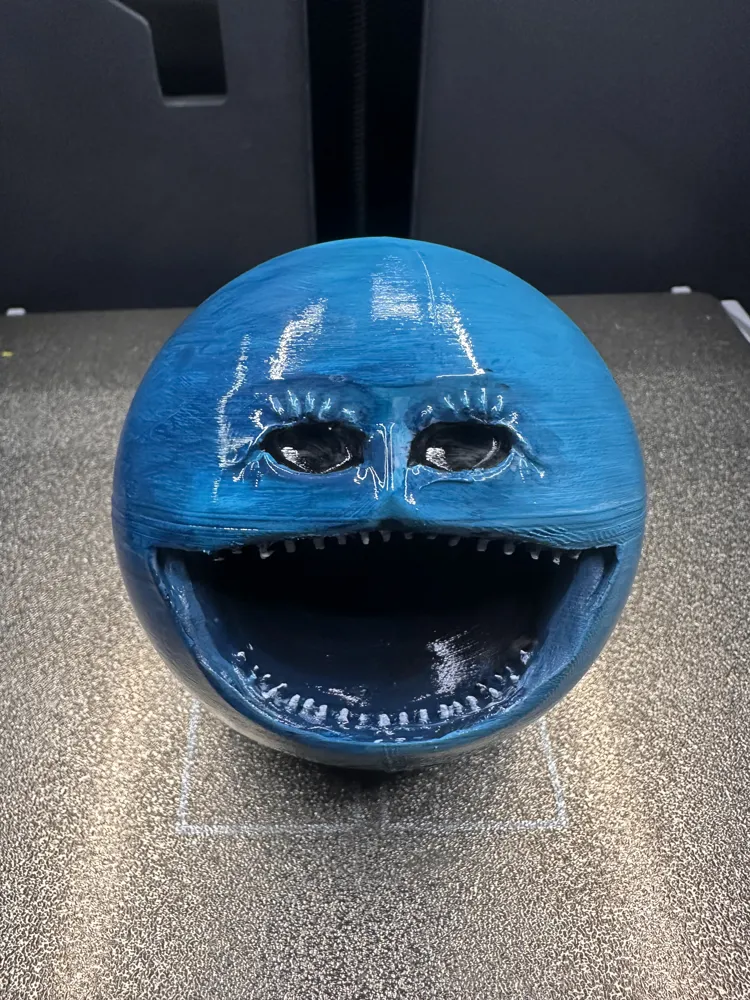
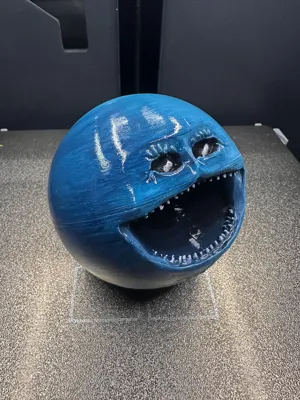
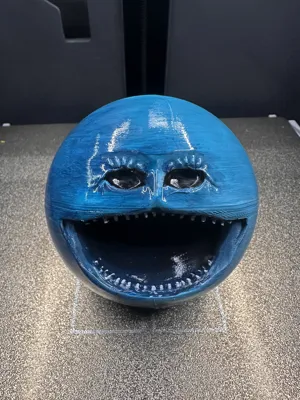
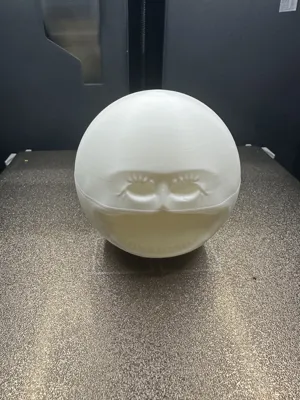
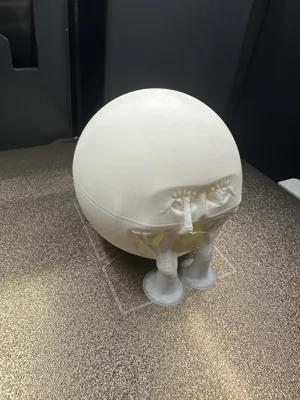
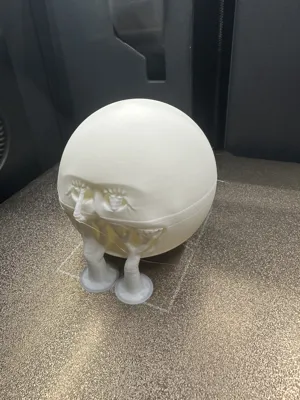
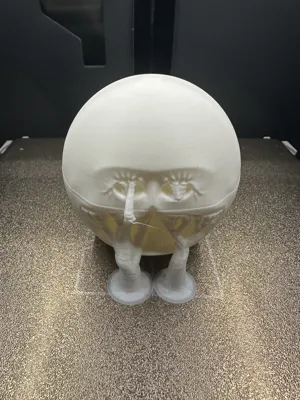
Awakened Pluto
IP Report
Print Profile(1)
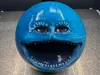
0.08mm layer, 2 walls, 15% infill
Designer
8.9 h
1 plate
Open in Bambu Studio
Boost
0
0
0
0
0
0
Released
Description
Content has been automatically translated.
Fifth ReleaseAwakened Uranus
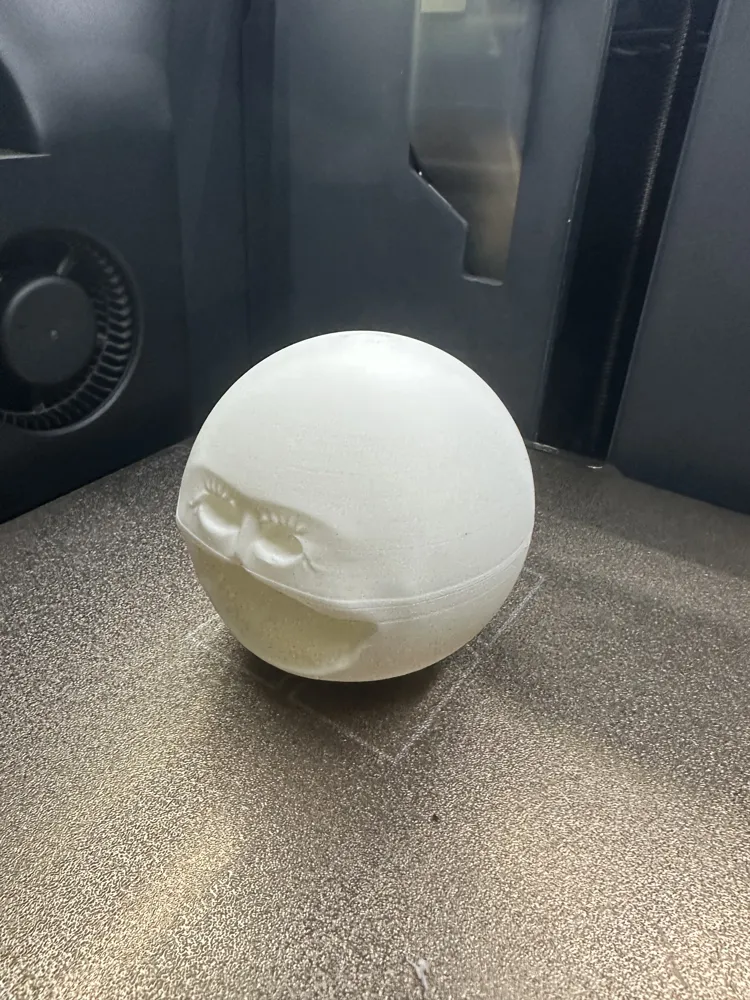
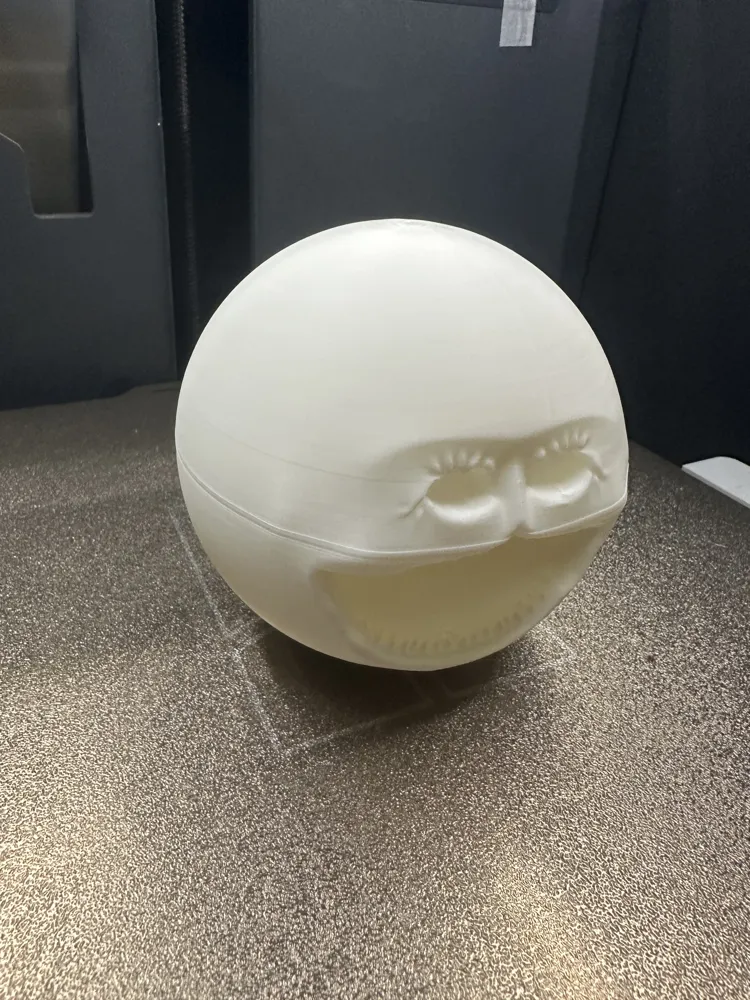
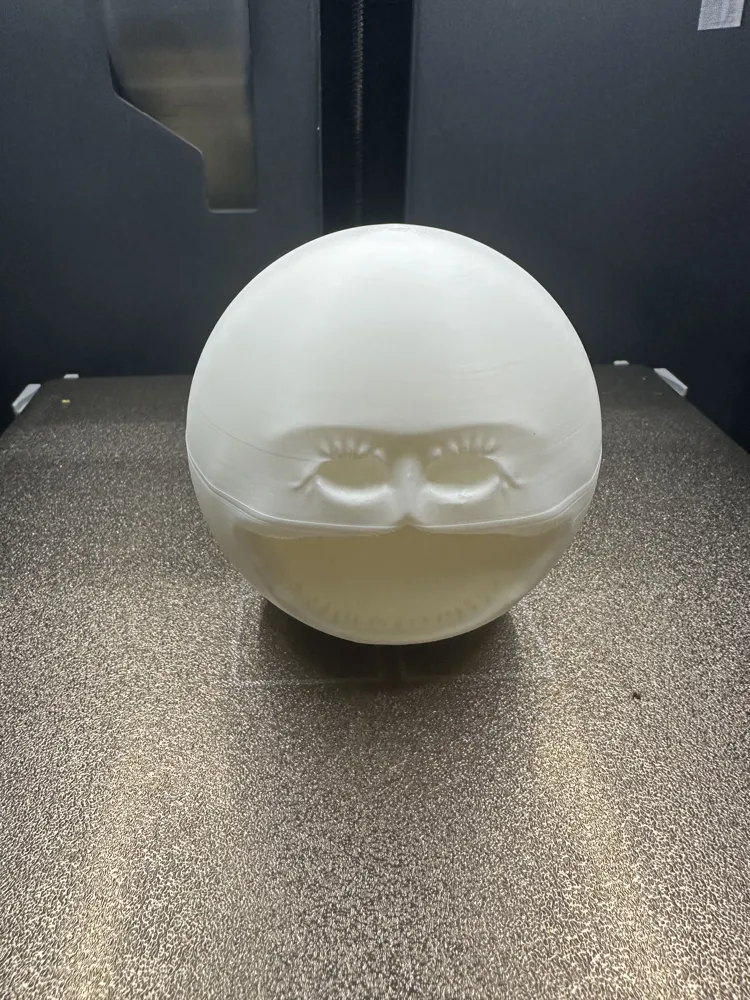
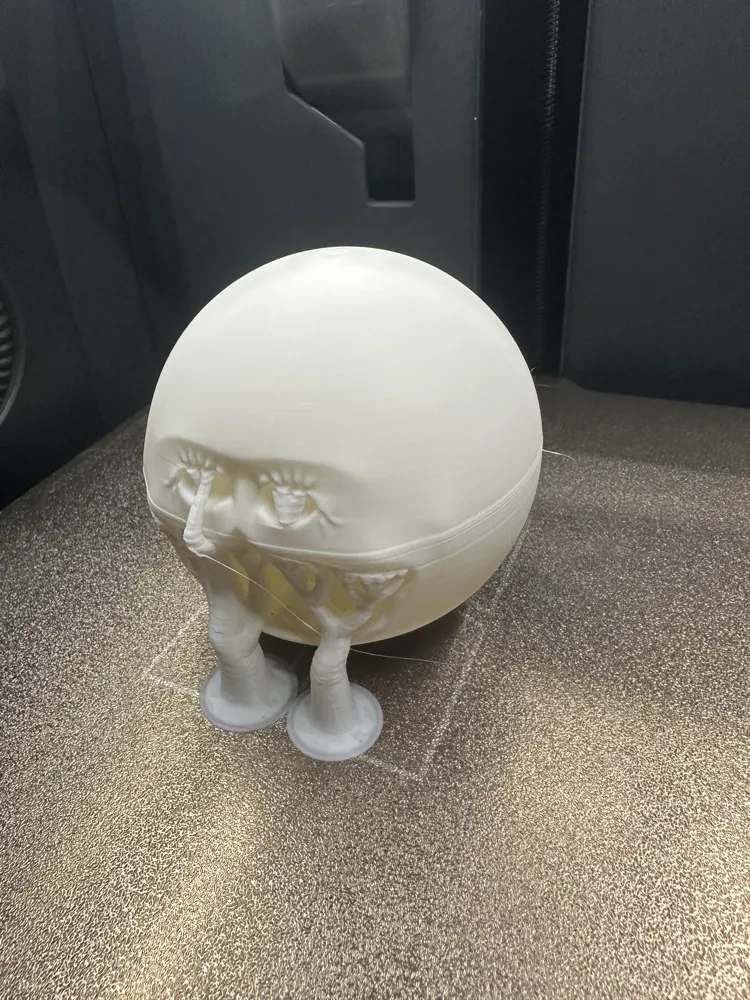
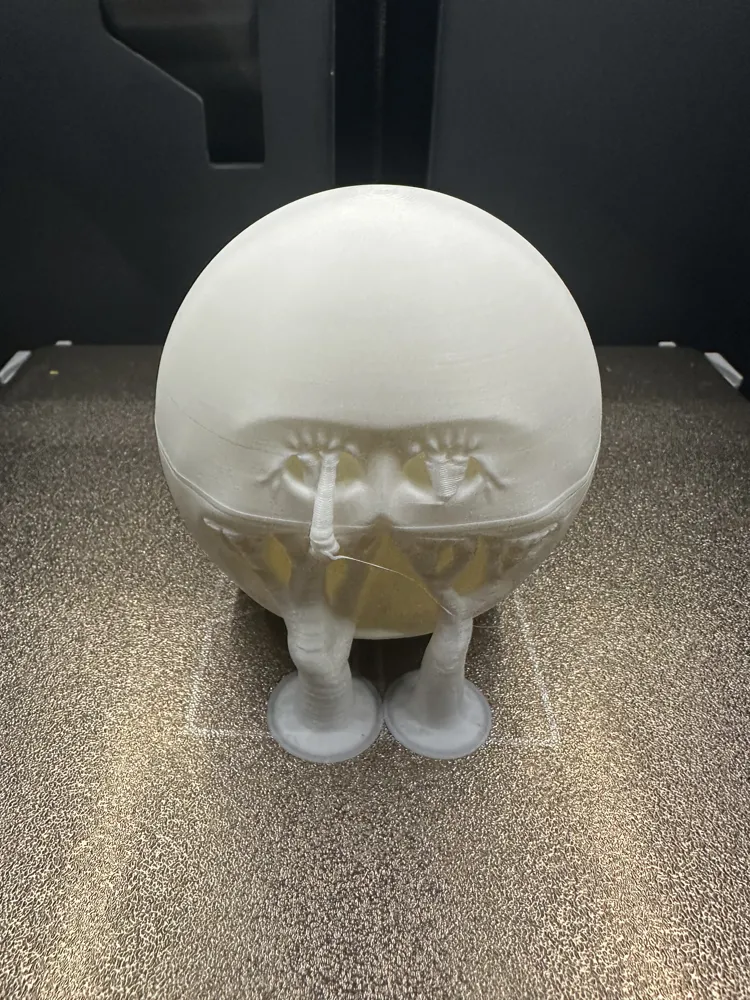
The long-awaited Awakened series is here! Print it for the mischievous kids at home!(Slower printing speed will yield better results)
My eldest child's first masterpiece after returning from studies (with guidance from his old dad)
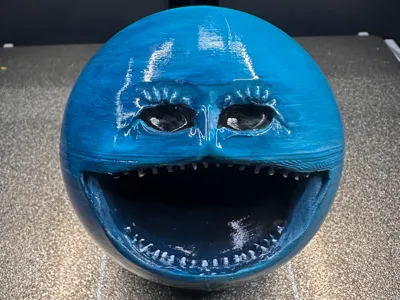
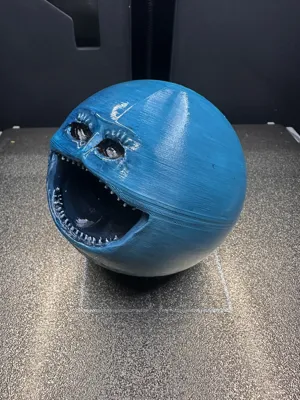
Coloring pigment: Acrylic
Color fixing paint: Varnish spray used for regular oil paintings
To ensure the child's health, please apply a curing layer and place it in the sun or a ventilated area for 2-3 hours to remove odors. Those who prefer original colors, please ignore this warning!
Please calibrate your filament temperature before printing. Please dry old filament. If you have any questions, you can discuss them in the comments section. We welcome all experts to post pictures and comments! Thank you all!!! (I'm scared of getting too many thoughtless bad reviews)
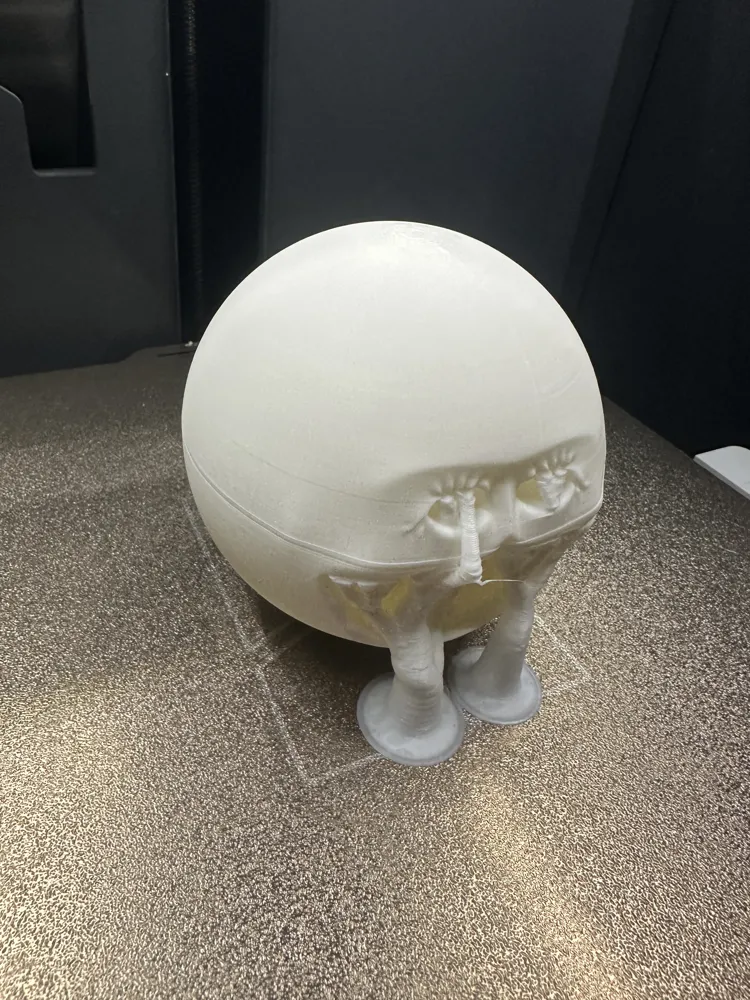
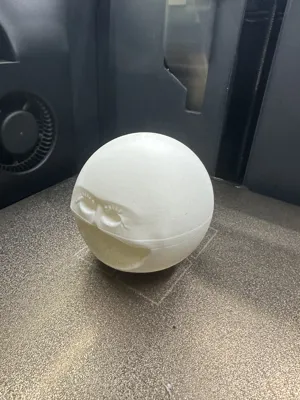
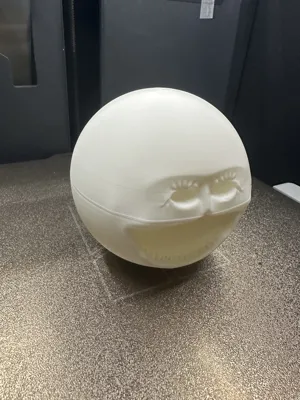
This content can be used as a toy. The displayed printing material is Bambu's PLA-Basic Jade White. Default parameters are: 0.2mm layer height, tree supports (hybrid), threshold 25, top support layers 5, bottom support layers 4. Support removal difficulty 2 stars. Considering that most users will not buy support filament for this situation! Here are detailed instructions for support removal: Please note to first trim the supports in the direction of the teeth, and use the sharp end of the snips to pry open the side by sticking it to the joint between the support and the model!
Please calibrate your filament temperature before printing. If you have any questions, you can discuss them in the comments section. We welcome all experts to post pictures and comments! Thank you all!!!
- The size can be scaled and printed according to personal preference. It is recommended to print with PLA material for a finer effect!
- Default parameters can also be used for printing. Friends with higher demands can fine-tune it themselves. Please open 'Support Critical Areas Only' in the support settings. Please open 'Support Critical Areas Only' in the support settings. Please open 'Support Critical Areas Only' in the support settings.
- Personal experience: When disassembling supports, always remember to use leverage to remove them in the desired direction. Be sure to first cut off the support parts away from the support contact surface, leaving just enough clearance for the snips' jaws. This way, you can precisely grip the support layer closest to the model with the snips. The 'rolling snips' method - when clamping the support tightly against the model layer, use the snips to roll and pull, which will likely roll up the support layer to be removed. Pay attention to adjusting your hand's fixed posture, be patient, and proceed step by step...
Boost Me (for free)
3D Printing Tips and Preparation Notes
- (All models published by this account have been tested and printed, and are compatible with all printer models. Before printing, please check if your printer and filament are working correctly. If you encounter any problems that cannot be solved, feel free to private message me, and I will do my best to help solve them!)
- Notes:
- If you encounter problems, you can visit the reference learning area: Print Quality and Troubleshooting | Bambu Lab Wiki
- Ensure the machine's build plate is clean. It is recommended to wipe it with 95-degree medical alcohol after each print to ensure stable print quality and prevent failures. Because oil residue on hands after touching the print plate will greatly reduce print adhesion, and tiny debris and residues from previous prints also affect the quality of the first layer, thus reducing the success rate.
- Pay attention to filament drying (PLA generally does not require drying, as its moisture resistance is quite good). This will greatly affect your print quality and experience! Filament will inevitably absorb moisture after being stored for a long time. If stringing or spaghetti occurs, you need to ask the seller for drying parameters and printing parameters for adjustment. Most manufacturers do not dry their filament before shipping, so if conditions permit, pre-drying can be done for better print results.
- For printing materials, PLA is generally chosen for aesthetic parts, and PETG for structural parts. Both materials are relatively affordable and emit almost no toxic gases. (For health, it's best to have an air purifier running)
- When using filament from a new manufacturer, it is recommended to perform filament flow rate calibration immediately and modify the calibration coefficient. This will greatly affect your print quality and is also a necessary process to adapt the new filament to your printer.
- If you encounter problems where prints suddenly become poor quality and the success rate is low, check if the nozzle is clogged, check if the printer's placement is stable (to be safe, place it directly on the floor), and you can also try recalibrating the printer.
- Print at the recommended printing speed in the model description. Overhang quality, model polygon count, and printing speed are directly related. An appropriate speed (neither too fast nor too slow) allows the material more time to cool and form during deposition.
- Hotbed and nozzle temperatures should be set appropriately for different materials. Temperatures that are too high or too low can cause warping, layer deformation, or adhesion issues, thereby affecting print quality and success rate. For P1S models and above, if the chamber temperature exceeds 35 degrees, be sure to open the machine's glass door.
License

This user content is licensed under a Standard Digital File License.
You shall not share, sub-license, sell, rent, host, transfer, or distribute in any way the digital or 3D printed versions of this object, nor any other derivative work of this object in its digital or physical format (including - but not limited to - remixes of this object, and hosting on other digital platforms). The objects may not be used without permission in any way whatsoever in which you charge money, or collect fees.
Related Models
There are no related models yet
Comment & Rating (0)