
Ultimate Planetary Fidget Spinner (Print in Place)
Print Profile(3)


Bill of Materials

Description
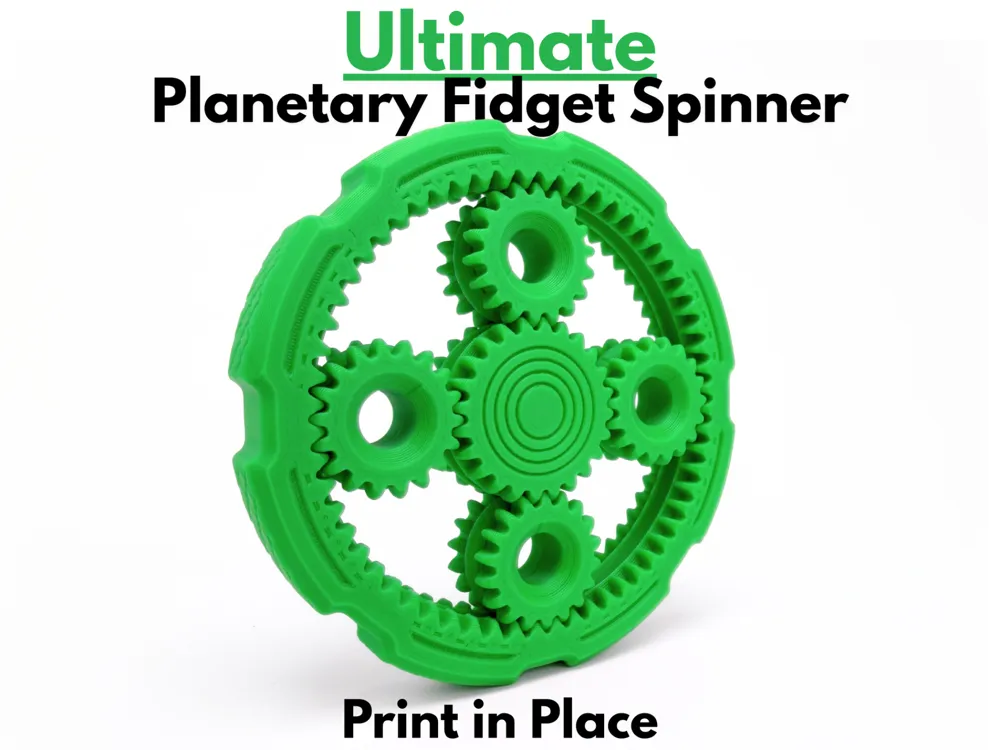

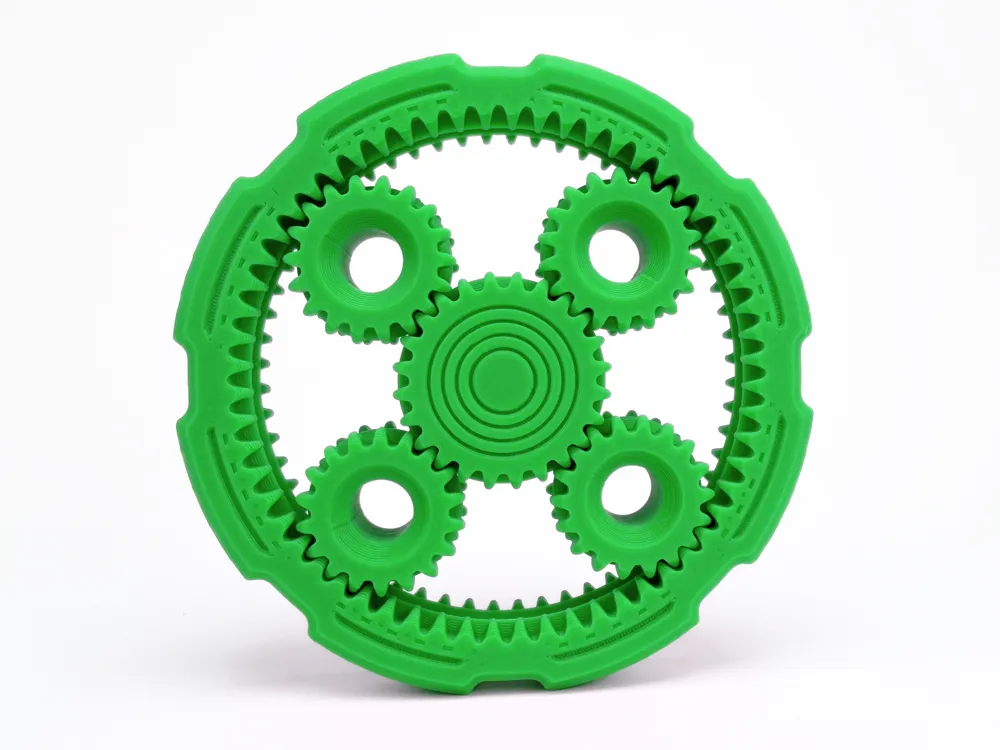
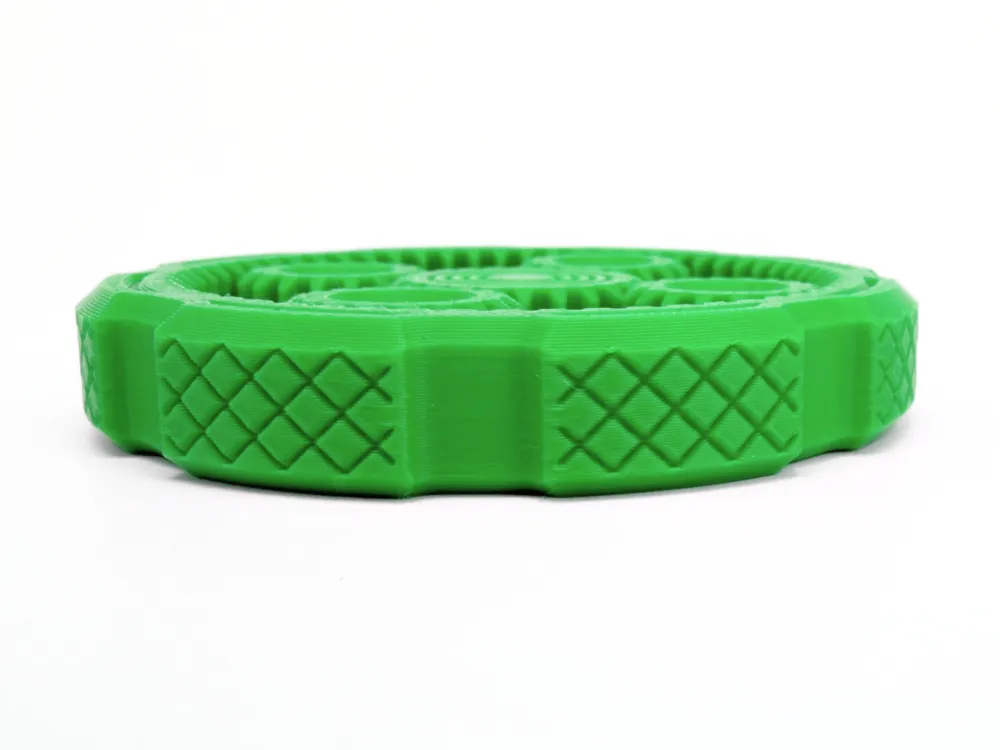
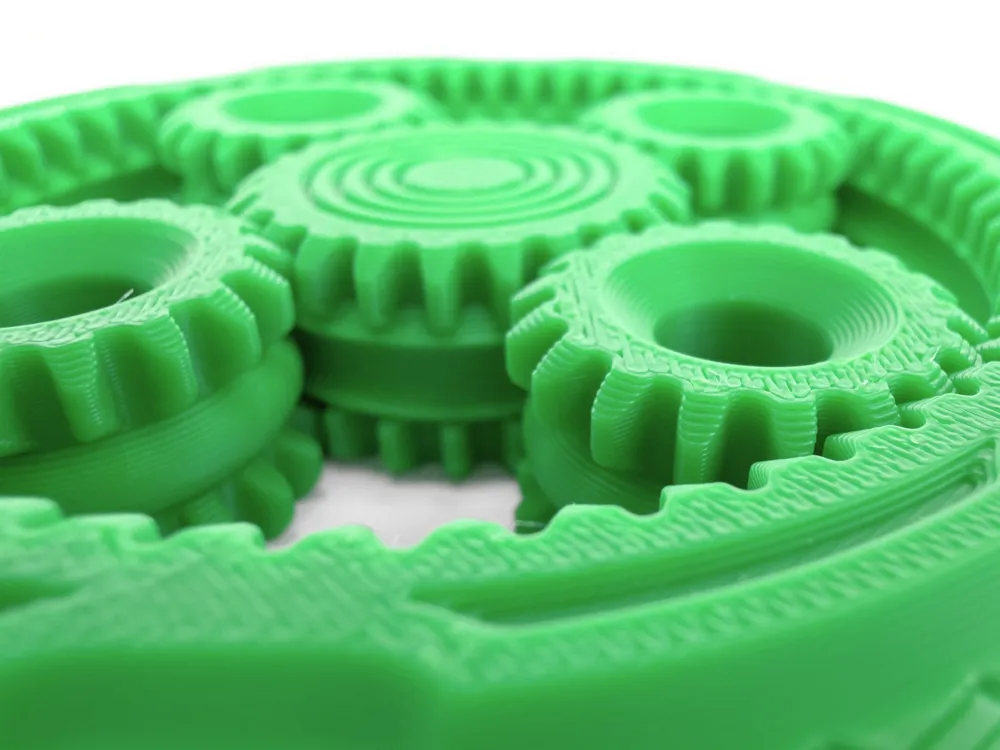
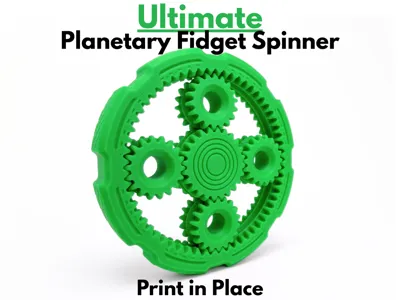
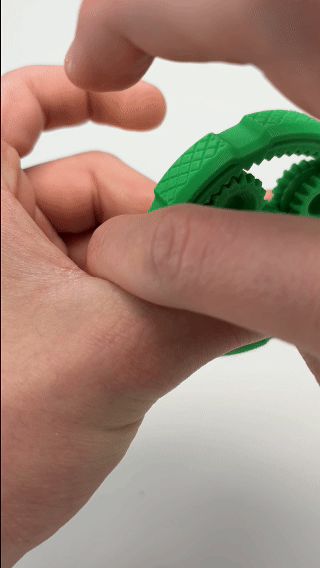
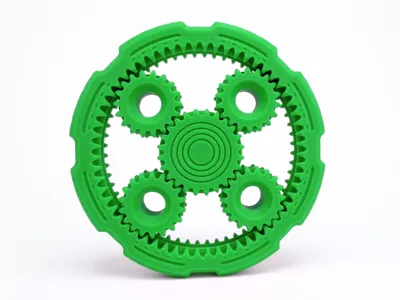
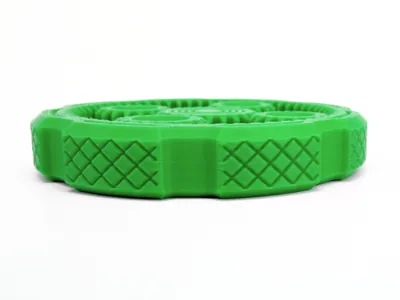
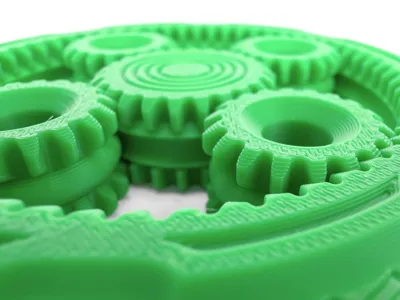
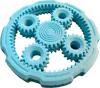
This planetary gear fidget spinner is a super satisfying toy that spins for a surprisingly long time. At the center is a sun gear surrounded by four planet gears, all meshing together inside an outer ring gear. Hold the center grip steady and spin the outer ring, and all four planets spin right along with it, letting you watch the whole gear train turn as one. Every gear was meticulously prototyped, dialing in the perfect clearances so that every gear meshes perfectly with the rest. To prevent the pieces from coming apart, I designed a custom rail system to each gear that keeps the assembly locked in place. Since this fidget is entirely print-in-place, everything comes off the build plate already assembled, with zero assembly or supports needed. The outer ring is finished with a beautiful knurled texture broken up by smoother cutouts, giving it a bold mechanical look and a solid grip no matter how you spin it. Taking just 79 minutes and 23.13 grams of filament to print, this planetary fidget spinner is the perfect print for anyone who loves watching gears in motion and fidgeting with a good spinner.
Boost Me (for free)
If you like this model, please consider boosting it! It helps out a ton :)
Membership
Want to sell my 3D printed fidget toys? Become part of my Commercial License Membership program!
Printing Instructions:
- Prepare the Print Bed
- Clean the print bed thoroughly with isopropyl alcohol to ensure proper adhesion.
- Additional adhesive for the print bed is highly recommended! I suggest using 3D-Lac spray or a glue stick.
- Download the Print Profile
- Send the pre-configured print profile to your Bambu Lab printer through the Bambu Handy app or Download and open the pre-configured print profile in Bambu Studio.
- Select Your Printing Options
- Choose your filament type and color.
- Select your print bed type (e.g., textured or smooth).
- Confirm your printer settings, ideally for a Bambu Lab printer.
- Start Printing
- Begin the print job. No supports are necessary.
License

You shall not share, sub-license, sell, rent, host, transfer, or distribute in any way the digital or 3D printed versions of this object, nor any other derivative work of this object in its digital or physical format (including - but not limited to - remixes of this object, and hosting on other digital platforms). The objects may not be used without permission in any way whatsoever in which you charge money, or collect fees.


Comment & Rating (27)