
Connecting Construction Blocks


Print Profile(1)
Description
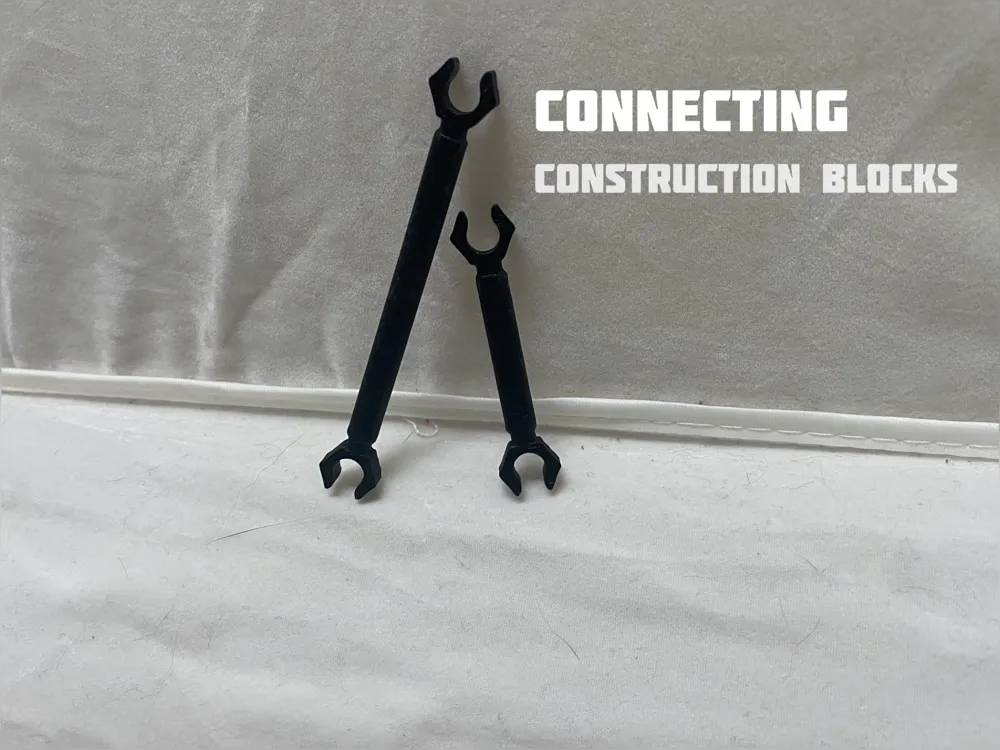
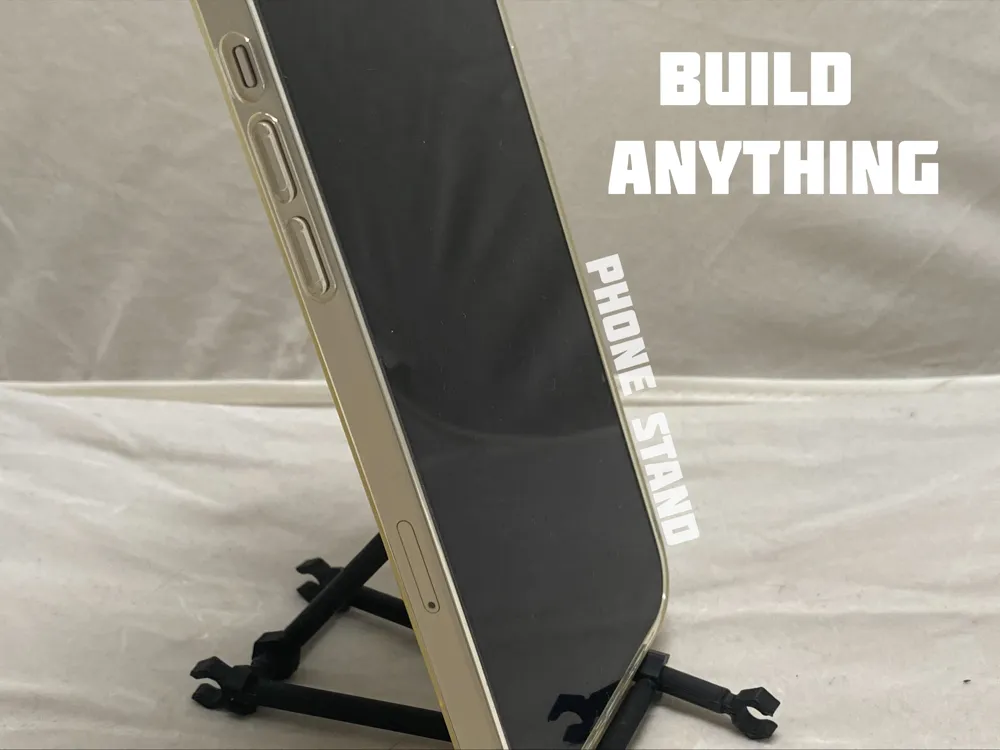
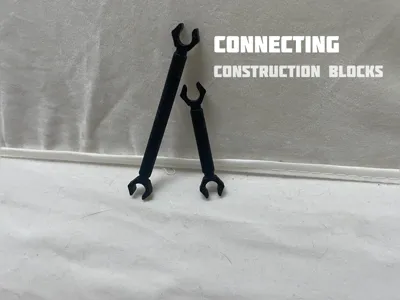
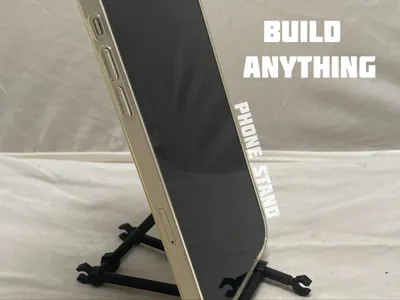
Connecting construction blocks
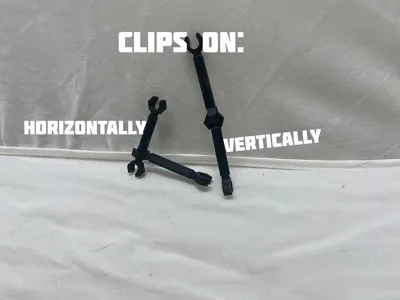
How they work:
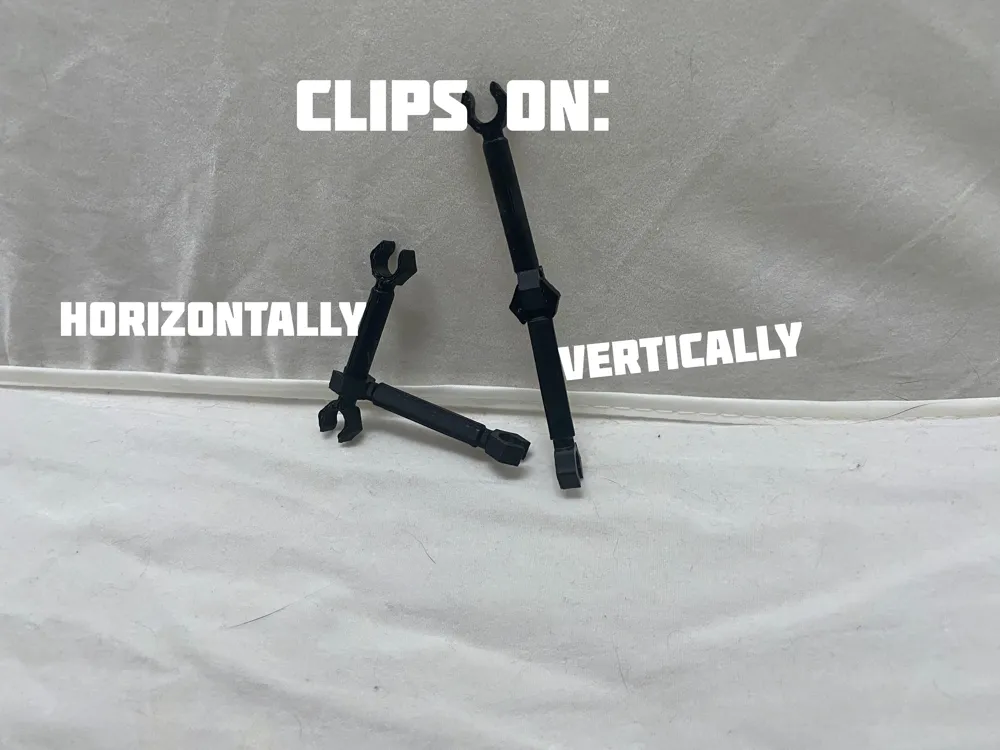
To connect horizontally, take one piece and push the claw in to the side of the other piece, it should click and be connected.
To connect vertically, put two ends against eachother and push until they click and connect.
This is not my idea
I modeled this in tinkercad based on these blocks that I had laying around:
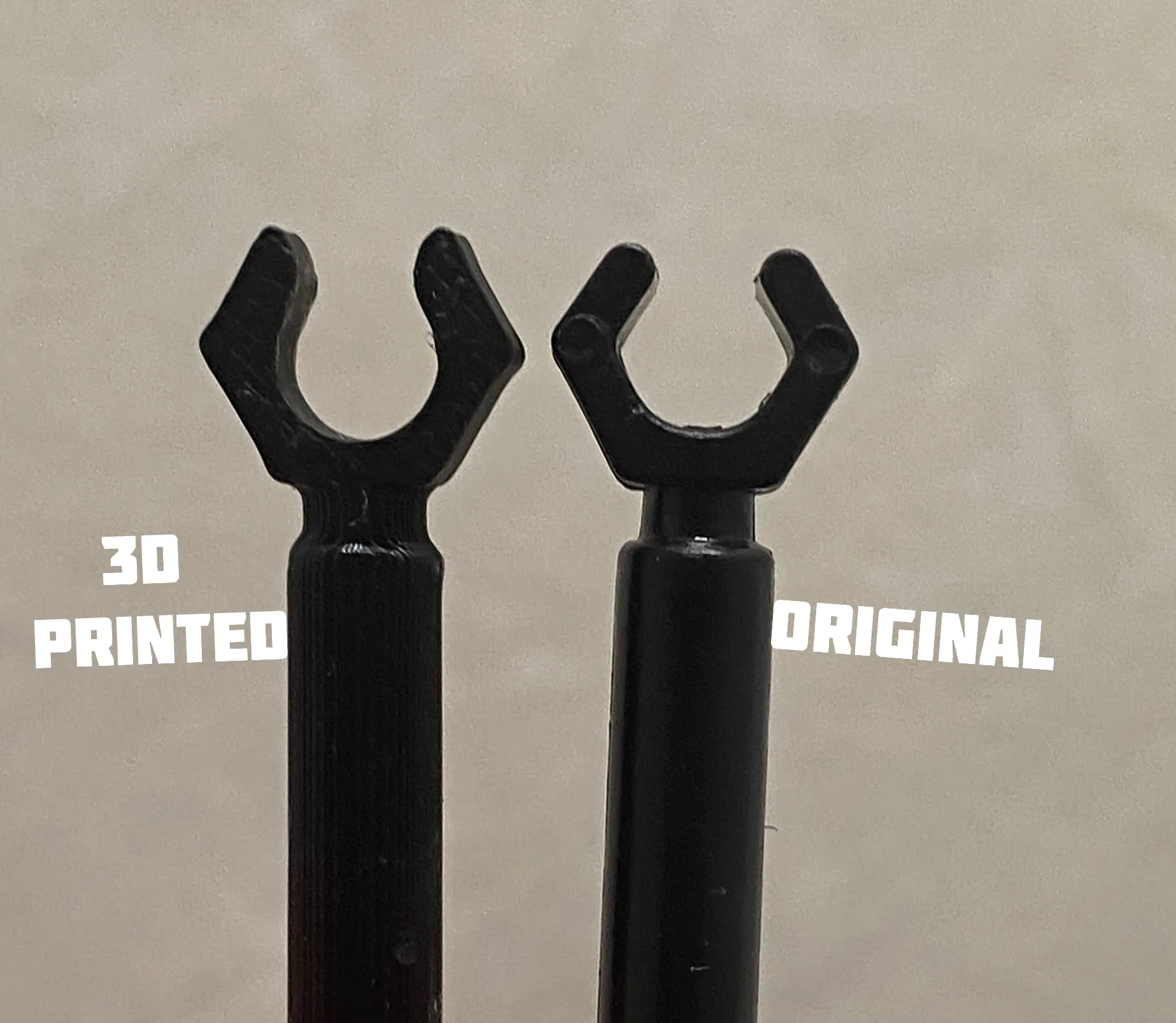
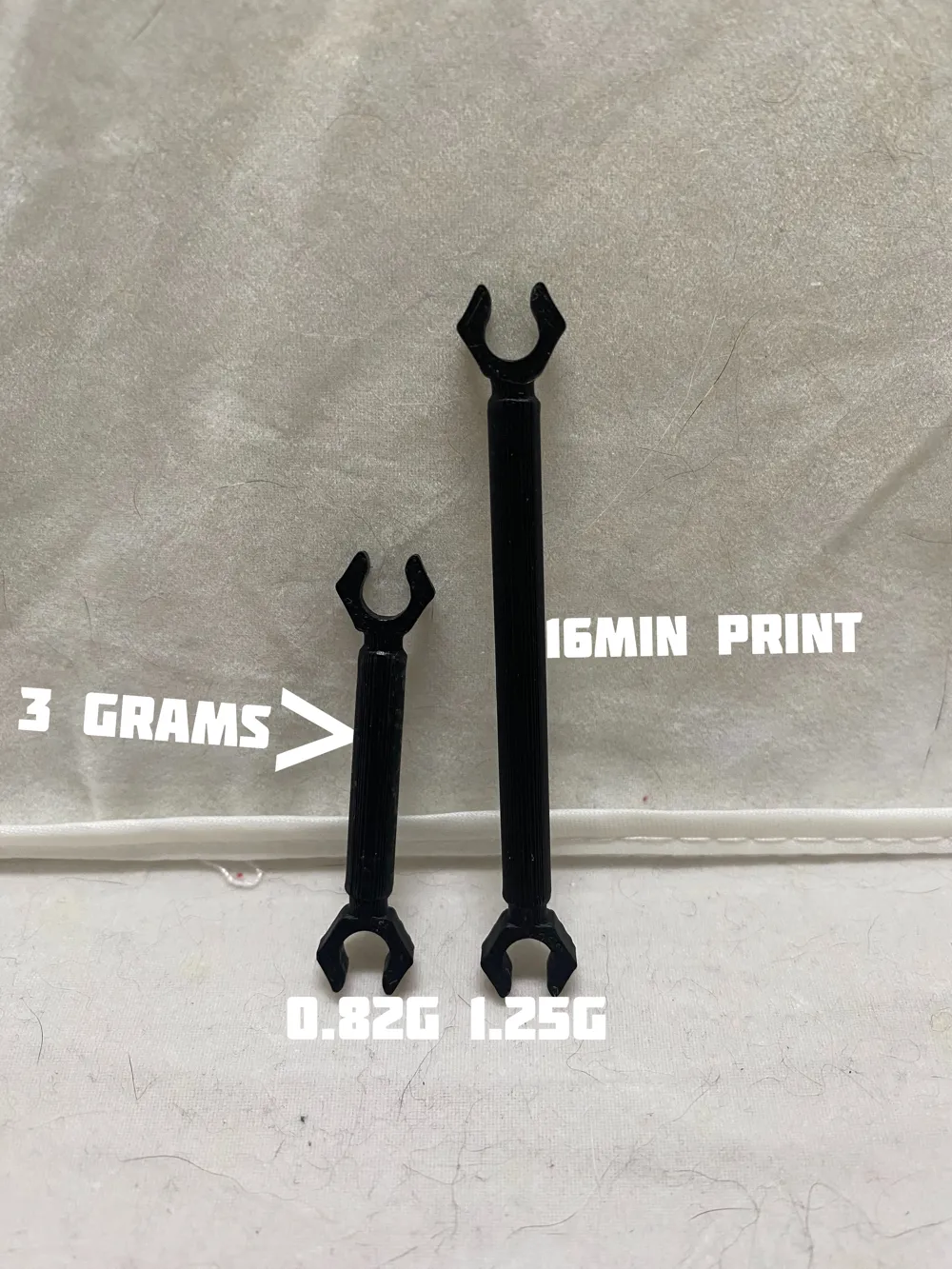
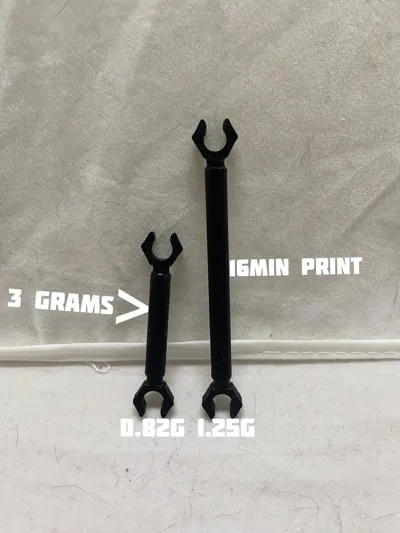
I added a couple of buildplates with diffrent amounts of these blocks so you hopefully dont have to adjust anything yourself. Here are the options:
- 1 small one, 1 big one (2)
- 5 small ones, 5 big ones (10)
- 25 small ones, 25 big ones (50)
- 10 small ones
- 10 big ones
Thank you for reading this.
License

You shall not share, sub-license, sell, rent, host, transfer, or distribute in any way the digital or 3D printed versions of this object, nor any other derivative work of this object in its digital or physical format (including - but not limited to - remixes of this object, and hosting on other digital platforms). The objects may not be used without permission in any way whatsoever in which you charge money, or collect fees.


Comment & Rating (0)