
Complete Bambu Lab Brick 3D Printer Collection V2
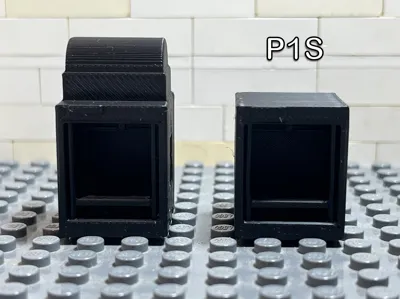
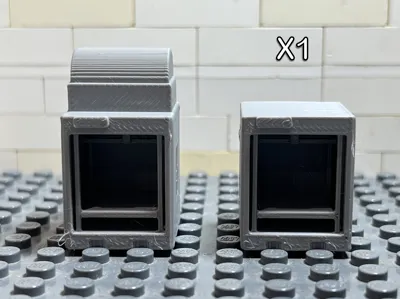
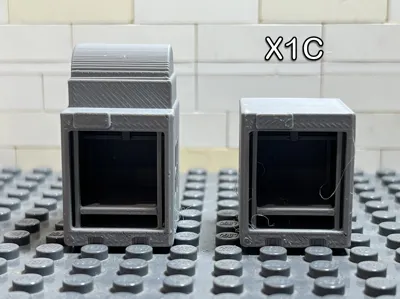
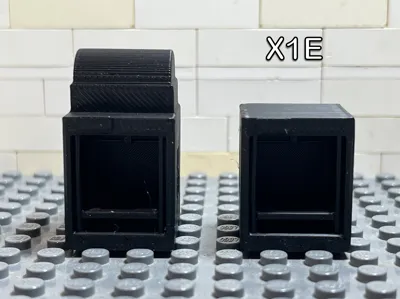
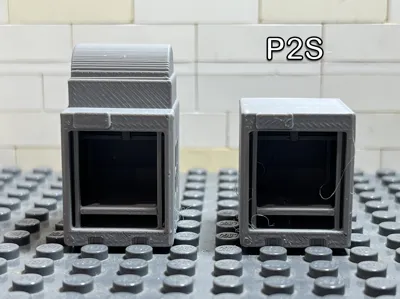
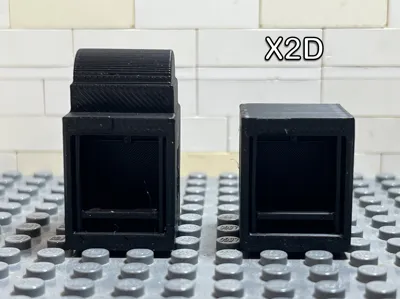
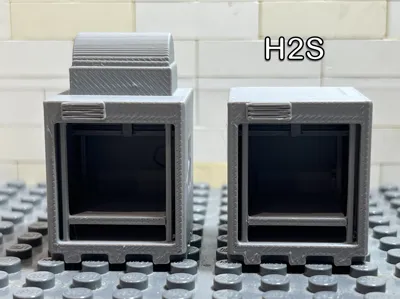
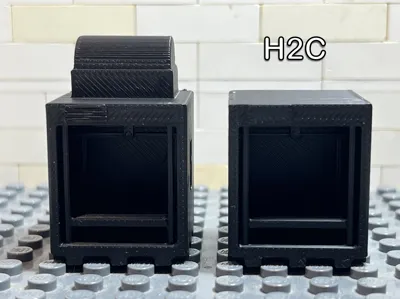
Print Profile(14)


Description
Boost Me (for free)
If you like this model, please consider a boost 🚀🙏
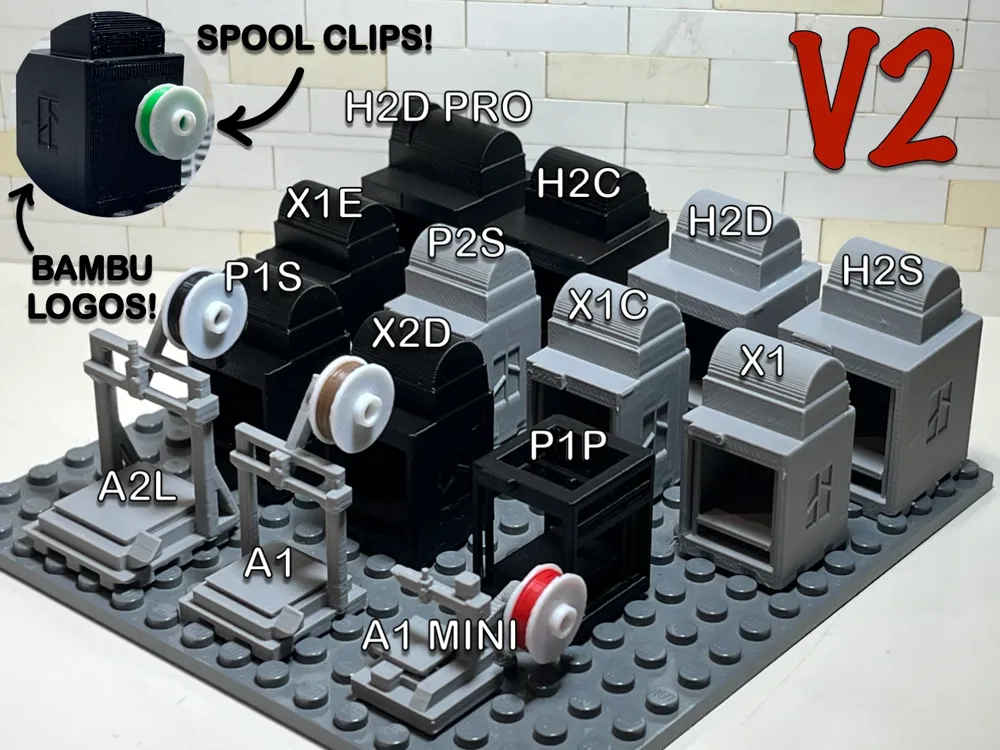
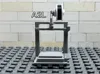
Ever wanted a 3D printer for your minifigure workshop? Now your tiny makers can print tiny things on tiny Bambu Lab printers!
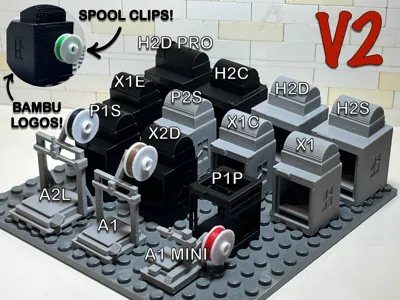
Version 2 is here! This updated collection now includes added spool clips and Bambu Lab logos for even greater realism and detail.
Here is the link to the filament spools: https://makerworld.com/en/models/2914190-brick-bambu-filament-spools#profileId-3259705
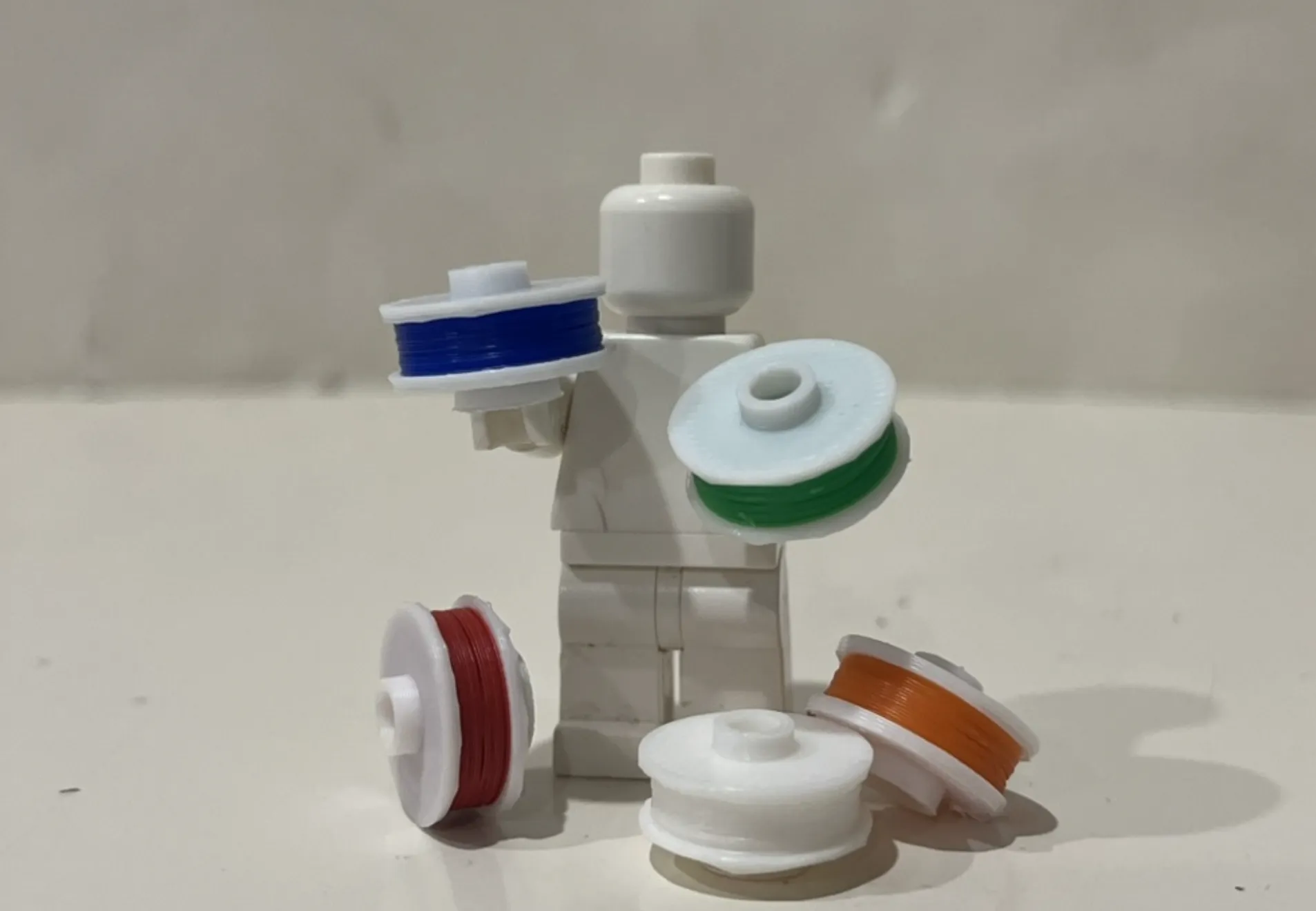
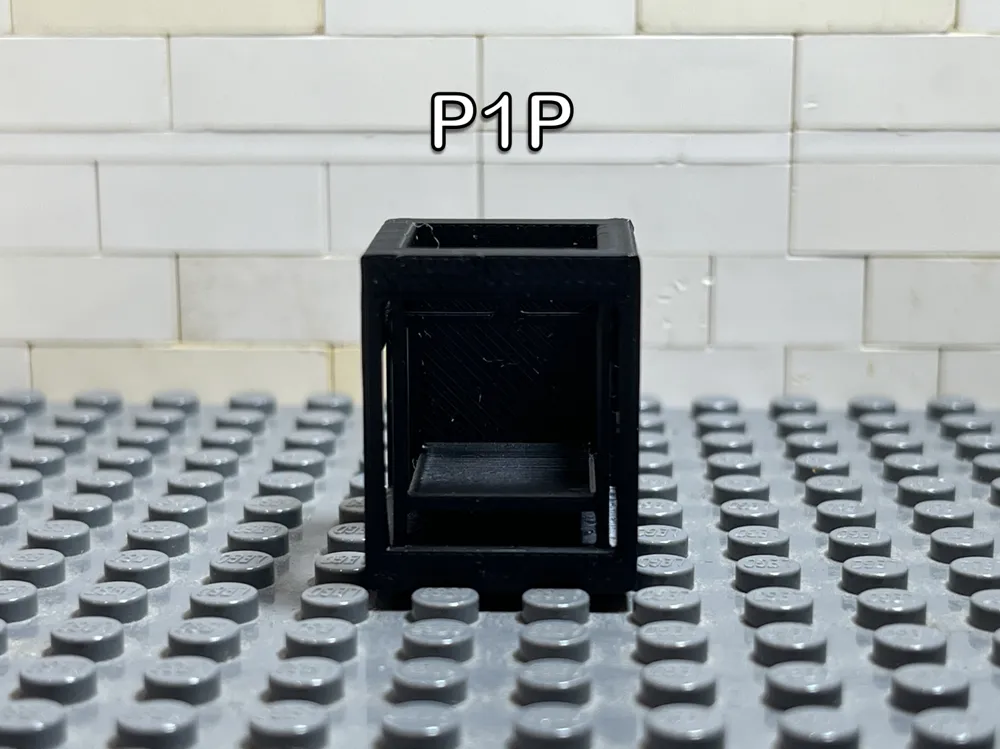
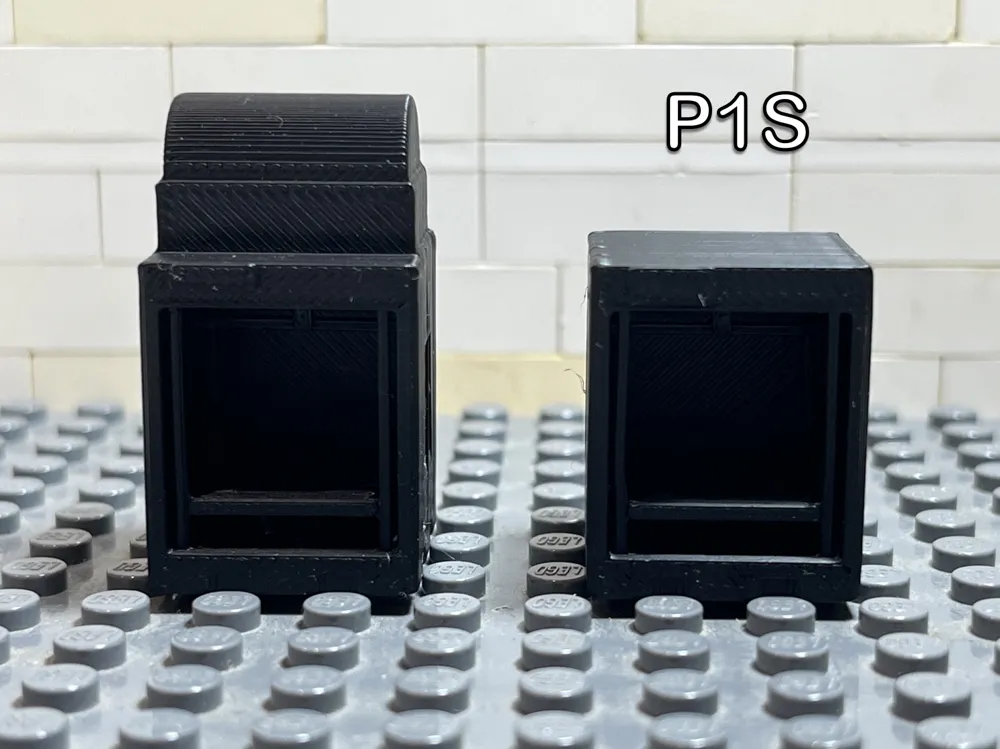
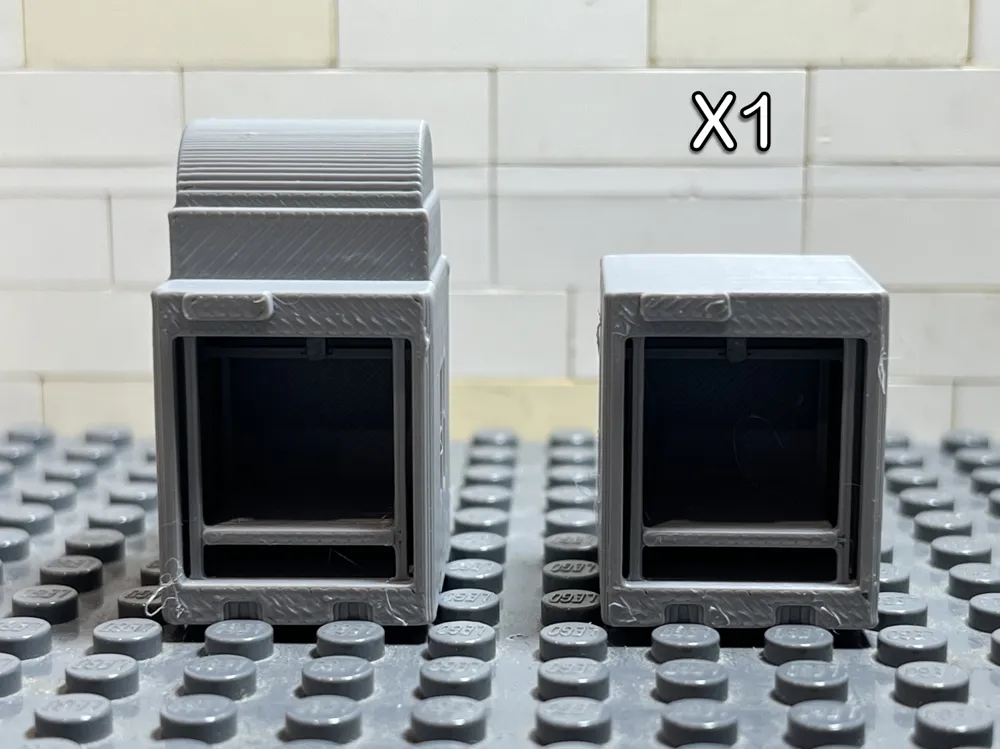
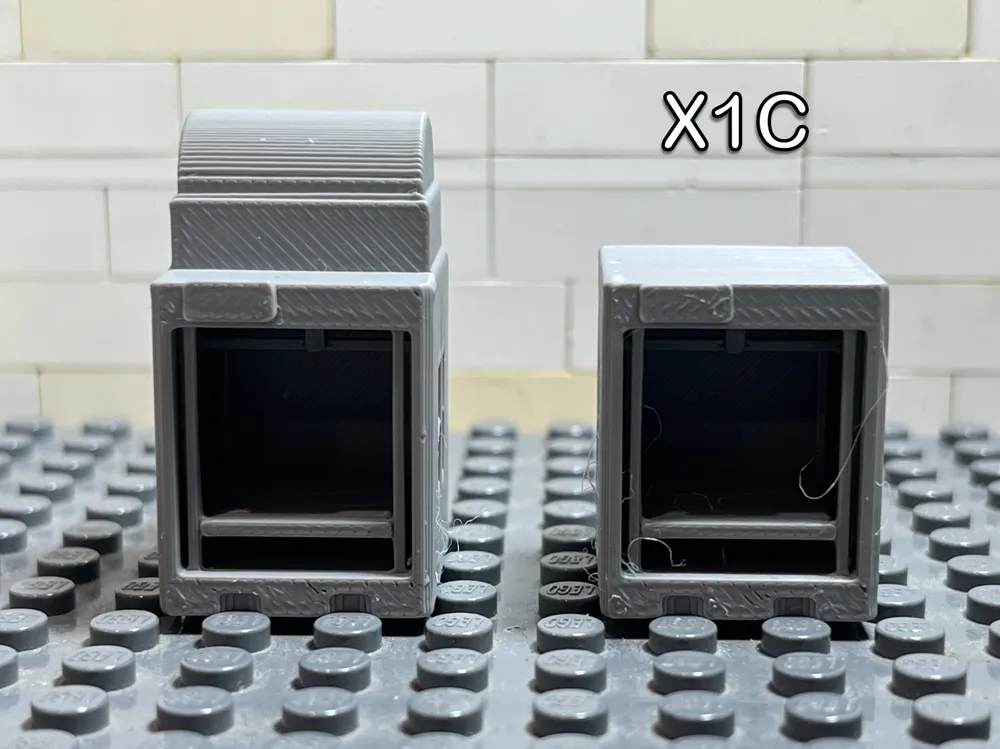
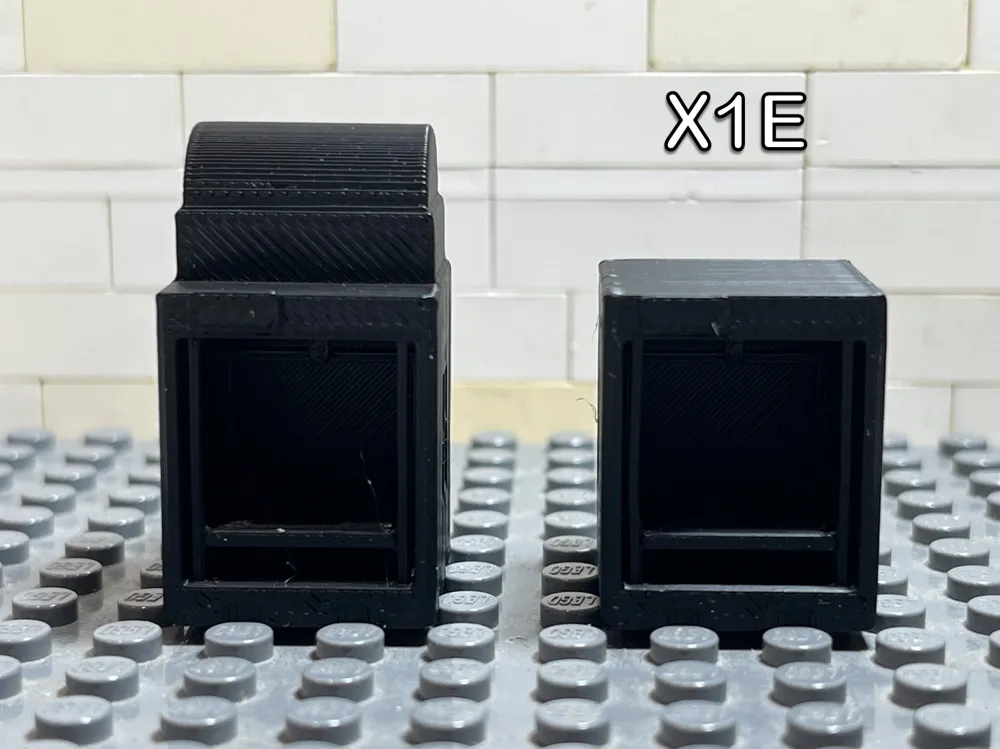
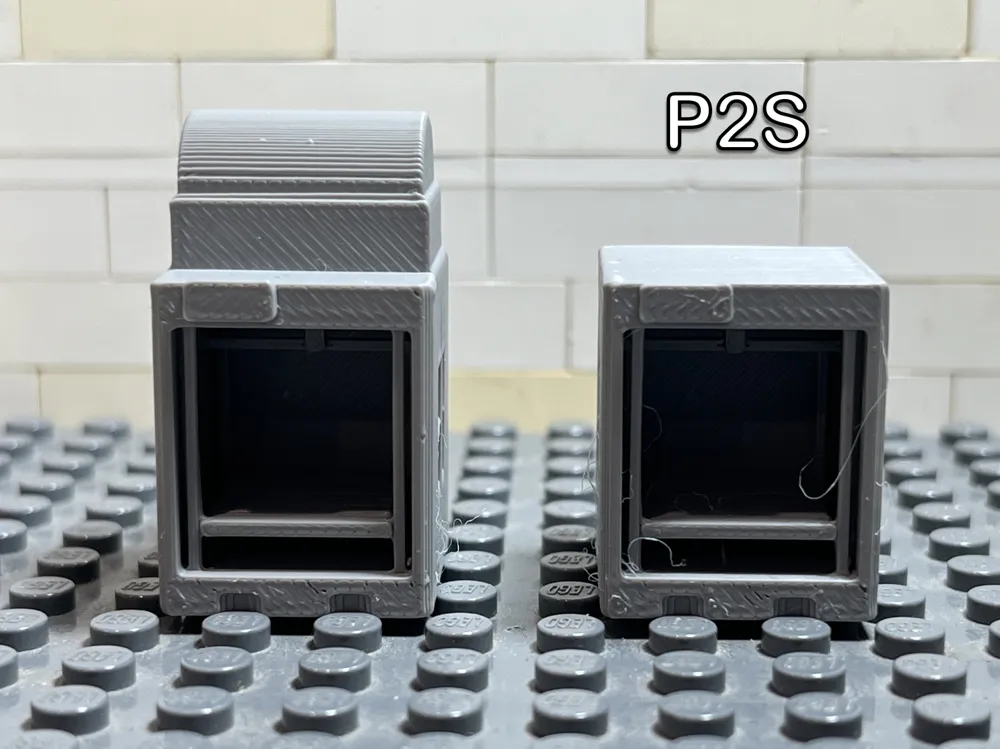
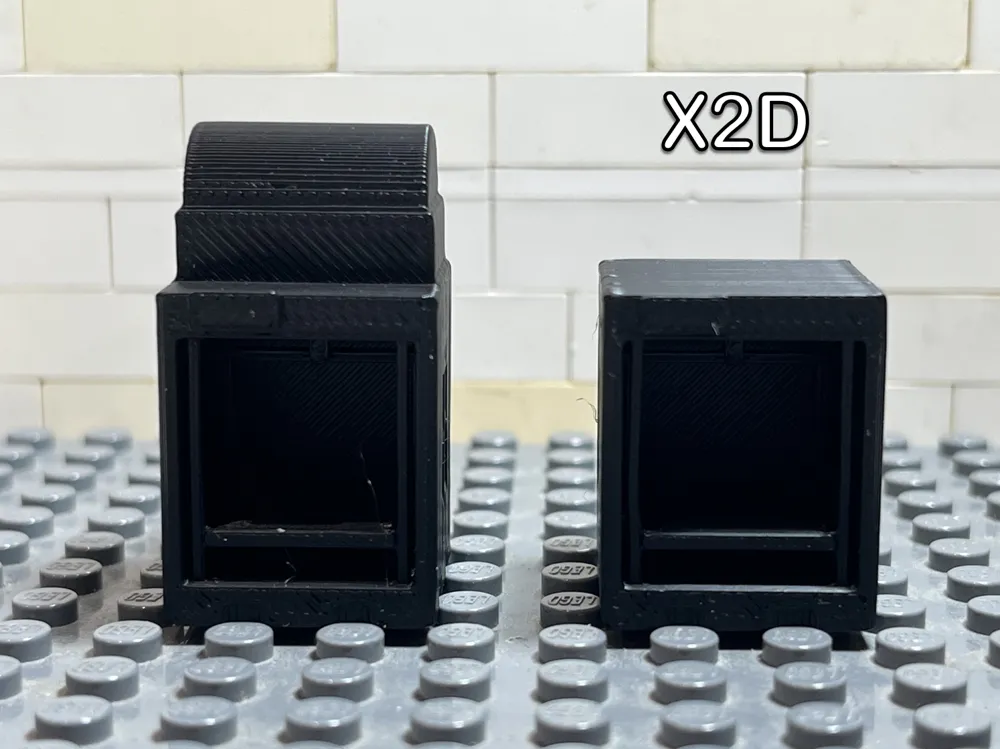
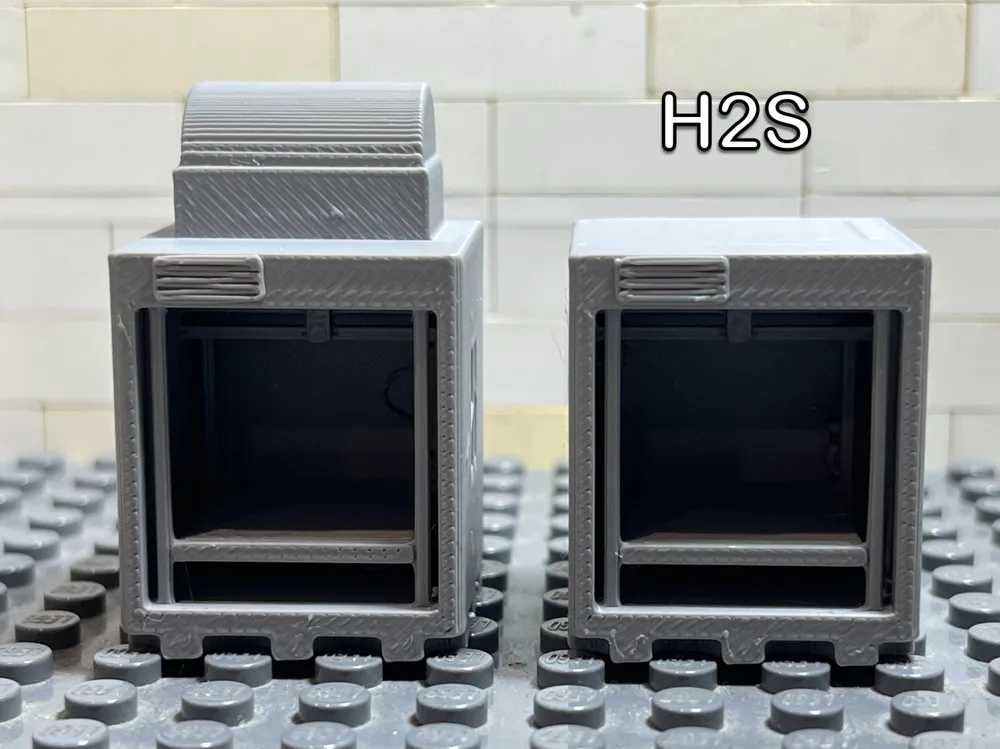
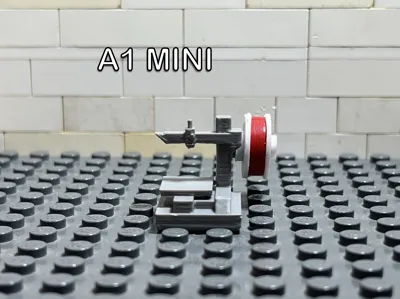
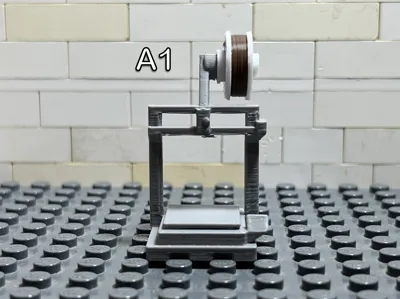
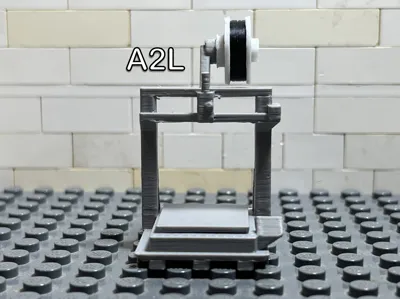
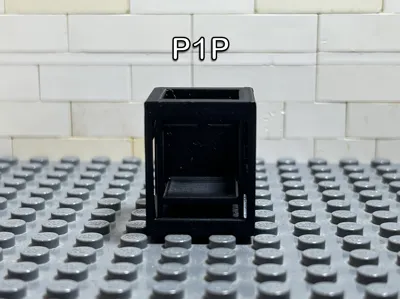
This collection contains minifigure-scale, brick-compatible models of Bambu Lab printers. Each printer is designed to fit naturally alongside standard brick minifigures and can be used to create maker spaces, workshops, factories, offices, and technology displays.
All printer variants are included in this upload. Each printer is provided as a separate print profile, allowing you to easily select and print the model you want.
Included Printers
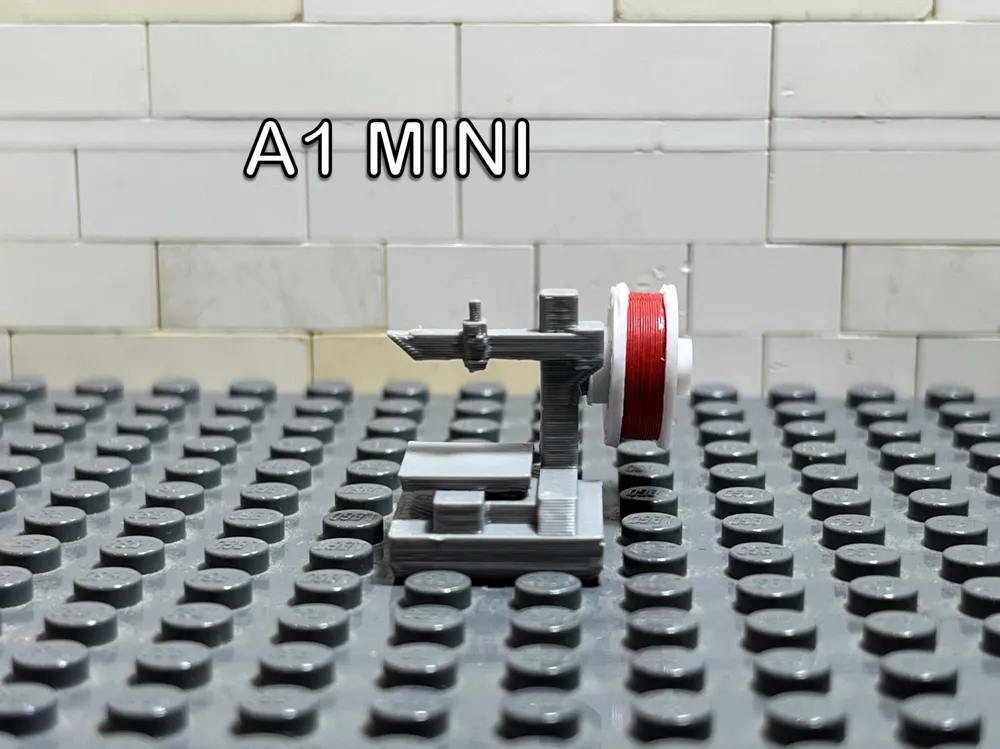
- A1 Mini
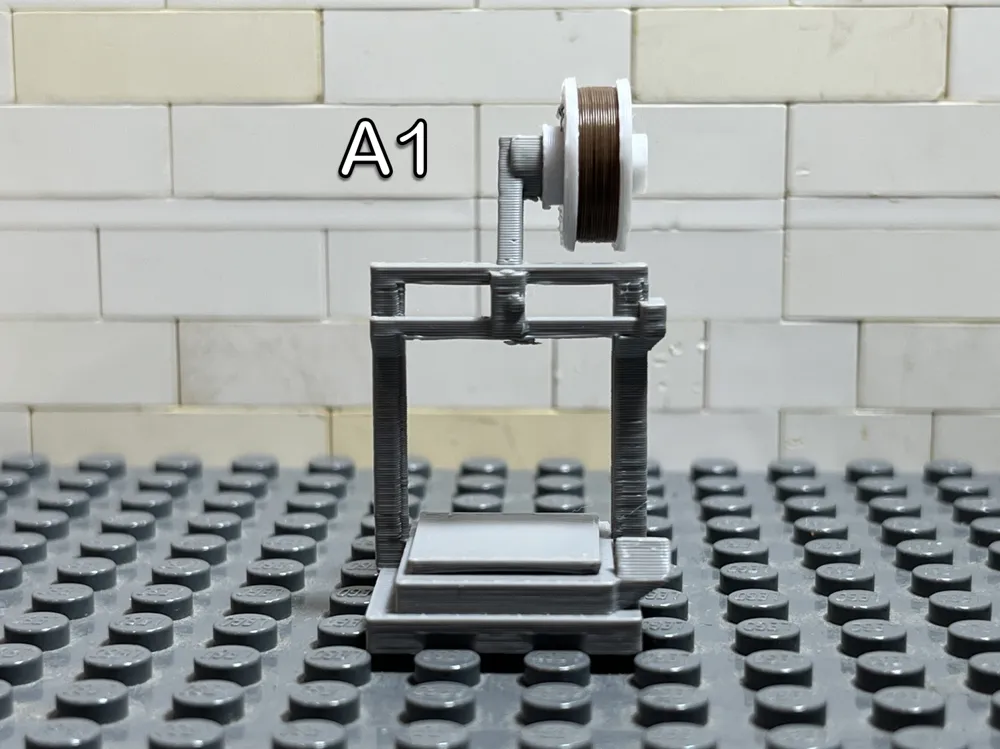
- A1
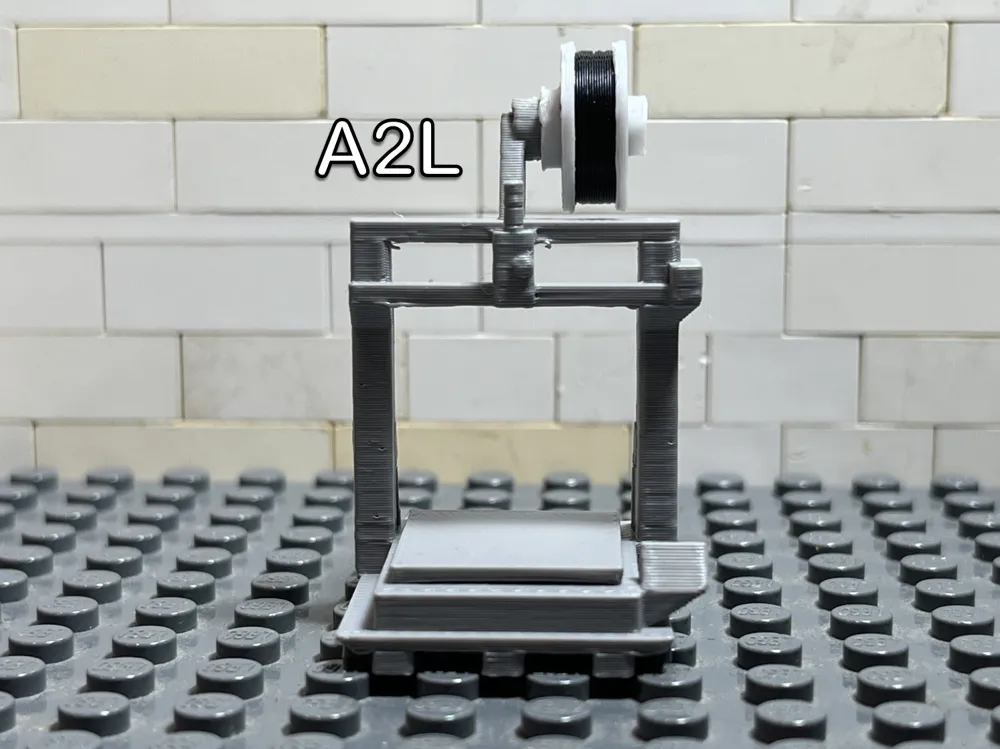
- A2L
- P1P
- P1S
- X1
- X1 Carbon
- X1E
- X2D
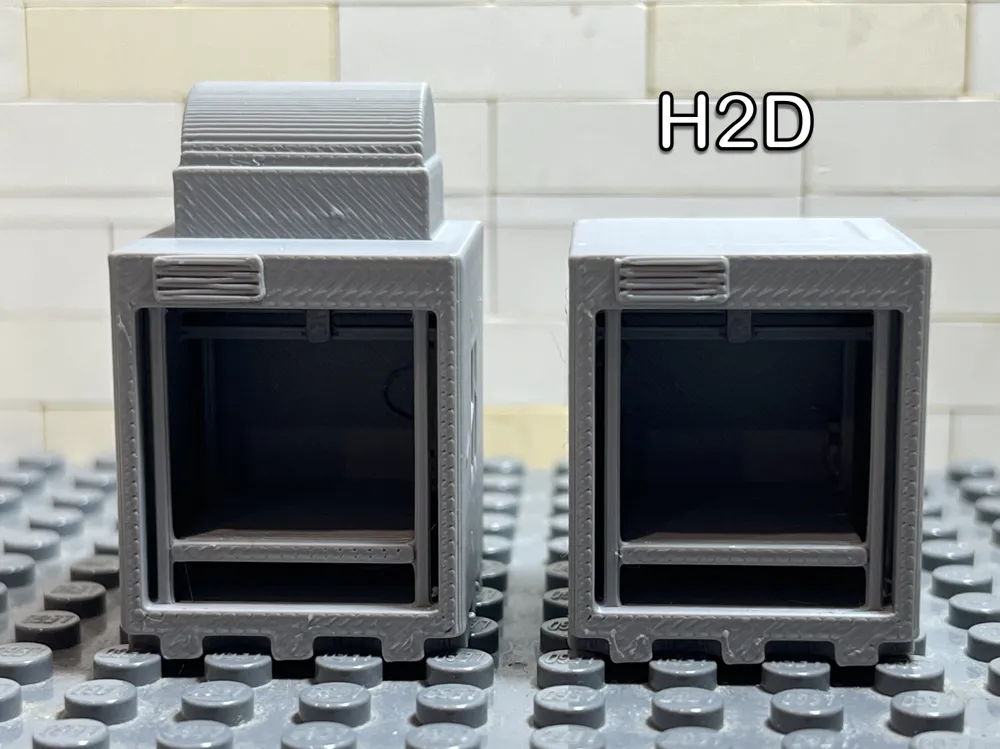
- H2D
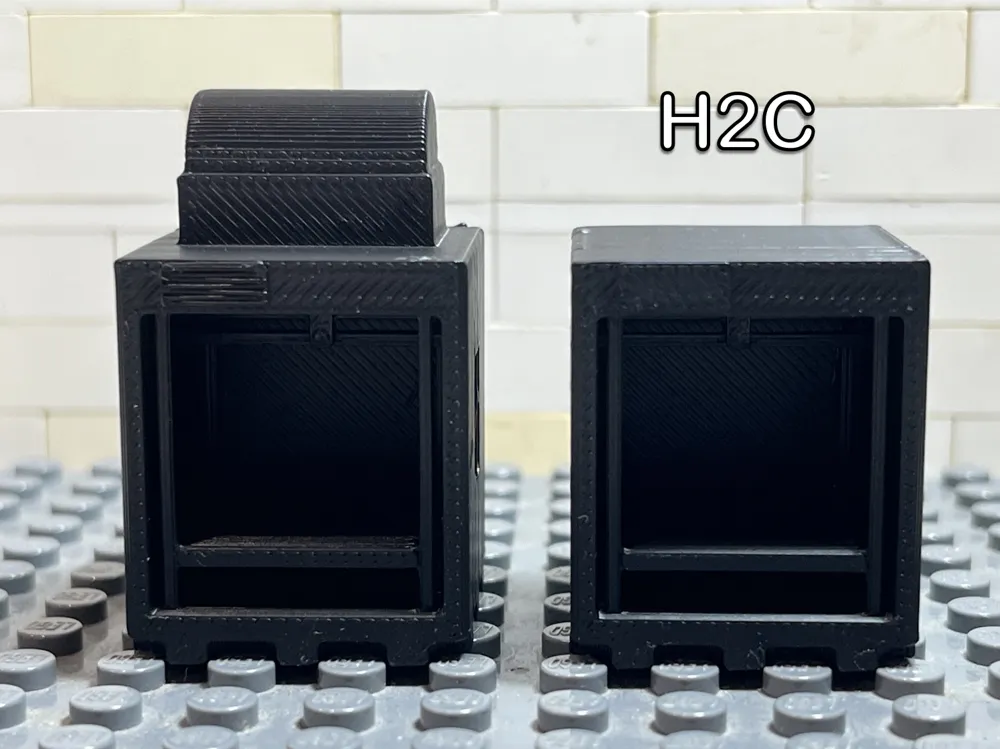
- H2C
- H2S
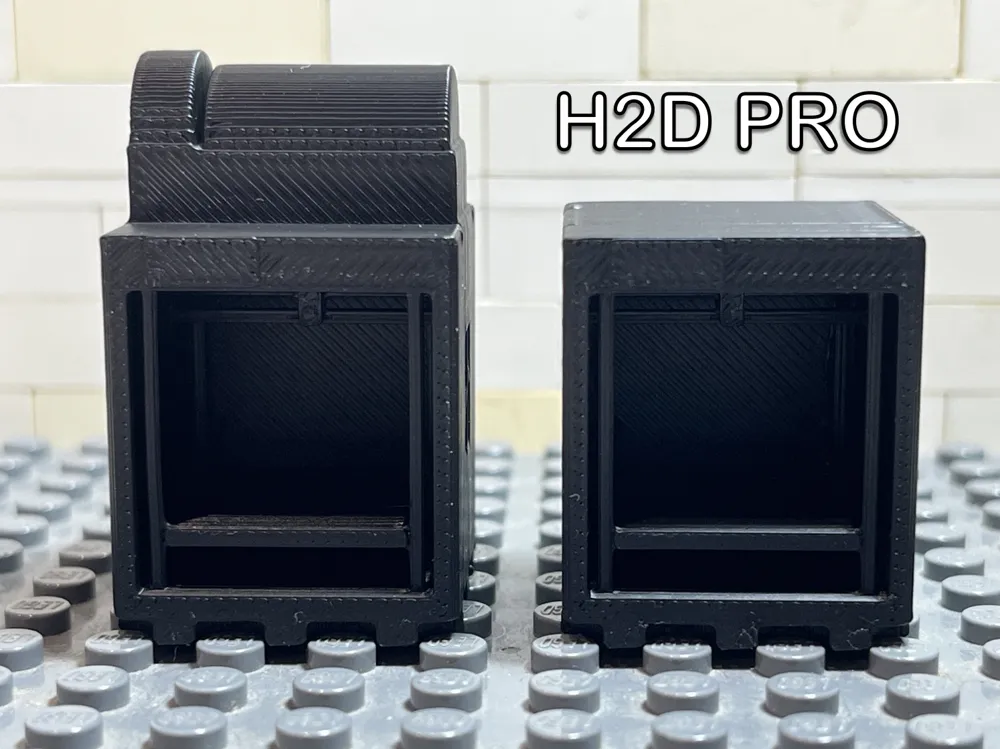
- H2D Pro
NOTE: Some printers, such as the X2D and the X1E are the same model.
Version 2 Updates
✅ Added spool clips for a more realistic appearance
✅ Added Bambu Lab logos to all compatible printer models
✅ All previous printer models remain included
Printing
Simply choose the printer you want from the available print profiles and print as normal.
Each print profile includes two plates: One combo version with AMS on top, and an original version with just the printer.
Assembling
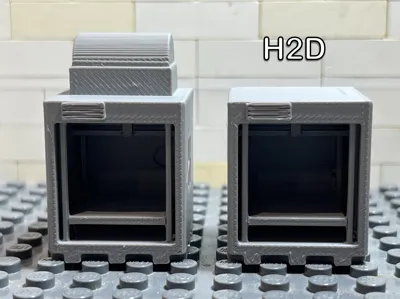
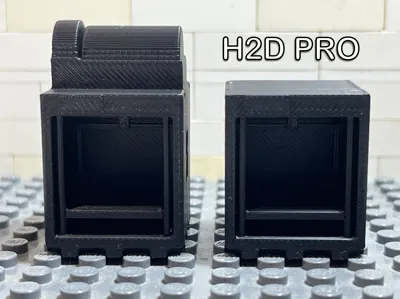
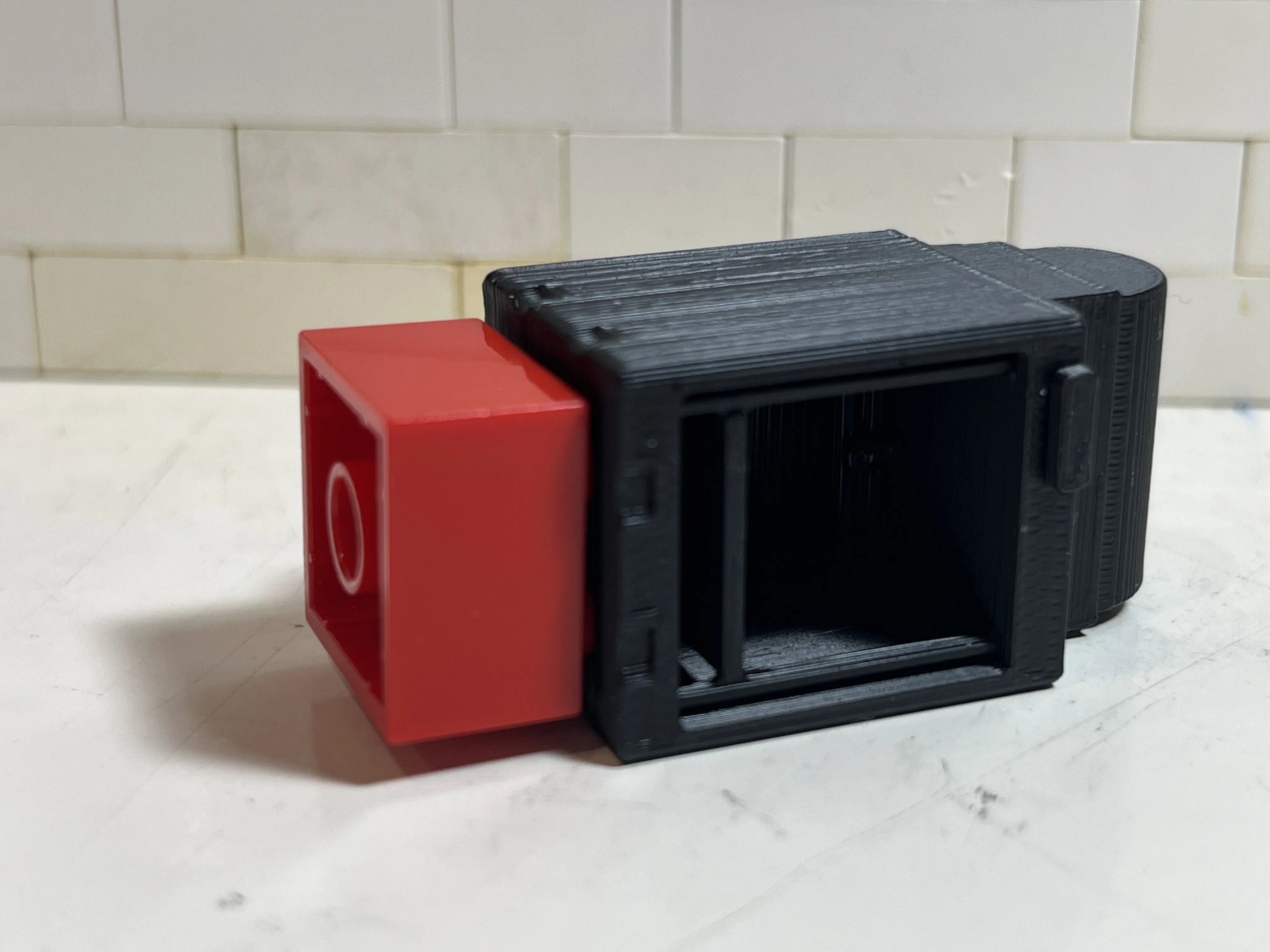
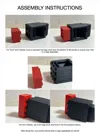
The enclosed printers including the X Series, P Series and H Series may not fit on a LEGOs plate at first due to printing on it's side. The reason is less circular holes (as shown in the picture below) on the bottom of the printer leading to not fitting on the plate.
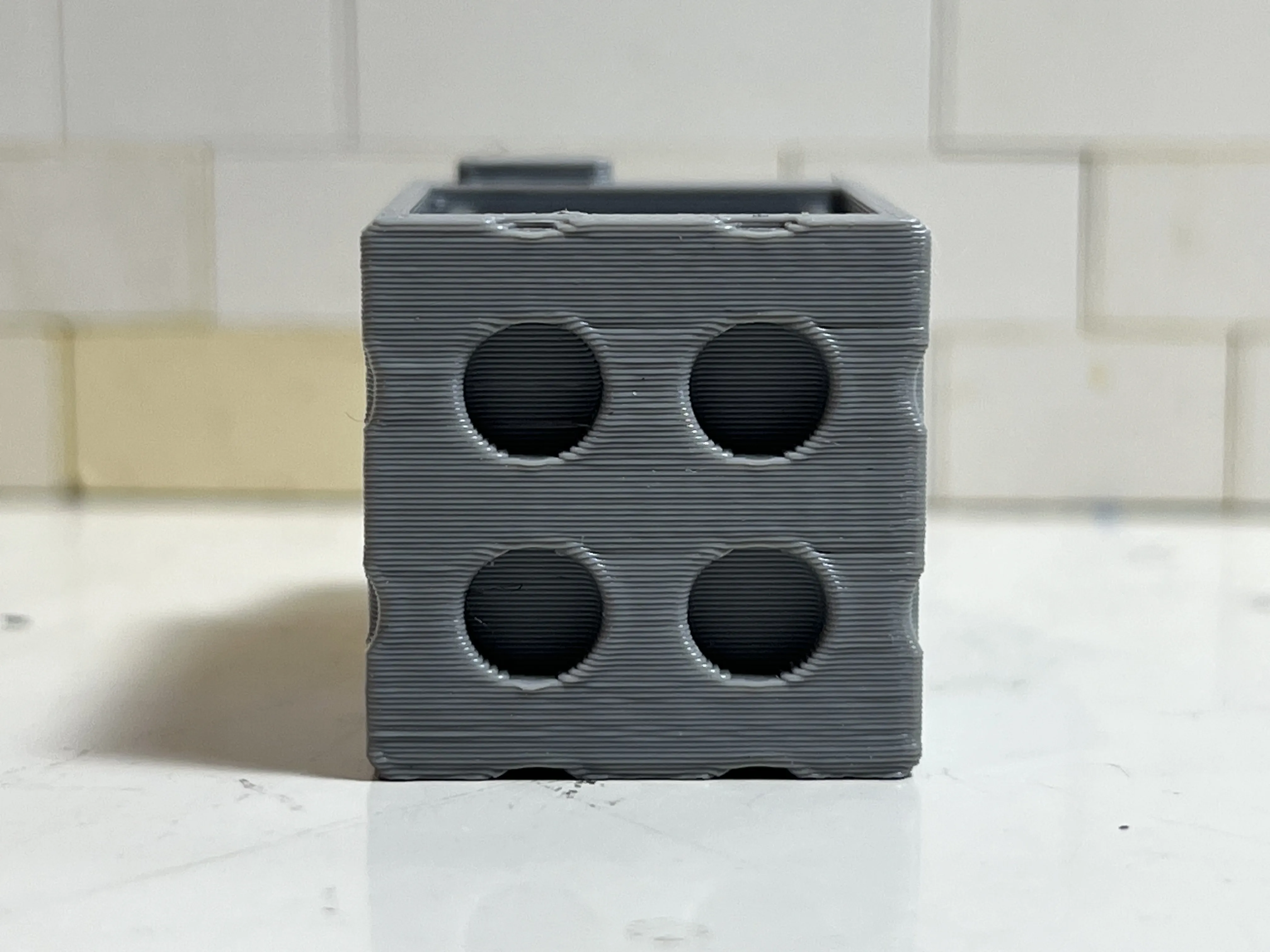
This can be fixed by simply pushing a standard 2x2 LEGOs brick for a P or X Series and a 2x4 brick for a H Series onto the bottom of the printer as shown below:
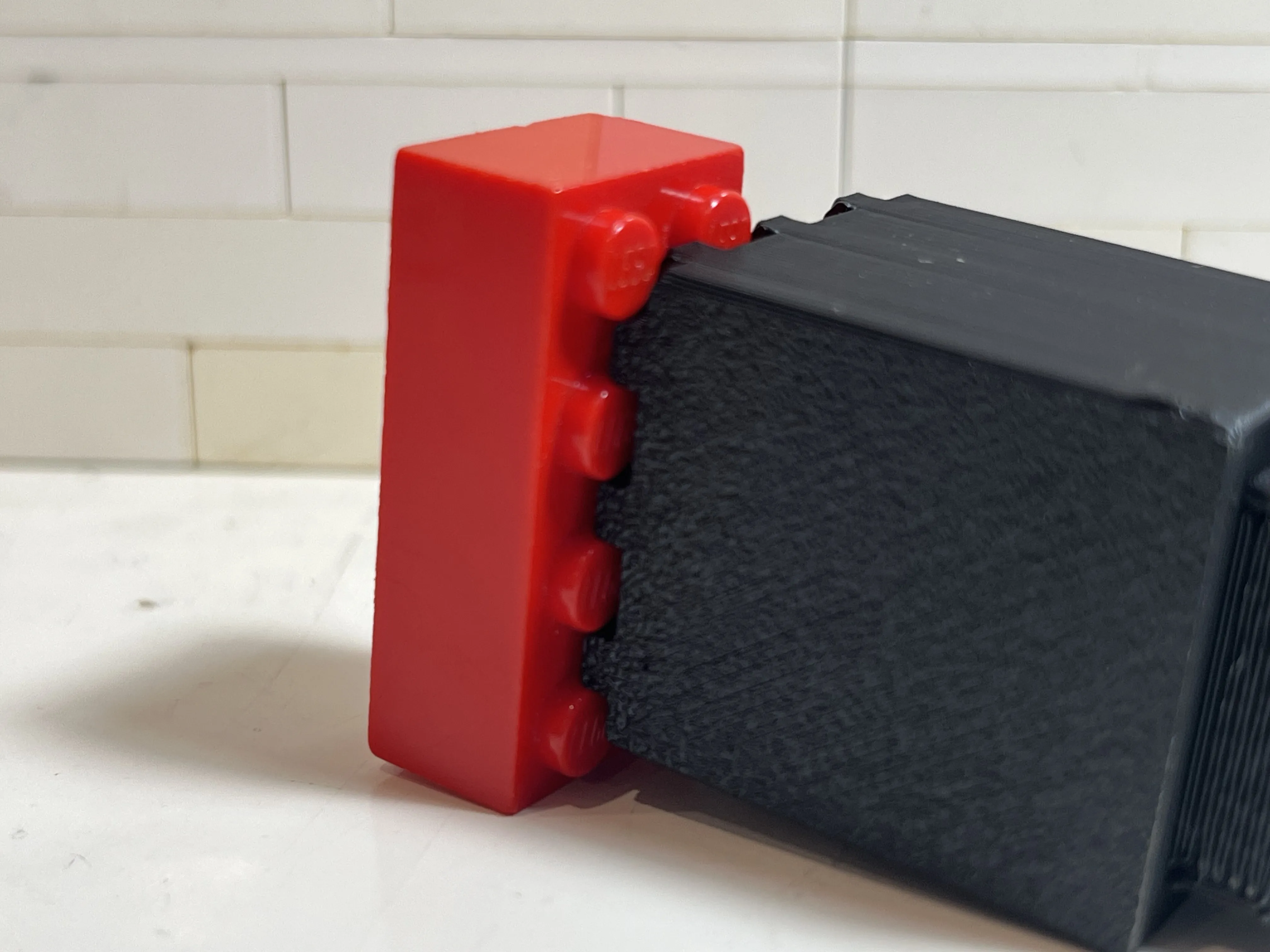
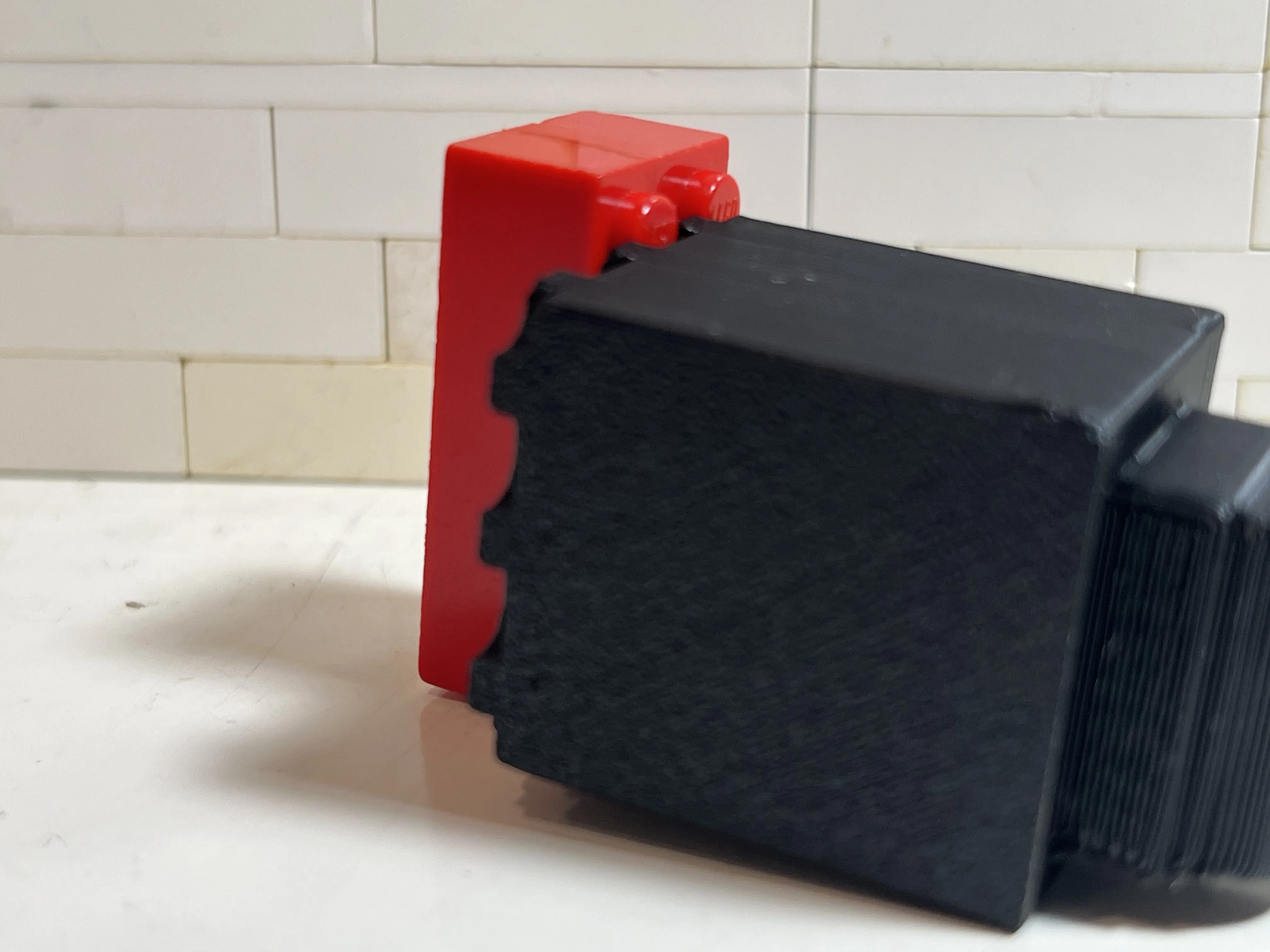
After doing this, it should fit well on a baseplate.
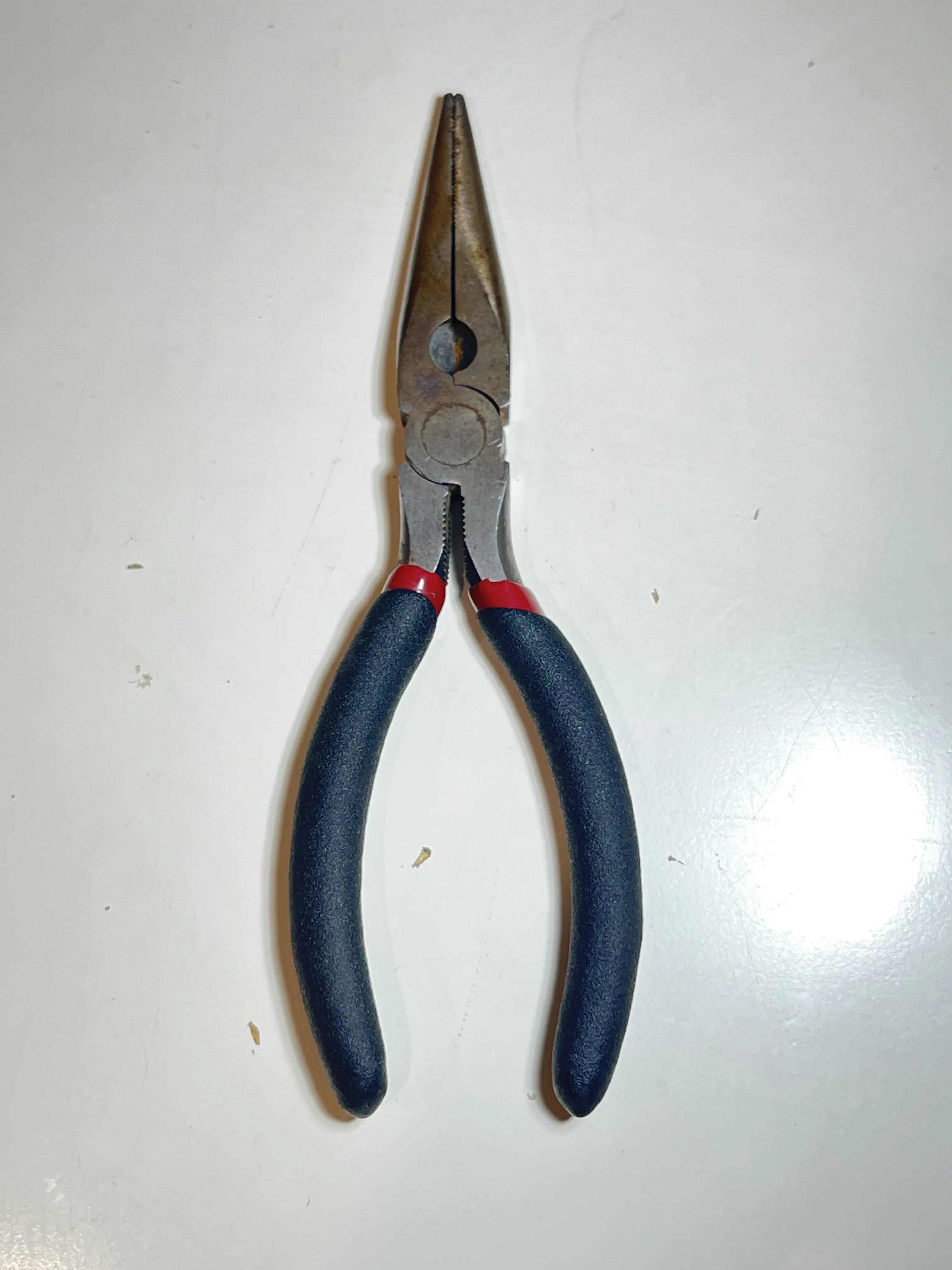
Use long nose pliers to remove supports inside enclosed printers if having difficulty
If you want the version 1 without the spool clips and Bambu Lab logos, here is the link: https://makerworld.com/en/models/2946807-complete-bambu-lab-brick-3d-printer-collection#profileId-3301063
Be sure to check out my other brick models: https://makerworld.com/collections/25736265
These models are fan-made recreations inspired by Bambu Lab printers and are intended for display and play within brick-compatible scenes.
If you enjoy this Version 2 collection, please consider leaving a like, rating, or photo of your printed build—it really helps and I'd love to see your creations!
Documentation (1)
License

You shall not share, sub-license, sell, rent, host, transfer, or distribute in any way the digital or 3D printed versions of this object, nor any other derivative work of this object in its digital or physical format (including - but not limited to - remixes of this object, and hosting on other digital platforms). The objects may not be used without permission in any way whatsoever in which you charge money, or collect fees.


Comment & Rating (21)