
Majestic Lion Under the Full Moon - 4-Colors
Print Profile(1)
Description
To support my work, you can send me a PayPal donation of any amount you choose (even 1 or 2 € or $ are appreciated) via this link:
Boost Me (for free)
A simple click on "Boost" helps me tremendously — at no cost to you! Thank you for the support ❤️
📝 Description
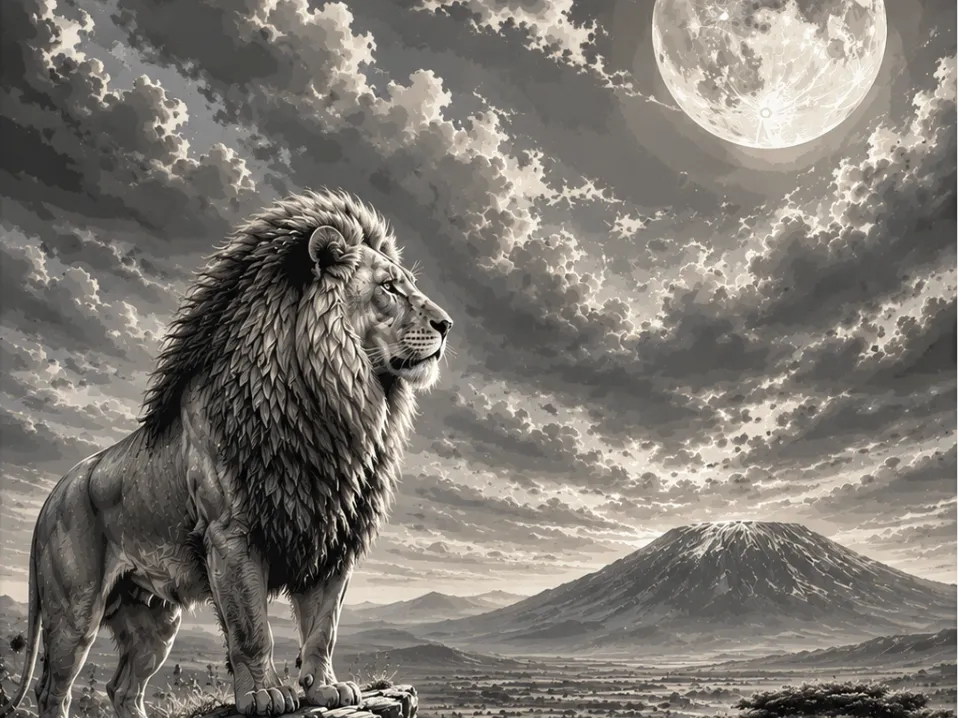
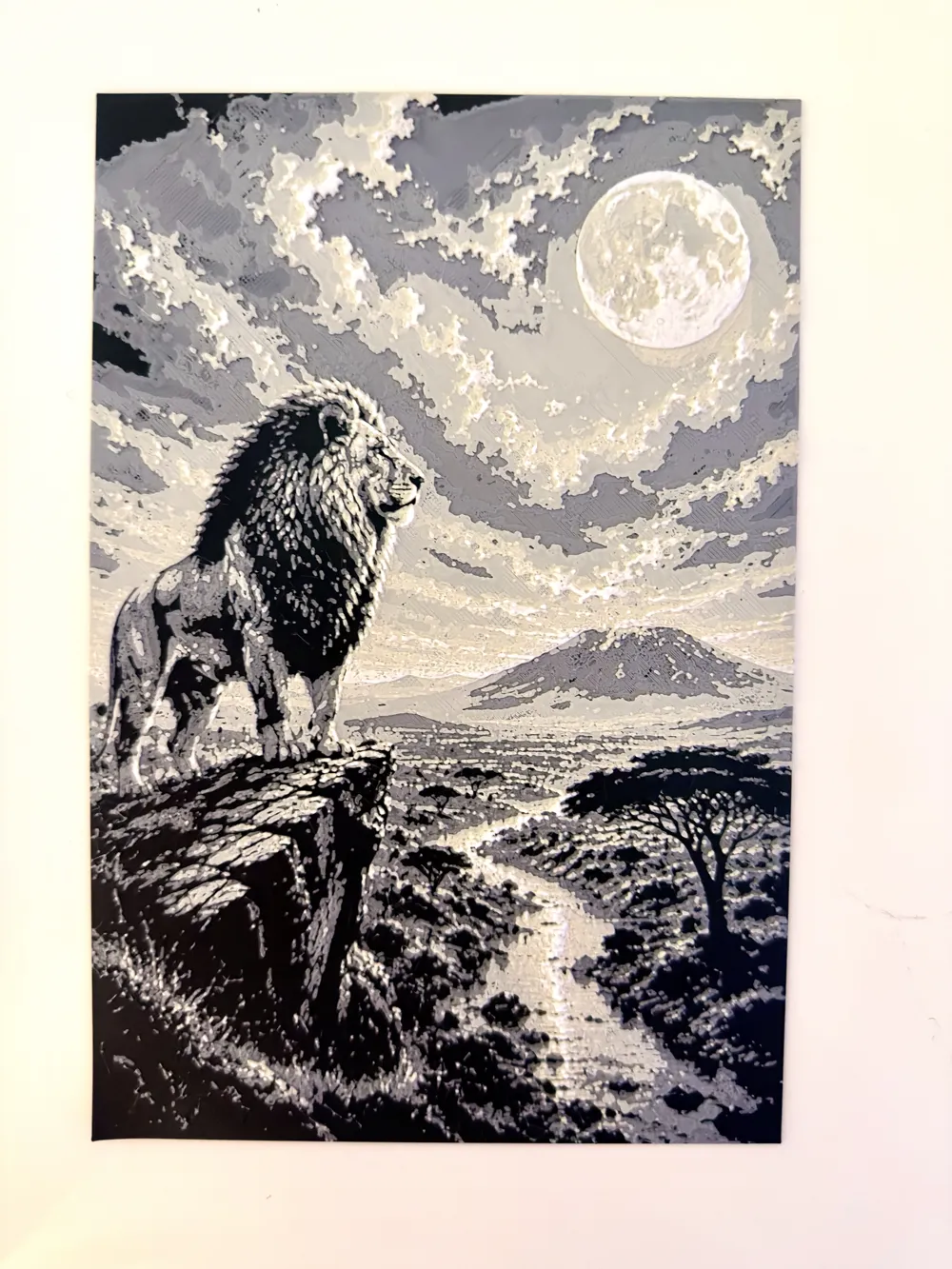
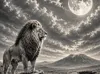
An imposing lion with a majestic mane stands proudly on the edge of a rocky cliff, dominating a vast African savannah bathed in the light of an immense full moon. The night sky is filled with spectacular clouds, illuminated by the moon, creating a striking interplay of light and shadows.
In the background, an iconic volcanic mountain rises above the plain, while a river winds through the wild landscapes lined with acacia trees.
The rendering adopts an ultra-detailed monochrome style, close to an artistic engraving, highlighting every strand of the mane, the textures of the rocks, the terrain reliefs, and the dramatic clouds.
The powerful contrasts, meticulous details, and exceptional depth make this work an ideal model for 4-color printing, offering a spectacular and very realistic result.
The whole piece exudes a wild, mysterious, and cinematic atmosphere.
🔥 Highlights
- Ultra-detailed and expressive face
- Optimized contrasts
- Impressive depth effect
- Clean and legible rendering
- Ideal for wall decoration
🎨
Recommended Configuration
Very easy portrait to print with 4 basic colors
Number of colors used: 4
For those without an AMS
- Black to start
- Pause at the 8th layer at 1h55 to place the gray
- Then 14th layer at 4h16 min to place the beige- 20th layer at 5h30 min to place the white
For those with an AMS
Very simple, you put black in 1, gray in 2, beige in 3, and white in 4
And let it print until the end
Nothing complicated ;)
⚙️ Recommended Print Settings
- Layer height: 0.08 mm (superior quality)
- Total thickness: ~2 to 2.4 mm
- Good calibration recommended
🧠
Tips
For optimal results:
- Use quality filament (Bambu / Sunlu / eSun)
🙌
Support
If you like the model:
- Leave a like 👍
- Share your print 📸
- Follow me for more creations 🔥
- Support me by offering a boost, it's free for you
License

You shall not share, sub-license, sell, rent, host, transfer, or distribute in any way the digital or 3D printed versions of this object, nor any other derivative work of this object in its digital or physical format (including - but not limited to - remixes of this object, and hosting on other digital platforms). The objects may not be used without permission in any way whatsoever in which you charge money, or collect fees.


Comment & Rating (0)