Search models, users, collections, and posts

Friction Coefficient Test Tool
IP Report

Print Profile(1)

0.2mm layer, 2 walls, variable infill
Designer
1.3 h
1 plate
Open in Bambu Studio
Boost
2
2
0
0
0
0
Released
Description
How it works:
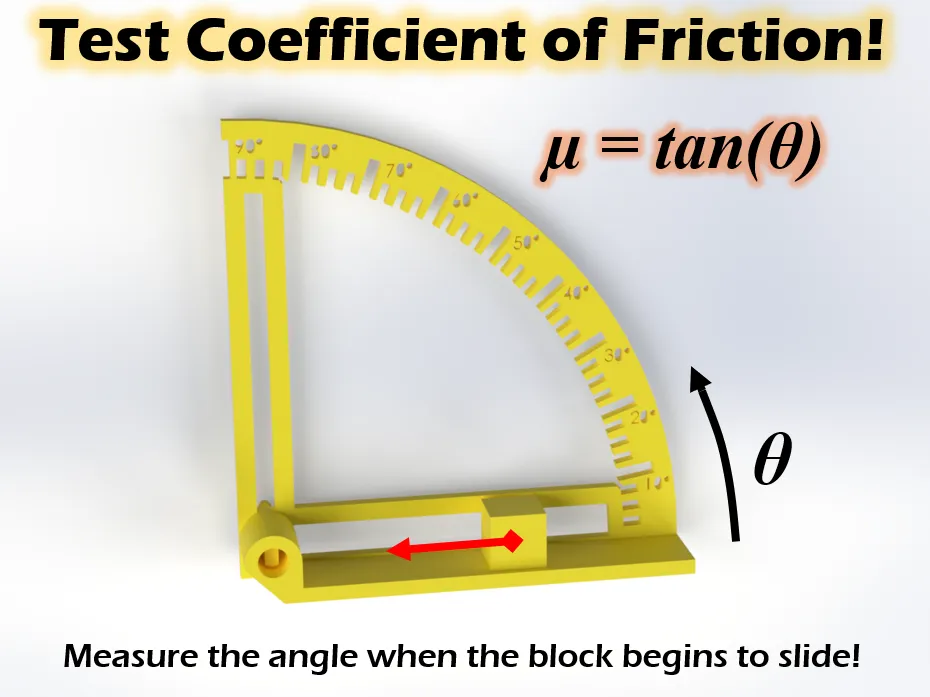
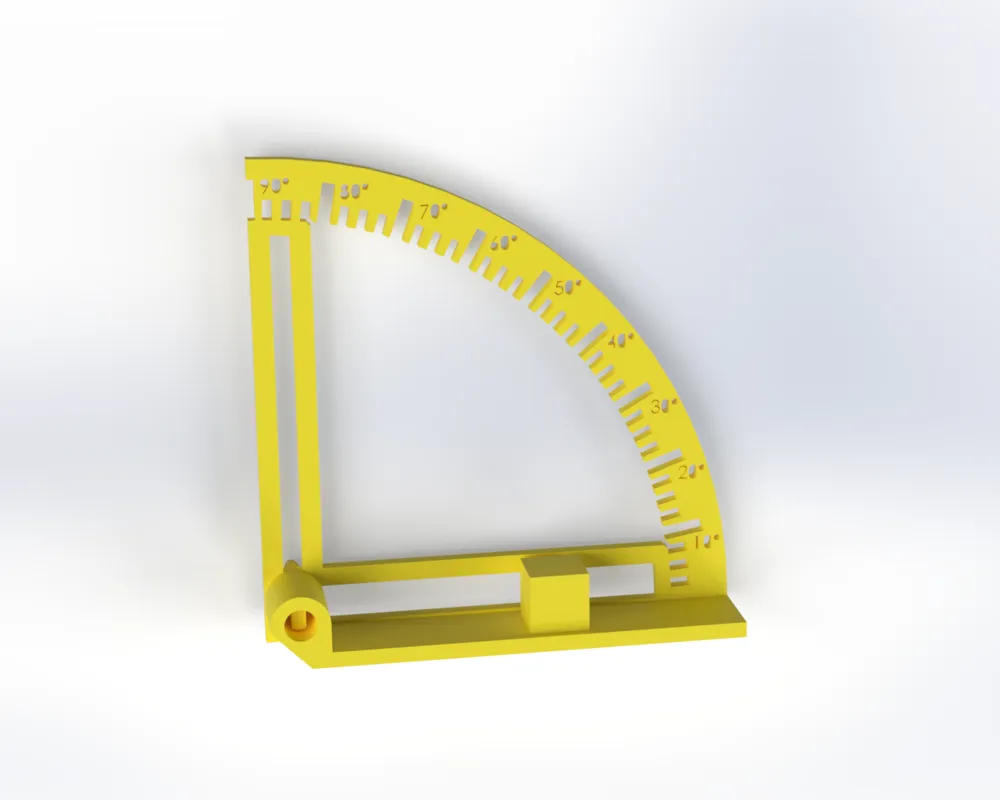
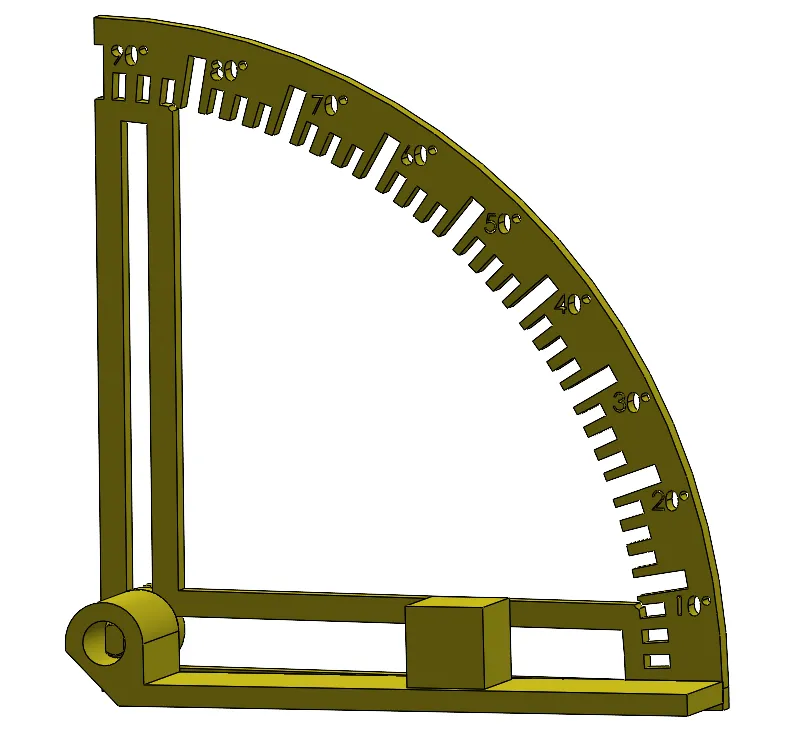
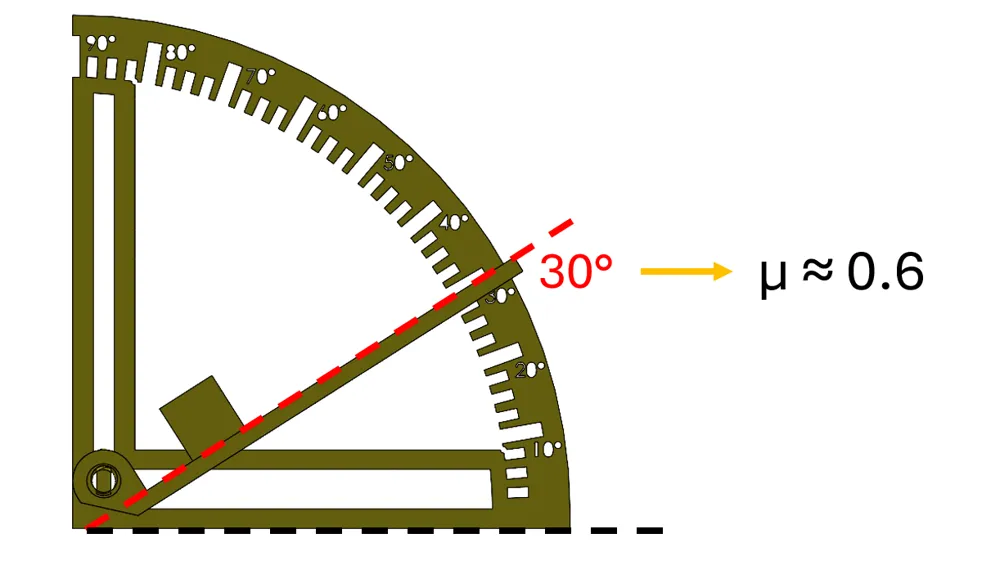
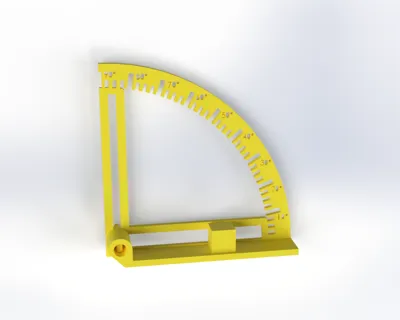
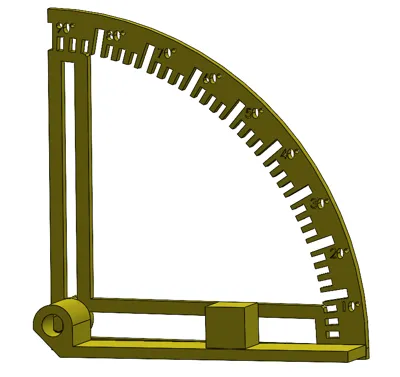
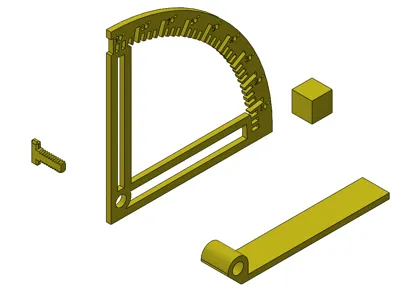
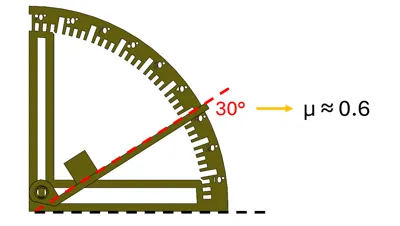
Essentially a protractor with a ramp attached to it, on top of which you place a block. This allows you to measure the Coefficient of Friction "µ" between the block and the ramp using the cool fact that...
µ = tan ( angle )
The coefficient of friction is affected by mainly the nature of the two materials in contact and their surface roughness, which is a difficult think to quantify with various print settings and filament materials. Sometimes, empirical testing for the coefficient of friction is necessary
Resolution: 2.5° → µ ± 0.05
How to use it:
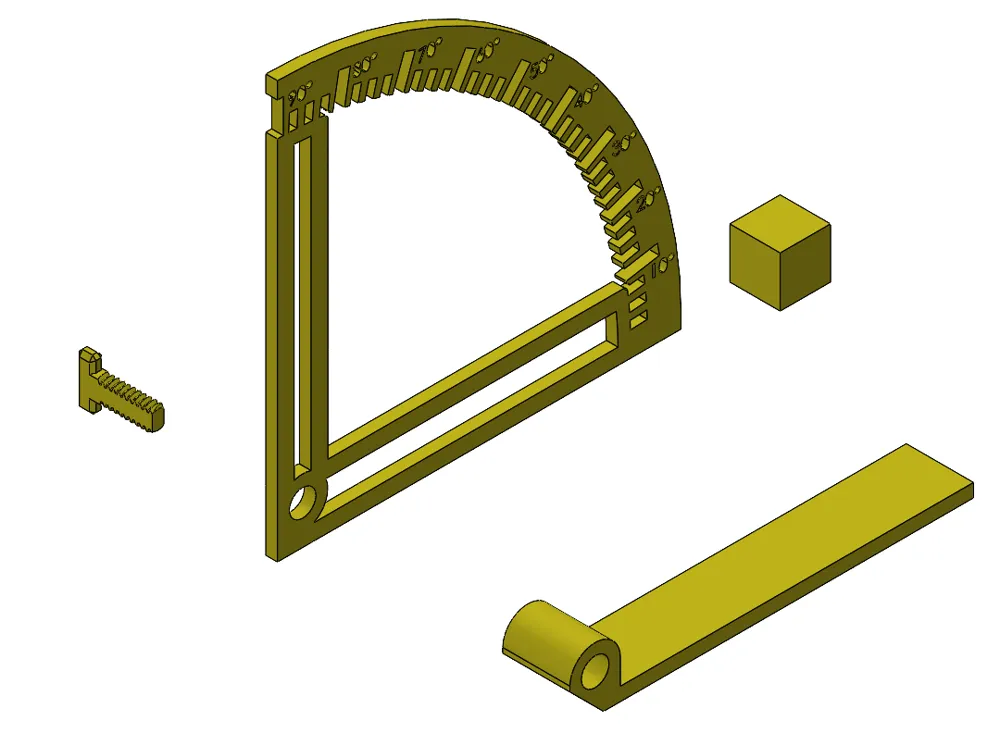
- Find out which materials you would like to use for the test and set them for the bodies titled "Ramp" and the "Test Cube" (doesn't matter which is which).
- Print!
- Place the Test Cube around half-way up the Ramp while it is angled at 0° (refer to thumbnail).
- Begin tilting the ramp amp up very, very slowly.
- Note the angle of the Ramp the moment the Test Cube begins to slide down.
- Plug that angle "θ" into the equation above to get your Coefficient of Friction. Make sure to convert the angles to radians if doing this in a spreadsheet.
License

This user content is licensed under a
Creative Commons Attribution


Comment & Rating (0)