
Ice Wave Sniper
Print Profile(3)

Description
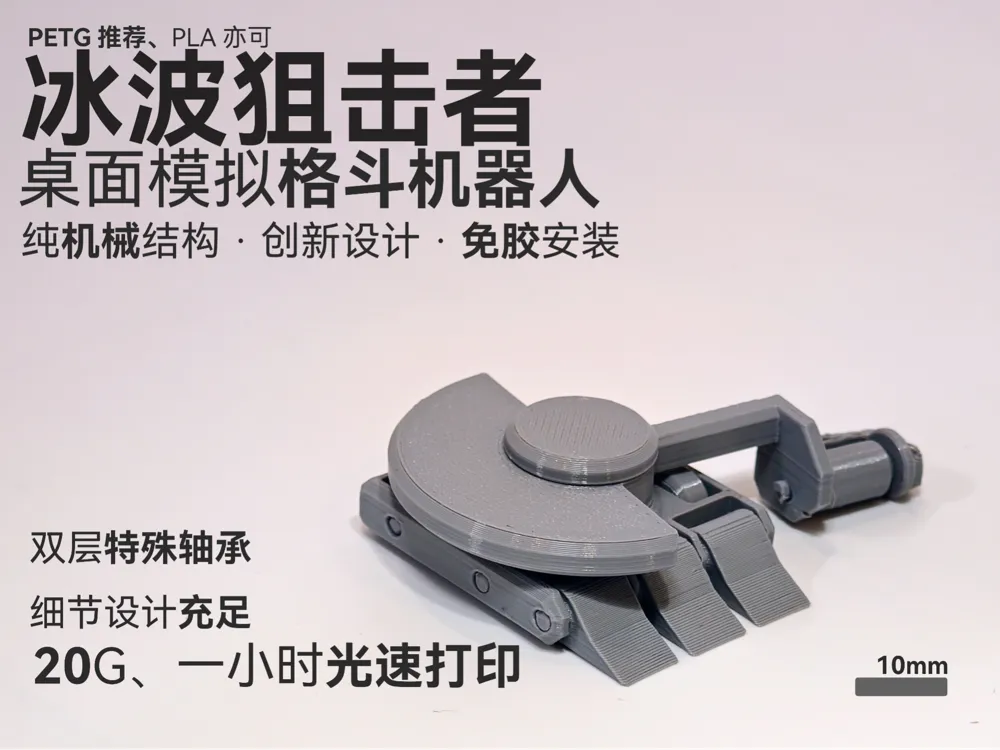
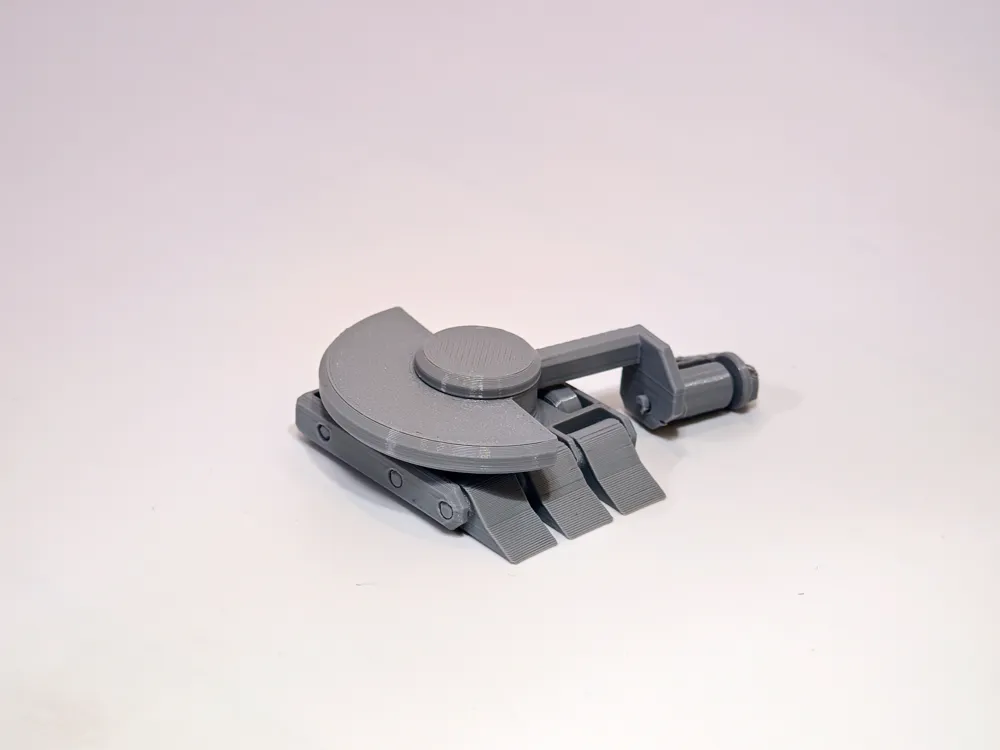
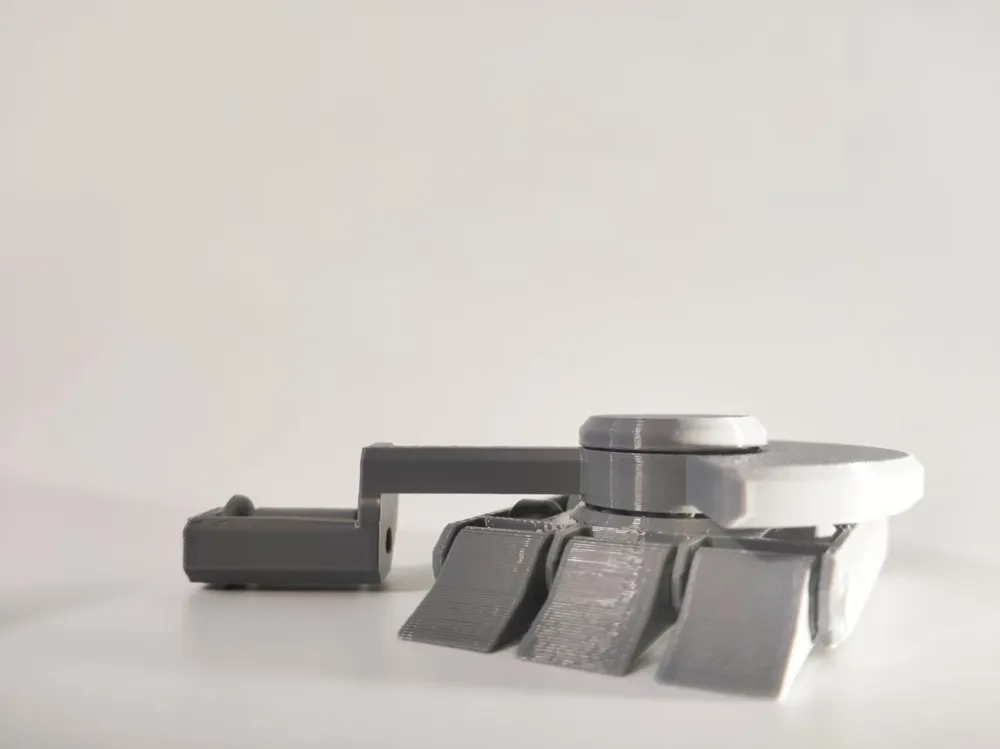
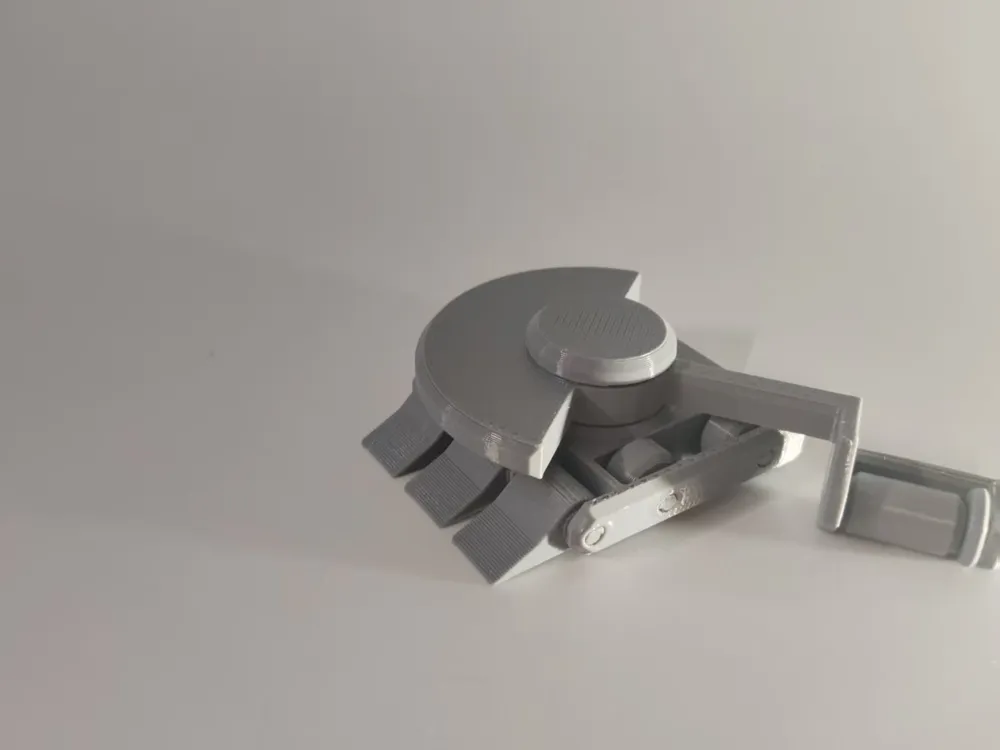
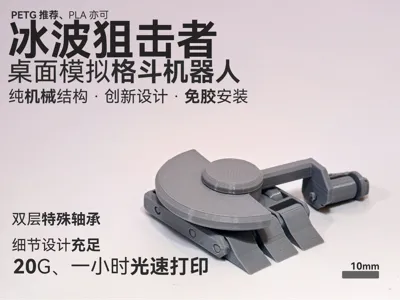
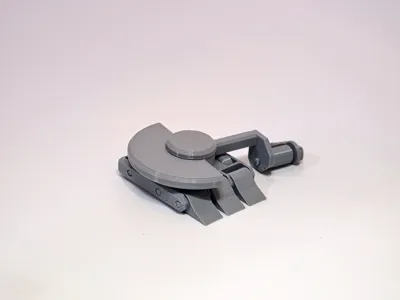
[BETA] Icewave Sniper — A Purely Mechanical Horizontal Spinner Desk Battle Bot
Assembly Video:Icewave Sniper Assembly Video_Bilibili_bilibili
No motors, no batteries. Press, spin, knock over.
If you like BattleBots, or simply want something fun to battle with on your desk, this bot should be right up your alley. It belongs to the category of desk fighting bots - unplugged, purely physical, relying on structural design and finger power.
Thank you for your patience. First, an apology, this bot has been delayed for too long.
Several things happened in between: academic exams, bearing verification issues, a timeline parameterization that wasn't designed well once, making it impossible to modify and requiring a complete redraw, and an initial attempt at a vertical spinner which failed, leading to the switch to a horizontal spinner... In short, this bot is meeting everyone much later than expected.
What is it?

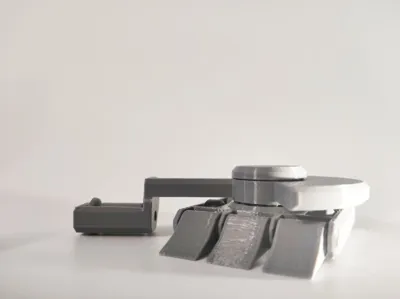
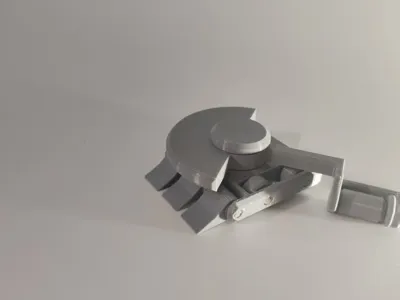
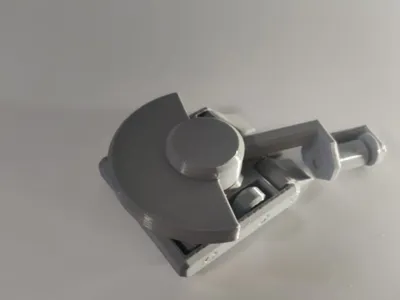
Let me briefly introduce what the "Storm Wheel" is - it's a long, rectangular wheel at the rear of the bot (though this time it's on the weapon). When you press down on it from the top-rear, the wheel rolls backward, simultaneously launching the entire bot forward. This is the core interaction method of this desk battle bot system.
Based on this, the "Icewave Sniper" adds a rotating horizontal spinner weapon on top of the bot.
How to play?
- Place two bots on opposite sides of the table
- When it's your turn, aim at your opponent
- Press the Storm Wheel, launch
- Knock your opponent off the table to win
Icewave Sniper's features: It excels in close combat.
With a head-on collision, the kinetic energy of the weapon disk will be fully transferred to the opponent, with significant results. Furthermore, due to the decoupled design, the recoil from being hit yourself is very small. If the distance is increased, it moves relatively slowly, making it suitable for skirmishes or corner areas.
Tests show it can knock the Mustang Sniper off a table approximately 2 meters wide, and at extremely close range, it can even trigger the Mustang's ejection system (though this requires very close proximity).
It weighs approximately 20g, similar to the other two bots. The impact force of the three bots is actually similar, the difference lies in their operation methods and suitable scenarios - the Gripper is good for long-range sniping, the Mustang for corner defense and counterattacks, and the Icewave for close-range assaults.
Another feature is that its kinetic weapon allows it to deliver tremendous kinetic energy even while the bot itself moves slowly.
Changes on the top:
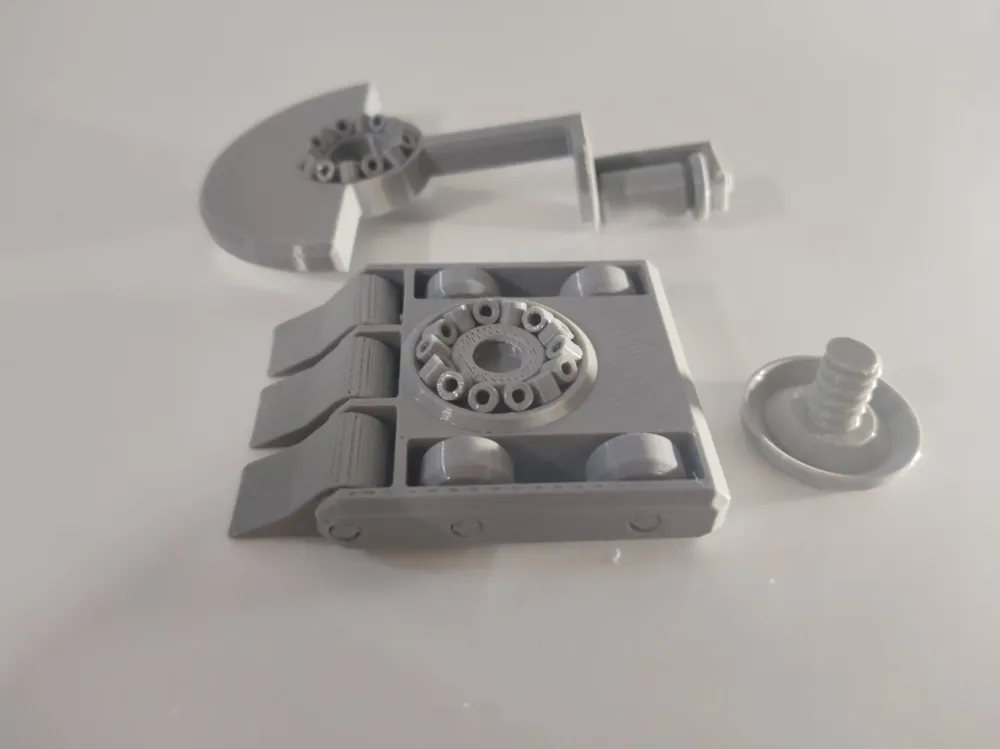
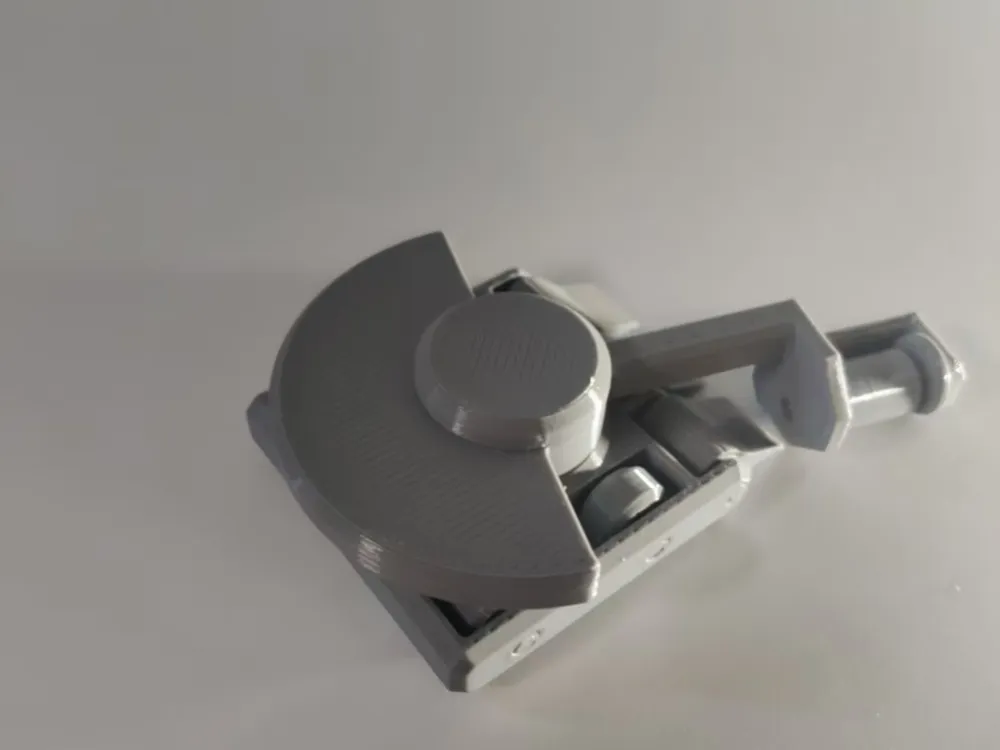
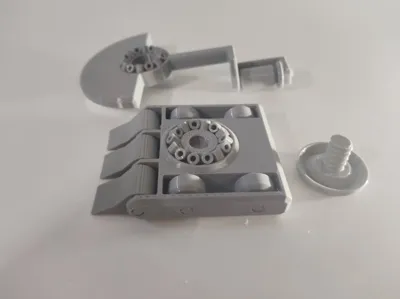
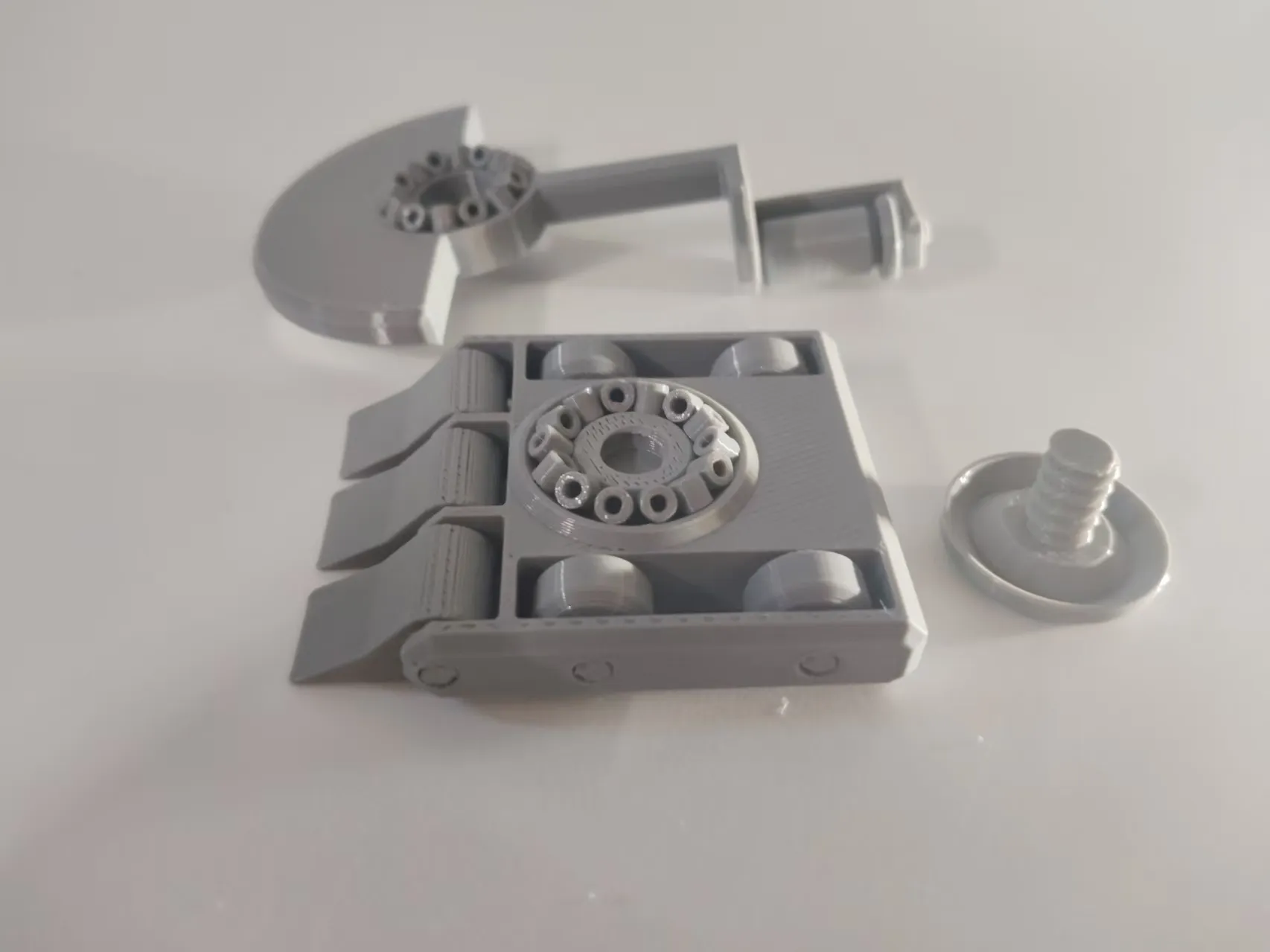
In the middle is a double-layer bearing structure, with a ring of "bearing rollers" on both the top and bottom, replacing traditional ball bearings with 3D printed parts. At the end of the rocker arm is a small roller - that's where you press - the Storm Wheel.
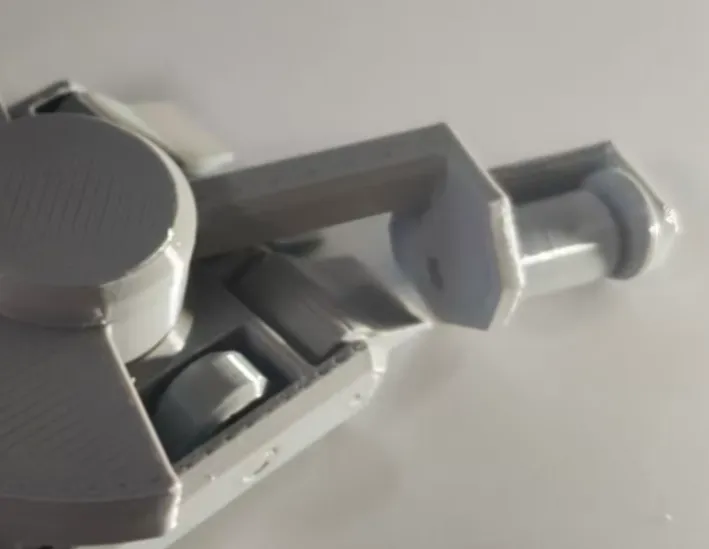
This bearing design allows the weapon's rotation and the bot's movement to be decoupled. In other words, because of the added bearings, the weapon spins independently, and the bot moves independently, with almost no interference between the two. This provides more controllable operation and more stable impacts.
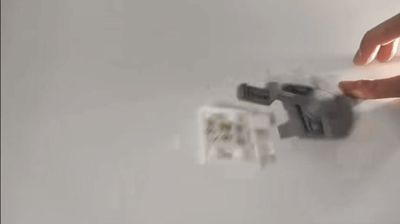
Note that when aiming, both the bot and the vertical plane of the Storm Wheel should point towards the opponent, as shown in the figure
Assembly Reminder
⚠️ Key changes in this update
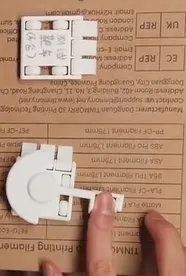
Previously, feedback indicated that the 30 small bearing rollers were difficult to install. This time, I added an assembly aid piece - it looks a bit like an A1 calibration line or a SIM ejector tool, and it's included in the same print profile as the model.
Usage is simple:
- Insert the roller onto the thin rod at the front of the aid piece
- Align the thin rod with the desired placement position
- Release the roller, and it will slide along the thin rod to the designated position
Manual installation takes approximately 5 minutes, using the aid piece takes approximately 3 minutes.
Additionally, the holes on the outer side of the weapon are now sealed with small, Print in Place flaps to prevent the rollers from falling out. Therefore, the shaft on the weapon needs to be inserted from the inside. This is different from what is demonstrated in the assembly video, so please refer to this instruction.
Other structures are similar to the Gripper Sniper, so those who have assembled it before should find it familiar.
About the name
It's called "Icewave Sniper" because it pays homage to Icewave from BattleBots - the horizontal spinner robot with a huge engine cover on top. My bot doesn't have an engine cover or an internal combustion engine, but the top-mounted horizontal spinner form factor is a direct inheritance.
It's called "Sniper" because it still belongs to this desk battle bot system - press the Storm Wheel, launch, and knock your opponent off the table. The only difference is that this bot's weapon is a rotating one.
If you have already printed the Gripper Sniper or the Mustang Sniper, this new structure should not be too unfamiliar to you. If this is your first time encountering this system, welcome to the hobby; this bot is worth spending 5 minutes to install those 30 small rollers.
After such a long delay, I hope it lives up to everyone's wait
License

You may create derivative works based on this object, provided that all such derivative works are published exclusively on the MakerWorld platform and include proper attribution to the original creator. You may not share, upload, host, distribute, or publish this object—or any derivative work of this object—on any other digital platform, marketplace, or distribution channel. Commercial use of this object and any derivative works is strictly prohibited. This includes, but is not limited to, selling, renting, sublicensing, or using the object in any context in which you receive monetary compensation or other financial benefits.


Comment & Rating (0)