
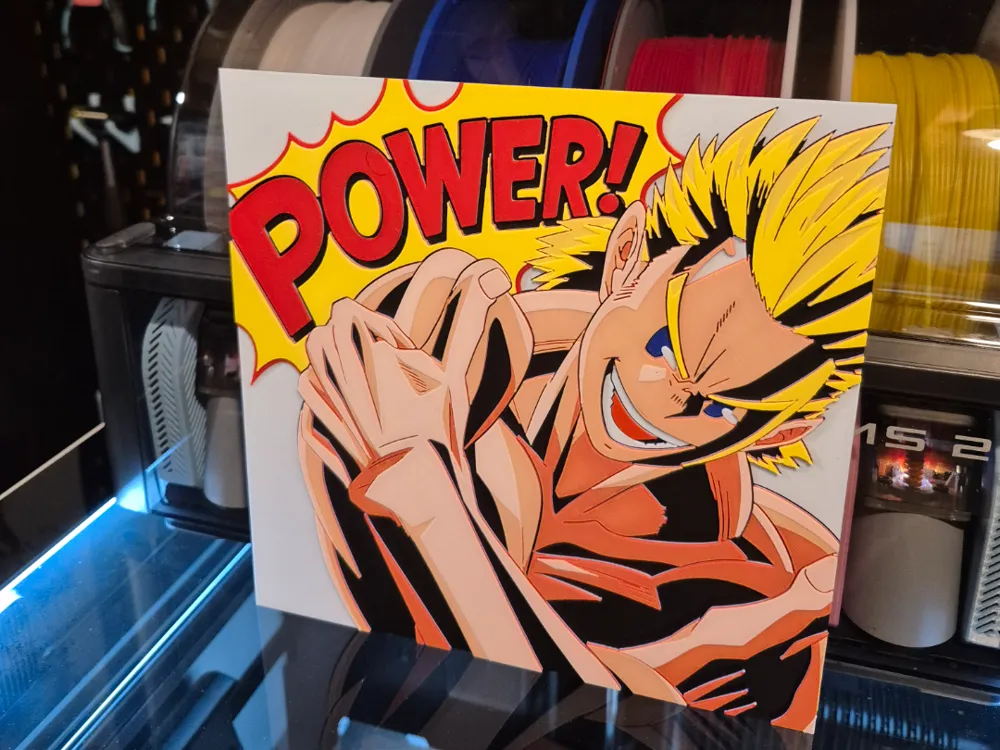
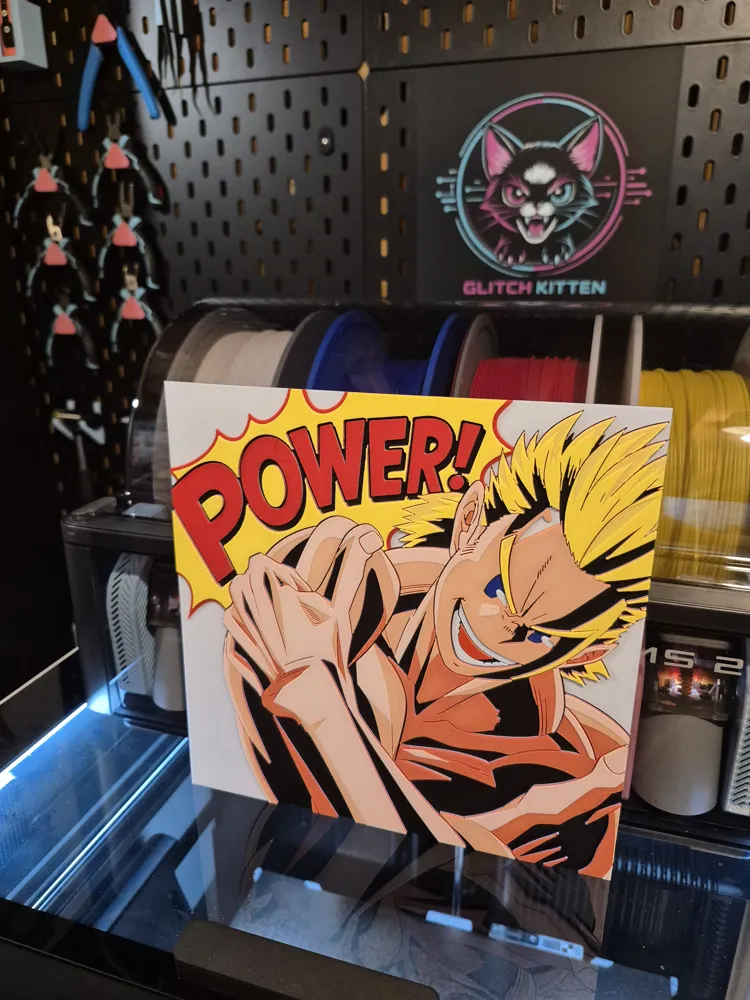
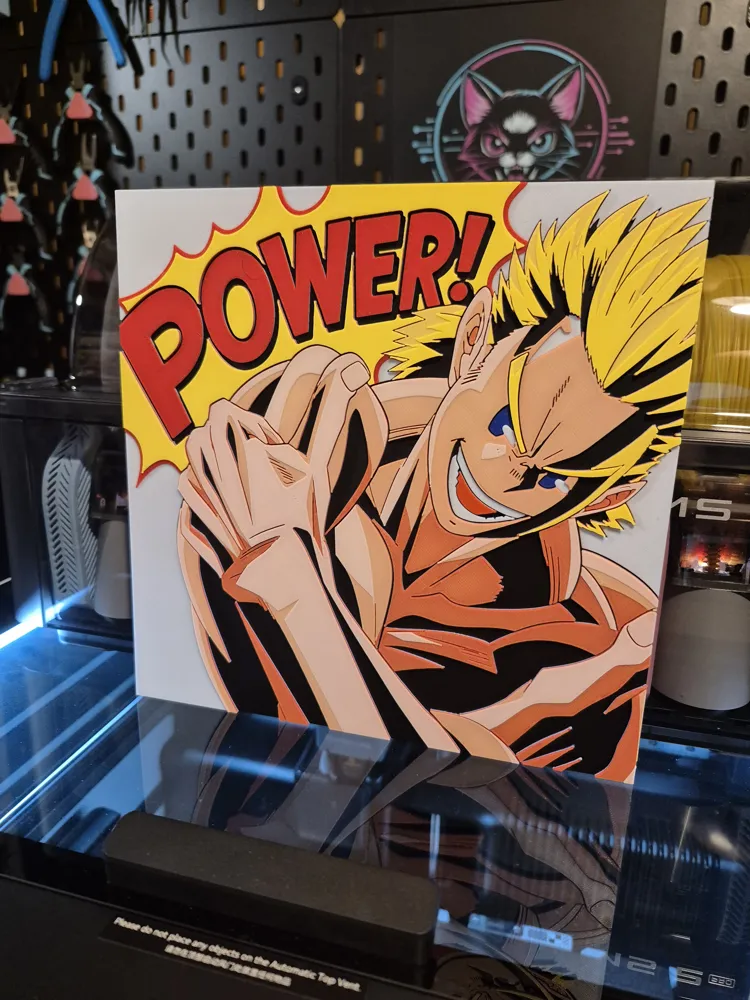
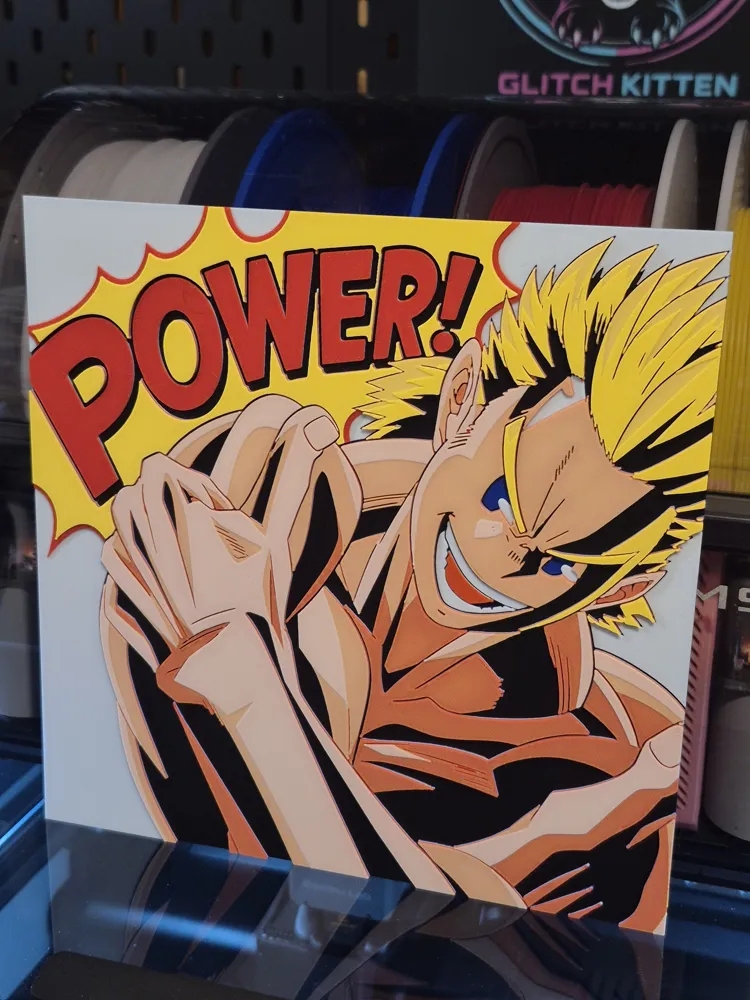
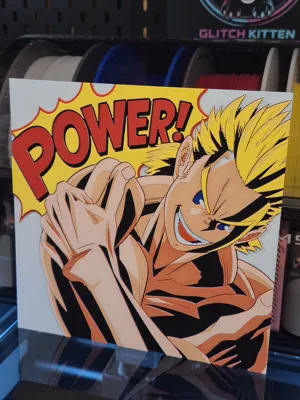
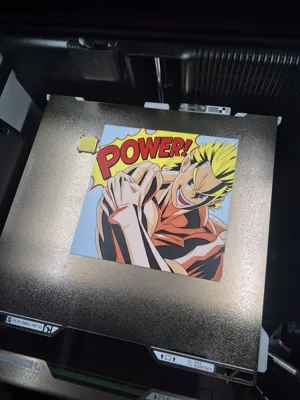
My Hero Academia - Lemillion MHA Hueforge
Print Profile(2)
Description
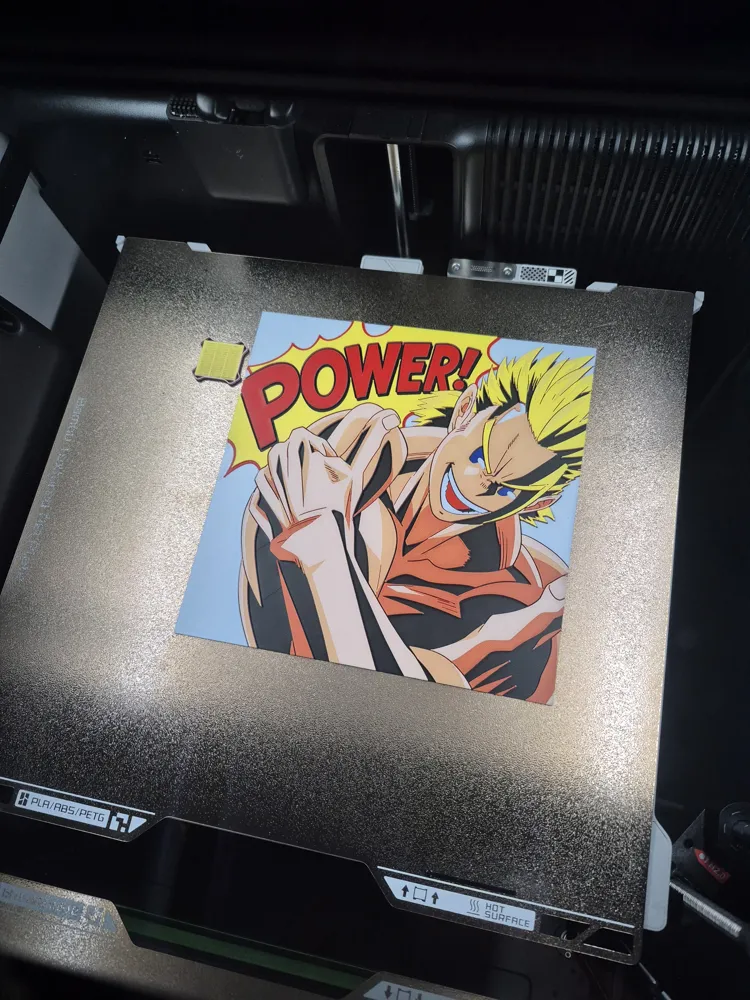
Let's hear it one more time!
💥💥💥"POWWWWWERR!!!!!!!!!"💥💥💥
You know who it is!! 😎
Name: Mirio Togata!!! Hero Name: LEMILLION 🔥 Quirk: Permeation
This guy was designed to grow on you. Such a lovely character with truckloads of heart.
I really hope you like this one, I went a little wild with skin tones this time 😅💕.
It's quite an easy print to pull off, very easy instructions for single AMS printing.
Let's get to it!!! 😎
Print at 100% infill with a layer height of 0.08mm with a base layer of 0.16mm
The Model is 200x200mm in size
You may print at higher layer heights below the Base Thickness of 0.48mm
The Max allowed Thickness is 2.64mm and the Actual Thickness is 2.64mm
PLA BambuLab Basic Black Transmission Distance: 0.6
PLA BambuLab Basic Blue Transmission Distance: 4
PLA BambuLab Basic Jade White Transmission Distance: 5
PLA BambuLab Basic Red Transmission Distance: 4
PLA BambuLab Basic Yellow Transmission Distance: 6
This print uses 5 unique filaments. (Please note Transmission Distance when making Brand substitutions, especially with WHITE and YELLOW. My hueforges are all about blending, and if you use white that doesn't transmit enough light, then you will not have skin color.)
- Non AMS / Multi AMS Users. Delete my programmed pause on Layer 7 and do your thing as usual. 👌
SINGLE AMS Users. Follor the Guide below for a smooth experience. (Yes, your print is already set to automatically pause before layer 7 gets started.
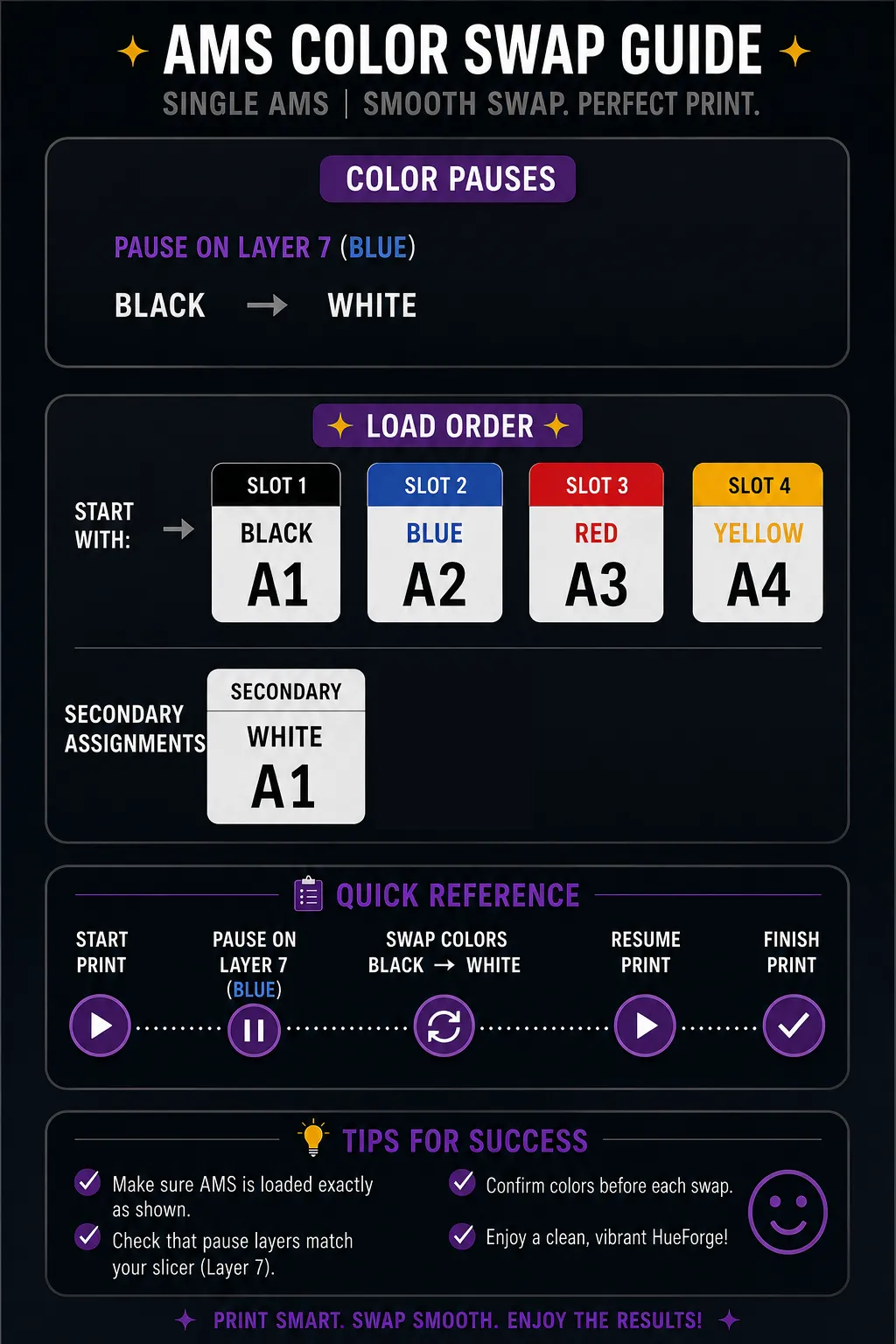
Swap Instructions:
Start with Black
At layer #6 (0.56mm) swap to Blue
At layer #11 (0.96mm) swap to Jade White
At layer #18 (1.52mm) swap to Red
At layer #24 (2mm) swap to Yellow
At layer #26 (2.16mm) swap to Jade White
At layer #29 (2.4mm) swap to Yellow for the rest.
Boost Me (for free)
Thank you SO much everybody. The comments, ratings, boosts, shares... It's all a lot more than I expected so soon, I am truly grateful that you have found my stuff to be worth supporting. 💕🙏 You are all honestly a HUGE help to me. Thank you a Lemillion times 😅💖!
License

You shall not share, sub-license, sell, rent, host, transfer, or distribute in any way the digital or 3D printed versions of this object, nor any other derivative work of this object in its digital or physical format (including - but not limited to - remixes of this object, and hosting on other digital platforms). The objects may not be used without permission in any way whatsoever in which you charge money, or collect fees.


Comment & Rating (0)