
Hueforge - Pikachu
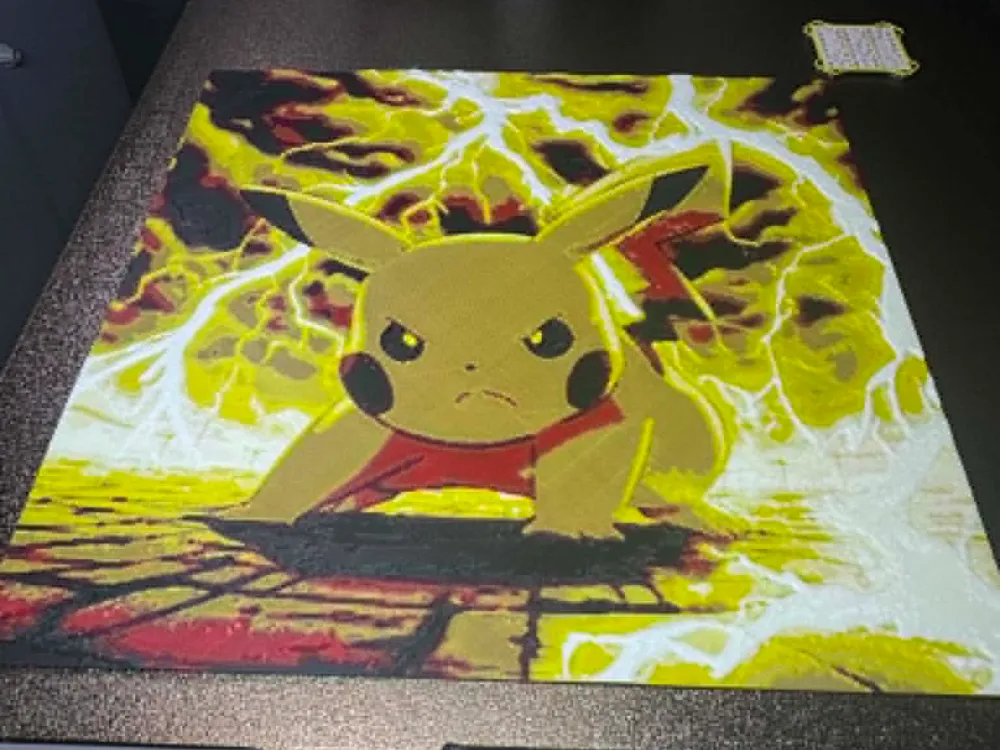
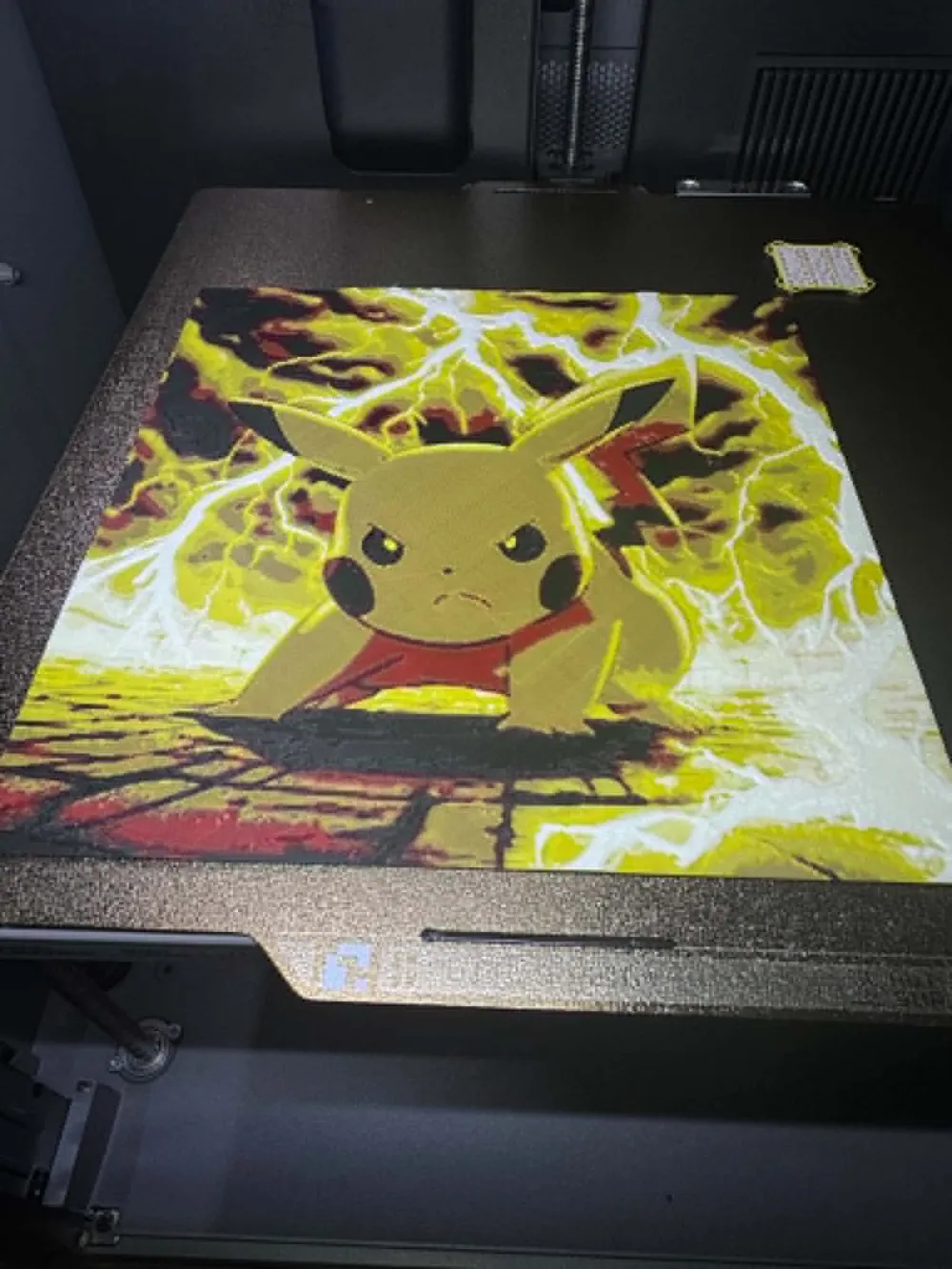
Print Profile(1)

Description
Printing AMS - just load up the file, make sure your colors match and you're good to go.
For single color:
Print at 100% infill with a layer height of 0.08mm with a base layer of 0.16mm
The Model is 180x180mm in size
You may print at higher layer heights below the Base Thickness of 0.8mm
The Max allowed Thickness is 2.56mm and the Actual Thickness is 2.56mm
#080a0d PLA PolyLite Black Transmission Distance: 0.3
#c00d1e PLA BambuLab Basic Red Transmission Distance: 4
#fec600 PLA BambuLab Basic Sunflower Yellow Transmission Distance: 4.4
#e2dedb PLA PolyLite White Transmission Distance: 5
This print uses 4 unique filaments
Splitting by Color creates a set of STL files.
Each will have the Project name as well as the filament used in their filenames.
Load all of the STLs at once into your slicer and select Yes when asked if the files should be loaded as a Multi-part Model.
Once Loaded, make sure your filaments are set correctly.
Set the color of each object based on the filament name.
In most slicers you can assign the color by pressing the number of the filament on the keypad after clicking on a model.
NOTICE: You may notice some small gaps and minor errors in the split files.
This is a work in progress and I hope to have these resolved in future versions.
In the meantime, small numbers of errors do not affect the print results.
Tiled Printing Instructions:
Each Tile is it's own STL file (all saved in the STLs folder) with the correct Row and Column in the name.
The GridLayout.png shows each section and it's size in mm to help visualize.
It is important to note that in tiled images, some tiles will not have all of the color swaps and this is normal.
It might be possible to skip lower swaps if they will never be seen and use a Height Range Modifier to print
the lower portions faster. Your image and colors will determine this.
License



Comment & Rating (1)