
Parametric Compartment Box
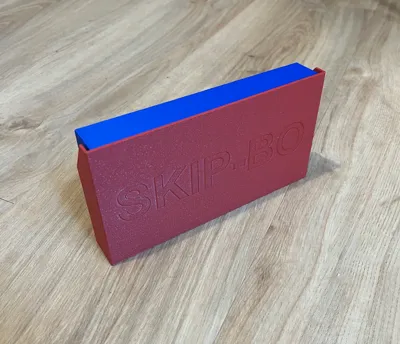
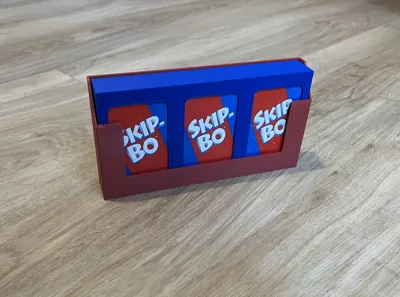
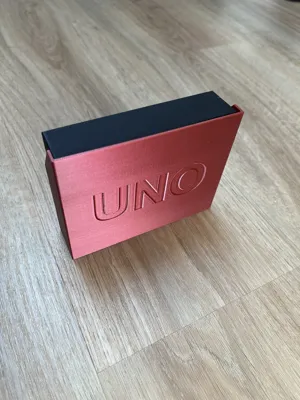
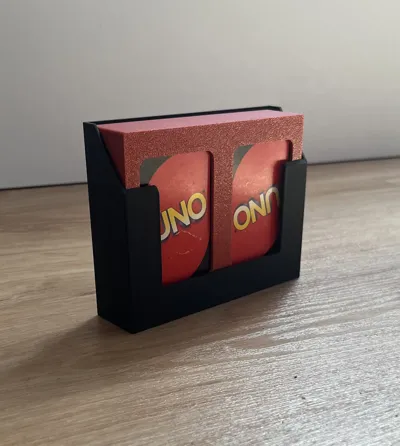
Print Profile(1)
Description
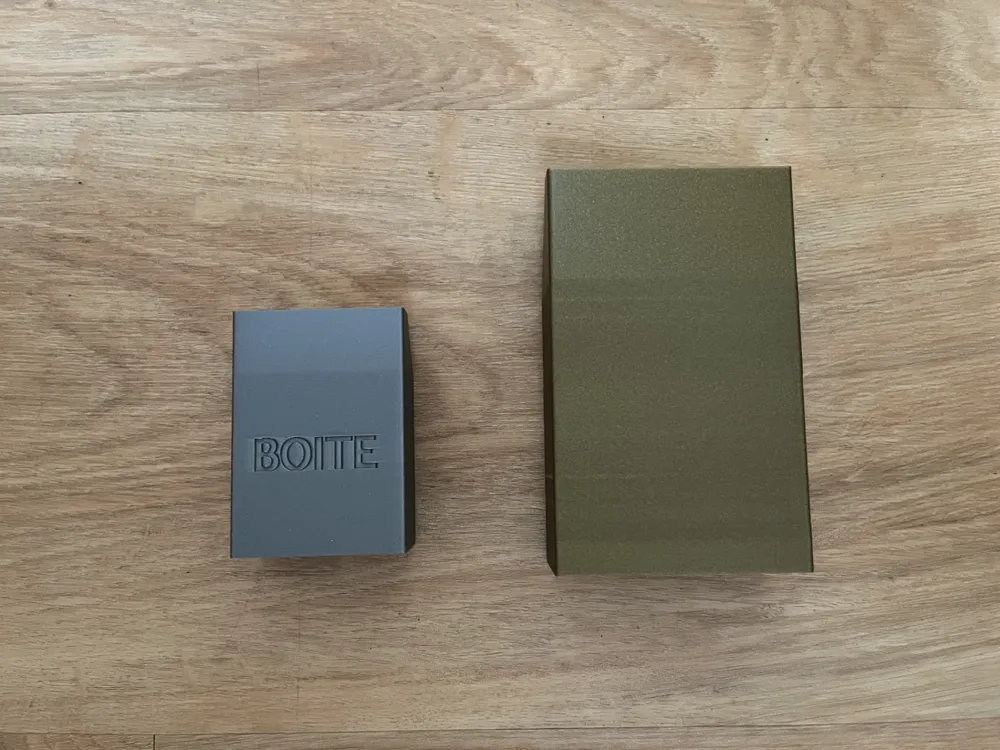
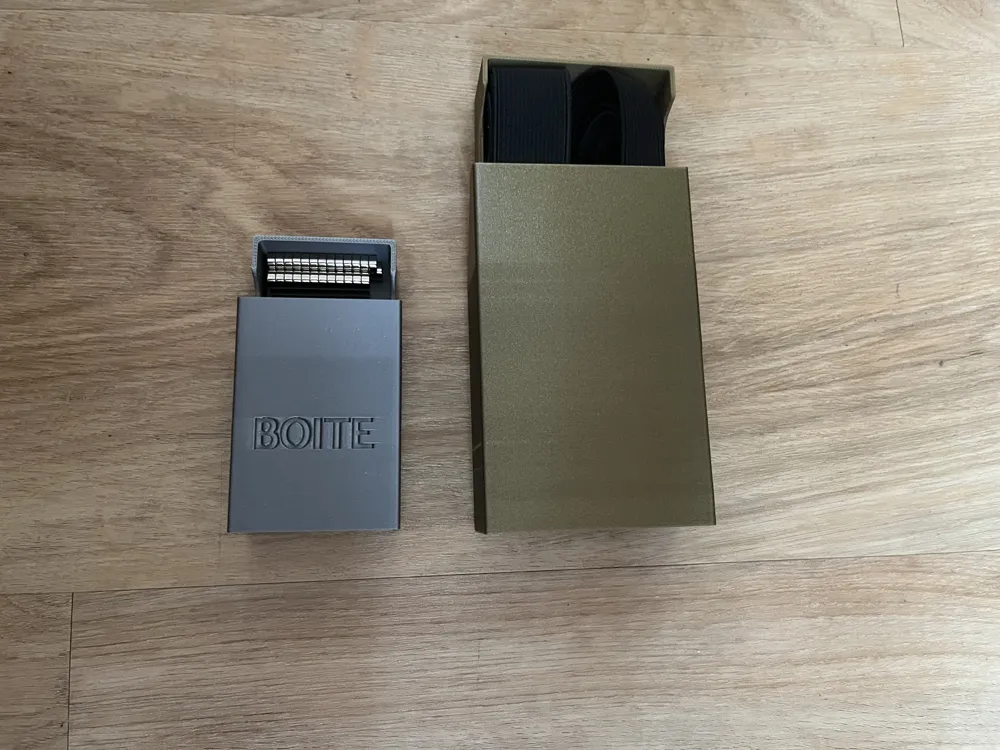
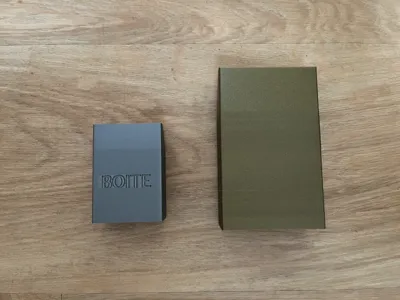
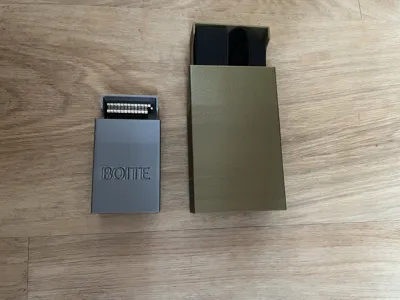
🌀 The Parametric Compartment Box — configure yours in 3 minutes
A standard box is always too big, too small, or has the wrong number of compartments. This one configures to your exact dimensions — cards, marbles, coins, screws, no matter what you're storing.
This is not a fixed file. It's a configurator that generates the exact box for your content, whatever it is, whatever size.
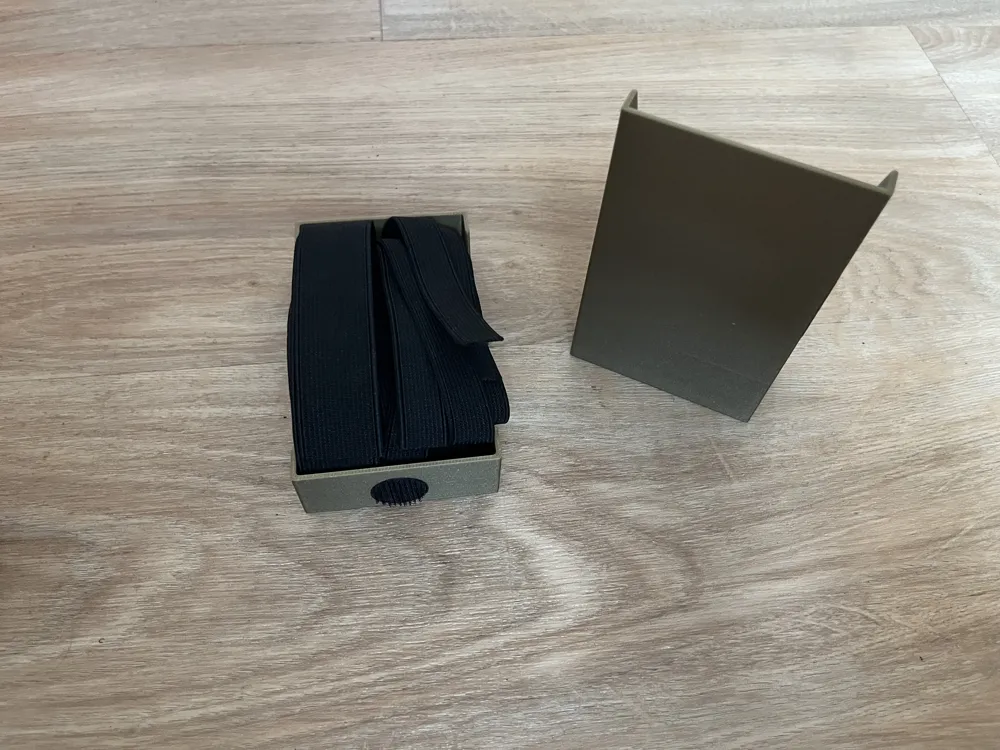
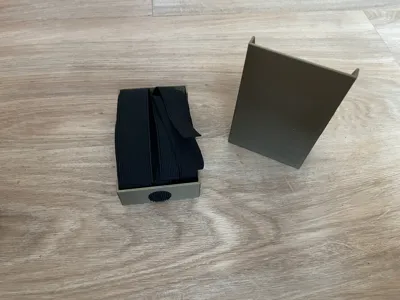
From 1 to 10 rows, adjusted to the millimeter. To keep the tray in place within the lid, a space is provided at the bottom to accommodate Velcro or a disc (about 2 cm in diameter) — self-adhesive or magnetic, as per your preference.
⚡ What really makes a difference:
- 📐 100% custom-made — length, width, height, number of compartments. Card decks, marbles, spare parts, small screws: configure according to your real dimensions.
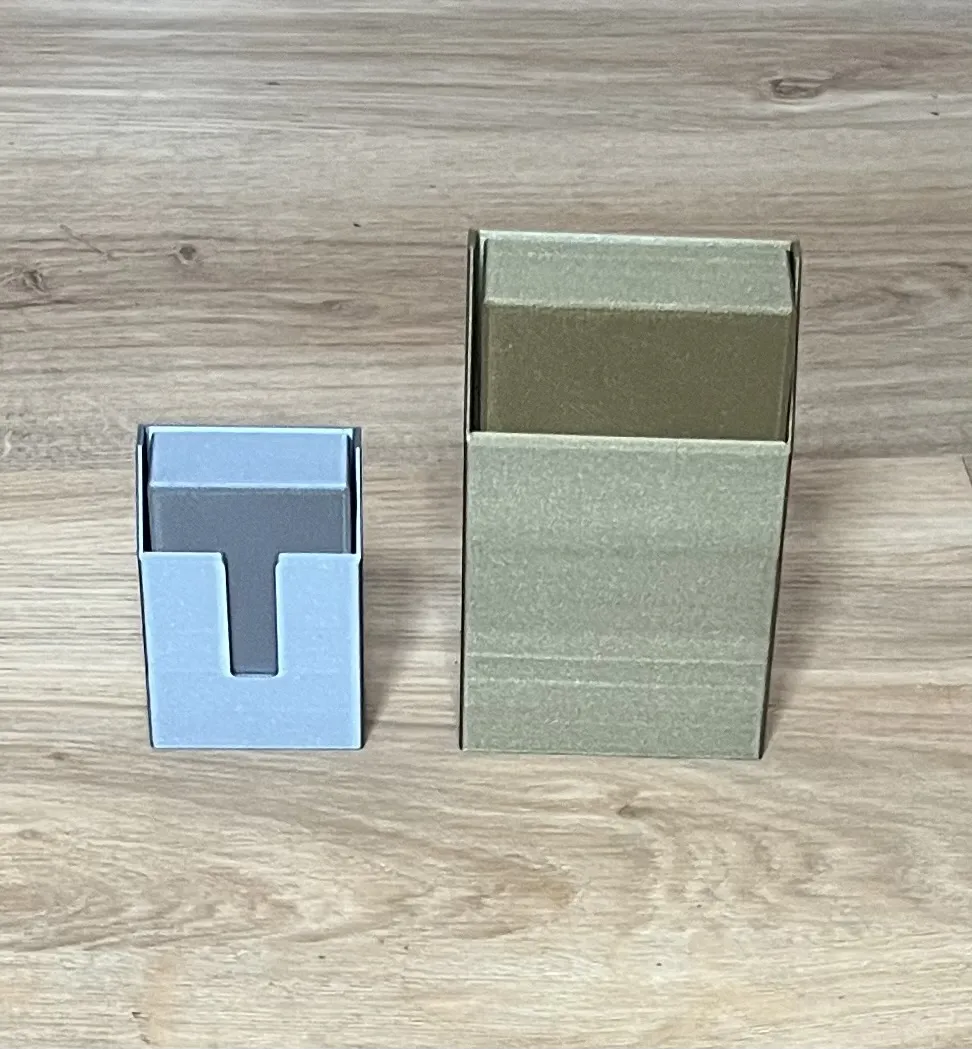
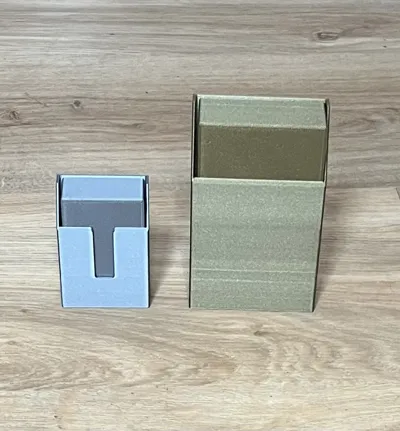
- 👆 Activable 'push-out' notch — on/off button in the configurator for ergonomic opening from beneath the box.
- 🎨 Customizable text in Bambu Studio — no imposed font. Use the Text tool directly in the slicer, any font installed on your computer, color-painted with an AMS if you have one.
- 🛠️ no supports — angles and interlocking parts designed to print flat, without wasting plastic on supports.
⚙️ 3 steps for your box:
- Configure online — [Customize] button. Enter the dimensions of your content (cards, marbles, coins...), (There's already a preset) add 0.6 to 1 mm of comfort clearance if needed, choose your options, download.
- Separate parts in Bambu Studio — right-click on the model ➔ Split ➔ To objects, to place the box and lid on separate plates.
- Add your text — Text tool (T) on the front face of the lid, then print.
(Detailed instructions included in the project files.)
🖨️ Recommended settings
- Layer height: 0.20 mm
- Infill: 15% (bottom and thick areas only)
- Supports: none
🔜 LThe collection
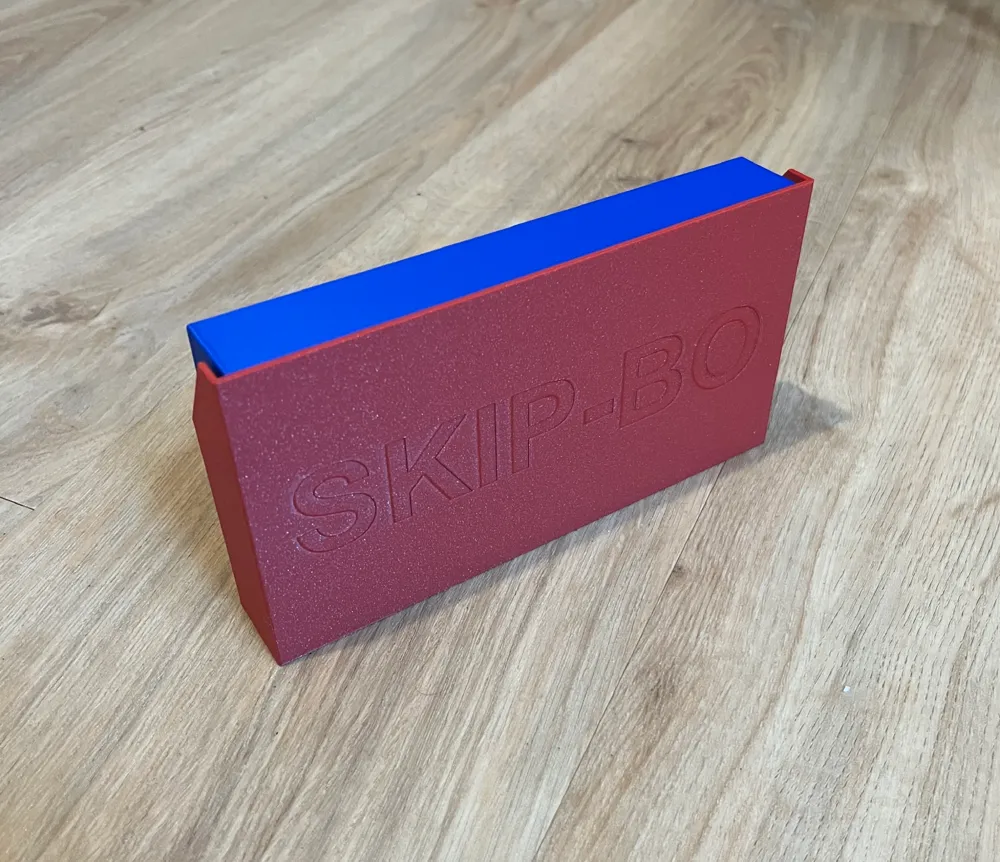
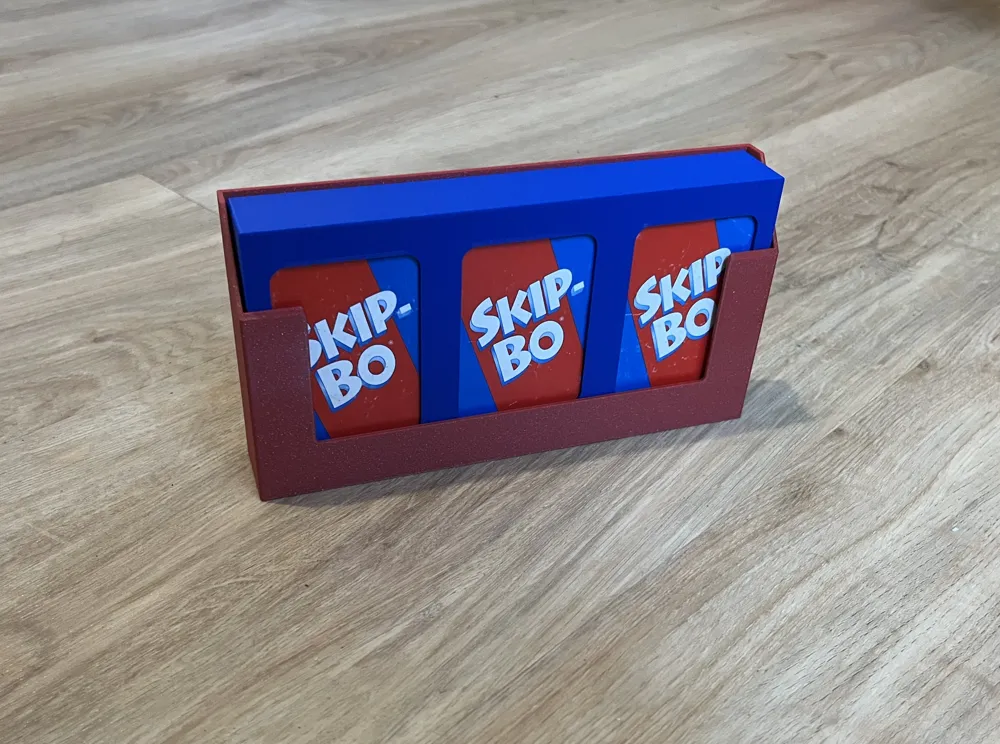
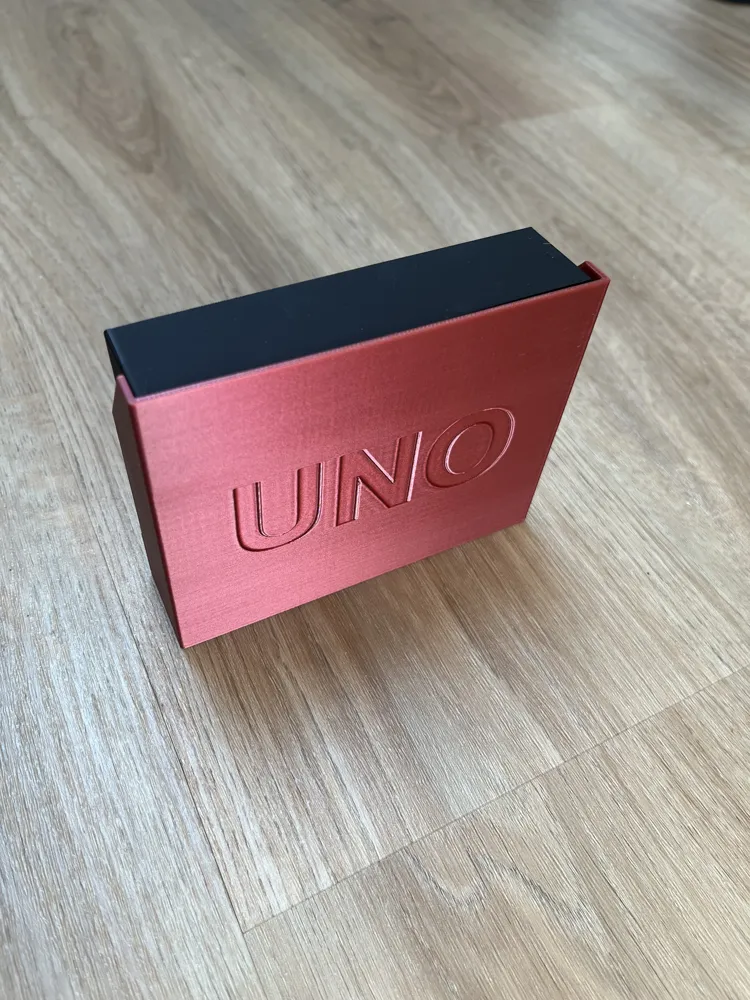
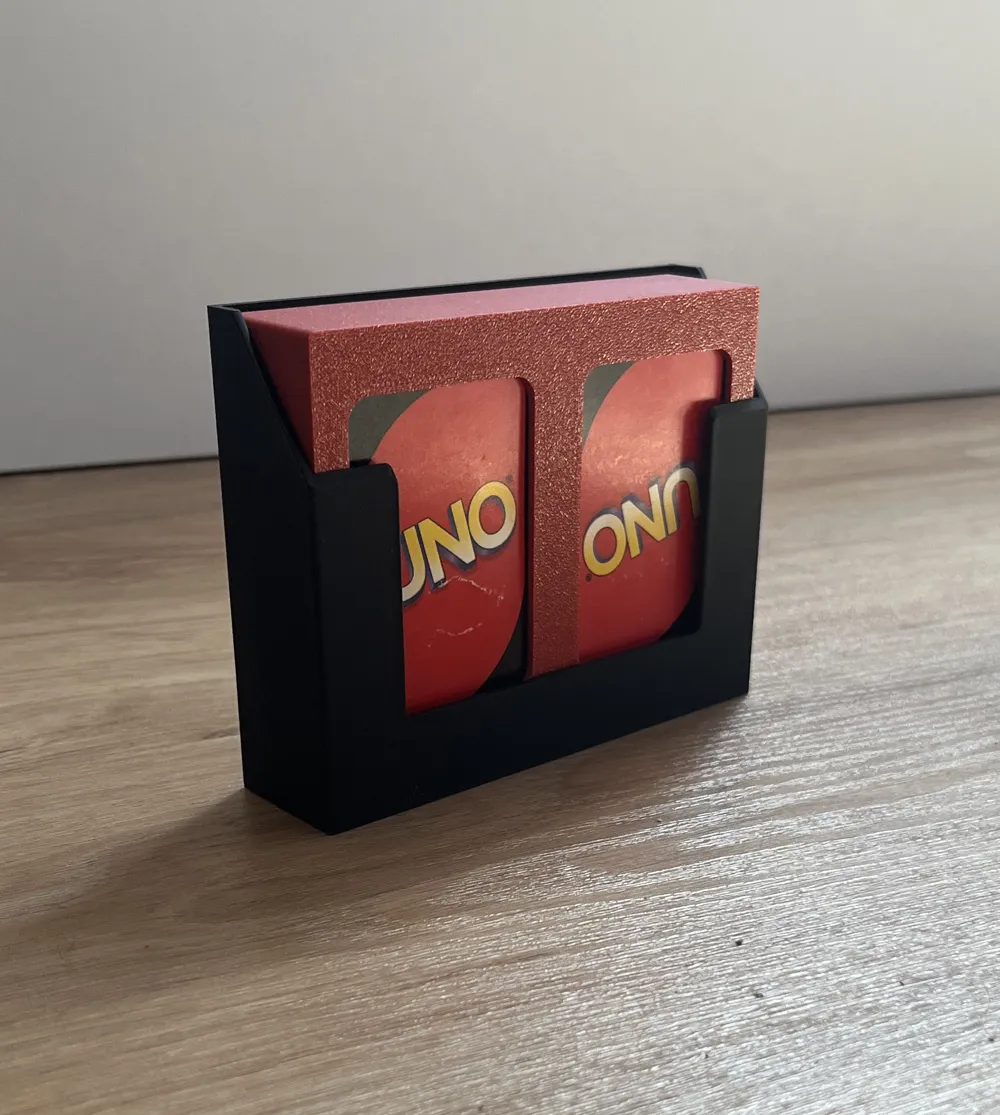
Existing fixed, ready-to-print versions for classics: UNO, Skip-Bo,
Version in progress: Bang!, various card games...
💬 Is your game or content not covered?
Leave your dimensions or needs in the comments — or configure your version directly with this model.
Activate [Follow] to not miss new releases.
Documentation (1)
License

You shall not share, sub-license, sell, rent, host, transfer, or distribute in any way the digital or 3D printed versions of this object, nor any other derivative work of this object in its digital or physical format (including - but not limited to - remixes of this object, and hosting on other digital platforms). The objects may not be used without permission in any way whatsoever in which you charge money, or collect fees.


Comment & Rating (3)