
Custom Macropad
Print Profile(0)
Bill of Materials
- Estardyn 1.3" OLED Module SH1116 Drive / EC11 Encoder x 1: Estardyn 1.3" OLED Module SH1116 Drive / EC11 Encoder
- MX keyboard switches x 12: Mechanical Gaming Keyboard Switches Brown Linear
- M3 threaded insert x 2: 4mm tall
- Raspberry Pi PICO x 1: Raspberry Pi Pico Board RP2040 type C 16MB
Description
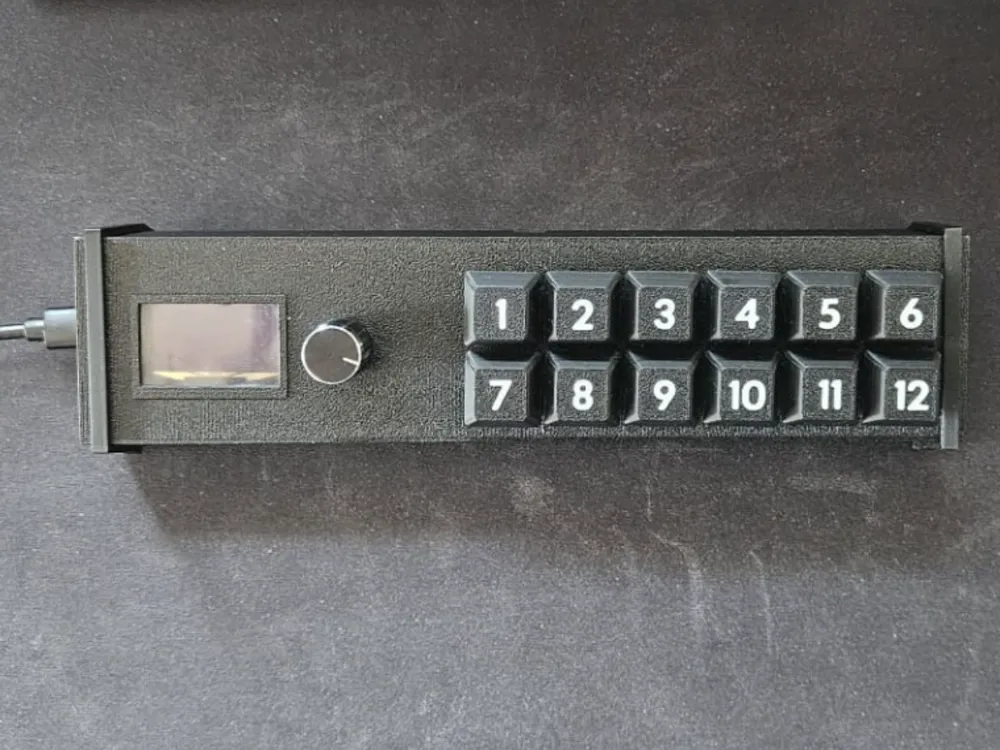
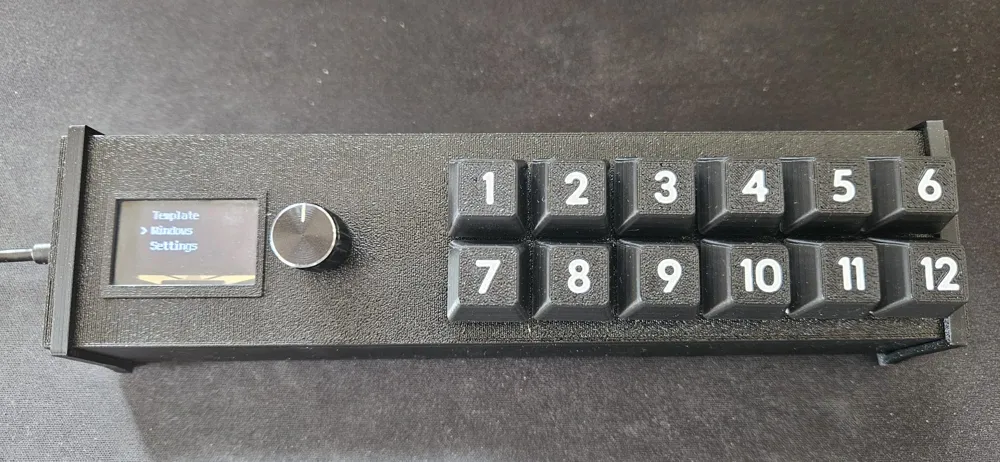
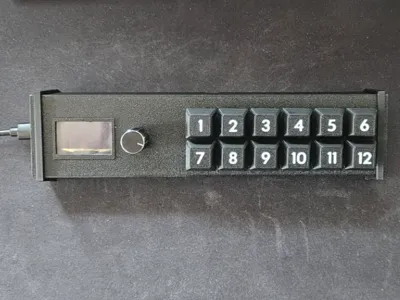
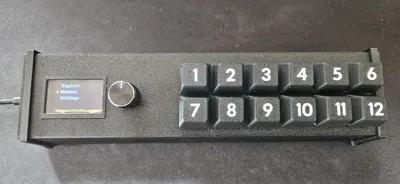
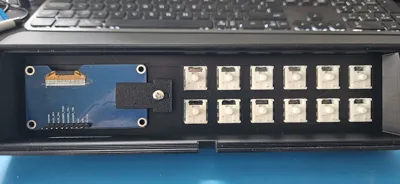
This is my take on Macropad with 12 keys and integrated OLED/Encoder module, based on raspberry pi PICO (16MB memory)
IF YOU WANT TO TRY, MAKE SURE THAT YOU KNOW HOW TO SOLDER, AND PROGRAM RASPBERRY PI PICO WITH CODEPYTHON
(there is plenty of YT videos on how to do it)
I've used:
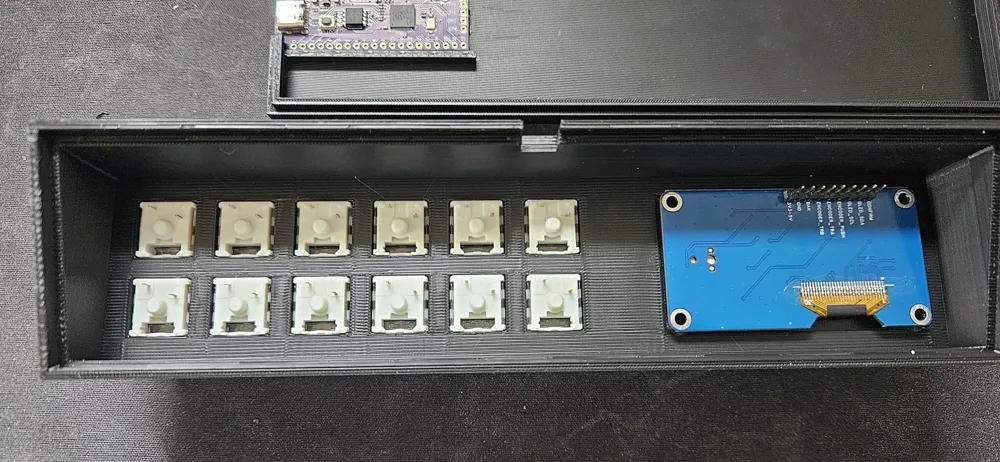
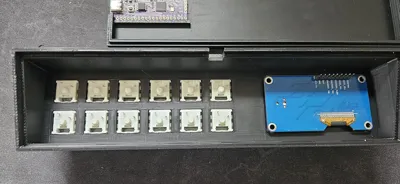
- brown MX keyboard switches
- OLED with encoder module Estardyn 1.3"
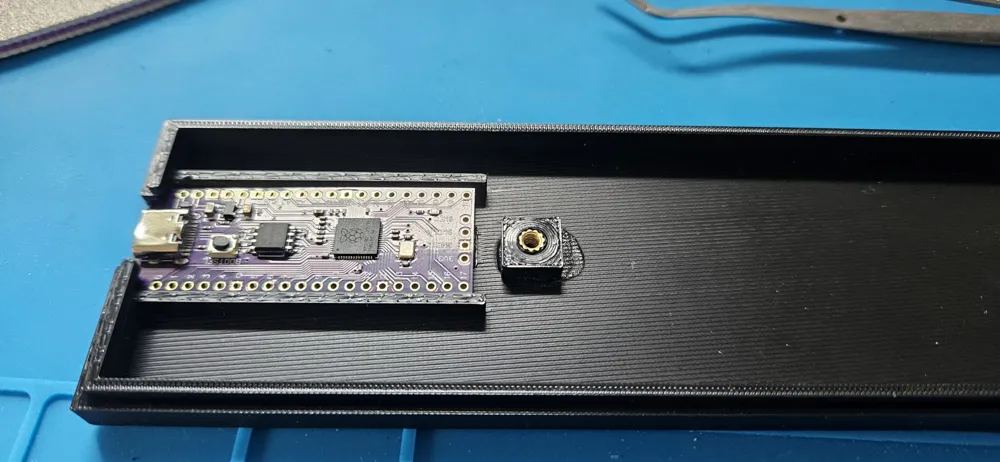
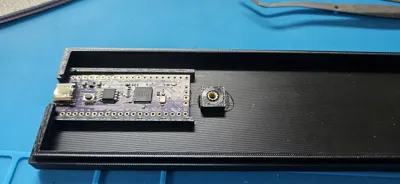
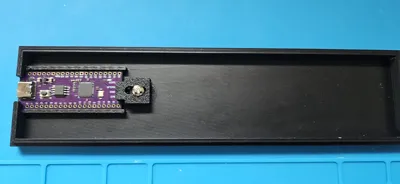
- raspberry pi PICO WITH USB-C AND 16MB of memory
- also used couple of inserts for anchors.
Printed Key caps, but any key caps “should” work.
I've generated key caps from this great generator → Keycap Generator
Also used fonts from → Browse Fonts - Google Fonts
(font I've used → Cal Sans - Google Fonts )
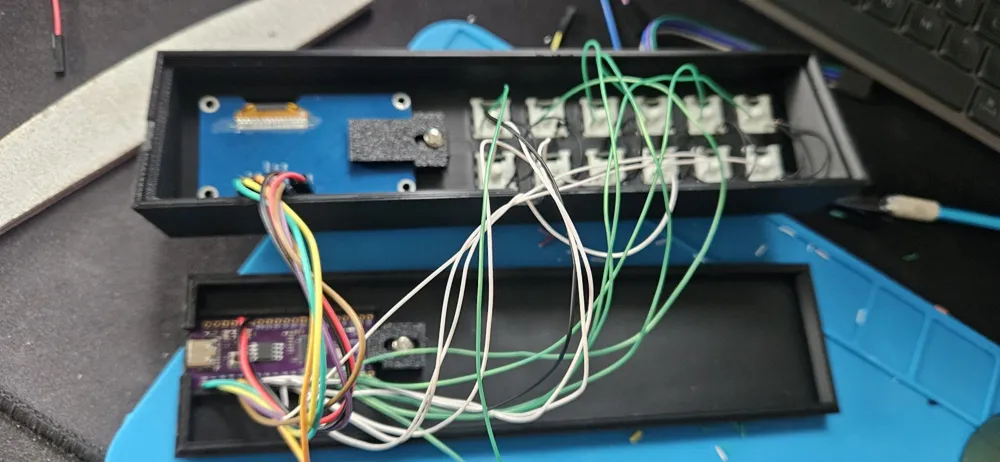
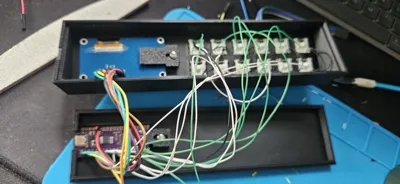
Following is the wiring I've used
All keys are on common ground, OLED/Encoder is on separate ground pin on PICO.
| Function | Pico GPIO | Notes |
|---|---|---|
| OLED SDA | GP0 | SH1106 I2C |
| OLED SCL | GP1 | SH1106 I2C |
| Encoder A (TRA) | GP2 | Rotary encoder |
| Encoder B (TRB) | GP3 | Rotary encoder |
| Encoder Push | GP4 | Also used for maintenance-mode boot |
| K1 | GP5 | Macro key |
| K2 | GP6 | Macro key |
| K3 | GP7 | Macro key |
| K4 | GP8 | Macro key |
| K5 | GP9 | Macro key |
| K6 | GP10 | Macro key |
| K7 | GP11 | Macro key |
| K8 | GP12 | Macro key |
| K9 | GP13 | Macro key |
| K10 | GP14 | Macro key |
| K11 | GP15 | Macro key |
| K12 | GP16 | Macro key |
| GND | GND | Shared ground |
| Power | 3V3 | OLED + encoder module |
Case may be better, but I'll leave to you to modify it, if you'd like.
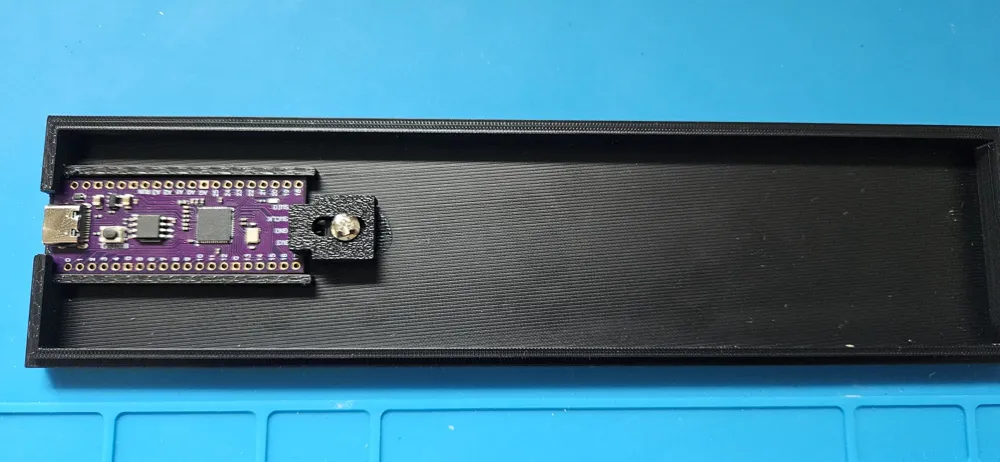
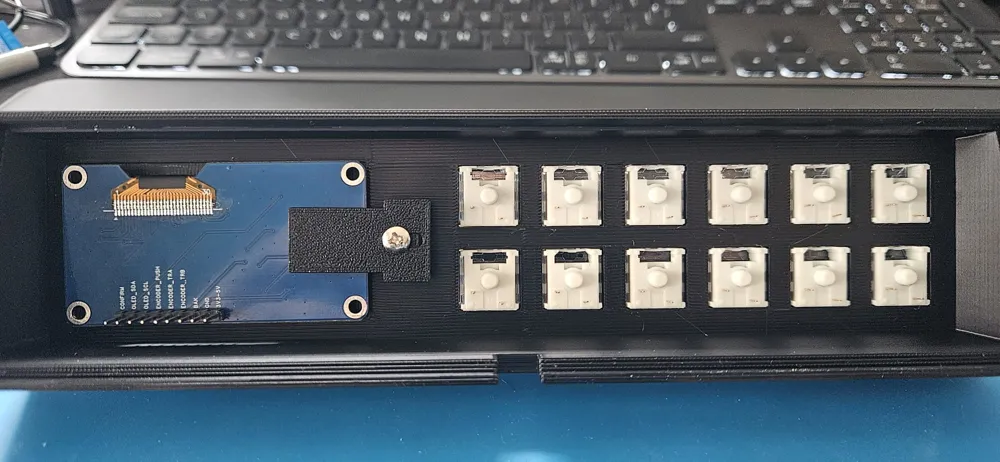
in order to mount PICO and OLED efficiently, I've glued in anchor with M3 insert embedded and later screwed in the clamp, that prevents any movement of the PICO, the same with OLED screen.
Also since I've had some issues with window for the screen, bottom ledge can be 5 mm higher than it is.
Additionally, I've not used any screws in order to put top and bottom case together, but opted to use couple of clamps on the sides, these can be made a bit wider to accommodate some sort of slide preventing material, just make sure it will not interferre with right edge keys.
I've used CircuitPython with Mu editor.
Attached source code please download from → https://github.com/HE3r0/Macropad
- code.py
Lib
- libraries used (mostly - probably half of them is not required) but used libraries credit goes to LadyAda from Adafruit.
KeyMaps
- templates for key maps: multiple maps can be added, have to be the same format - txt file with .map extension - first line of file is displayed as profile name in the device.
Encoder press allows for profile selection and settings access.
Normal operation will not display device in PC for key map/code editing, in order to enter into maintenance mode, press and keep encoder pressed once connecting device to PC. Once in maintenance mode, files can be edited from PC. (I've used notepad++ and Mu editor)
License

You shall not share, sub-license, sell, rent, host, transfer, or distribute in any way the digital or 3D printed versions of this object, nor any other derivative work of this object in its digital or physical format (including, but not limited to, publishing derivative works outside the Makerworld platform or hosting on other digital platforms). The objects may not be used without permission in any way whatsoever in which you charge money or collect fees. Subject to the above restrictions, derivative works may be published only within the Makerworld platform, and all such derivative works must be licensed under the same SDFL‑C license, without modification or additional terms. You may download the digital versions of this object, 3D print it, and display images, videos, or usage demonstrations of 3D printed versions of the object on personal social media platforms or Makerworld official channels, provided that no digital versions of the object are shared or distributed.


Comment & Rating (0)