
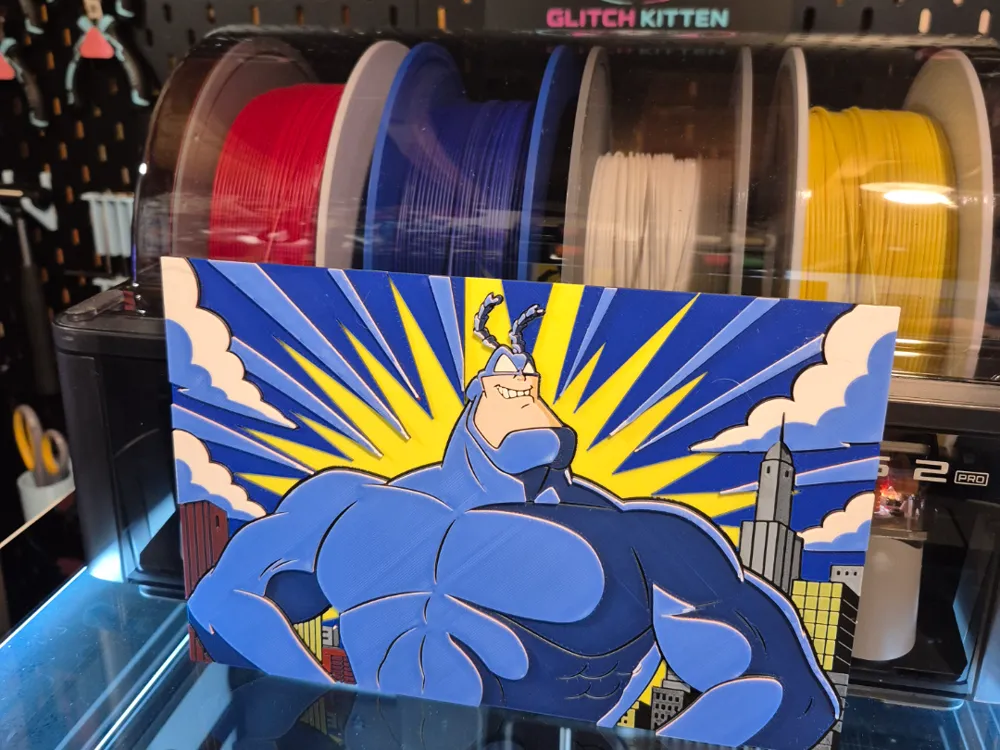
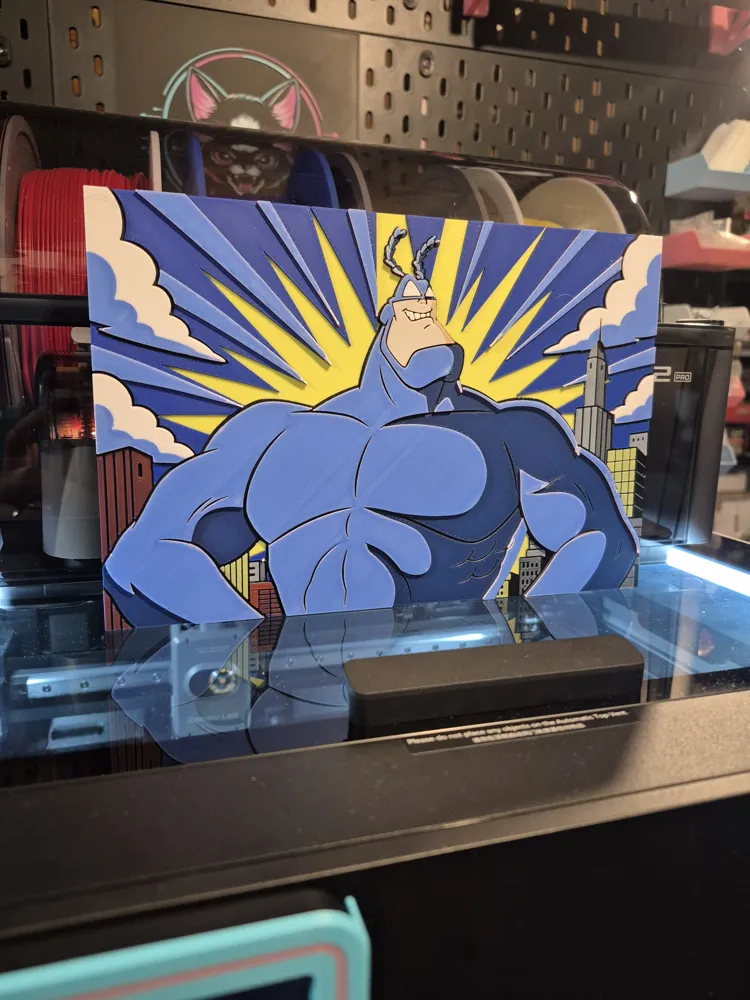
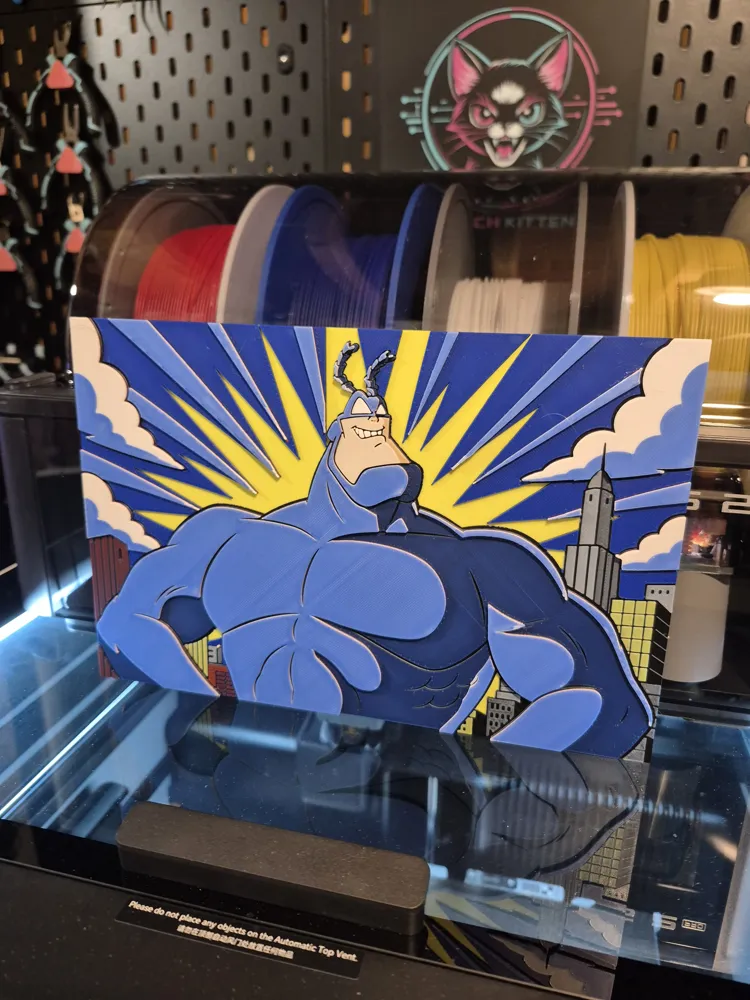
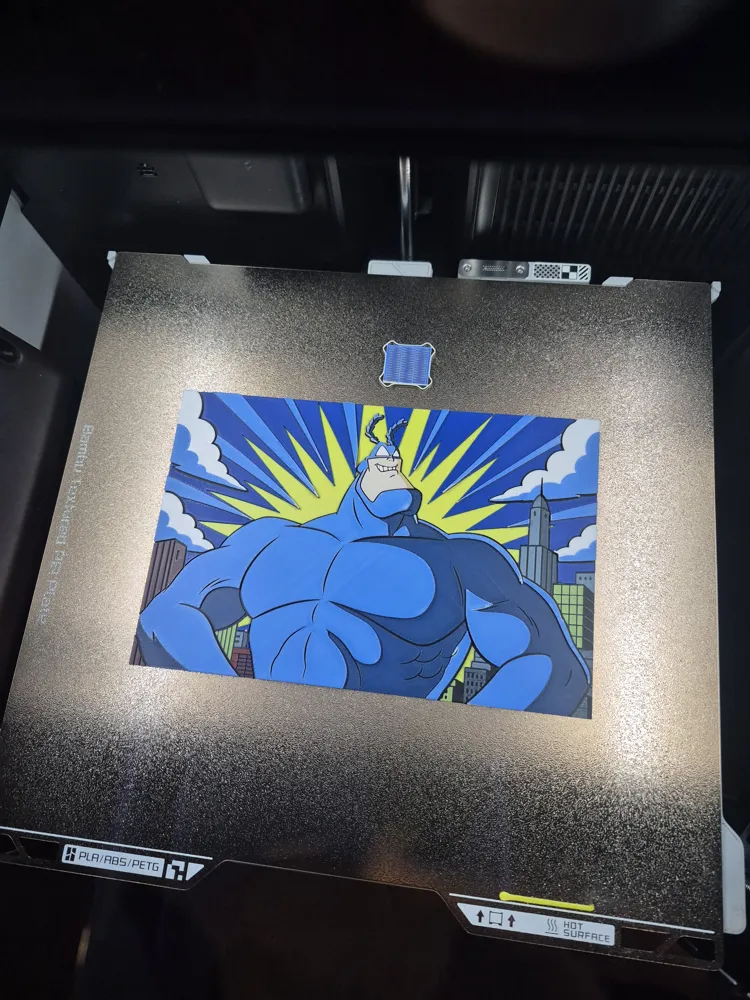
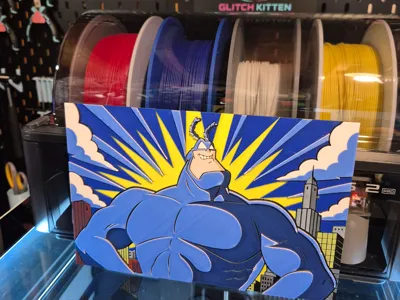
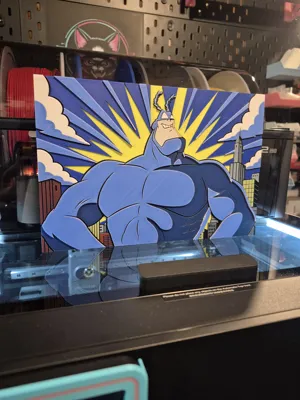
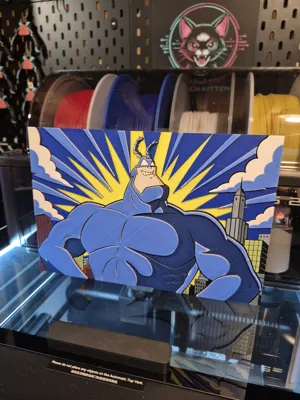
Big Tick Energy - The Tick Hueforge
Print Profile(1)
Description
"Destiny dressed you this morning my friend,
and now fear is trying to pull off your pants."
Means a lot to me to be able to bring you slices of nostalgia like this. It feels in a way like sharing a small bit of myself with you all, by sharing the things that shaped me, and many more of you as well. That connection always feels nice, finding kindred spirits over something as simple as a colorful picture of a classic cartoon. 🥹
It's just one of the many things I adore about this craft. I really hope some of you flip for this one. It's an easy 5 color print with super simple single AMS instructions for anyone who requires them. 👌
(If you are not using Bambu Studio, please don't forget that this print begins with yellow, NOT black. 👍)
Okay here we go!
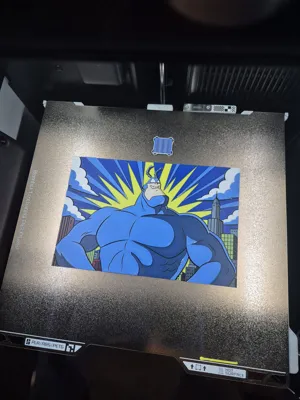
Print at 100% infill with a layer height of 0.08mm with a base layer of 0.16mm
The Model is 235x156.67mm in size
You may print at higher layer heights below the Base Thickness of 0.48mm
The Max allowed Thickness is 2.56mm and the Actual Thickness is 2.56mm
PLA BambuLab Basic Yellow Transmission Distance: 6
PLA BambuLab Basic Black Transmission Distance: 0.6
PLA BambuLab Basic Jade White Transmission Distance: 5
PLA BambuLab Basic Blue Transmission Distance: 4.1
PLA BambuLab Basic Red Transmission Distance: 4
This print uses 5 unique filaments
- Multi AMS and Non AMS Users. Delete my pause on layer 12 and do your thing as usual. 👌
- SINGLE AMS Users. Easy one this time. Refer to the visual aid below and follow along.
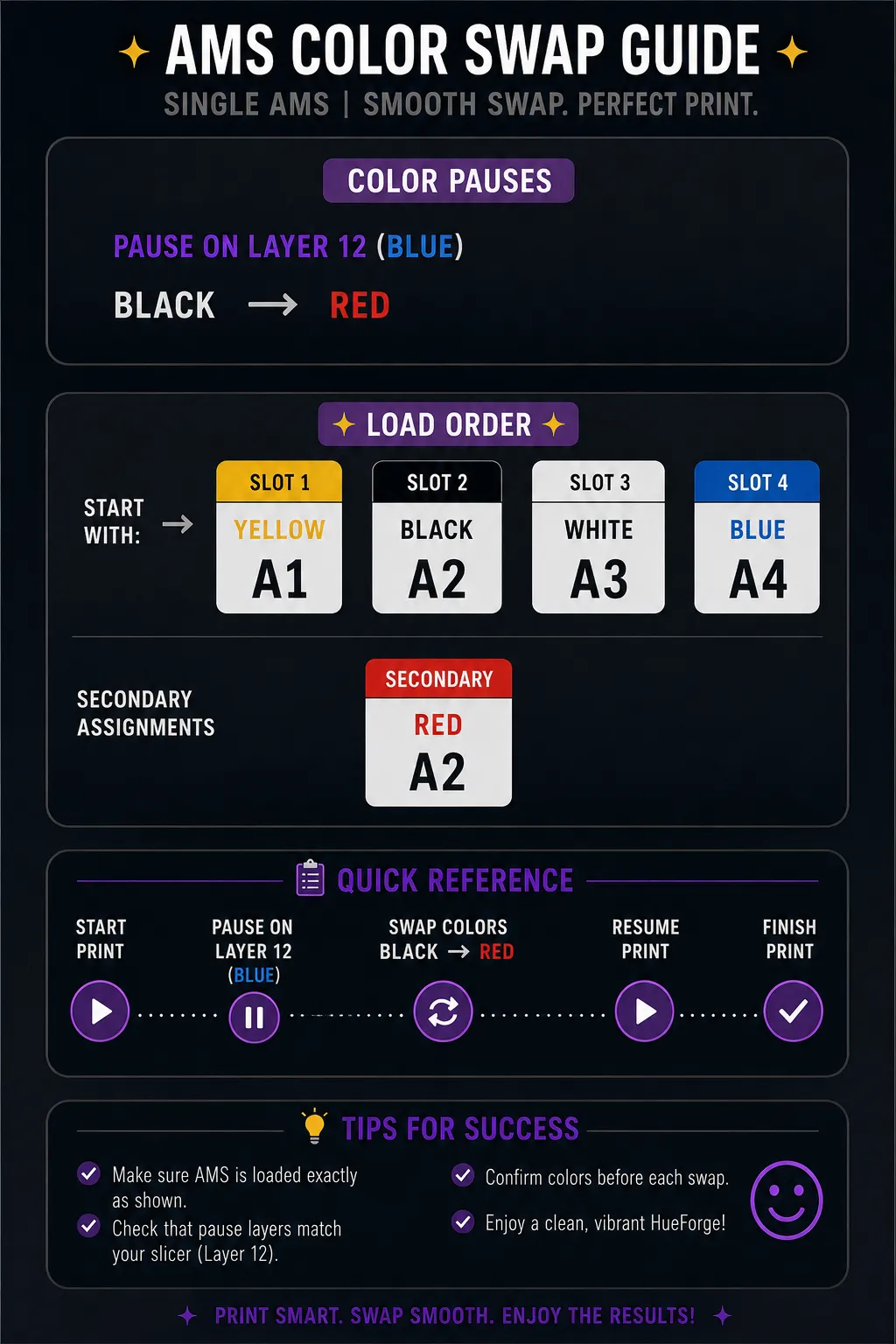
Swap Instructions:
Start with Yellow
At layer #6 (0.56mm) swap to Black
At layer #7 (0.64mm) swap to Jade White
At layer #9 (0.8mm) swap to Yellow
At layer #10 (0.88mm) swap to Black
At layer #11 (0.96mm) swap to Blue
At layer #17 (1.44mm) swap to Red
At layer #22 (1.84mm) swap to Yellow
At layer #24 (2mm) swap to Jade White
At layer #31 (2.56mm) swap to Blue for the rest.
Boost Me (for free)
Hope you like it! Already starting on the next one!! 😁😁😁
Thanks for checking it out everybody! 🙏
License

You shall not share, sub-license, sell, rent, host, transfer, or distribute in any way the digital or 3D printed versions of this object, nor any other derivative work of this object in its digital or physical format (including - but not limited to - remixes of this object, and hosting on other digital platforms). The objects may not be used without permission in any way whatsoever in which you charge money, or collect fees.


Comment & Rating (0)