
Majestic Lion – Fantastic Illustration
Print Profile(1)
Bill of Materials



Description
To support my work, you can send me a PayPal donation of your choice (even 1 or 2 € or $ are appreciated) via this link:
Boost Me (for free)
A simple click on "Boost" helps me immensely — at no cost to you! Thanks for the support ❤️
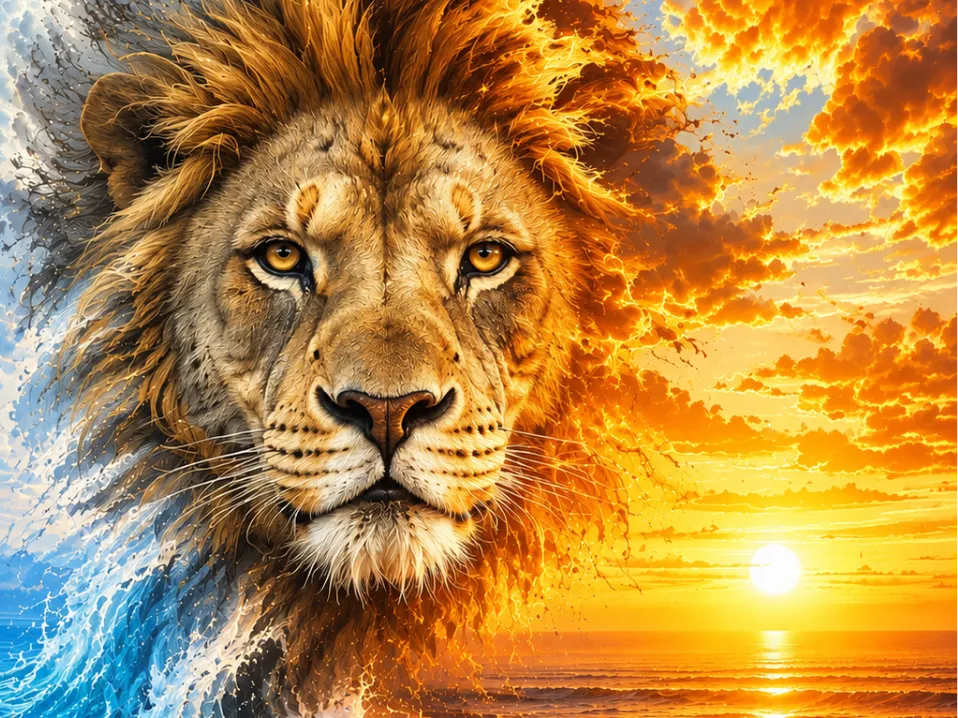
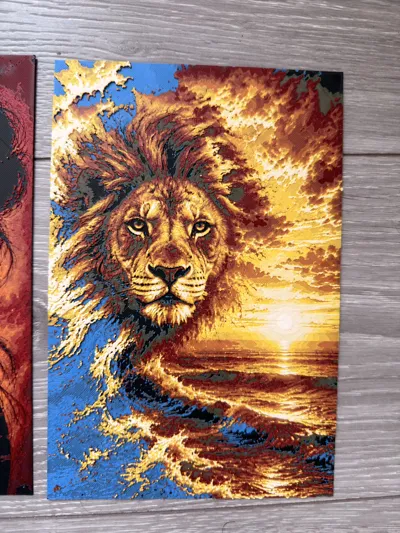
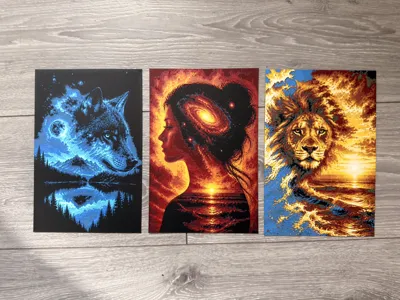
Dive into a universe where the king of the savannah meets the magic of a fiery sky.
This spectacular illustration captures the power and majesty of the lion, with a vibrant sunset reflected on the ocean waves.
The hyperrealistic details of the mane, the depth of the gaze, and the cinematic atmosphere create a work that catches the eye and transports the viewer into a world between reality and dream.
Perfect for lovers of wildlife, fantasy art, and epic compositions.
🎨
Recommended Configuration
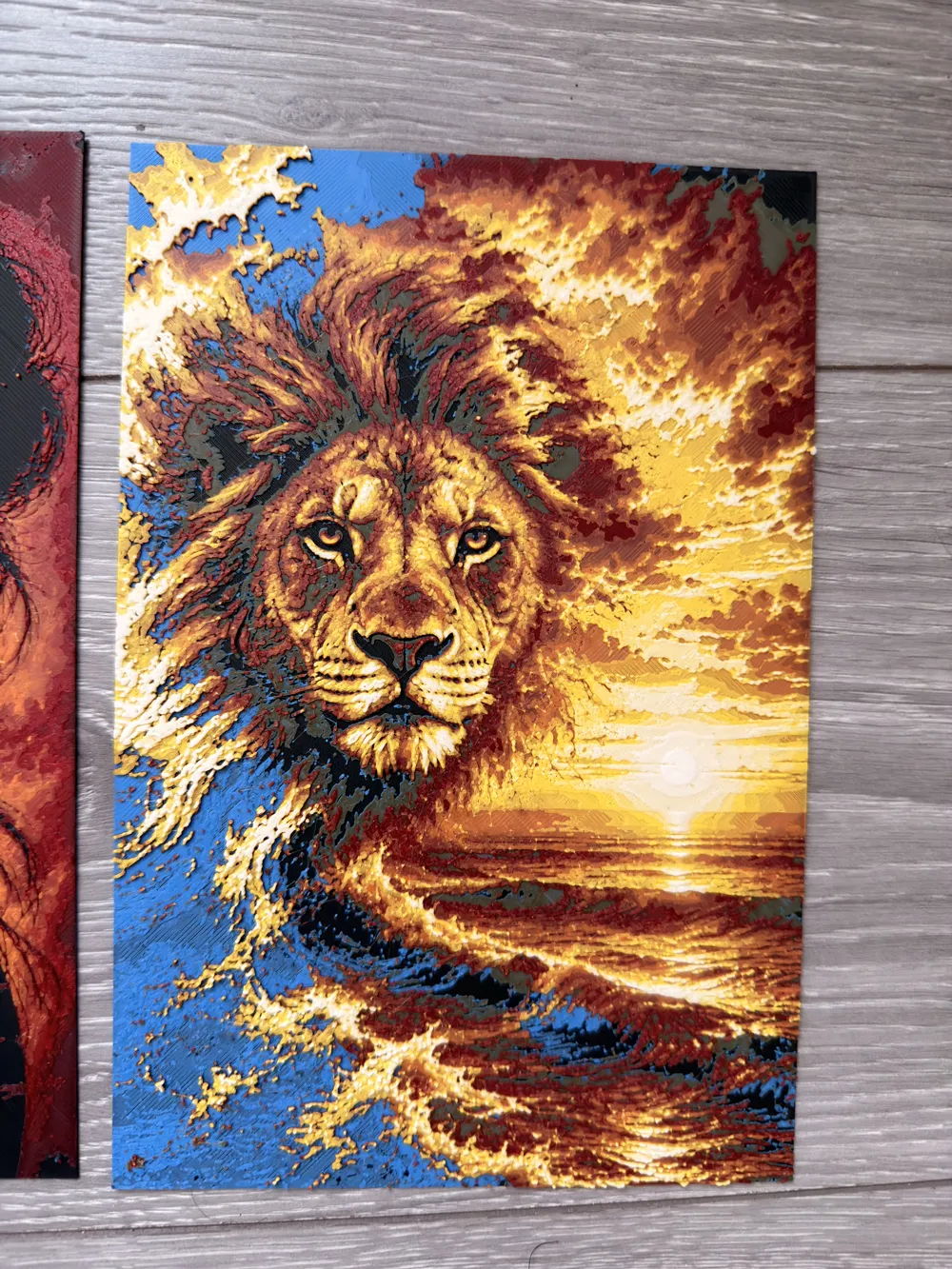
Very easy portrait to print with 4 base colors
Number of colors used: 7
For those without AMS
- Black to start
- Pause at the 7th layer at 1h29 to place blue
- 10th layer at 2h50 min for brown- 13th layer at 4h11 min to place red
- 15th layer at 5h18 min to place orange
- 18th layer at 6h41 min to place yellow
- 22nd layer at 7h43 min to place white
For those with an AMS
You'll need to make a change in your AMS but it's nothing complicated, I'll explain
You start by putting black in slot 1 of your AMS, blue in slot 2, brown in slot 3, and red in slot 4
Set an alarm for around 4:11 and wait for it to print red. As soon as it switches to red, remove the black from the AMS and replace it with orange in A1, blue with yellow in A2, and brown with white in A3. And you're done!
It seems complicated like that but in reality, it's very simple
⚙️ Recommended Print Settings
- Layer height: 0.08 mm (superior quality)
- Total thickness: ~2 to 2.4 mm
- Good calibration recommended
🧠
Tips
For optimal results:
- Use quality filament (Bambu / Sunlu / eSun)
💥
Why this model is special
It's not just a simple image:
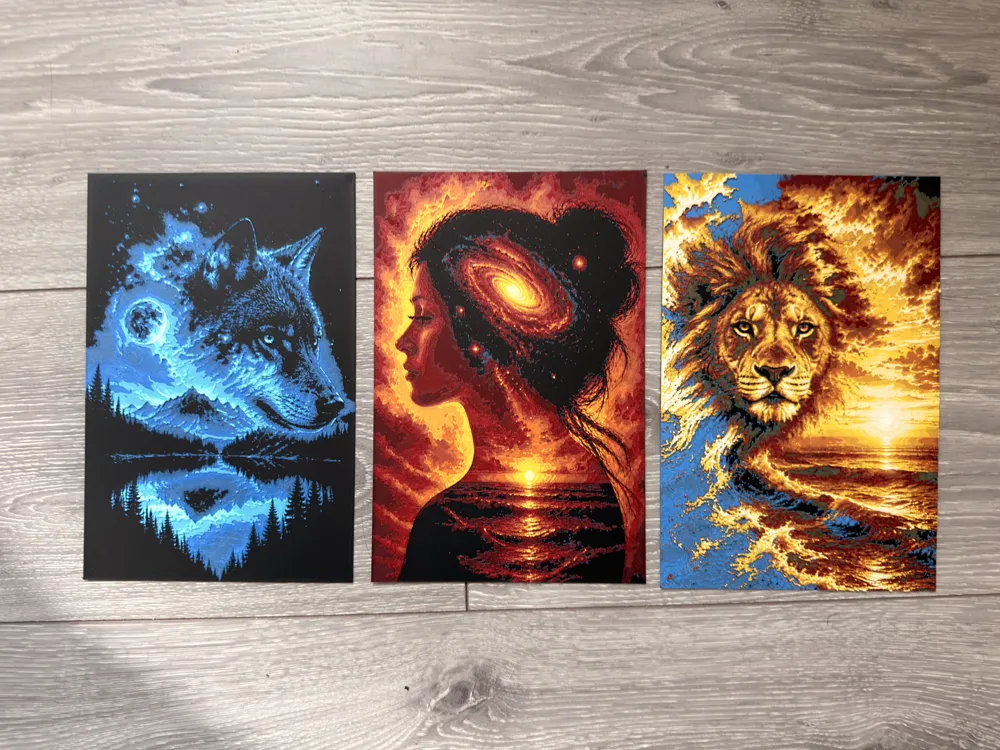
it's an artistic piece that brings imagination to life with a striking relief effect once printed
🙌
Support
If you like the model:
- Leave a like 👍
- Share your print 📸
- Follow me for more Hueforge creations 🔥
- Support me by offering a boost, it's free for you
License

You shall not share, sub-license, sell, rent, host, transfer, or distribute in any way the digital or 3D printed versions of this object, nor any other derivative work of this object in its digital or physical format (including - but not limited to - remixes of this object, and hosting on other digital platforms). The objects may not be used without permission in any way whatsoever in which you charge money, or collect fees.


Comment & Rating (3)