
Battery Case with Status Indicator Switch
Print Profile(3)




Description
Boost Me (for free)
If you enjoy my designs, you can support my work with a boost!
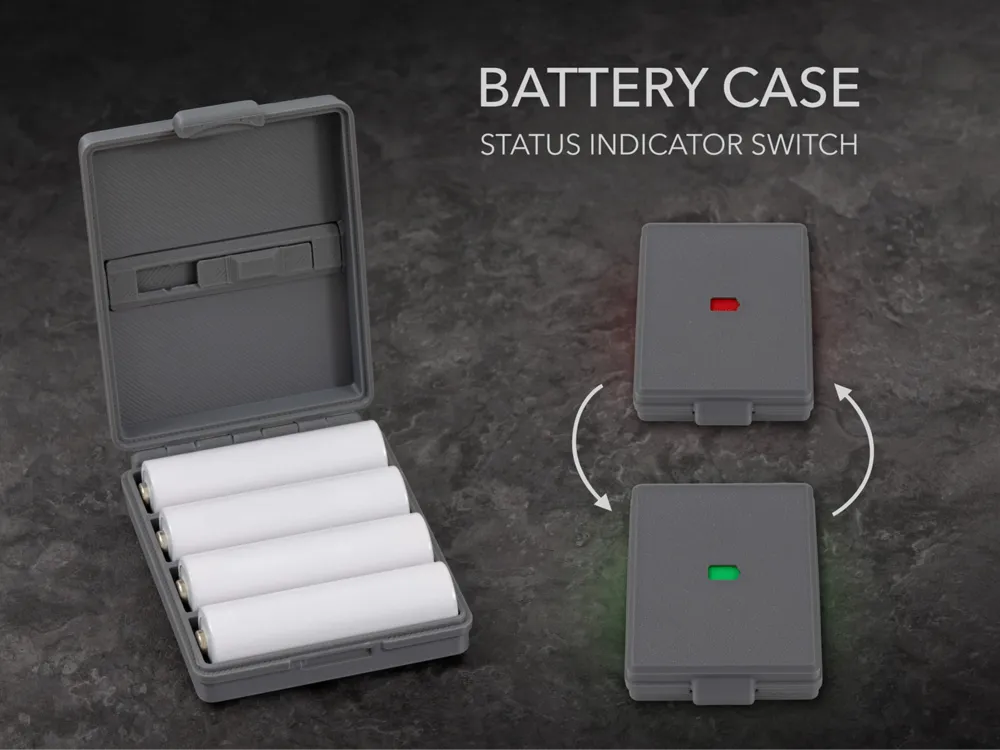
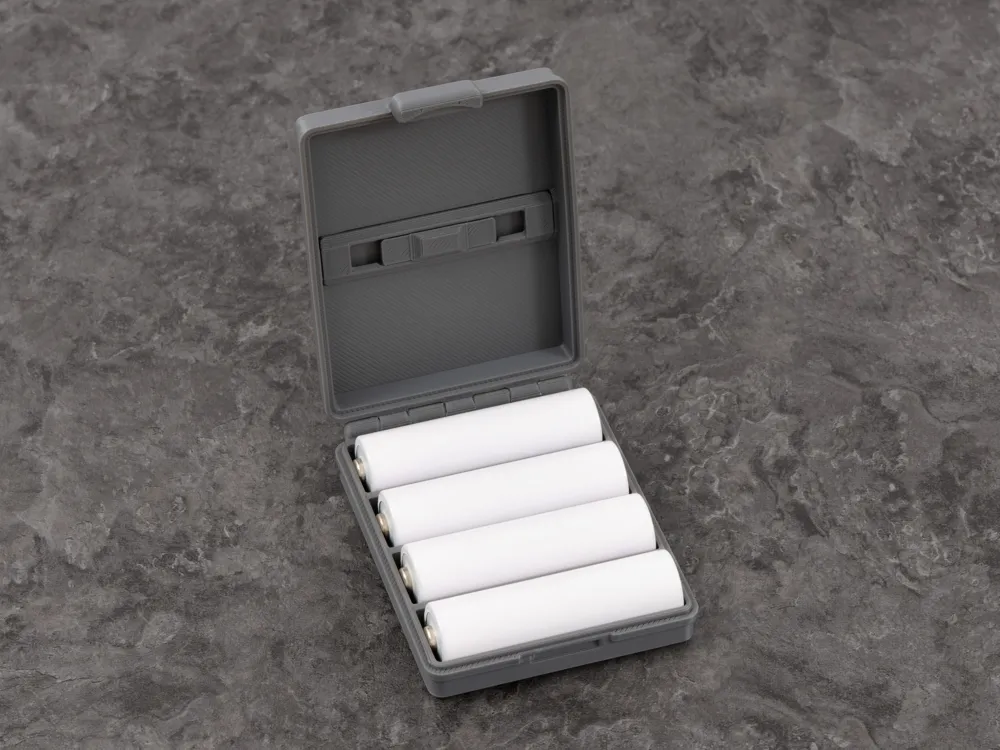
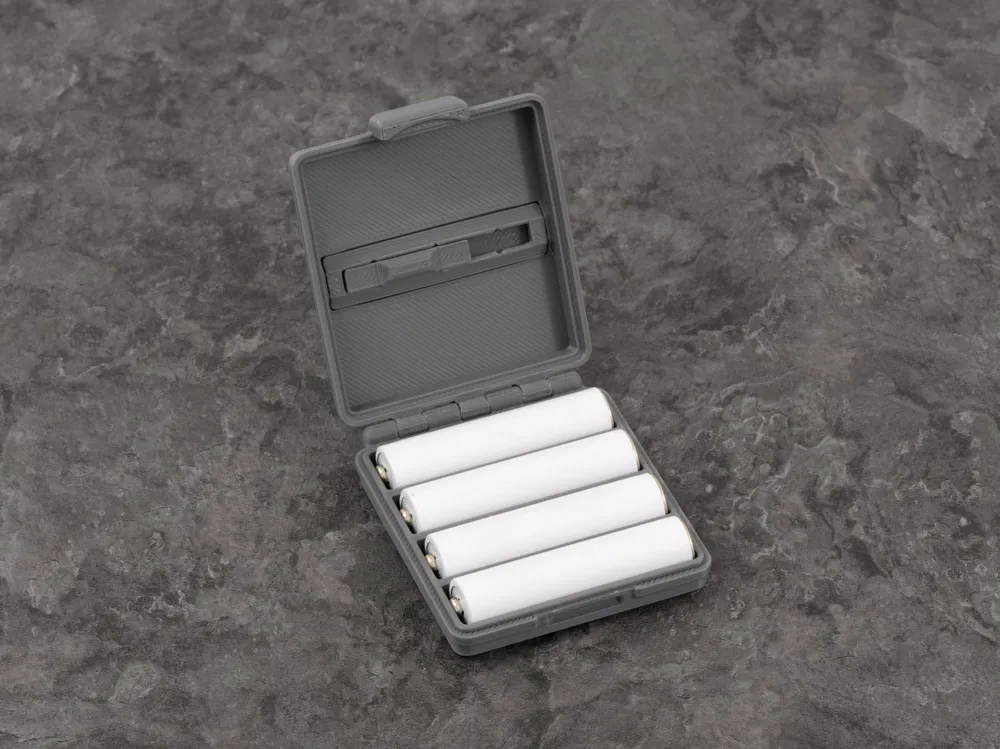
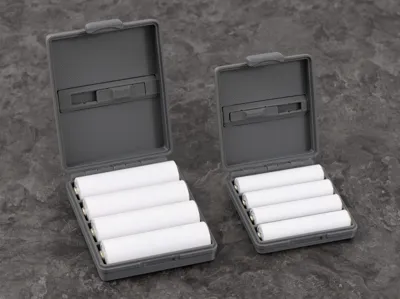
Keep your rechargeable batteries organized and easy to identify.
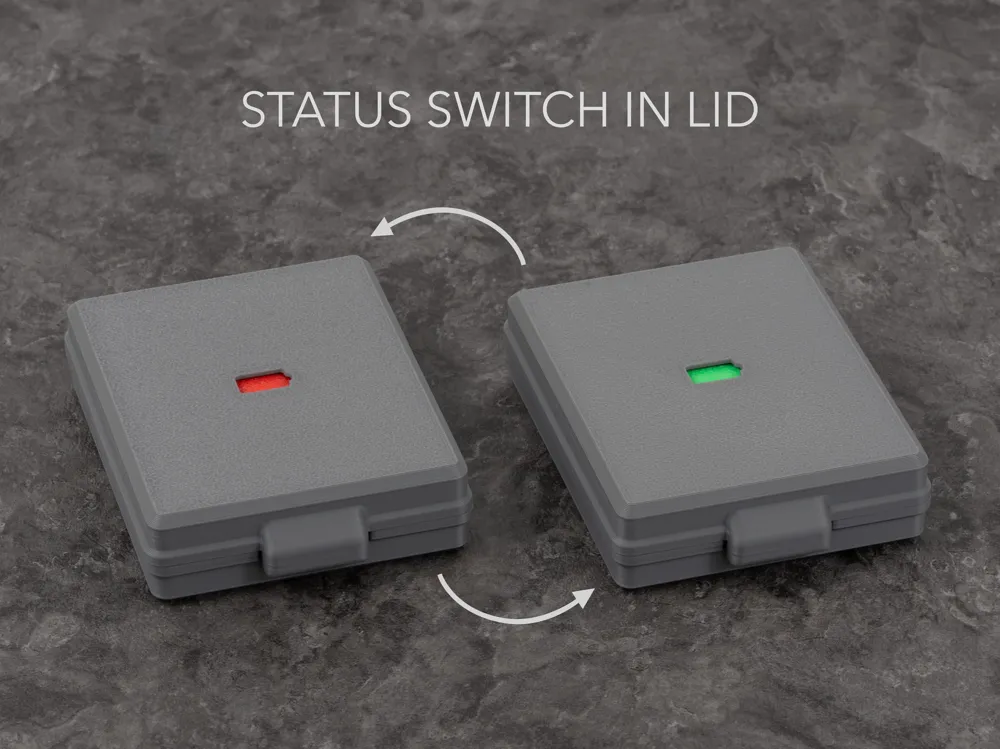
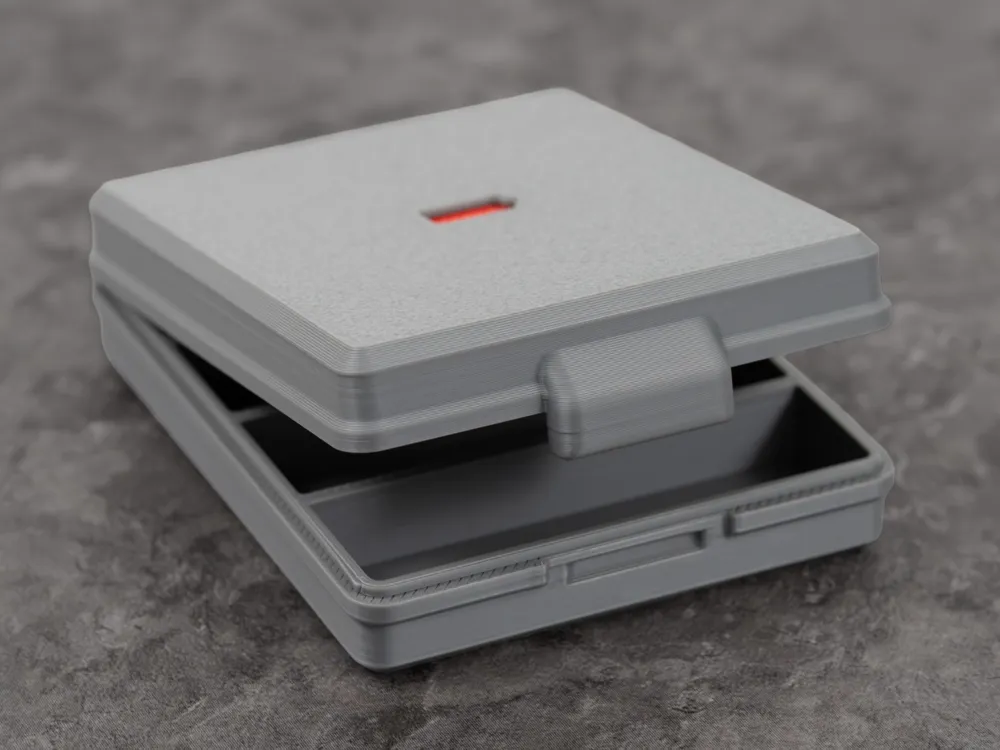
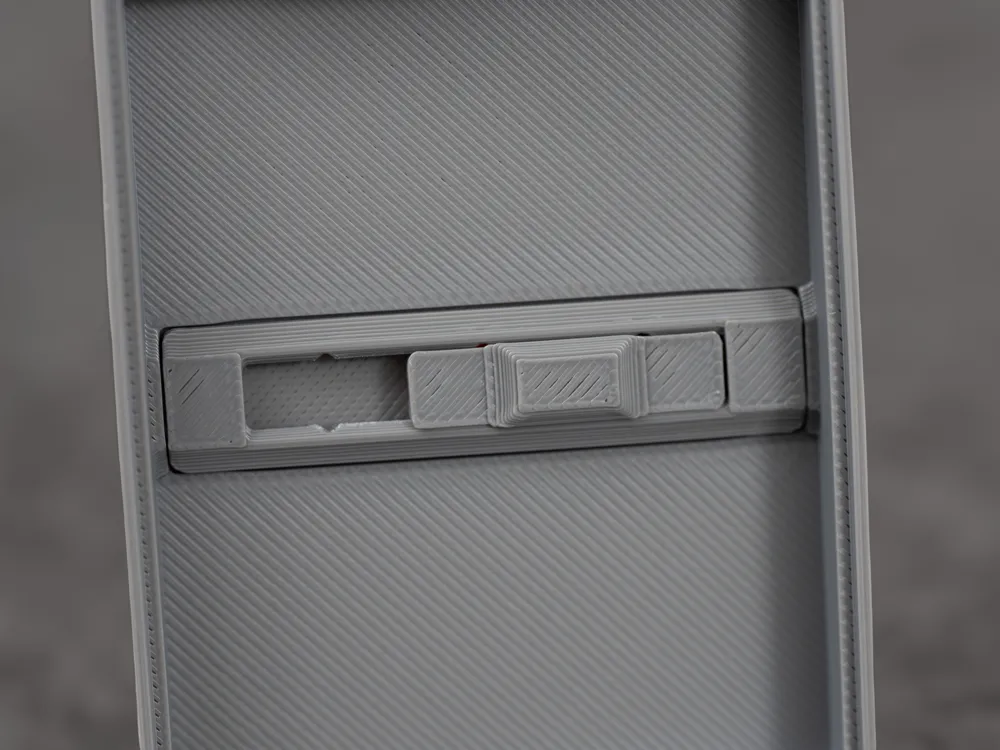
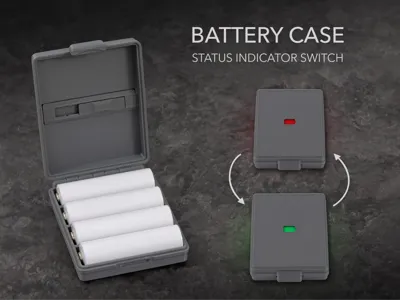
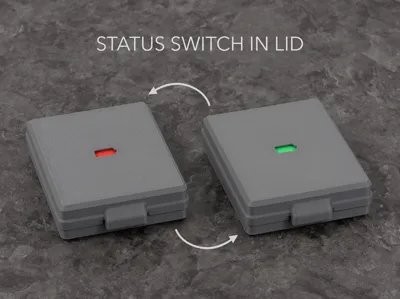
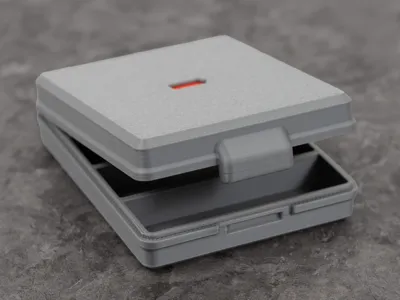
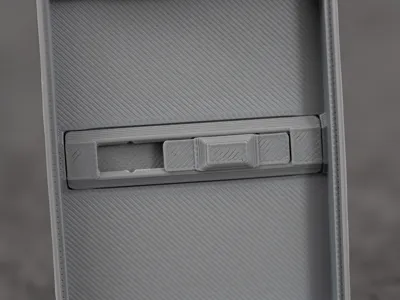
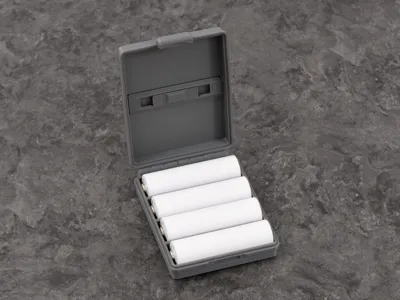
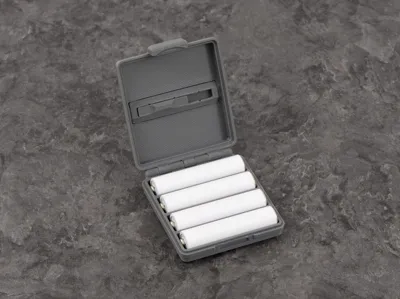
This battery case features an integrated status indicator switch, so you can instantly mark whether the batteries inside are full or empty. Especially on the go, it helps you quickly tell charged and used batteries apart without guessing or mixing them up.
Perfect for cameras, controllers, flashlights, toys, and everyday rechargeable battery storage.
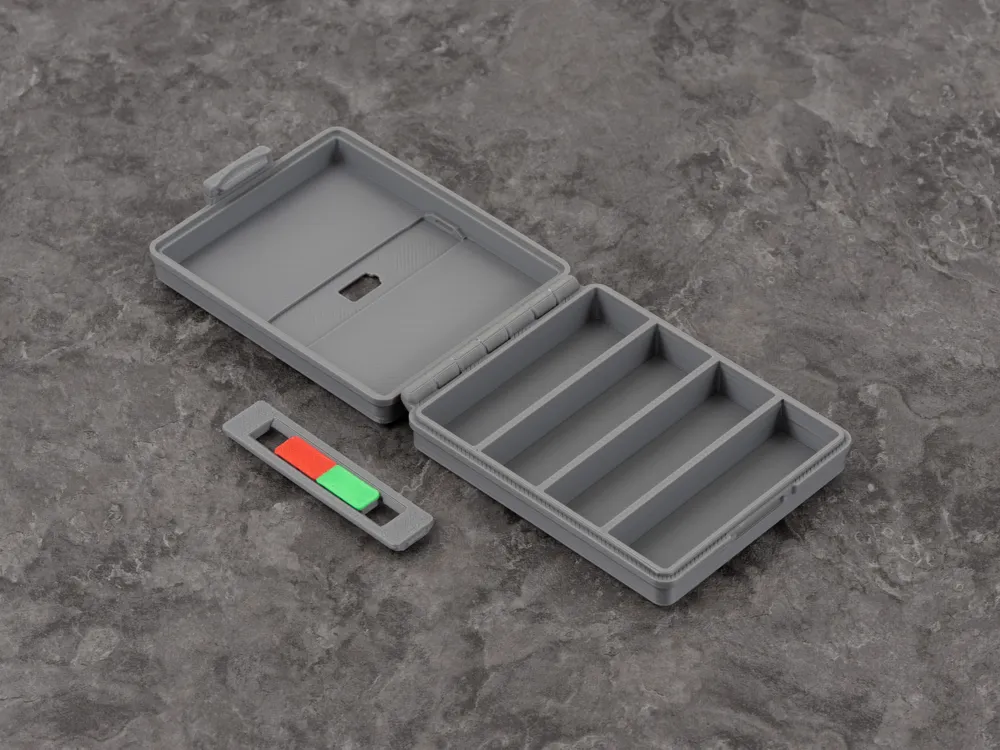
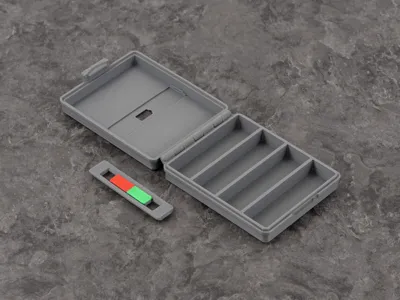
Printing requires an AMS, but there are only 6 color changes in total. The box and switch are print-in-place, no screws needed. Glue is not required for assembly, but I recommend to glue the switch into the box so it doesn't accidentally pop out later.
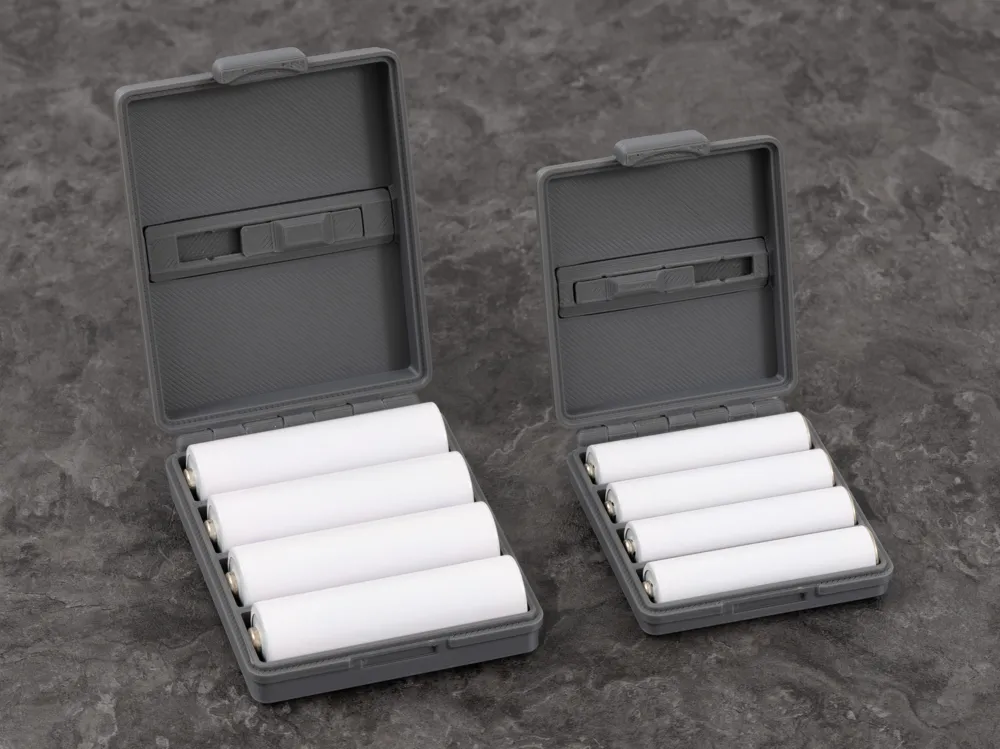
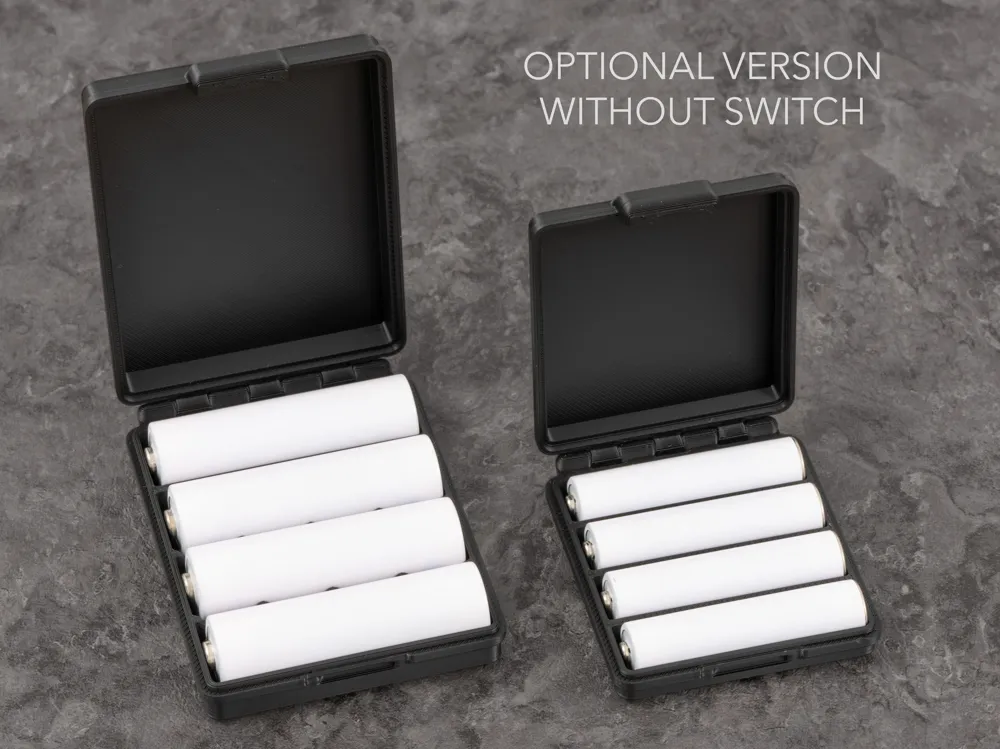
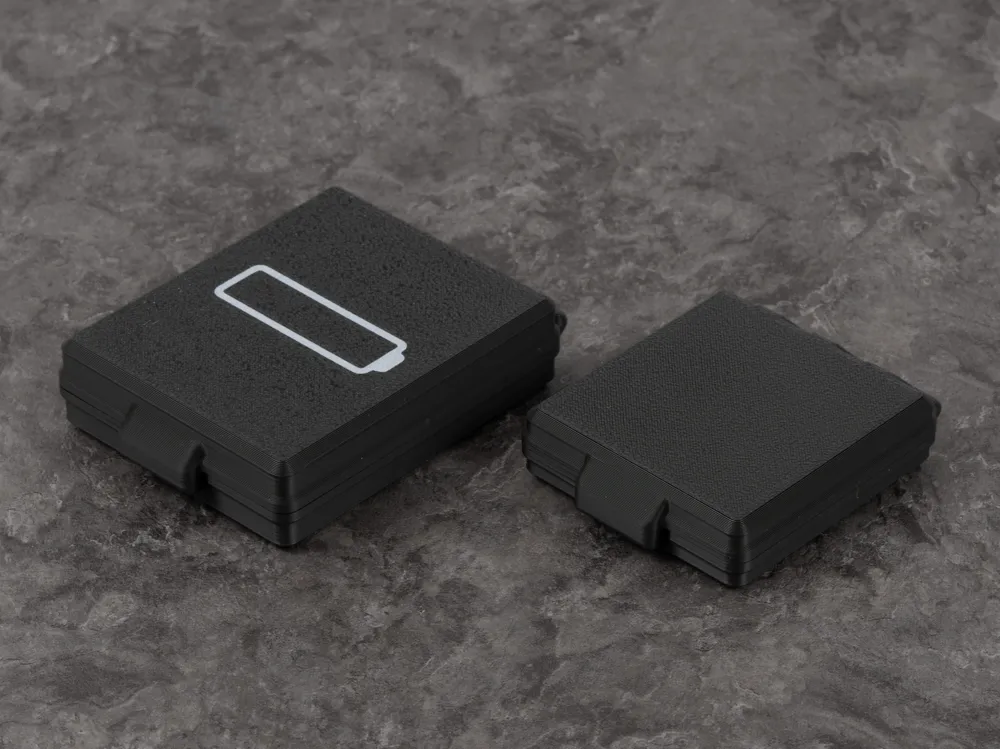
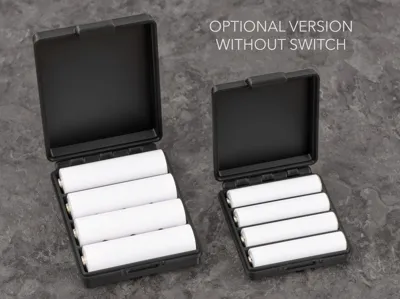
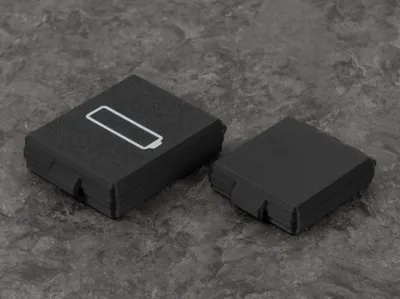
There is a box for AA and AAA batteries, each holding four batteries. There is also a simple version without slider. The simple AA box is also compatible with AAA batteries like most commercial battery boxes.
Printing
All my profiles are ready to print. I recommend printing with a 0.16mm High Quality profile if you want to slice it yourself.
This is a print-in-place design, so make sure your filament is well calibrated and dry. I tested this design with Bambu Lab PLA (Basic and Matte) and PETG HF on all Bambu Lab series printers. Please be aware third party filaments might require different settings.
Assembly
After printing, box and switch might need a little force before they move freely. Once you confirm that everything works fine, simply click the switch into the case.
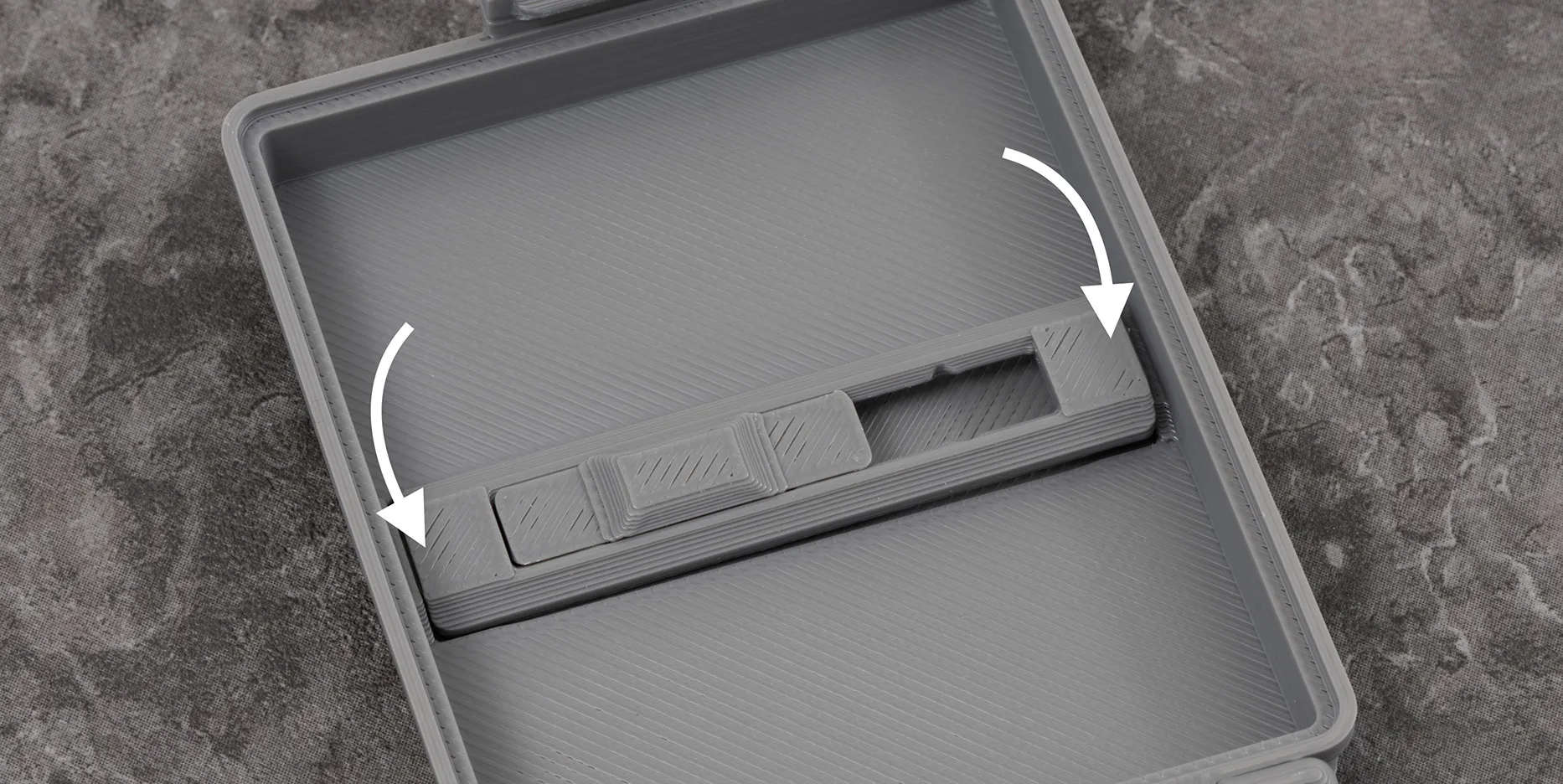
If the switch keeps coming out, you can add two drops of glue at the outermost edges of the switch case. Make sure not to use too much glue, so the slider can still move freely.
If you have issues printing the switch, you can print the switch pieces separately and assemble them after printing.
Membership
Get a commercial license for my designs by becoming an Authorized Seller!
License

You shall not share, sub-license, sell, rent, host, transfer, or distribute in any way the digital or 3D printed versions of this object, nor any other derivative work of this object in its digital or physical format (including - but not limited to - remixes of this object, and hosting on other digital platforms). The objects may not be used without permission in any way whatsoever in which you charge money, or collect fees.


Comment & Rating (0)