
Air65 SkyDiver Mount for DJI MINI 2
Print Profile(1)
Description
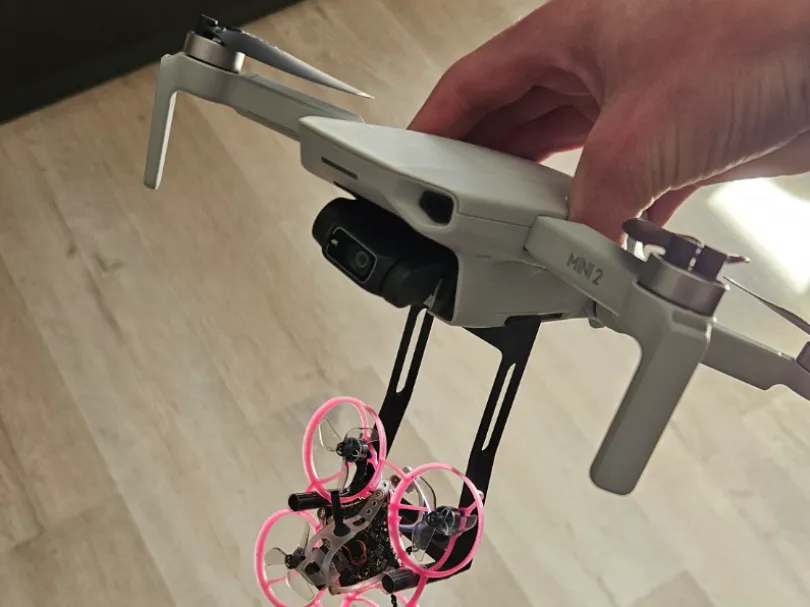
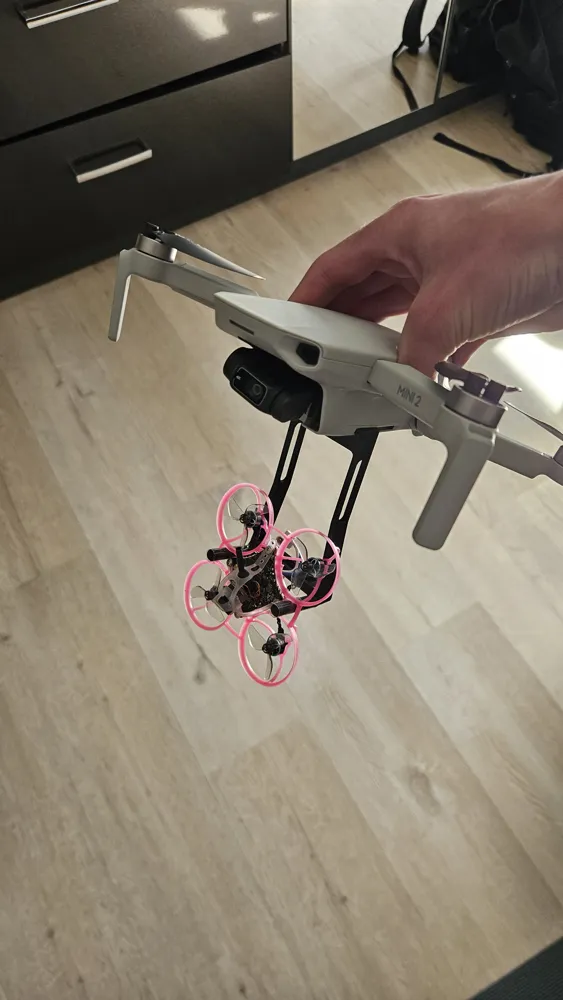
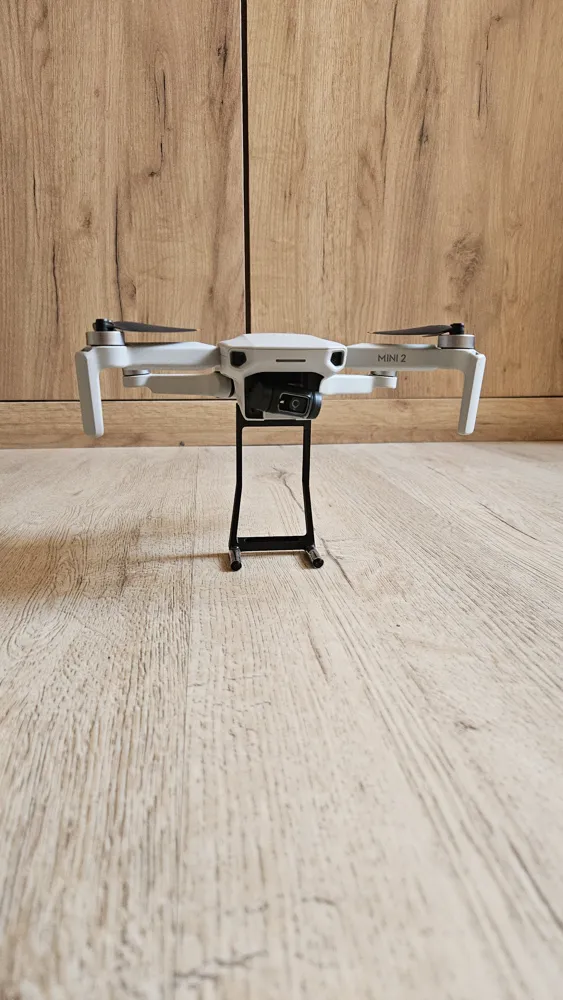
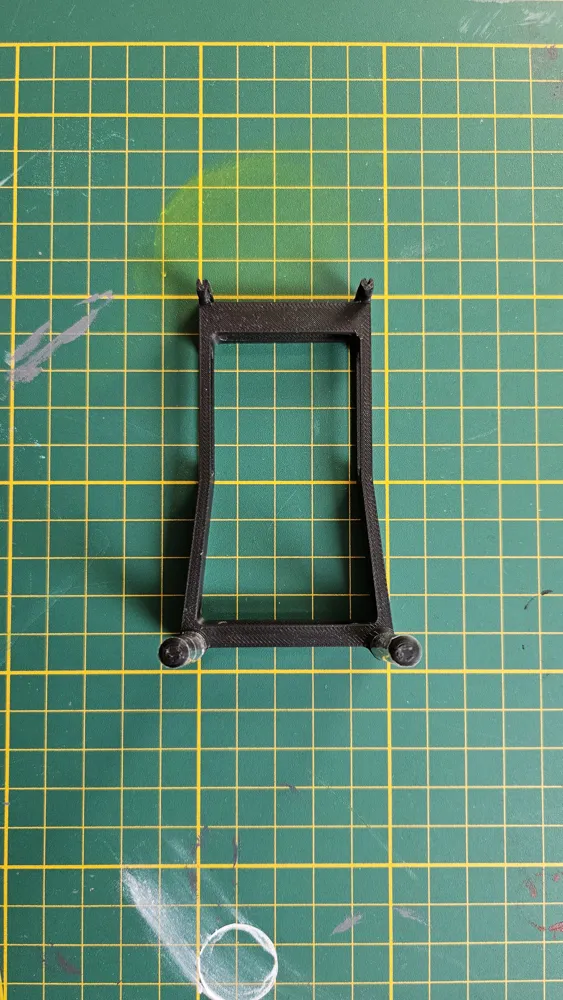
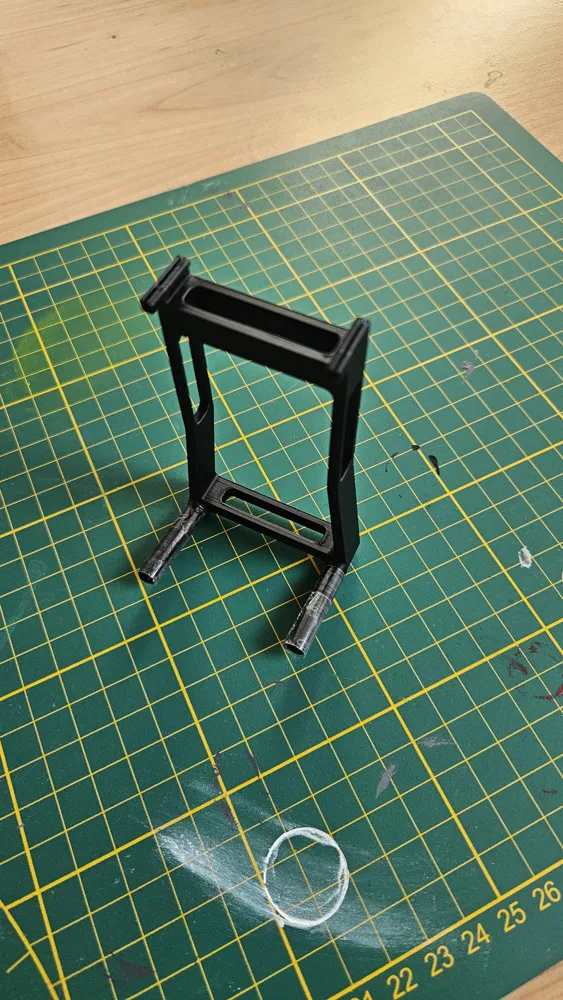
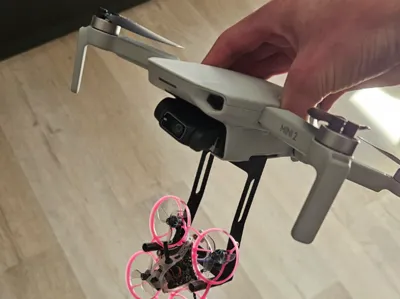
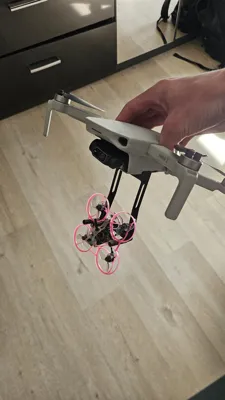
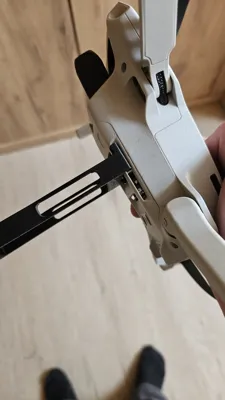
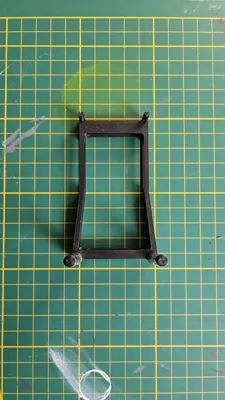
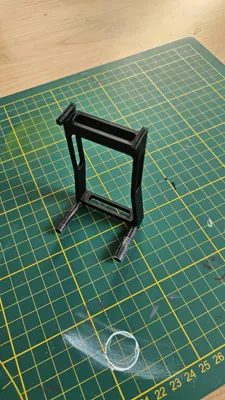
The Mount can be attached to the bottom of a DJI Mini 2 (probably other DJI Mini Modells aswell) It is lightweight enough to not limit the Drone due to weight. When you want to Dive with your Air65 simply arm it and then add throttle until it pushes itself off. Make sure it´s calibrated before takeoff since due to the vibrations in the Air it cannot calibrate in the Air so takeoff becomes impossible.
Step by Step:
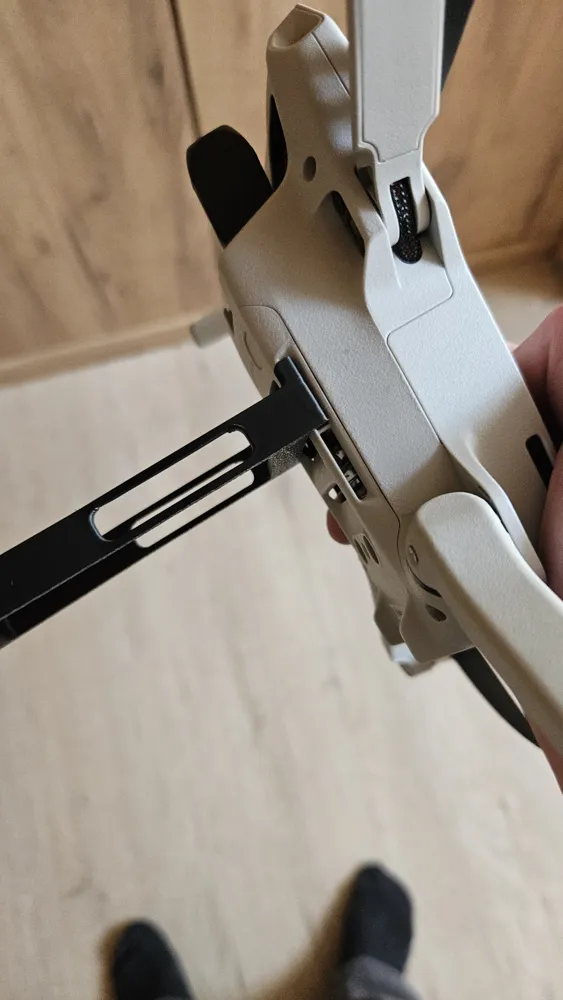
- Attache the Mount to your DJI Mini
- Get your FPV Setup ready and let the Air65 Calibrate
- Put the Air65 in the Mount
- Hand launch the DJI Mini
- Fly up to your desired attitude
- Check your Goggles Signal
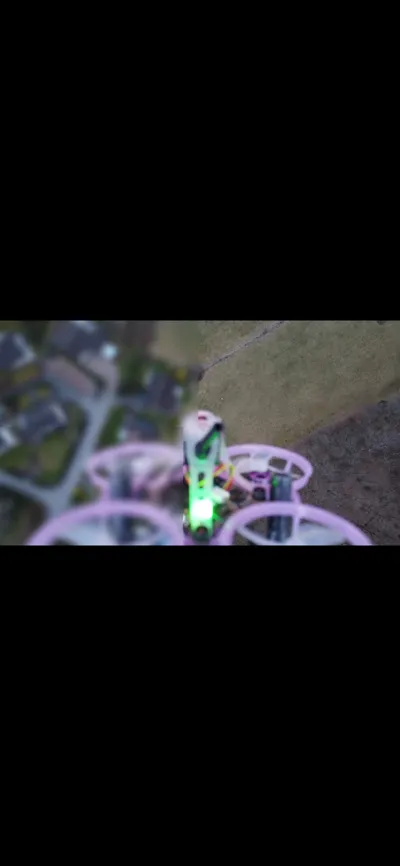
- Add Throttle until the Air65 drops
- HAVE FUN!
The Design:
- The Air65 won´t overheat in the air since it gets enough Air from the DJI Mini
- I recommend putting Tape on the Arms to lower friction to make Takeoff easier
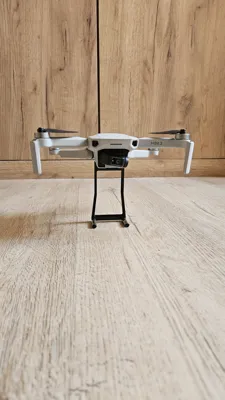
- The Mount can also be used as a Stand for the DJI Mini (as shown in photos)
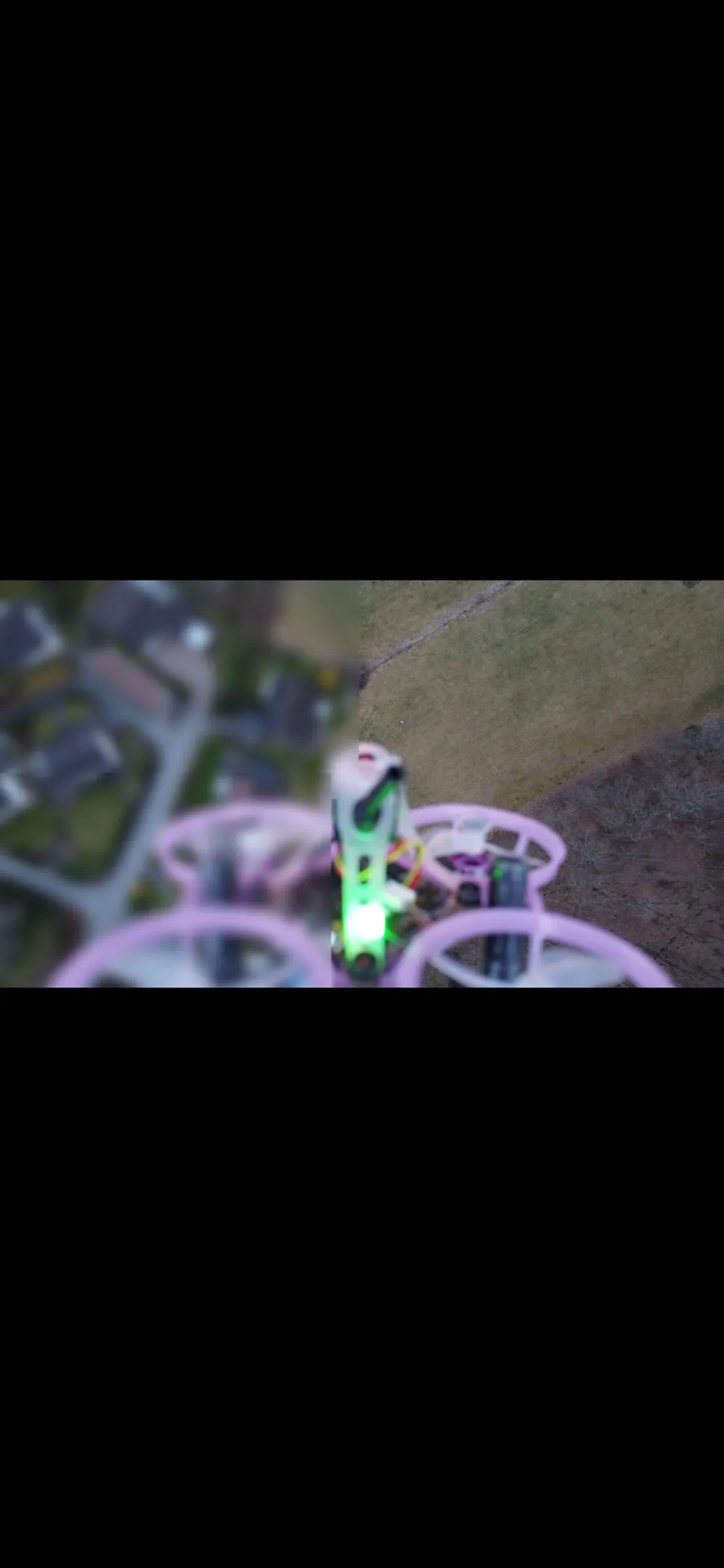
- You can get cool shots with the DJI Mini by recording the Dive with it.
Important Details:
- Depending on the Material you used, it can be tricky to detache the Mount. DON´T use too much force, instead try to wiggle it off to avoid damage on the DJI Mini.
- The DJI Mini notices the extra weight on it after a while which causes it to limit it´s height to 30m. To avoid this instantly fly above 30m once the Drone is in the Air. After you are above 30m you can go as high as you want to. You will however get Limited if you drop below the 30m again. If that happends to you simpily repeat the launch and be quicker.
- Use this Model at your own Risk. Always inspect the Mount before launch to avoid damaging any equipment. Always make sure it´s securely attached. Follow the saftey guidlines and laws.
If you enjoy this Model:
Boost Me (for free)
License

You shall not share, sub-license, sell, rent, host, transfer, or distribute in any way the digital or 3D printed versions of this object, nor any other derivative work of this object in its digital or physical format (including - but not limited to - remixes of this object, and hosting on other digital platforms). The objects may not be used without permission in any way whatsoever in which you charge money, or collect fees.


Comment & Rating (0)